I actually tried canceling my eo Hikari internet service and cutting the fiber optic cable.
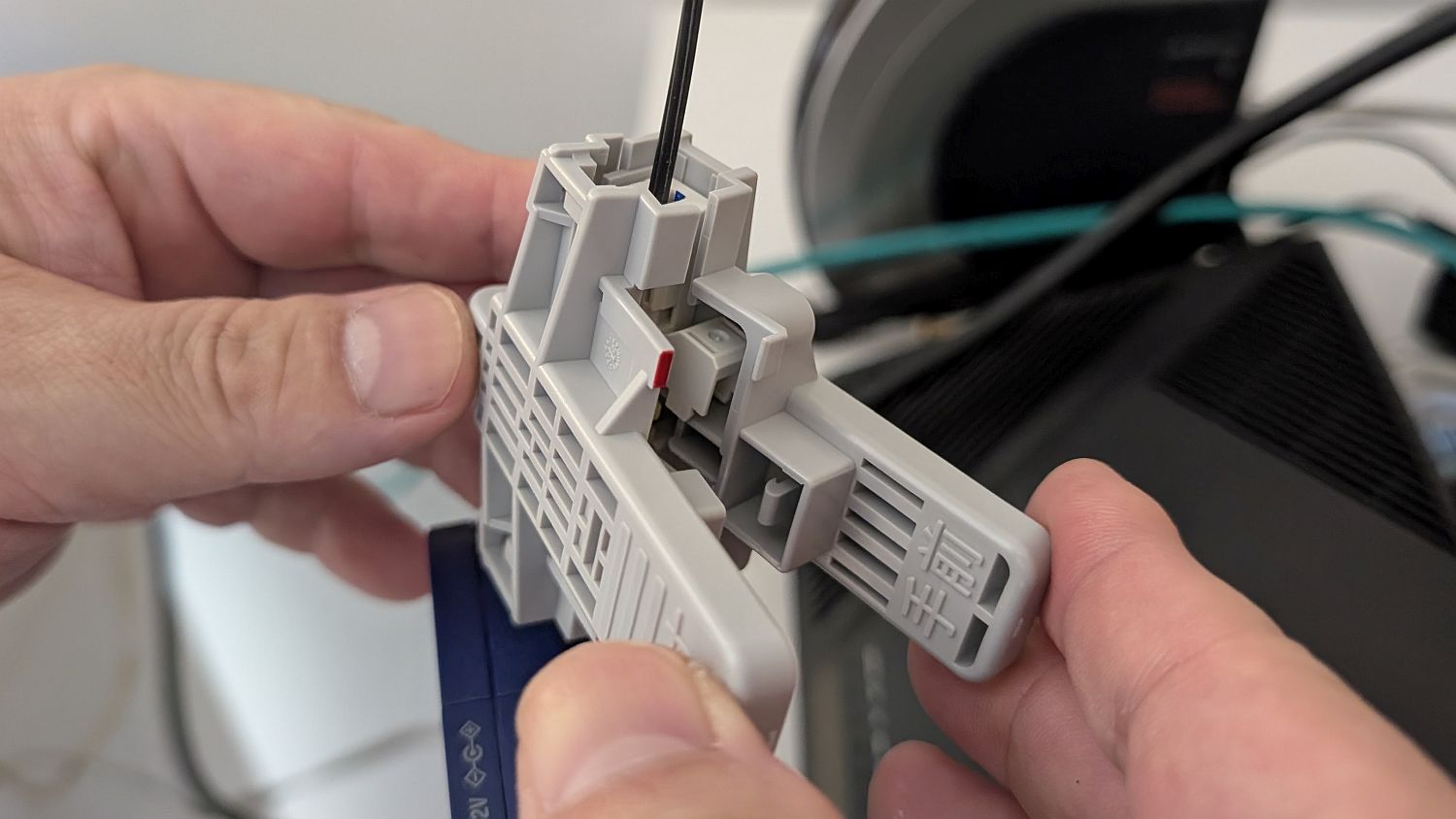
As part of streamlining GIGAZINE's operations, we reviewed the number of network lines we use and decided to cancel some of our fiber optic lines. Because the line installation locations were remote, I had to personally cut the fiber optic cables to remove
◆Procedure
The service I'm canceling this time is the eo Hikari internet connection. The procedure involves logging into ' eo My Page ,' checking my contracted services, and then applying to cancel the service I no longer need. I then receive a call back to finalize details such as whether it's a transfer or termination, and when the cancellation date will be.
Next, we moved on to discussing the removal work, but the problem was that the location where the lines were laid was not in an urban area, but rather about an hour's drive from the company. Since no one is usually stationed at the installation site, we couldn't have the construction company come there, so we decided to handle the removal of the termination equipment ourselves.
To remove the fiber optic termination equipment, it was necessary to cut the fiber optic cable. Therefore, eo Hikari sent me a 'fiber optic cable cutting tool,' and I cut the cable and removed the termination equipment, then sent it back to them. Below is the complete set of fiber optic cable cutting tools that arrived a few days after the cancellation procedure.
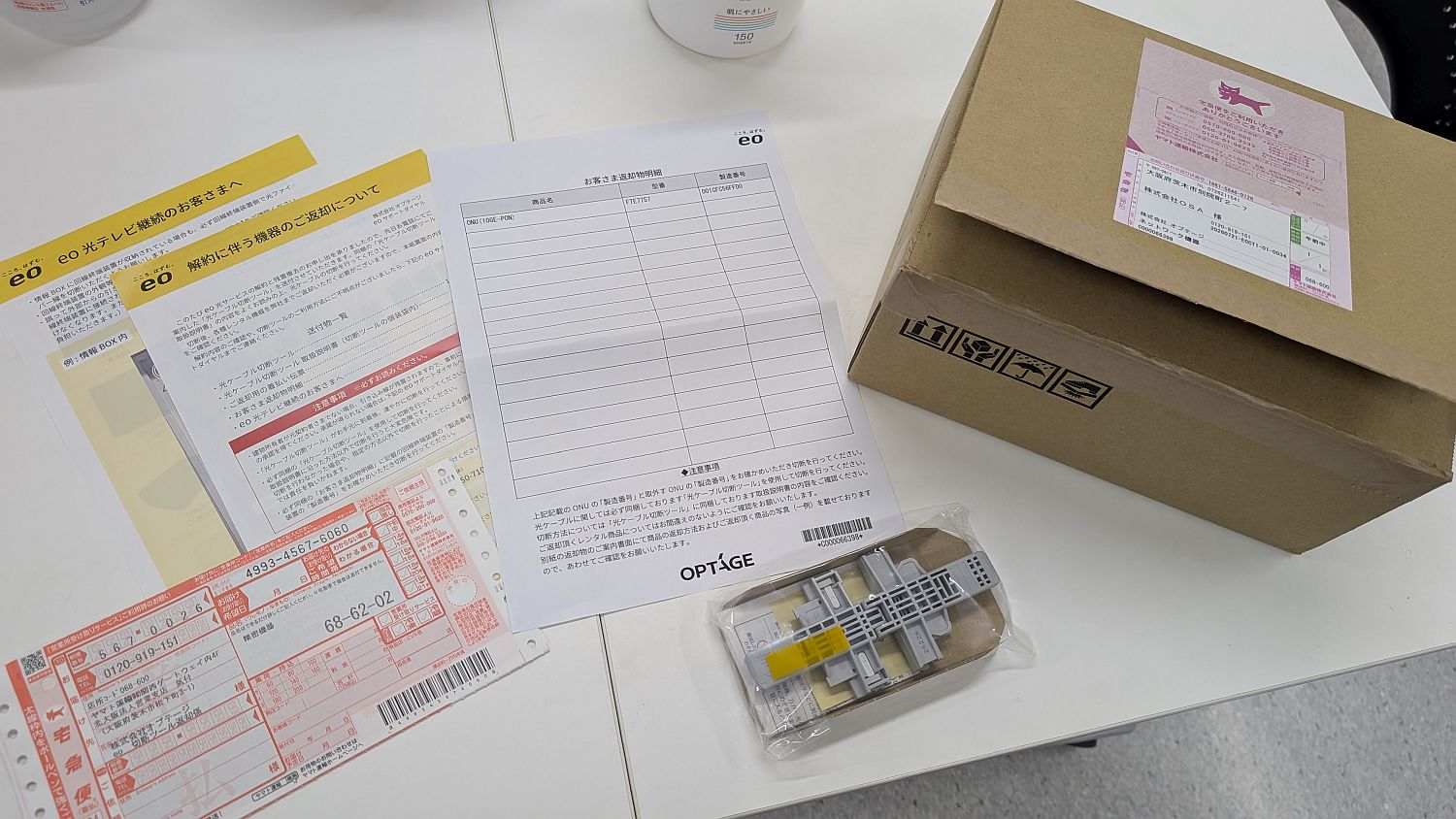
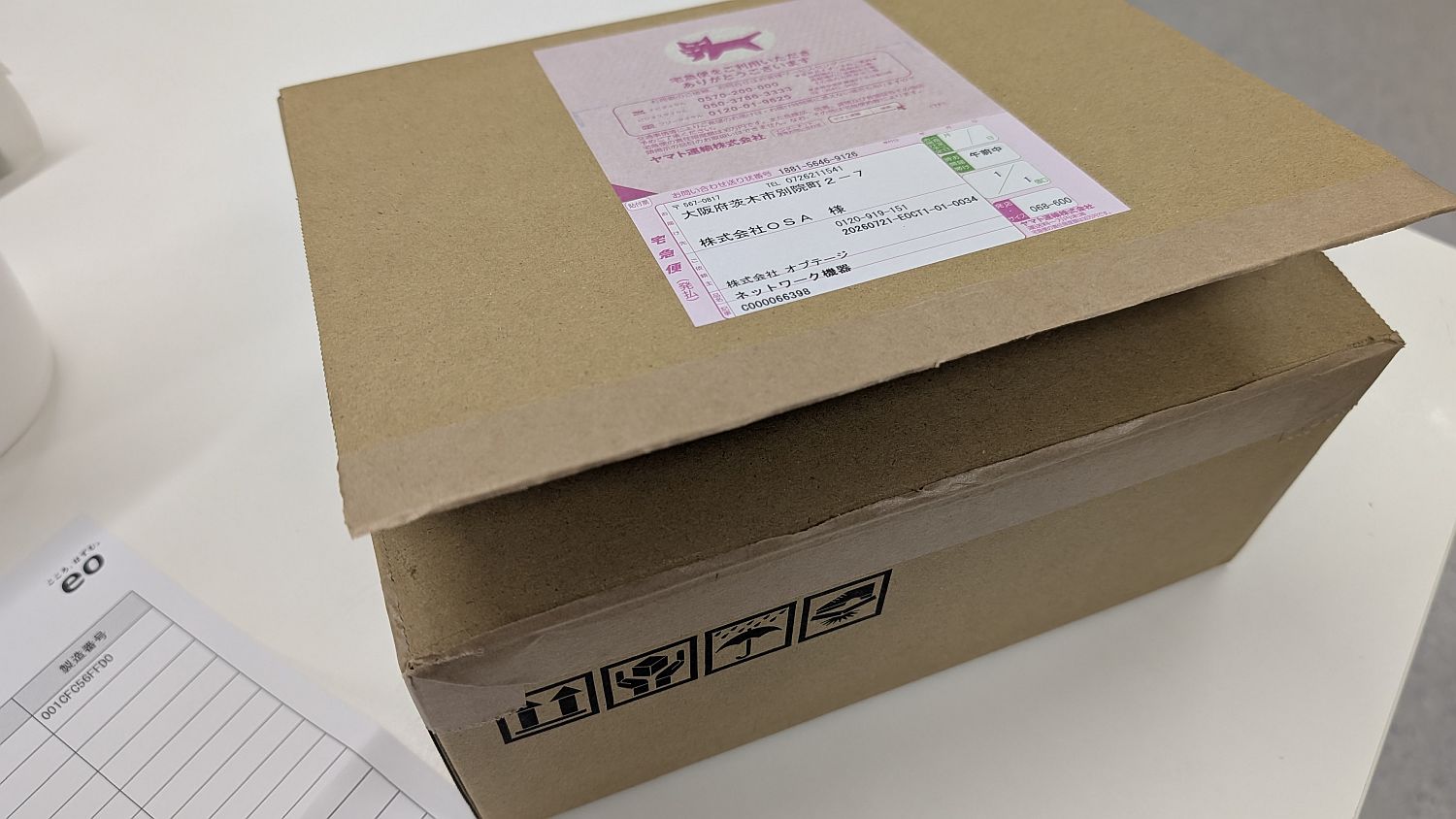
It arrived in a sturdy, large box. It looks like I can use this box for the return shipment.
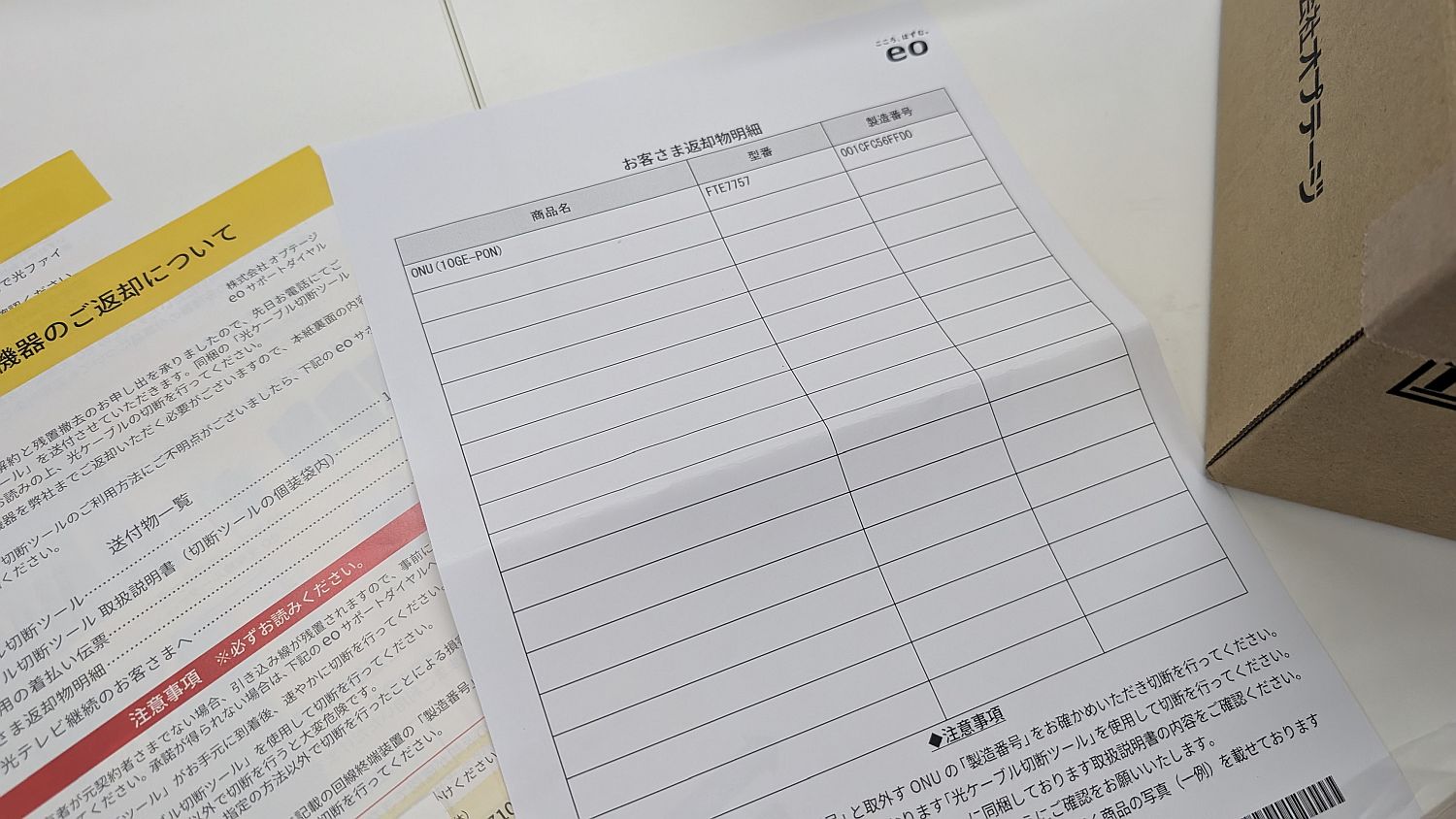
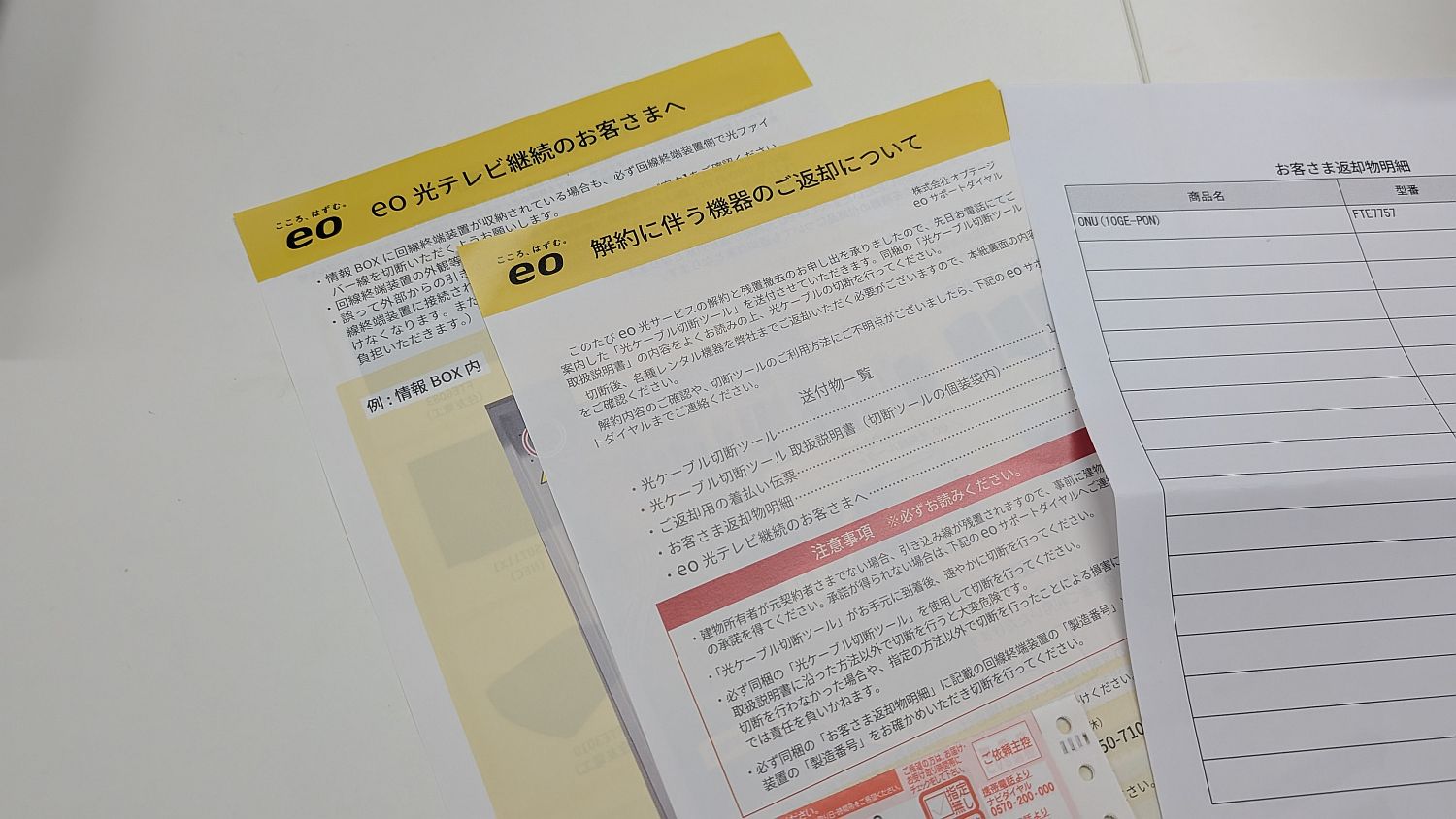
The package includes a detailed list of returned items, so there's no need to worry about accidentally removing a terminal device that's different from the one being canceled.
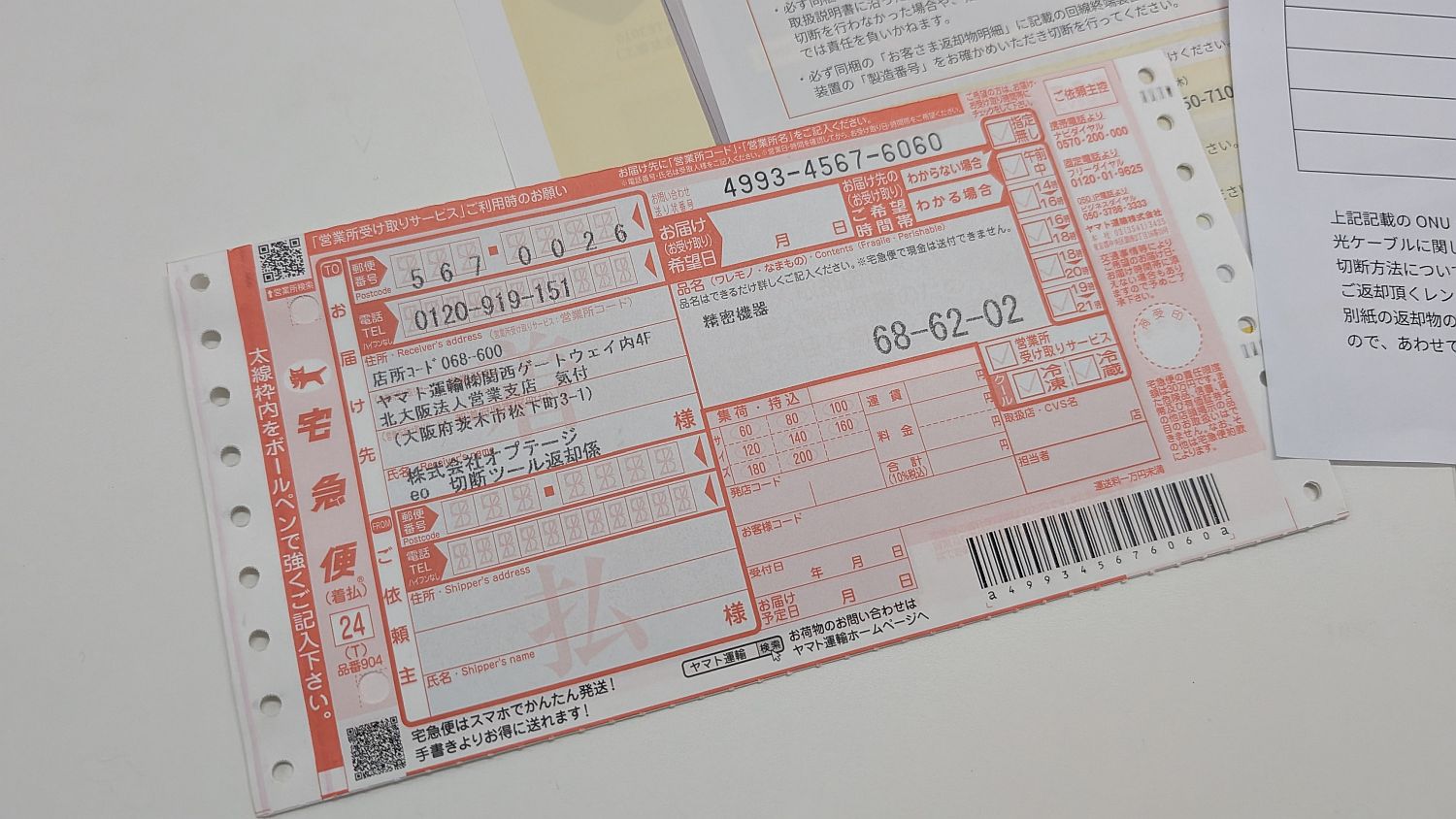
A return shipping label. Thankfully, it was cash on delivery.
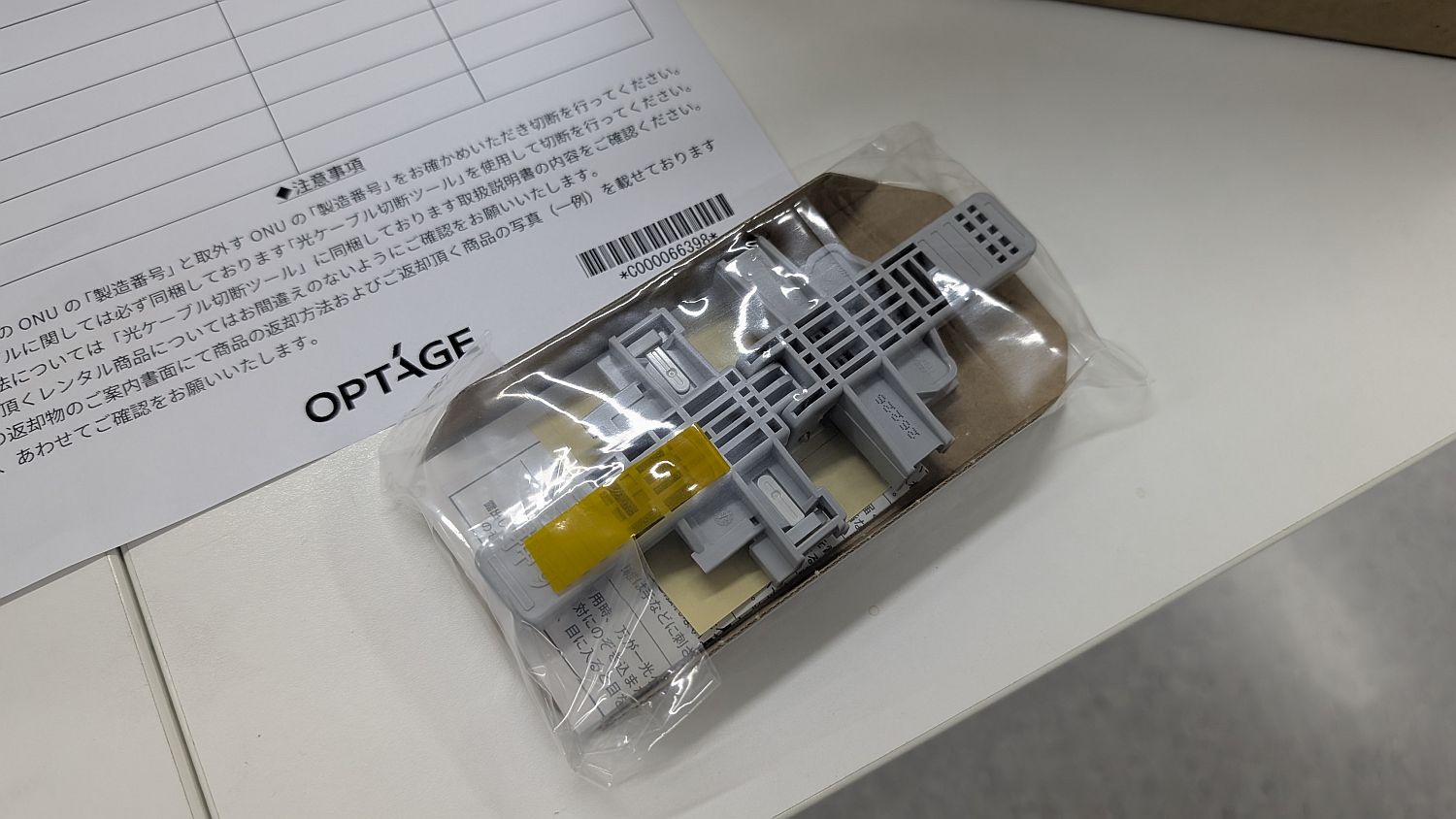
A fiber optic cable cutting tool. It's smaller than I expected.
In addition, a document containing important information regarding the return of the equipment was included.
◆Cutting work
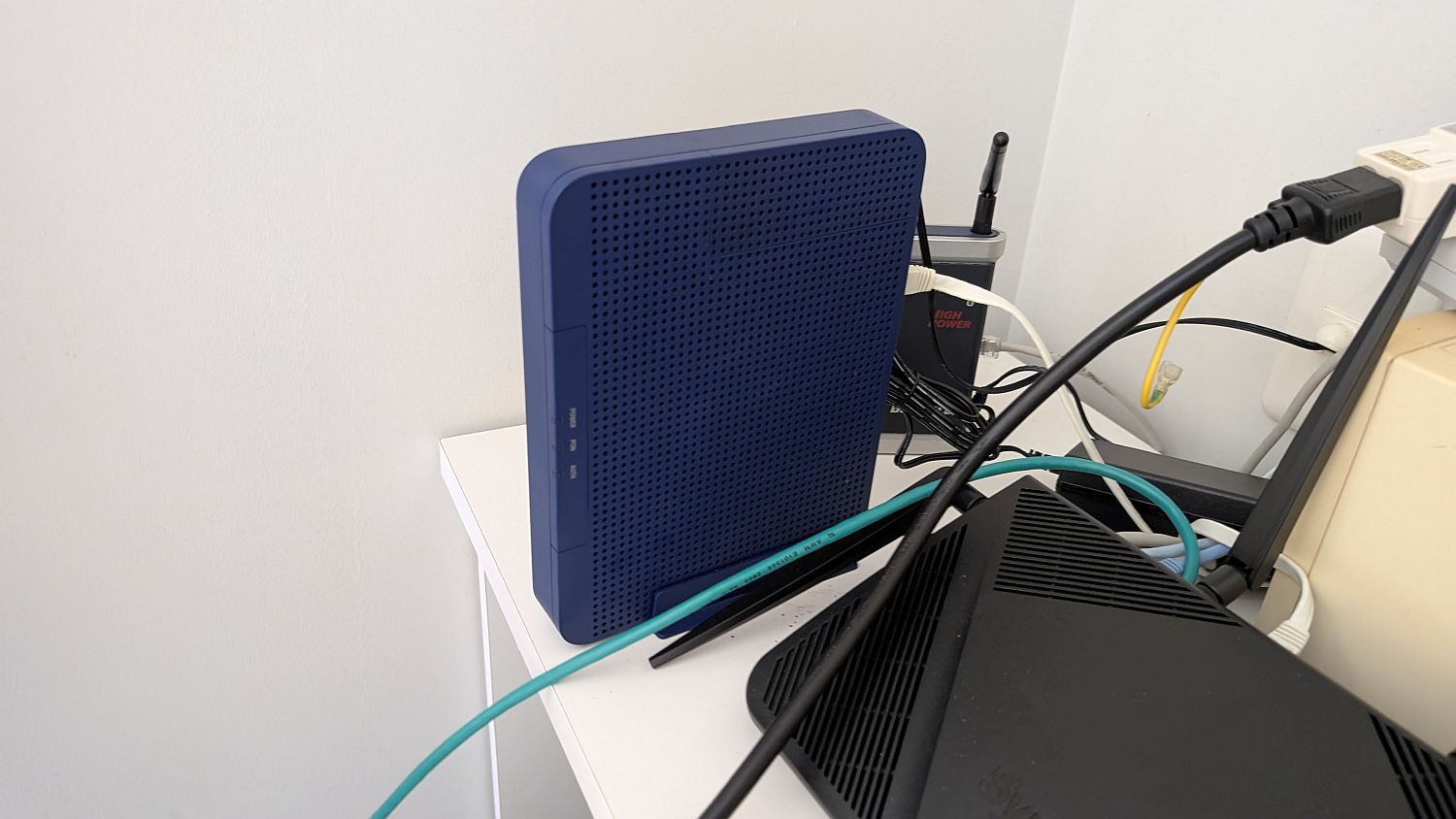
The terminal equipment to be removed.
What he pulled out was a fiber optic cable cutting tool.
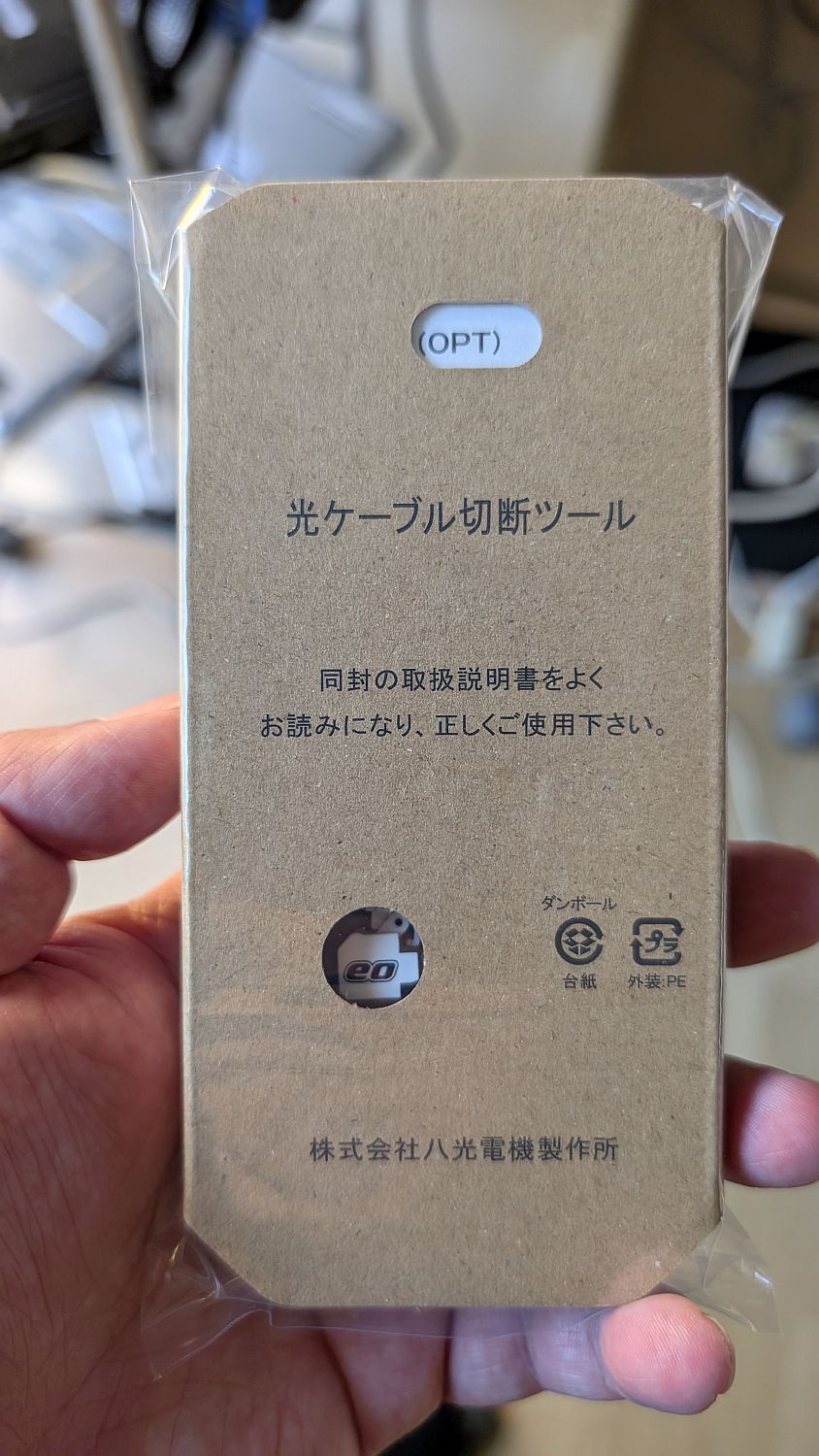
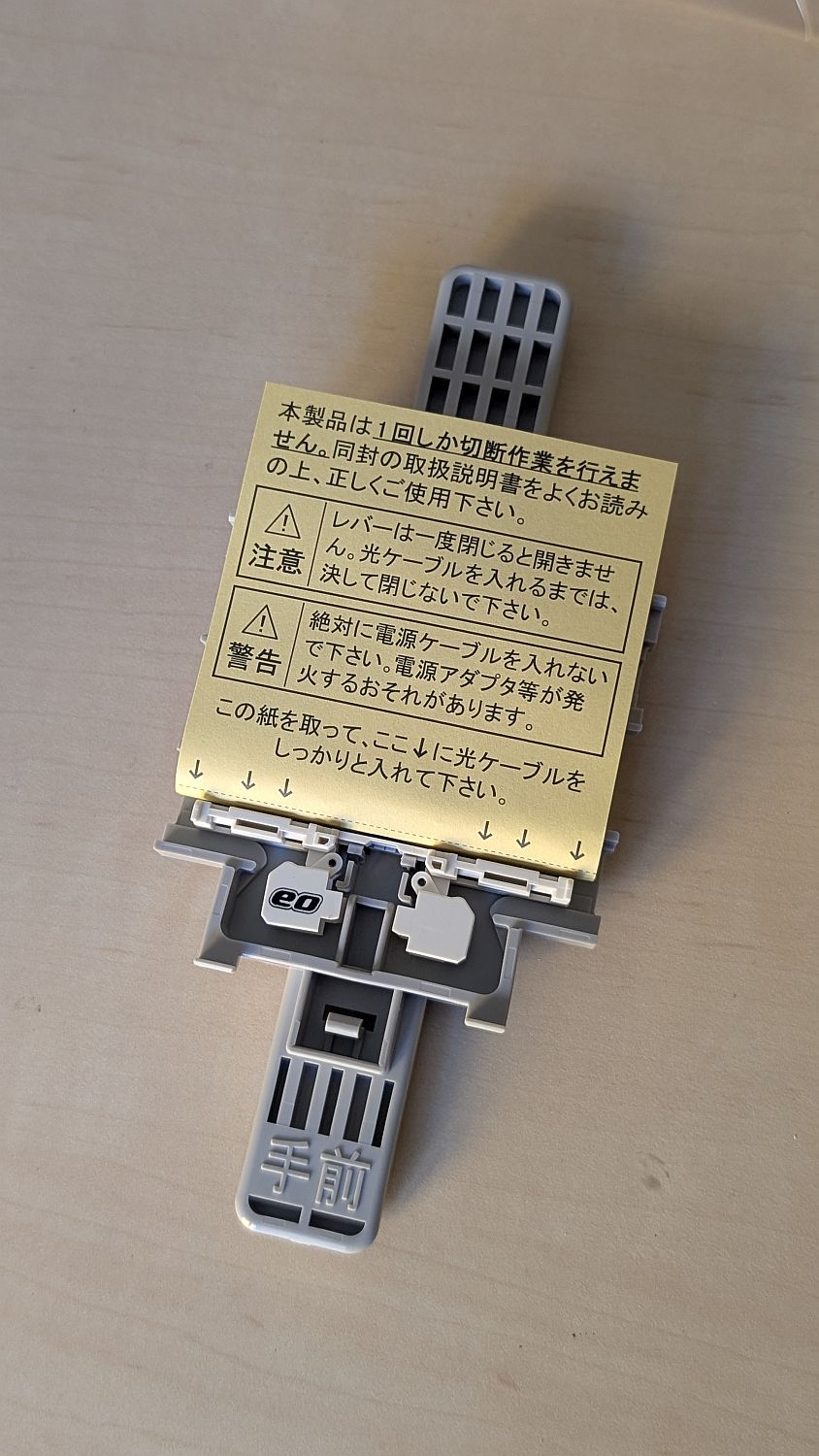
Upon opening the package, it appears there's no room for error, as it's filled with warnings and cautions.
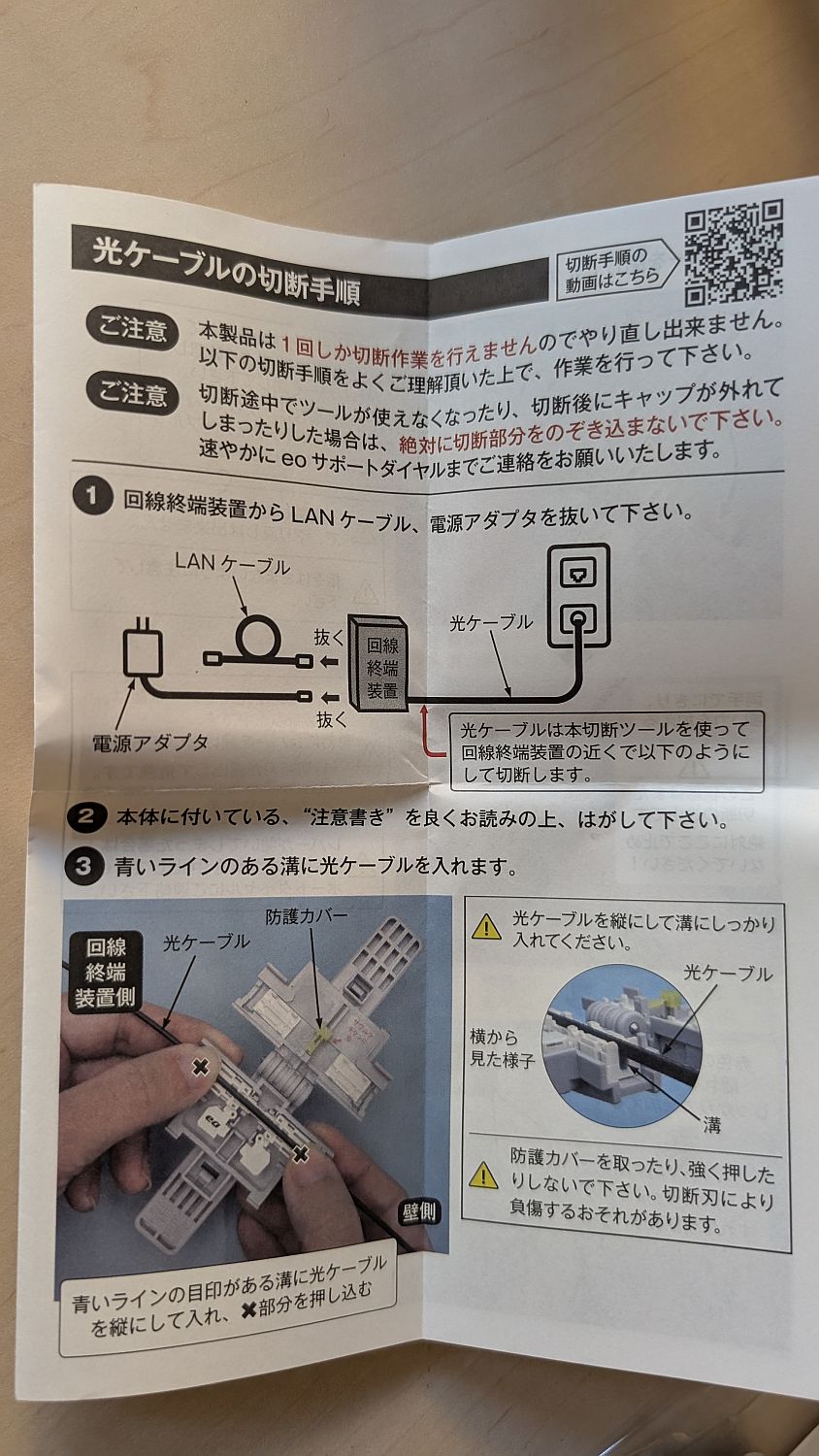
The included instruction manual was very helpful, as it provided detailed instructions on the cutting procedure.
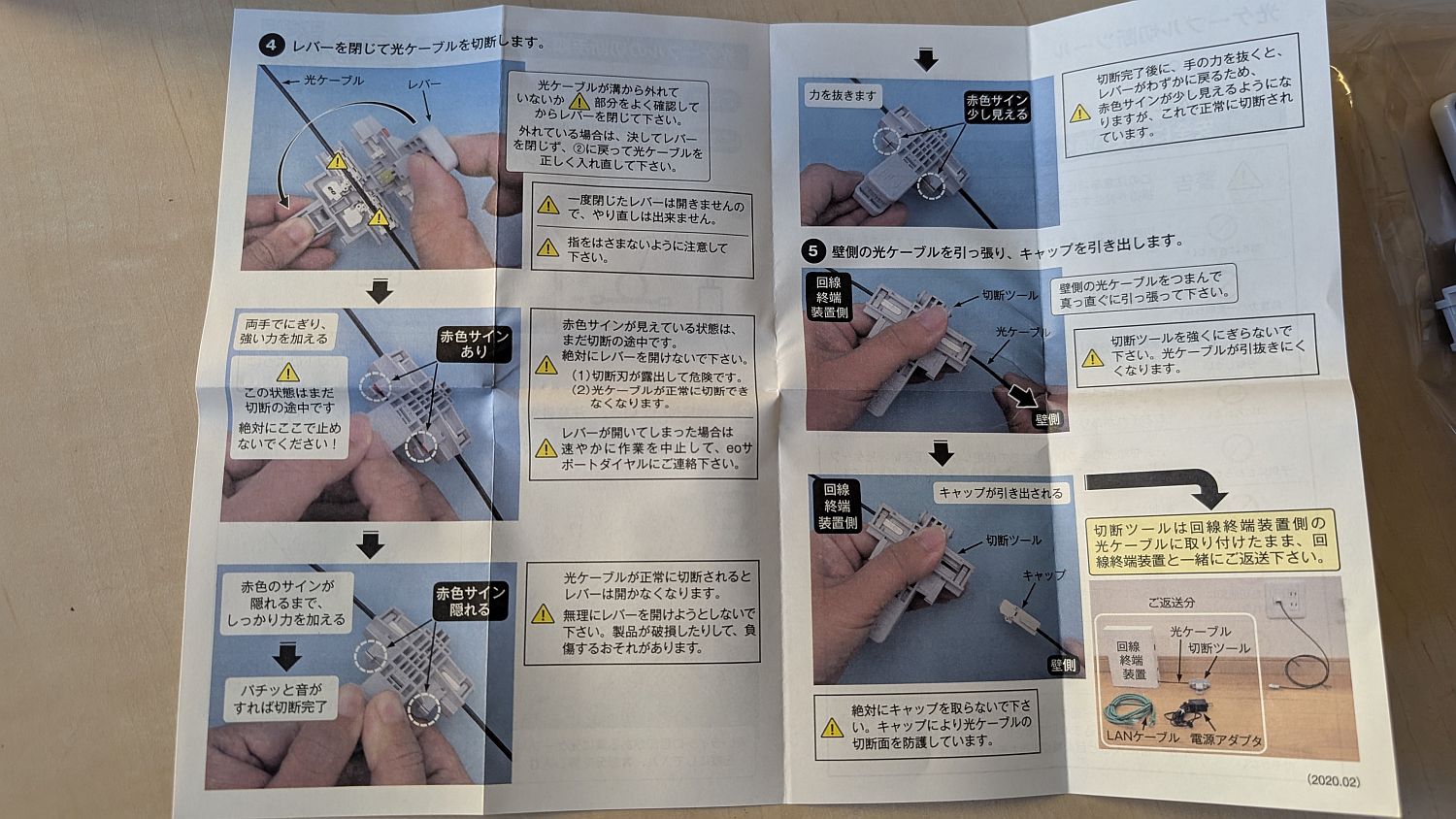
With such detailed instructions, there shouldn't be any mistakes... right?
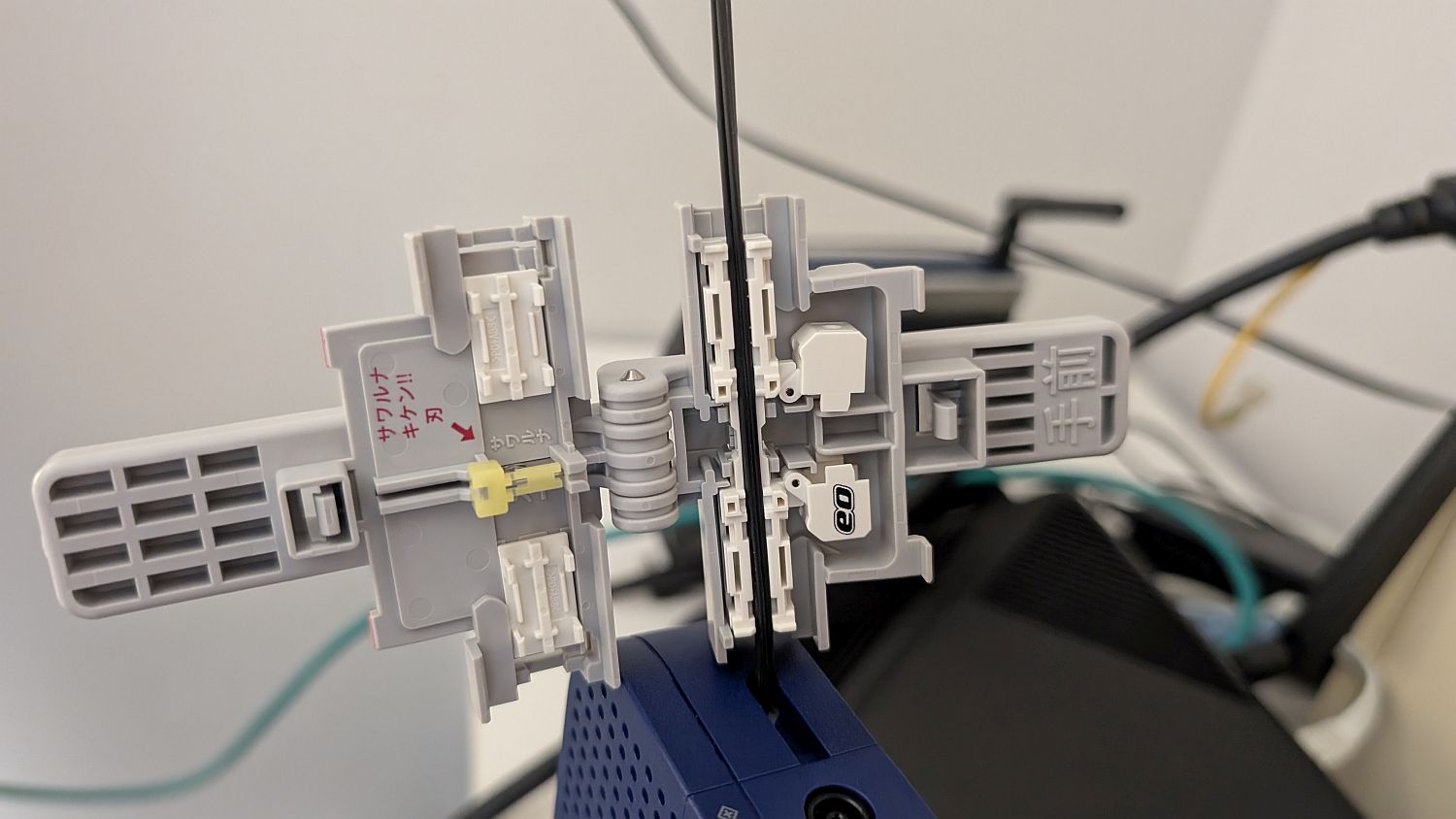
I picked up the actual tool and compared it to the instruction manual. The tool has a designated orientation for setting the cable, and in the tool I used, the right side of the image below was the wall side and the left side was the termination device side.
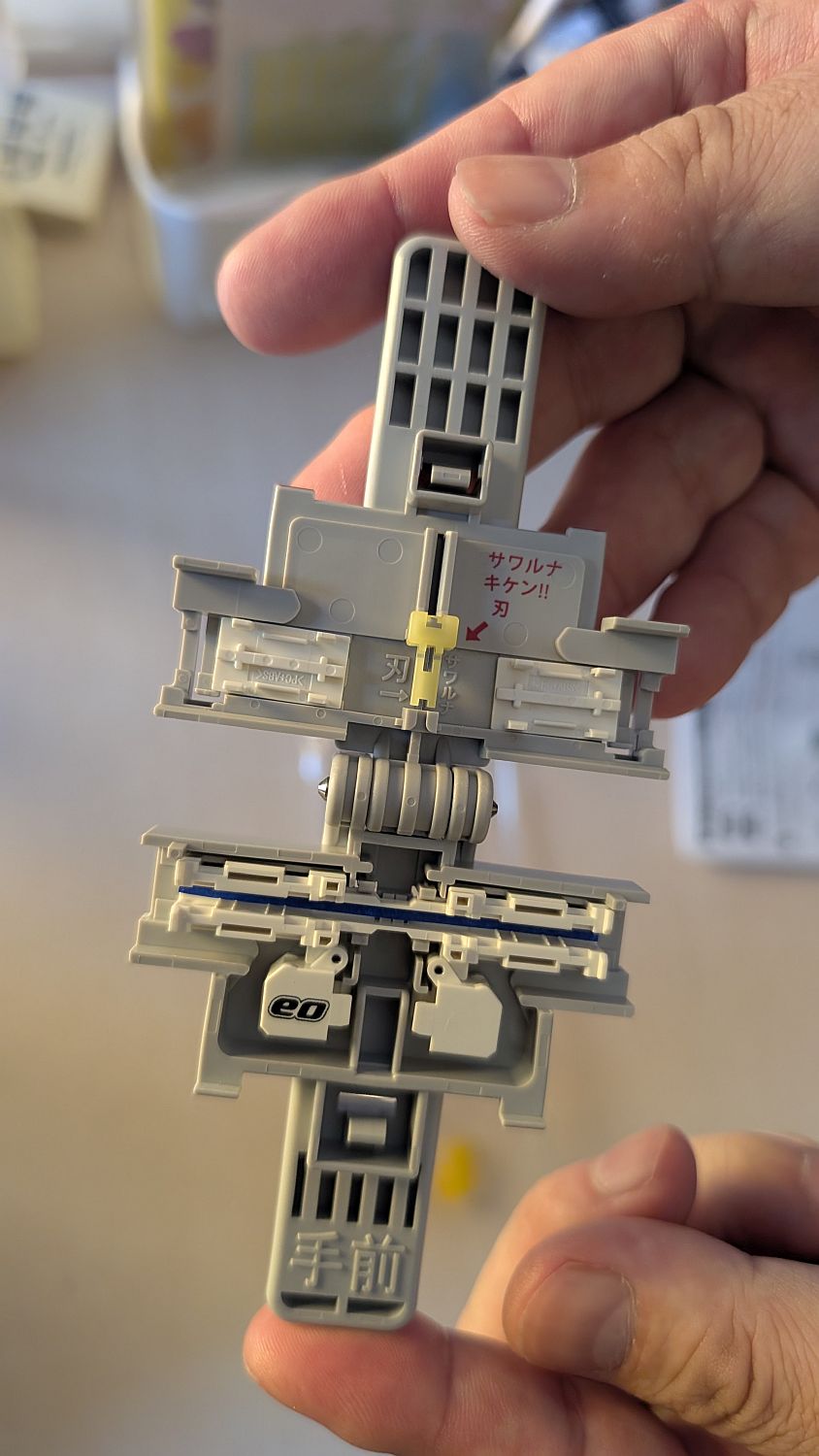
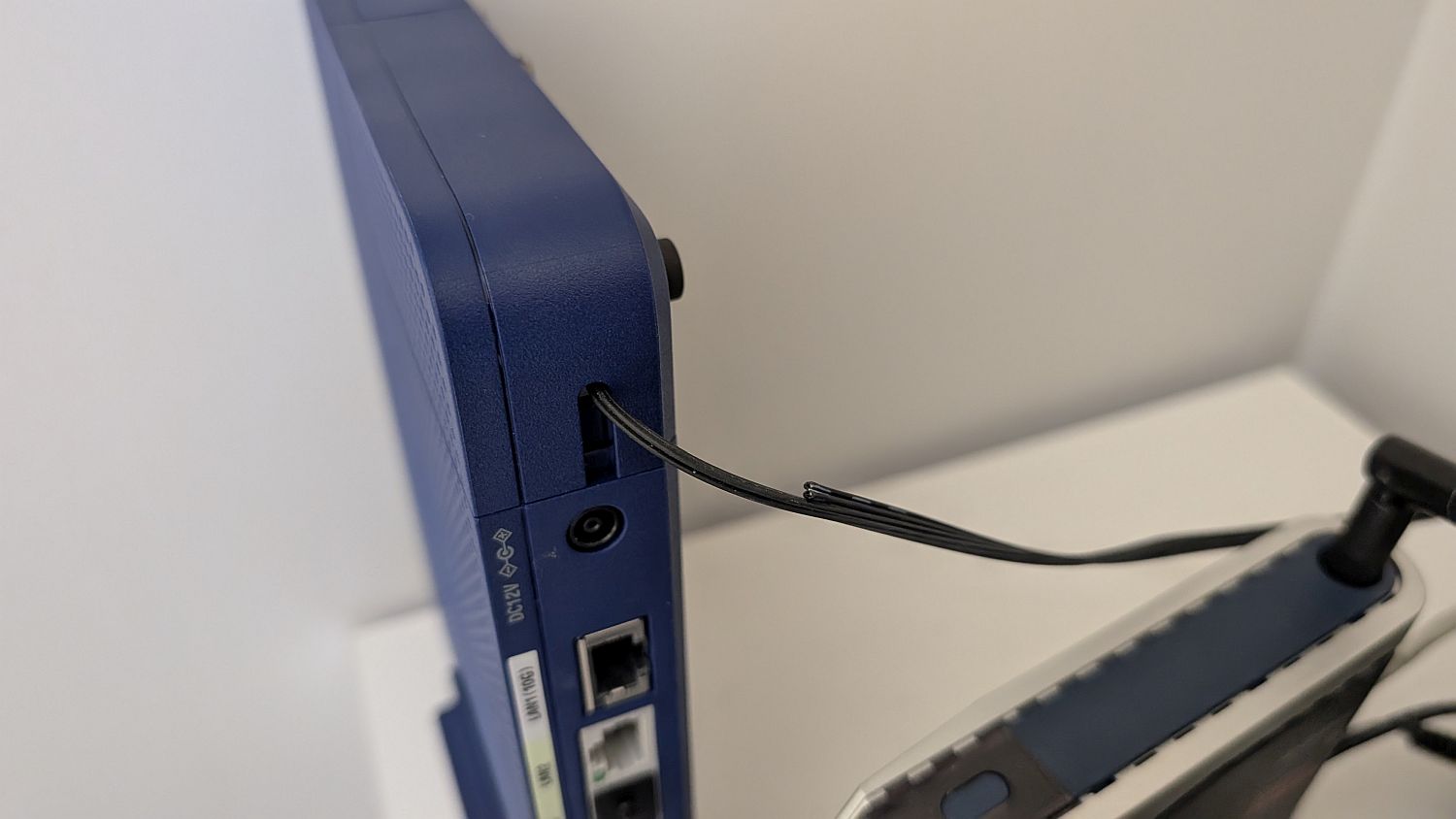
This is what the back of the termination device looks like. The thinnest wire at the top is the optical cable, and it's clear that the termination device cannot be retrieved without cutting the cable.
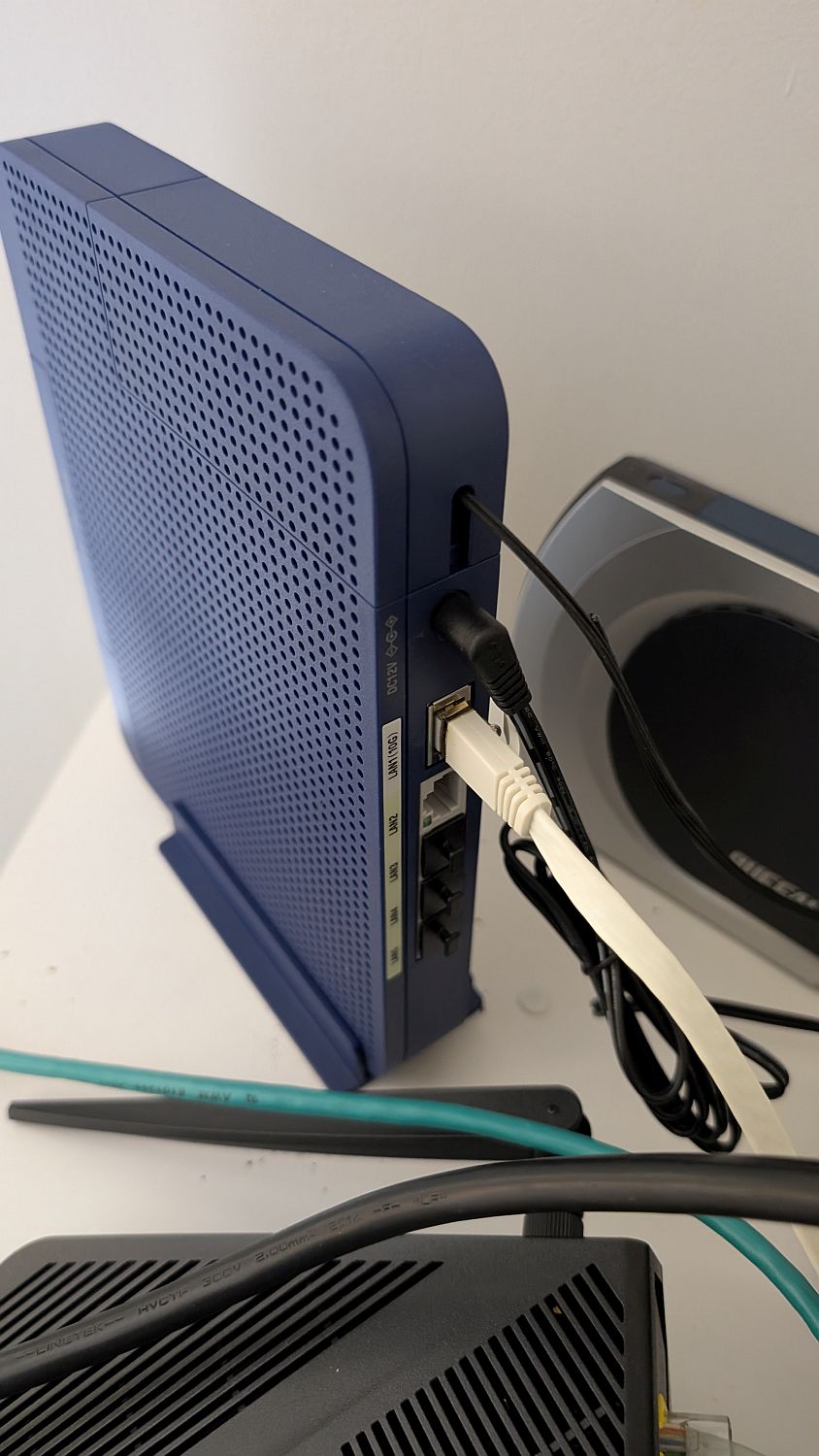
First, disconnect any power cables or LAN cables from the termination device that might get in the way of the work.
I moved the termination equipment to make the work a little easier.
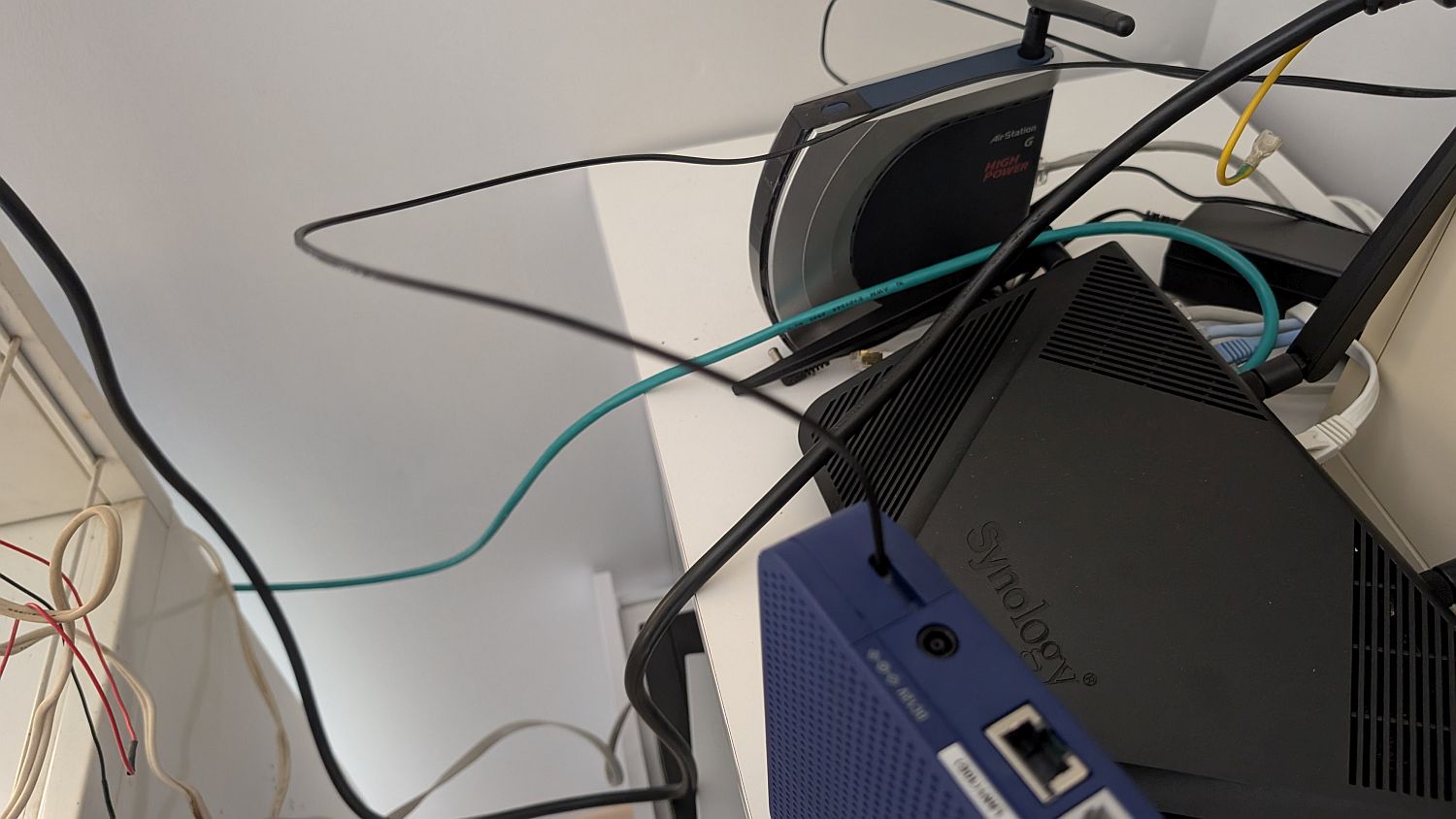
It's now easier to attach the cable cutting tool.
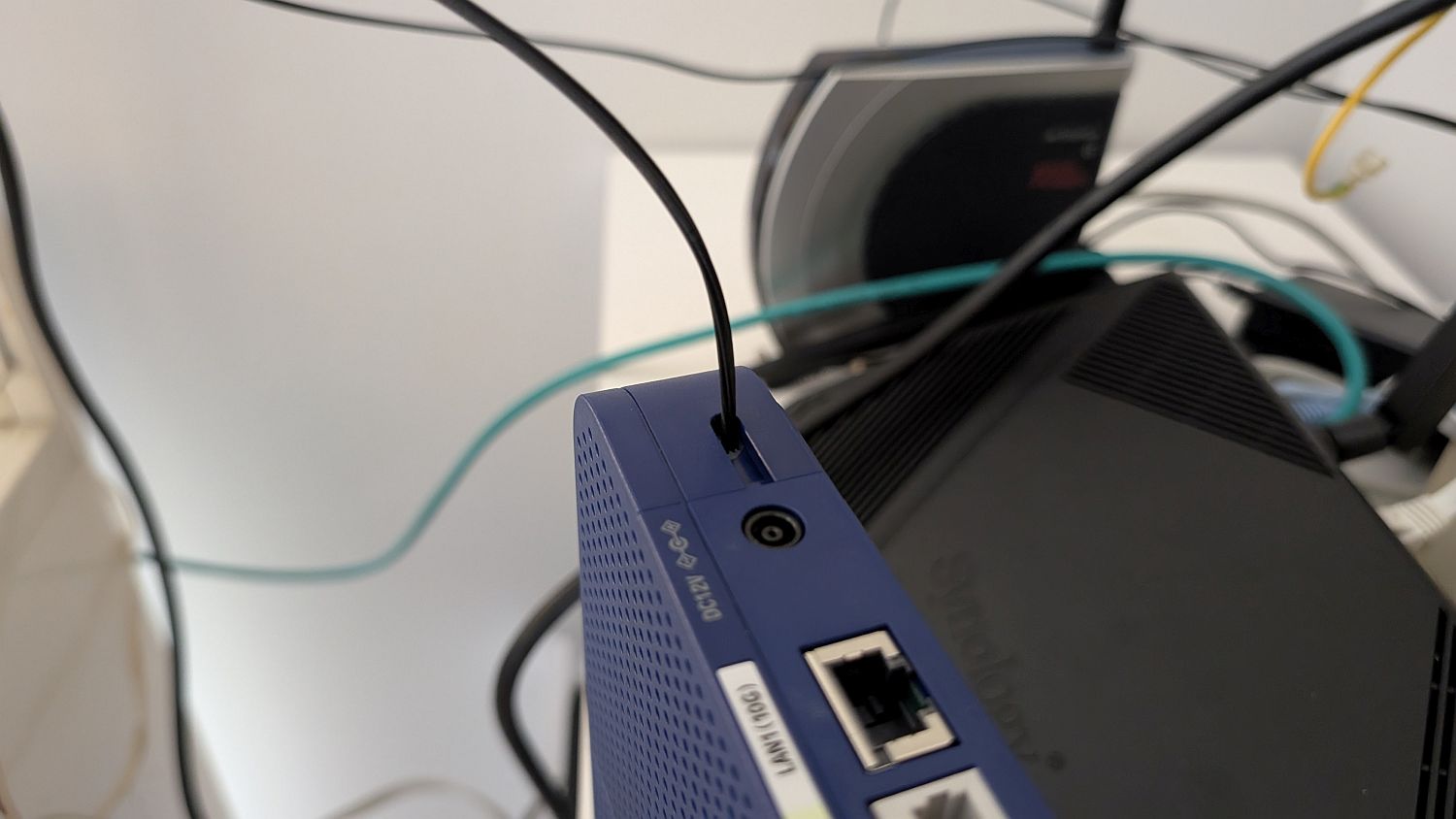
Installation. Carefully perform the installation while comparing it with the instruction manual to ensure you haven't made a mistake in the direction.
We will bend the cable cutting tool.
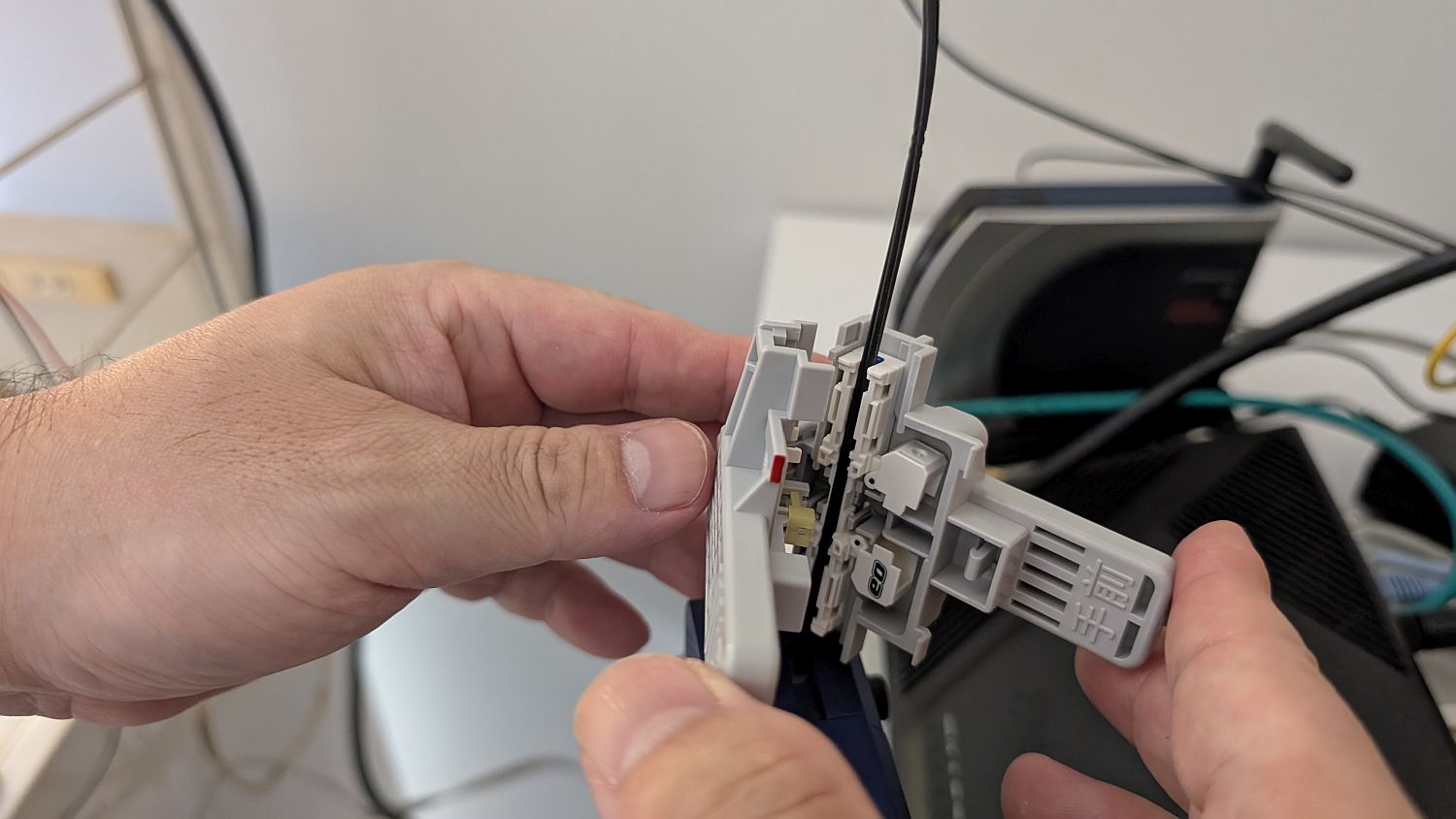
The red area in the center of the image is still visible, meaning it hasn't been cut yet. Carefully apply pressure while folding it.
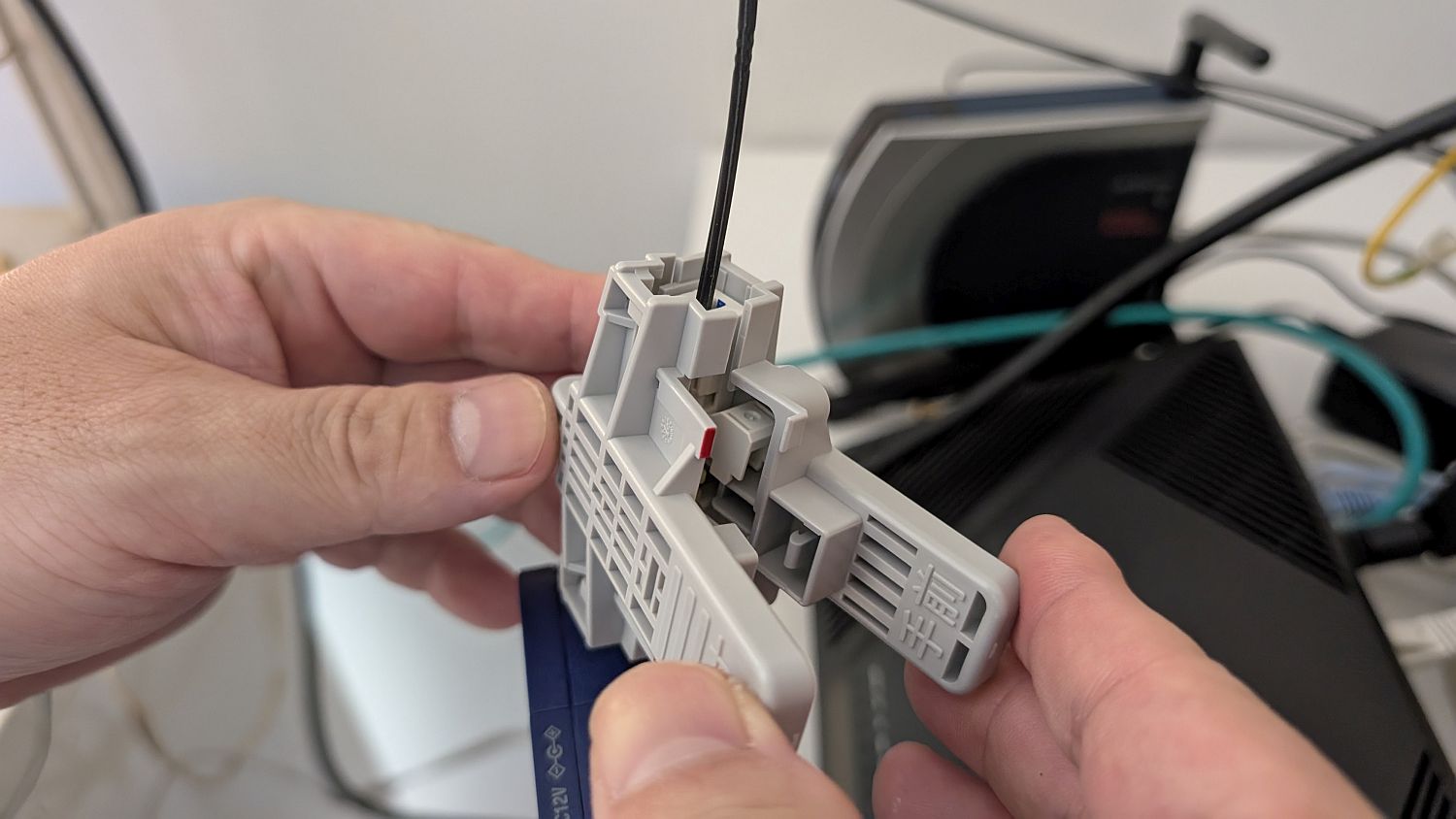
Snap.
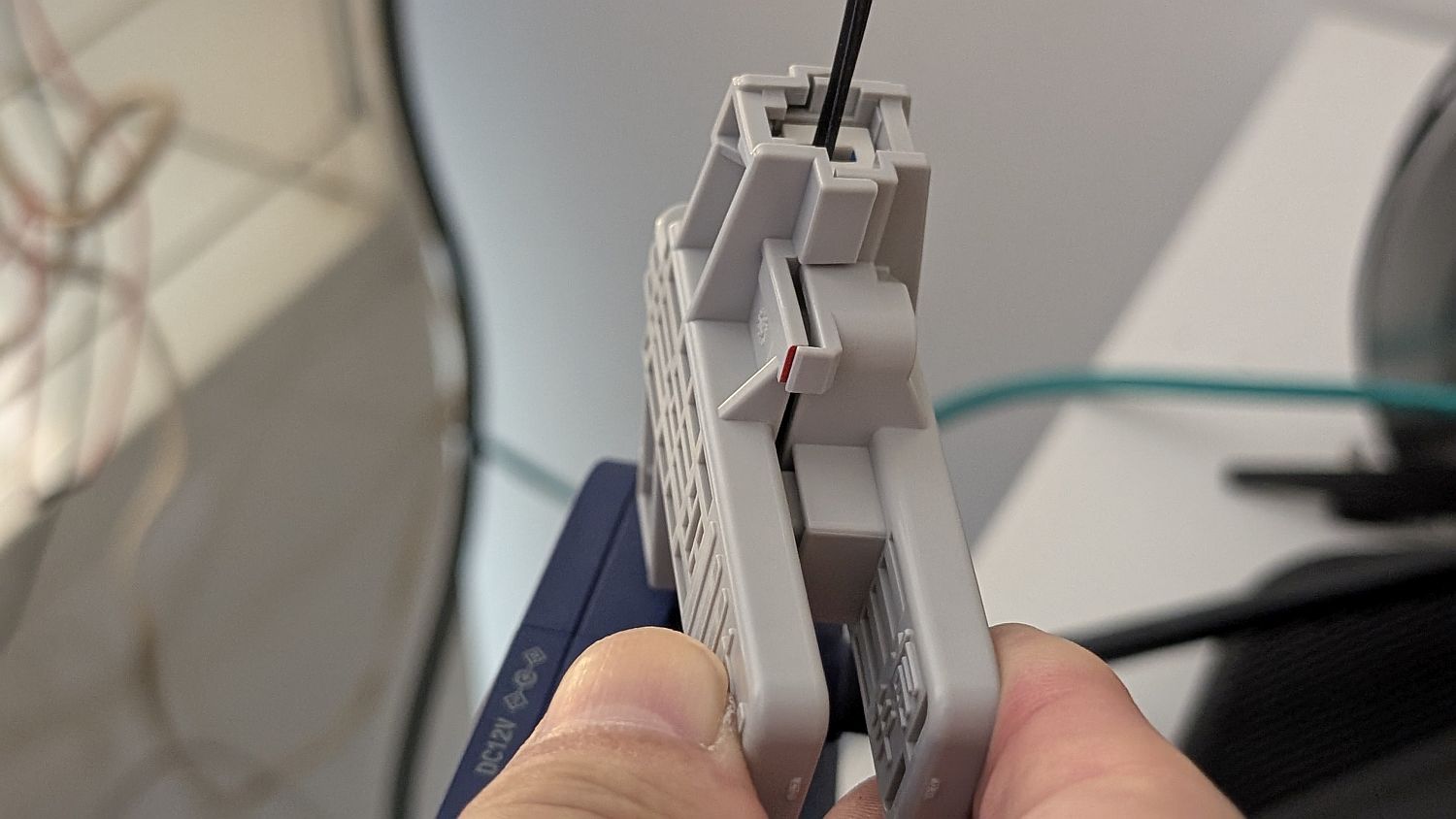
This video shows the cutting process. You can clearly see that it requires a fair amount of force to cut and that there is a sound when the cutting occurs.
Now that the cable has been cut, we will pull the cable from the wall side out of the tool.
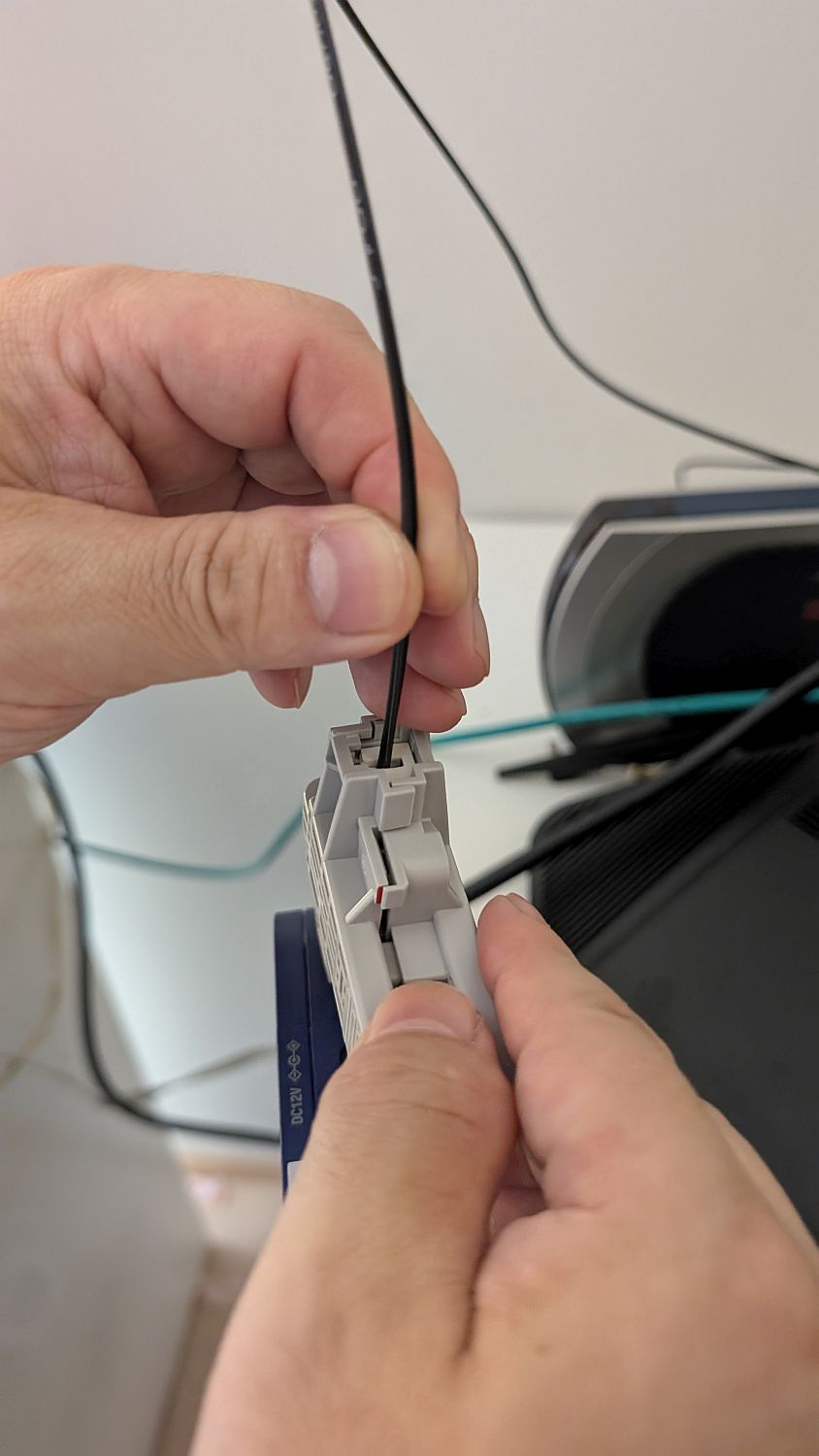
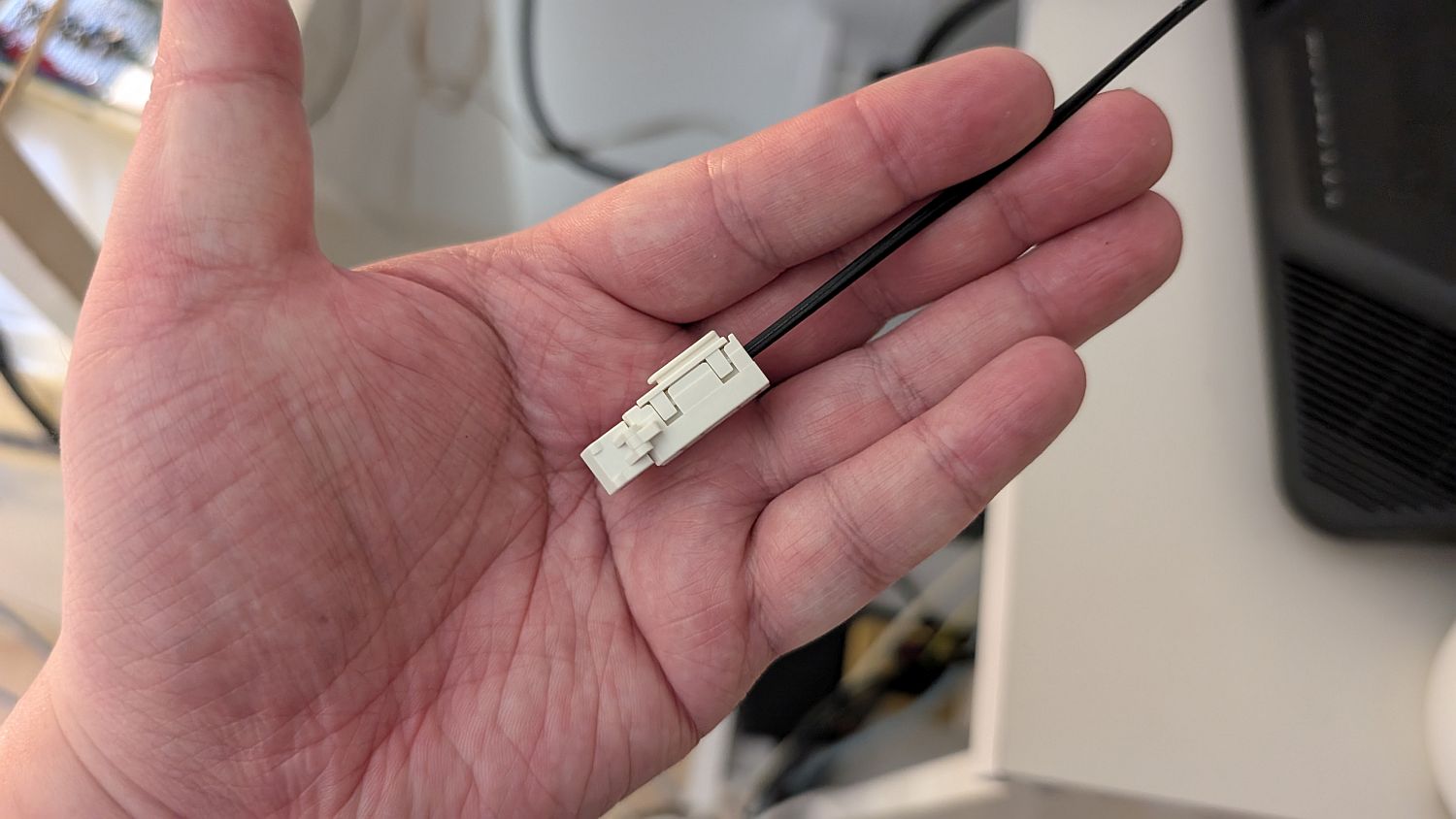
The cable, protected by a cap at the cut end, is gradually pulled out.
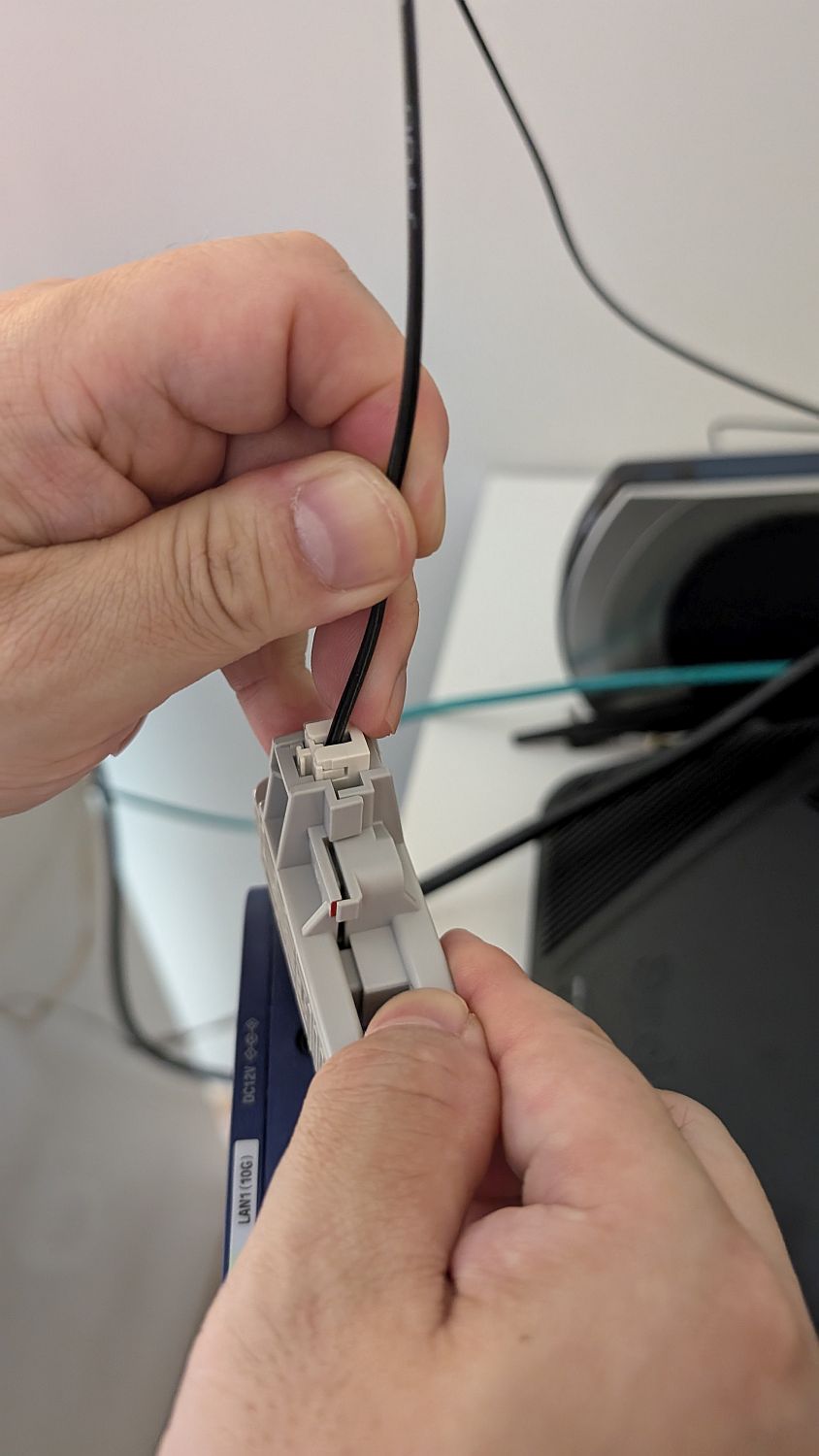
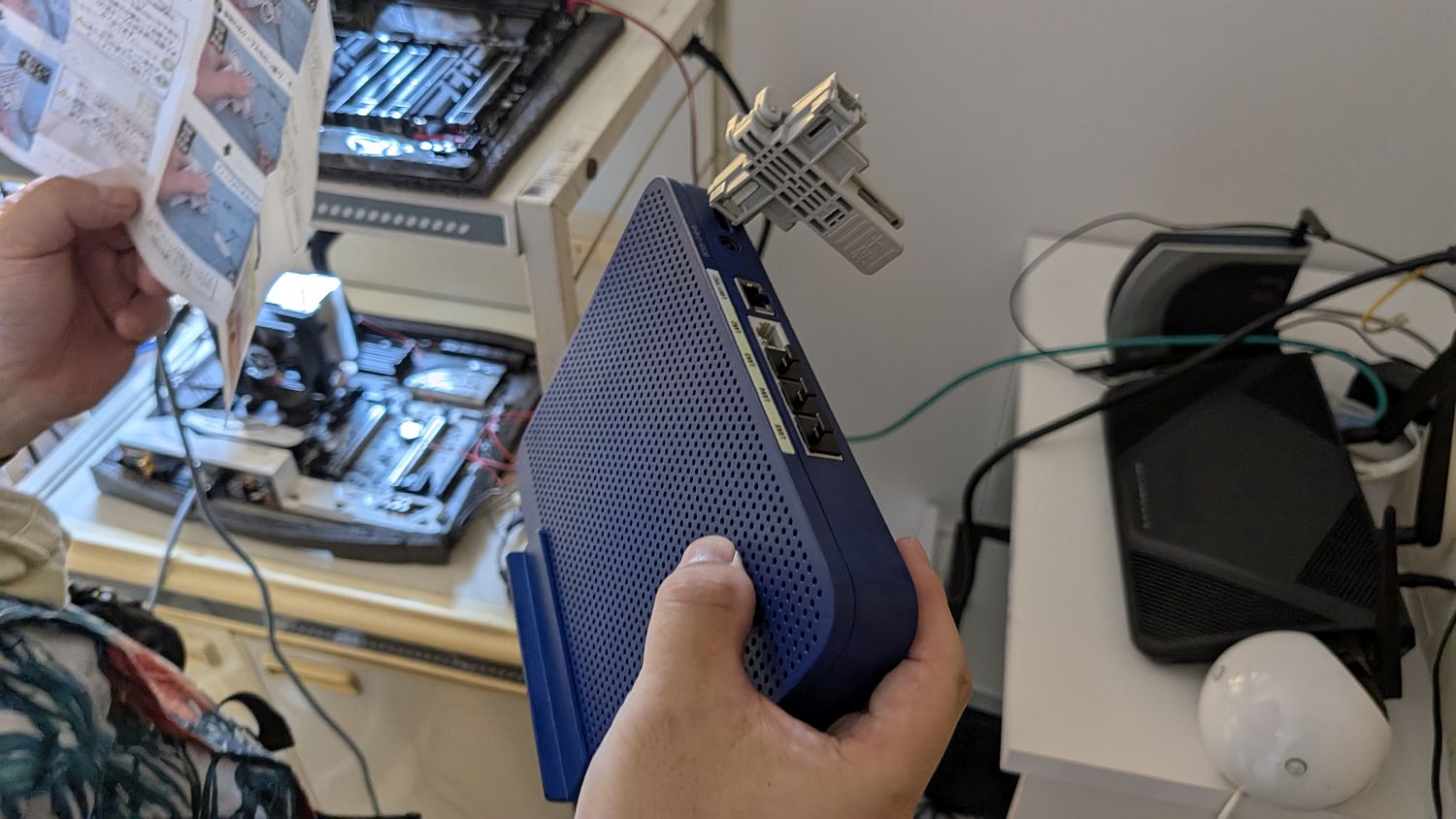
I managed to completely disconnect the cable. I was paying attention to the left and right sides of the tool because I needed to pull out the cable from the wall side. If I had installed it the other way around, the tool would have remained stuck to the wall...
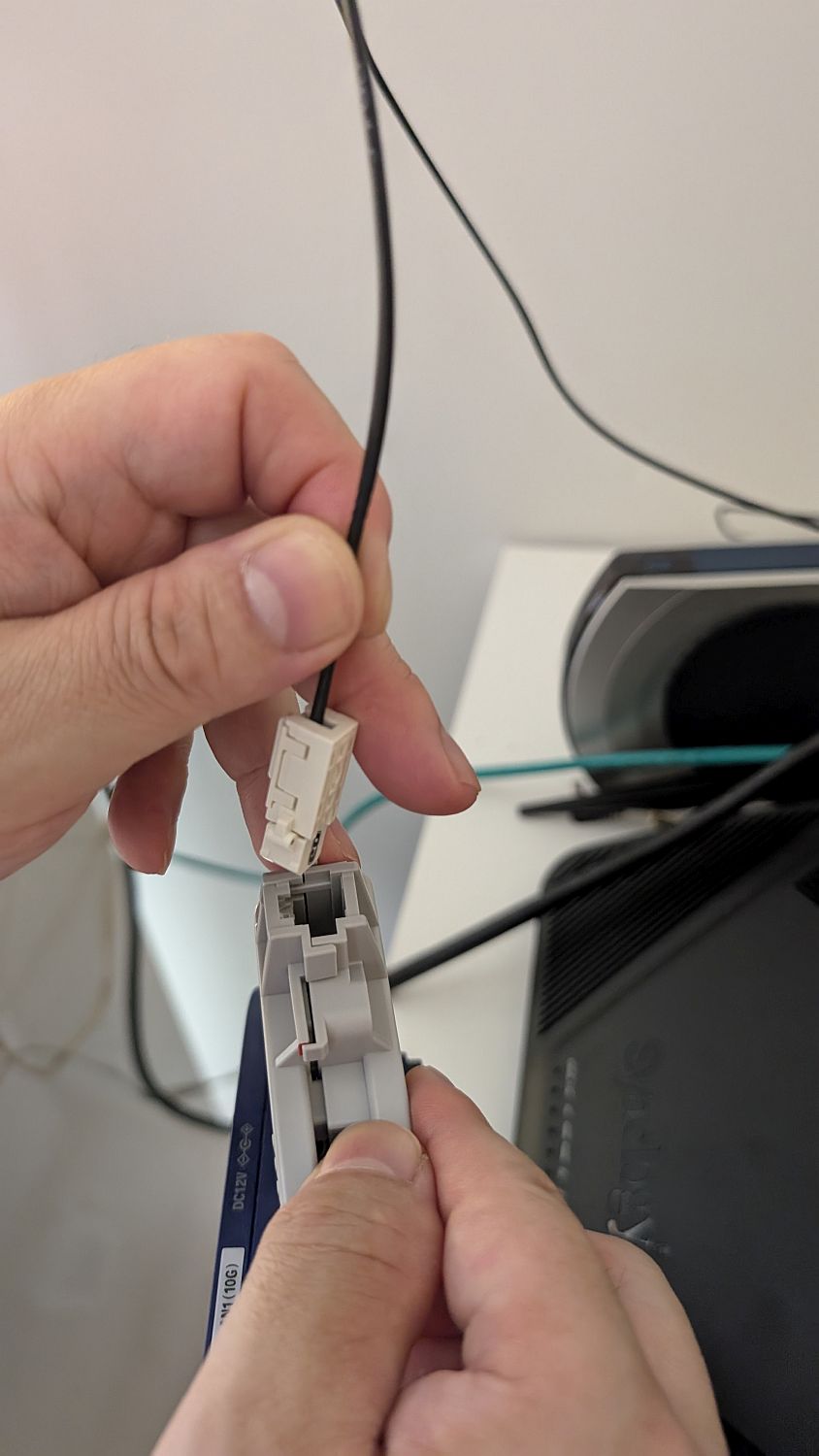
I'll leave the cable with the cap on it. I've been told that if I ever need to reactivate the fiber optic connection, I can reuse the cable.
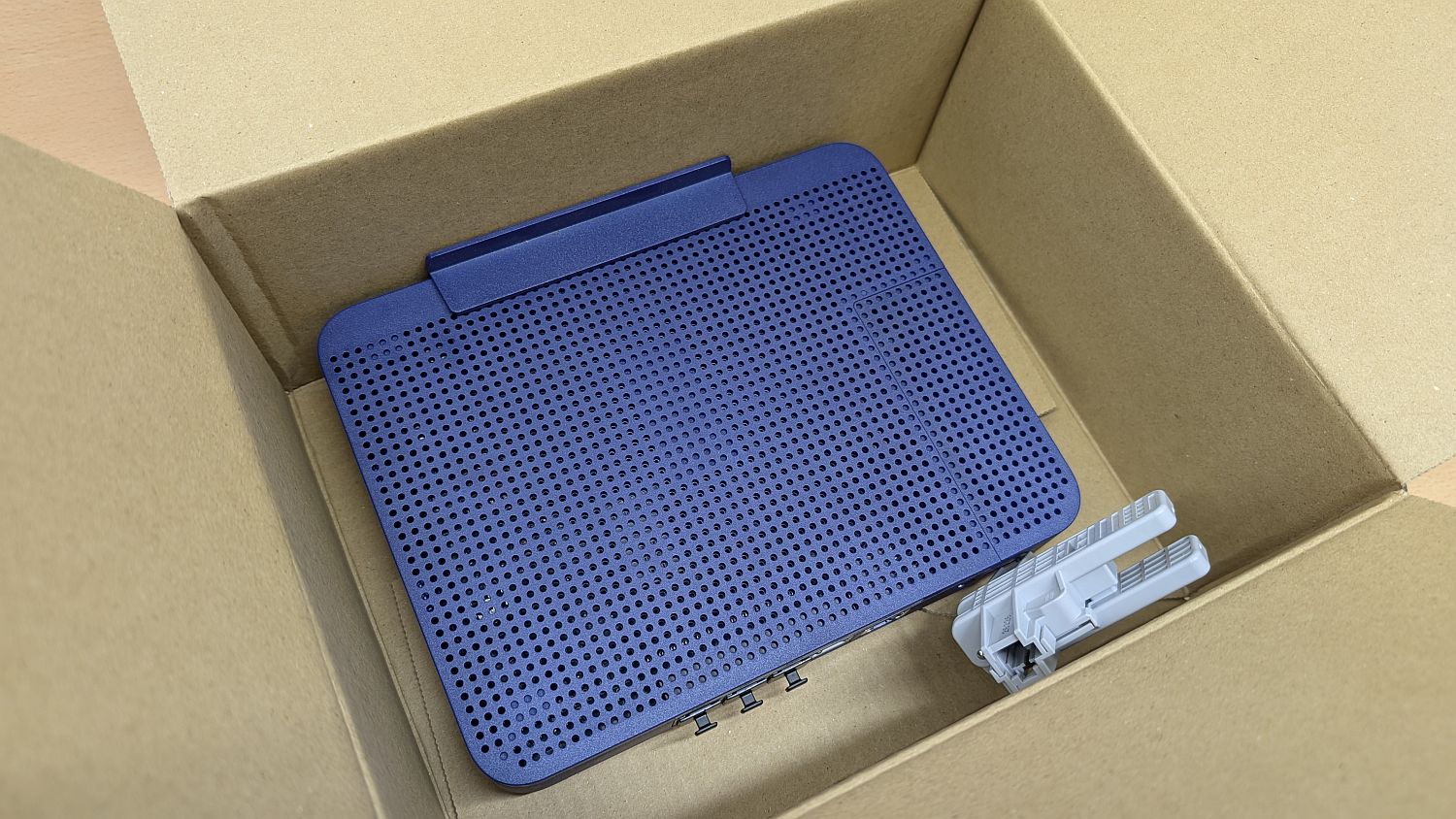
The termination device can be returned with the tool still attached.
I placed the termination device into the box in which the tool kit had been delivered.
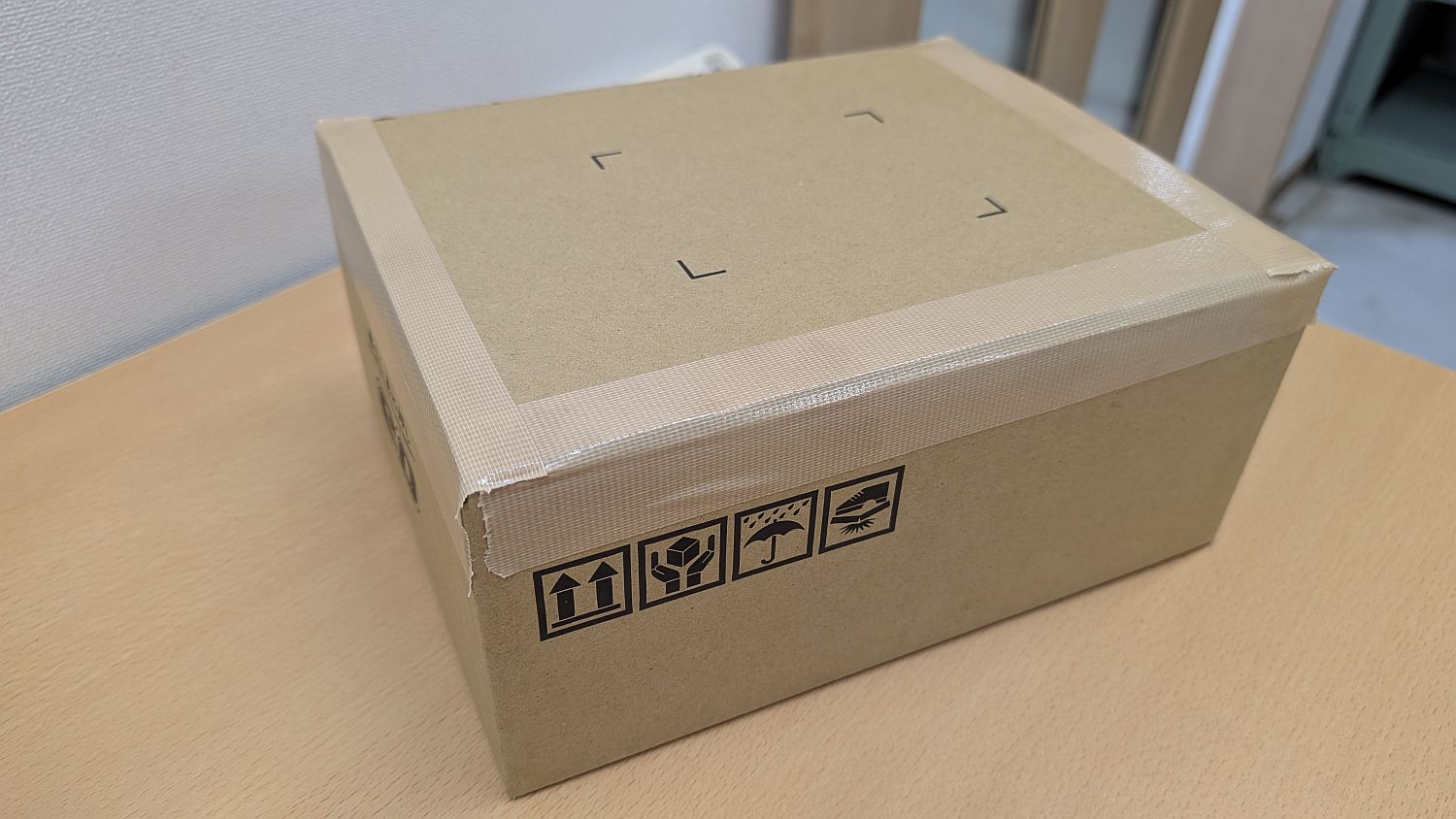
Seal. Thank you for everything up until now.
Related Posts: