Bento/Slides, a web application for creating slides that runs locally using a single HTML file, has been released. It offers collaborative editing and smooth automation with an AI agent.
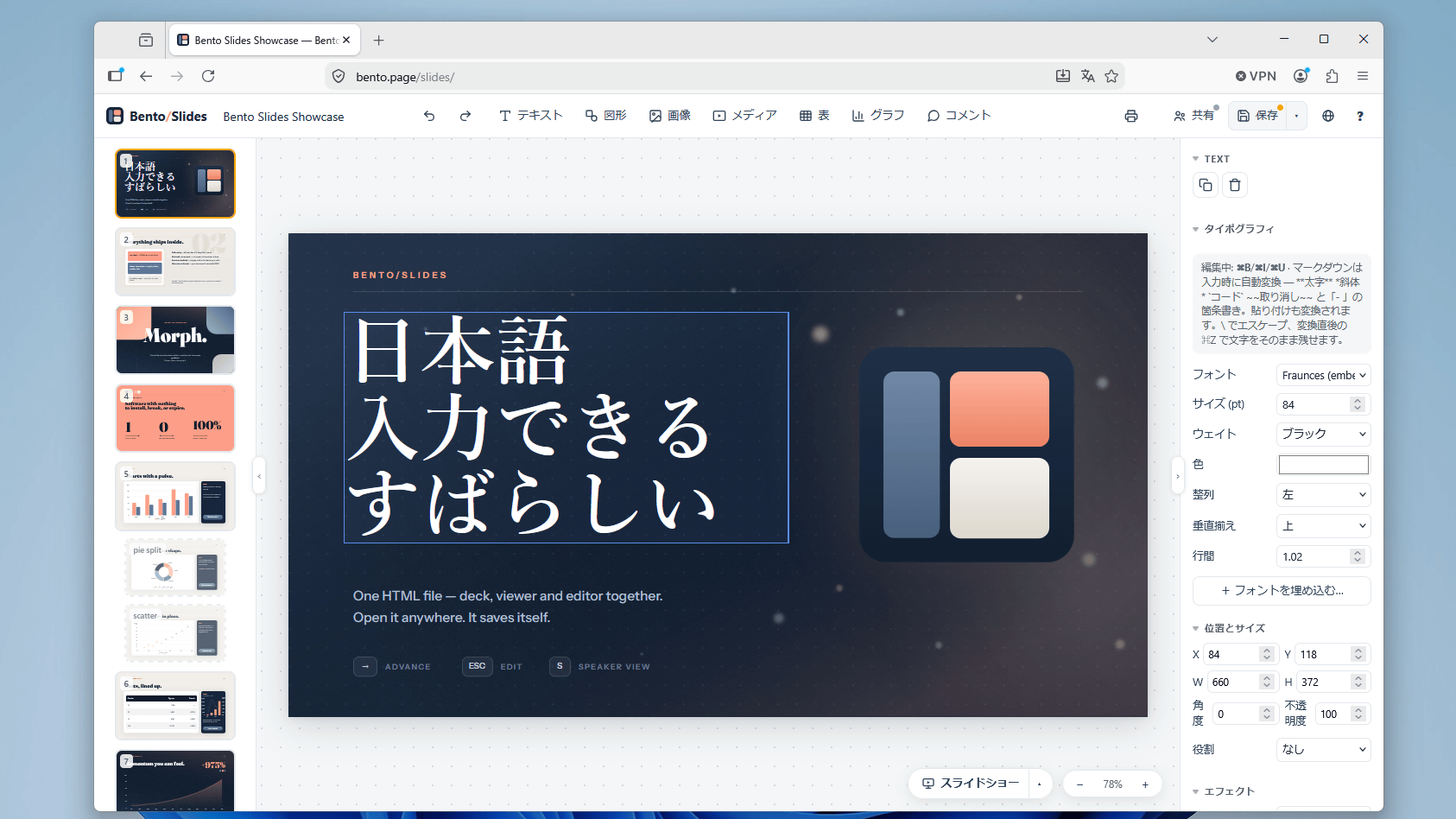
A free slide creation app called ' Bento/Slides ' has been released that runs on web browsers such as Firefox and Chrome. Bento/Slides is unique in that it allows you to save not only the created slides but also the entire slide creation process as a single HTML file, enabling you to create slides without an internet connection. Furthermore, it's designed with AI agent-based slide creation in mind, and collaborative editing features are available when connected to the internet.
Bento/Suite — the office suite that fits in a file
To use Bento/Slides, click the link above and then click 'Try it in your browser'.

The slide creation screen has appeared. It includes all the necessary features for a slide creation app, such as drawing shapes and inserting images.
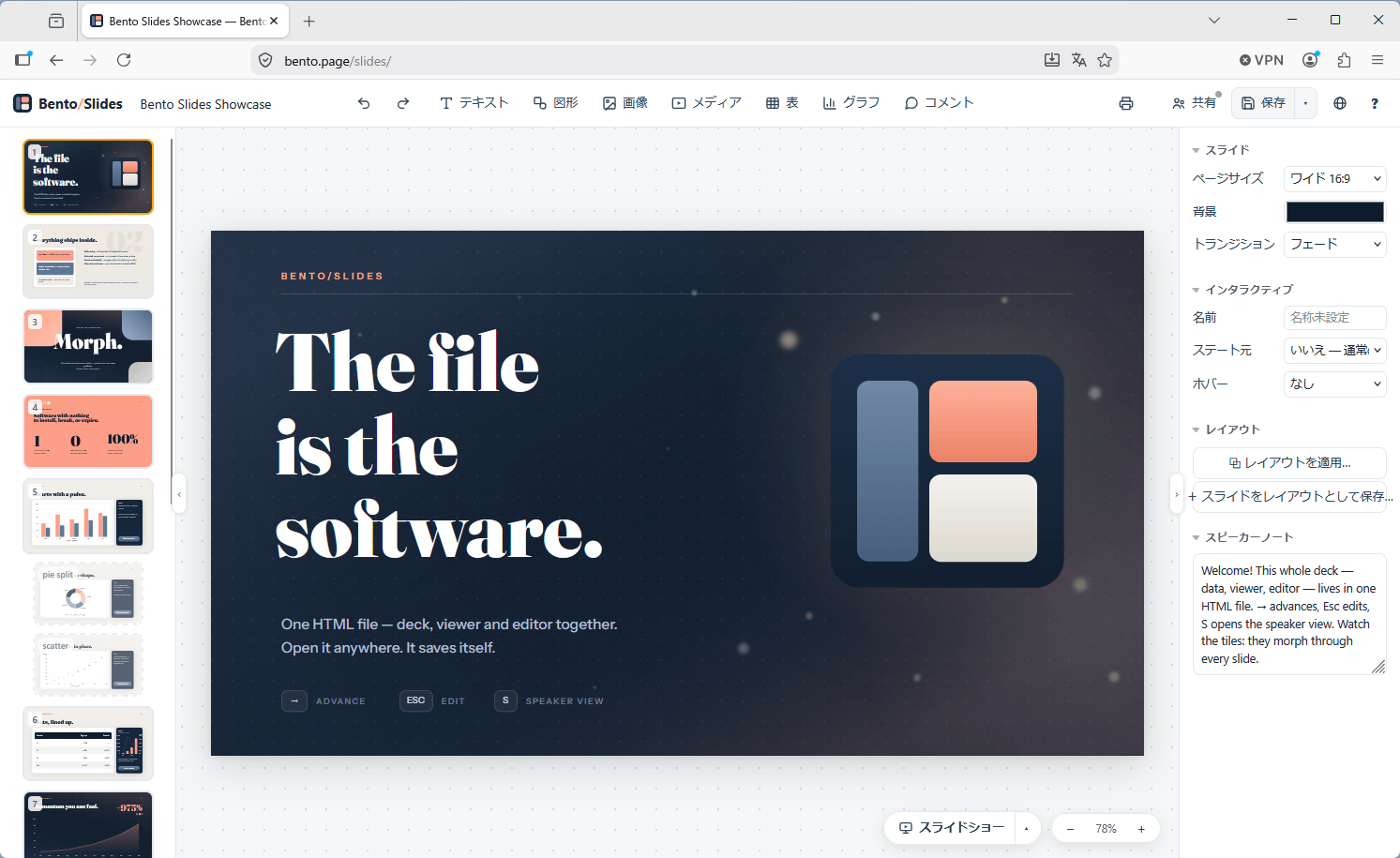
Japanese input works without any problems.
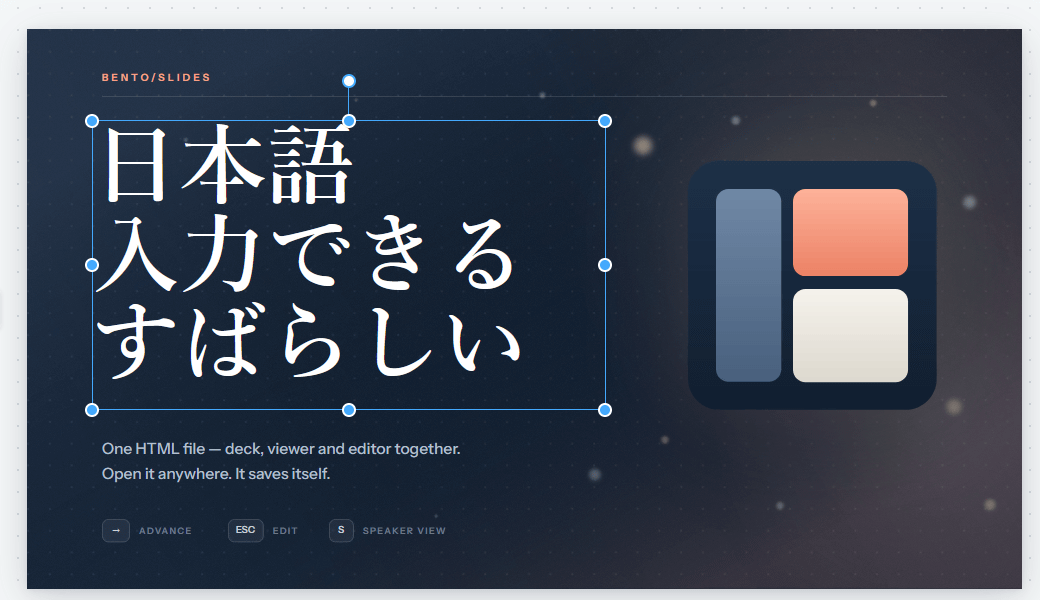
The slide creation function can be used offline. Even with my PC in airplane mode, I was able to continue editing.
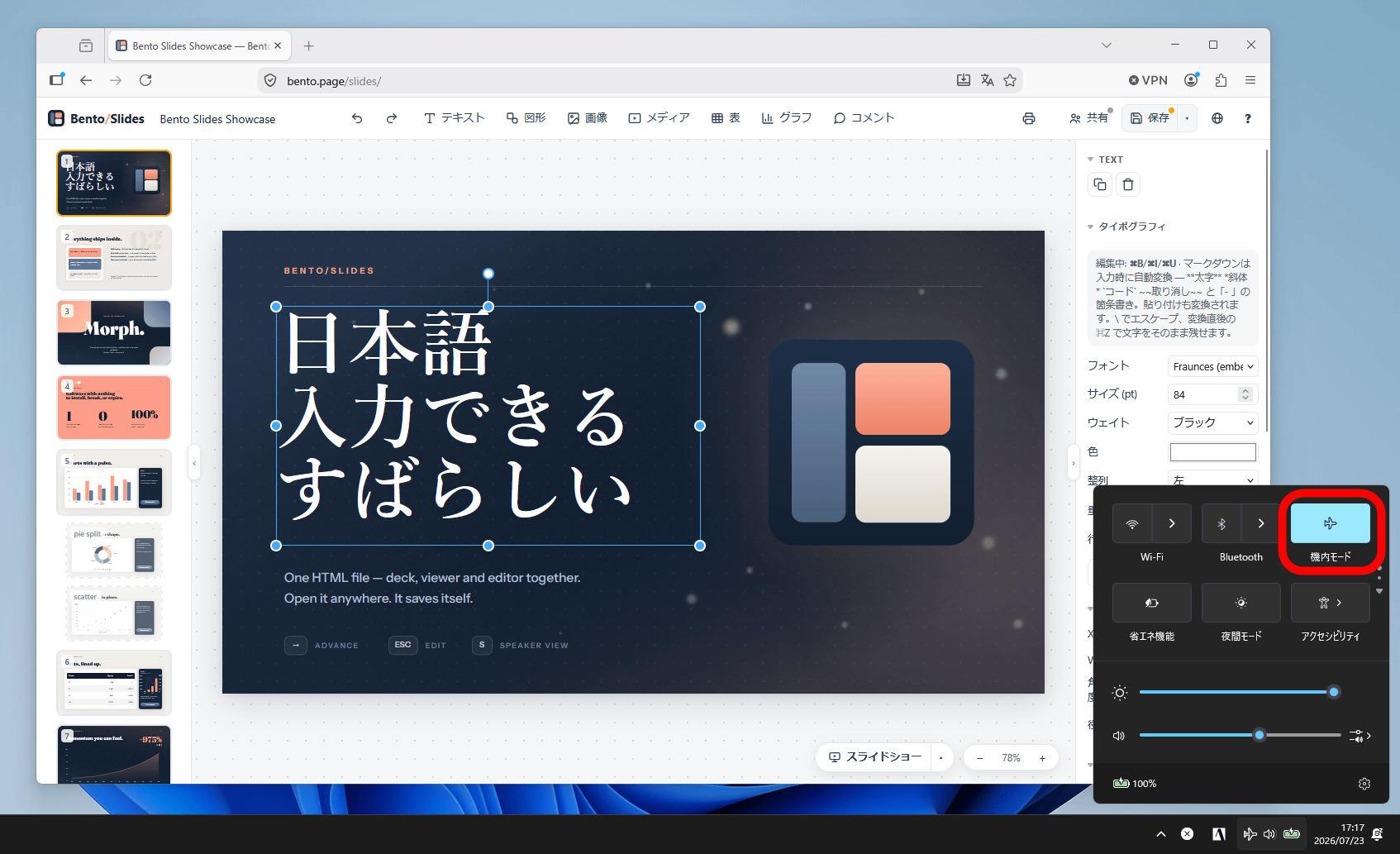
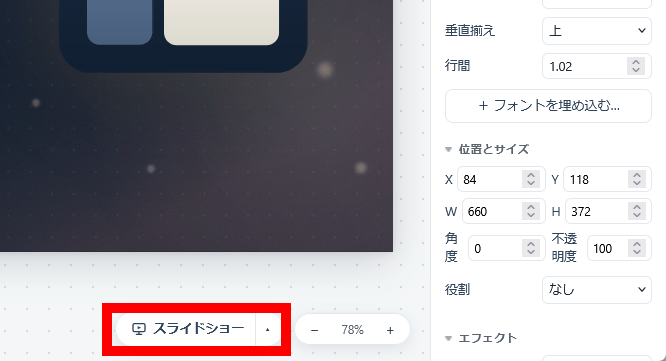
To start the slideshow, click 'Slideshow' at the bottom of the screen.
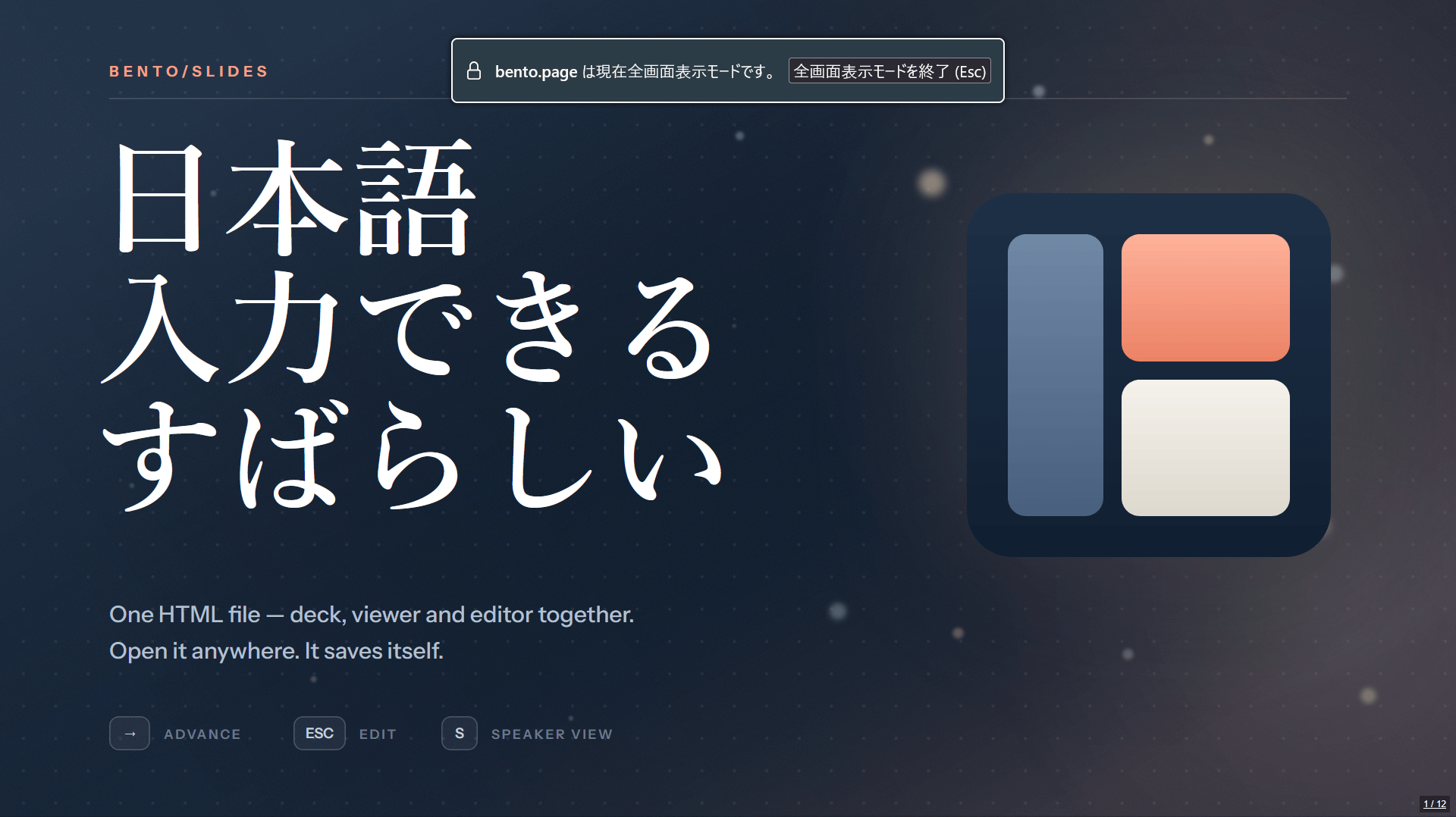
The slides are now displayed in full screen. This means you can handle everything from creating slides to giving your presentation using only Bento/Slides.
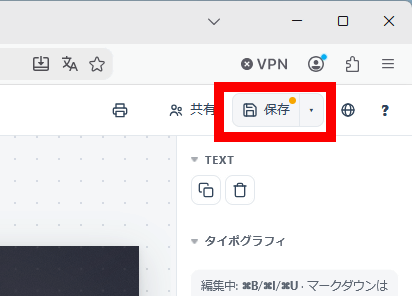
To save the slides, click 'Save' at the top of the screen.
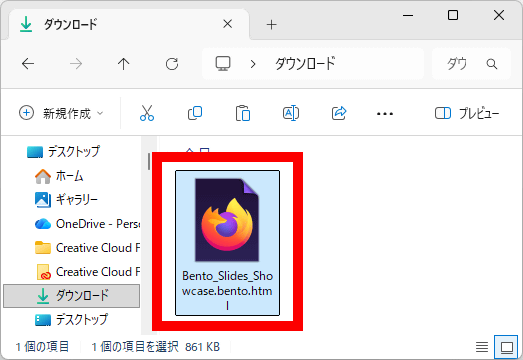
You can save your presentation in HTML format. Since the HTML file includes not only the slide content but also the app itself, you can continue creating your slides online or offline simply by opening the HTML file in your browser.
Additionally, by connecting to the internet and clicking 'Share' in the upper right corner of the screen, you can access collaborative editing menus. Clicking 'Invite to Edit' allows you to download an invitation HTML file, and you can also click 'Read-Only Copy' to share slides without granting editing privileges. Collaborative editing is performed via an internet server, but the key information necessary to view and edit the slides is included in the HTML file, and only encrypted information is sent to the server.
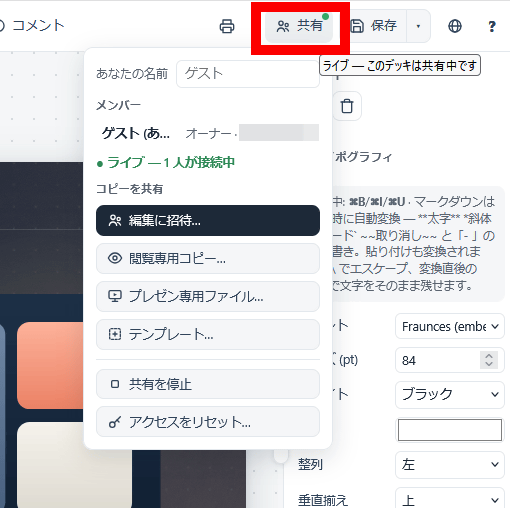
Bento/Slides employs a system that 'includes all information in a single HTML file,' making it more suitable for automated operation by AI agents compared to slide creation apps like PowerPoint. Furthermore, with Claude Code, you can install the Bento/Slides plugin by running the following command.
[code]/plugin marketplace add nyblnet/bento
/plugin install bento-slides@bento[/code]
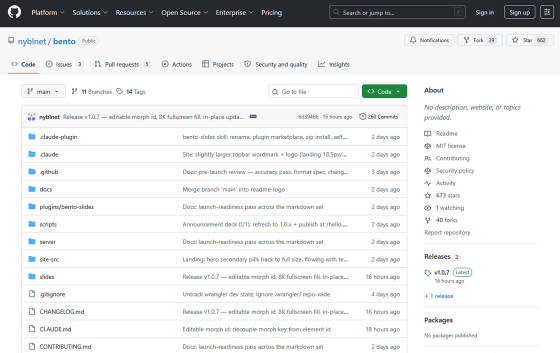
Bento/Slides is being developed as the first app in the 'Bento/Suite' series of office applications, and the word processing app 'Bento/Docs' and the spreadsheet app 'Bento/Sheets' are scheduled to be released soon. Furthermore, Bento/Suite is being developed as an open-source project under the MIT License, and the source code is available at the following link.
GitHub - nyblnet/bento · GitHub
https://github.com/nyblnet/bento
Related Posts:



in Review, Web Application, Posted by log1o_hf