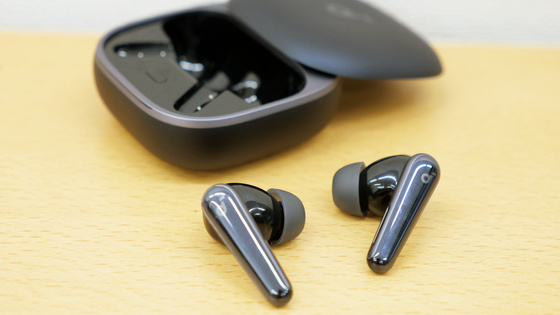
This is a review of the 'Nothing Ear (3a),' a noise-canceling wireless earphone that allows for call recording and transcription integration, and features a transparent design that lets you see the internal components.
Nothing, a British device manufacturer, released the Nothing
Ear (3a) | Nothing | JP
https://jp.nothing.tech/products/ear-3a?Colour=White
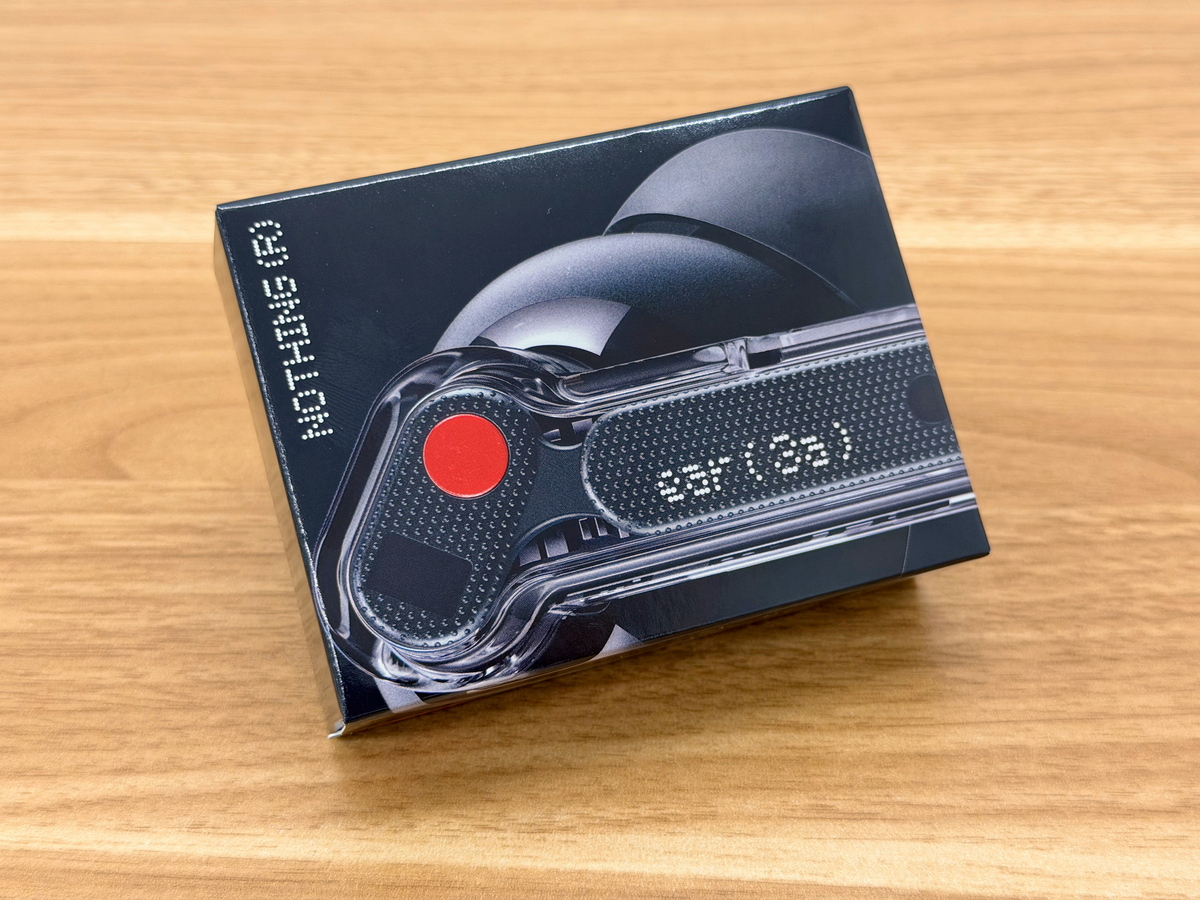
This is what the Nothing Ear (3a) package looks like. It comes in four colors, and the one I borrowed is black.
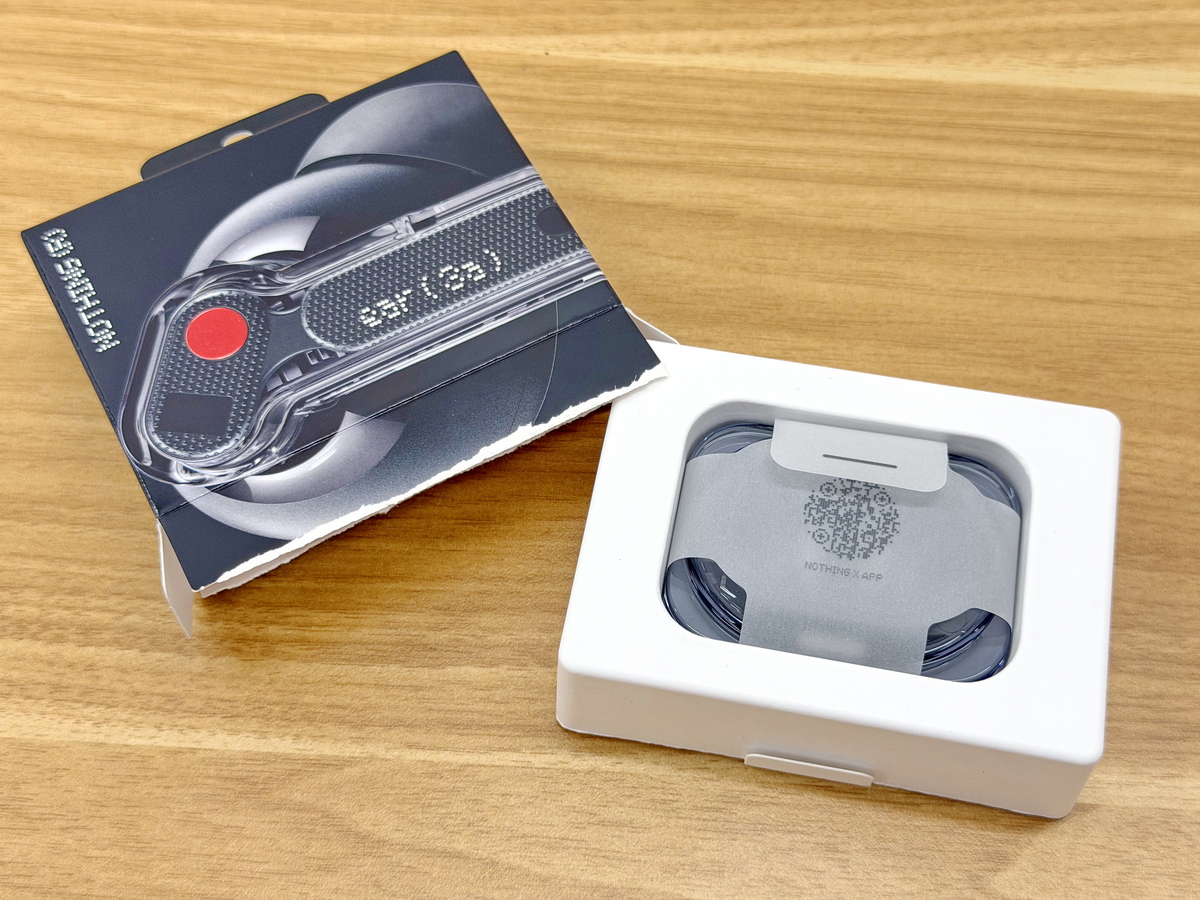
Unboxing. The Nothing Ear (3a) unit was stored inside the inner box.
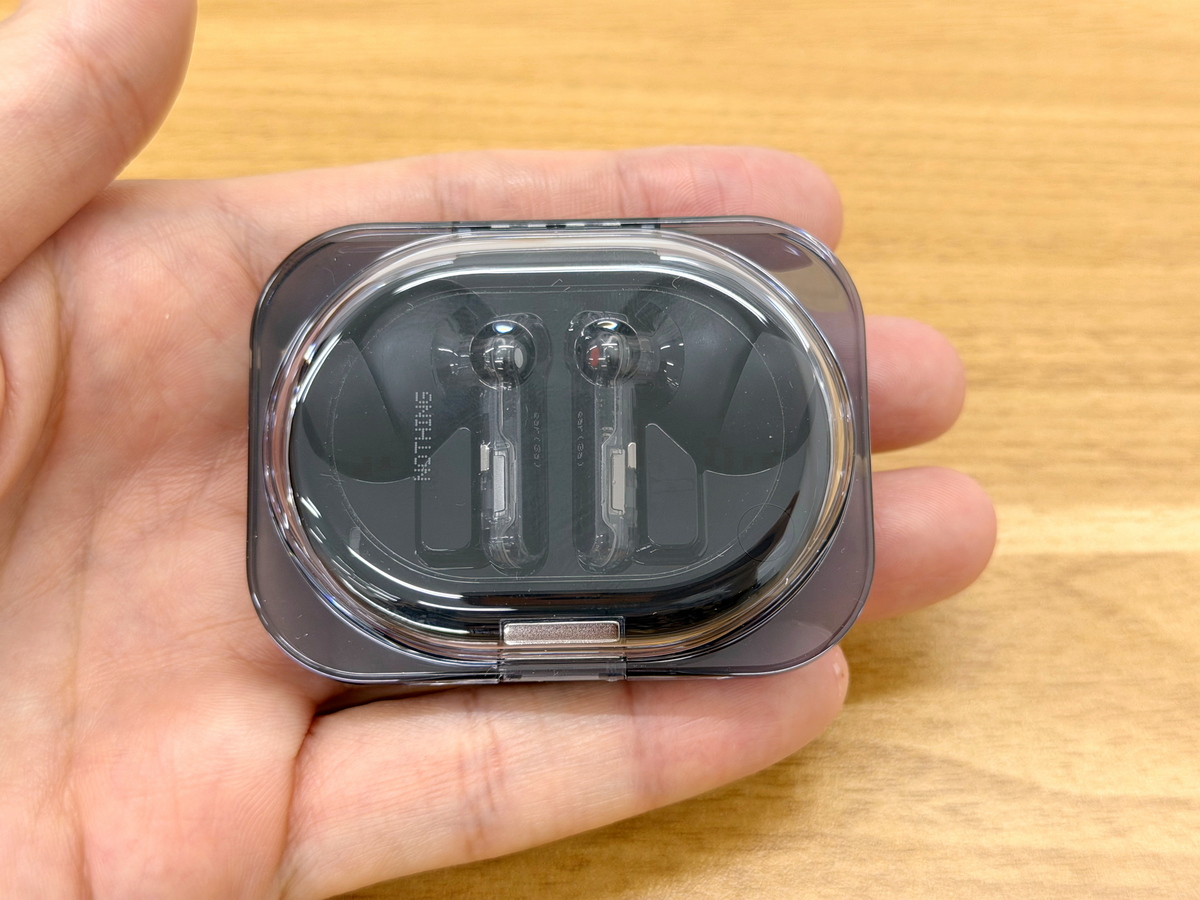
This is what the Nothing Ear (3a) itself looks like. The charging case is made of transparent plastic and has a rounded shape.
Back of charging case
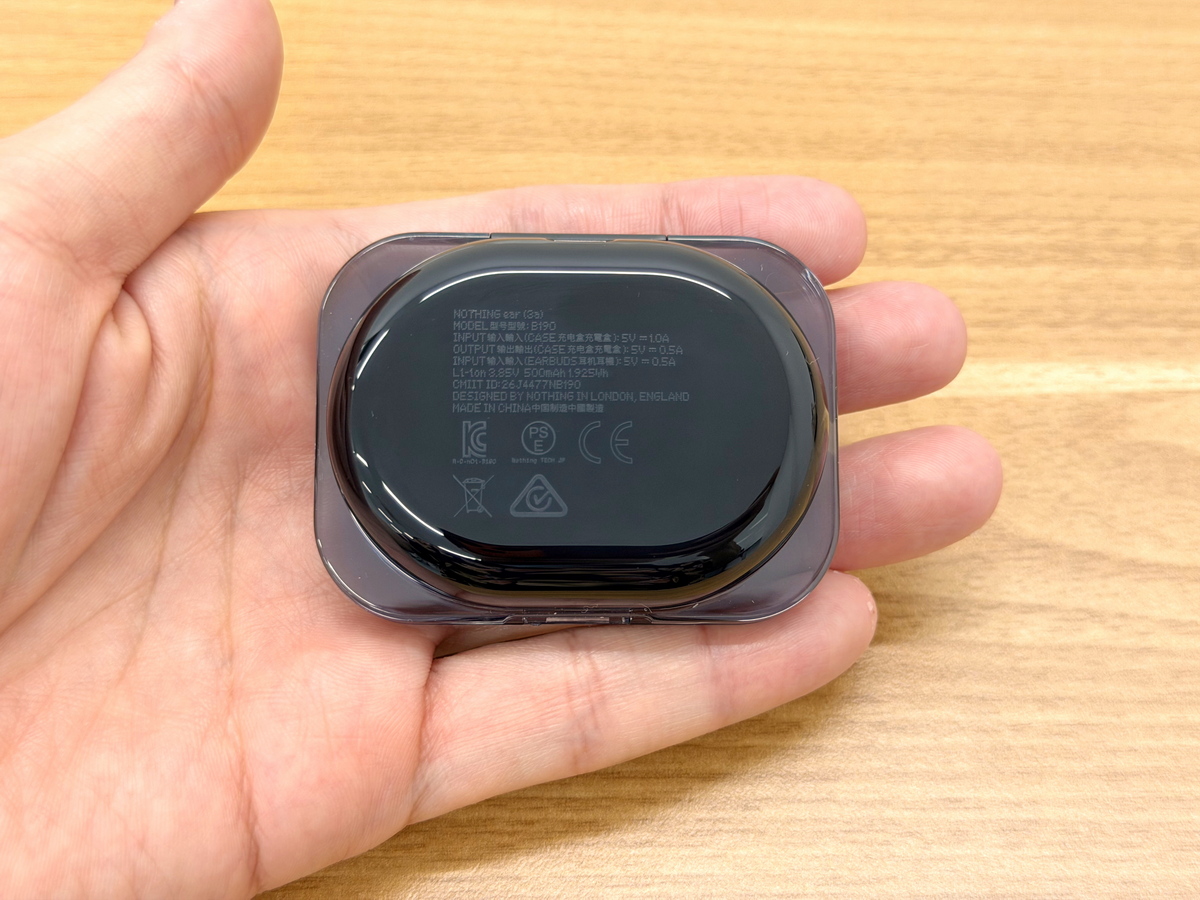
Right side of the charging case
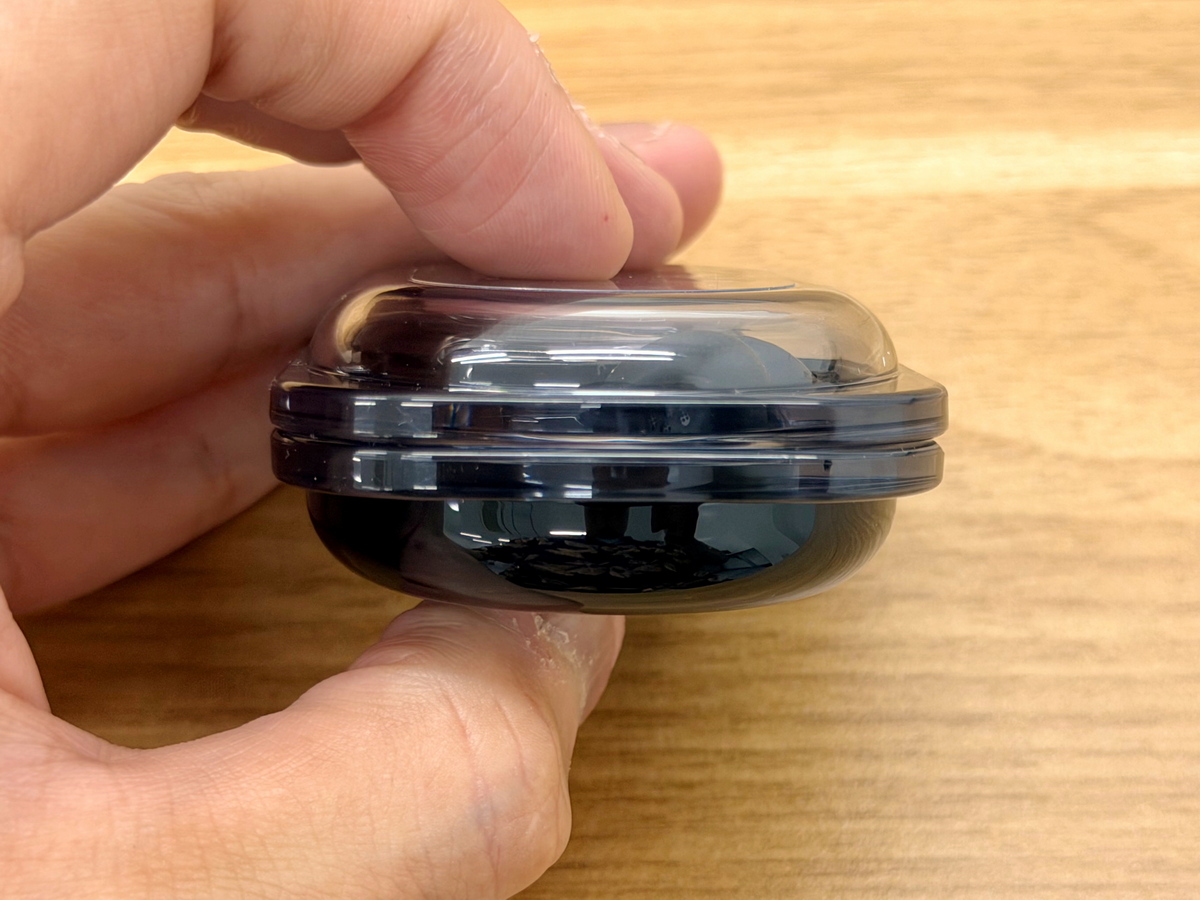
Left side of the charging case
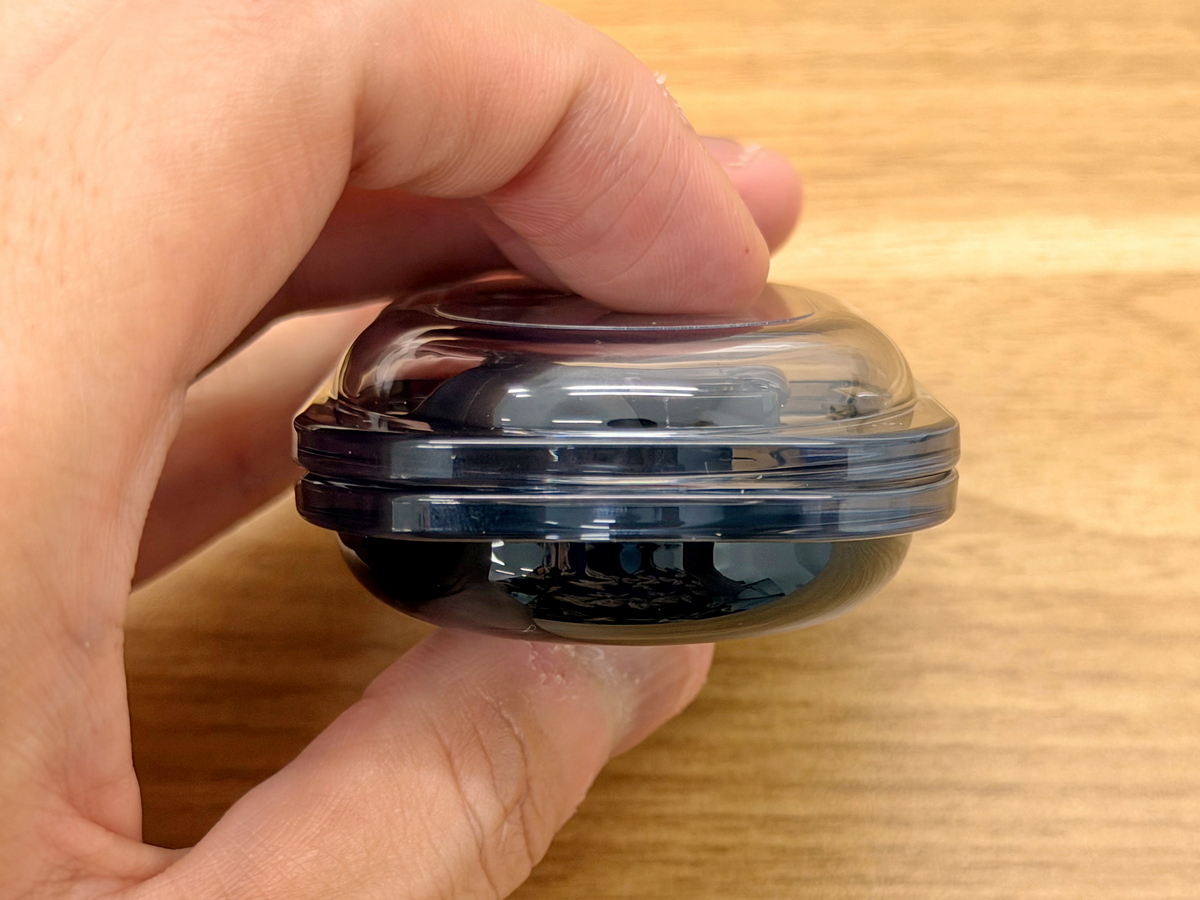
Back of charging case
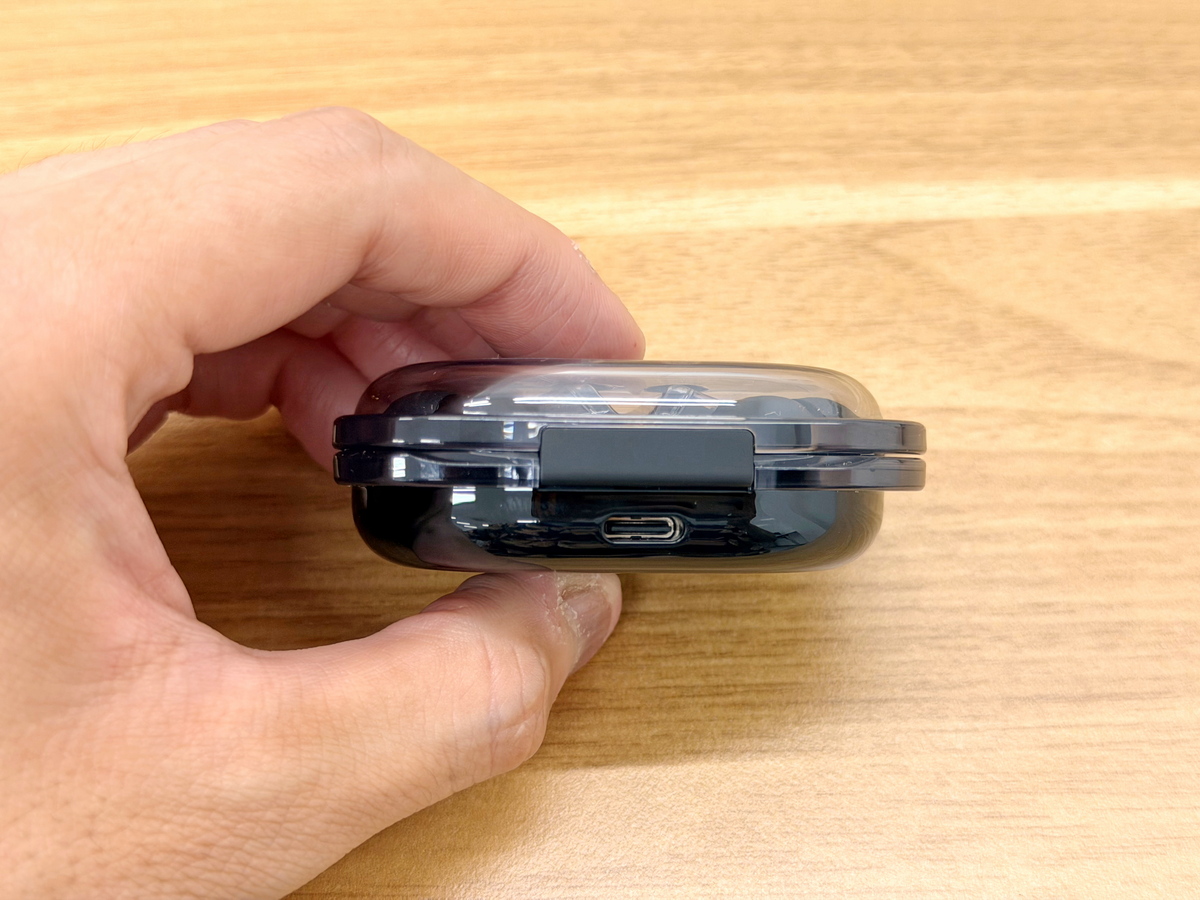
Front view of the charging case. The opening is secured with a magnet.
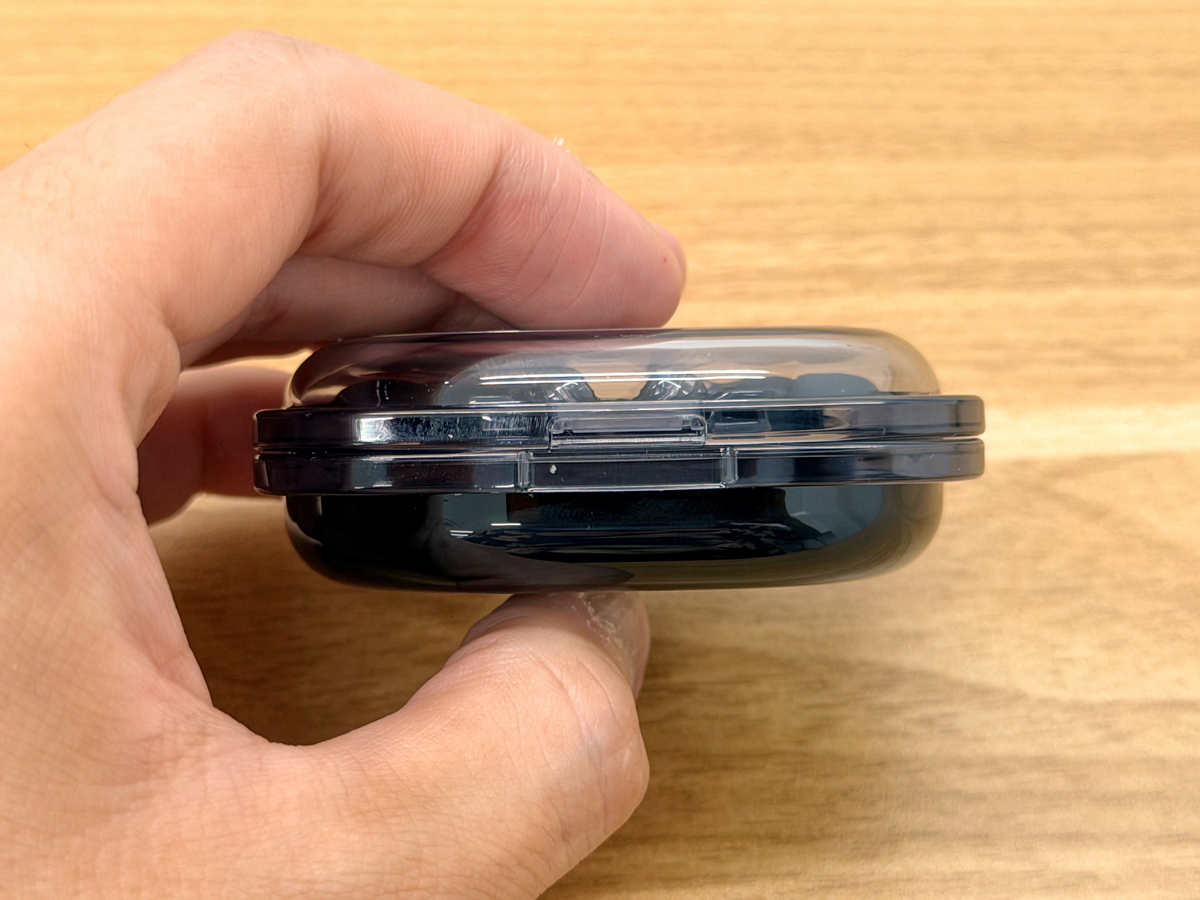
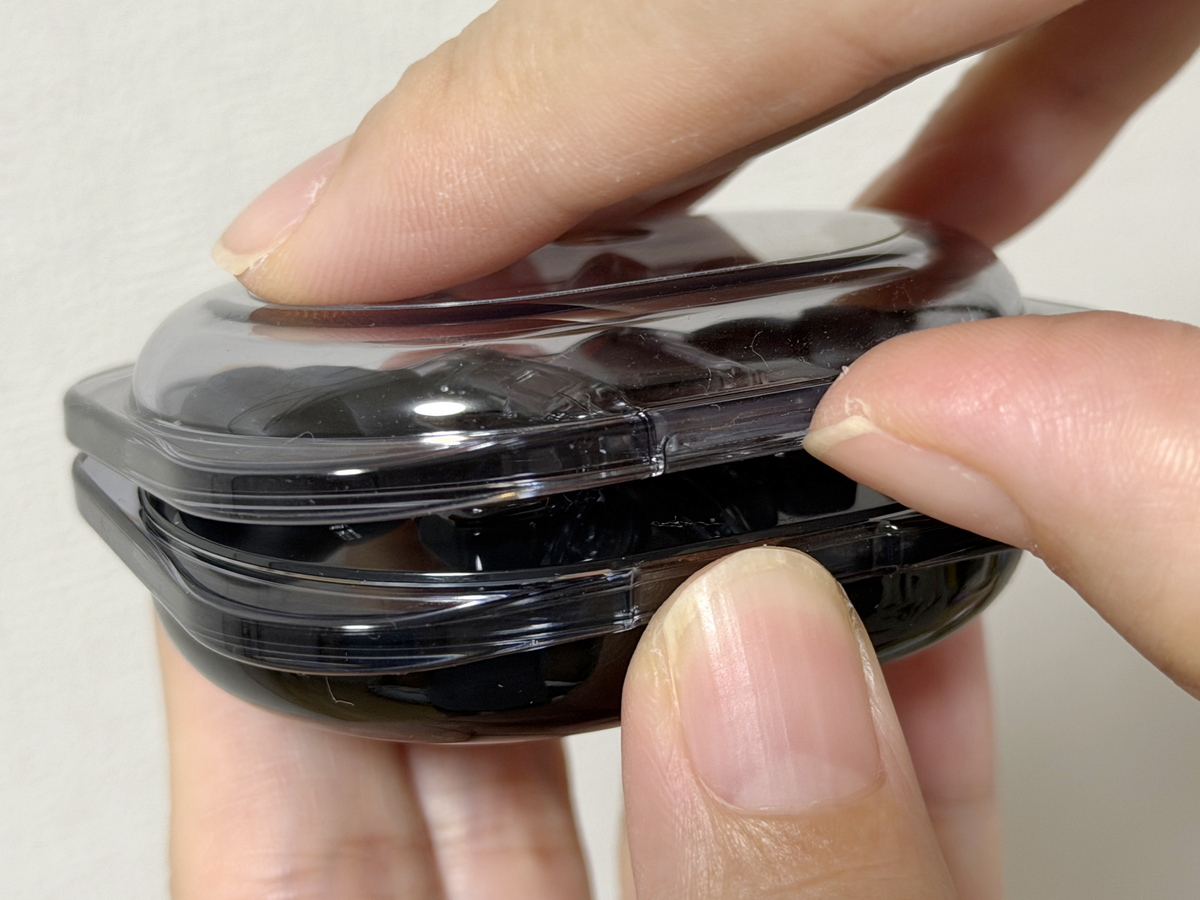
The charging case has no place to grip with your fingers, making the lid quite difficult to open. At least, it takes considerable practice to open it with one hand.
The lid has been opened.
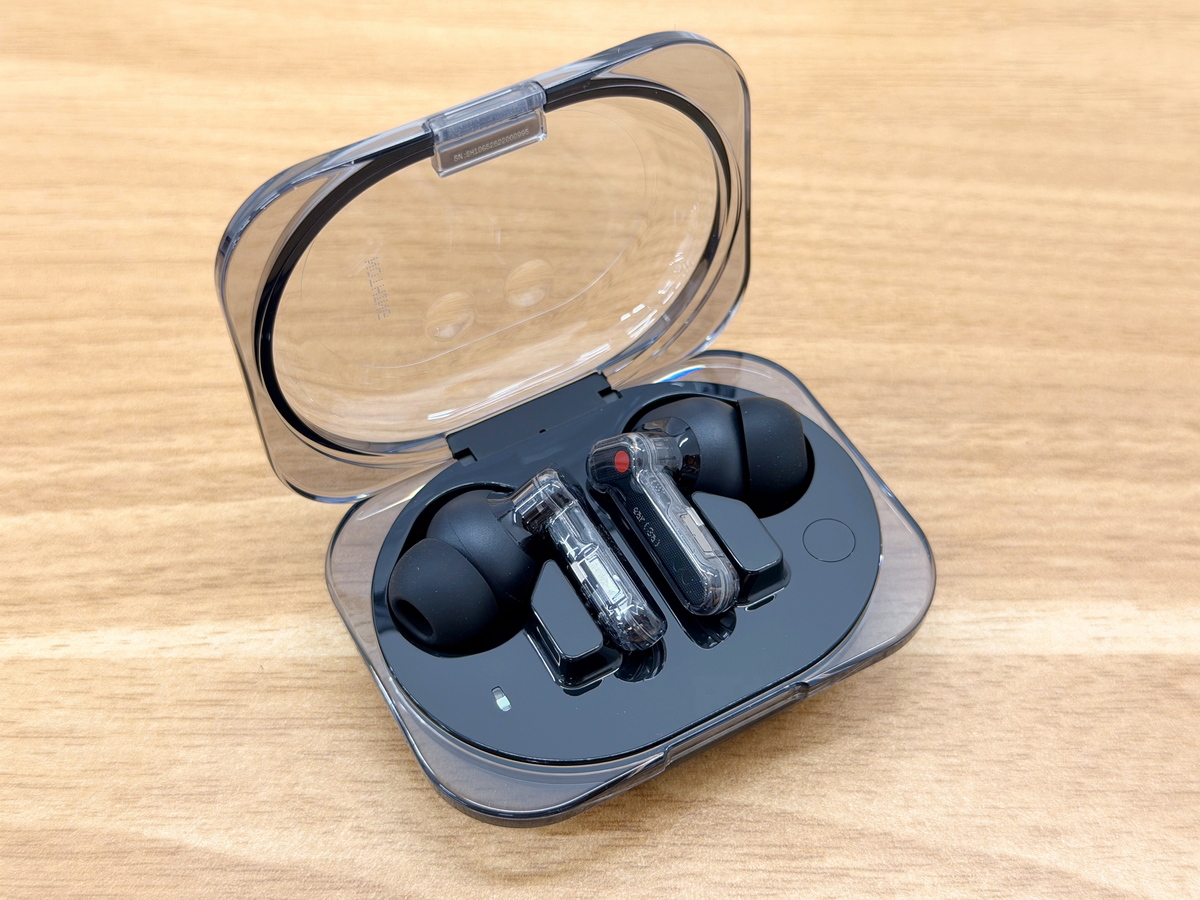
The left and right earbuds of the Nothing Ear (3a) are held together by magnets. The charging case features an LED indicator and a pairing button.
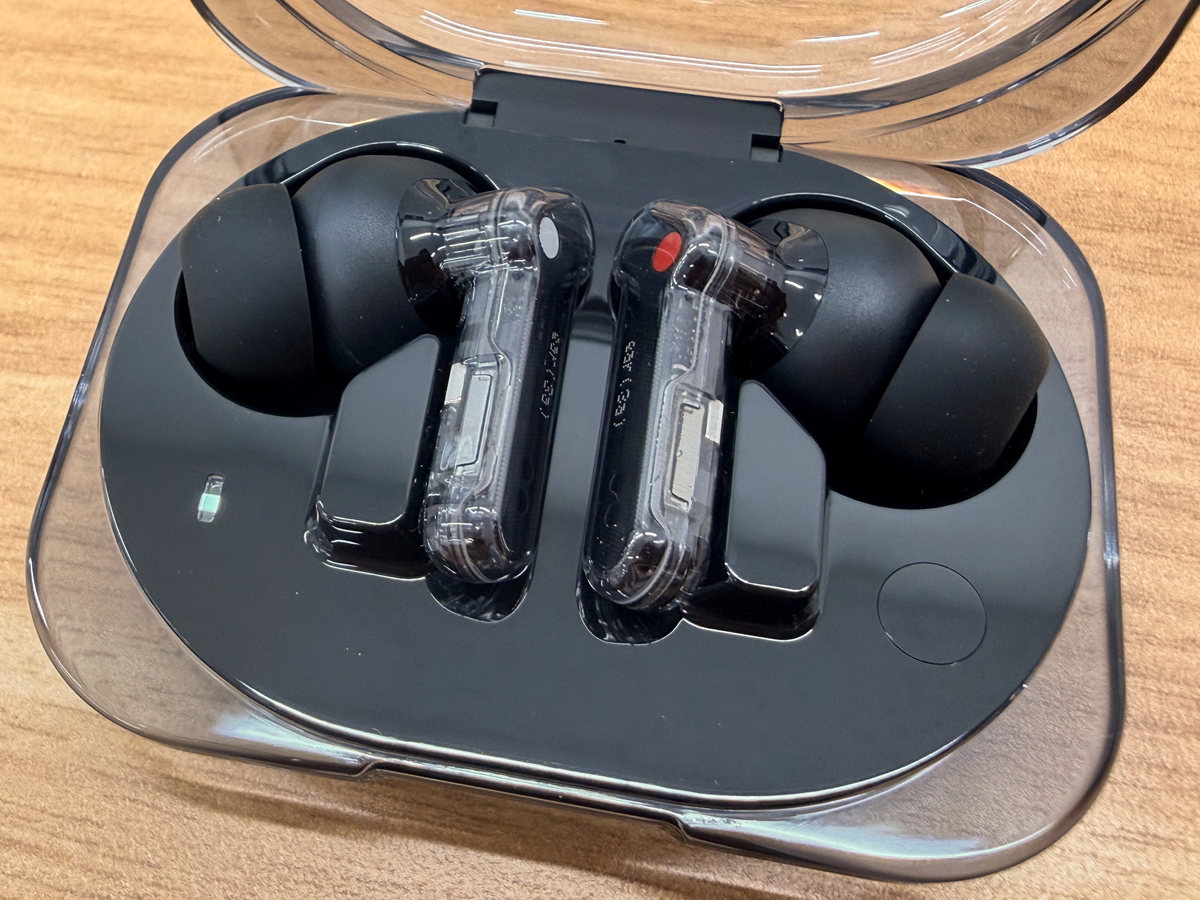
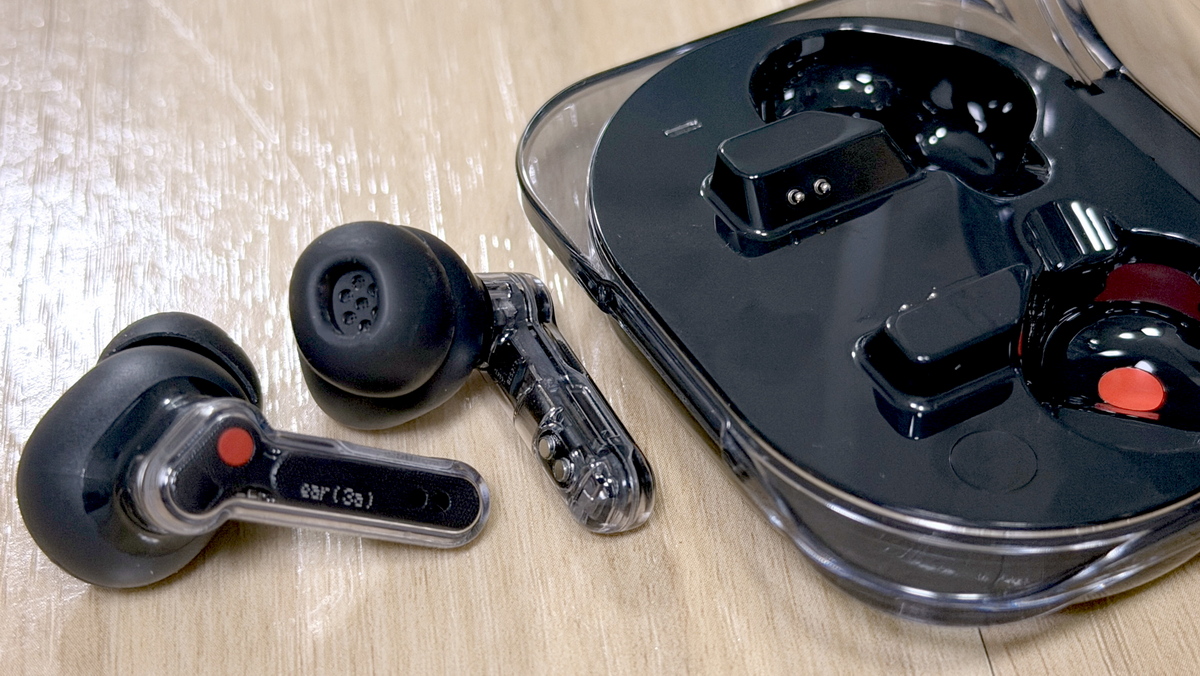
I took out both the left and right earbuds. The left one has a white mark, and the right one has a red mark.
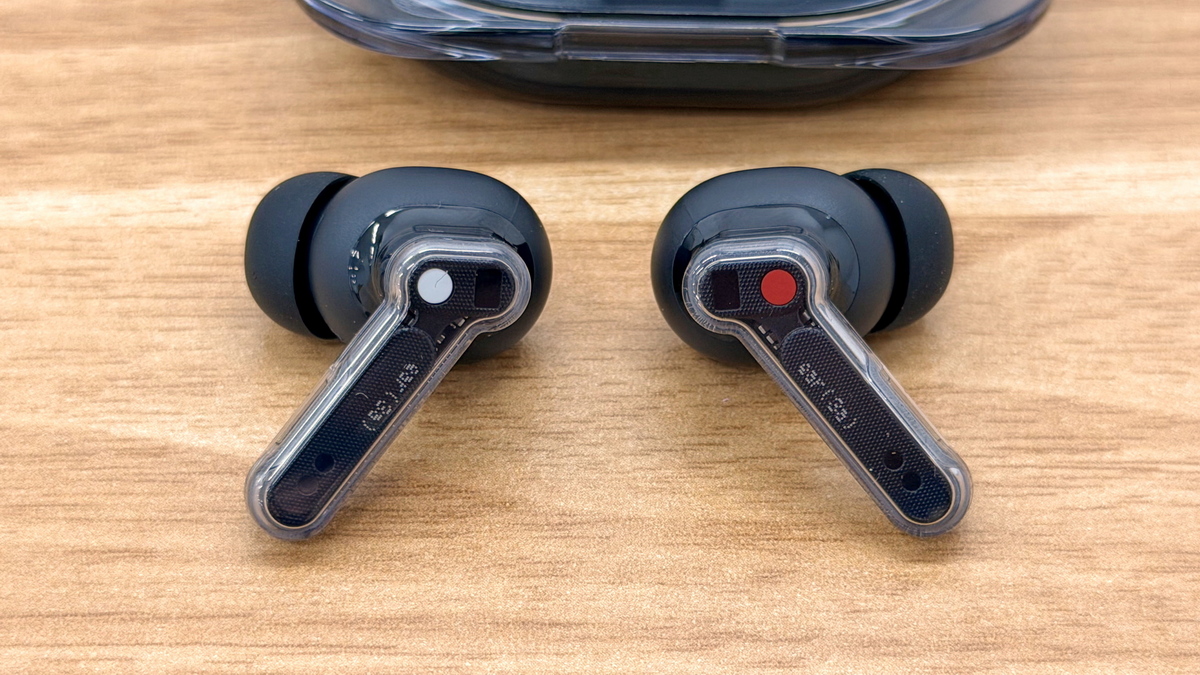
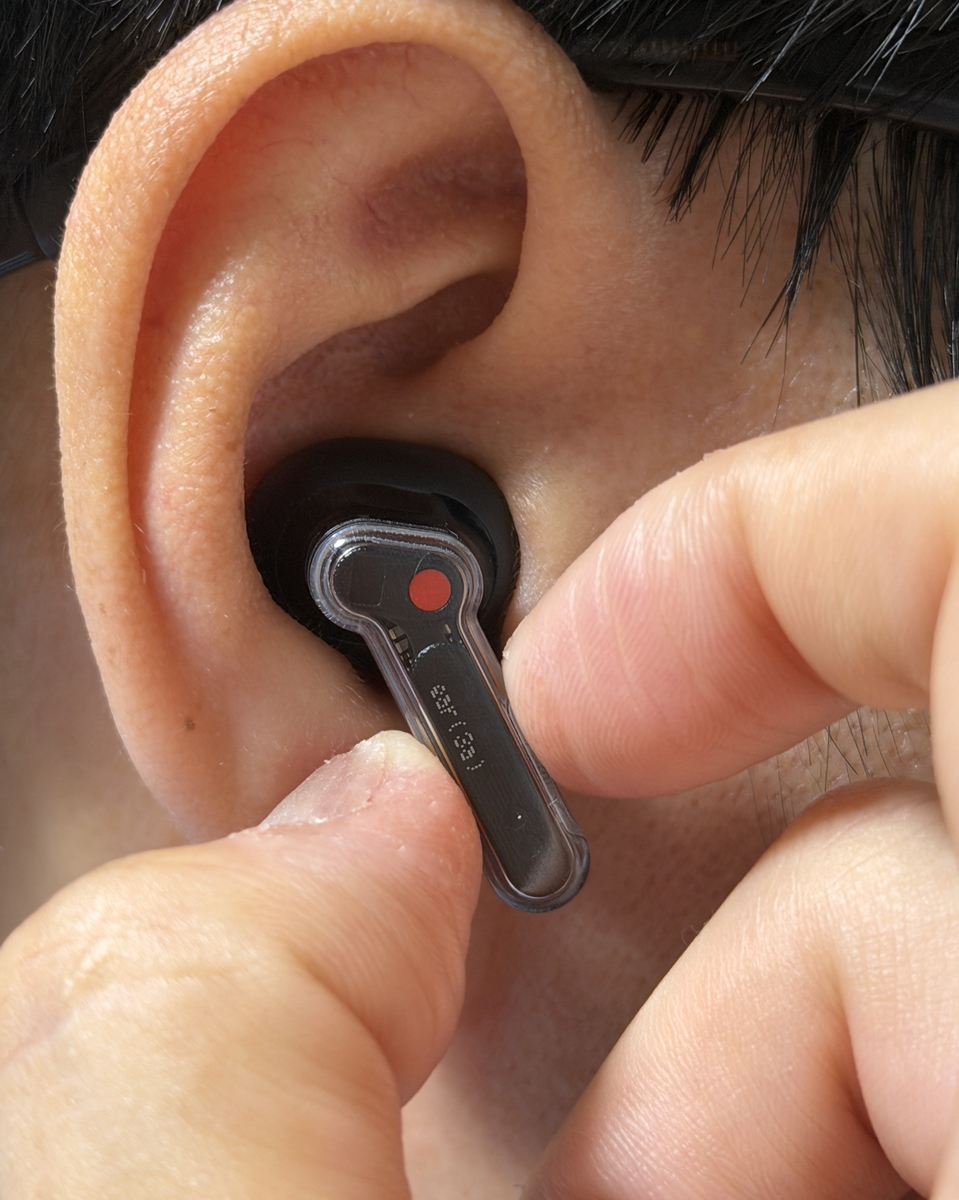
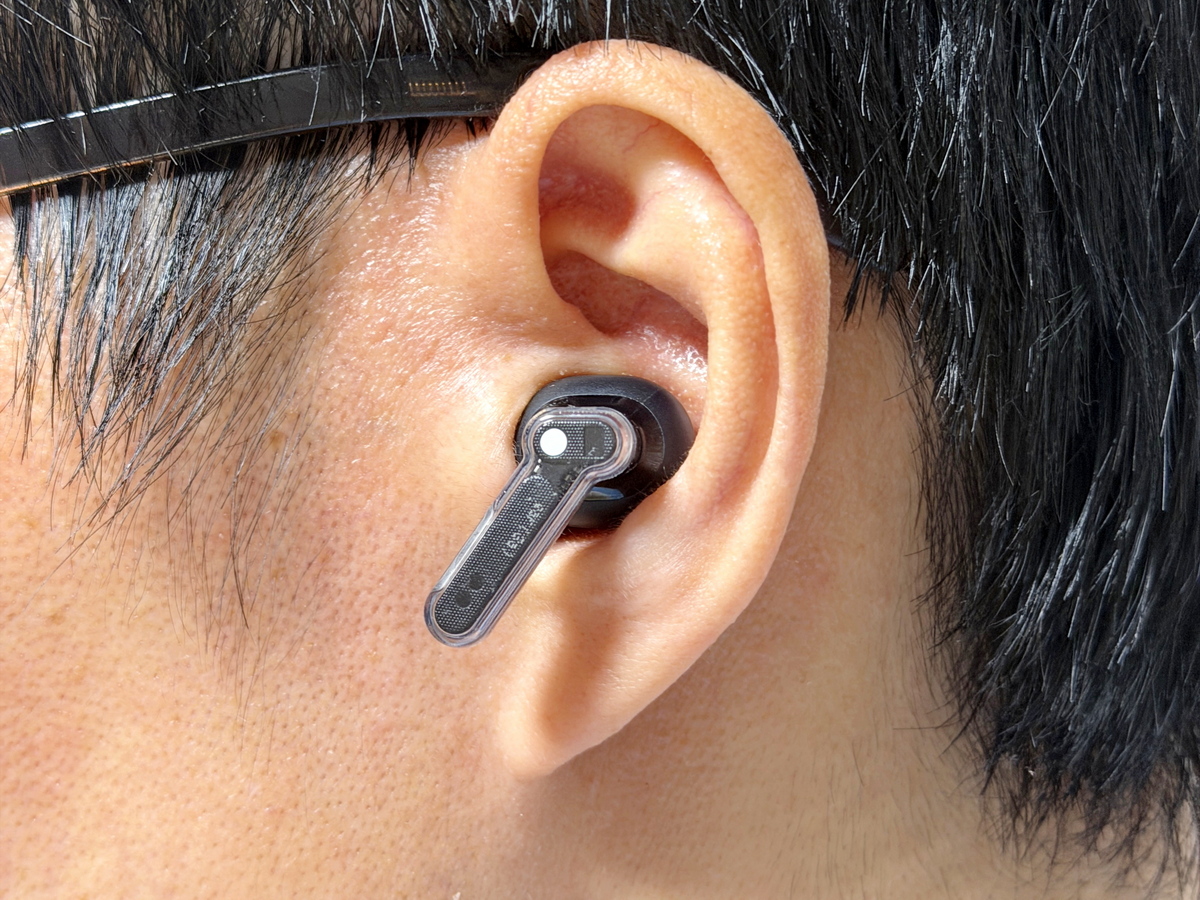
Nothing Ear (3a) is an in-ear type.
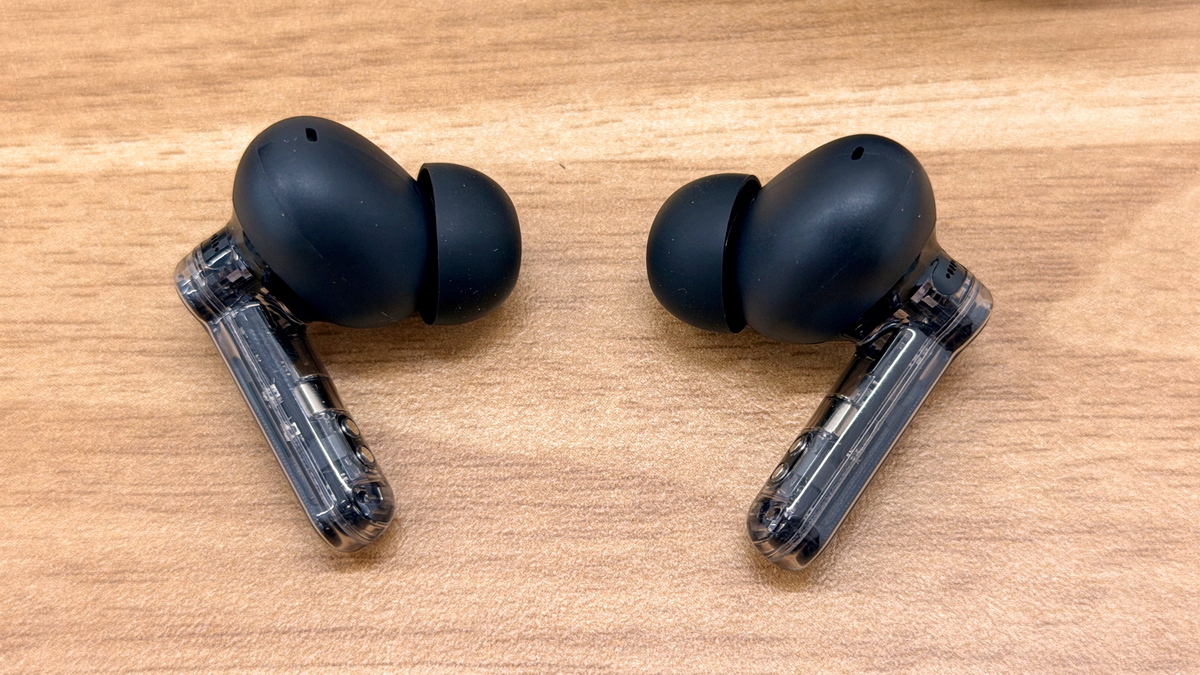
The exterior of the main unit is made of transparent clear parts, allowing the interior to be seen through the design.
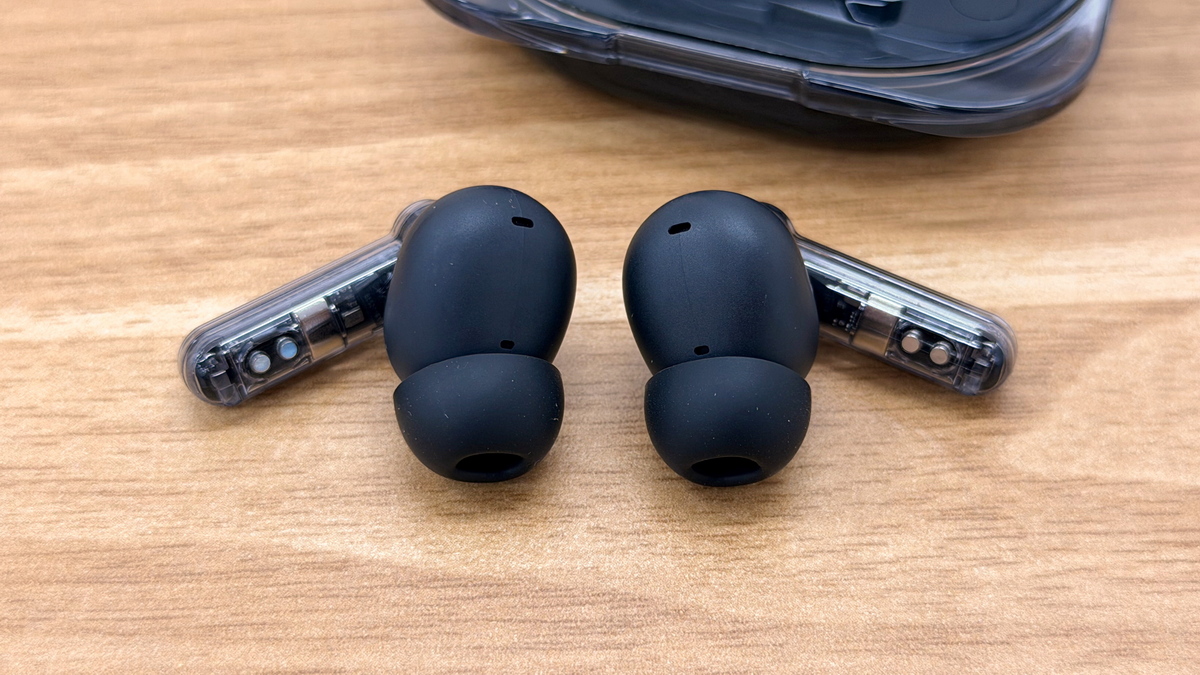
The eartips come in four sizes: XS, S, M, and L, with the M size being the default.
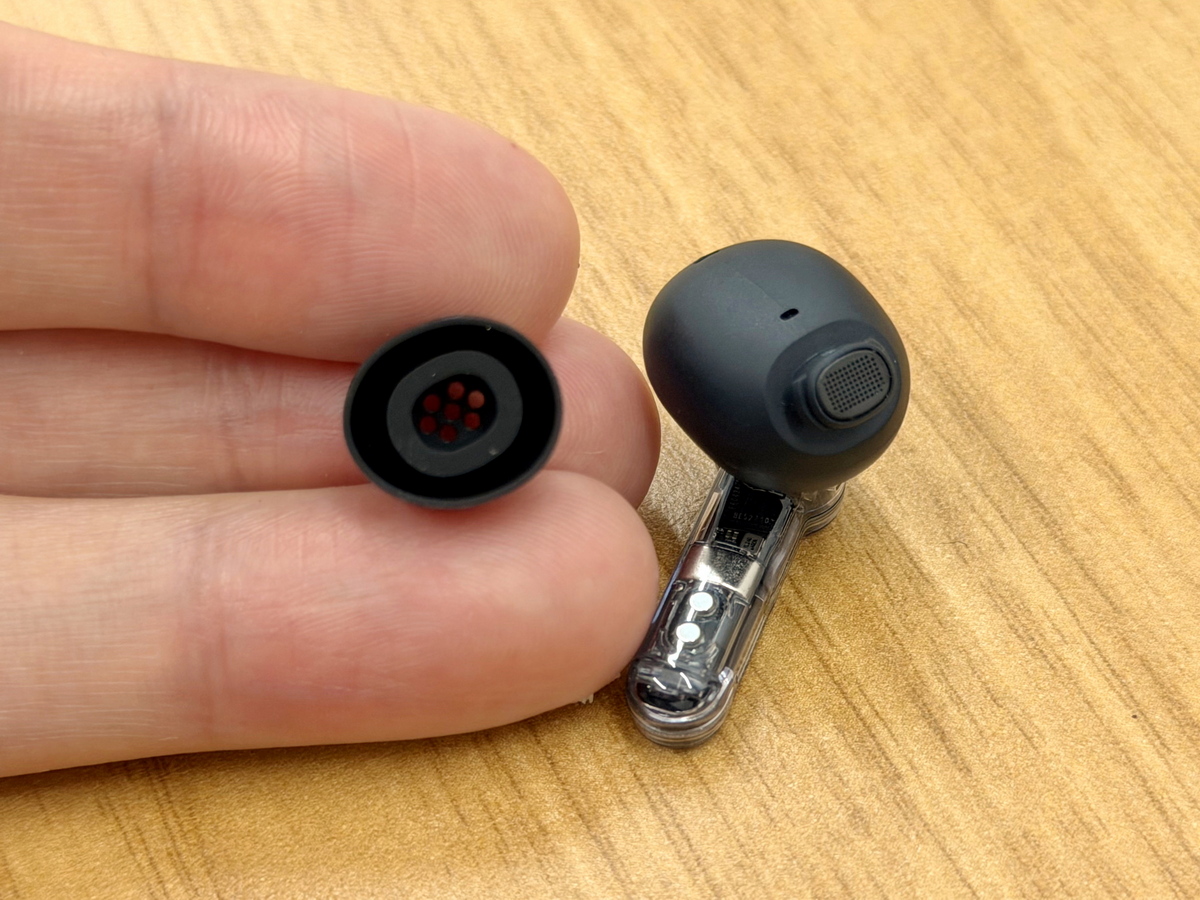
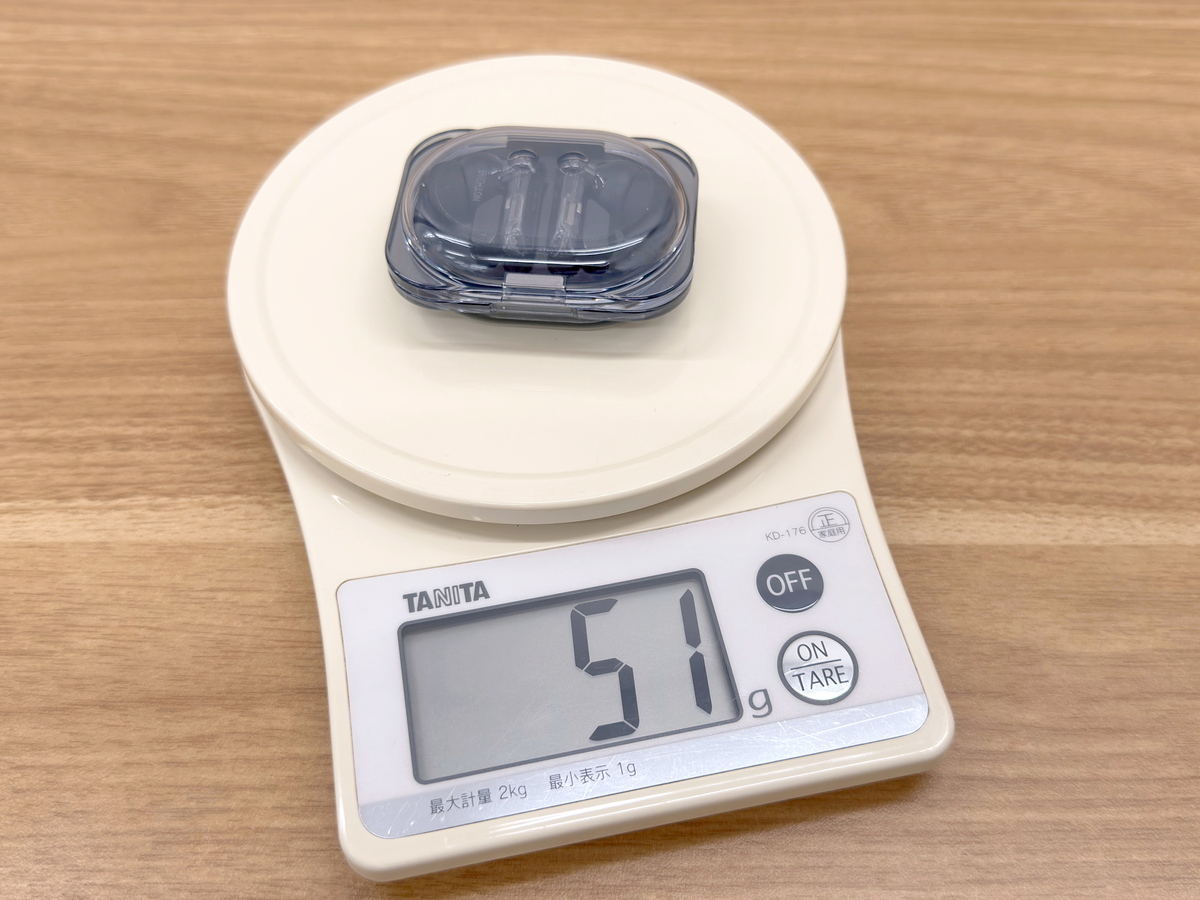
The actual weight, including the charging case, was 51g.
The package included the main unit, as well as replacement ear tips and an instruction manual.
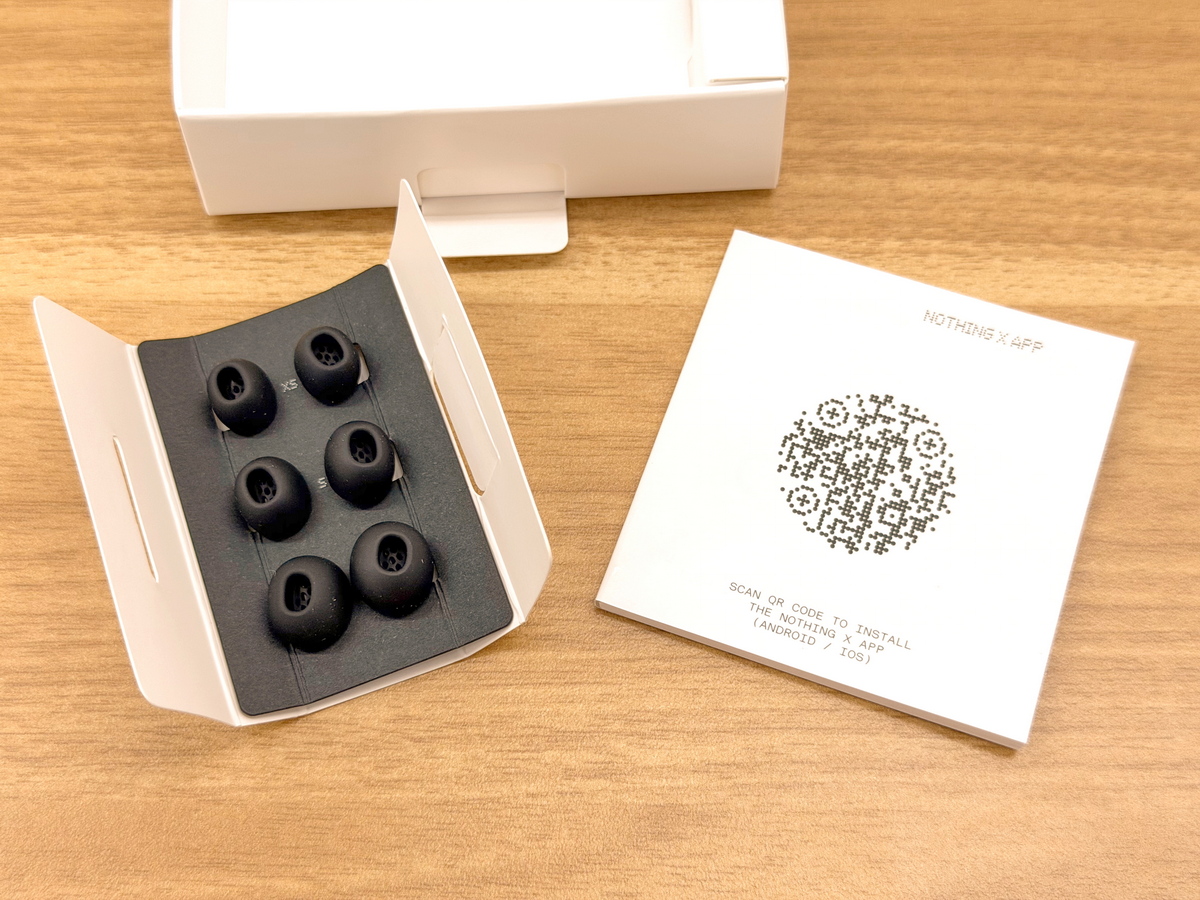
Let's actually connect the Nothing Ear (3a) to a smartphone and try it out. It connects easily via Bluetooth, but more detailed settings are possible using the Nothing X app. The Nothing X app is available for free on iOS and Android.
Nothing X app - App Store
Nothing X - Google Play app
https://play.google.com/store/apps/details?id=com.nothing.smartcenter
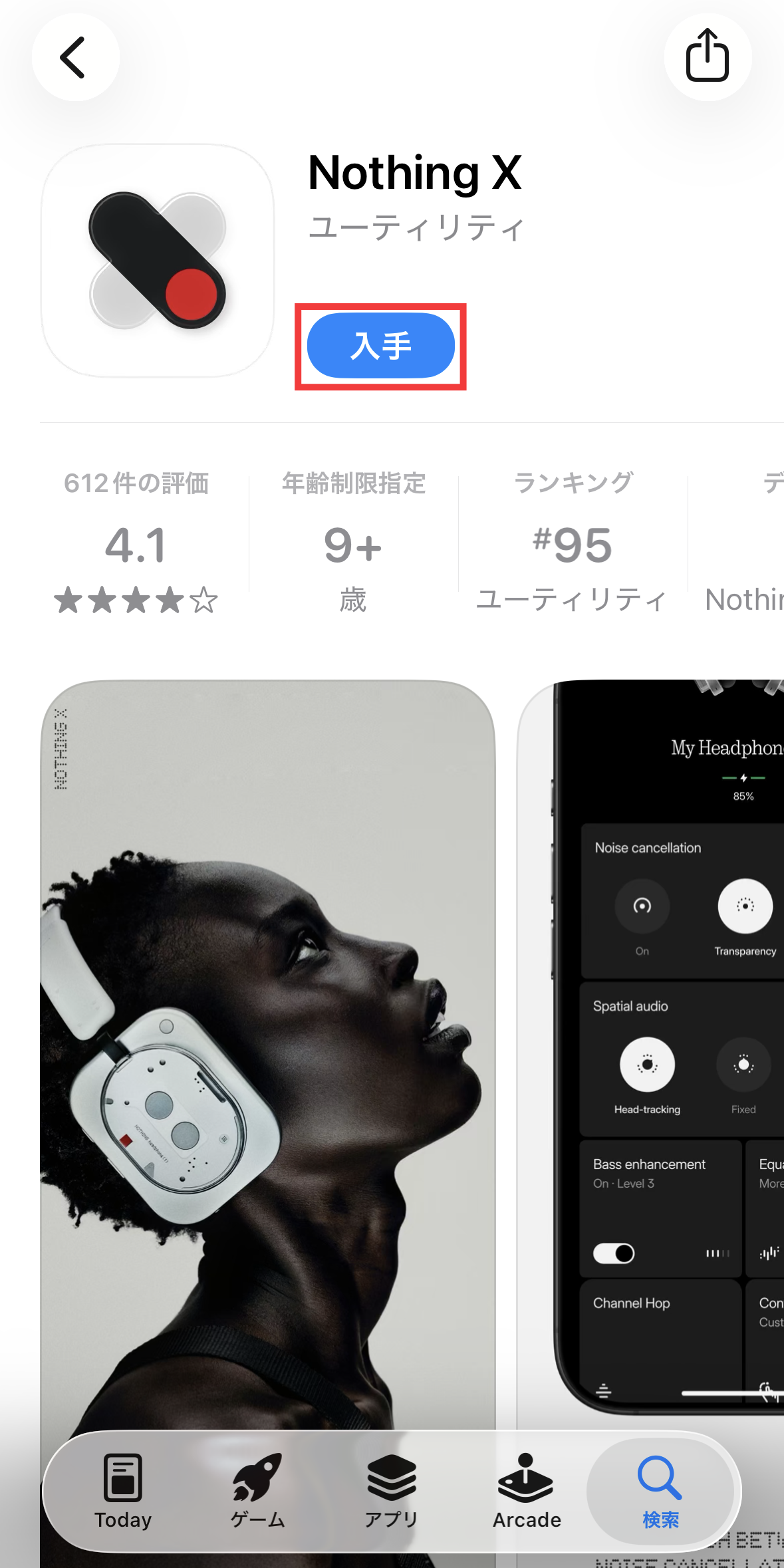
This time, we'll download the iOS version to connect Nothing Ear (3a) to an iPhone. Tap 'Get' on the App Store distribution page to install it.
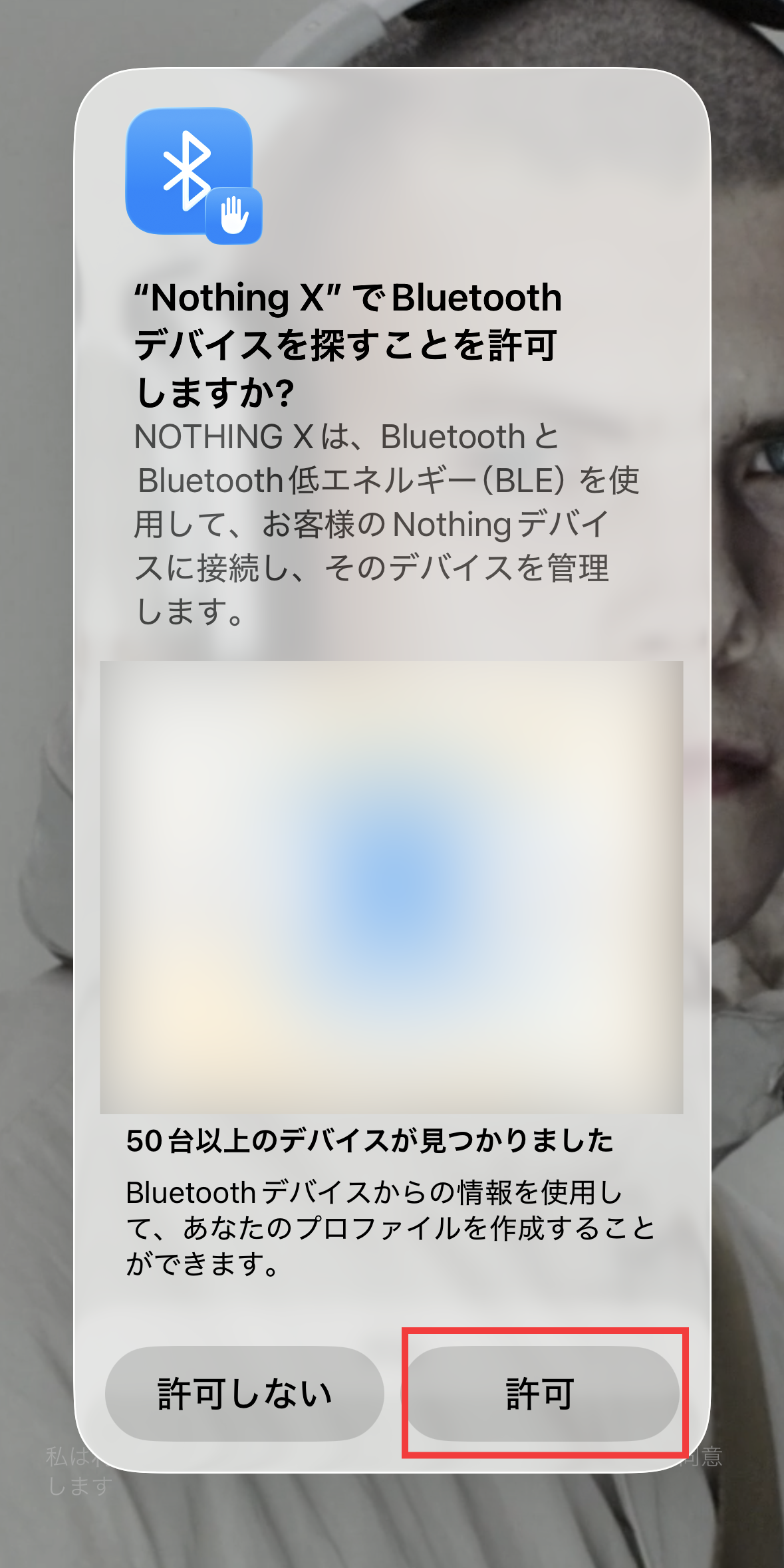
Launch Nothing X. You will be asked for permission to discover Bluetooth devices, so tap 'Allow'.
Tap 'Start'.

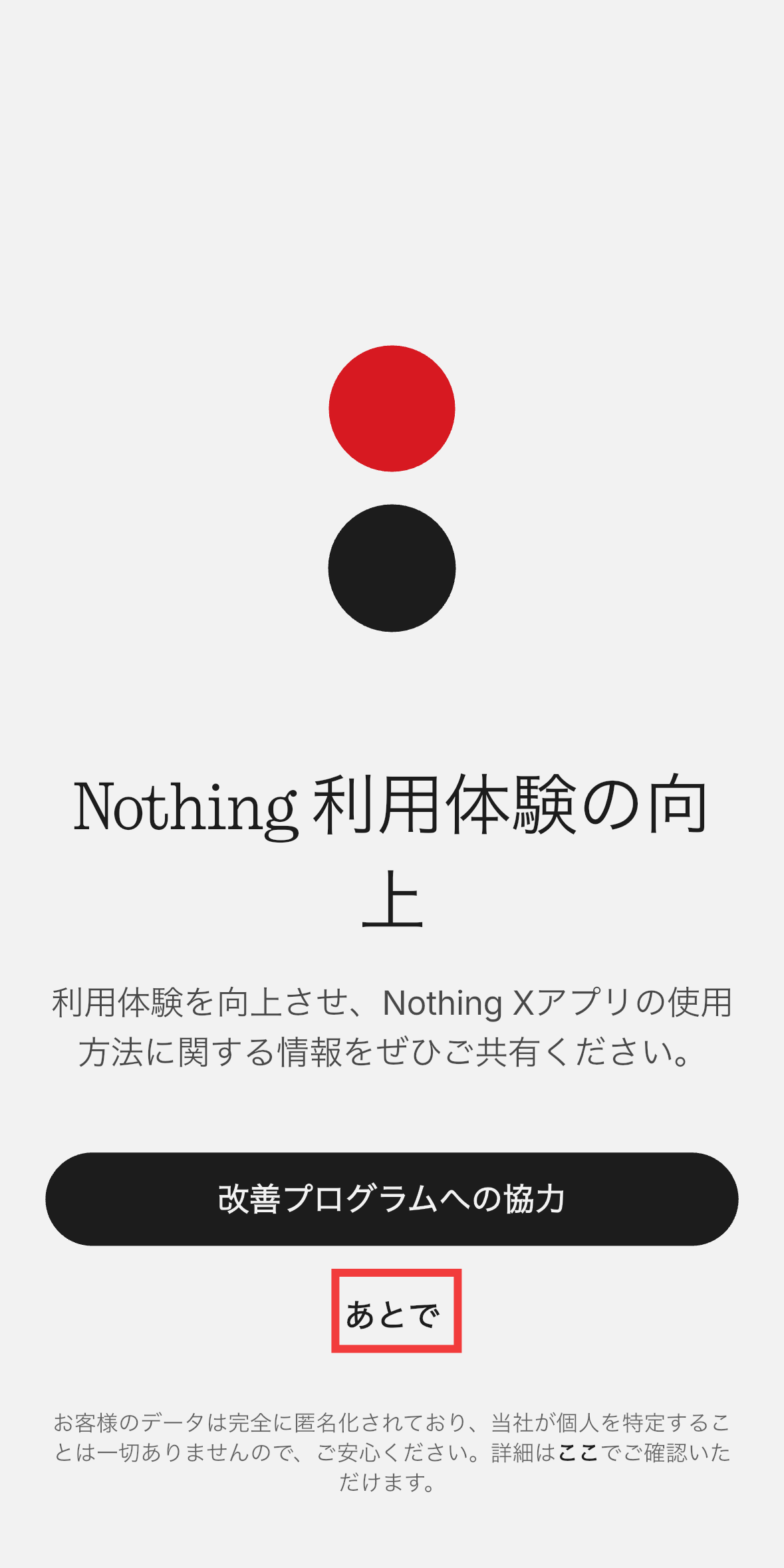
You'll be asked if you want to help improve the Nothing user experience, so tap 'Later'.
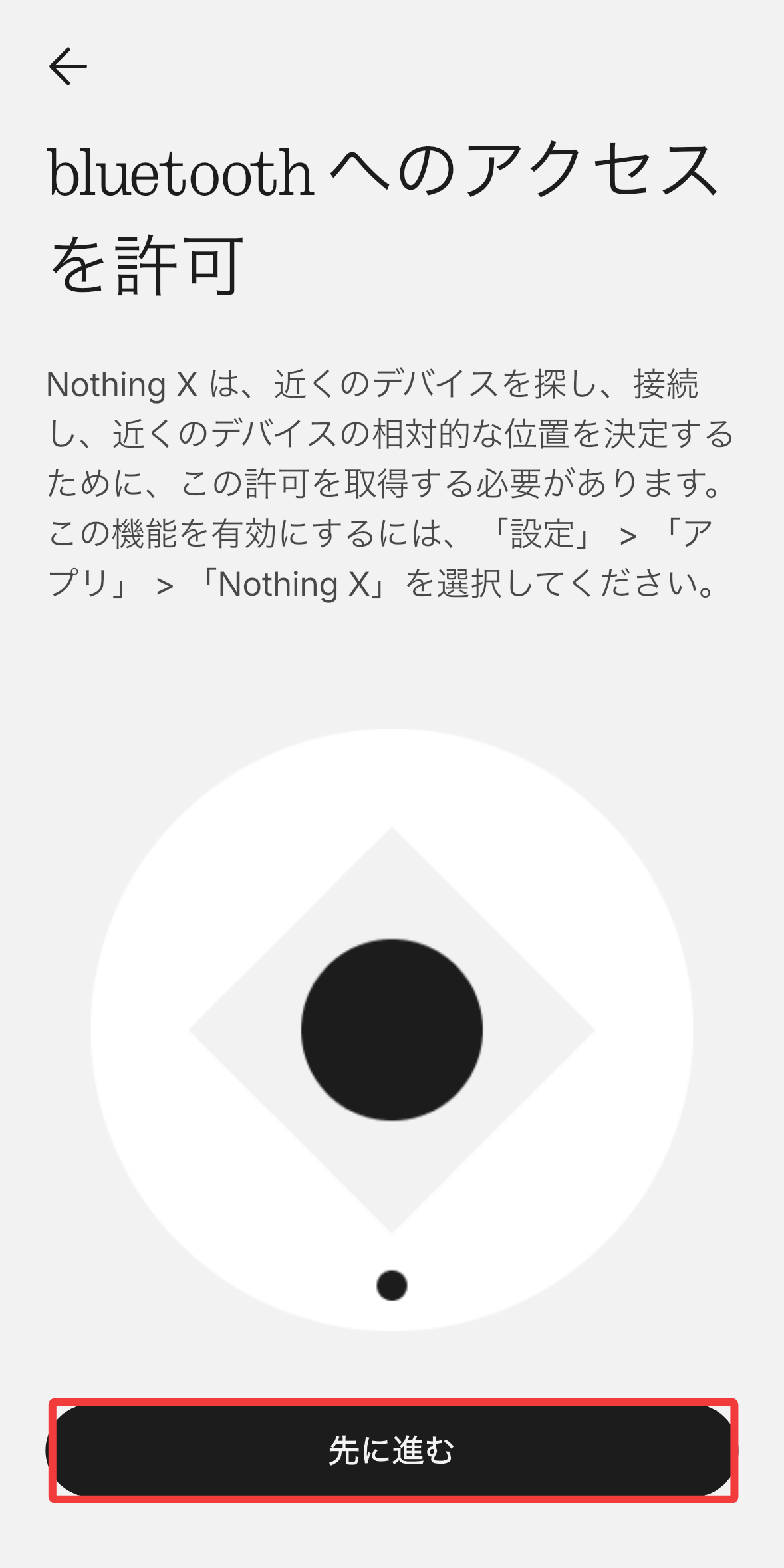
You will be asked to grant permission to access Bluetooth, so tap 'Continue'.
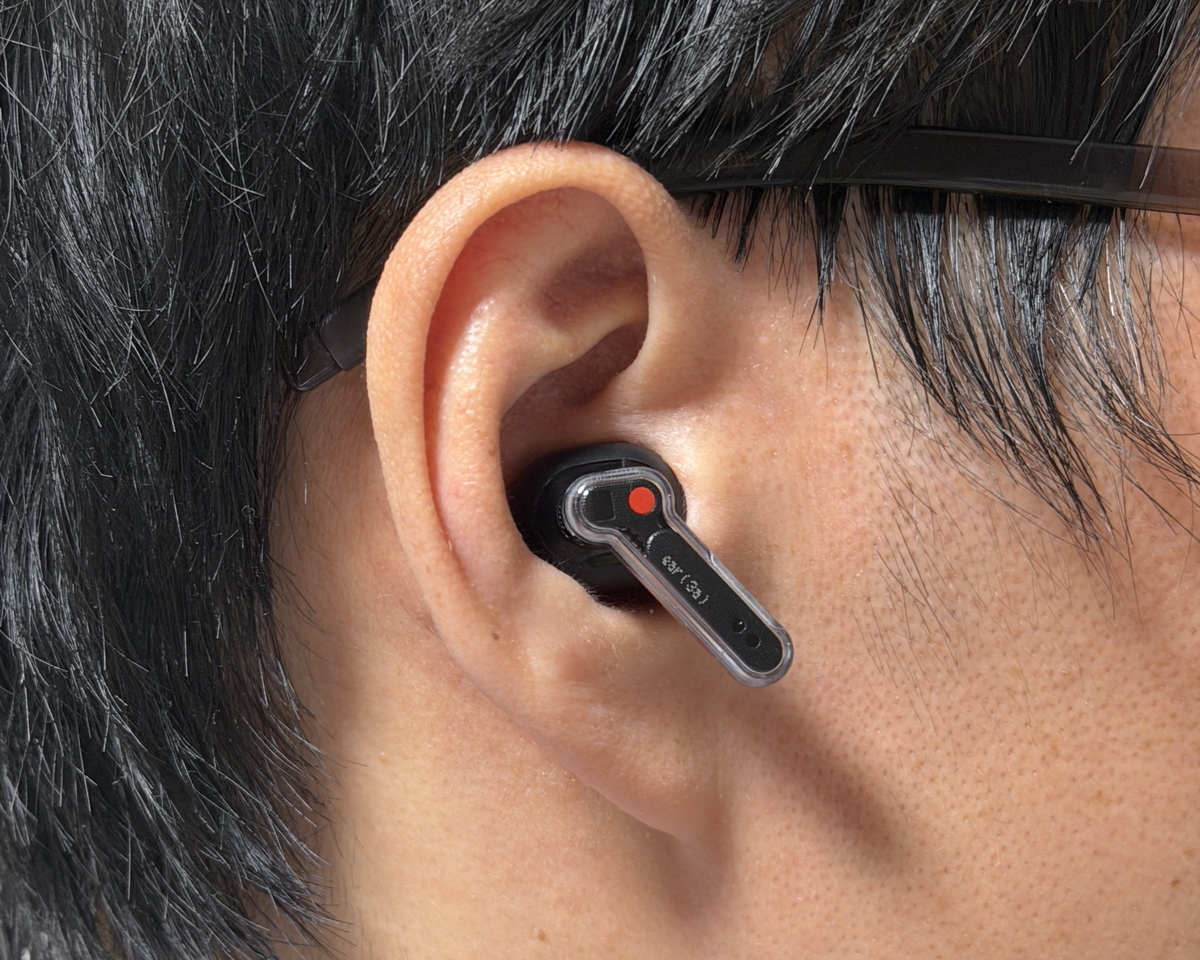
Take the Nothing Ear (3a) out of the charging case and put it in your ears.
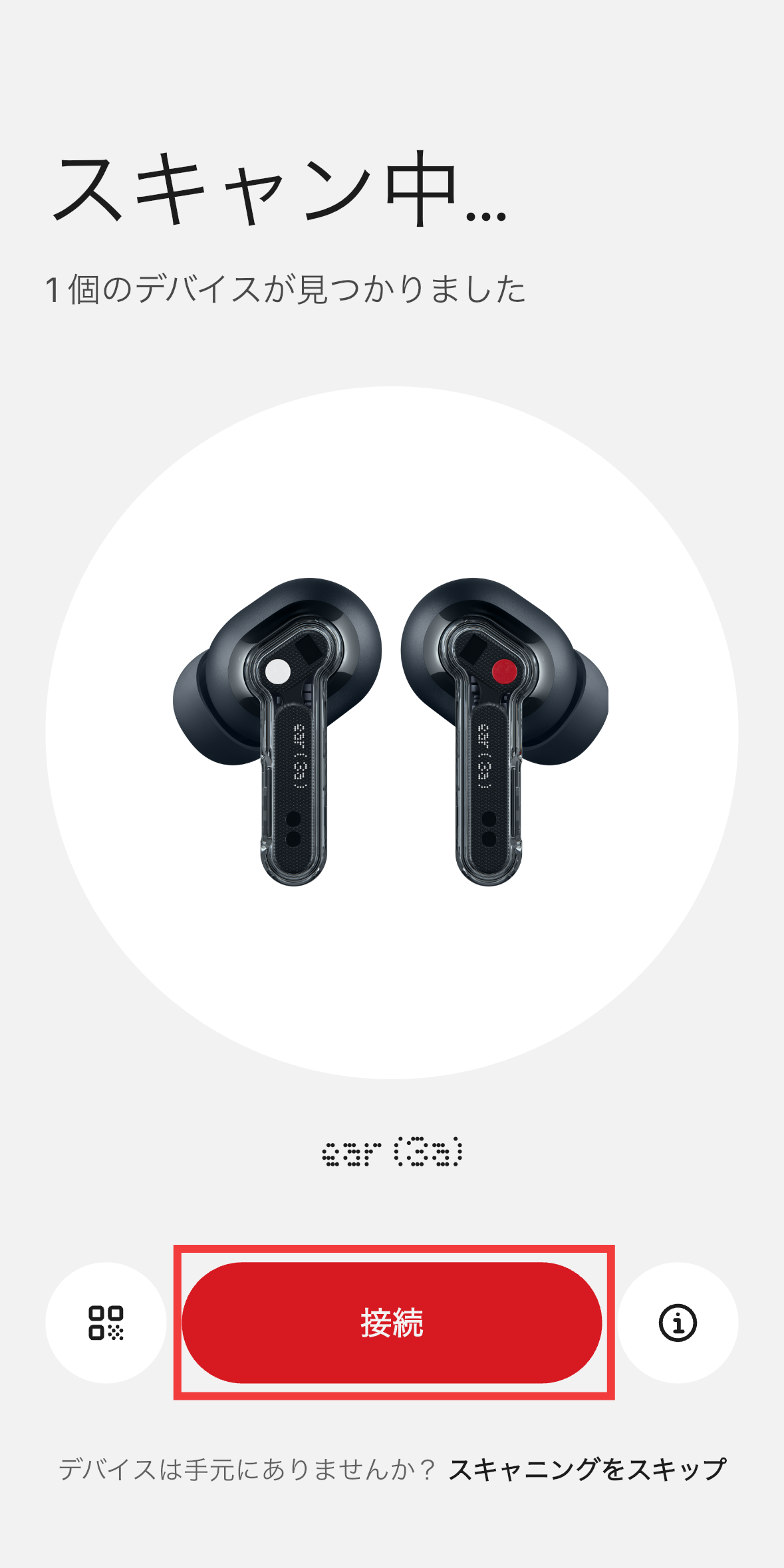
Once the device is found, tap 'Connect'.
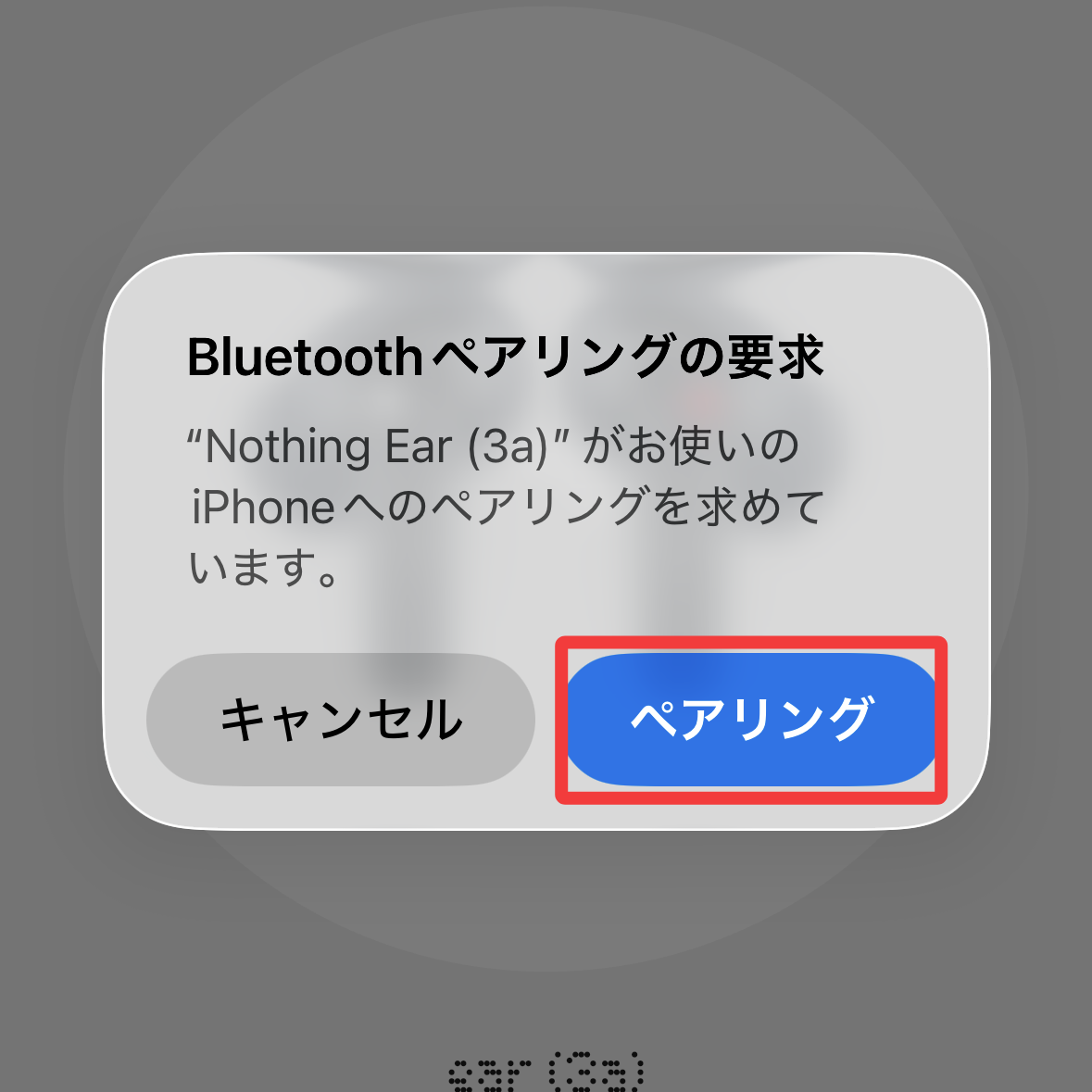
You will be prompted to perform Bluetooth pairing, so tap 'Pairing'.
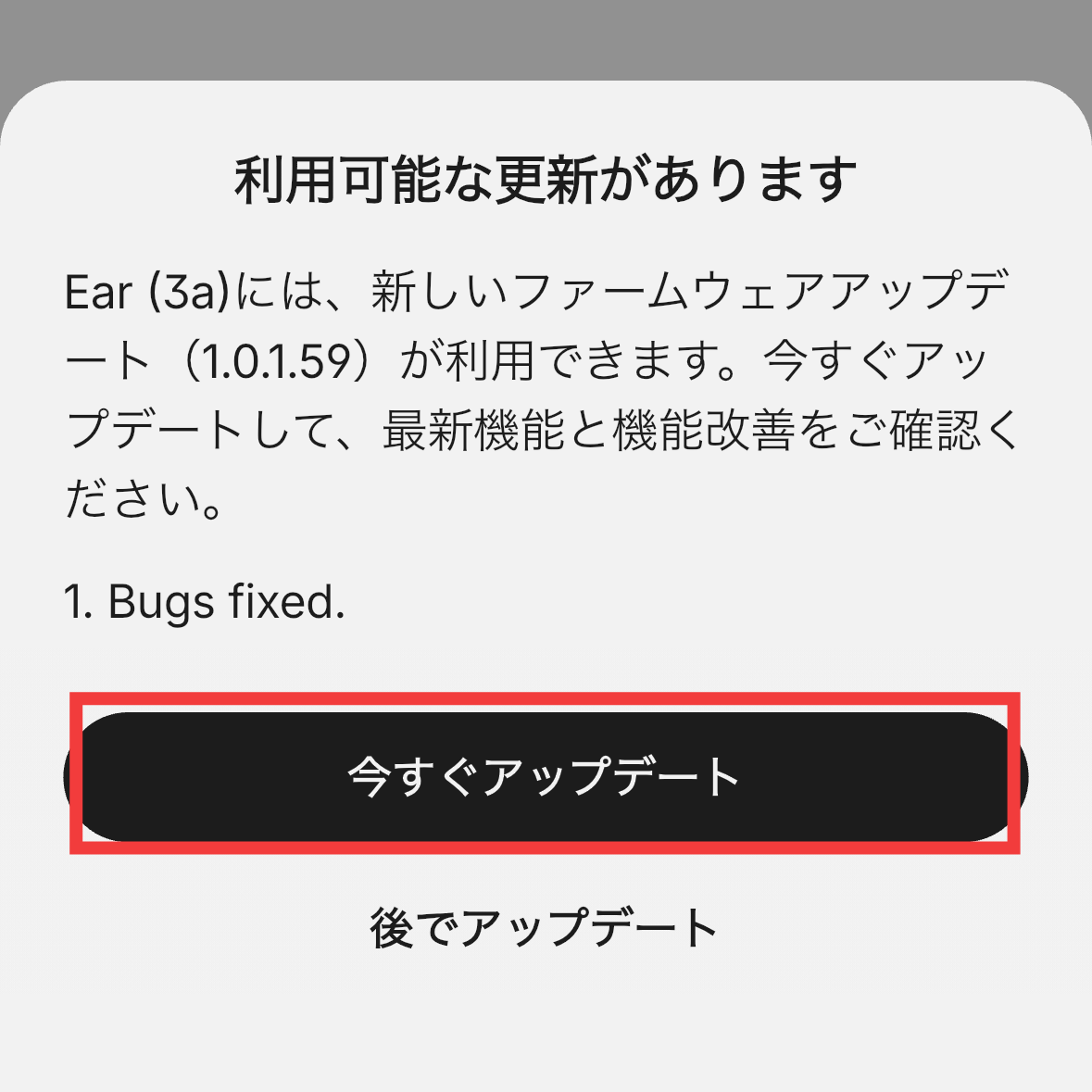
After pairing was complete, there was a firmware update available, so I tapped 'Update Now'.
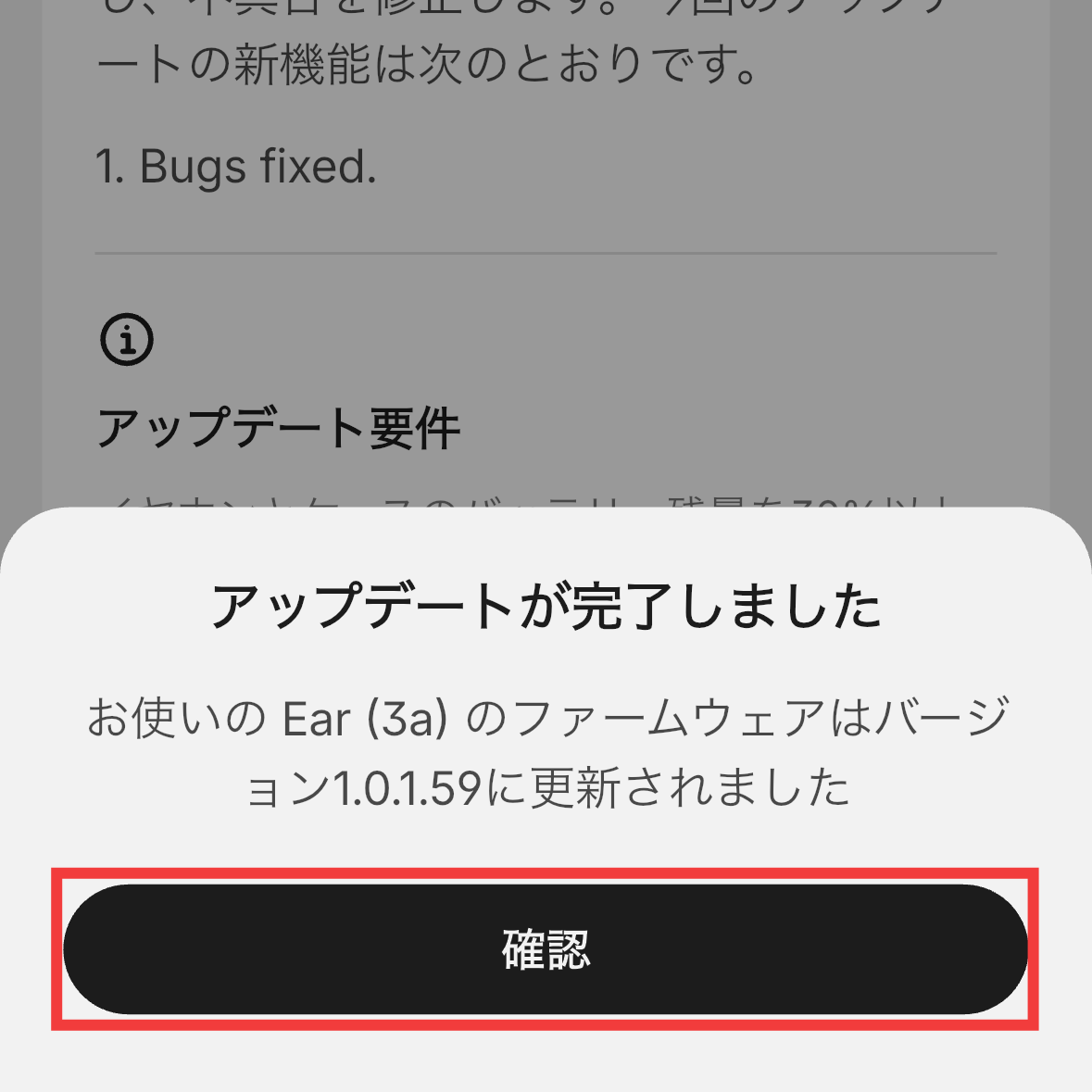
Once the update is complete, tap 'Confirm'.
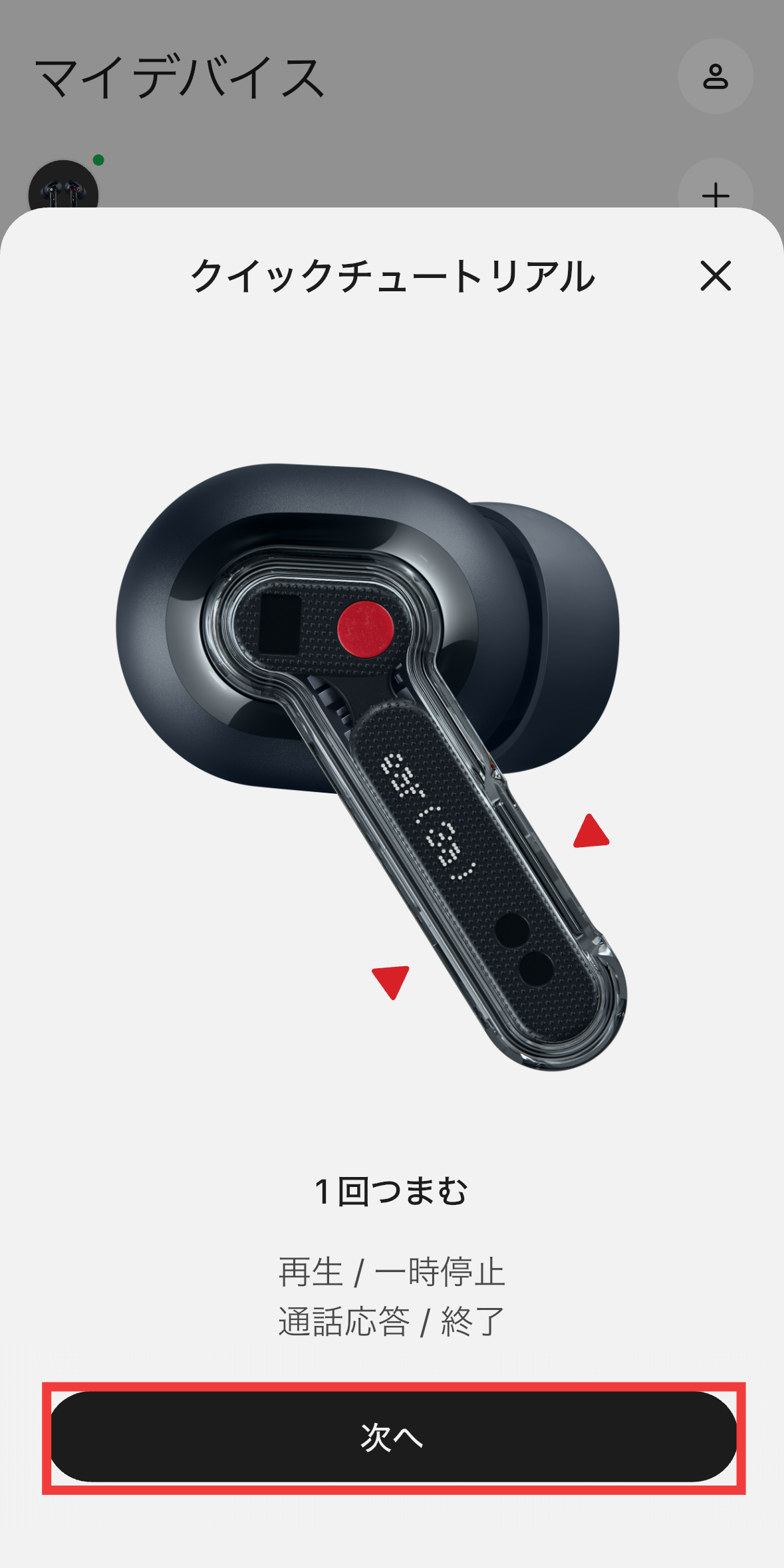
The quick tutorial will begin. You can operate the Nothing Ear (3a) by pinching the device. A single pinch will toggle between play and pause, and answer and end calls. You can change the assignment of these operations later in the app. Tap 'Next'.
Pinch twice to skip to the next song or reject an incoming call. Tap 'Next'.

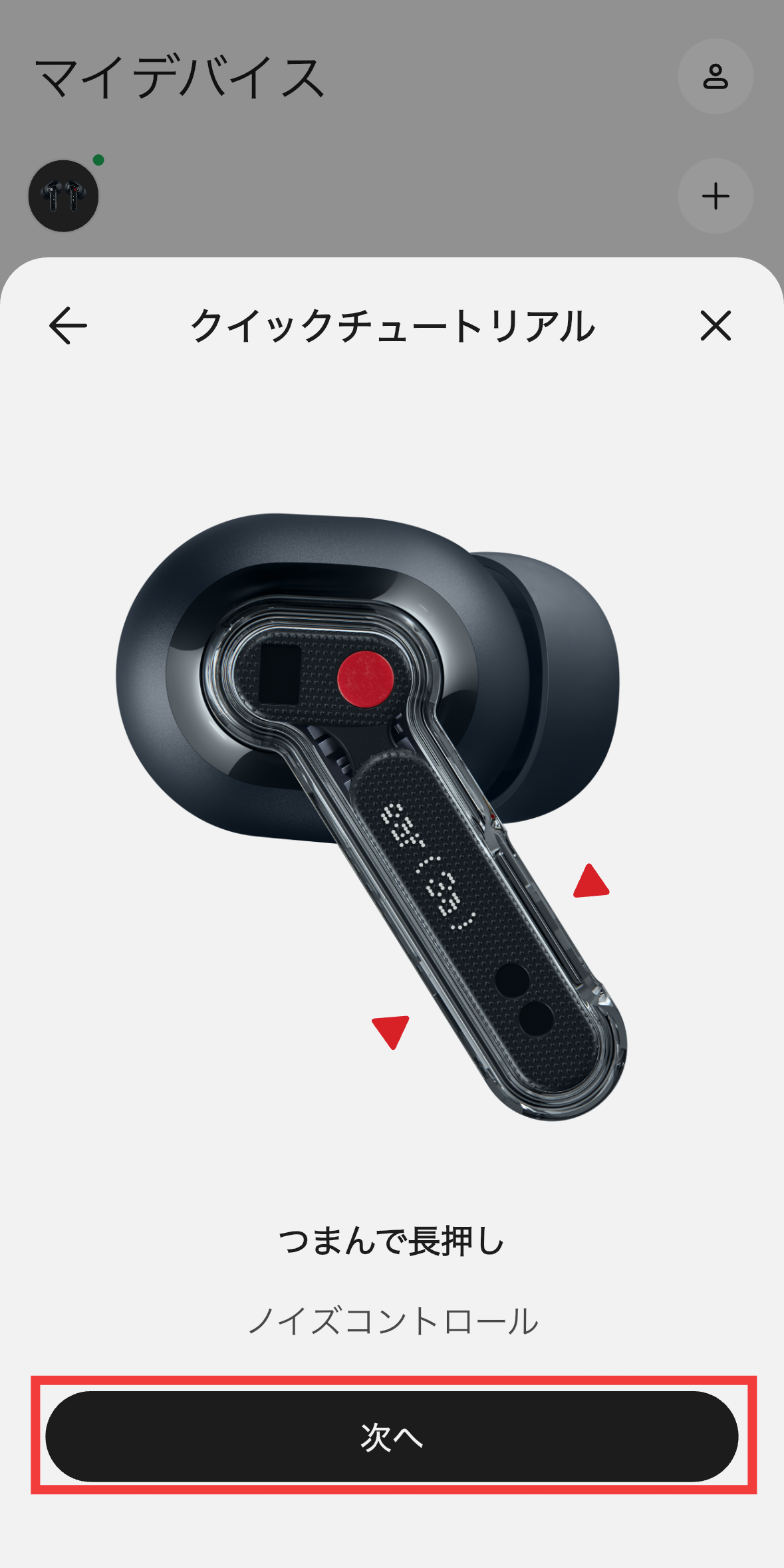
You can switch noise control by pinching and holding. Tap 'Next'.
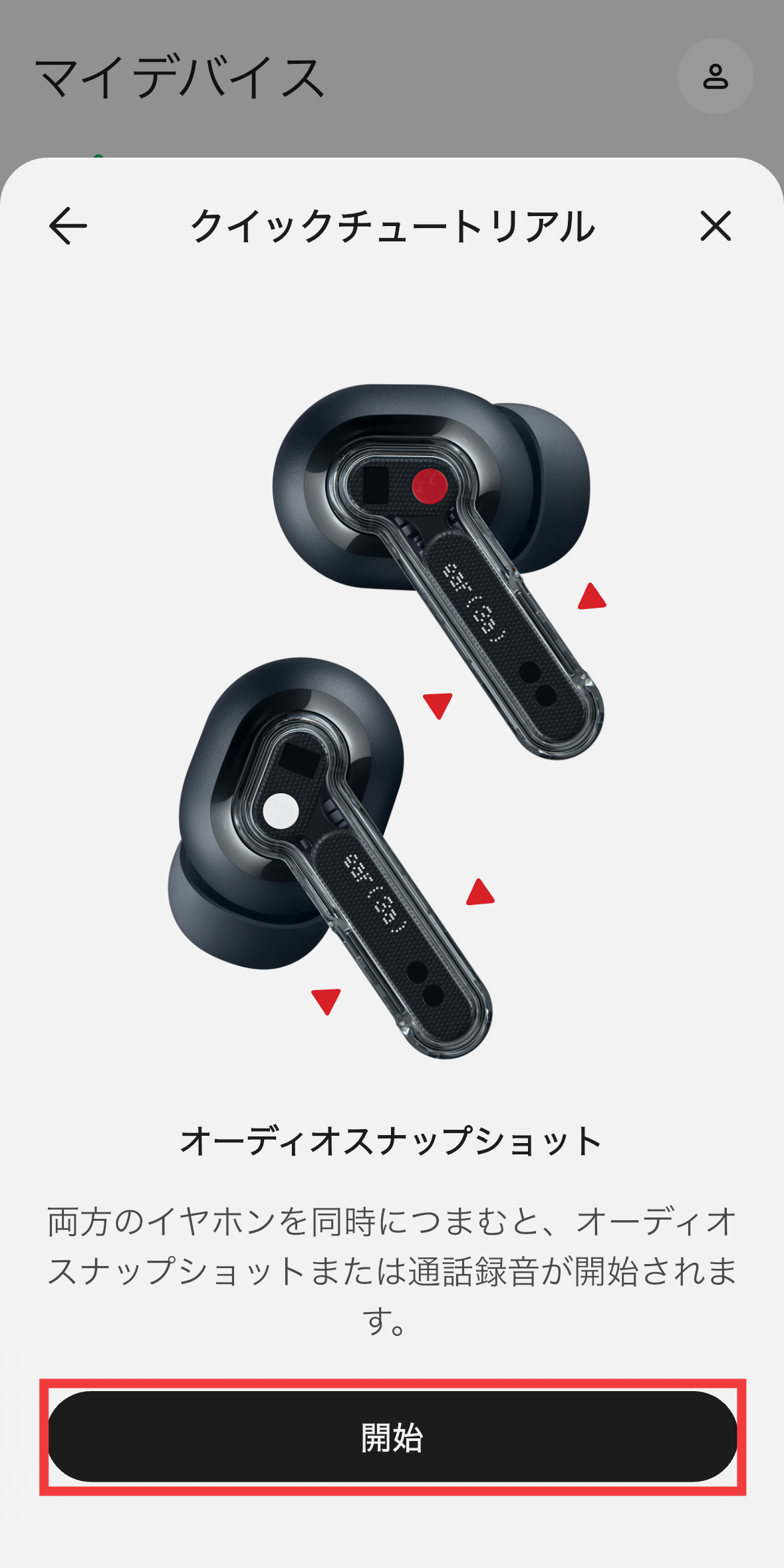
Pinch both earbuds simultaneously to start an audio snapshot or call recording. Tap 'Start'.
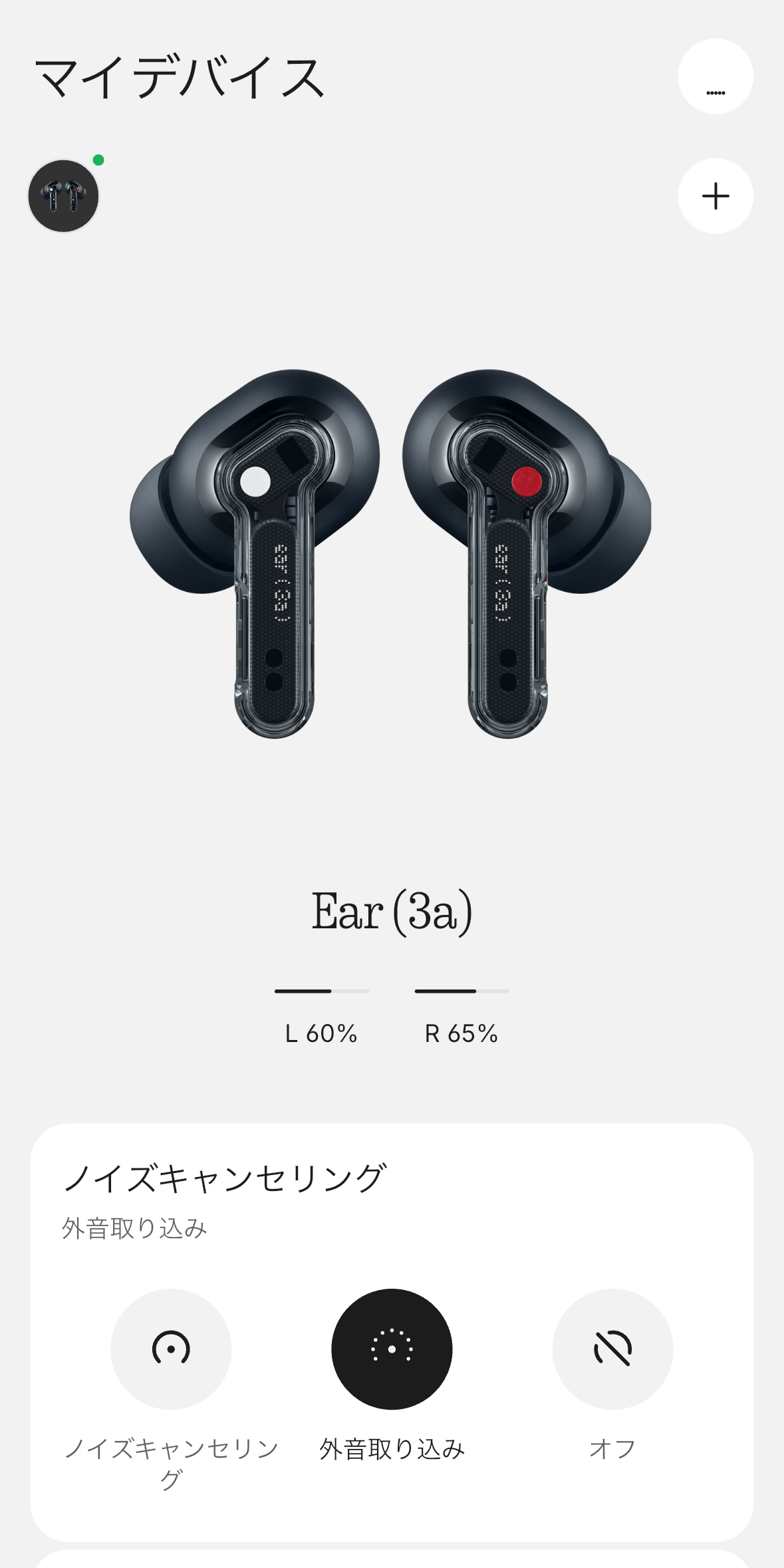
This is what the My Devices screen looks like in Nothing X.
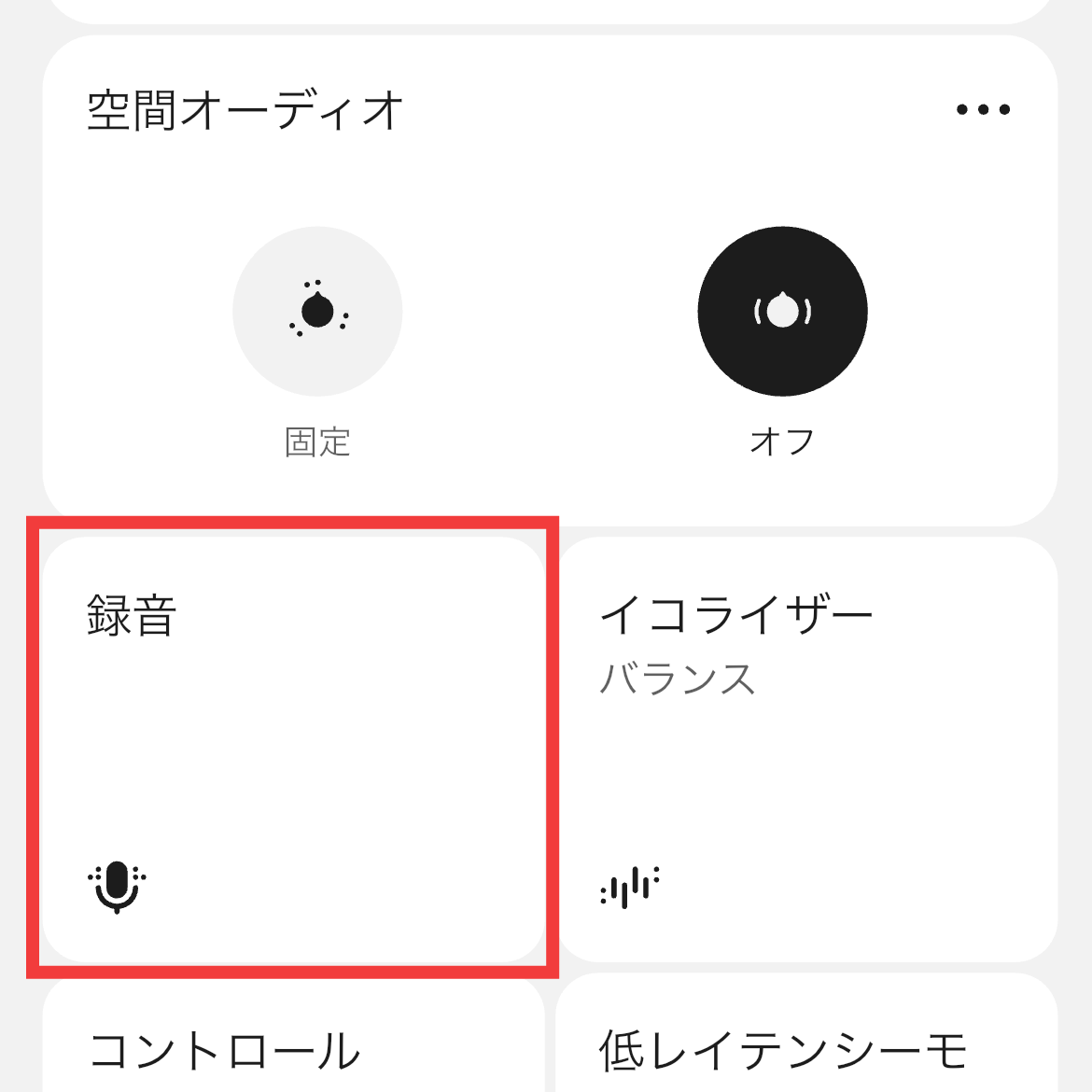
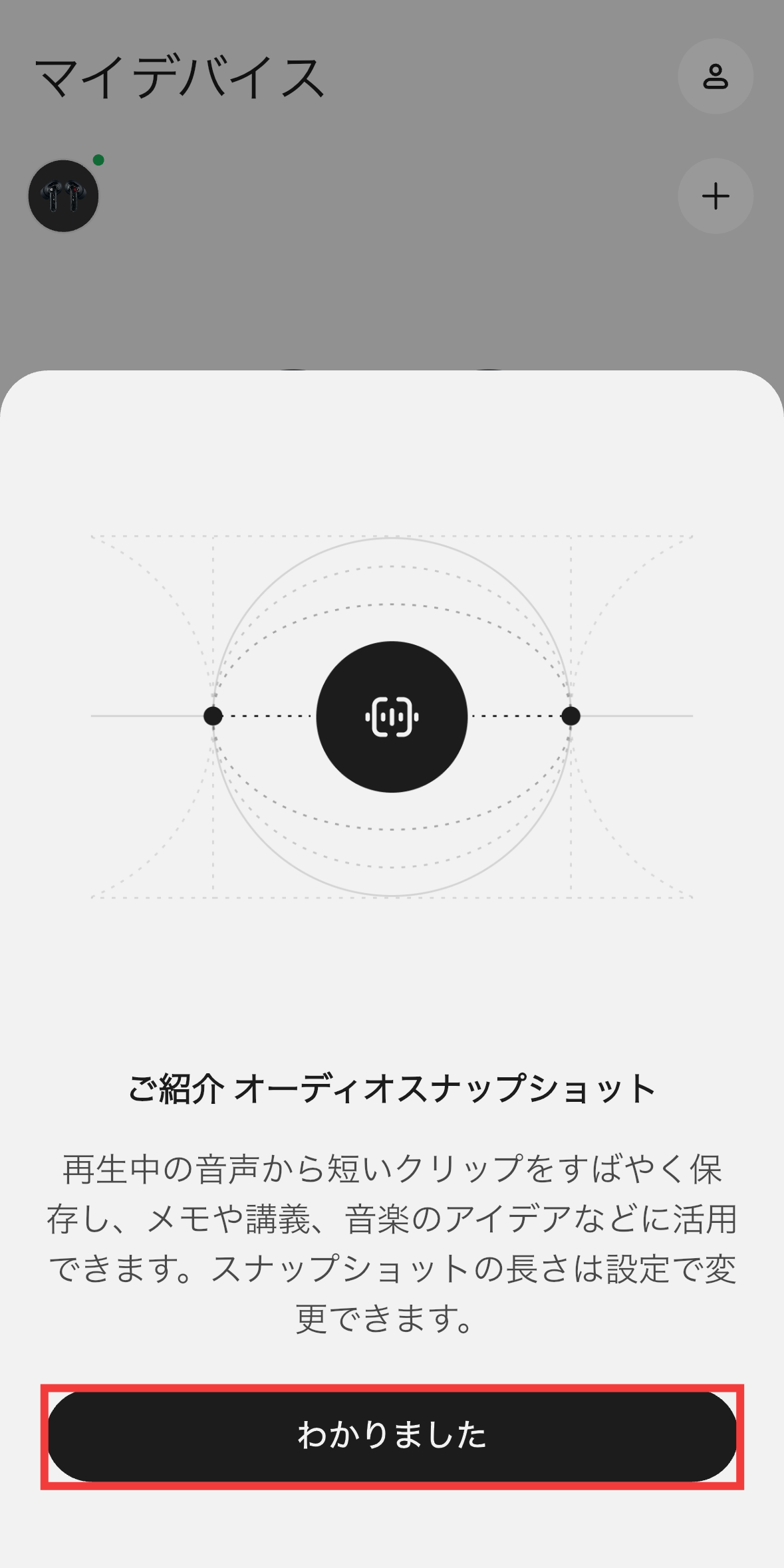
The Nothing Ear (3a) features an 'Audio Snapshot' function that allows you to record calls and media audio using only the earbuds. Audio can be recorded to the 32MB of memory built into the earbuds, and recorded files can be viewed in the Nothing X app. Simply tap 'Record' in Nothing X.
Tap 'I understand.'
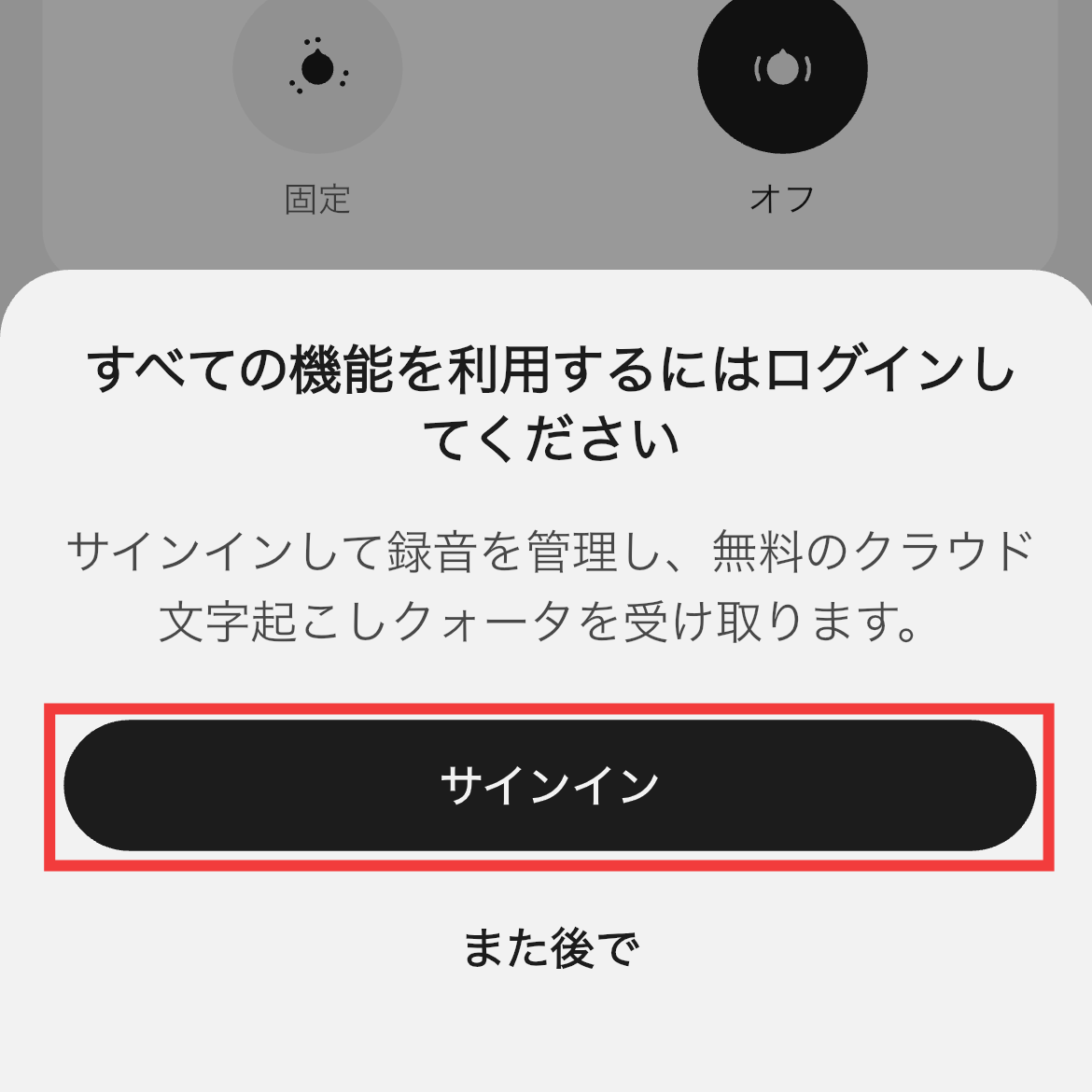
A Nothing account is required to manage and transcribe recorded audio using the app. Tap 'Sign In'.
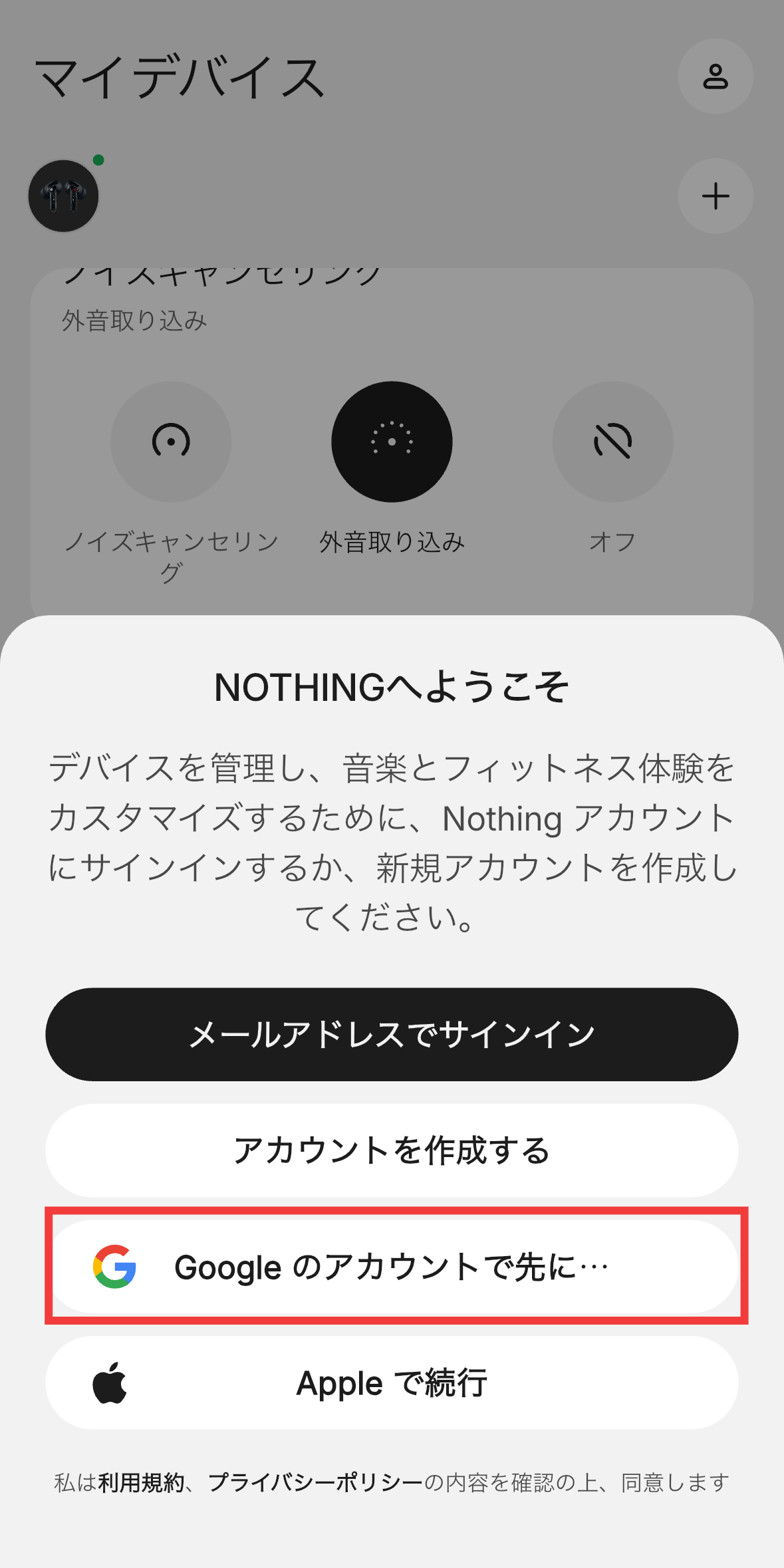
Nothing accounts can be
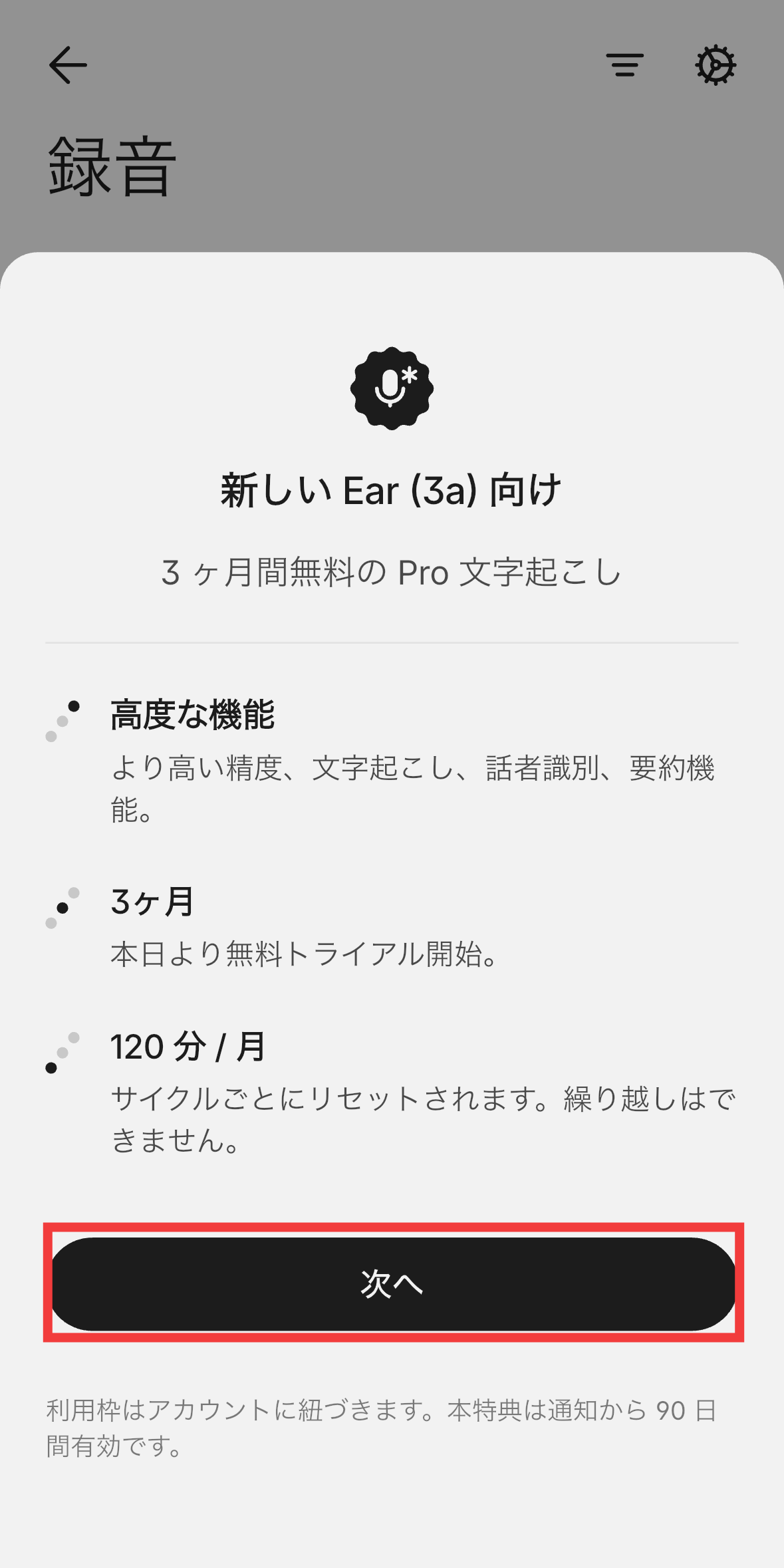
The paid Pro mode subscription allows for up to 120 minutes of high-precision transcription per month. While the price for Pro mode hasn't been announced at the time of writing, a 3-month free trial is available. Tap 'Next'.
The audio snapshot function can be used by pinching the Nothing Ear (3a) body twice and holding it down, or by pinching both earbuds simultaneously. However, it can only record audio from media or video conferences playing on your smartphone; it cannot record sounds occurring around the earbuds. The maximum recording time per snapshot is 60 seconds. When you pinch the body, you feel a click like you've pressed a button, but the location of the controls is not easy to find by touch alone, and I felt that it would take some getting used to to operate them.
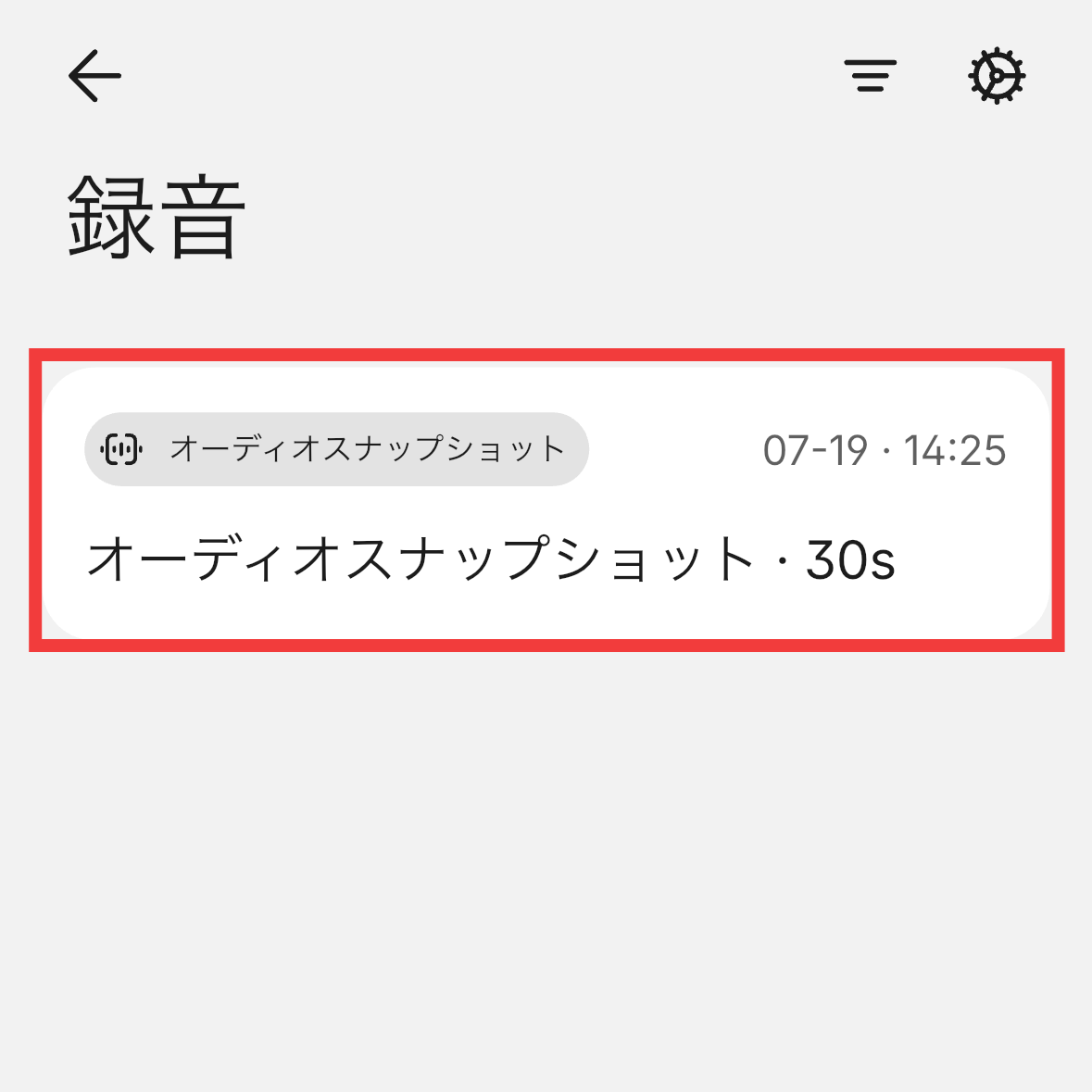
When you record, the recording file will appear on Nothing X like this. This time, I tried recording
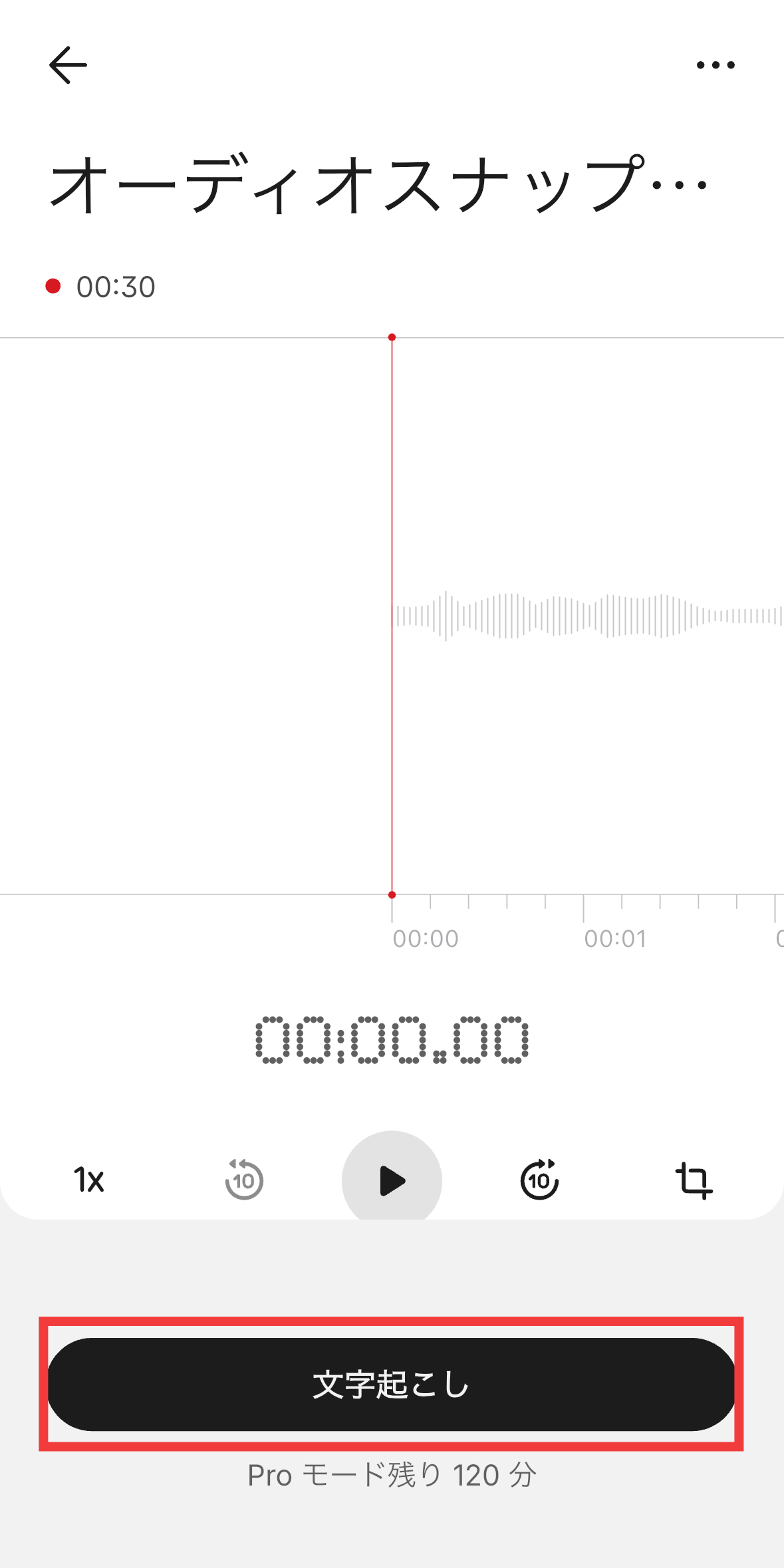
Tap 'Transcript'.
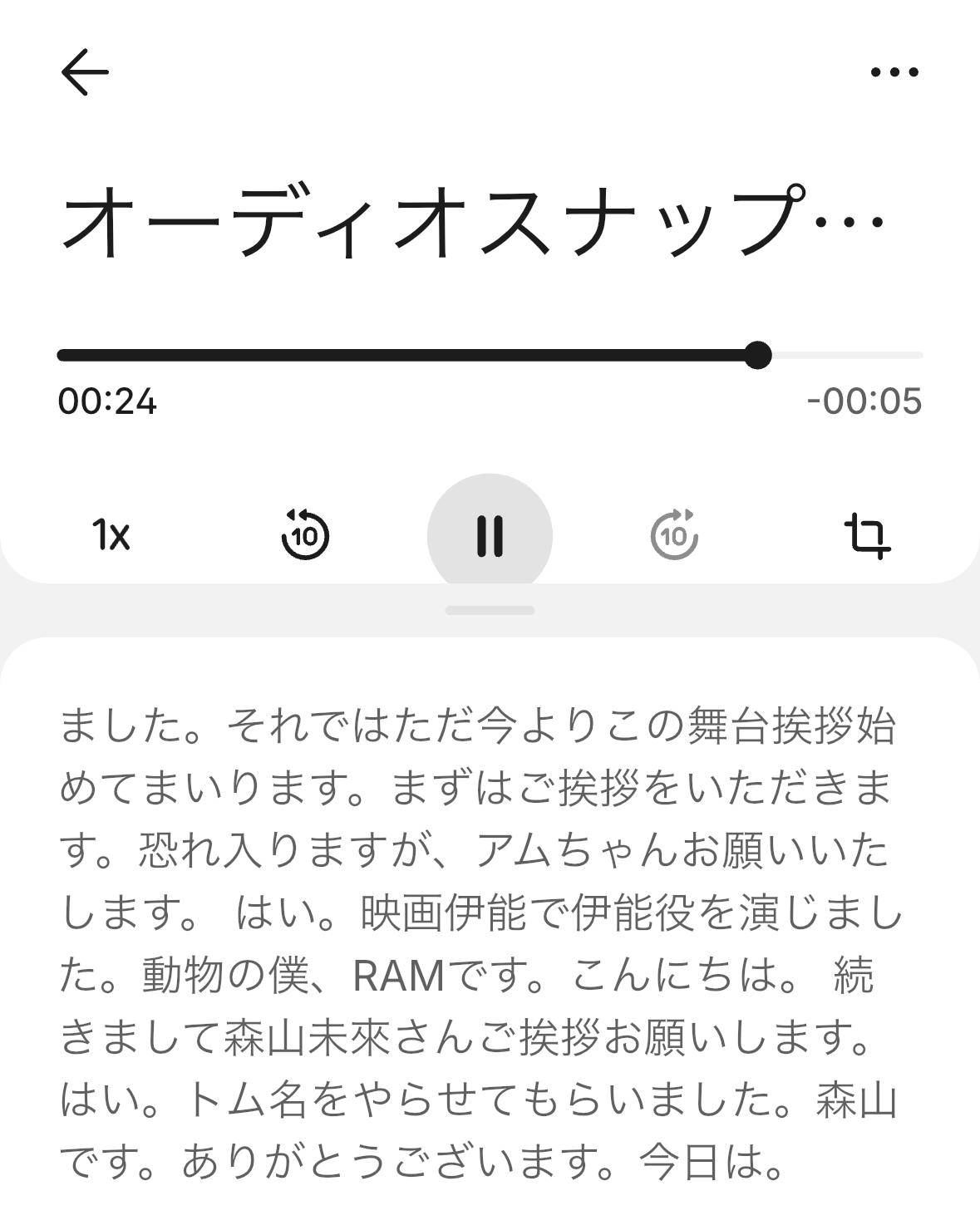
This is how it was transcribed. The AI model used for transcription is unknown, but the accuracy is quite high.
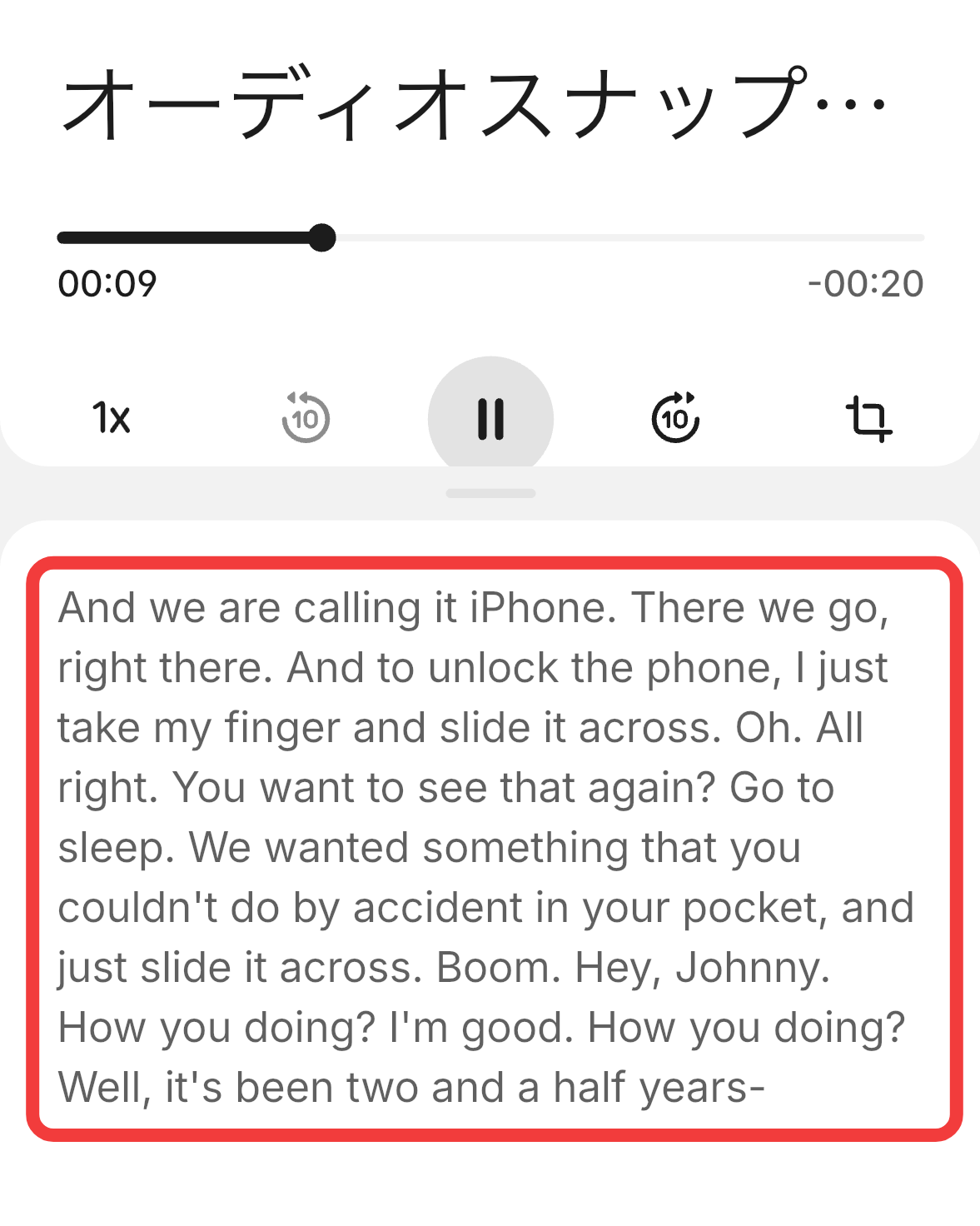
I tried transcribing the Japanese audio
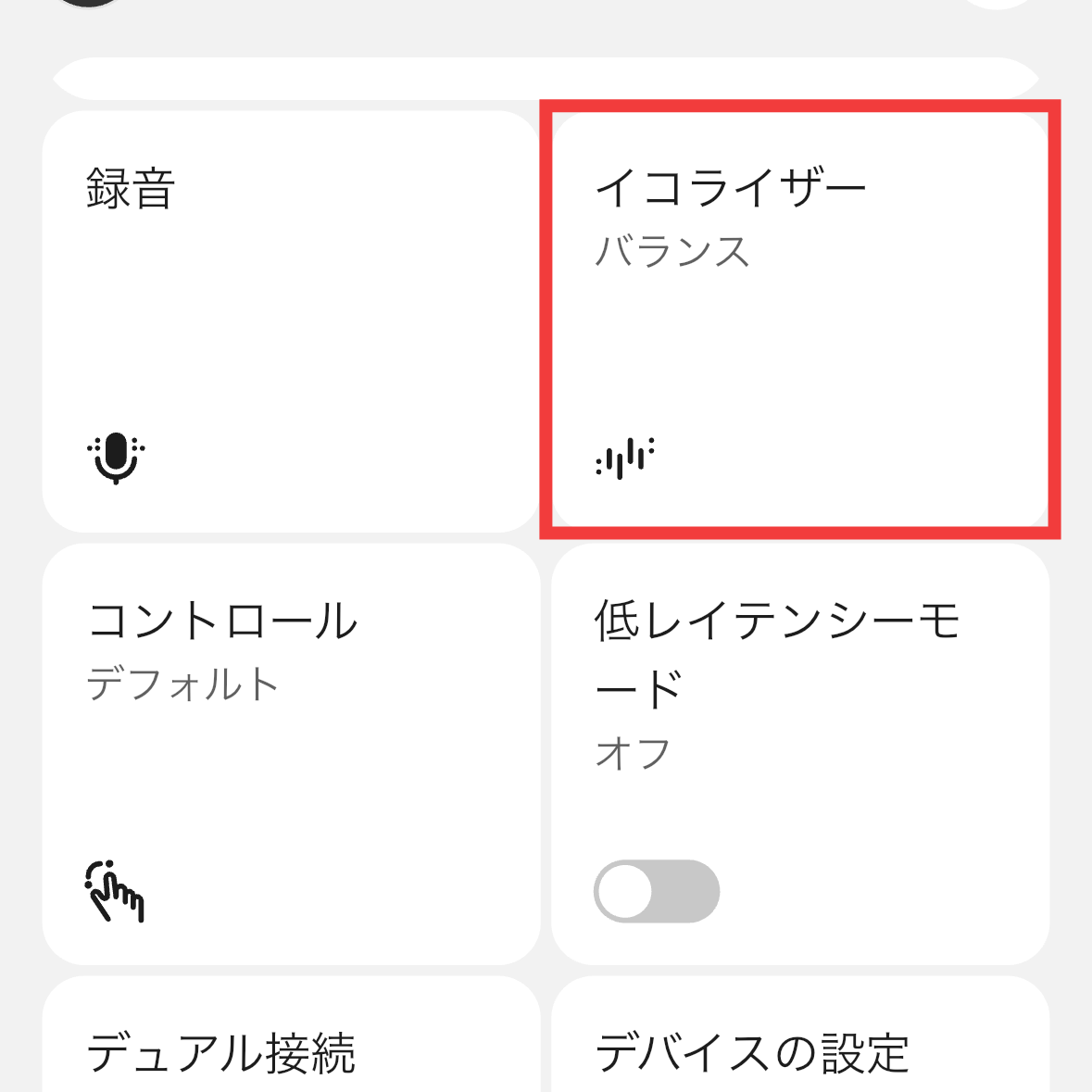
Go back to Nothing X and tap 'Equalizer'.
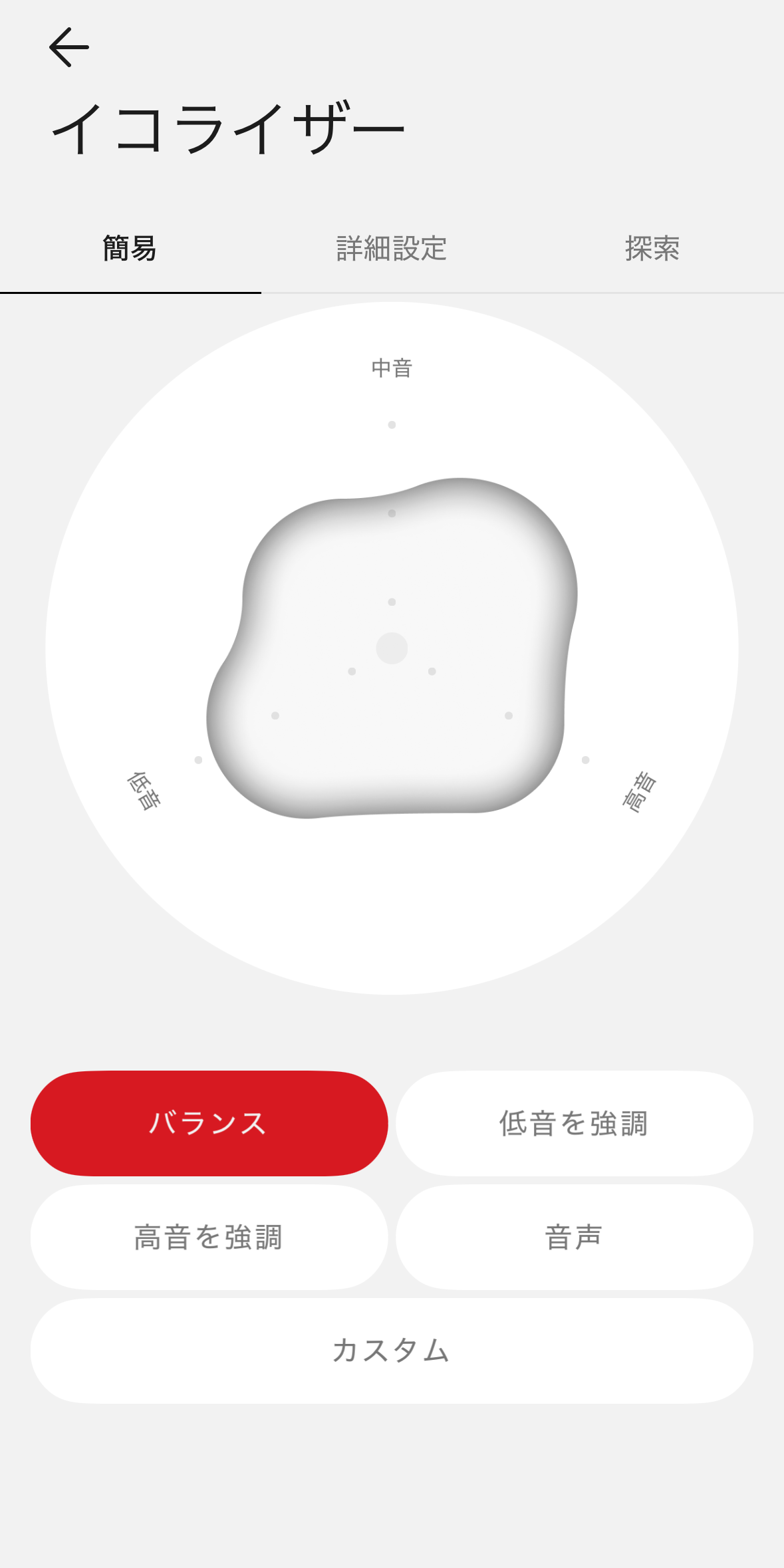
The equalizer allows you to adjust the sound quality. In 'Simple' mode, you can intuitively customize the sound quality by moving unique shapes instead of sliders. The default setting is 'Balanced.'
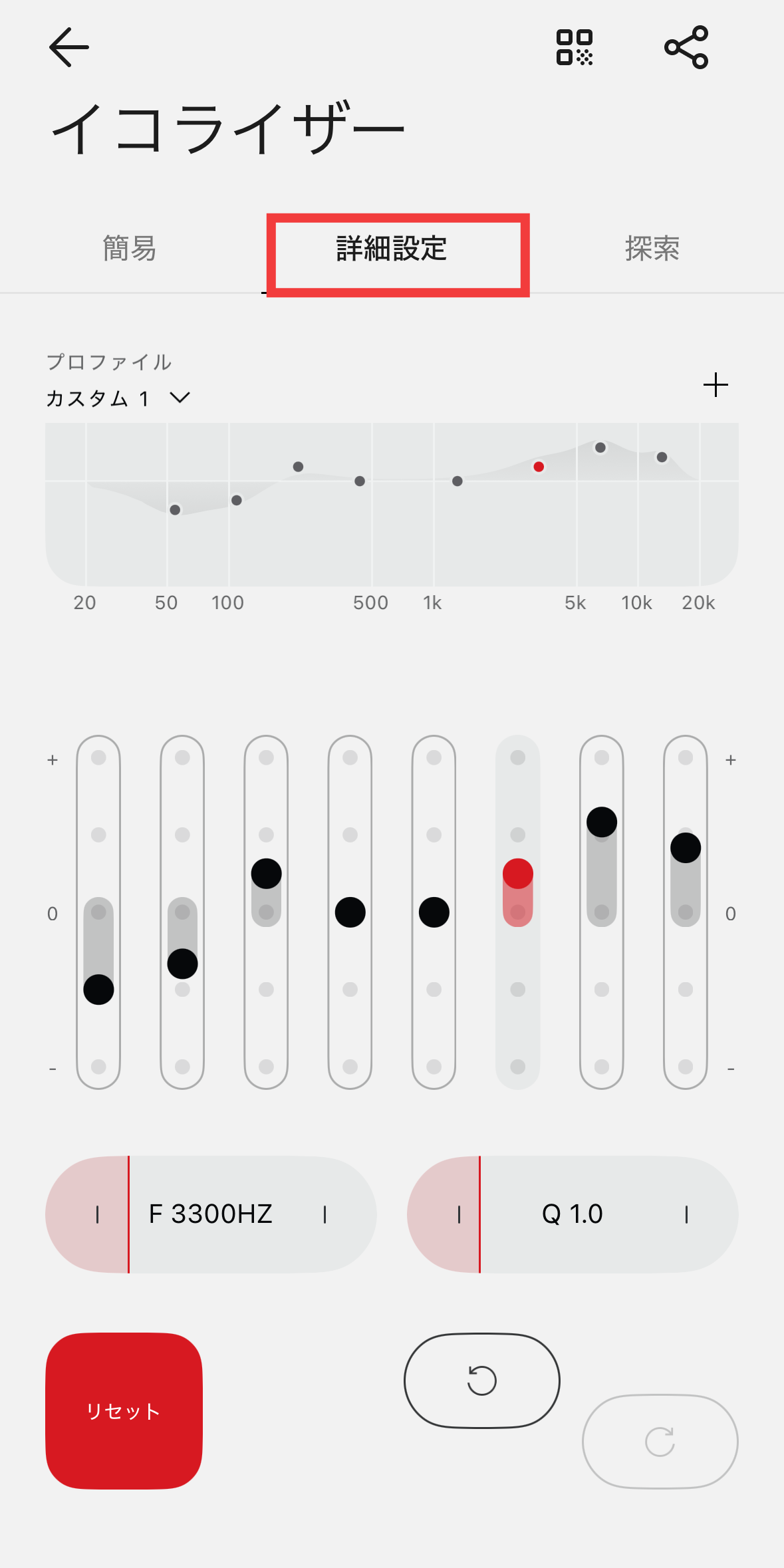
In 'Advanced Settings,' you can adjust the gain and Q value for each frequency band using sliders.
In 'Explore,' you can also select an EQ profile set by an expert.
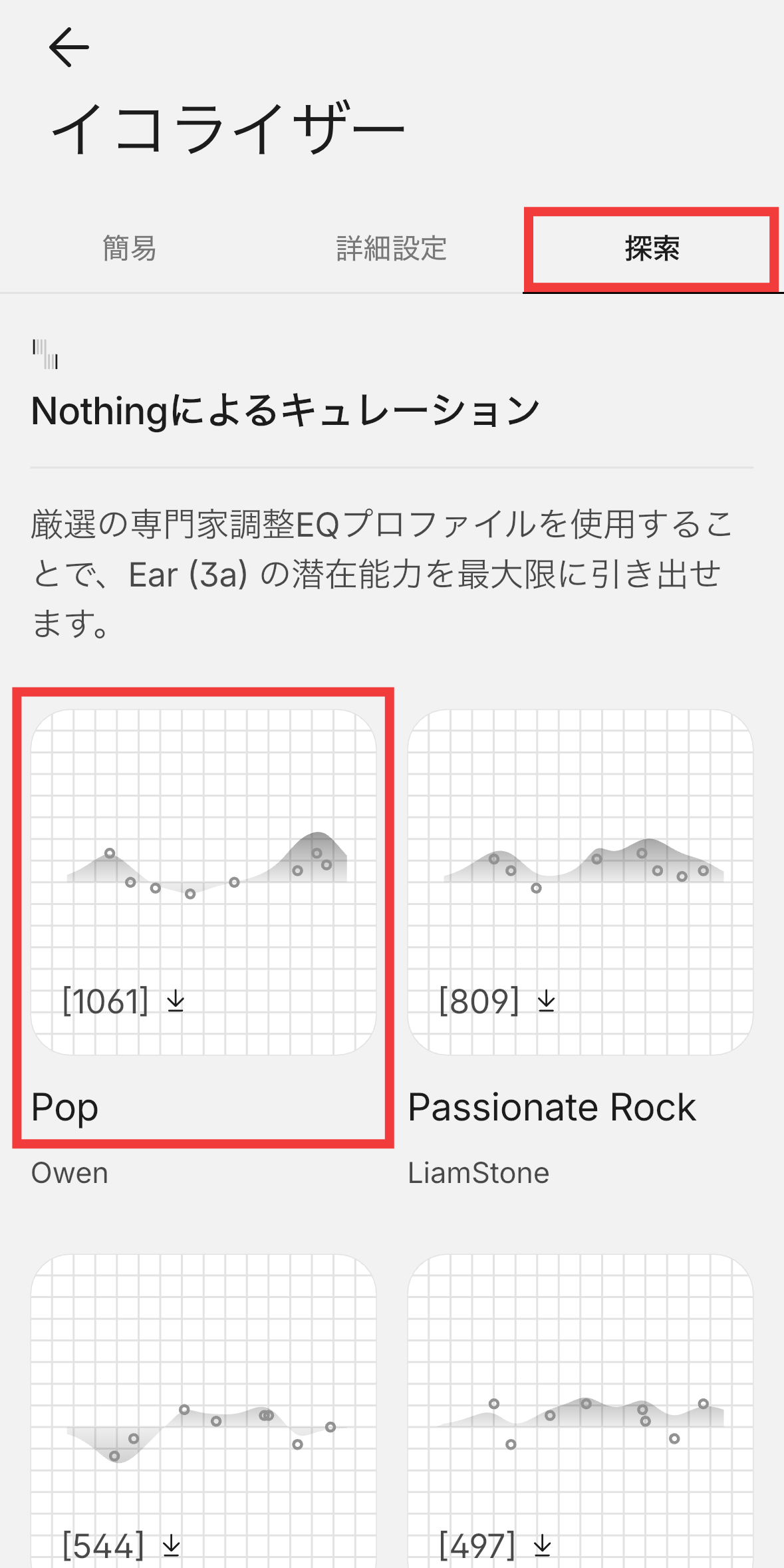
I listened to music with the equalizer set to 'balanced.' The Nothing Ear (3a) features a 12mm driver, allowing you to enjoy powerful bass and clear sound quality. However, the bass is a little too strong in the balanced setting, so it's a good idea to adjust the bass slightly with the equalizer. The noise cancellation function has a noise reduction effect of up to 45-48dB, which is said to be an improvement of about 17% from the previous model. While the sounds of trains and cars are reduced well, human voices are still somewhat audible. As for ambient sound passthrough, the white noise amplified by the microphone is not very noticeable, and surrounding sounds can be heard naturally.
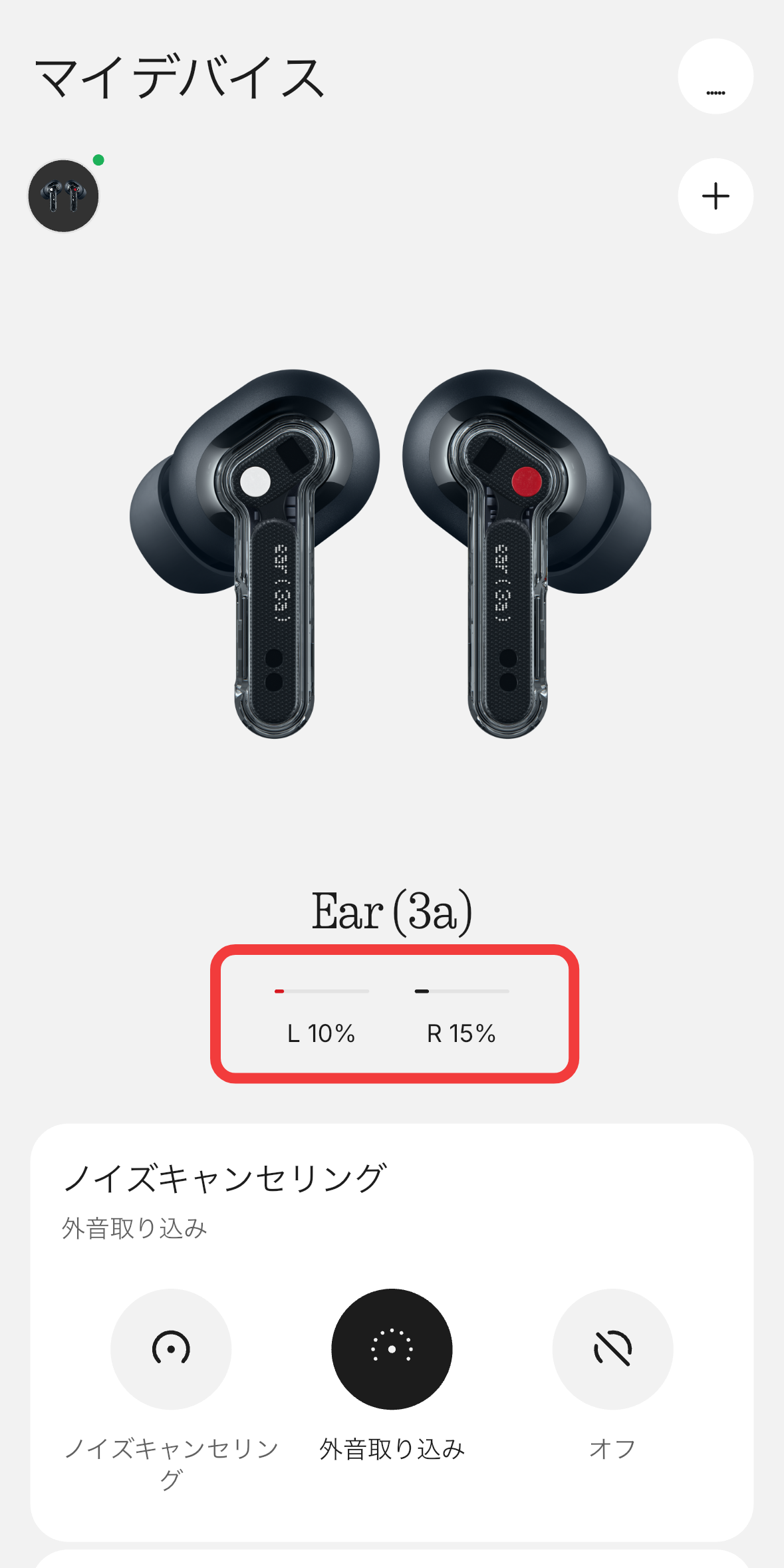
The battery life of the earbuds alone is approximately 10 hours with noise cancellation off and up to 6 hours with noise cancellation on. With the charging case, it can be used for up to 42 hours. When I actually used them with noise cancellation off starting from 100% battery, a warning sound went off after 9 hours, and the battery level was down to 10-15%.
The Nothing Ear (3a) is a truly wireless earphone that offers an excellent balance of sound quality, noise cancellation, and design, especially considering its price of ¥15,960 (including tax). The 12mm drivers deliver powerful bass, which can be adjusted to your preference using the equalizer in the Nothing X app. The fit is comfortable, and the noise cancellation is sufficient for commuting and use in urban areas.
On the other hand, the bass is a bit strong in the default settings, so those who prefer a natural and delicate sound will need to adjust it with the equalizer. The noise cancellation performance is not as strong as that of higher-priced earphones, and the charging case is somewhat inconvenient, perhaps due to prioritizing design. The audio snapshot feature, which can be used for recording and transcribing, is an interesting feature, but it cannot record ambient sounds, which limits its uses, which is a shame. Overall, it is a very well-made product that combines sound quality and features at an affordable price, and it is a strong option if you don't have a strong preference for flagship models.
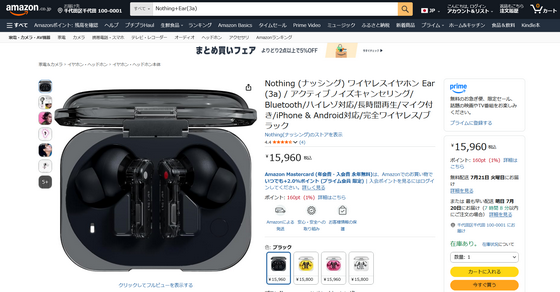
Nothing Ear (3a) is available for purchase at ¥15,960 (tax included). In addition to black, it is also available in pink, yellow, and white.
Amazon.co.jp: Nothing Wireless Earphones Ear (3a) / Active Noise Cancelling / Bluetooth / High-Resolution Audio Compatible / Long Playback Time / Microphone / iPhone & Android Compatible / True Wireless / Black : Musical Instruments & Audio Equipment
Related Posts: