A new 'jiggle maker' has been released that lets you shake any part of an image, supporting various types of shaking such as 'jiggle,' 'bouncy,' 'shaky,' and 'fluffy.'
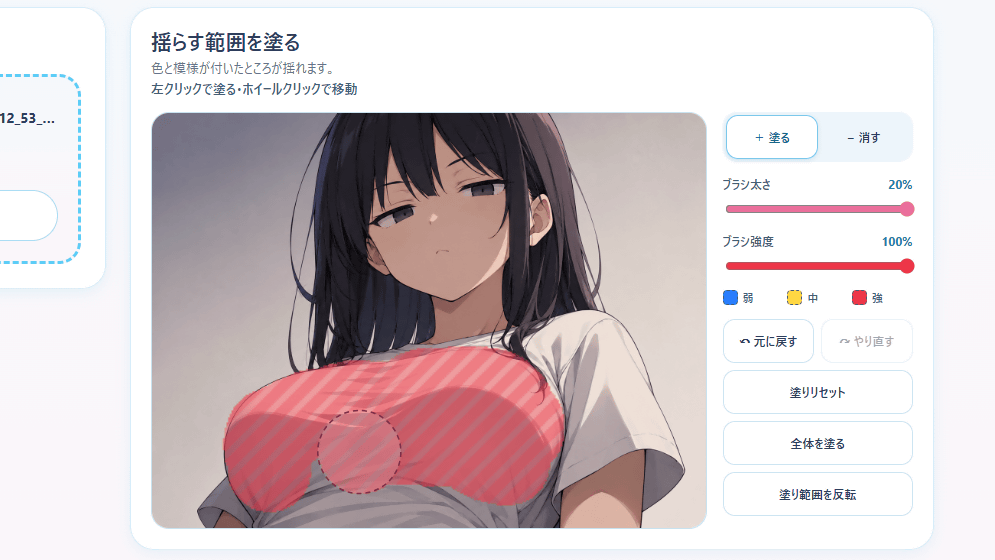
A web app called ' Purupuru Maker ' has been released that lets you specify your favorite part of an image and make it jiggle, so I tried it out. No account creation is required; you can use it just by accessing the site.
Puru Puru Maker
We've released 'Puru Puru Maker'!
— ⚙gear machine@AI (@grmchn4ai) July 11, 2026
This tool lets you make images shake simply by inserting an image and coloring in the areas you want to shake. You can also record and save the shaking animation. It even shakes when you shake your smartphone! Try making your favorite images jiggle! https://t.co/myRWfIHUfT pic.twitter.com/lItXSlxqUh
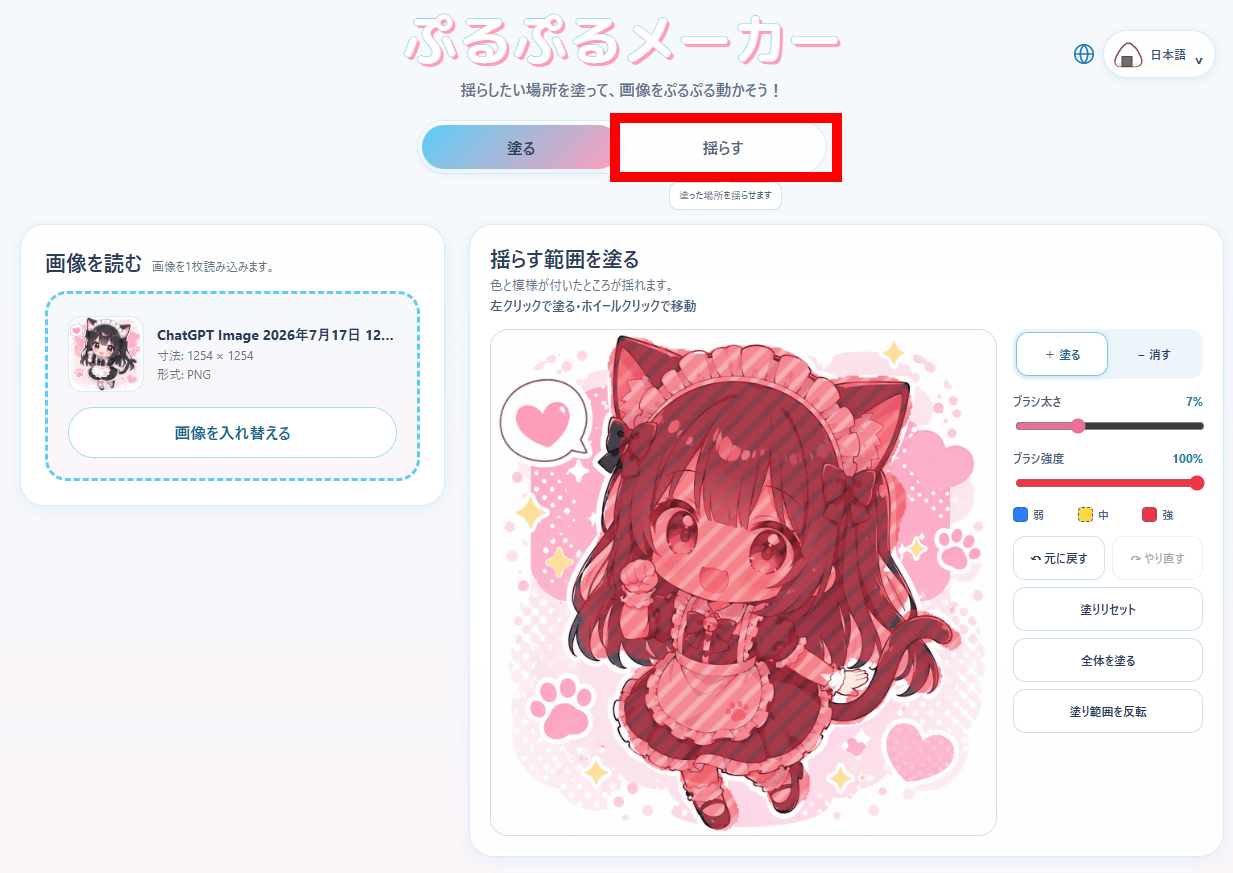
The Puru Puru Maker screen looks like this. You load an image and then use the editing area on the right side of the screen to specify which parts of the image you want to shake.
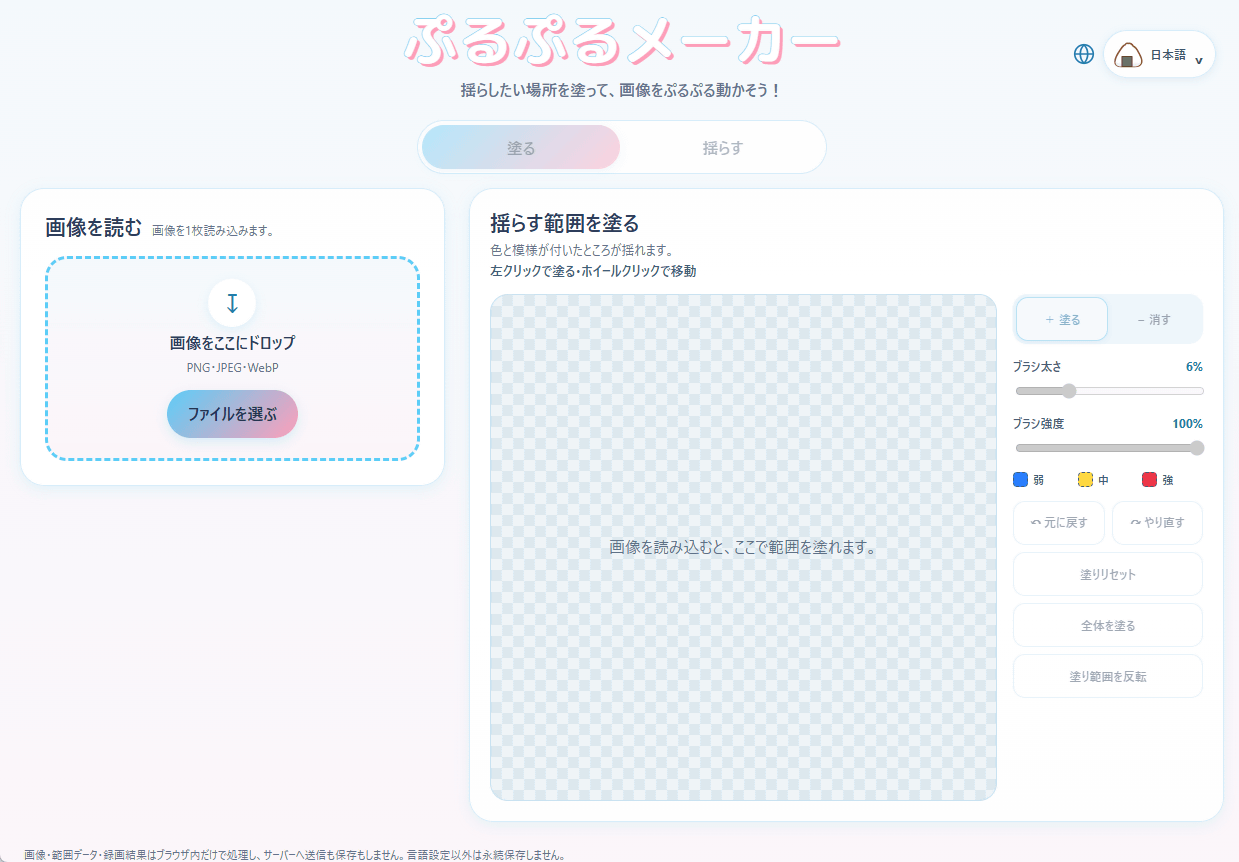
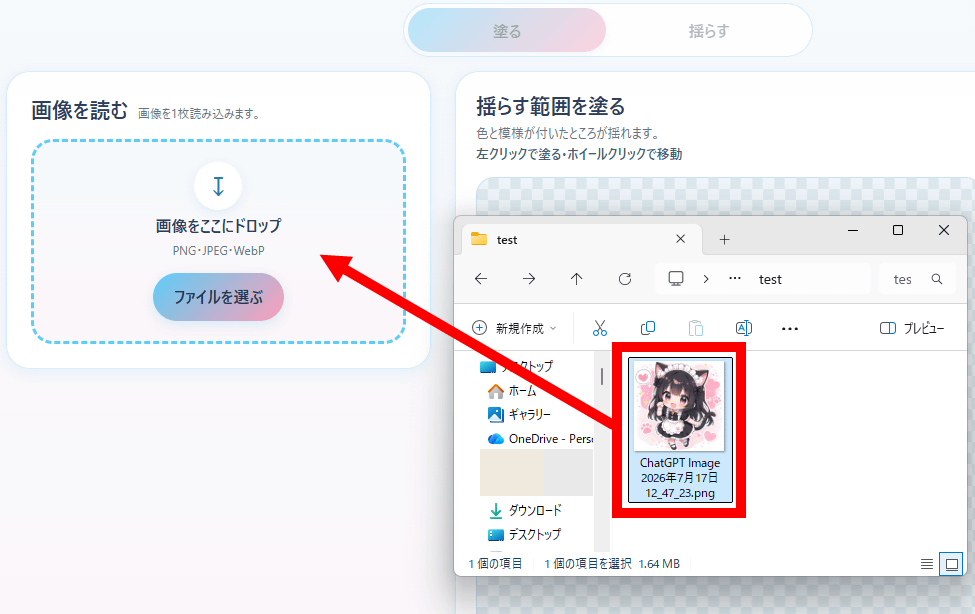
Drag and drop the image you want to shake into the designated area. PNG, JPEG, and WebP image formats are supported.
Fill in the area of the loaded image that you want to shake. This time, I tried filling in the entire character.
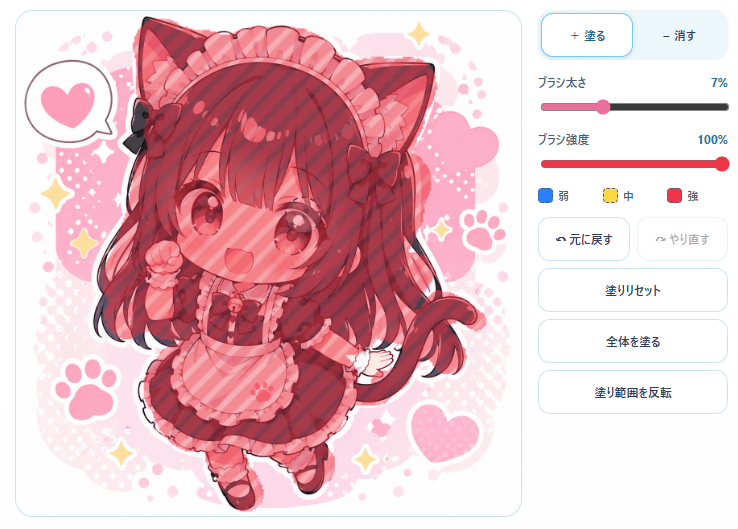
Once you've finished filling in the area, click 'Shake' at the top of the screen.
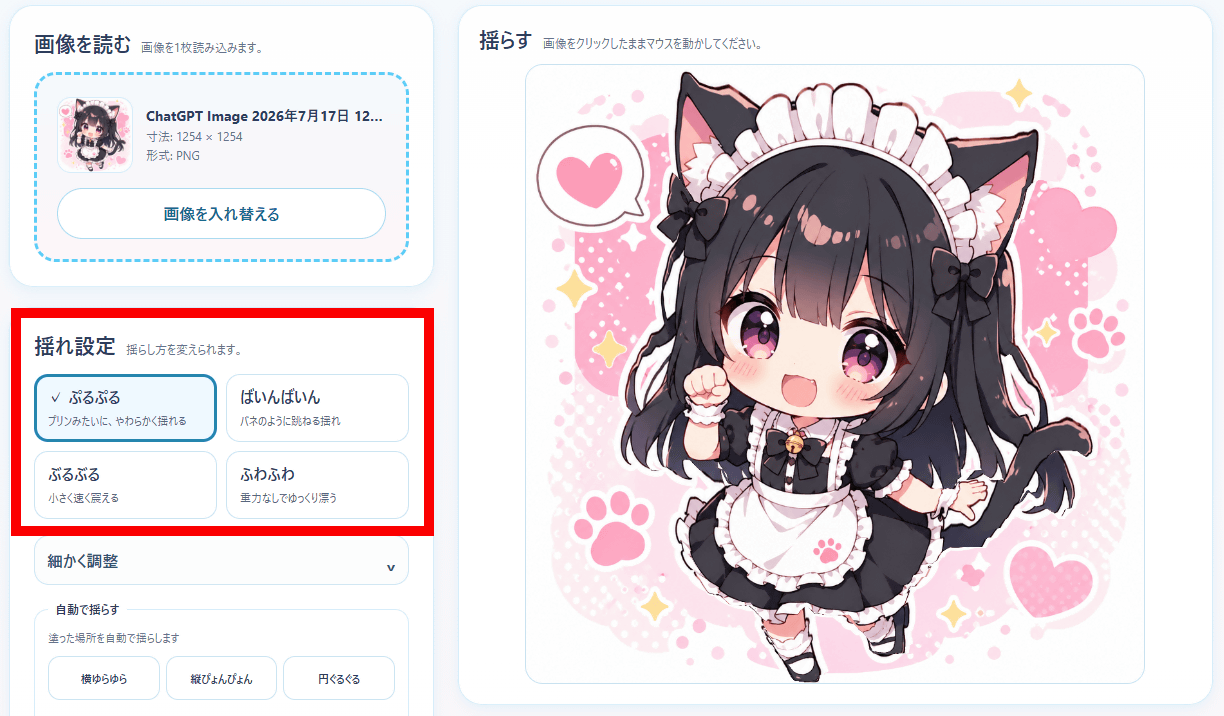
Click and drag the image to make it shake. You can choose from four types of shaking: 'jiggly,' 'bouncy,' 'shaky,' and 'soft.'
Here are the results after shaking it.
By adjusting the area you fill in, you can make your preferred part shake.
'Puru Puru Maker' lets you specify which part of an image you want to shake - YouTube
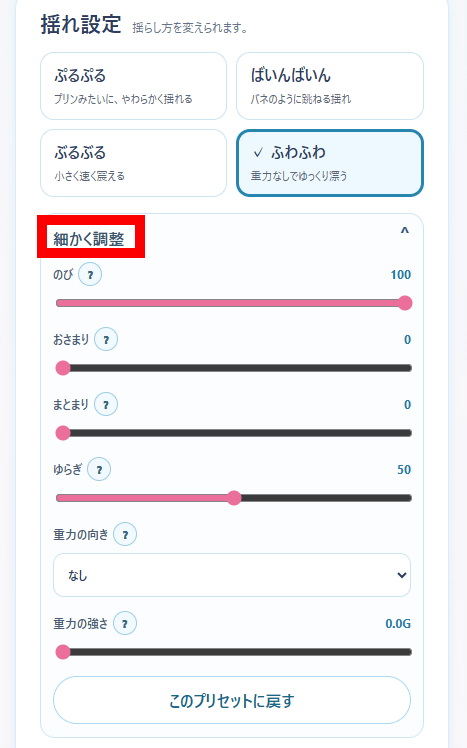
In addition to choosing from four templates for how to shake it, you can also fine-tune the 'stretch,' 'settlement,' 'cohesion,' 'fluctuation,' 'direction of gravity,' and 'strength of gravity.'
It also has a recording function, allowing you to create videos up to 10 seconds long. To record, simply click 'Start Recording' and then shake the image.
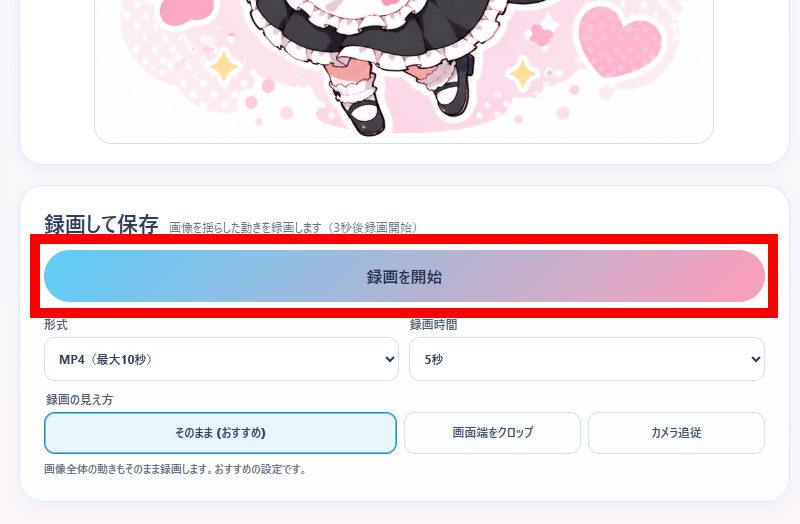
After recording is complete, you can save it locally by clicking 'Save'.
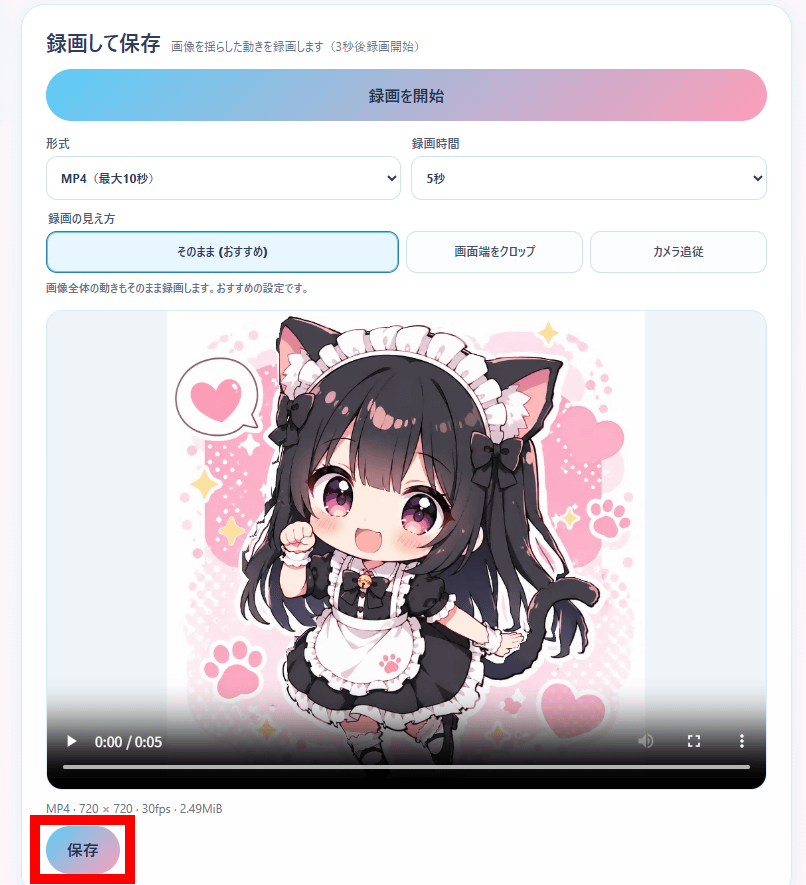
The following is a video created using the recording function.
A video created using the recording function of 'Puru Puru Maker,' which lets you shake any part of an image you like - YouTube
The image and video processing for Puru Puru Maker are performed in the browser, and no images or videos are stored on the server. Furthermore, commercial use of the resulting products is permitted.
Related Posts:

in Video, Review, Web Application, Posted by log1o_hf