'Firefox in WebAssembly' has emerged, allowing Firefox to run entirely within a browser tab; the AI costs for its development totaled over 4 million yen.
Puter Labs has released 'Firefox in WebAssembly,' which allows you to launch the entire Mozilla Firefox browser within a web browser tab. It's not just a Firefox-like interface; even Gecko, which renders web pages, and SpiderMonkey, which executes JavaScript, run as WebAssembly. The development involved extensive use of AI, and the token usage fees spent on development amounted to over $25,000 (approximately 4 million yen).
Firefox in WebAssembly
Show HN: Firefox in WebAssembly | Hacker News
https://news.ycombinator.com/item?id=48926939
When you open a Firefox in WebAssembly page in your browser, it will start loading automatically. After loading is complete, clicking 'Launch Firefox' will launch Firefox within your browser.
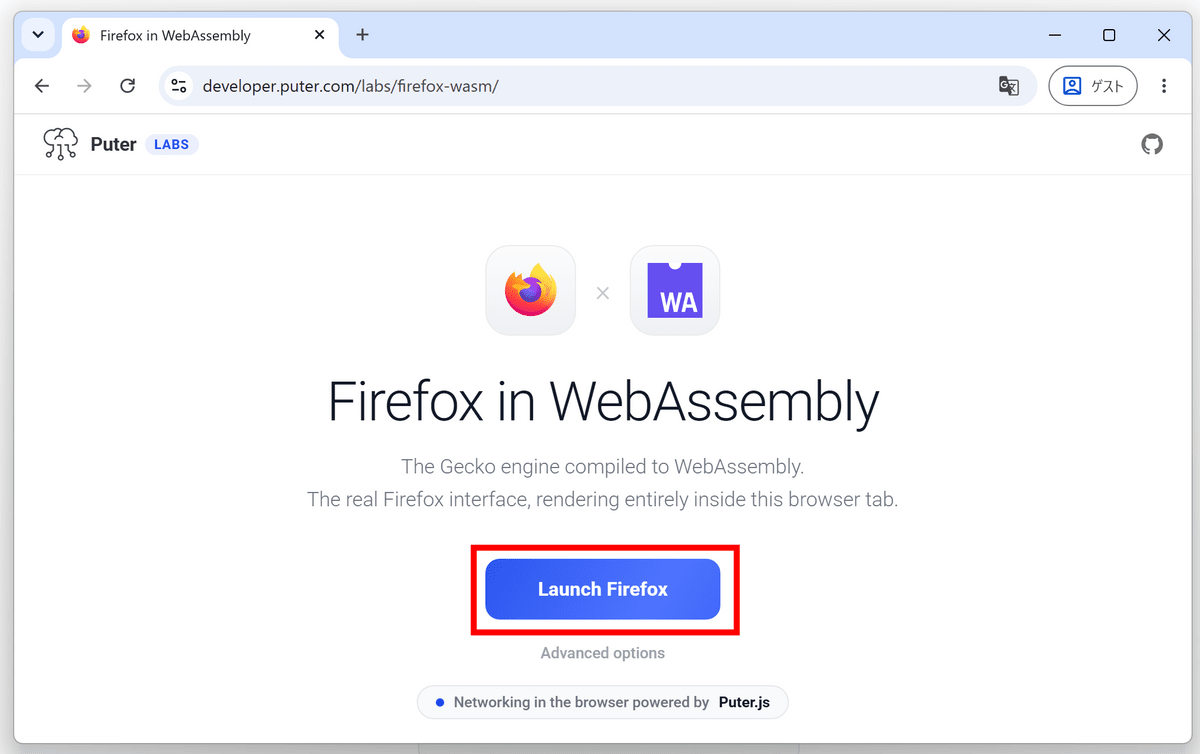
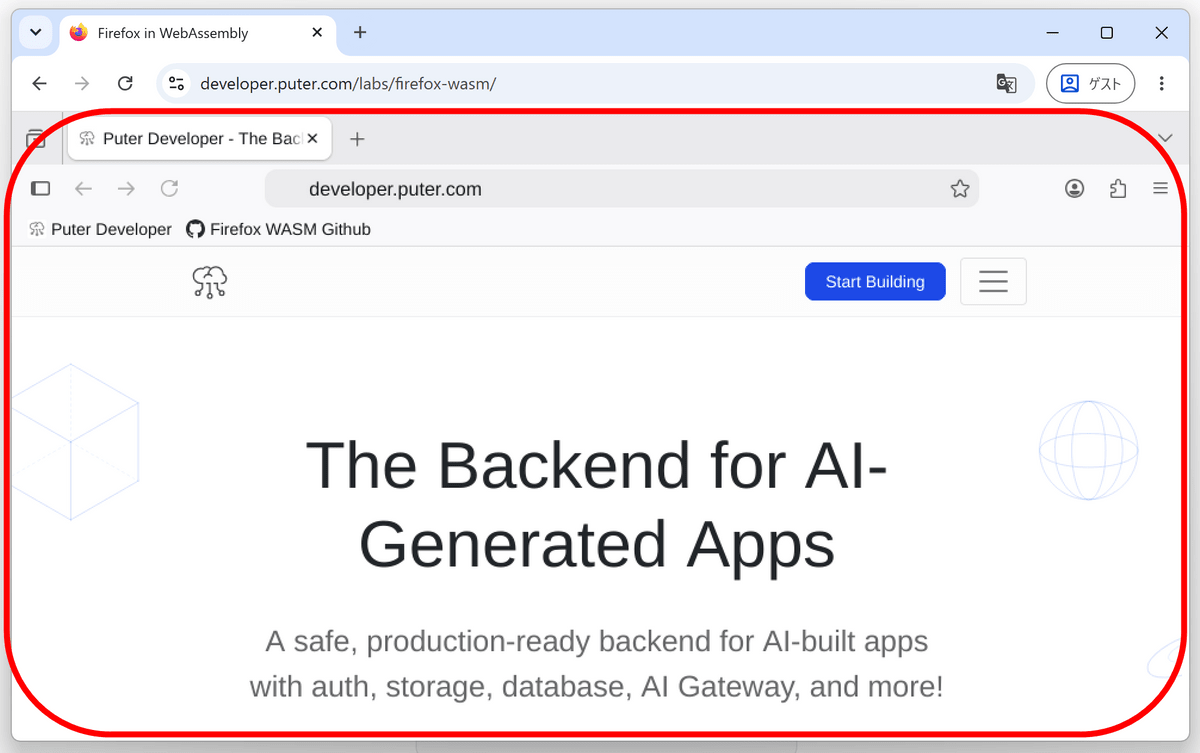
The Puter Labs website was displayed as the start page. Apparently, the entire Firefox screen is drawn on an HTML canvas element. A browser is displayed within a browser, and it's easy to accidentally click the Chrome reload button or something similar on the outside.
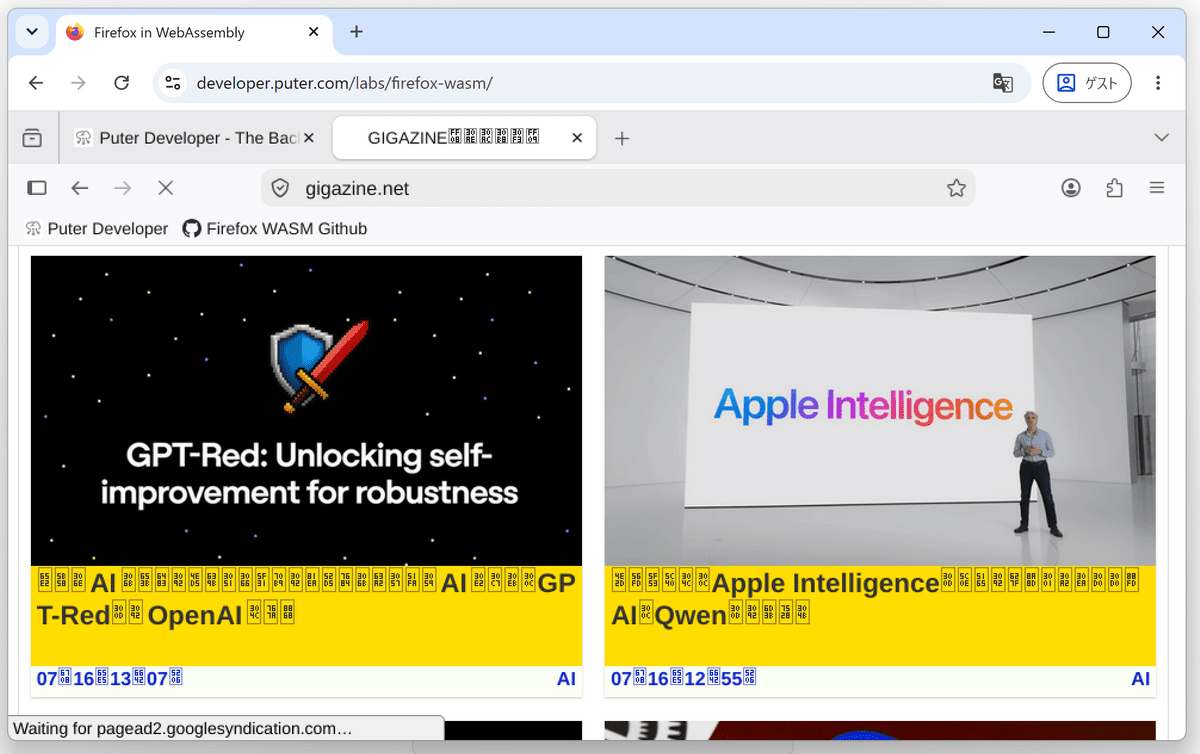
I tried opening GIGAZINE by entering the URL in the address bar, but it seemed like it didn't have Japanese fonts installed, so I couldn't read it.
Firefox in WebAssembly compiles Firefox's rendering engine, Gecko, for WebAssembly, making it readable by other browsers. Emscripten, which converts programs written in C, C++, etc., to WebAssembly, was used for the porting process. The developers explained that Firefox was chosen over Chromium because 'Firefox had a more established mechanism for running in a single process.'
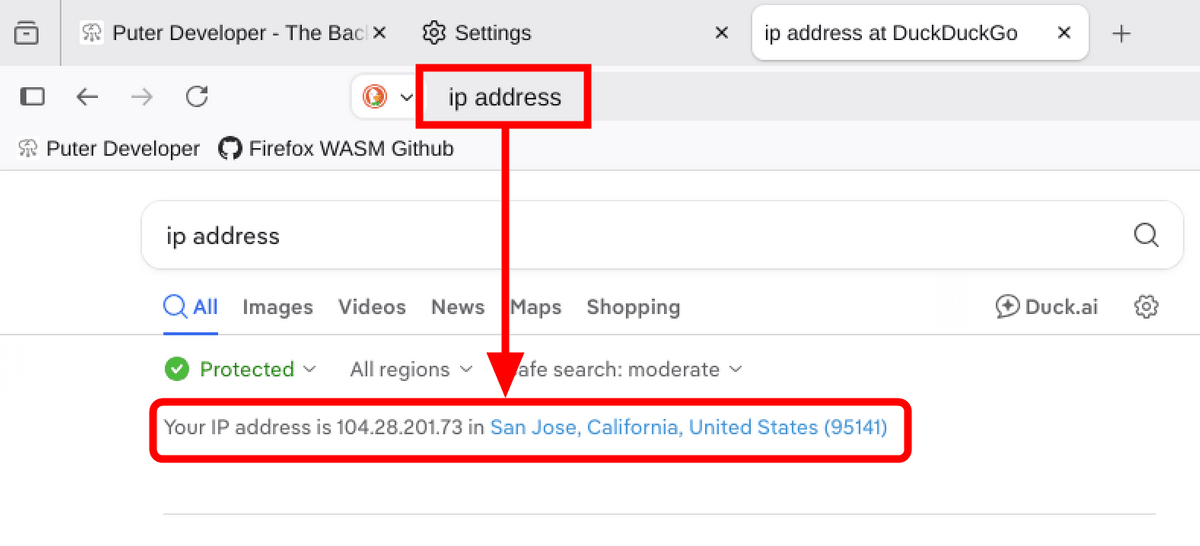
Apparently, network connectivity also required some ingenuity. Since regular web pages cannot freely create TCP sockets, communication from Firefox in WebAssembly is sent via WebSocket to a Wisp server operated by Puter. Wisp is a protocol that combines multiple TCP and UDP connections into a single WebSocket, and according to the developers, TLS encryption is handled on the WebAssembly version of Firefox. Because communication goes through an intermediary server, the IP address of the intermediary server is displayed on external sites. When I tested it, it was identified as an IP address in California, USA.
To lighten the load time of web pages, GPU acceleration using WebGL is also available. Furthermore, it includes an experimental JIT compiler that converts JavaScript to WebAssembly to improve execution speed.
Although it only took a few days to get Firefox up and running, a lot of work was needed to speed up and improve stability to make it practical. AI models such as Claude Opus and Claude Fable were used for research on the JIT compiler and bug investigation, consuming a total of approximately 30 billion tokens, with the equivalent value of the tokens used exceeding $25,000 (approximately 4 million yen).
The source code is publicly available on GitHub and can be built on Linux. There have been reports that input and scrolling do not work properly on smartphones, so it is positioned as an experiment to explore the limits of WebAssembly rather than a finished product for everyday use.
GitHub - HeyPuter/firefox-wasm: 🦊 Firefox in WebAssembly · GitHub
https://github.com/HeyPuter/firefox-wasm
Puter has also developed 'Browser.js,' which enables a browser-in-a-browser with less memory, and is intended for use as an automated browser embedded in cloud browsers and websites. There are also plans to add a mechanism similar to Firefox extensions to Browser.js in the future.
The developer also reported that they were able to successfully launch Firefox in WebAssembly within Firefox in WebAssembly, and then launch another Firefox instance on top of it, but only once. However, they said that having three instances of Firefox made the operation quite unstable, and it only loaded correctly once.
Related Posts:






in Web Application, Posted by log1d_ts