'ChatGPT Work,' a tool that integrates ChatGPT and Codex to autonomously handle a wide range of tasks, has been released, based on GPT-5.6.
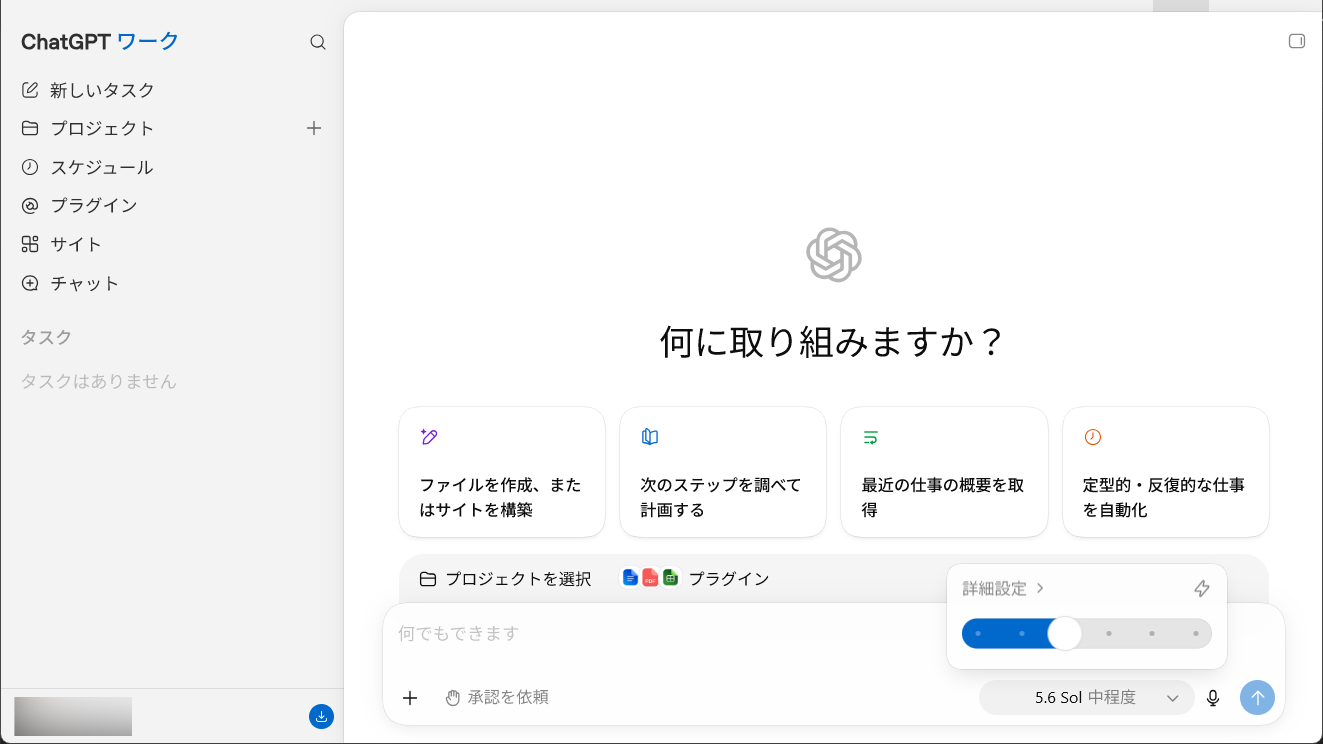
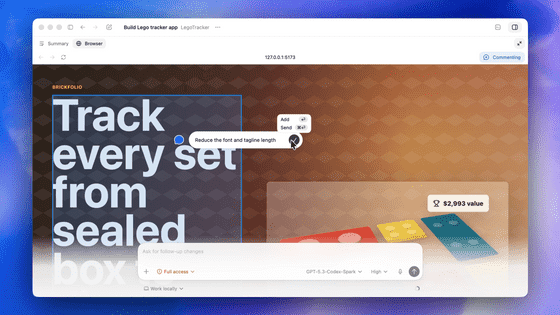
OpenAI announced on July 10, 2026, that it has integrated its coding agent 'Codex' into ChatGPT, creating 'ChatGPT Work,' an agent function that handles complex tasks across applications and files. In addition to creating deliverables such as documents, slides, spreadsheets, and web applications, the desktop version will also integrate the Codex app itself into the ChatGPT app, allowing users to manage chat, general business tasks, and software development from a single application.
ChatGPT: Your Partner for Your Most Ambitious Initiatives | OpenAI
ChatGPT Workflow based on GPT-5.6 | OpenAI
https://openai.com/ja-JP/chatgpt-work/
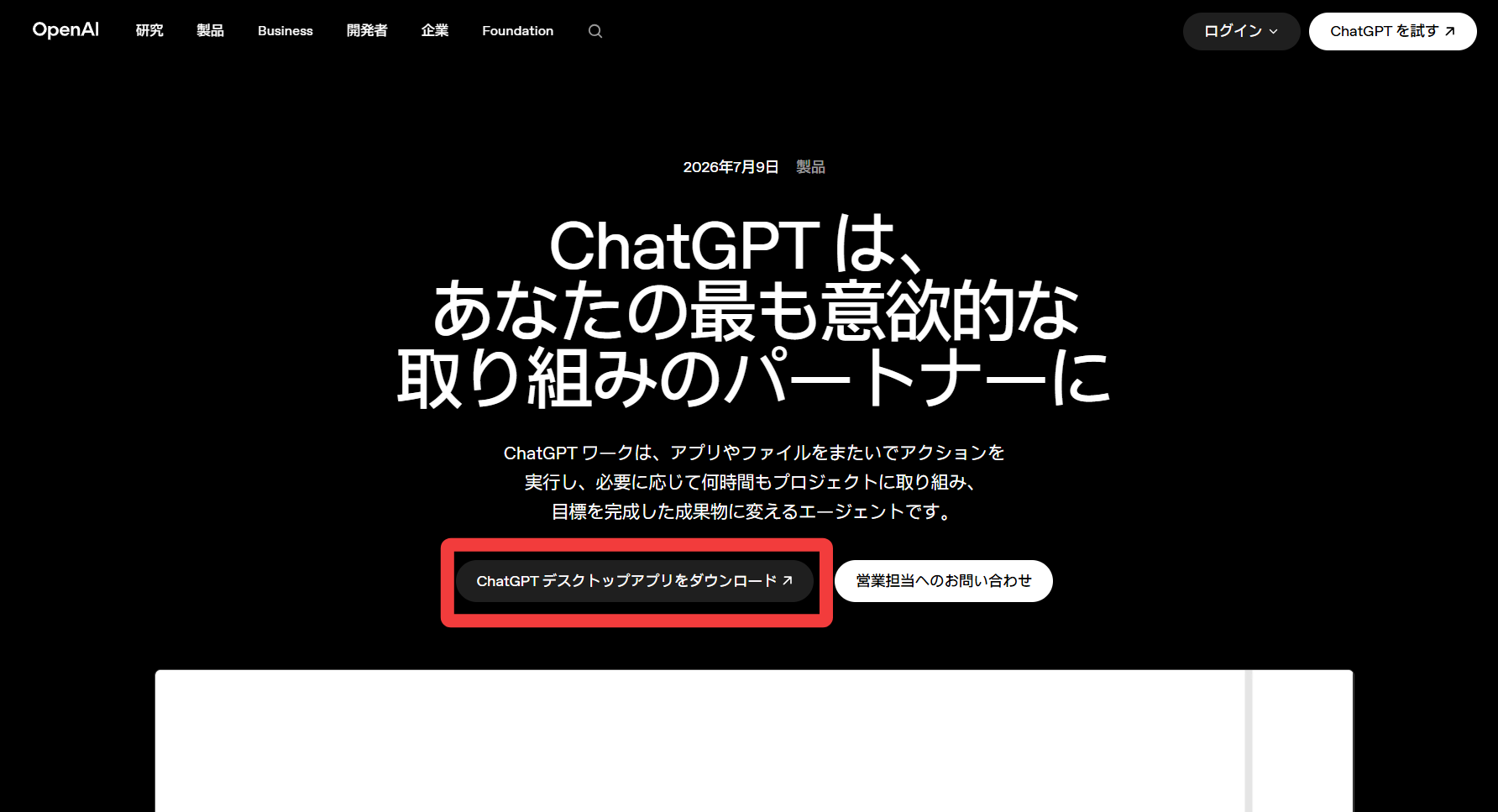
The ChatGPT Work desktop app is already available, so let's try installing it. On the ChatGPT Work official website, click 'Download ChatGPT Desktop App'.
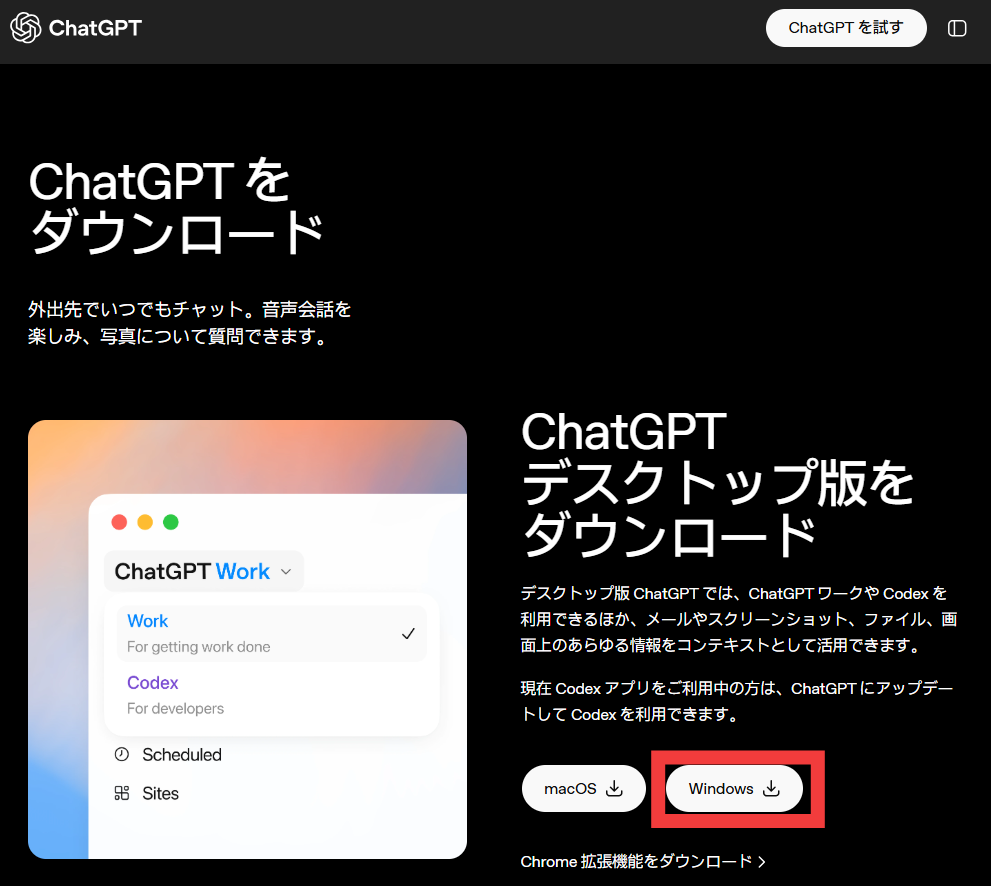
ChatGPT's desktop application is available for both macOS and Windows. Since we're installing it on a Windows PC, click 'Windows'.
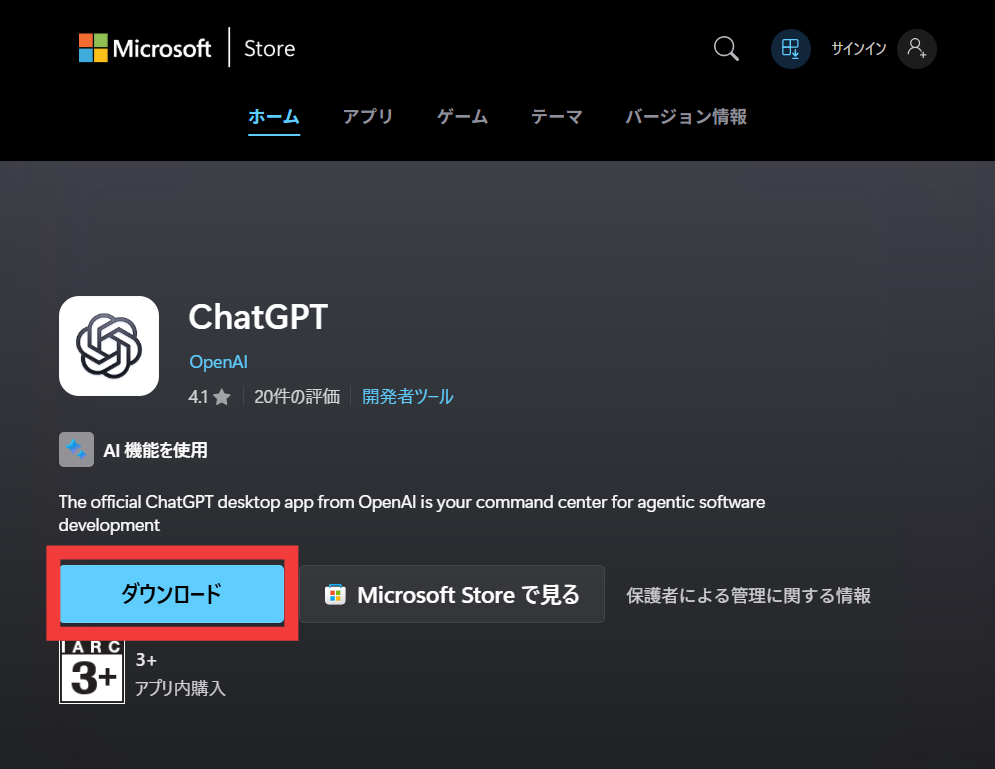
The Microsoft Store page will open. Clicking 'Download' will download an EXE installer (file size: approximately 1.36MB).
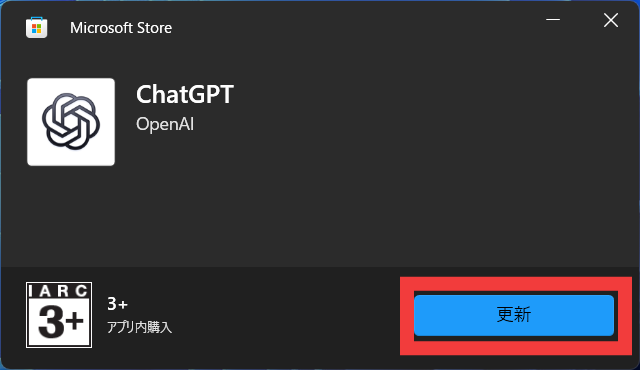
Launch the installer. Since the Codex app is already installed, it will be installed as an update. Click 'Update'.
Once the update was complete, the ChatGPT desktop app launched. A message appeared saying, 'Codex is now the ChatGPT app.' Click 'Get Started.'
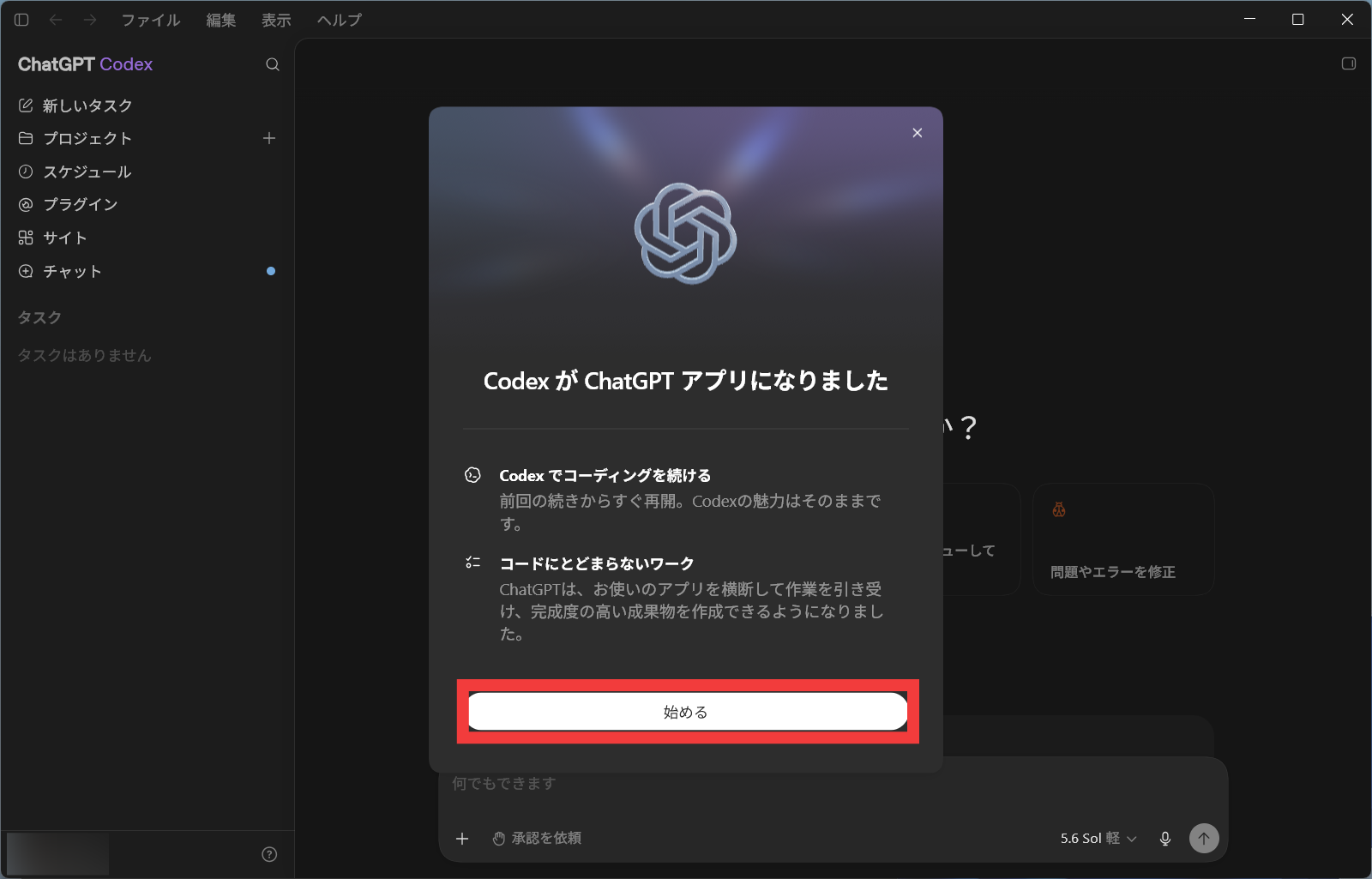
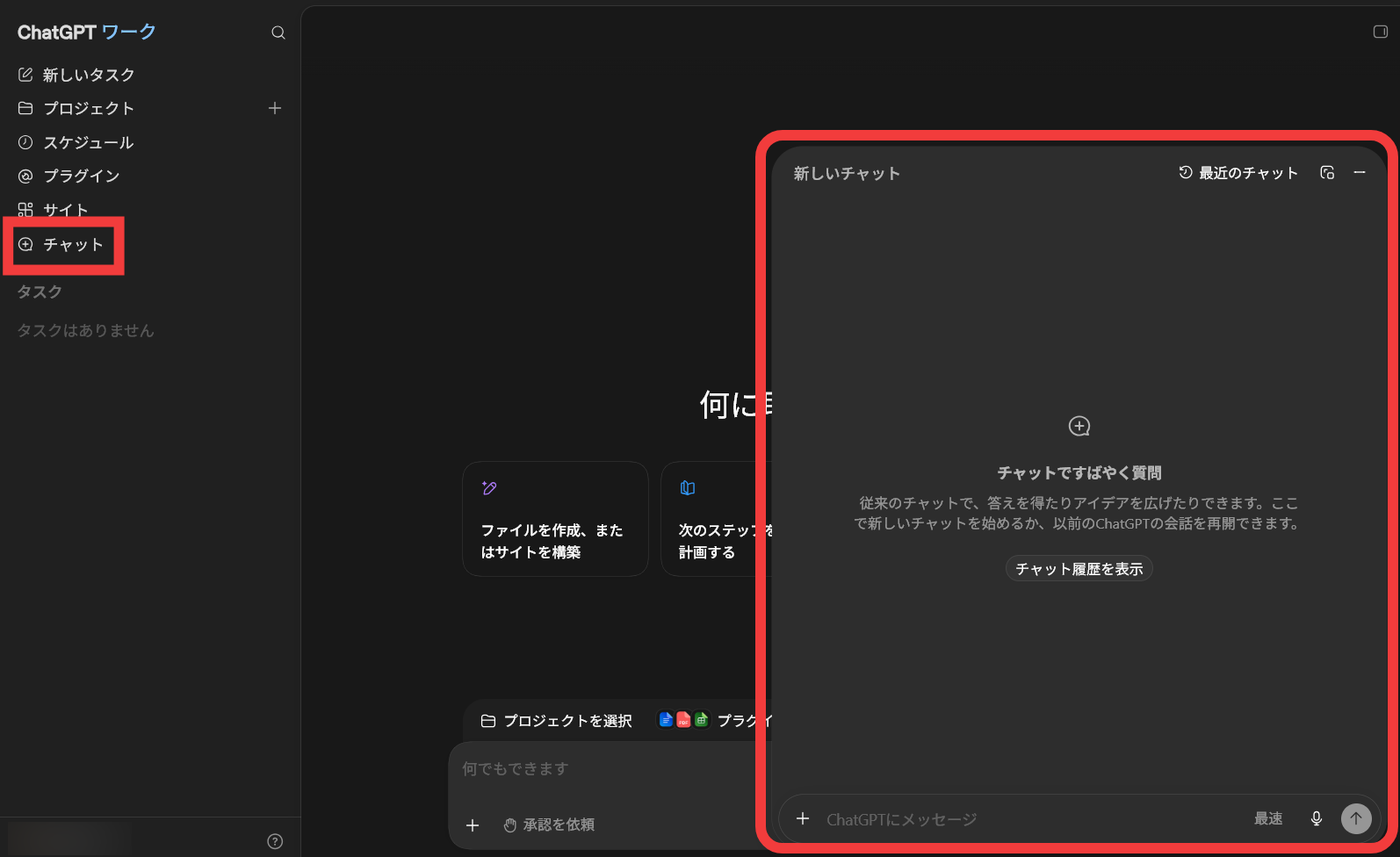
This is what the new ChatGPT desktop app looks like. Selecting 'Chat' from the left column will bring up the chat UI.
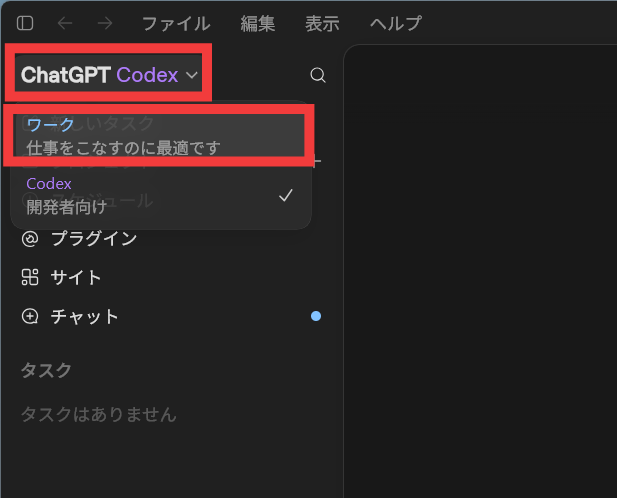
Clicking the top left allows you to select between 'Work' and 'Codex.' 'Work' is 'ideal for getting work done,' while 'Codex' is 'for developers.'
OpenAI has extended the 'ability to break down complex tasks into multiple steps' that Codex has cultivated to understand and edit code, to ChatGPT's wide range of tasks. This allows ChatGPT to do more than just generate answers or text; it can actually carry out tasks across web, mobile, and desktop.
ChatGPT Work allows you to connect to Slack, Microsoft Teams, Google Drive, SharePoint, email, calendars, customer relationship management (CRM) systems, project management tools, and more via plugins. ChatGPT automatically determines which app to consult based on the request, and you can also instruct it to use a specific information source by typing '@' followed by the app name. After gathering the necessary information from connected apps and files, you can create documents, presentations, spreadsheets, data analyses, and more.
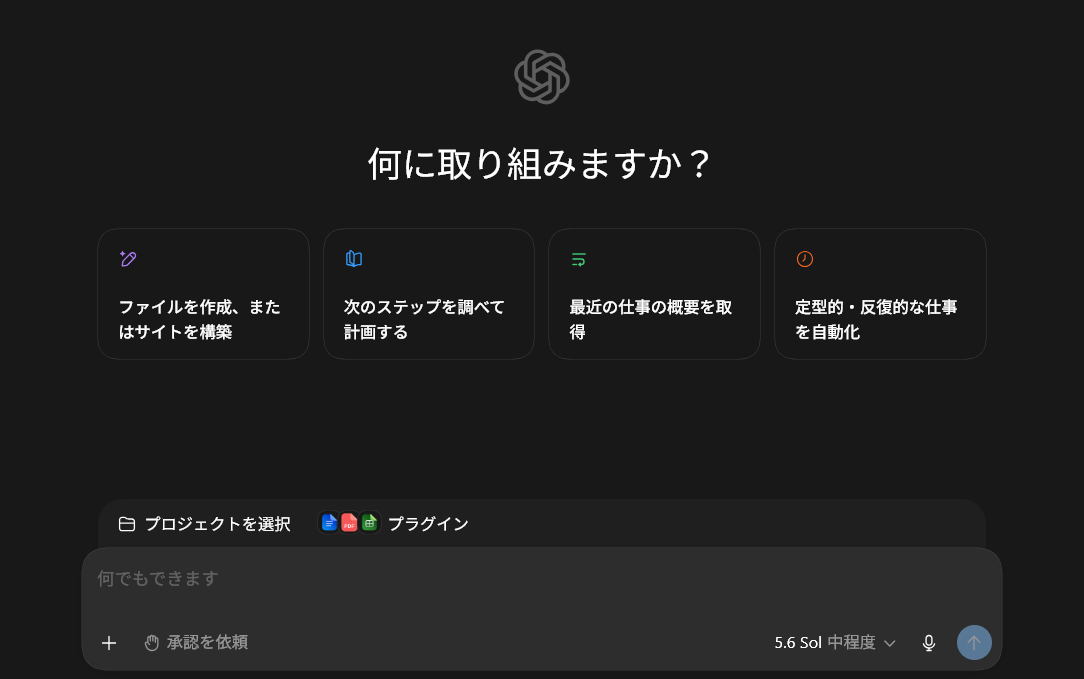
ChatGPT Work is based on
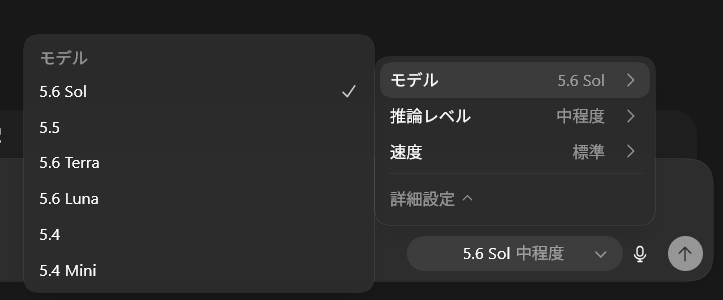
ChatGPT Work's GPT-5.6 has enhanced capabilities to infer multi-stage tasks and create documents according to specified templates and reference files, and is used in combination with Codex-derived agent technology. For example, it can be tasked with analyzing budget variances at the end of the month, creating marketing campaign proposals from multiple source documents, and gathering information and preparing materials for sales meetings. Users can monitor the progress of the work, answer questions from ChatGPT, change the approach along the way, and approve important operations.
Even after the integration, Codex will continue to be provided as a coding agent for developers and engineers. New features include inline editing on the diff, pull request viewing in the side panel, support for multiple repositories in a single project, and faster computer operation using GPT-5.6.
ChatGPT Work is now available for Pro, Enterprise, and Edu users on the web and mobile versions, and will be rolled out to Plus and Business users within days. The new ChatGPT desktop app for Windows and Mac provides access to chat, work, and Codex on all plans, including the Free version.
Please note that the existing ChatGPT desktop app will be renamed 'ChatGPT Classic.' While you can continue to use it if it remains installed, updates and support will no longer be provided, so the new integrated app will effectively be its successor.

Related Posts: