'Loupe' offers a glimpse into how ads and websites track individual user behavior based on 'information secretly revealed by iPhones and iPads.'
Third-party cookies are being restricted due to privacy concerns, and instead, technologies that track user behavior using identifying information called '
GitHub - mysk-research/loupe: A privacy-focused iOS app that raises awareness about what native apps can see · GitHub
https://github.com/mysk-research/loupe
Loupe: Apps that look like apps - App Store
https://apps.apple.com/jp/app/loupe-App見たいもの/id6766152470
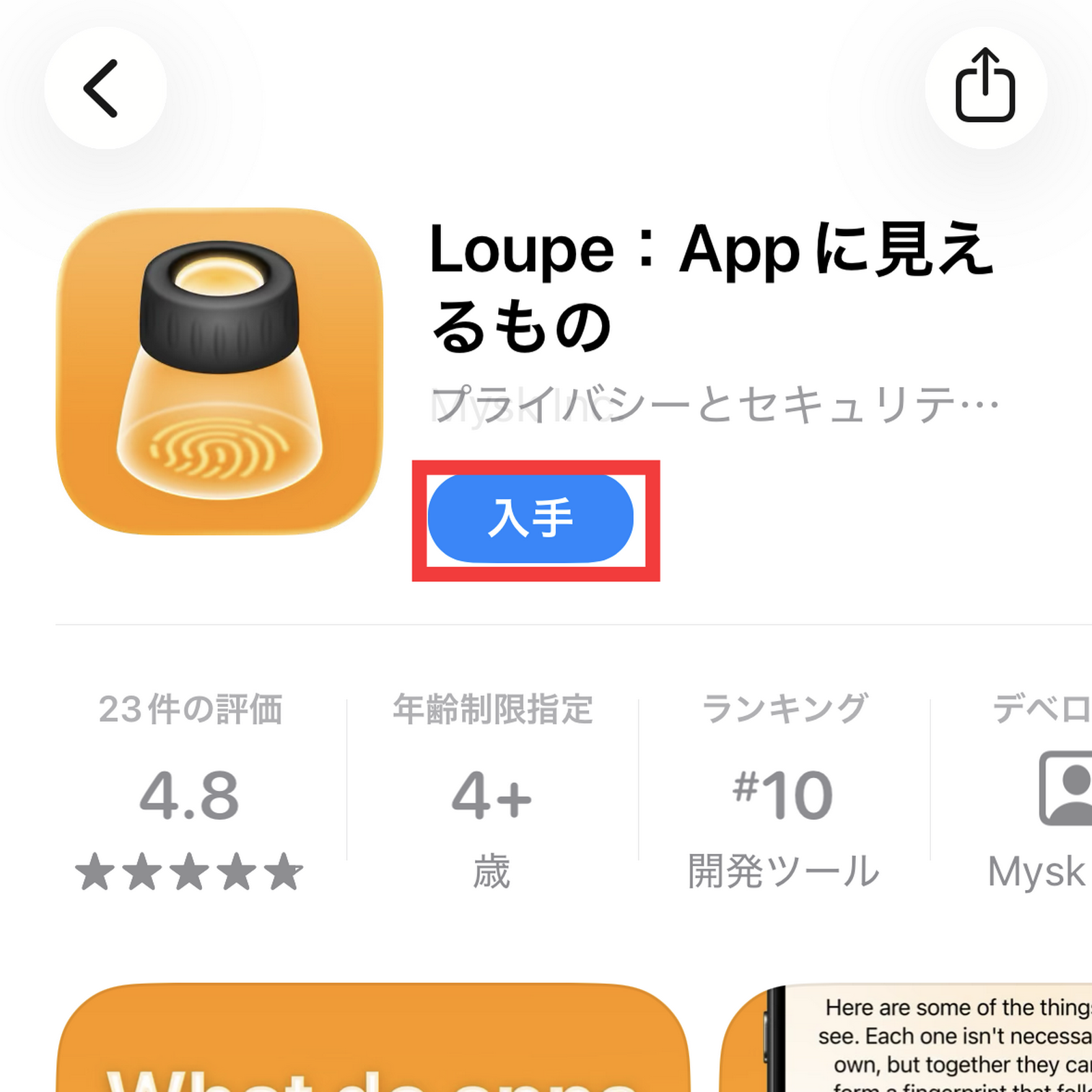
Loupe is available for free. Tap 'Get' on the App Store page to install it.
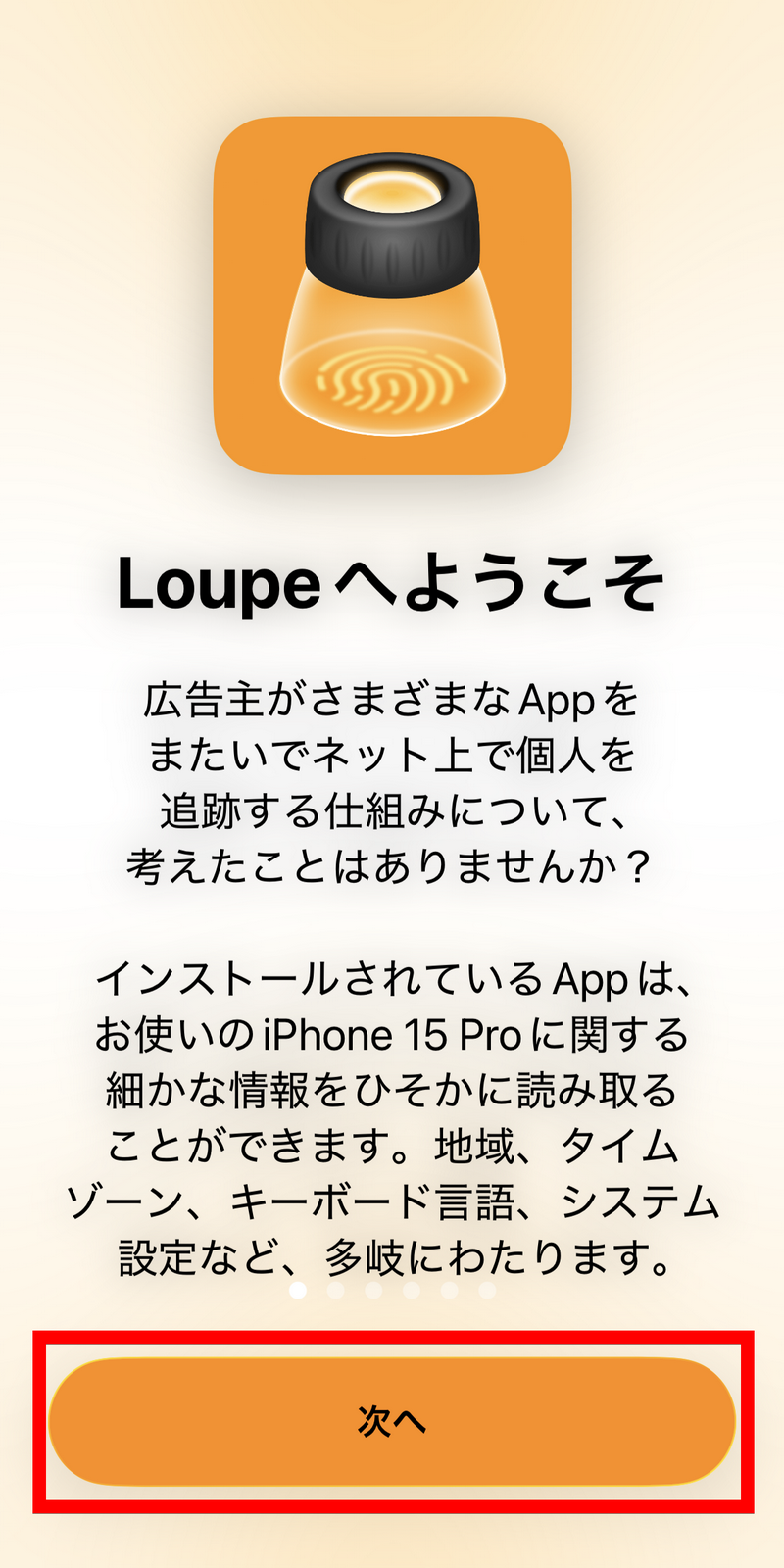
I launched the installed Loupe. Tap 'Next'.
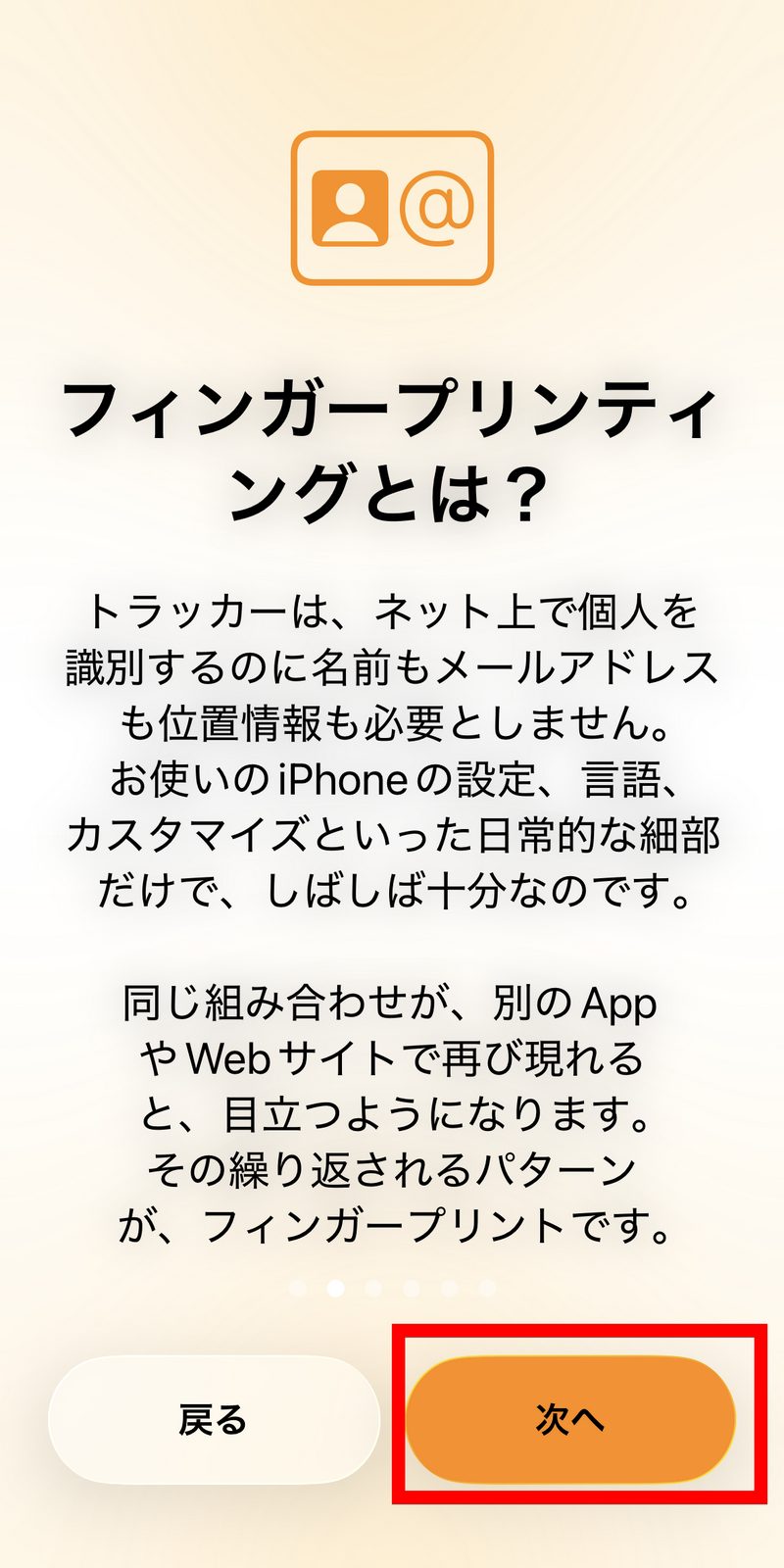
Explanation of fingerprinting. Tap 'Next'.
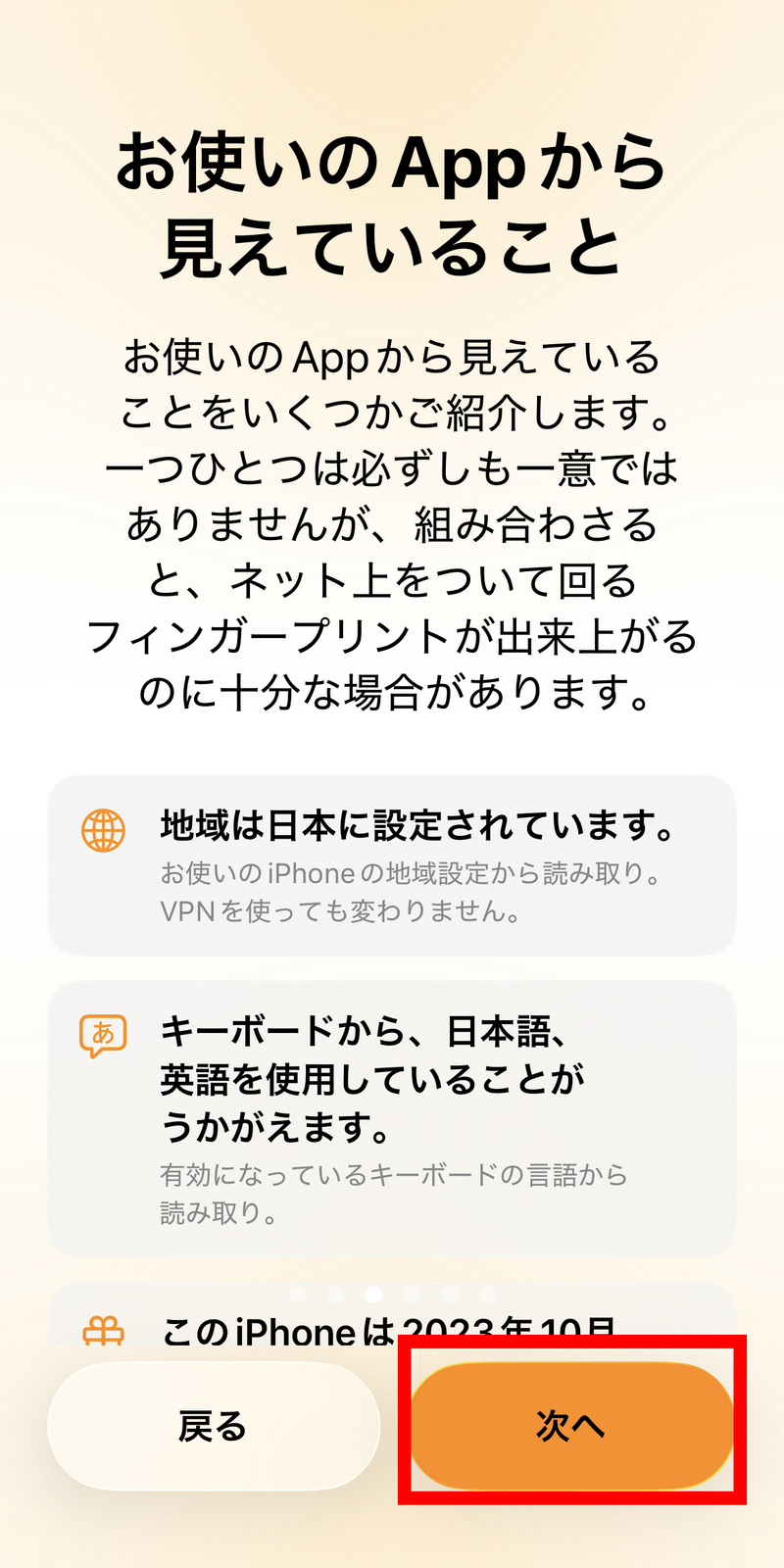
At this point, only a small portion of the information that can be read through Loupe is displayed. Tap 'Next'.
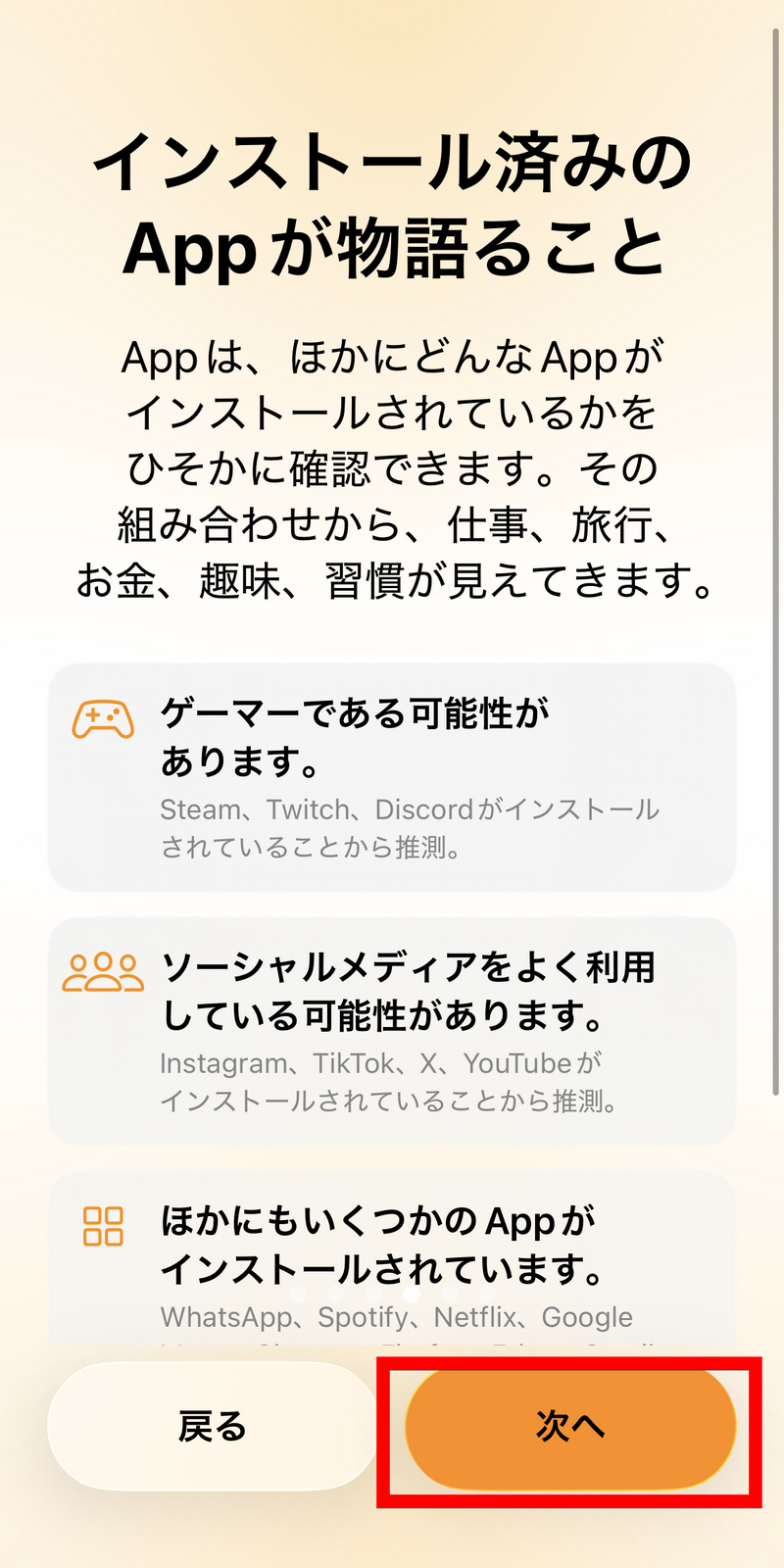
The installed apps were also checked. Tap 'Next'.
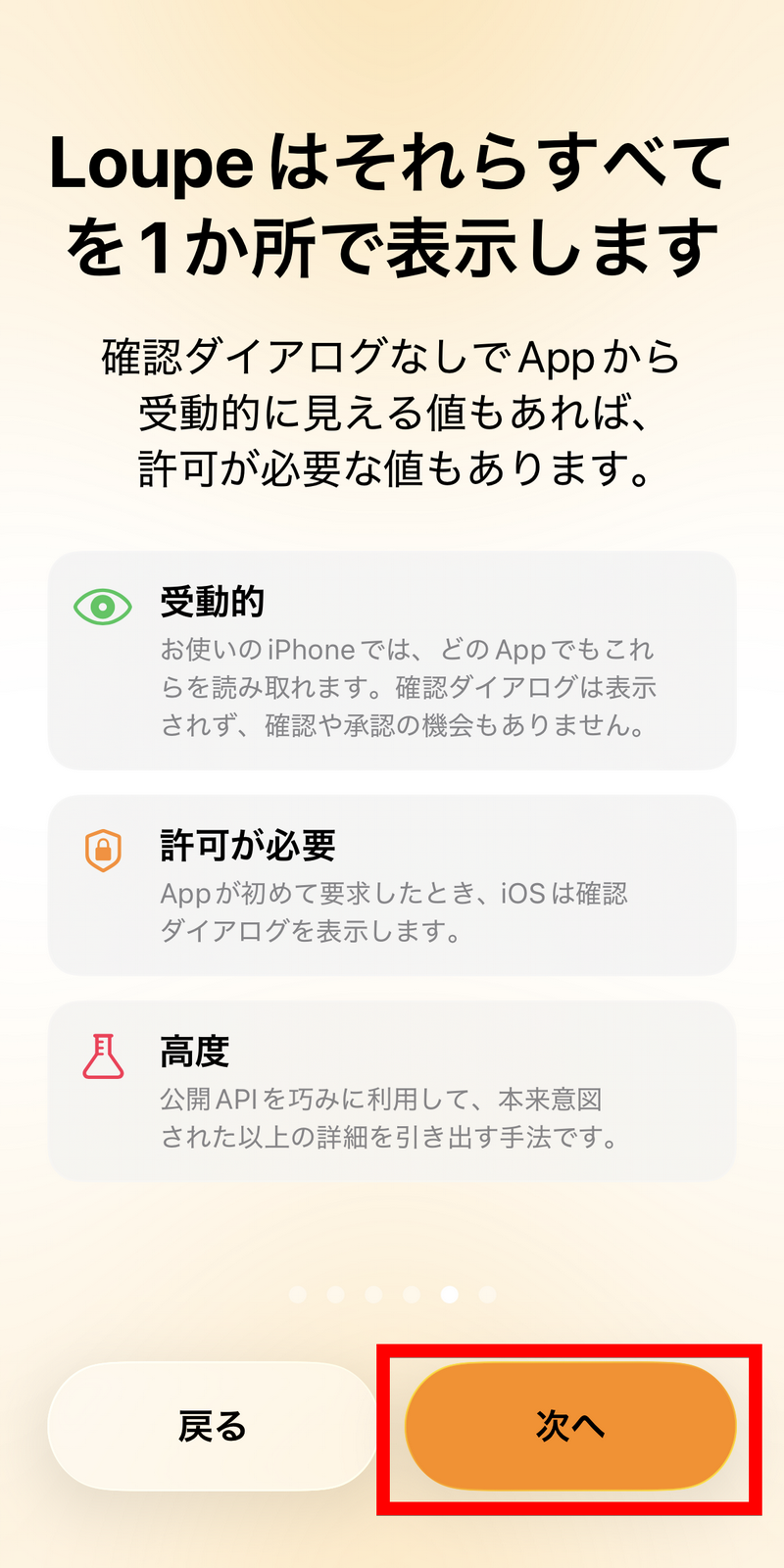
Loupe offers three types of information: 'Passive,' 'Permission Required,' and 'Advanced.' For 'Permission Required' and 'Advanced,' you need to grant the app permission to access the information. Tap 'Next.'
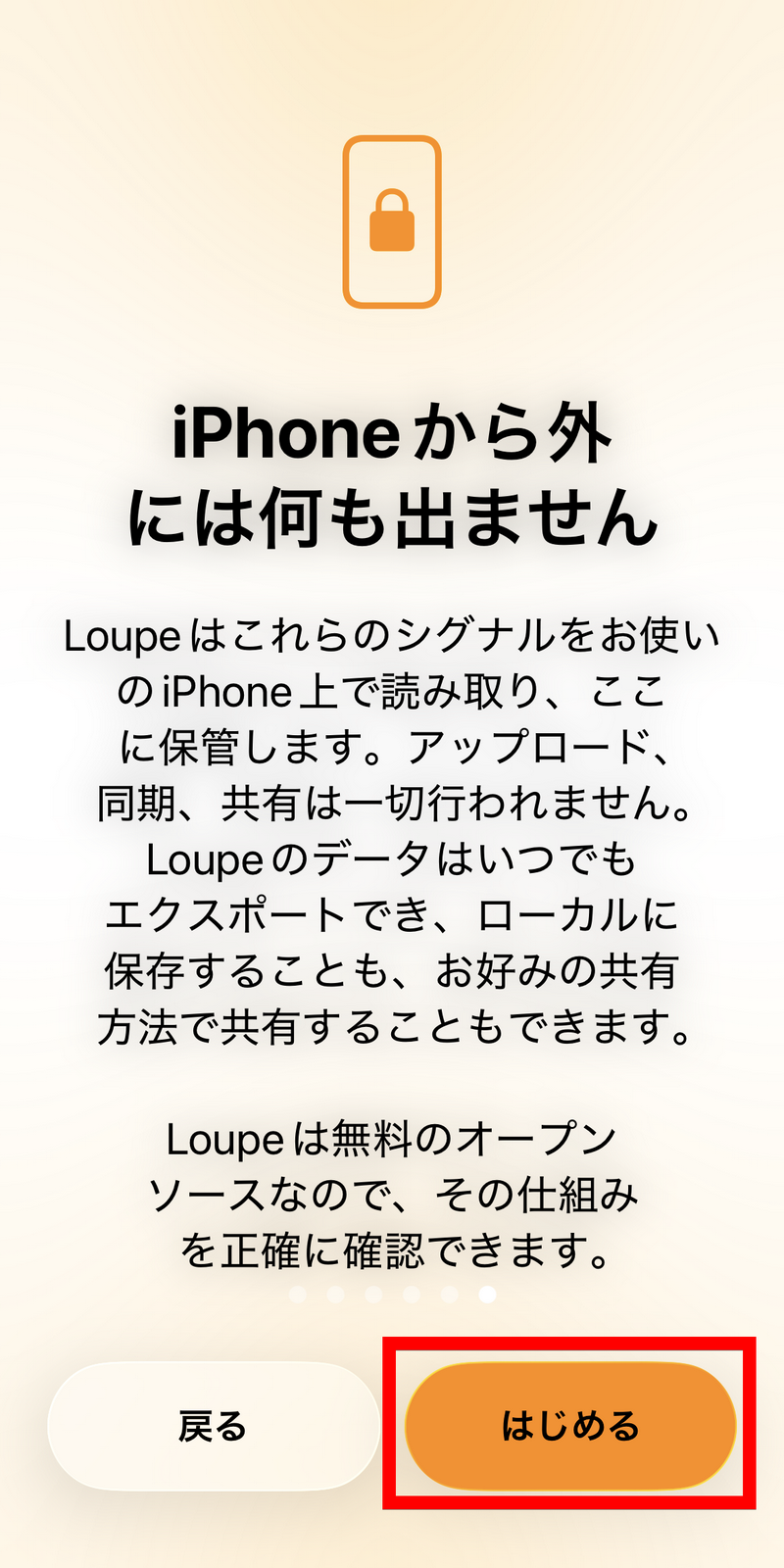
Loupe displays information that can identify the user, but the information obtained is not uploaded or shared. However, you can save it locally or share it as you wish. Tap 'Get Started'.
This is what the Loupe screen looks like. Let's tap on 'Device Identification Information' under 'Passive'.
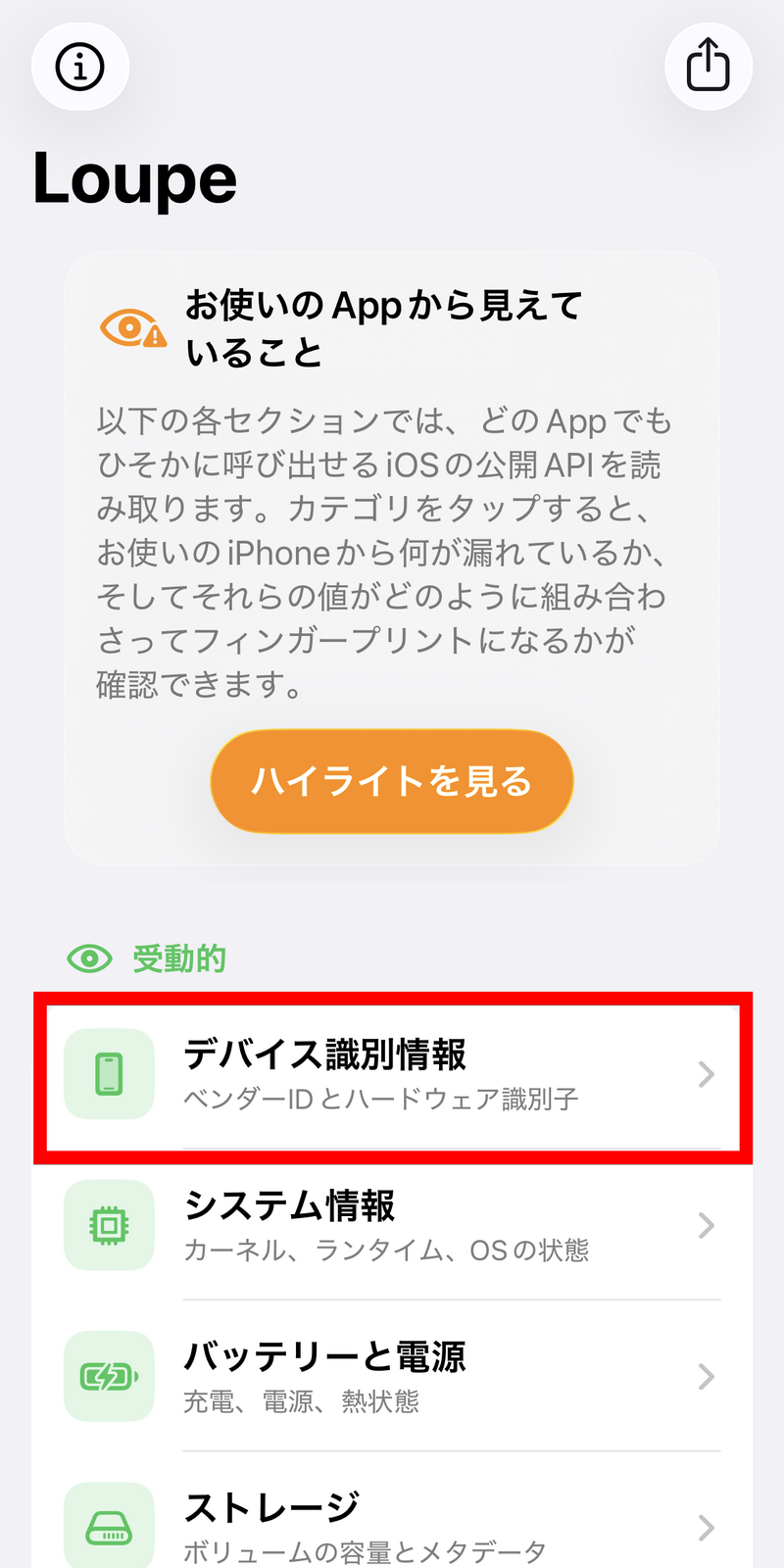
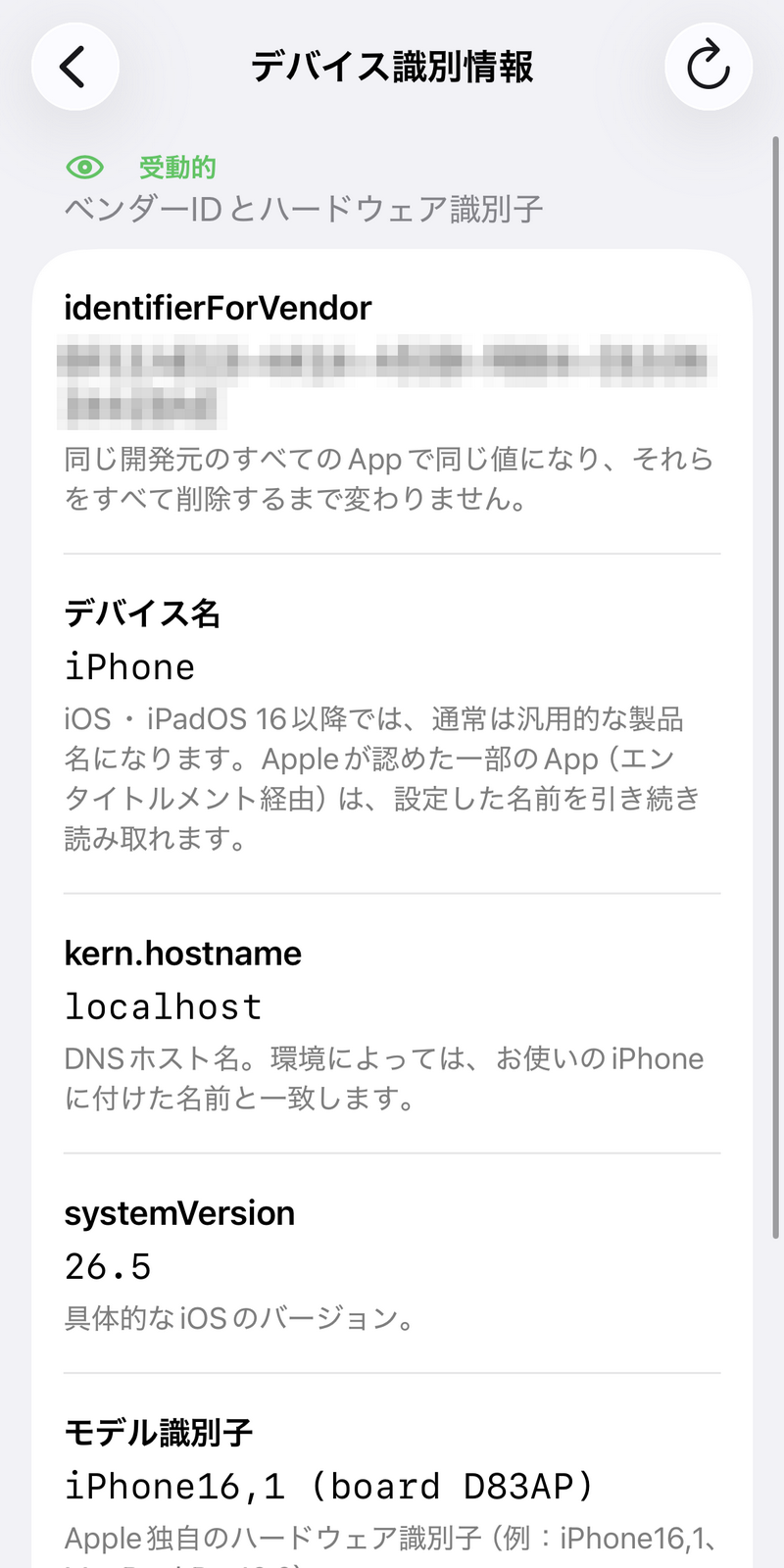
Then, the vendor ID and hardware identifier were displayed.
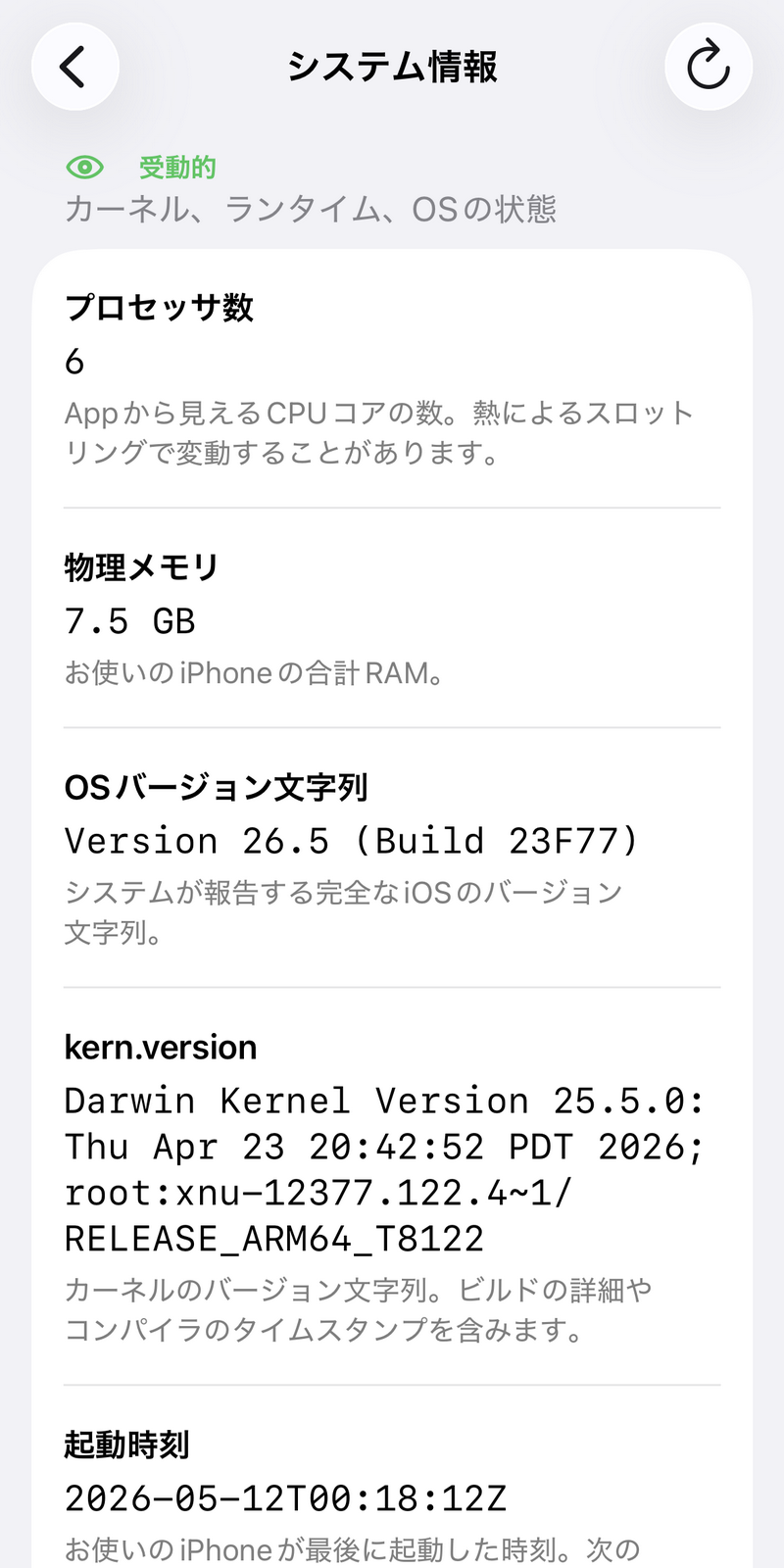
In 'System Information,' you can view information such as the number of processors, physical memory, OS version string, and kernel version string.
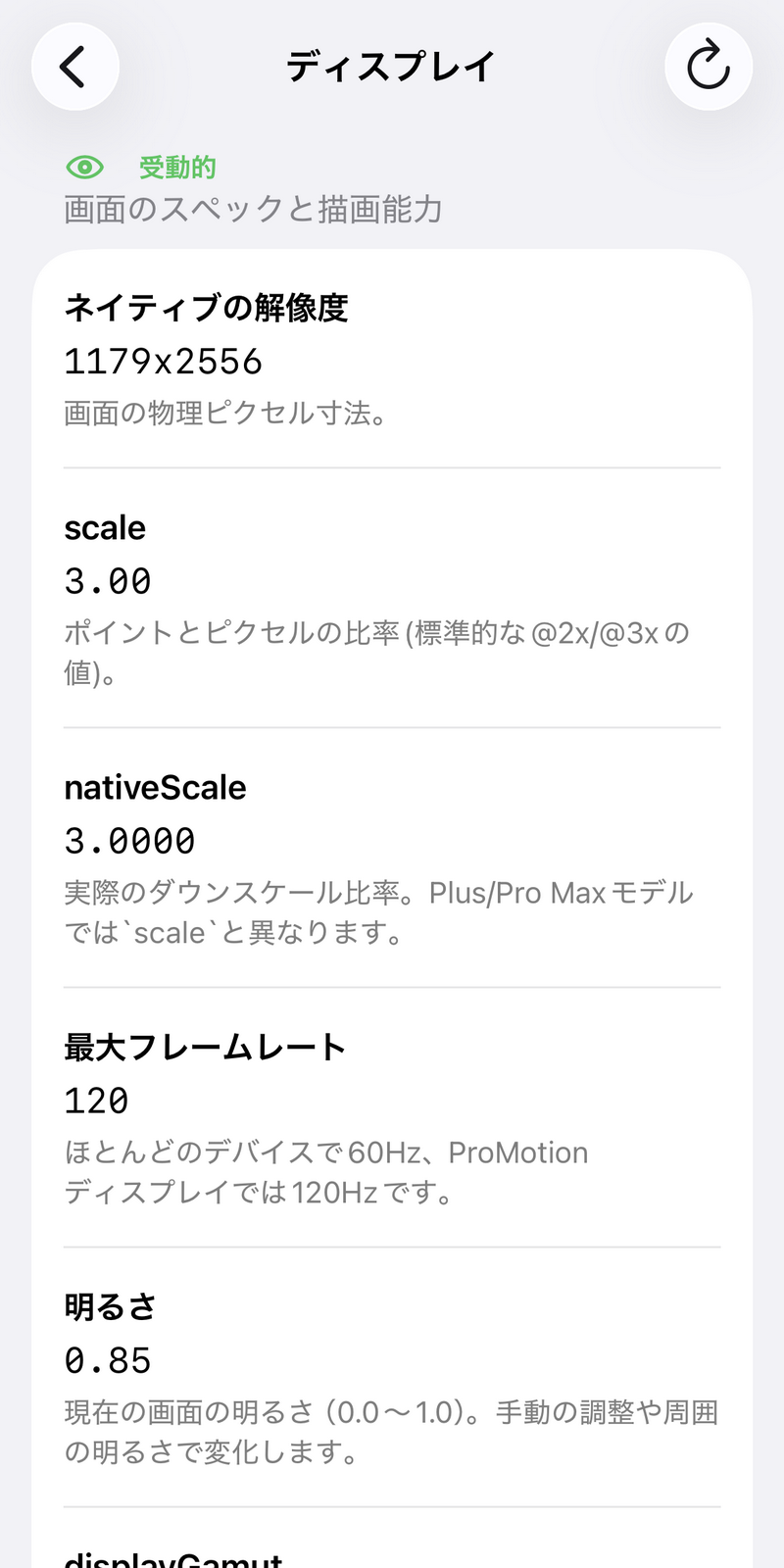
Under 'Display,' you could see the screen's specifications, rendering capabilities, and the brightness settings.
You can find the iCloud token hash in your 'Apple Account'.
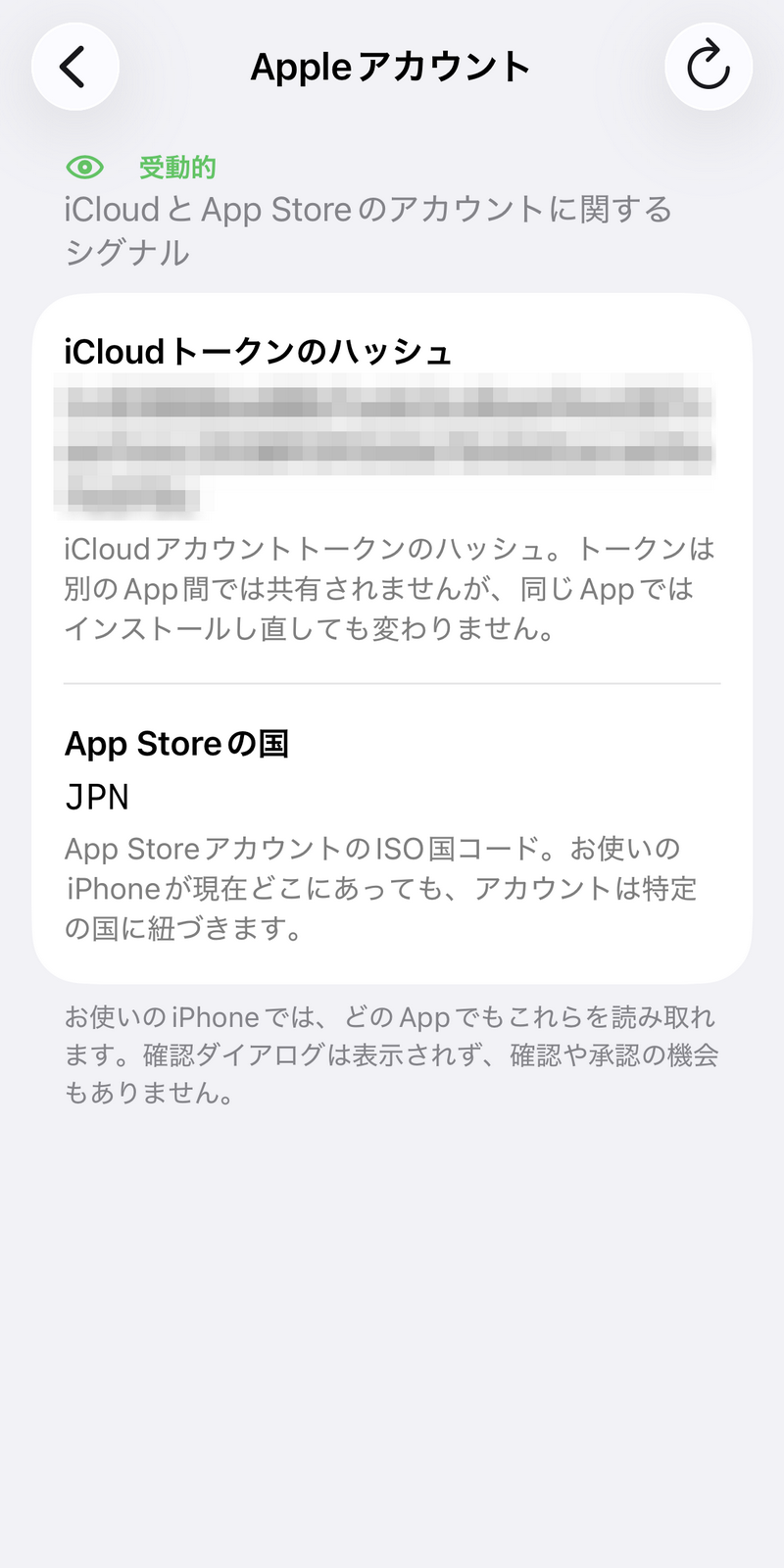
Information marked 'Permission Required' cannot be viewed unless you grant the app permission to access it. This time, let's tap 'Motion and Sensors.'
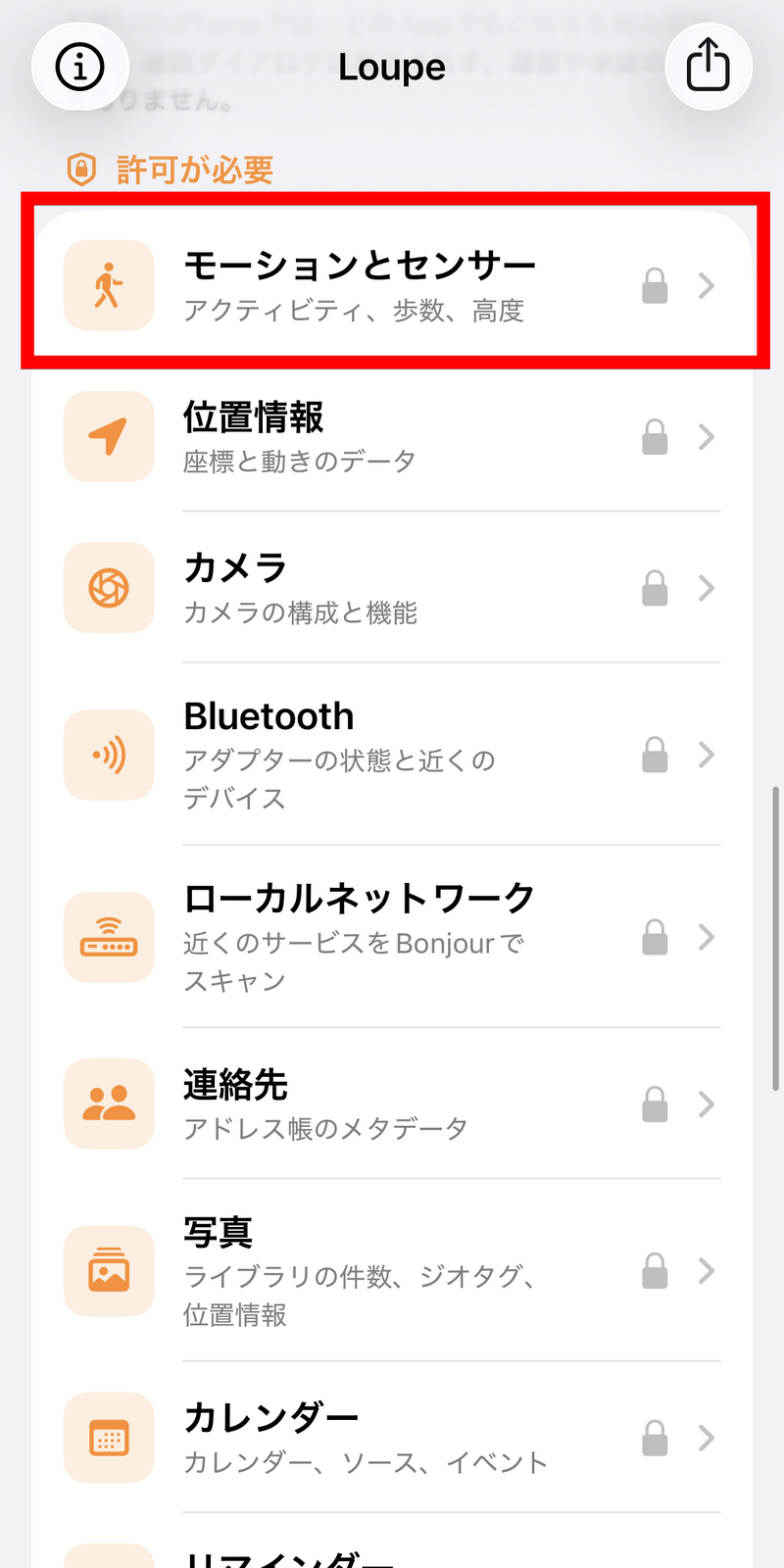
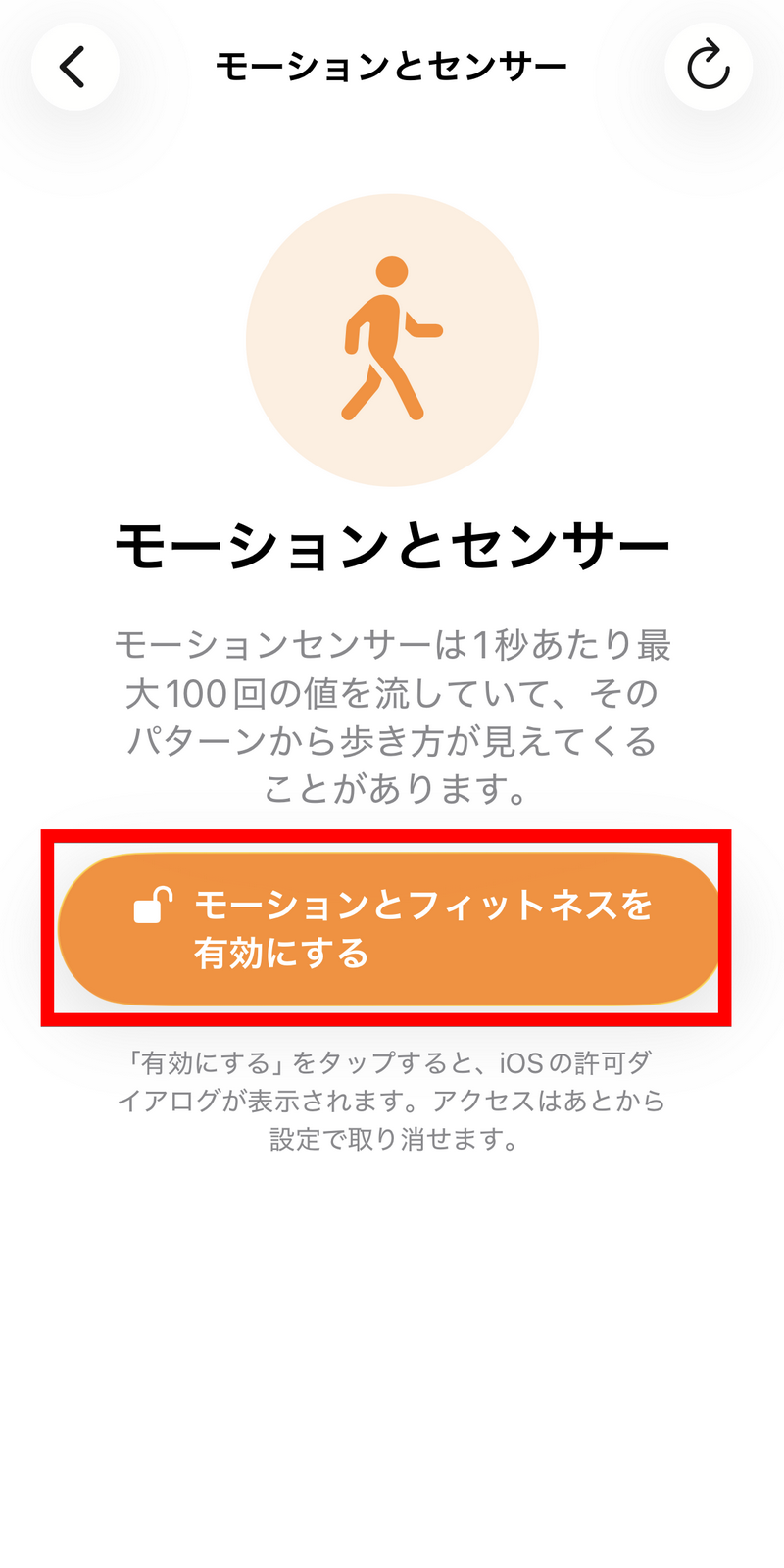
Tap 'Enable motion and fitness.'
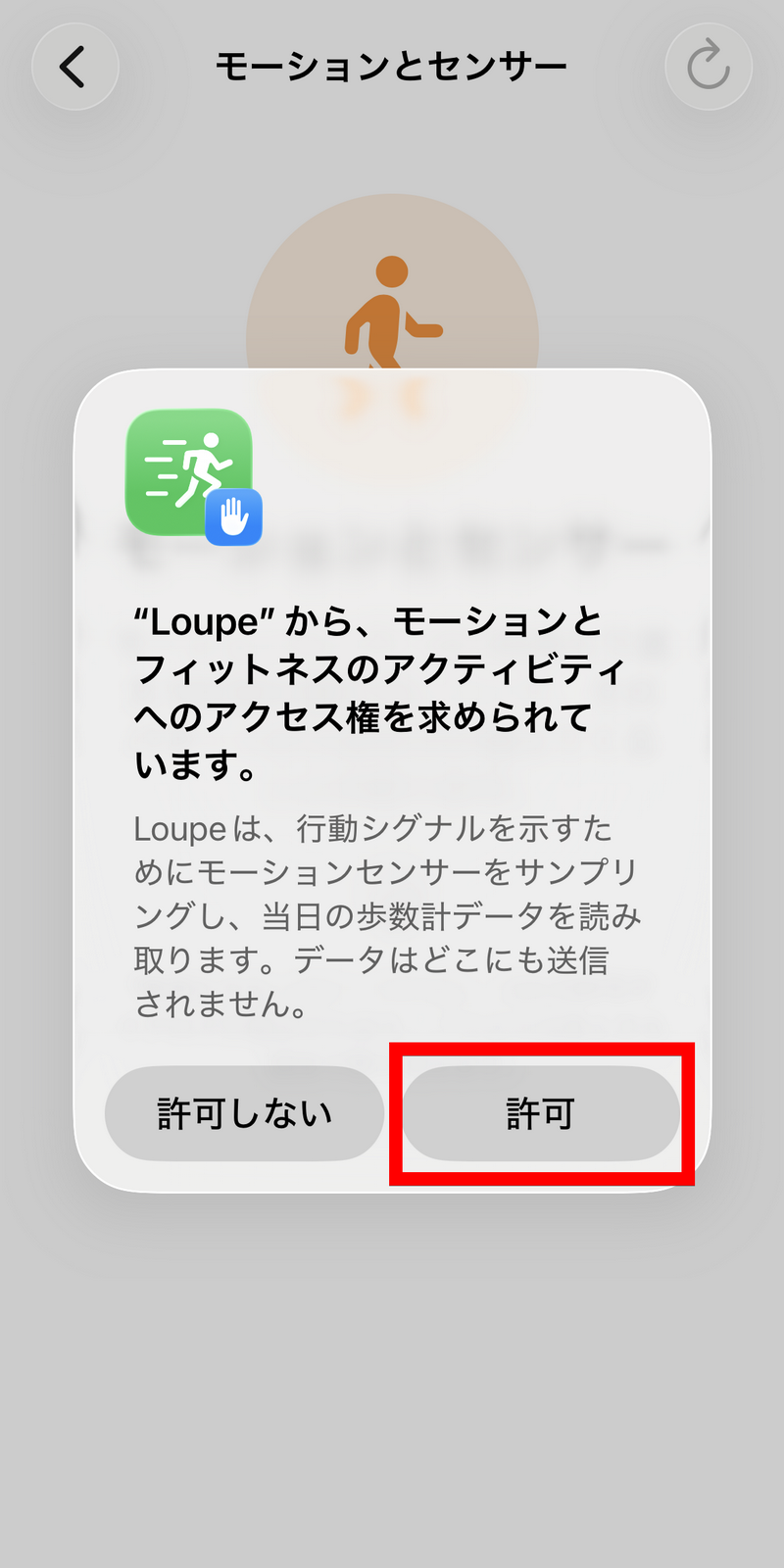
You will be asked for access permission, so tap 'Allow'.
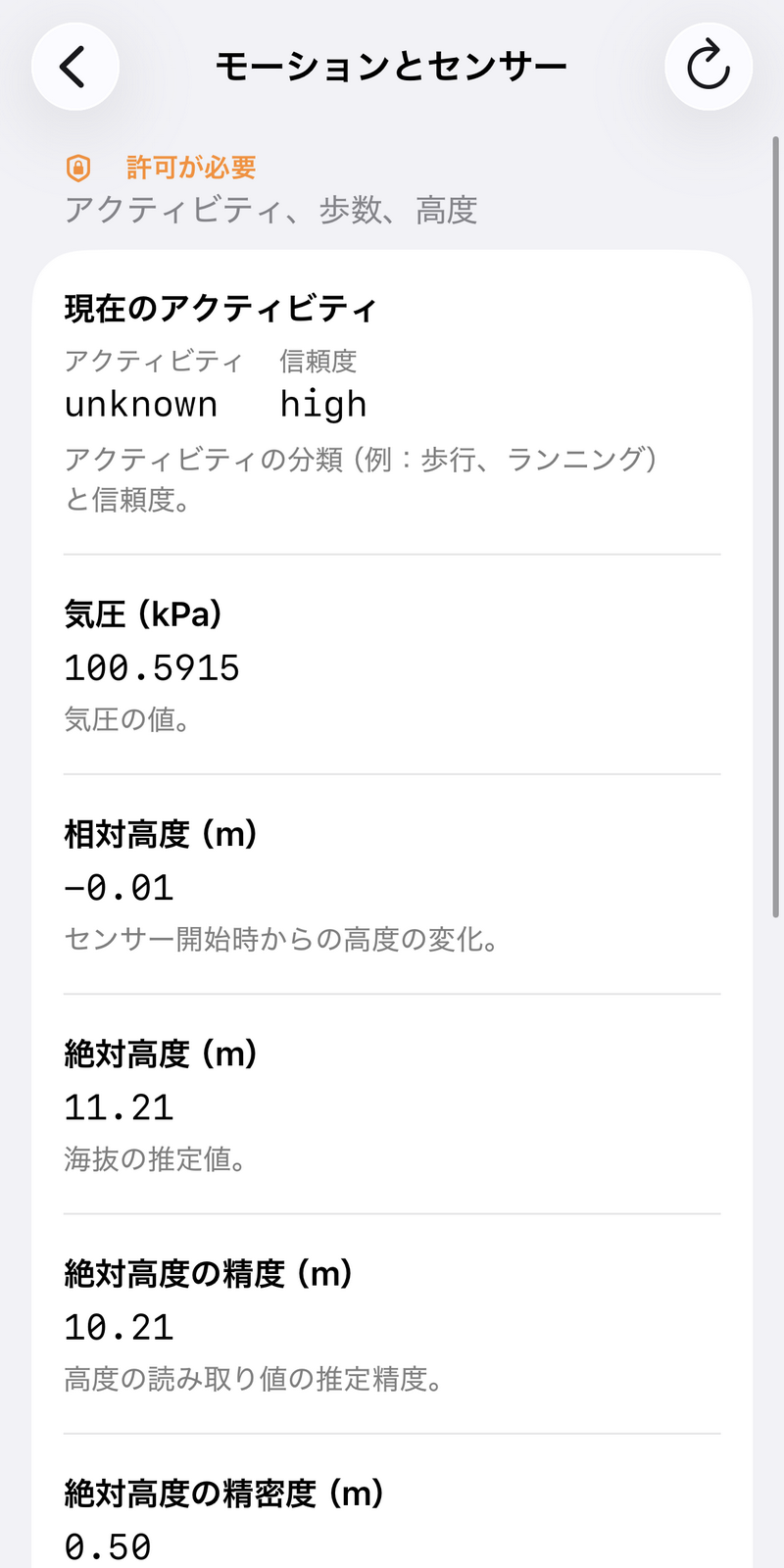
Then, information obtained from the iPhone's built-in sensors, such as activity levels, barometric pressure, and altitude, was displayed.
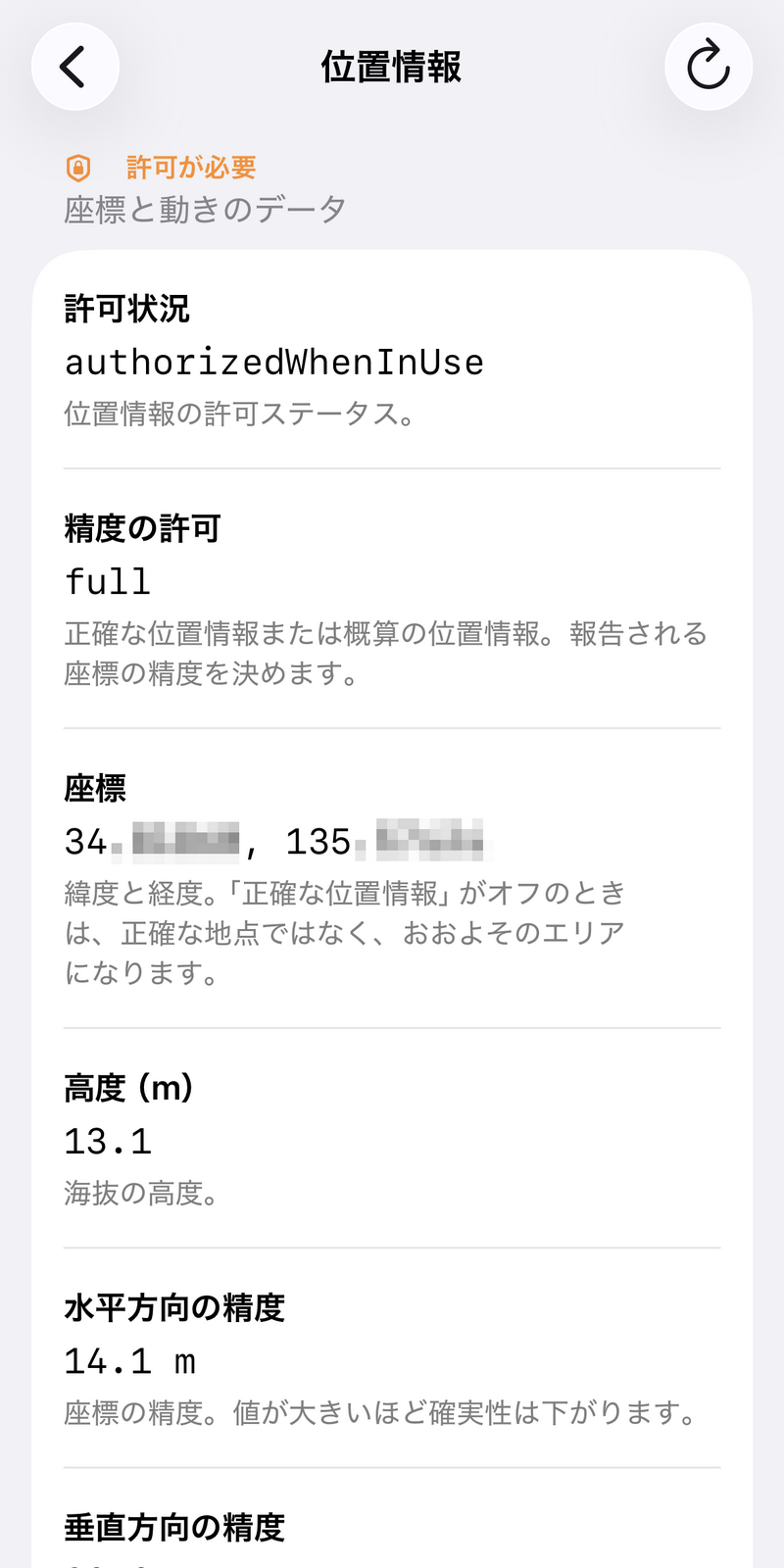
In addition, the 'Location Information' section allows users to check the coordinates, altitude, and accuracy of location information based on GPS and sensor data.
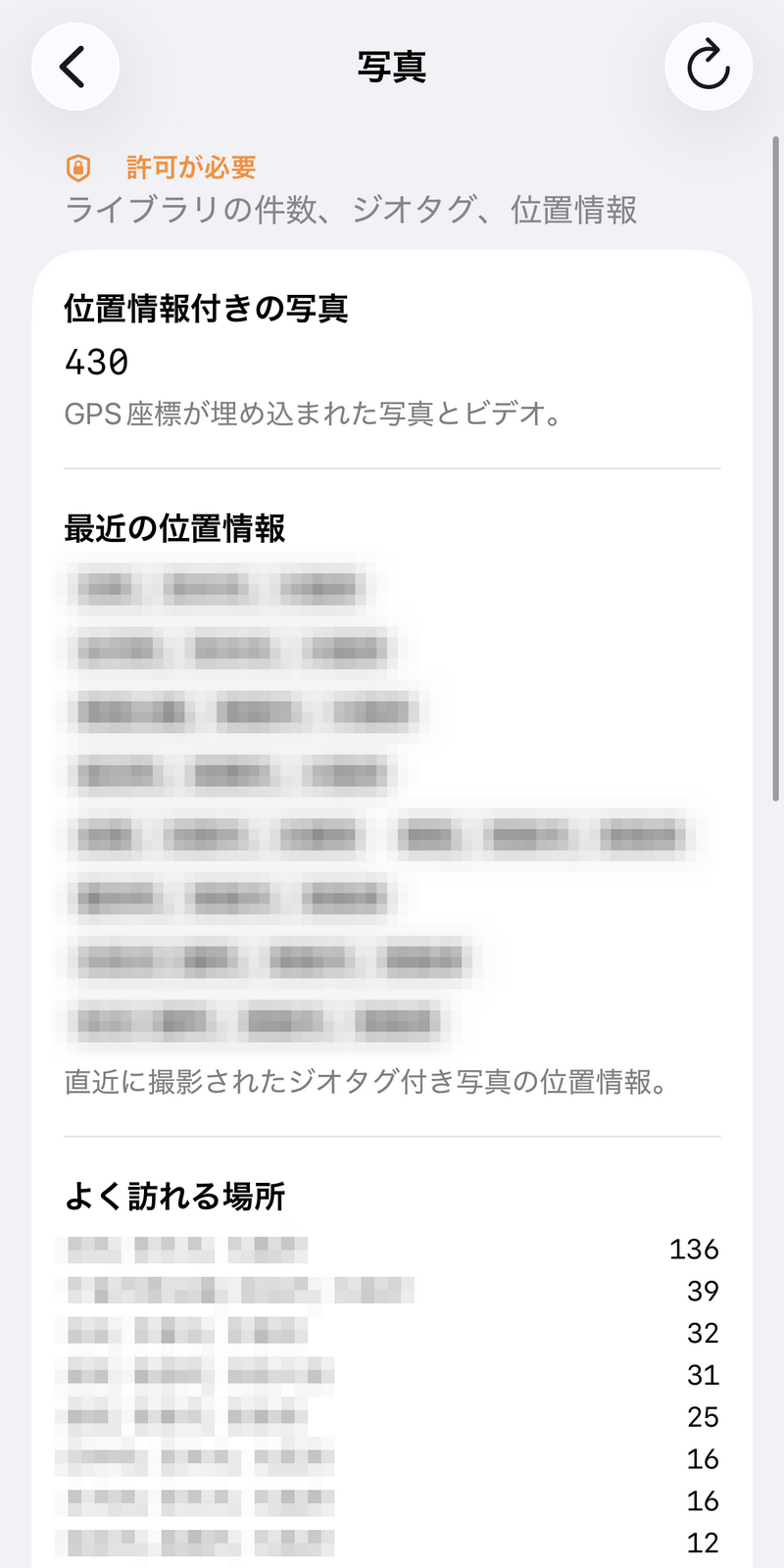
In the 'Photos' app, location information embedded in photos and videos stored on the iPhone was scanned and displayed in a row.
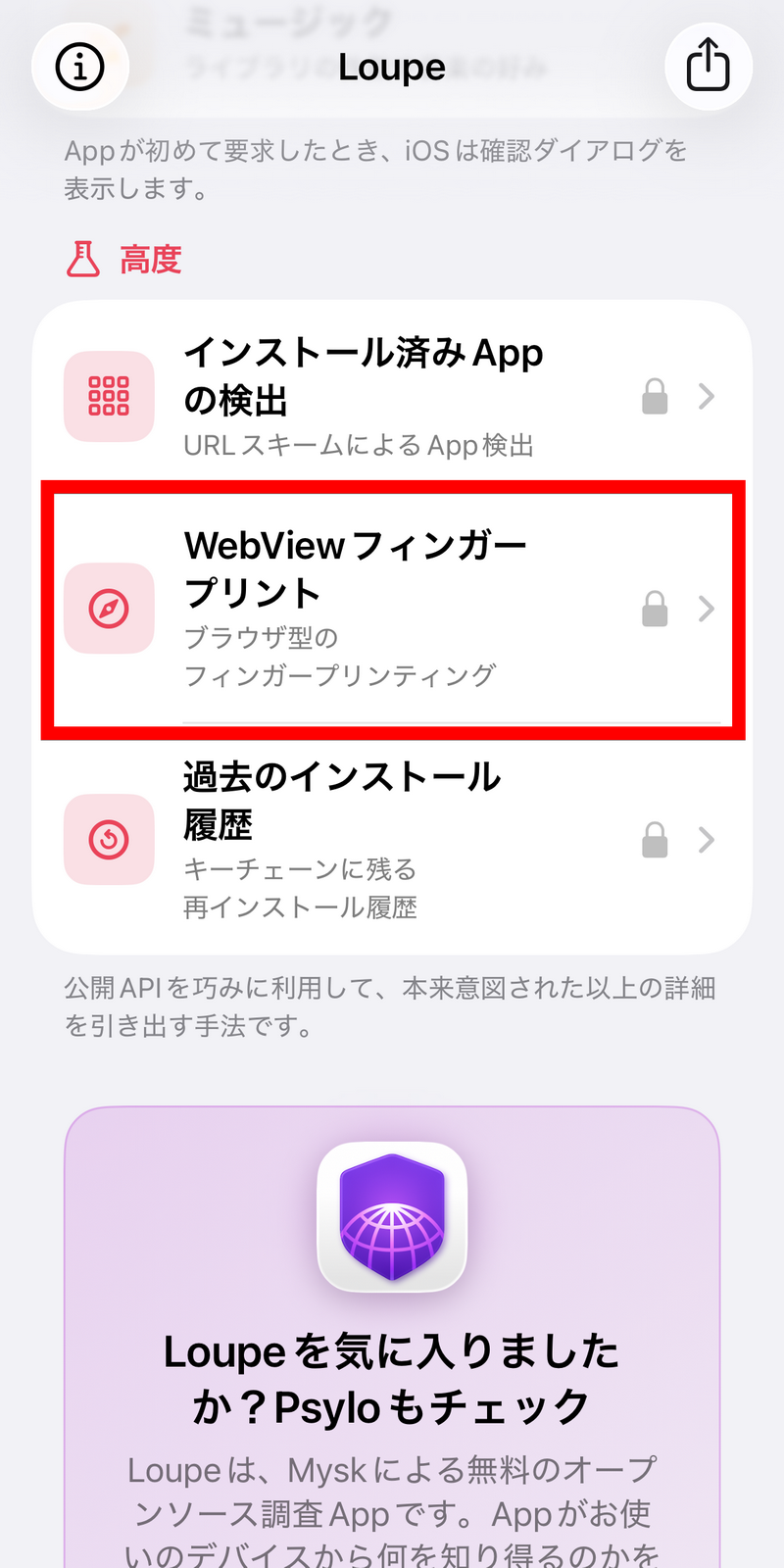
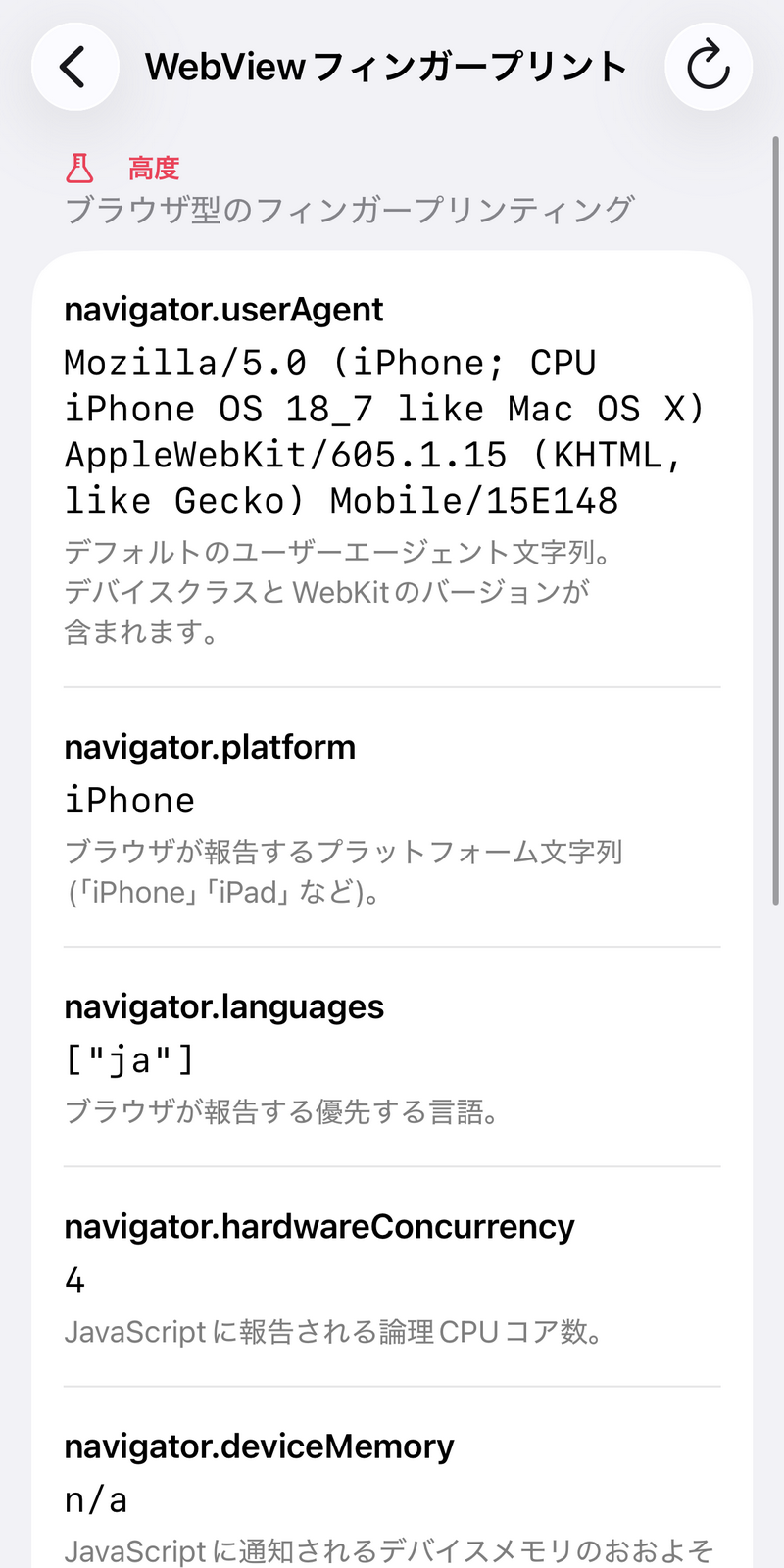
The 'Advanced' section allows you to view information that can be retrieved using the public API. Let's tap on 'WebView Fingerprint,' which allows you to check browser-based fingerprinting.
This allowed me to view the user agent string, platform string, and other information.
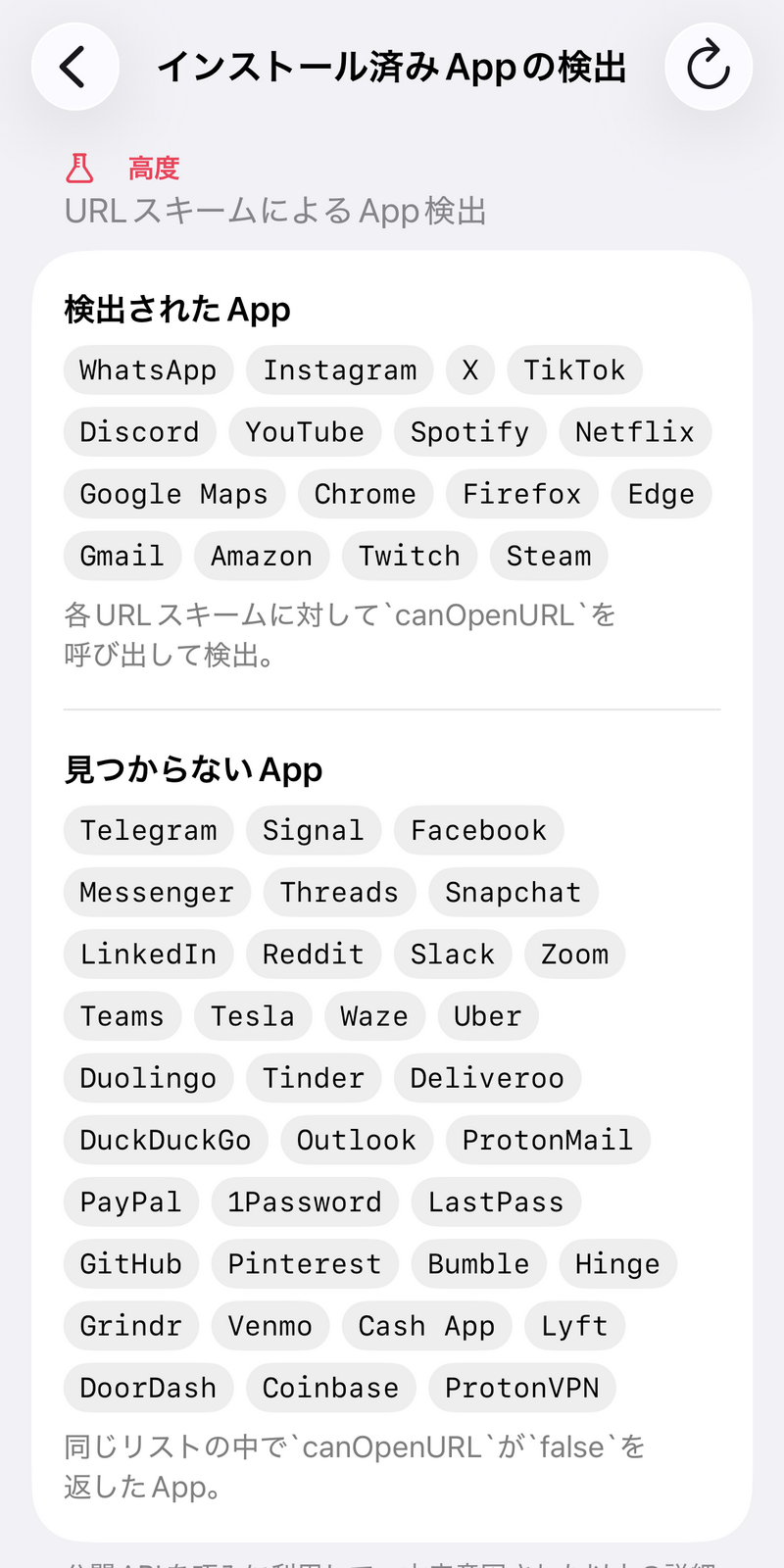
In 'Installed App Detection,' apps that returned True using the 'canOpenURL' method, which determines whether an app capable of handling a specified URL exists on the device in iOS, were detected as installed and listed.
Loupe is developed as open source, and its source code is available on GitHub under the MIT license. Developer Mysk has stated that 'Loupe was developed almost entirely using AI coding tools,' and has also revealed that development of a macOS version is underway.
Related Posts:




in Software, Smartphone, Review, Security, Posted by log1i_yk