Posturr, a macOS app that blurs the screen when you slouch, uses the Mac's camera and Apple's Vision framework to monitor users in real time and encourage good posture.
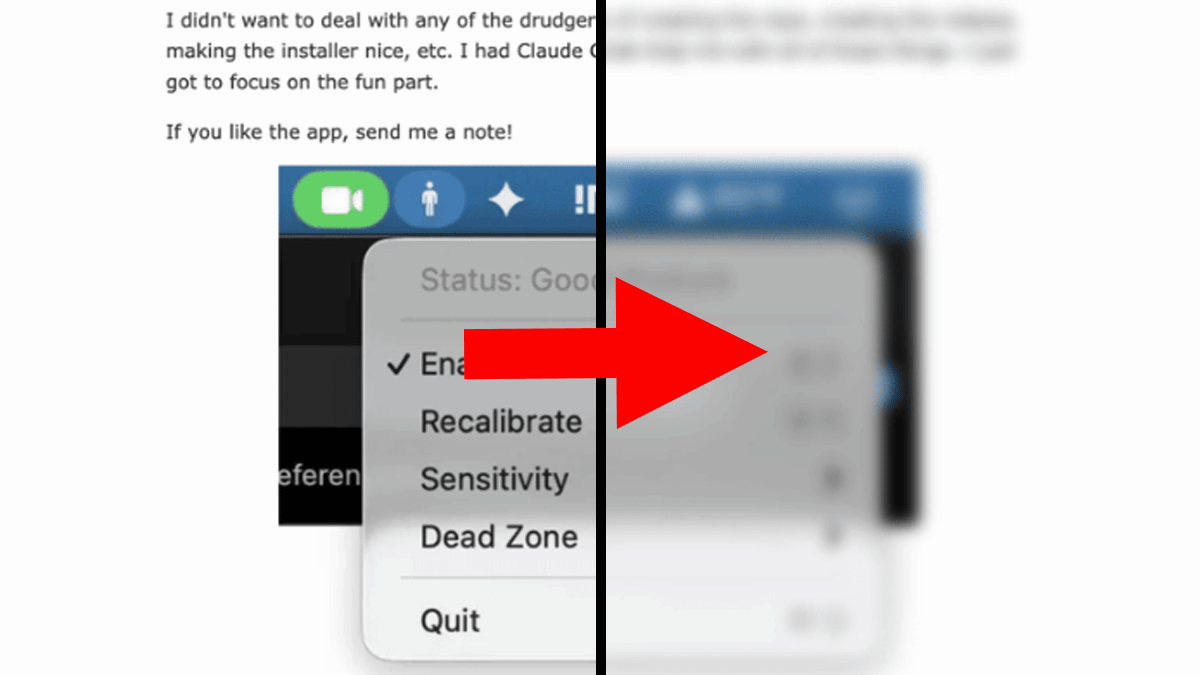
When working at a desk with a computer, many people tend to naturally slouch as they try to align the screen height with their eyes. The open-source app ' Posturr ' for macOS uses a camera to monitor the user's posture in real time, and blurs the screen when it detects slouching to encourage proper posture.
Posturr - A macOS app that blurs your screen when you slouch | Tom Johnell
tldev/posturr: A macOS app that blurs your screen when you slouch. Uses Vision framework for real-time posture detection.
https://github.com/tldev/posturr?tab=readme-ov-file
Posturr is an app that uses your Mac's camera to monitor your posture in real time. If it detects that you're slouching, the screen will gradually blur to encourage you to straighten your back. If you maintain good posture, the blurry image will instantly disappear.
Using Apple's Vision framework for body posture and face tracking, Posturr detects the face, tracks the relative position of the nose and shoulders, and measures the vertical distance between them to analyze posture. It then uses the Core Graphics API to apply system-level blurring to the screen depending on posture deviation.

Posturr also supports multiple displays and processes all video data locally on your Mac - no images or data are sent to external servers. Camera footage is used solely for posture detection and is not stored or transmitted.
Posturr is licensed under the MIT license and its repository is hosted on GitHub. Pre-built apps are distributed in DMG and ZIP formats on the release page. The latest version at the time of writing is v1.0.12.
Releases tldev/posturr
https://github.com/tldev/posturr/releases
In addition, Tom Jonell, the developer of Posturr, has released a movie on YouTube showing how to actually use Posturr.
Posturr - A macOS app that blurs your screen when you slouch - YouTube
Related Posts: