Bluesky's DM feature will now include a 'reply to specific messages' function.
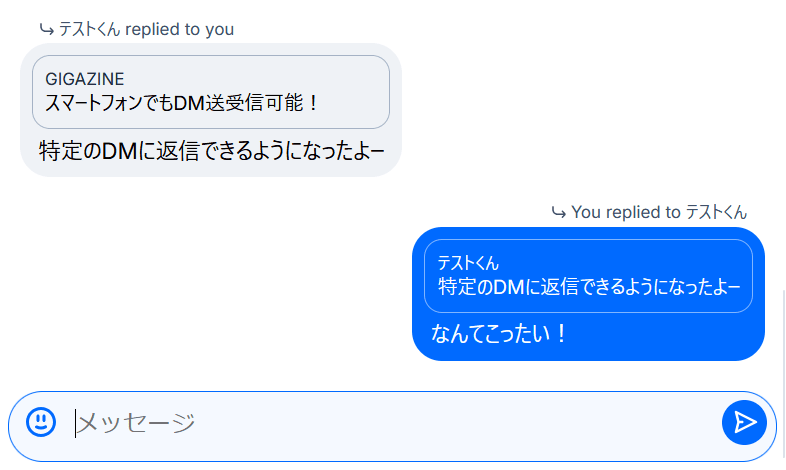
Bluesky now includes a feature that allows you to reply to specific messages, available in both its web and app versions.
v1.125 has been released. You can now reply to specific messages in group chats and direct messages.
[image or embed] — Bluesky Japanese (official) ( @jp.bsky.app ) June 18, 2026 6:49
📱 In the app, swipe to select a message. You can also long-press and select 'Reply.'
💻 On the web, please click the '...' next to the message.
Since this was the most frequently requested feature after the group chat was made public, we decided to add it.
In the app version, you can open the chat window from the 'Chat' tab.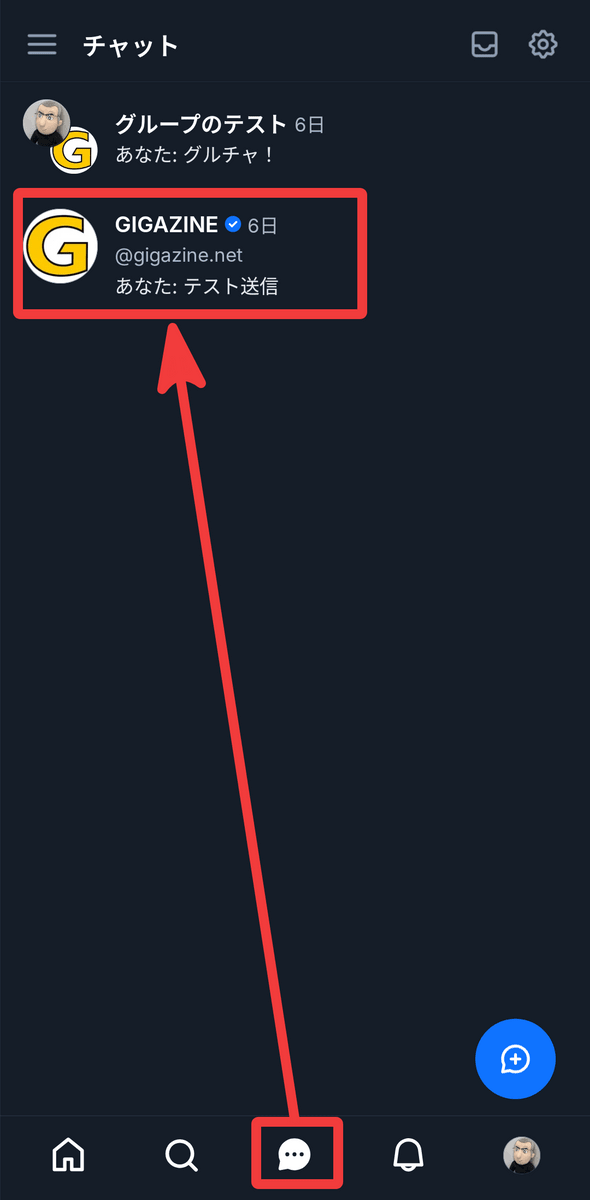
Swipe the message you want to reply to from left to right.
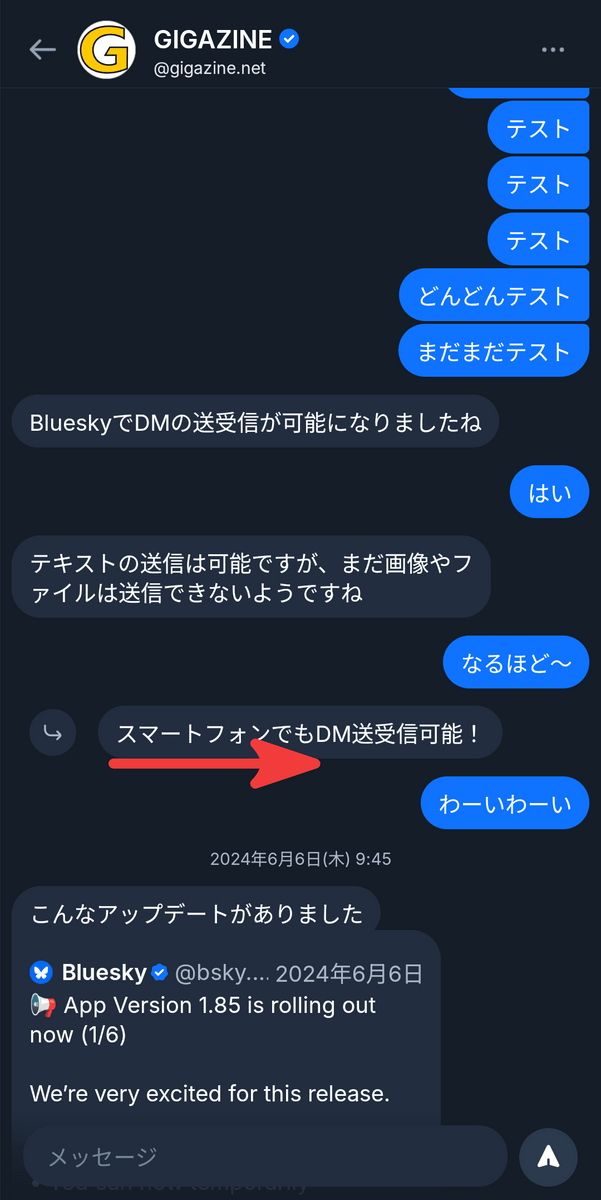
Simply type the text and send it.
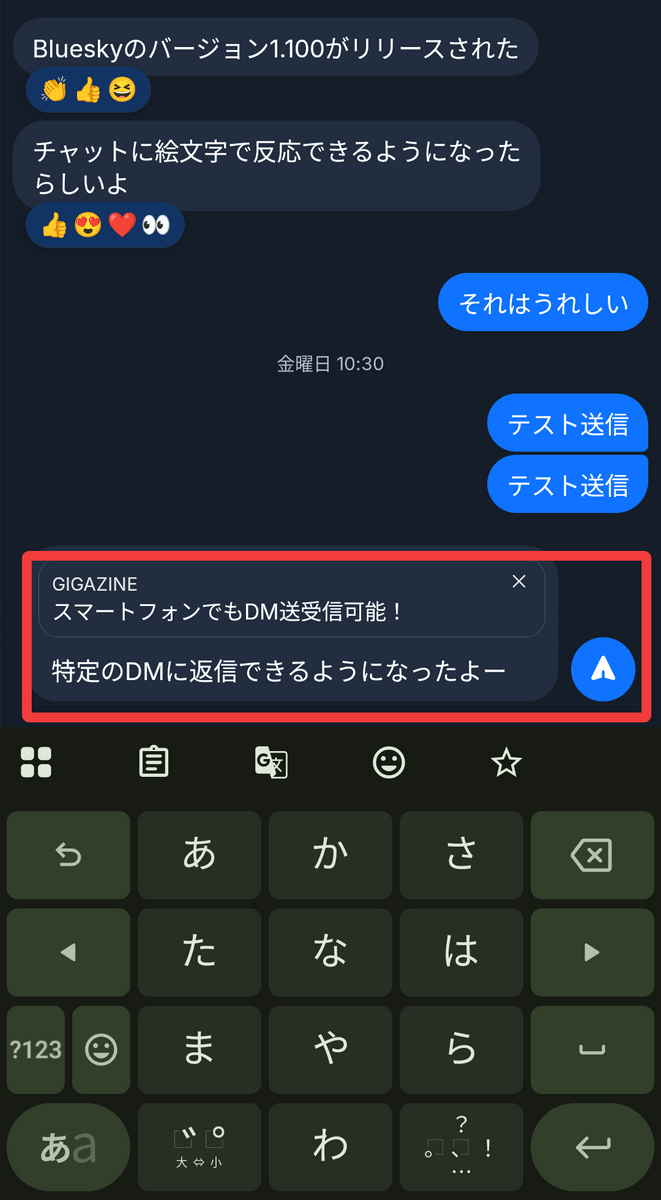
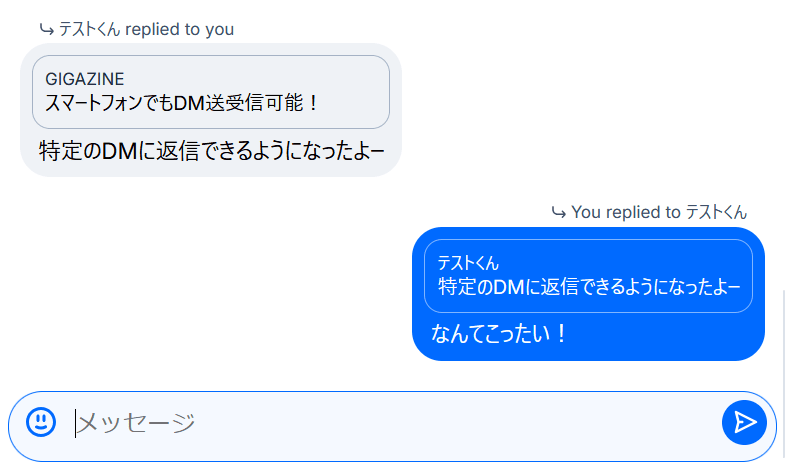
The reply destination message is displayed within the frame, making it easy to see at a glance which message you have replied to.
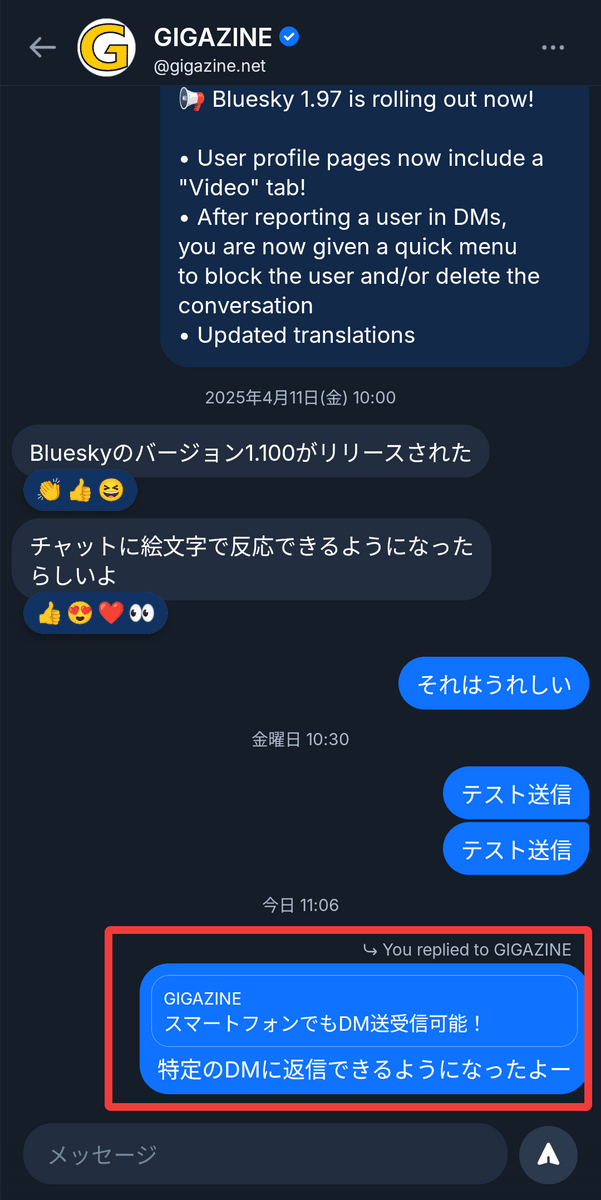
Tapping inside the box will take you to the reply message.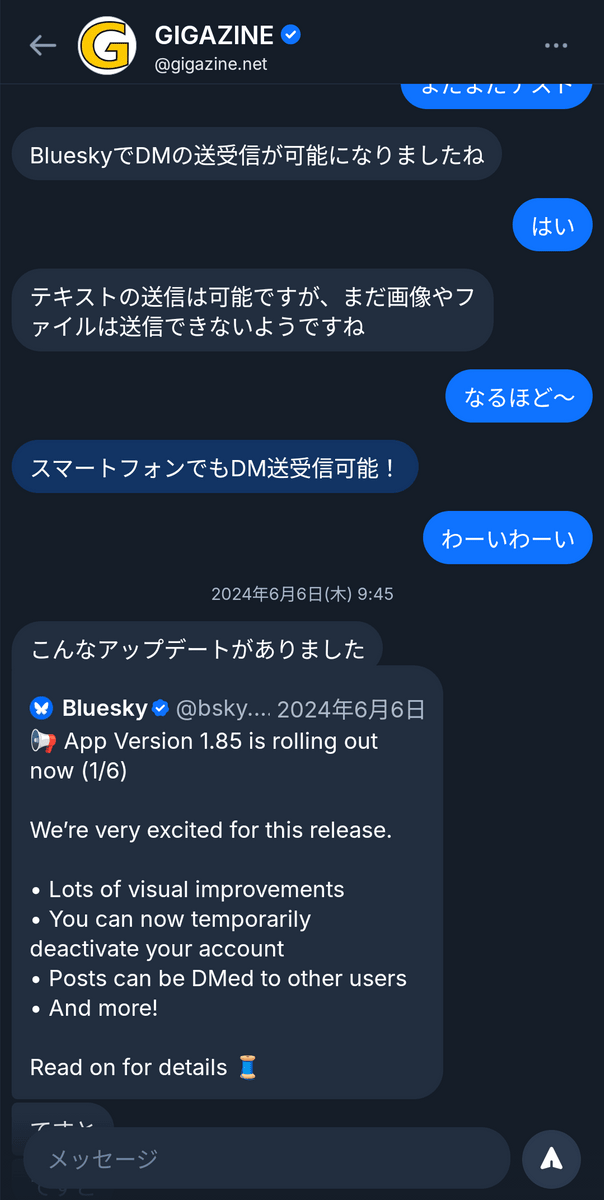
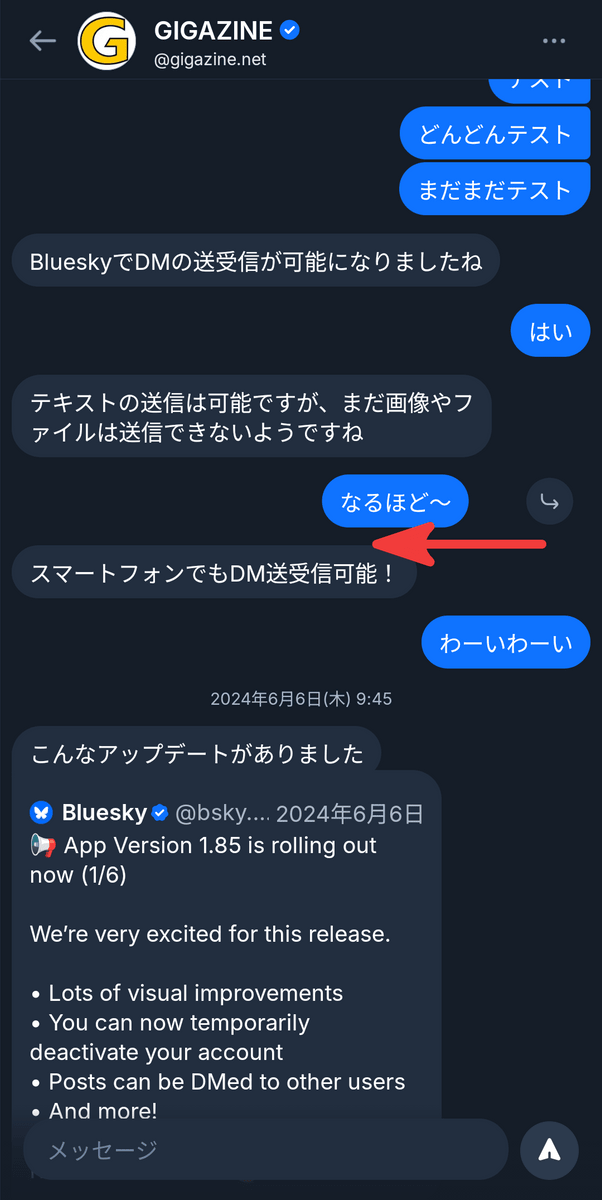
To reply to your own message, swipe from right to left.
On the web version, click the menu icon that appears when you hover your cursor over the message, and then click 'Reply.'
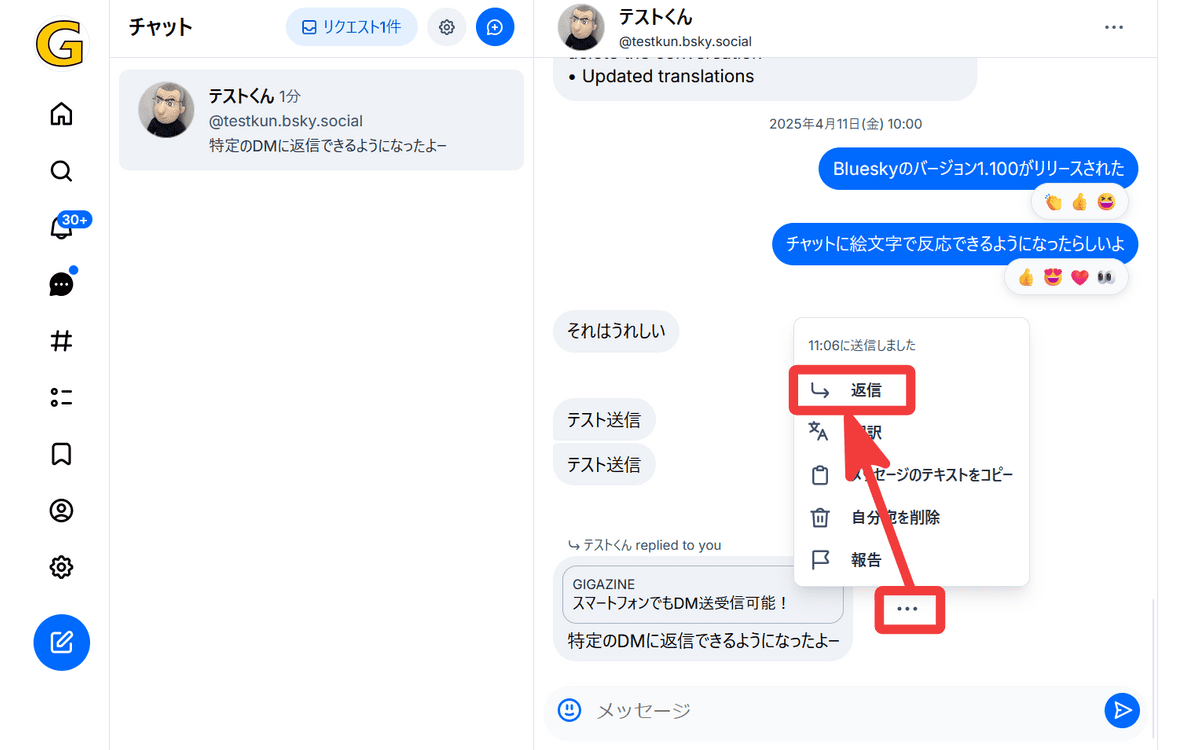
You can reply in the same way. It truly shines in '
Related Posts:



in Software, Web Service, Posted by log1p_kr