Firefox has launched 'Firefox roadmap,' an official website that announces features planned for future implementation.

Mozilla has launched ' Firefox roadmap, ' an official website showcasing features currently under development and planned for future implementation in its Firefox web browser.
What's new in Firefox this June, and what's next on the Firefox roadmap

The Firefox roadmap is the official website where you can learn more about new features and updates currently under development for Firefox. By checking the Firefox roadmap, you can get a glimpse into how Firefox will evolve as a web browser in the future.
Ajit Varma, head of Firefox, explained the Firefox roadmap, saying, 'Some of the best ideas for Firefox have come directly from our actual users. This roadmap will be a new way for the community to stay informed about the development progress, share feedback faster, and determine the direction we're heading in.'
The Firefox roadmap includes items that have already been published, as well as information being revealed for the first time. Through the Firefox roadmap, you can get a clearer picture of the direction Firefox is aiming for and the areas that the developers are focusing on to build a better browser.
You can check the Firefox roadmap from the link below.
See what's next for Firefox — Firefox.com
https://www.firefox.com/en-US/whatsnext/

The updates are categorized into sections such as 'Productivity,' 'Privacy Controls,' 'AI Done Differently,' 'Speed & Performance,' 'Built-In Protection,' and 'Better Web,' and each update is also categorized to indicate which OS (Android, iOS, or desktop) it is for. You can also check the blog for more details or the official community forum for instructions on how to use the updates .
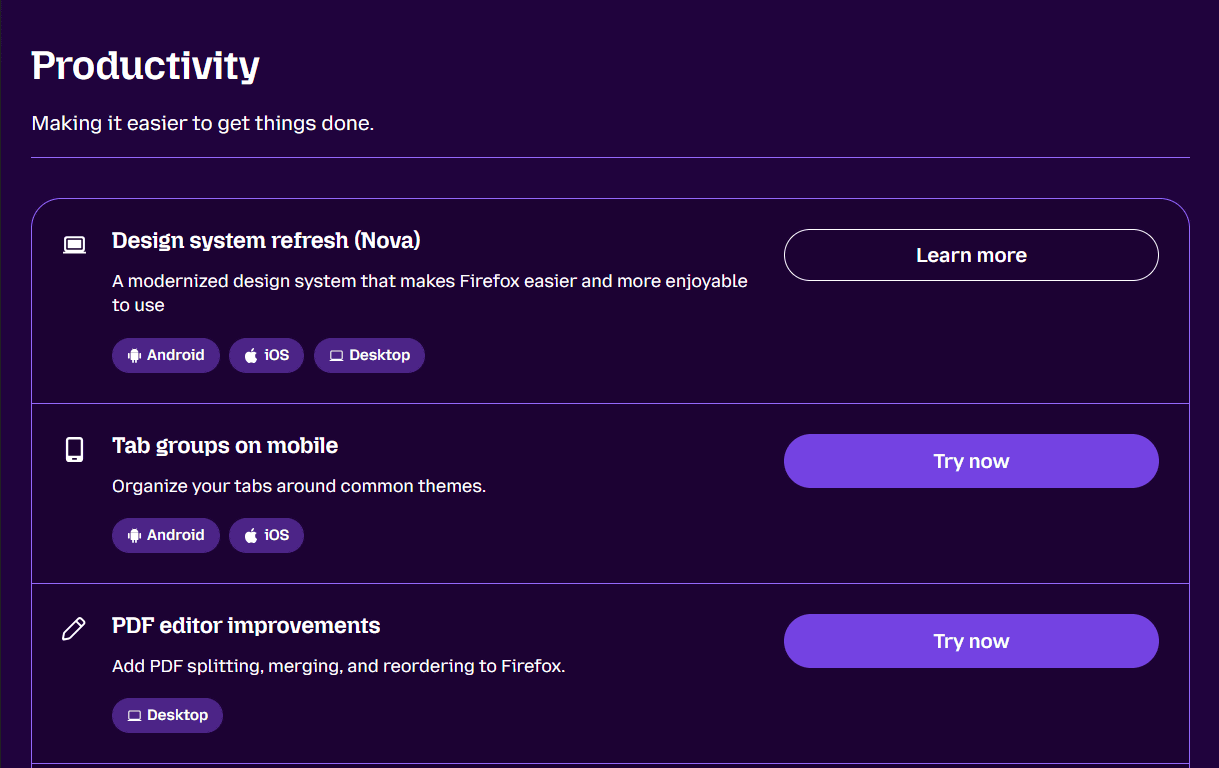
According to the Firefox roadmap, the following new features are planned for the future:
• Customizable keyboard shortcuts
- Improved PDF editing functionality
- Integration of the popular extension ' Firefox Multi-Account Containers ' into native functionality.
• Free built-in VPN for mobile devices
- 'Quick Answer' function that allows you to ask questions to the AI and get answers.
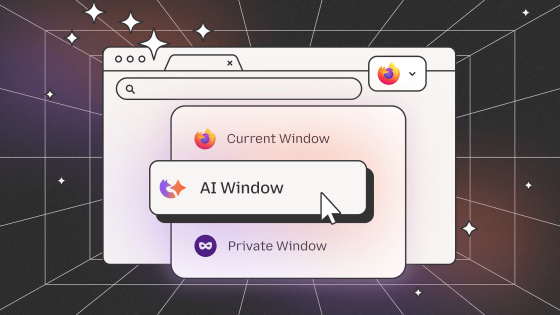
- 'Smart Window,' an optional private AI browsing feature.
• Power saving mode
Related Posts:






in Software, Posted by logu_ii