Here's how to install 'AltStore PAL,' an alternative app store that allows you to install apps not available on the App Store on your iPhone.
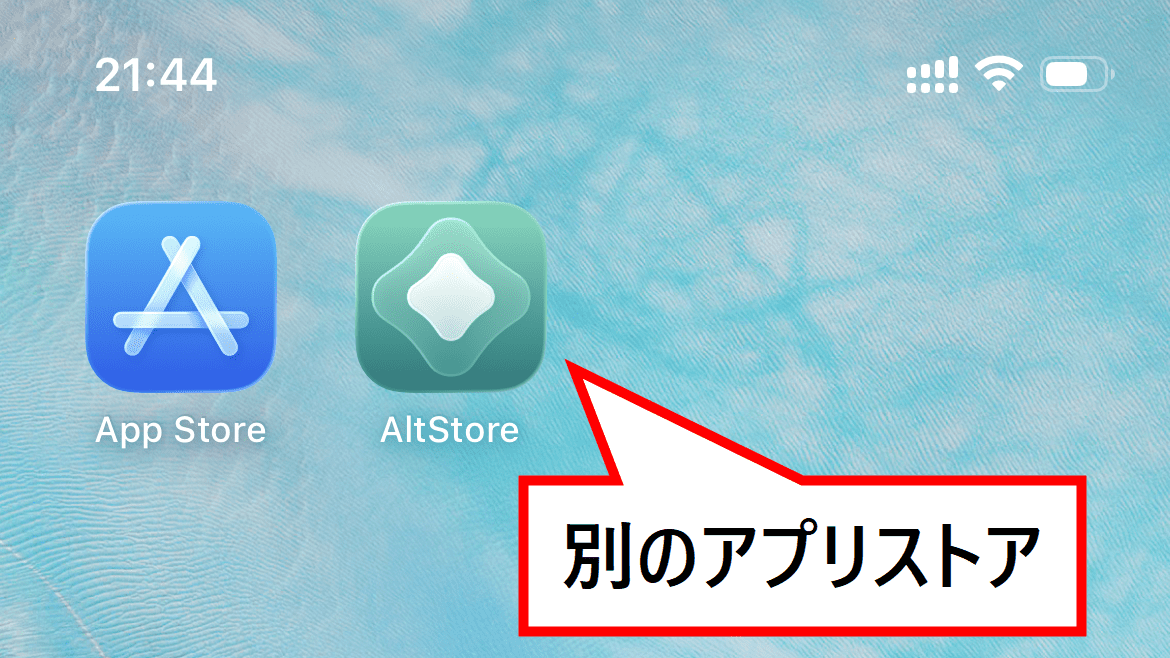
While iPhone and iPad apps are generally downloaded from Apple's official app store, the 'App Store,' you can actually use third-party app stores as well. By installing the third-party app store ' AltStore PAL ' on your iPhone, you can install apps that are not distributed on the App Store. The installation procedure for AltStore PAL itself is a little unique, so we have put together a step-by-step guide with images.
AltStore
Installing apps through alternative app distribution - Apple Support (Japan)
https://support.apple.com/ja-jp/117767
In Europe, in response to the Digital Market Law, Apple introduced an alternative app marketplace mechanism for the European Union in iOS 17.4 in March 2024. In Japan, the 'Act on Promotion of Competition for Specific Software Used on Smartphones' was enacted on June 12, 2024, and with its full implementation on December 18, 2025, the path to using app marketplaces other than the App Store for iPhones has been opened.
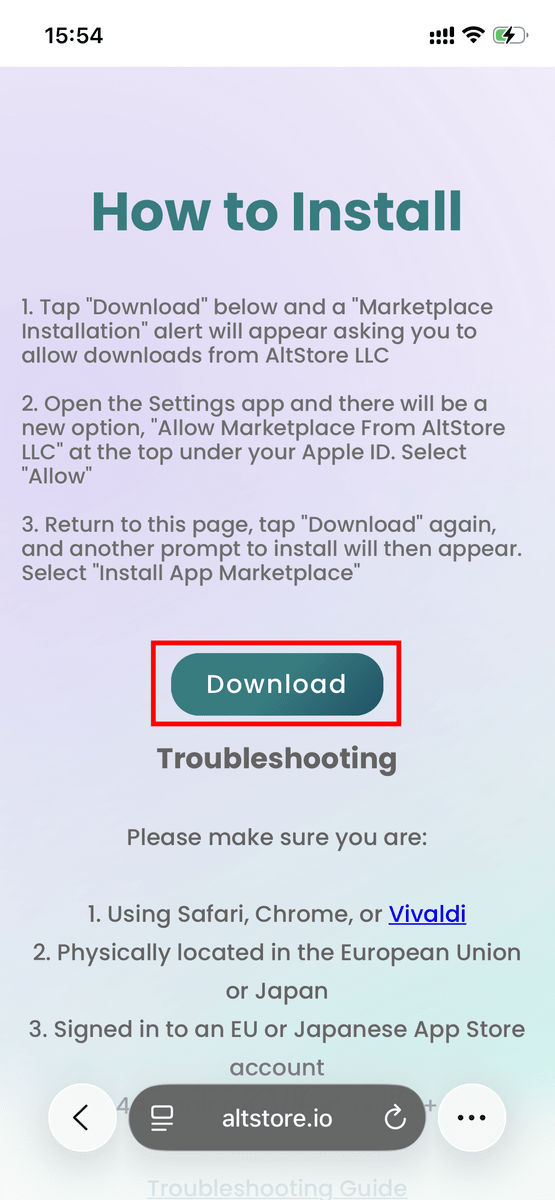
So, let's get started with the installation. First, open the AltStore PAL download page and tap 'Download'.
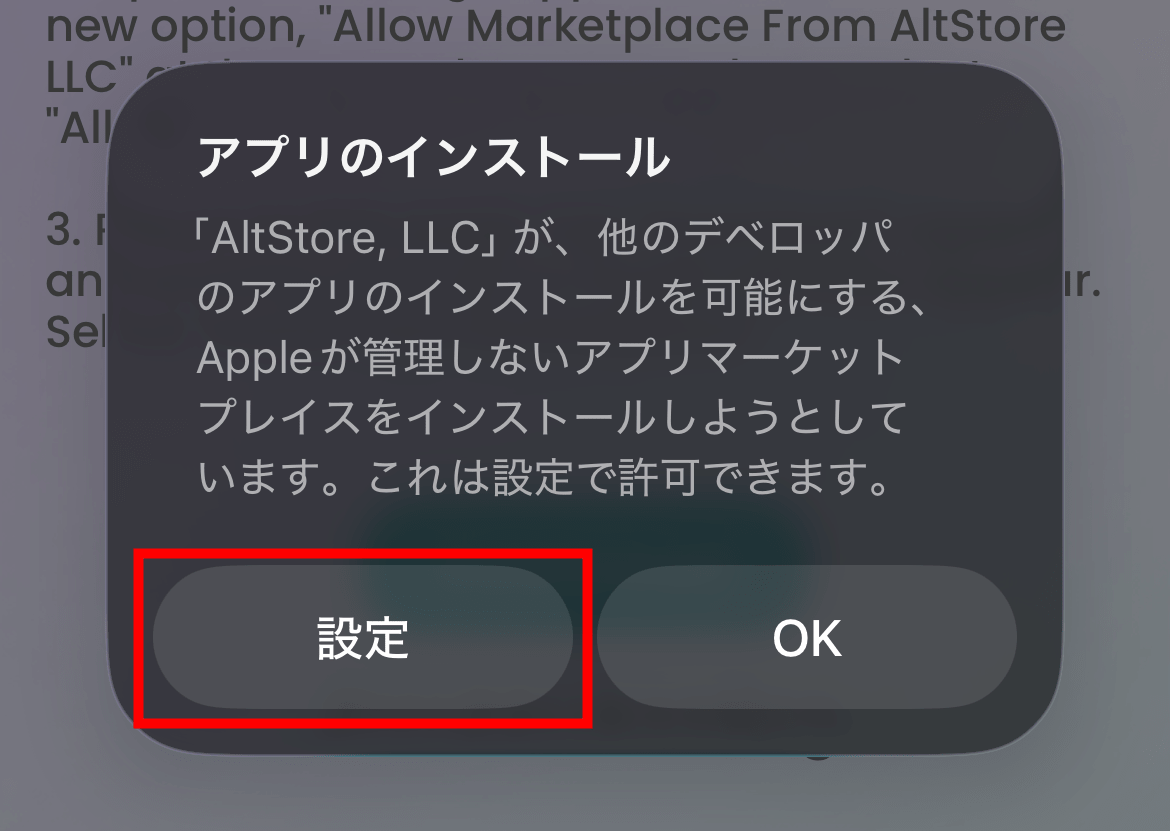
Tapping this will display a warning asking if you want to allow downloads from the marketplace by 'AltStore, LLC'. This is because the alternative app marketplace adds an alternative way to obtain apps on your device besides the App Store, requiring explicit permission from the system. Tap 'Settings'.
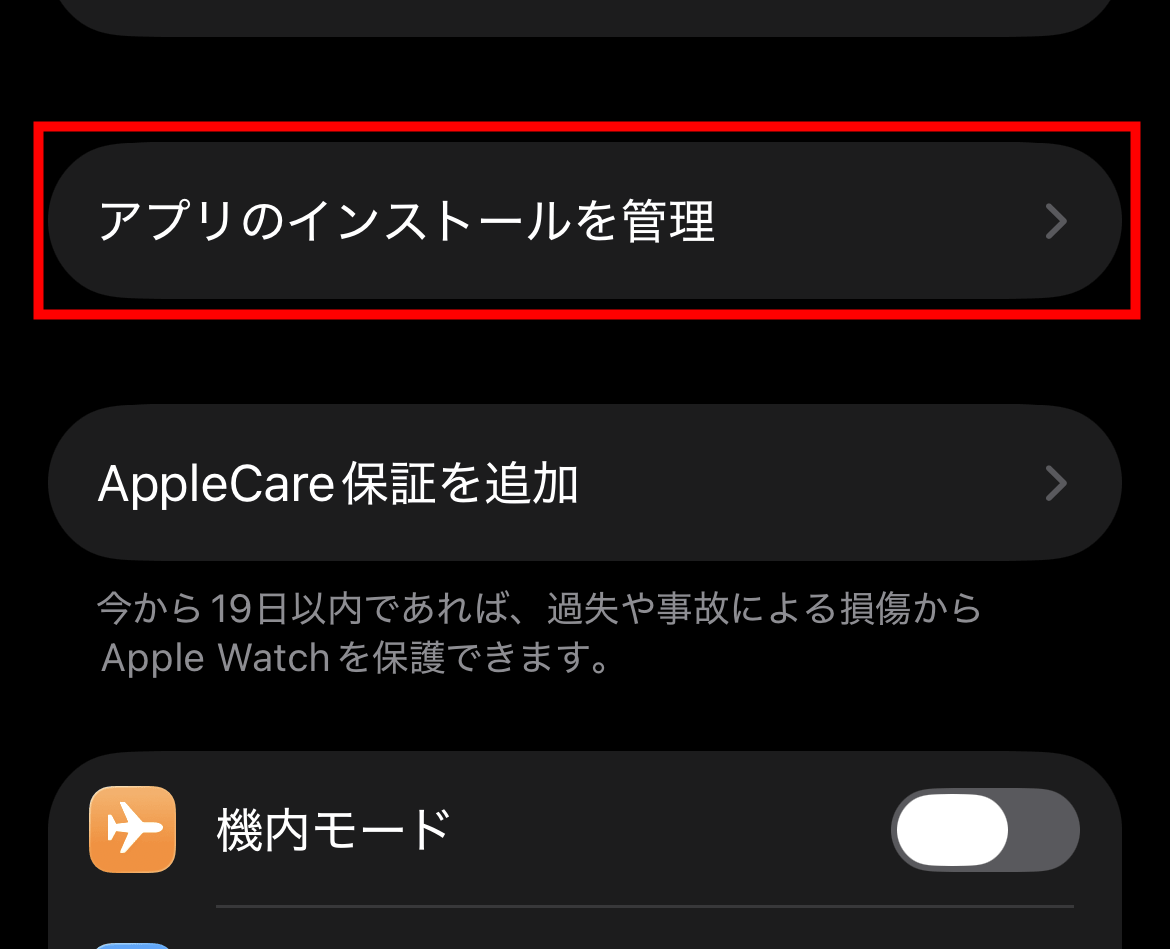
The settings will open, so tap 'Manage app installations'.
Tap 'AltStore PAL'.
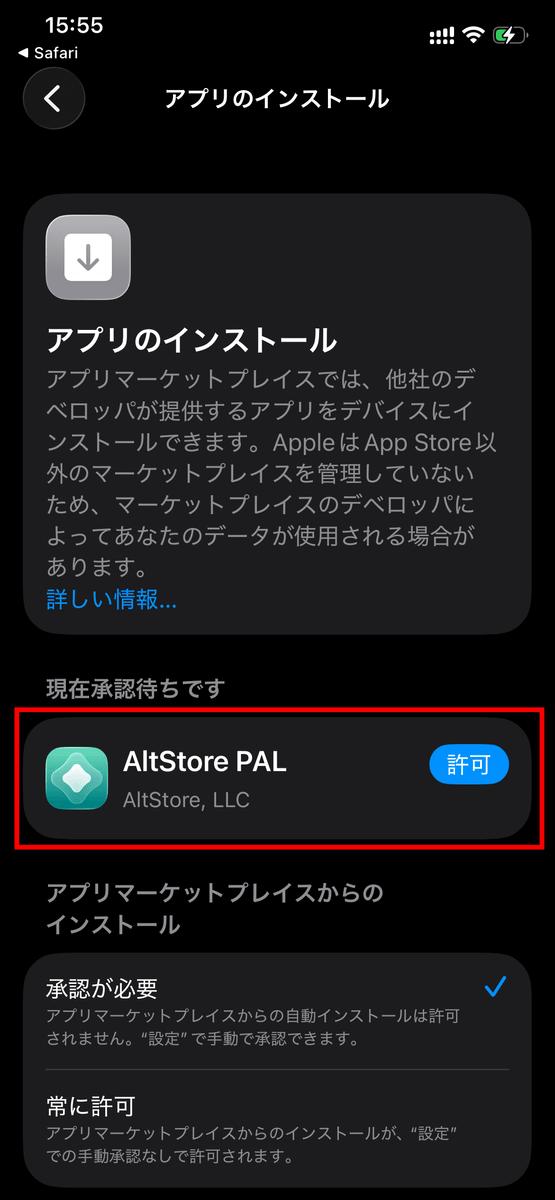
Tap 'Allow'.
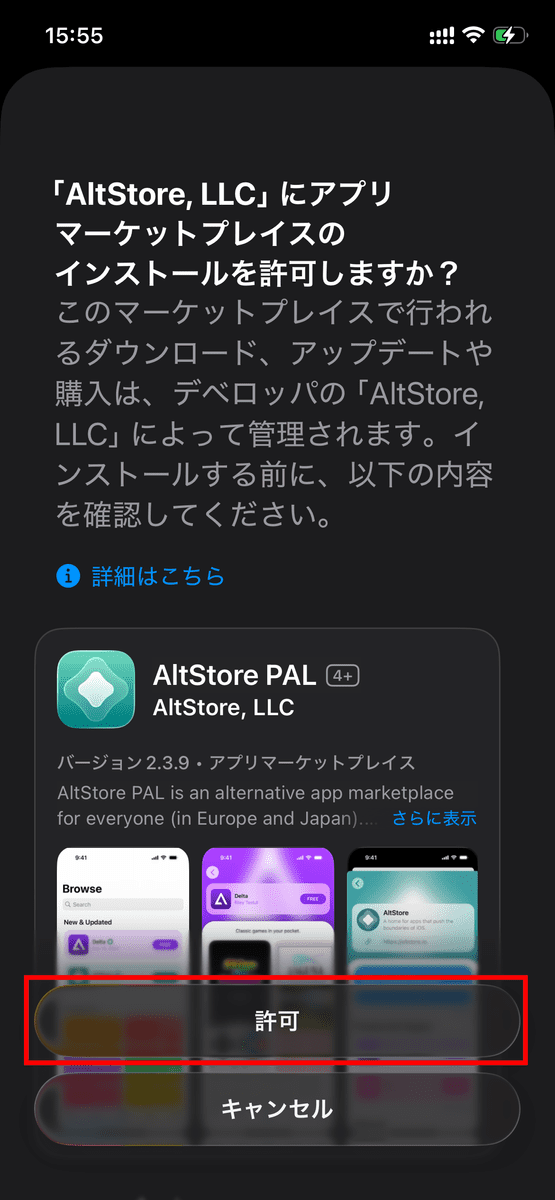
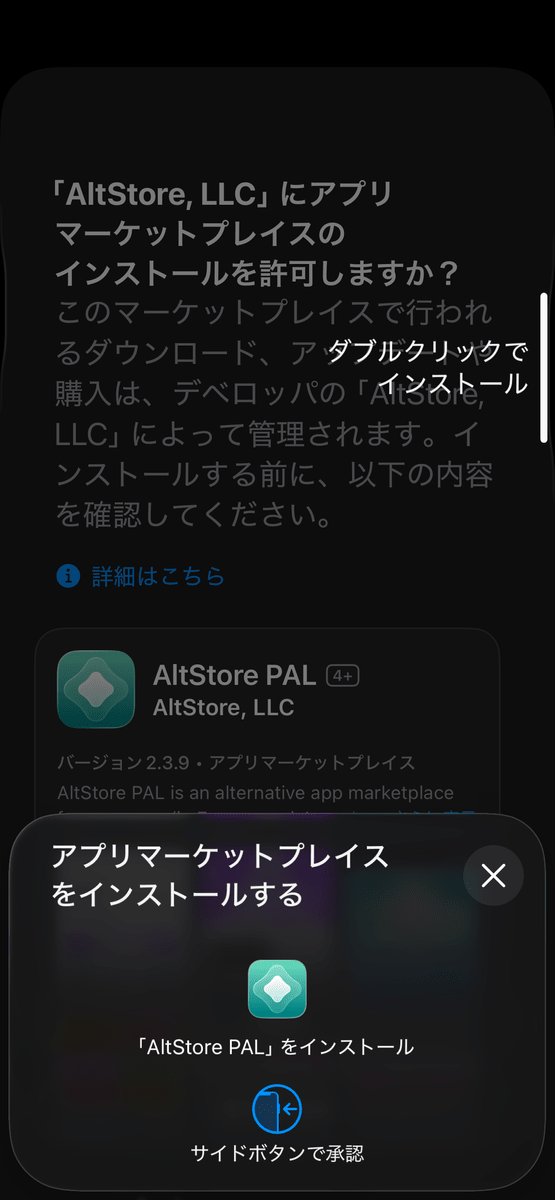
The device is now ready to install. You will see the following screen, so just like when installing any other app, double-click the power button and use facial recognition to proceed.
Once the installation is complete, a button that says 'Open 'AltStore PAL'' will appear, so tap it.
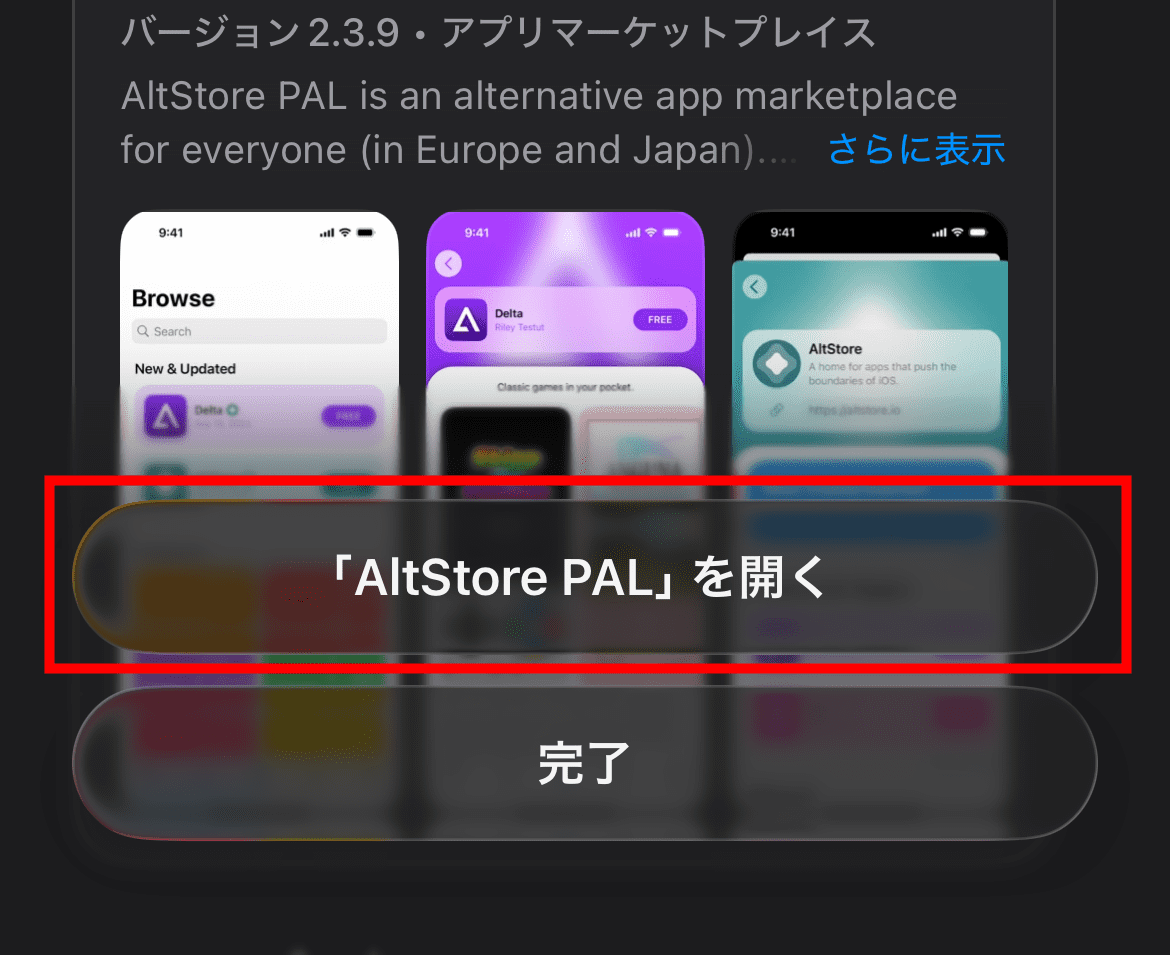
I was able to open AltStore PAL. Now I can install apps from AltStore PAL.
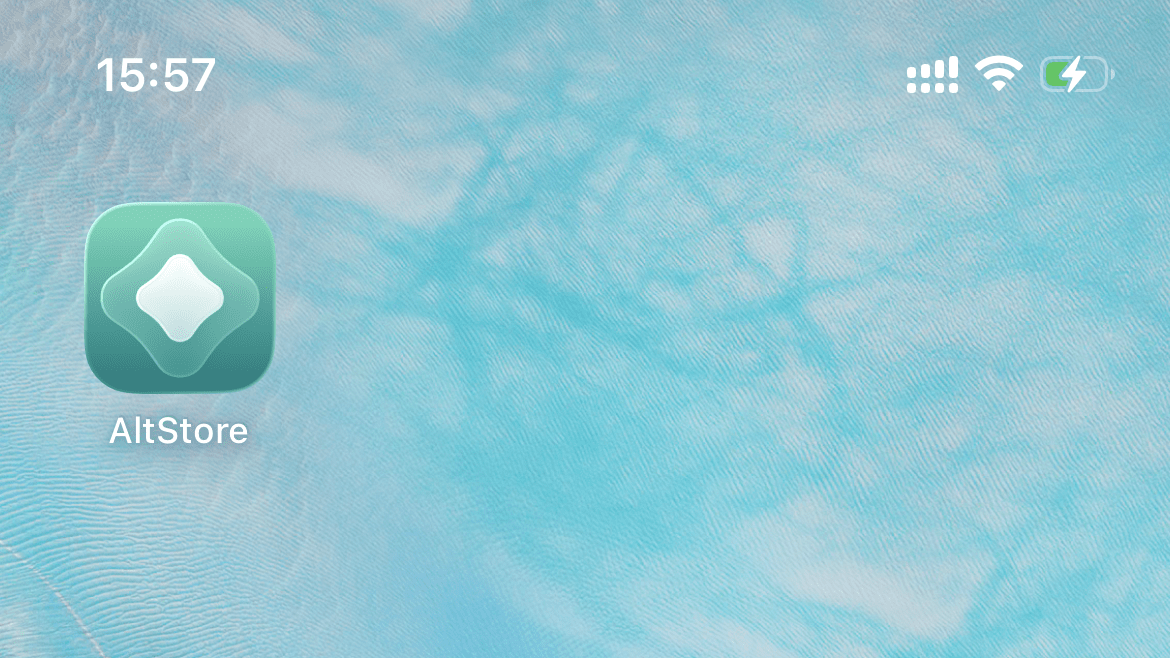
When I returned to the home screen, an app called 'AltStore' had been added.
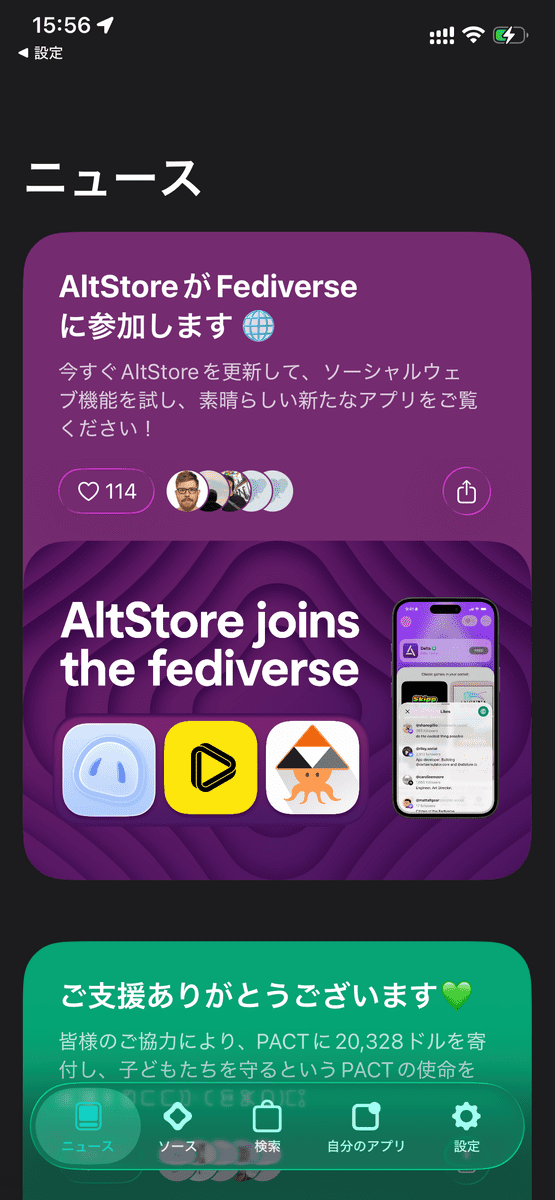
Unlike the App Store, which allows you to search a large number of apps simply by opening the store app, AltStore PAL works by adding distribution sources called 'sources,' which then allow you to search for apps published by those sources. Installing AltStore PAL does not automatically display all apps; you need to find and add the corresponding source for the app you want to use.
Furthermore, to maintain iOS security, apps distributed through alternative app marketplaces must also undergo Apple's notarization process, and only notarized apps are distributed via AltStore PAL. From a developer's perspective, this incurs the same Apple Developer Program costs as registering an app on the App Store, and requires the developer to host and manage the app itself and its source code, resulting in higher distribution effort and operational costs compared to the App Store.
On the other hand, AltStore PAL has the significant advantage of not being bound by App Store regulations. While Apple's notarization is required, it can be distributed under a different framework than the App Store's review criteria, potentially allowing users to access types of apps that would be difficult to publish on the App Store. Although there are hurdles such as installation methods, source code additions, and distribution costs for developers, AltStore PAL can be said to be expanding the options for obtaining apps on iPhones and iPads.
Next time, we'll actually try installing an app using AltStore. Stay tuned!
Related Posts:

in Smartphone, Review, Posted by log1d_ts