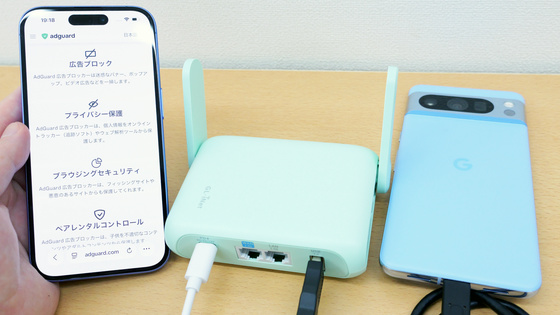
I tried out the 'Beryl 7,' a mobile router that's easy to carry around and set up, allowing for safer use of public Wi-Fi.
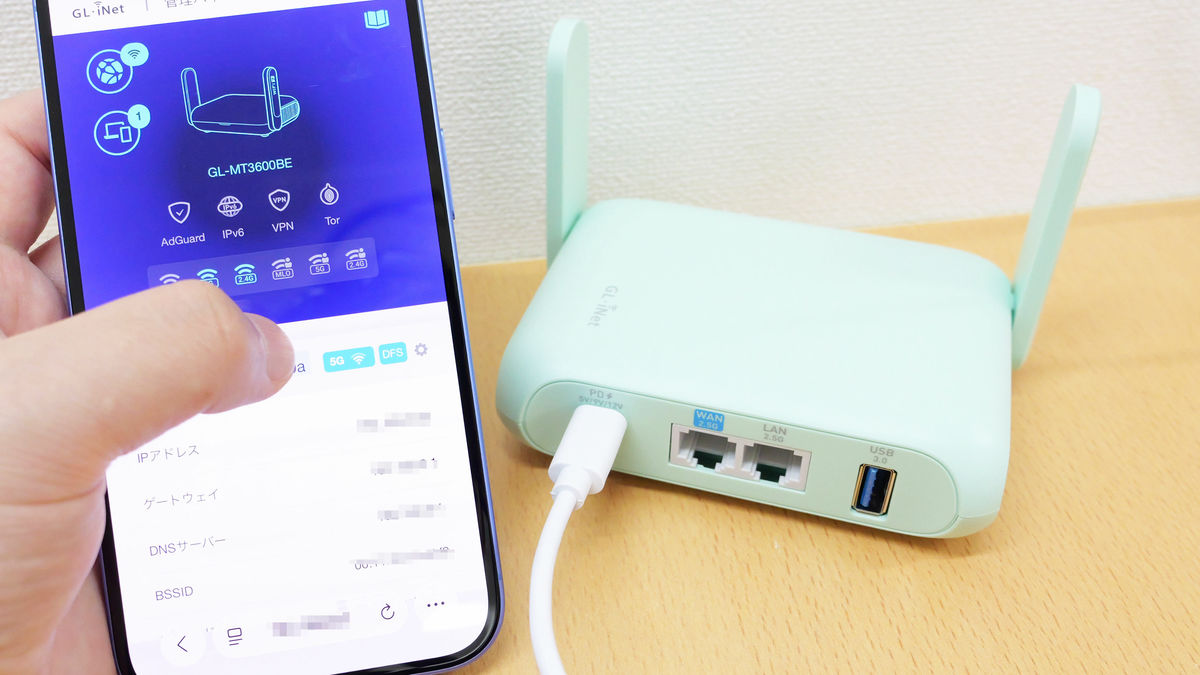
GL-MT3600BE / Beryl 7 - GL.iNet
https://www.gl-inet.com/products/gl-mt3600be/
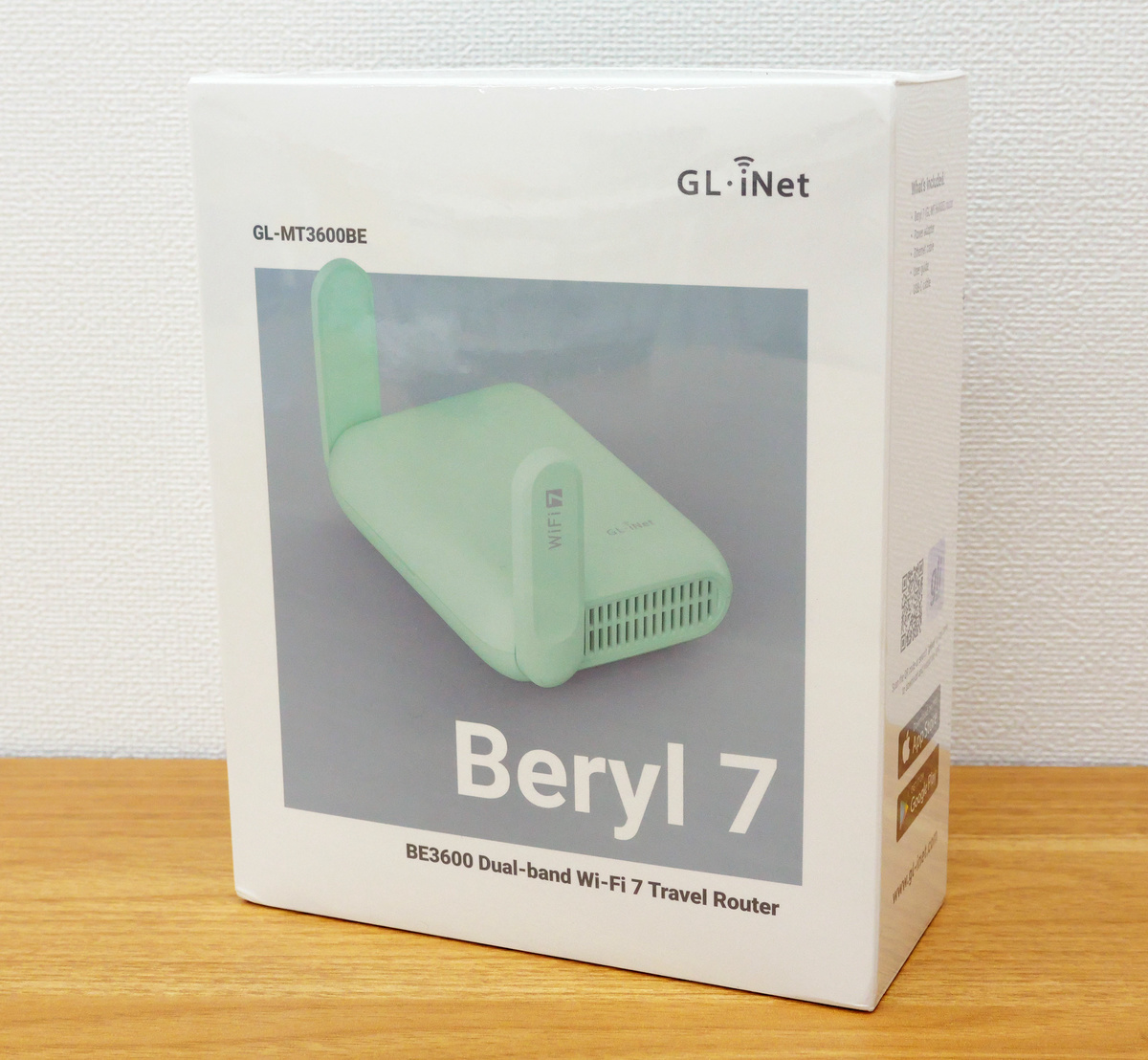
The packaging for Beryl 7.
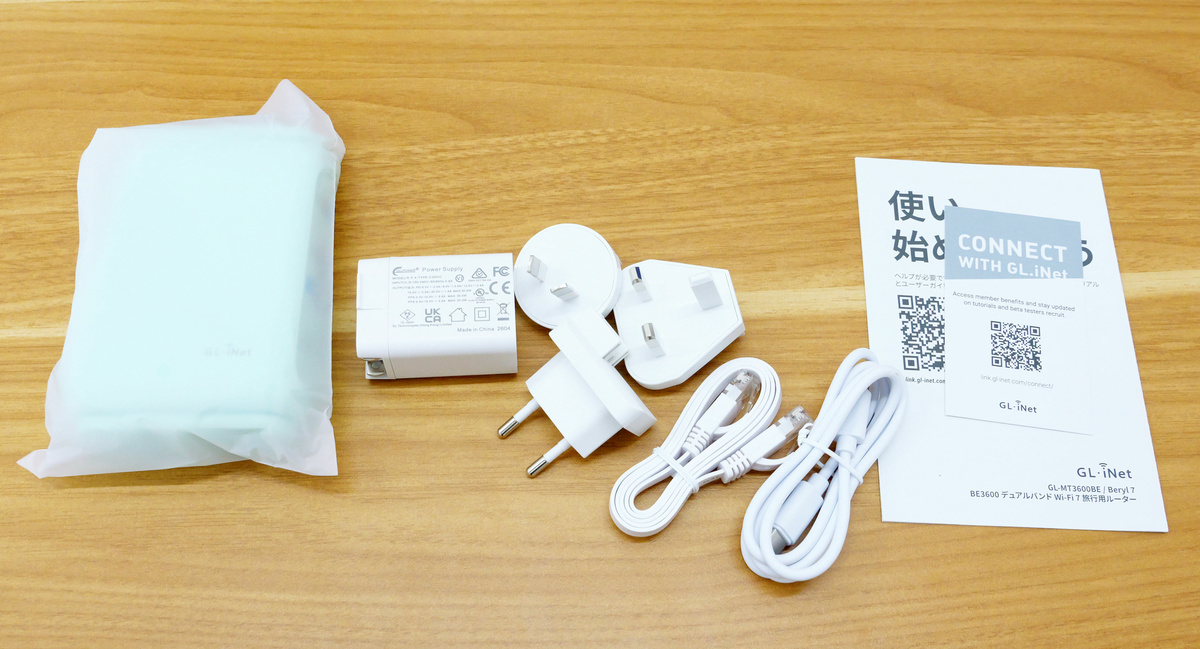
The contents include the Beryl 7 unit, power plug, various adapter plugs, LAN cable, USB-C power cable, and instruction manuals.
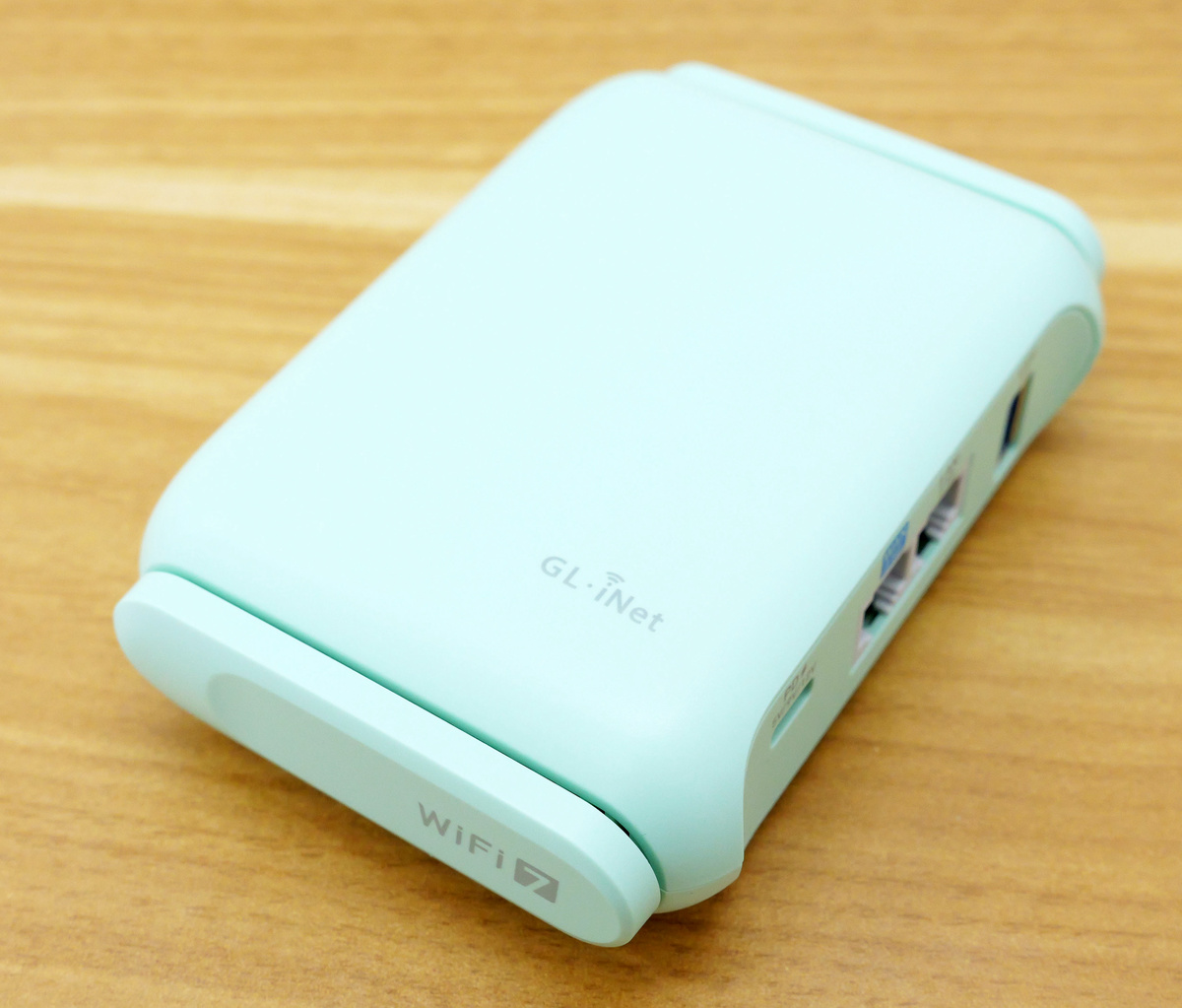
I took the Beryl 7 out of its cover. The Beryl 7 is only available in one color: mint green.
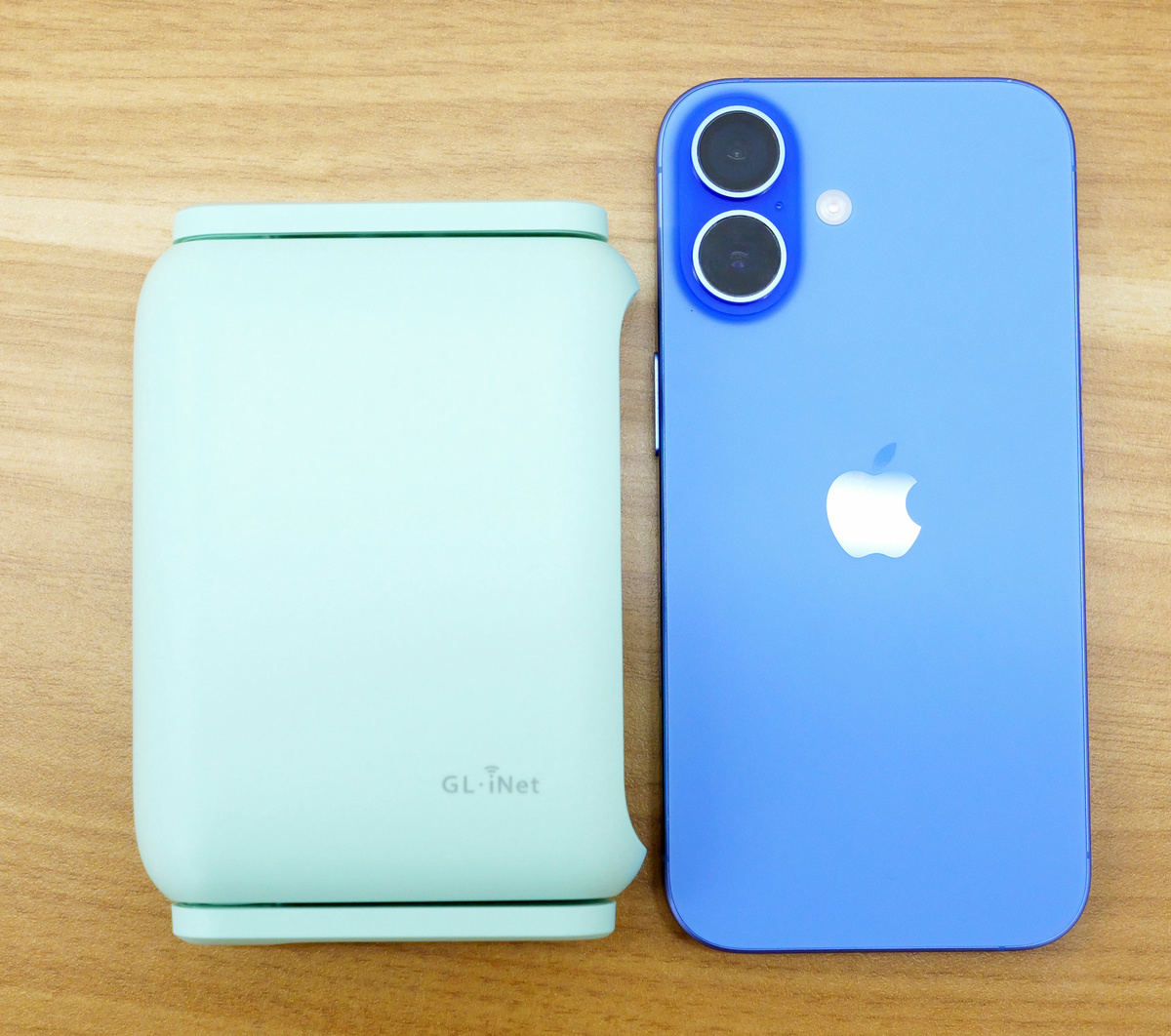
The Beryl 7 measures 120mm in height and 83mm in width. Here's a comparison with the iPhone 16, which measures 147.6mm in height and 71.6mm in width.
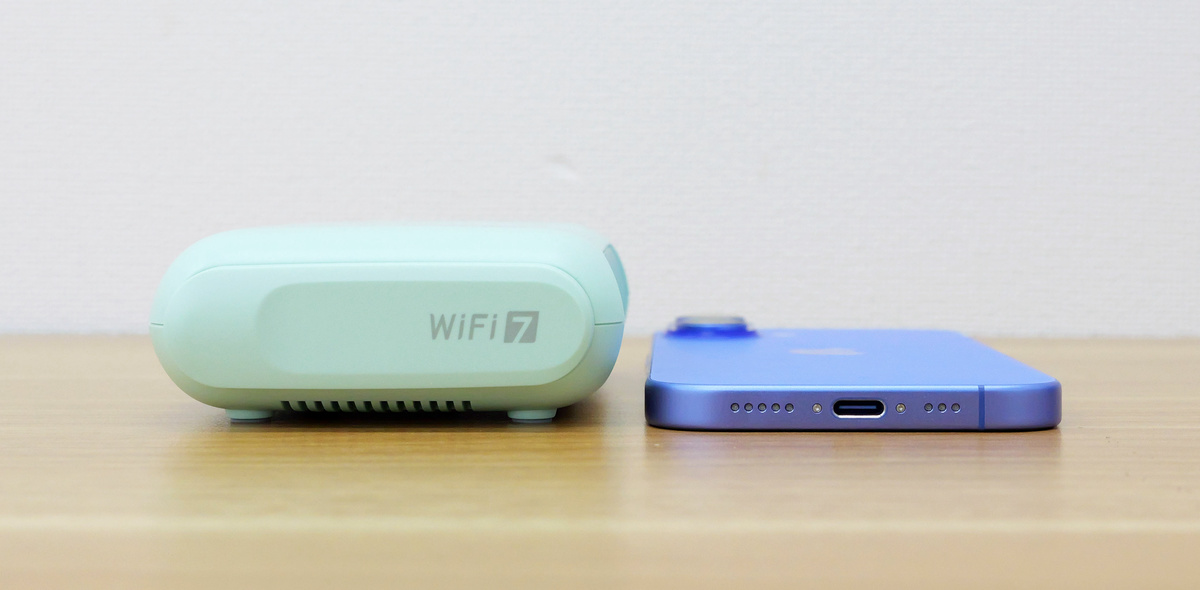
The Beryl 7 is 34mm thick, and when placed next to the iPhone 16, which is 7.8mm thick, it looks like this:
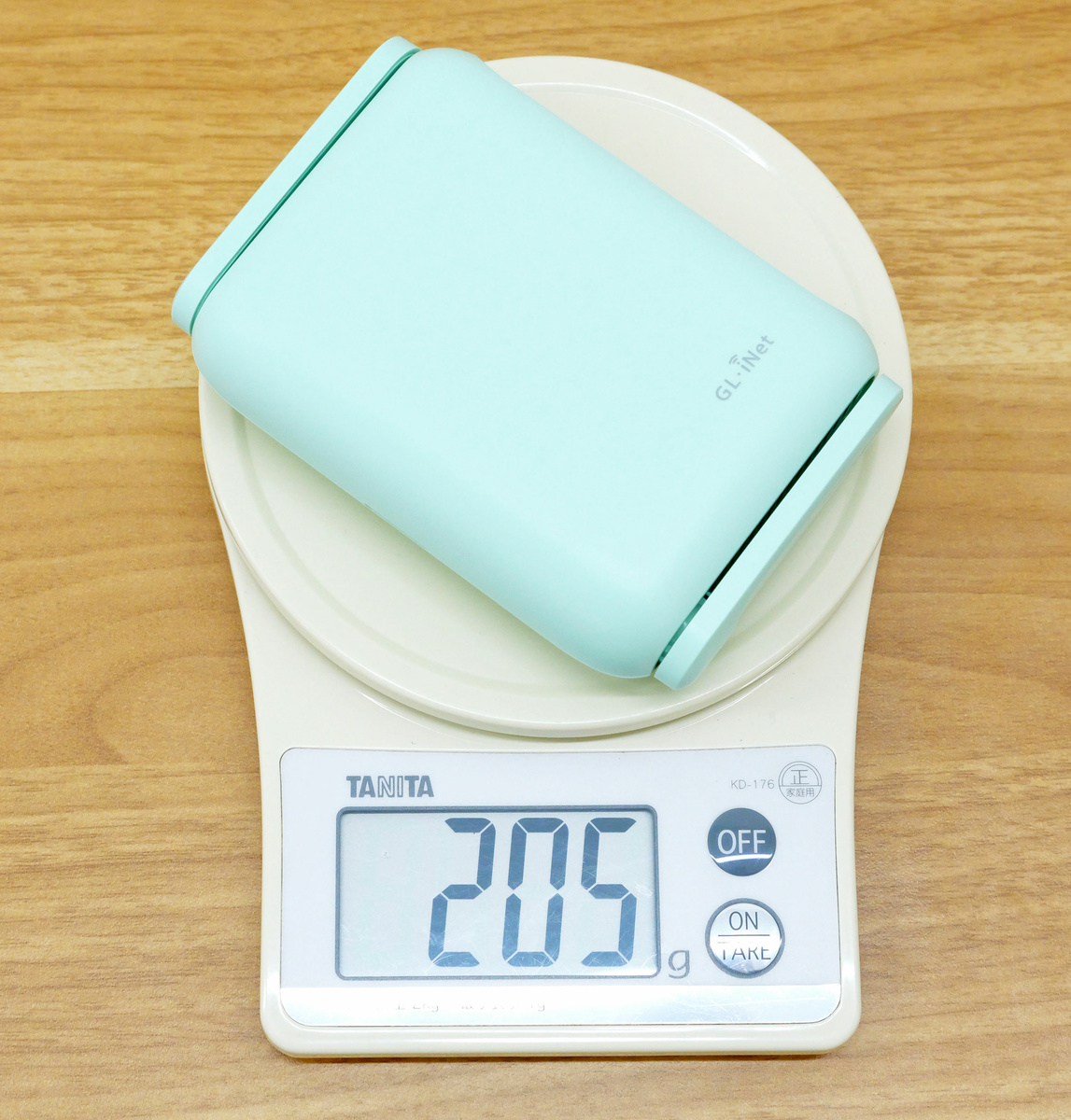
The Beryl 7 weighs 205g according to our measurements.
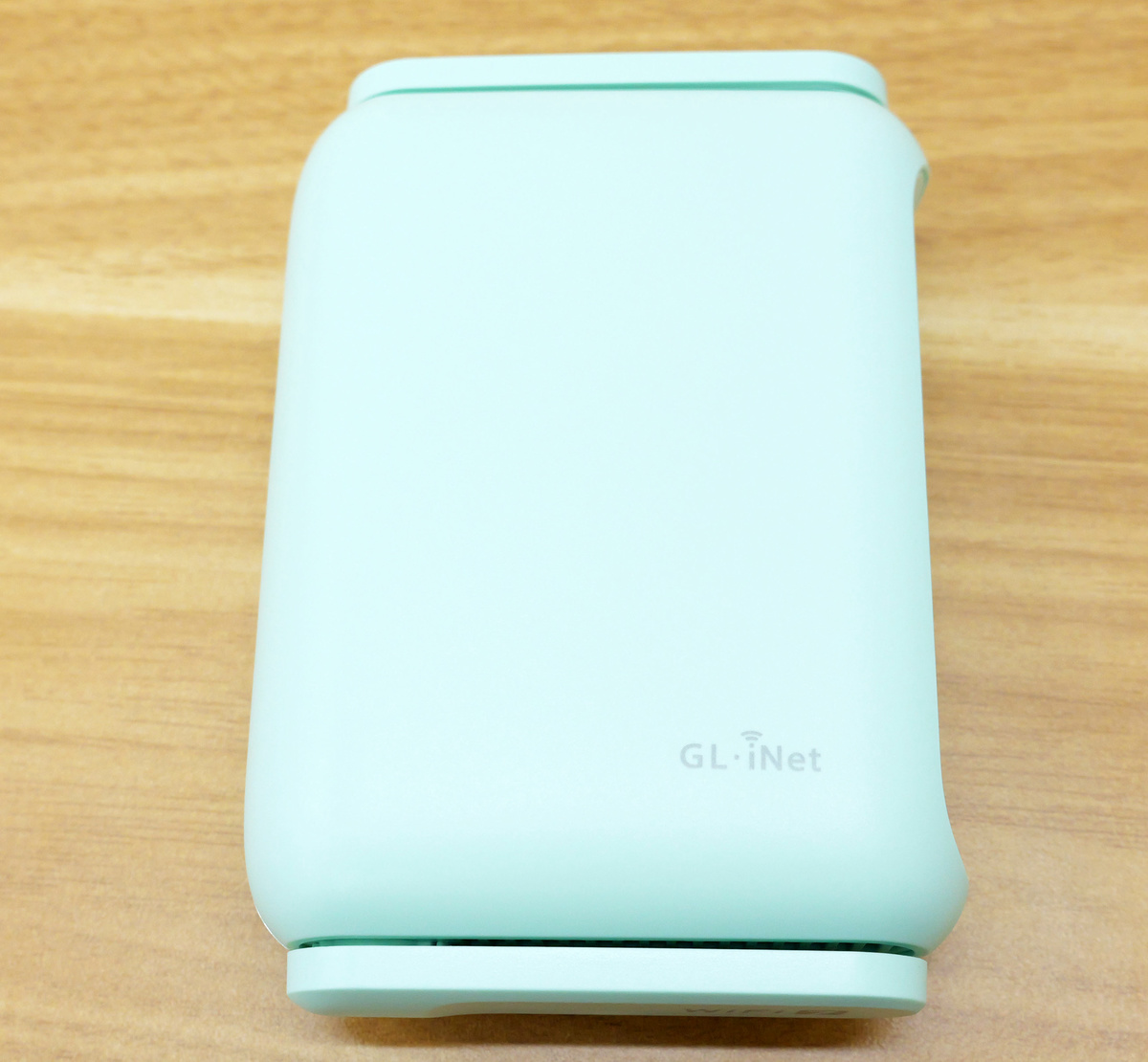
The Beryl 7 unit has the logo 'GL.iNet' printed on its top surface.
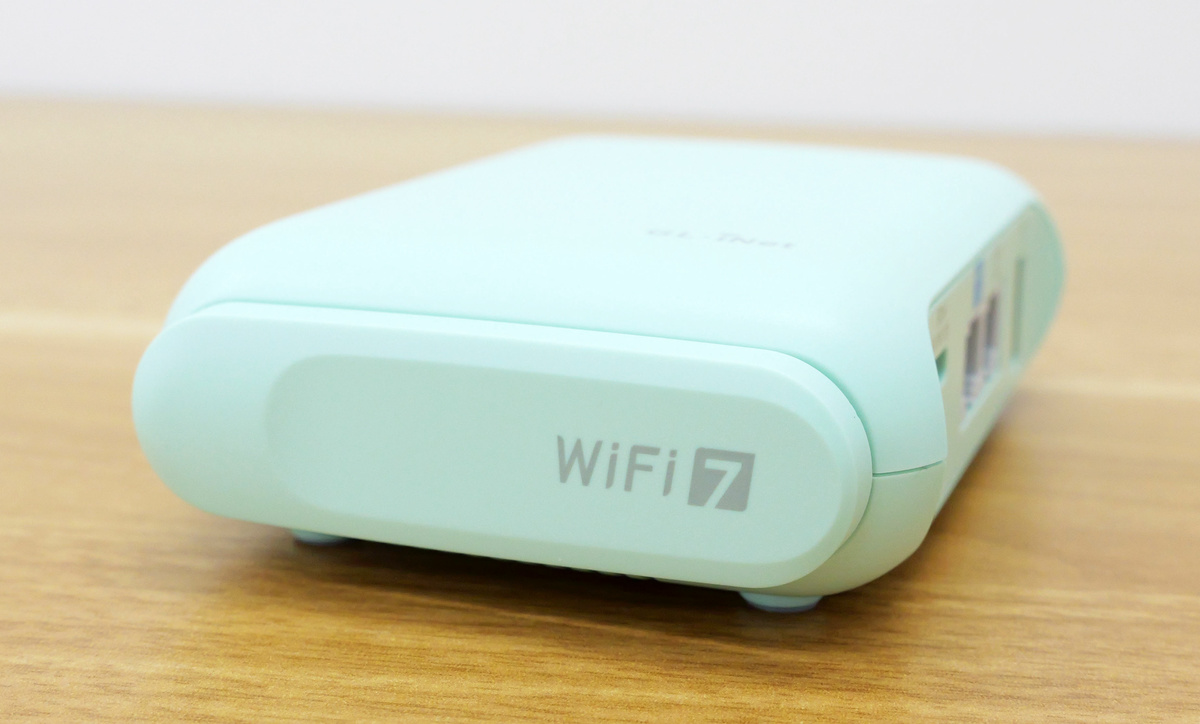
The words 'WiFi 7' are written at the bottom.
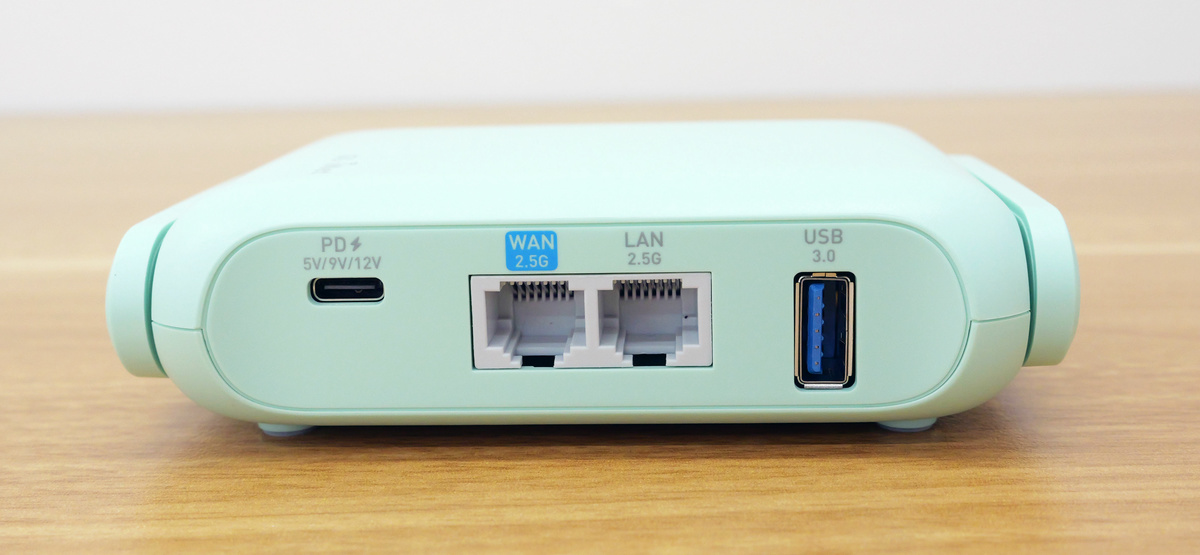
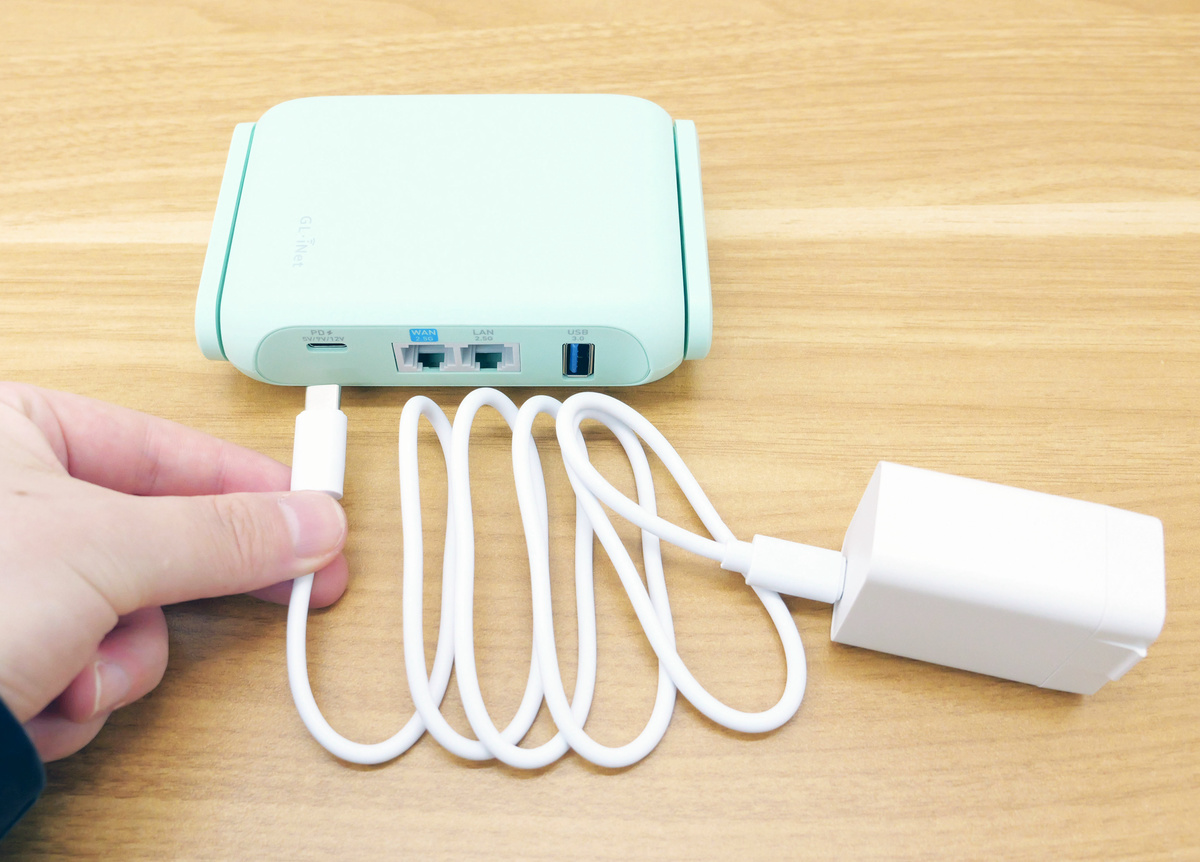
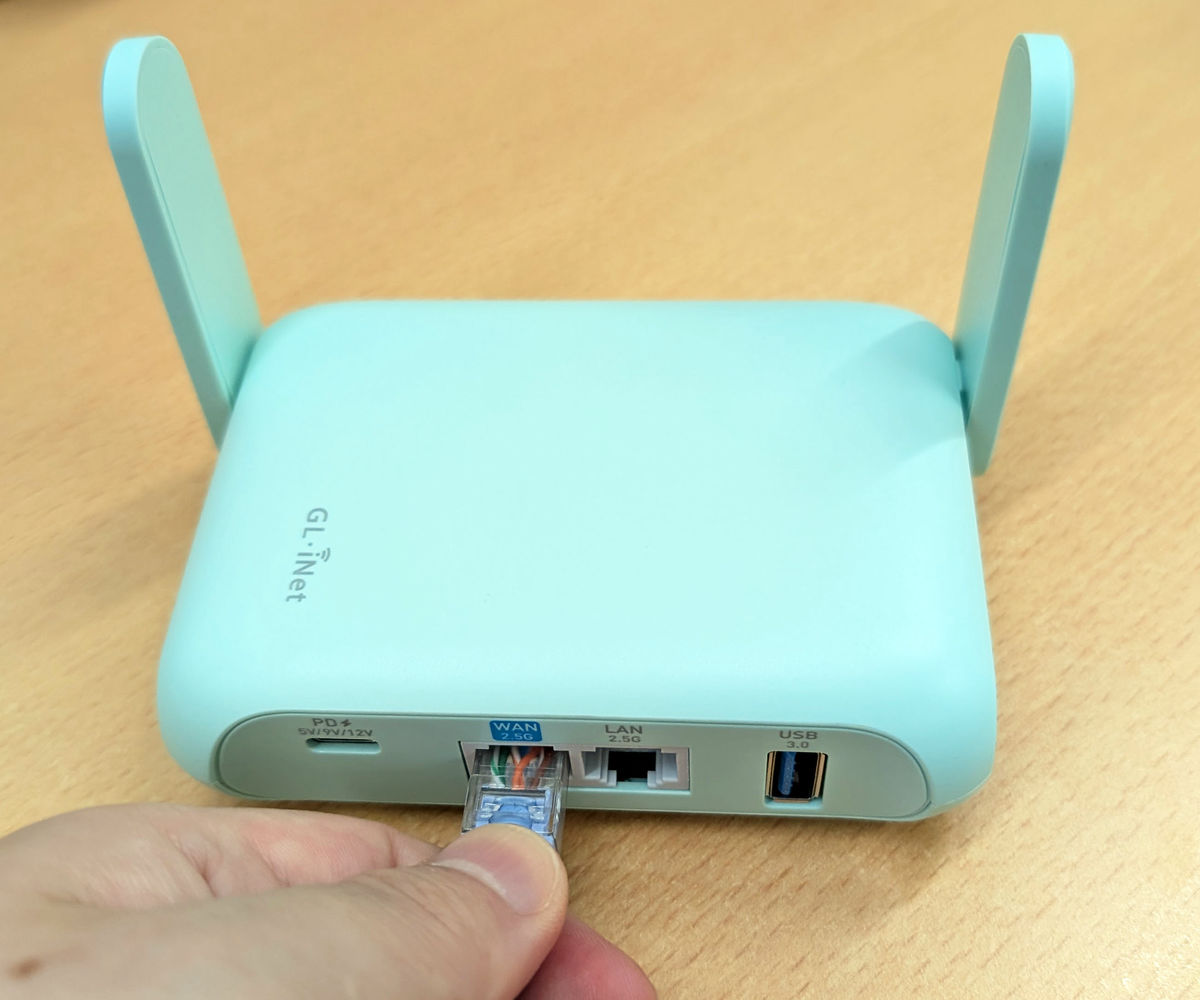
On the right side, there is a USB-C port for power, a WAN Ethernet port, a LAN Ethernet port, and a USB 3.0 port.
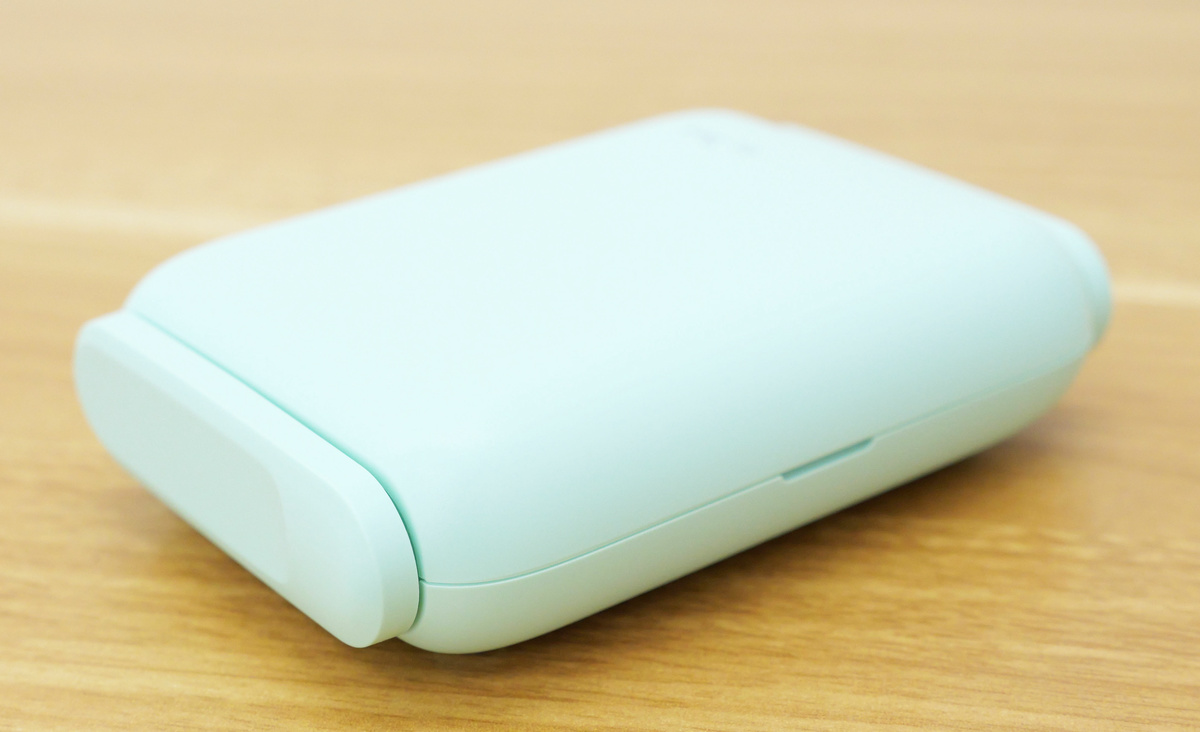
The top and left side look like this.
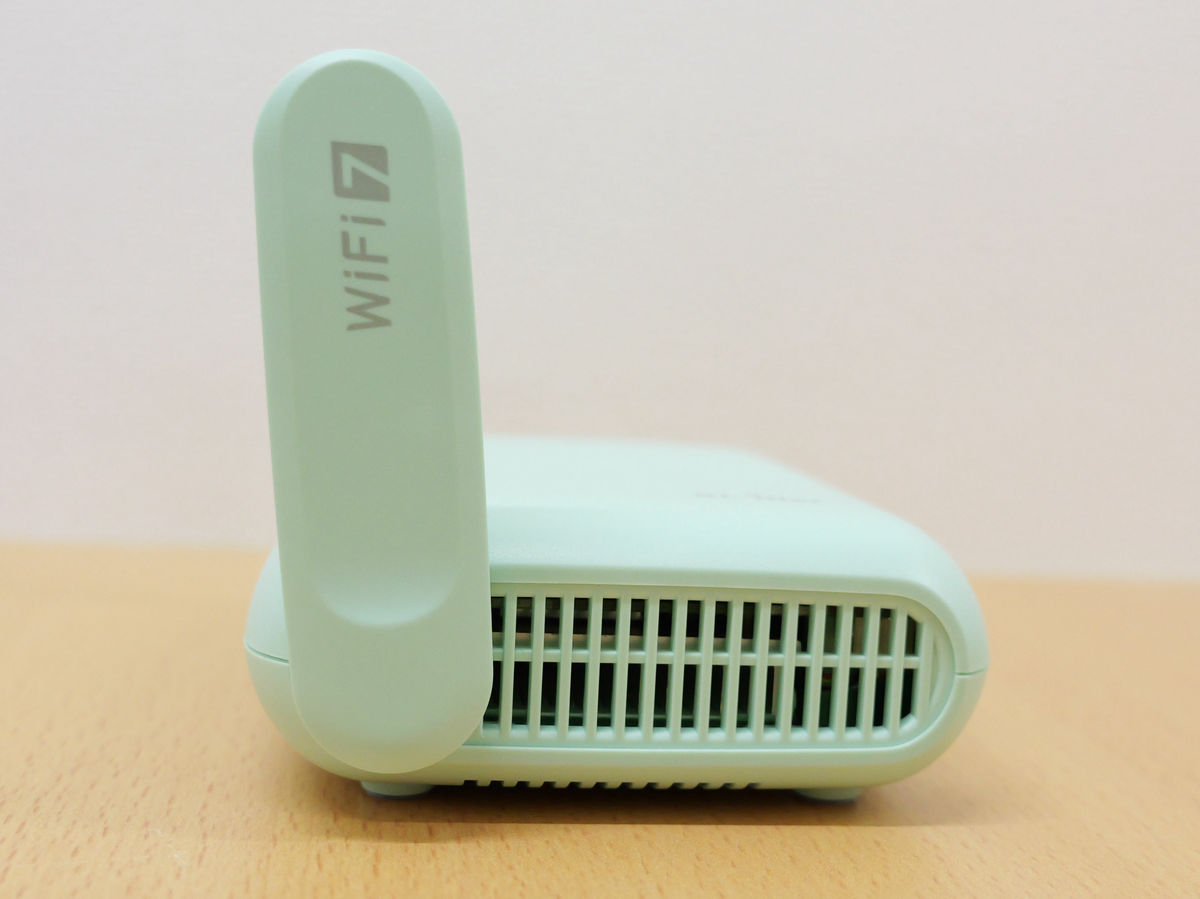
The top and bottom parts are antennas that can be slid up. When the top antenna is raised, you'll find a reset button and a mode switch inside.
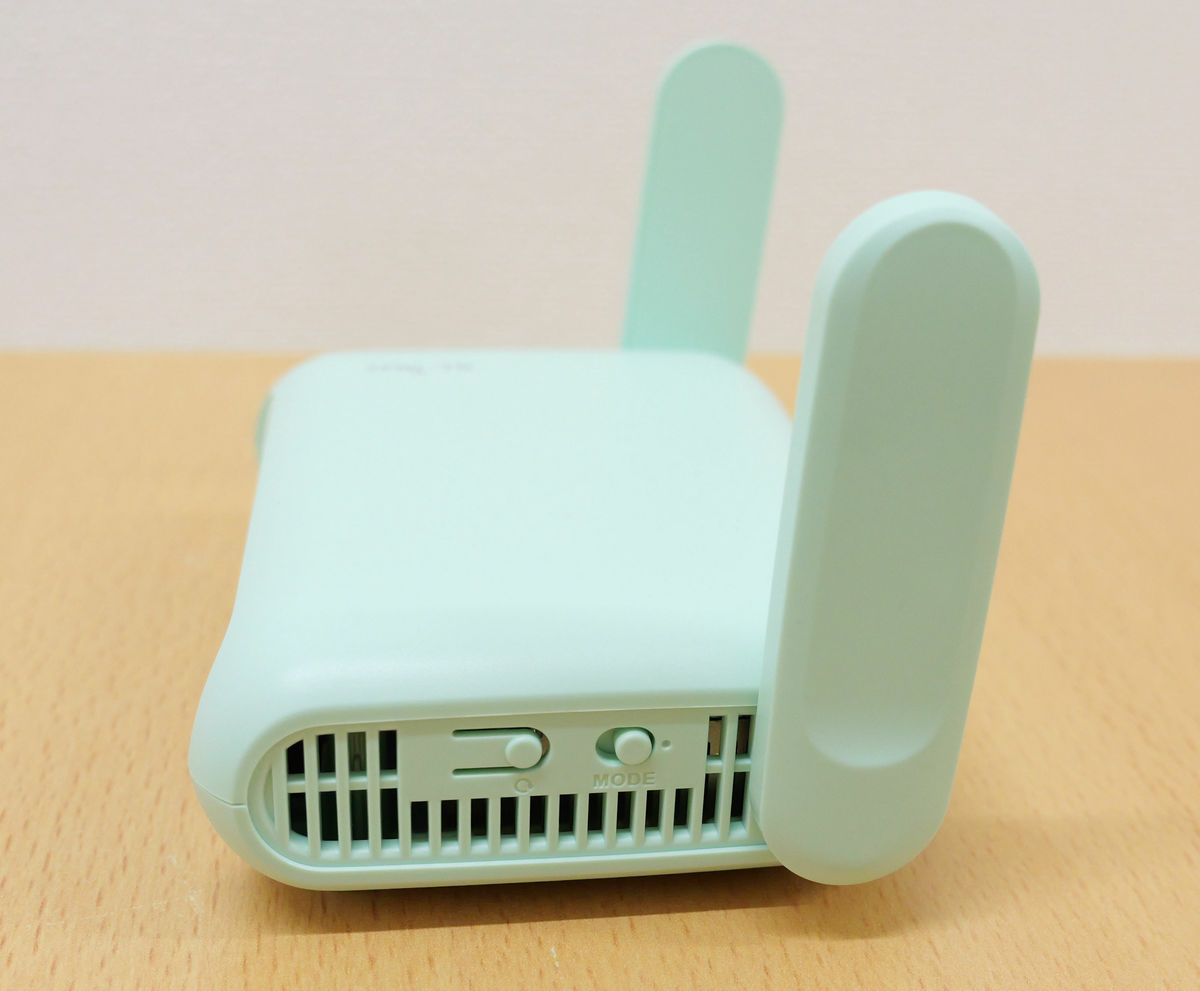
The inside of the lower antenna is an exhaust vent.
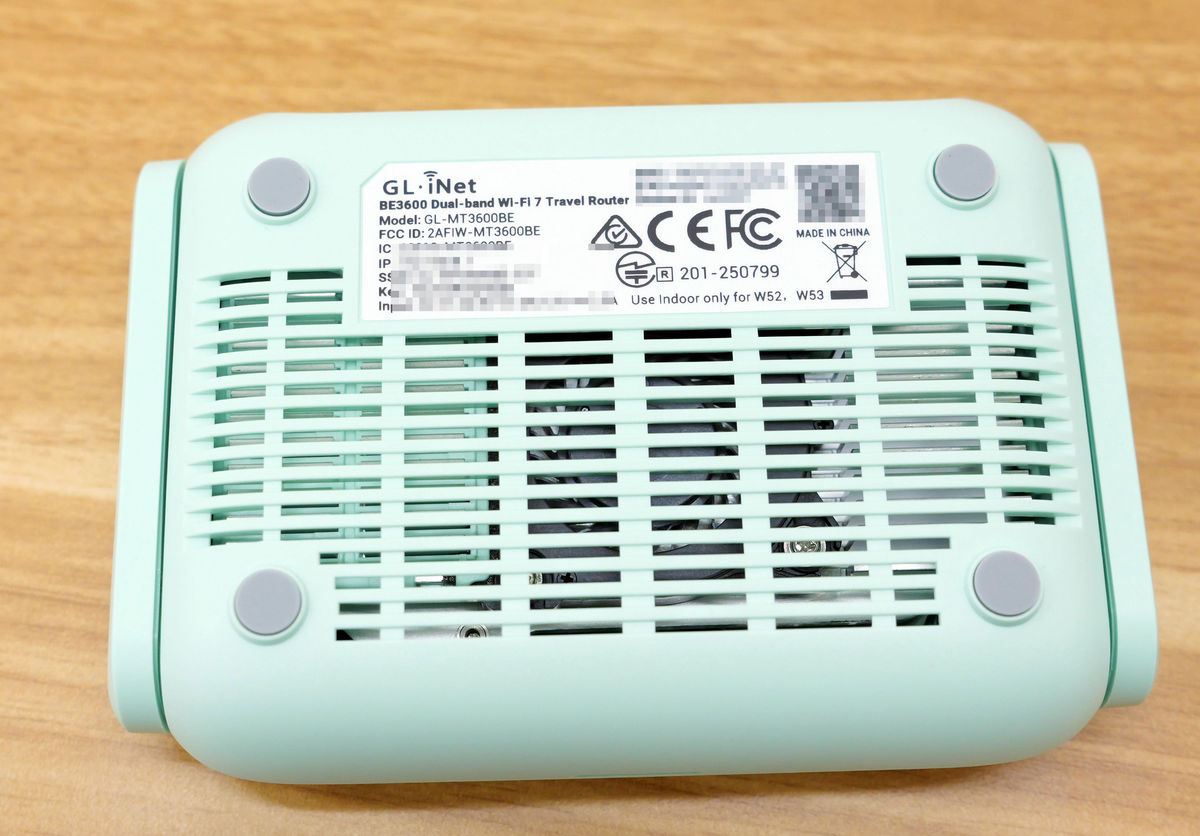
In addition to an exhaust vent on the bottom, it has rubber feet on all four corners, making it more stable when placed on a surface.
Now let's actually use the Beryl 7. First, connect the included USB-C cable to the AC adapter, and insert the other end of the USB-C cable into the Beryl 7's USB-C port.
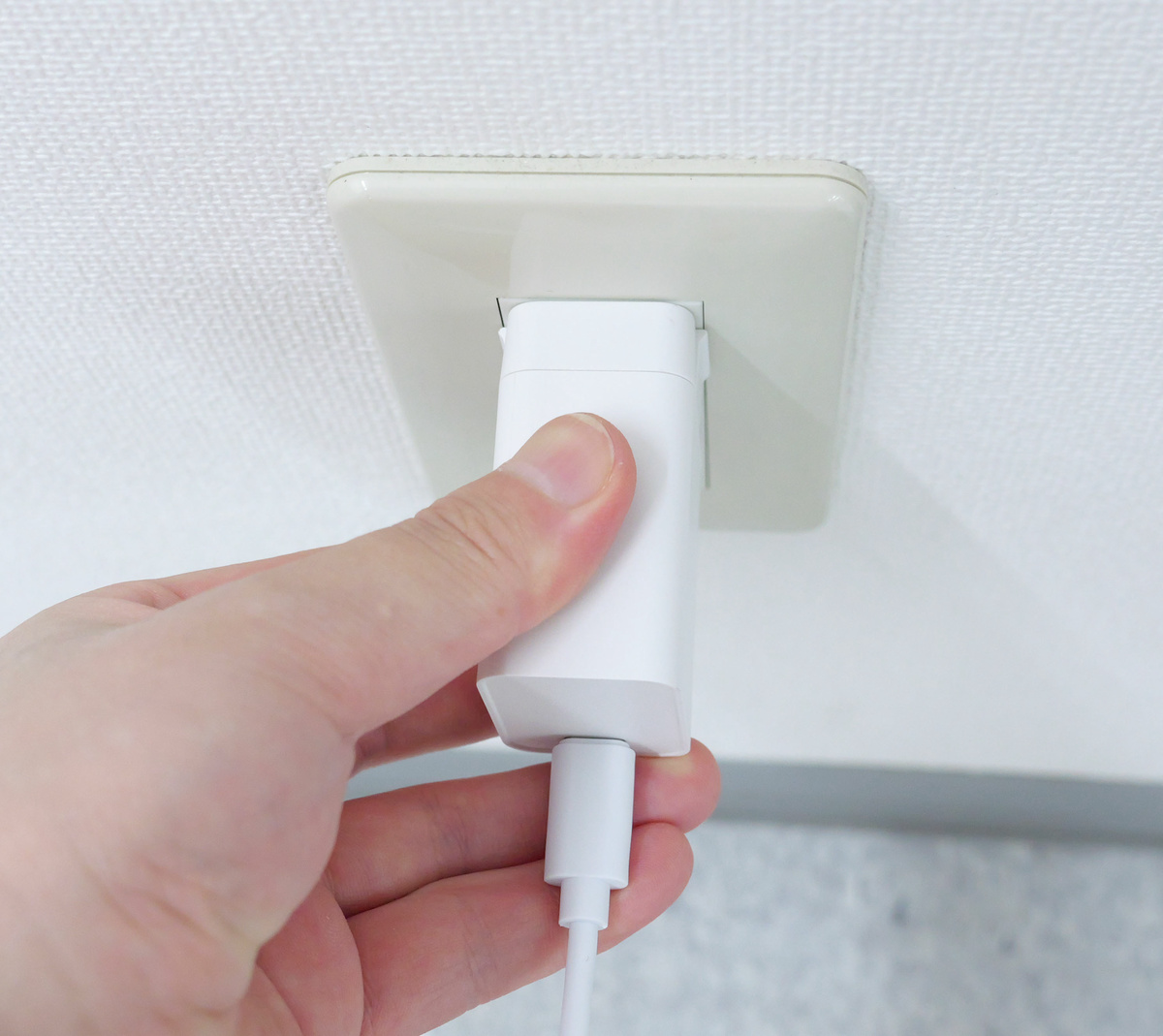
Plug the adapter into the power outlet.
Next, scan the QR code on the back of the device with your smartphone.
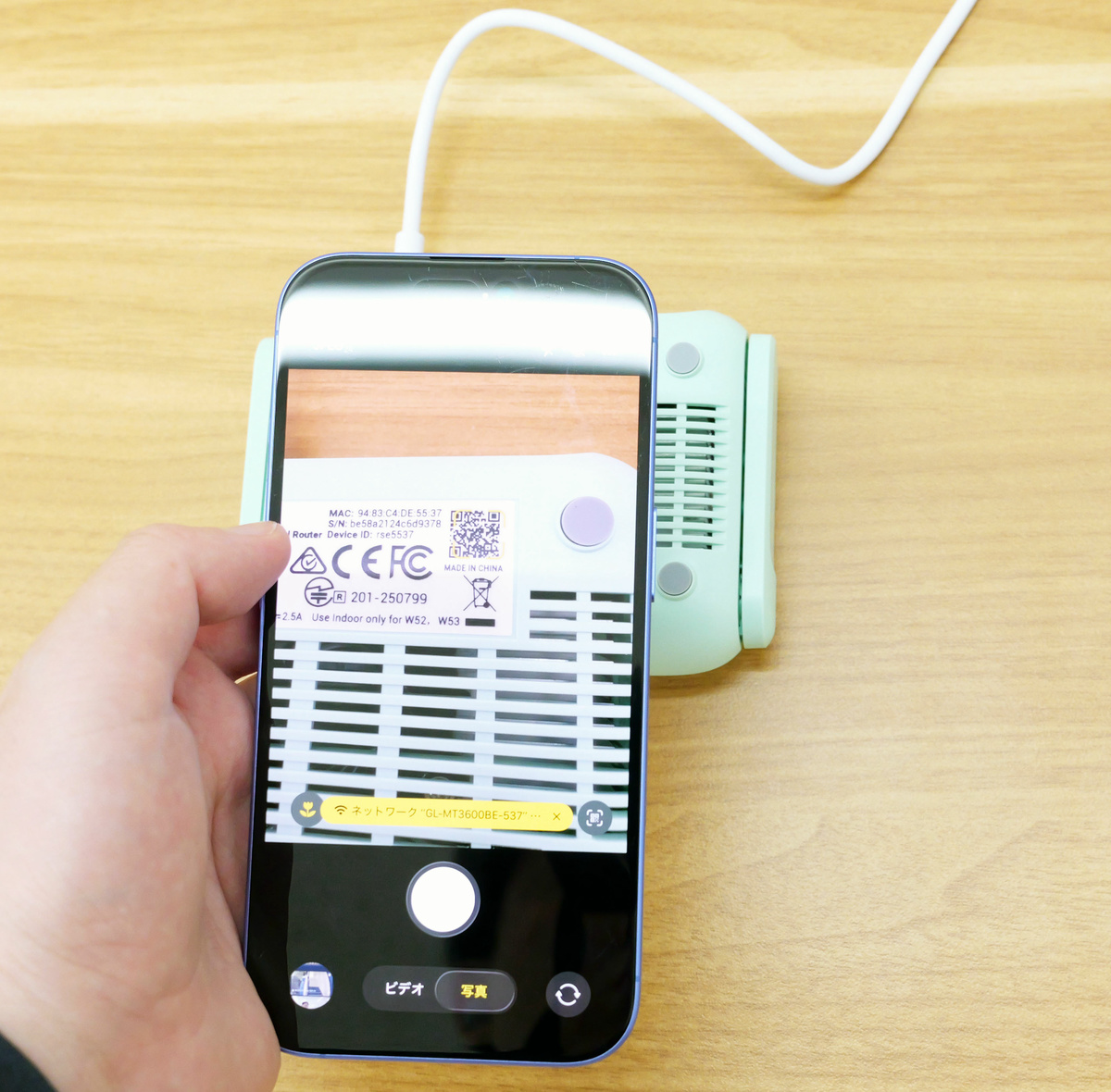
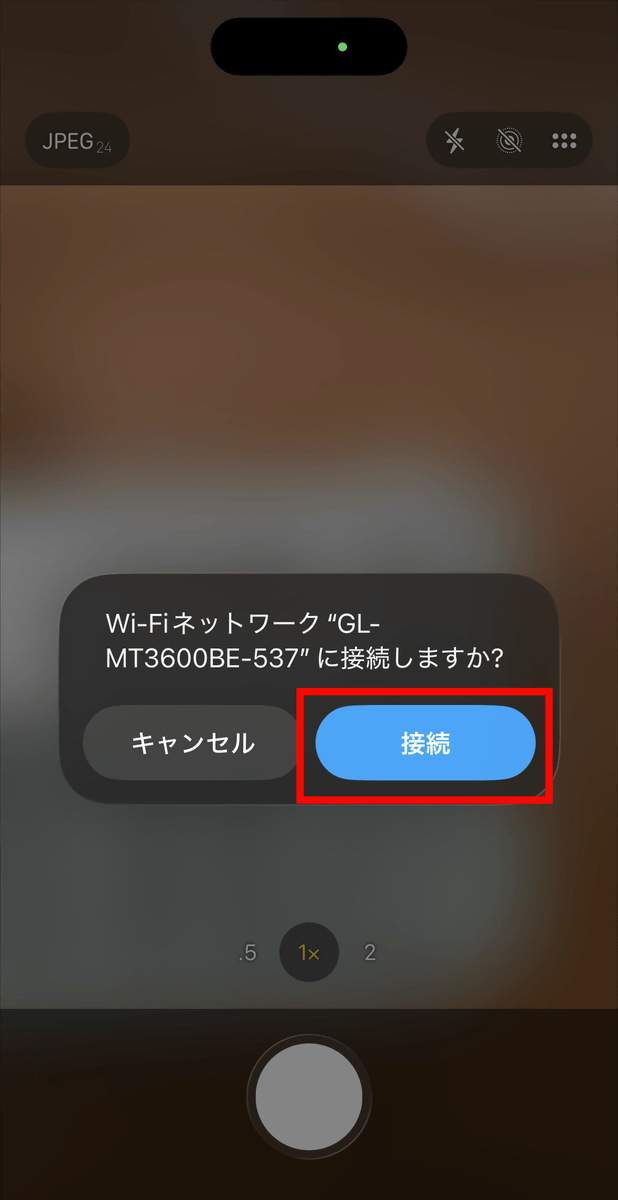
Tap 'Connect'.
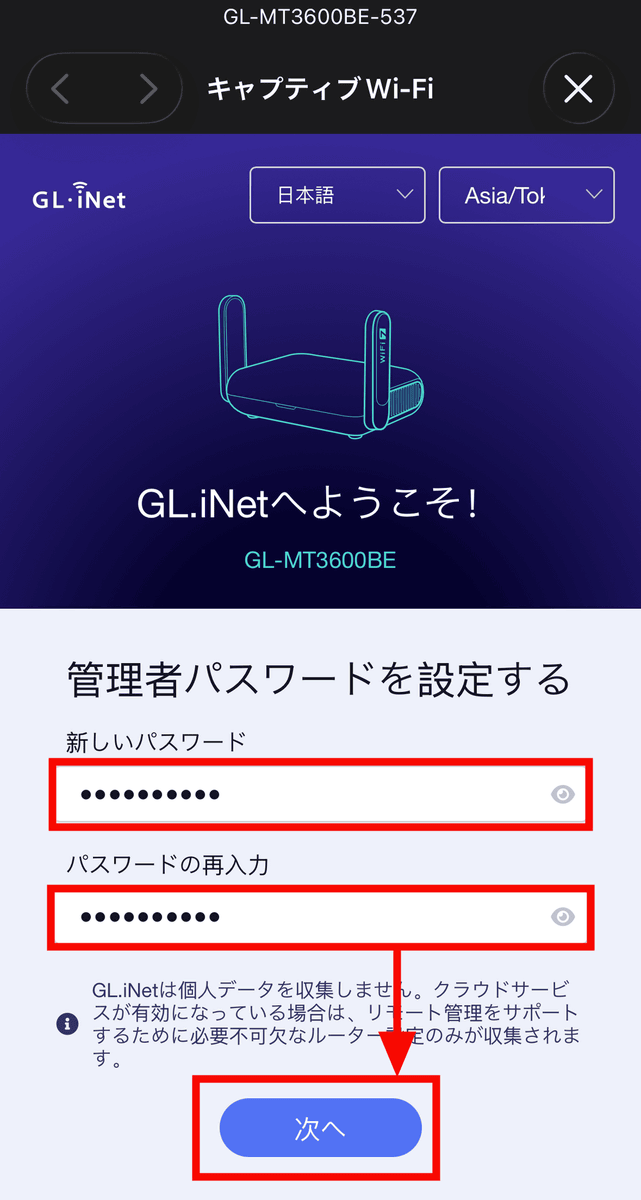
After setting the administrator password, tap 'Next'.
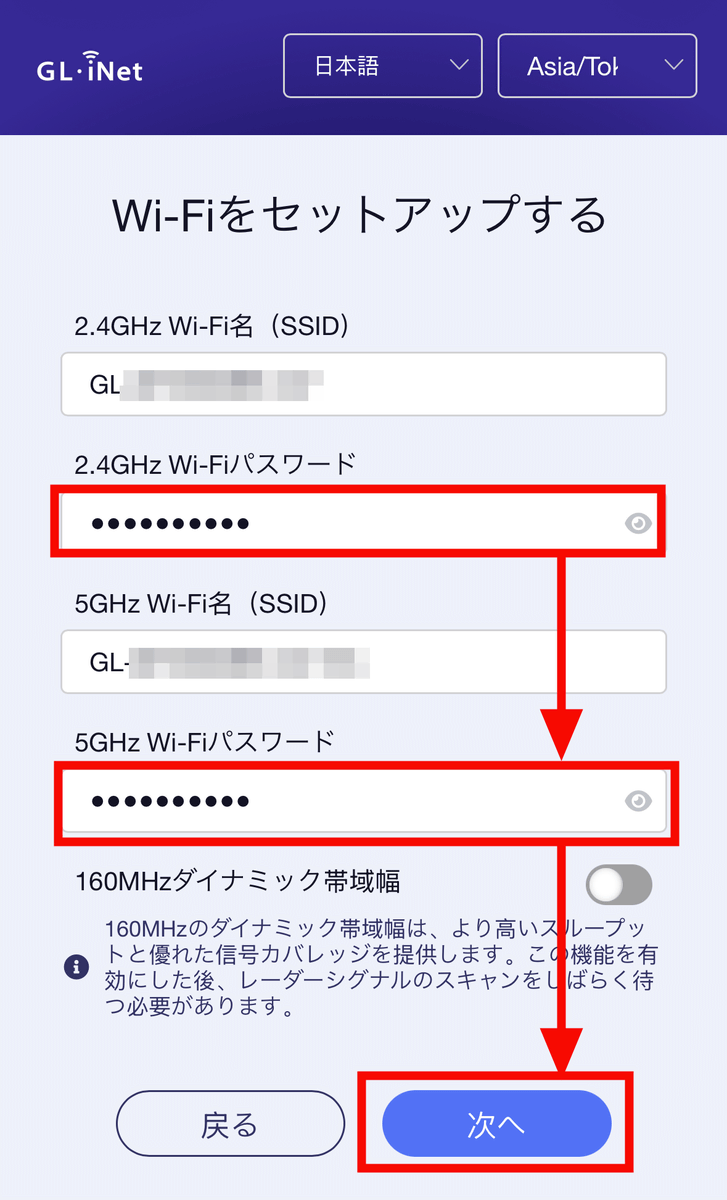
After entering the password to connect to Beryl 7's Wi-Fi, tap 'Next' to complete the initial setup.
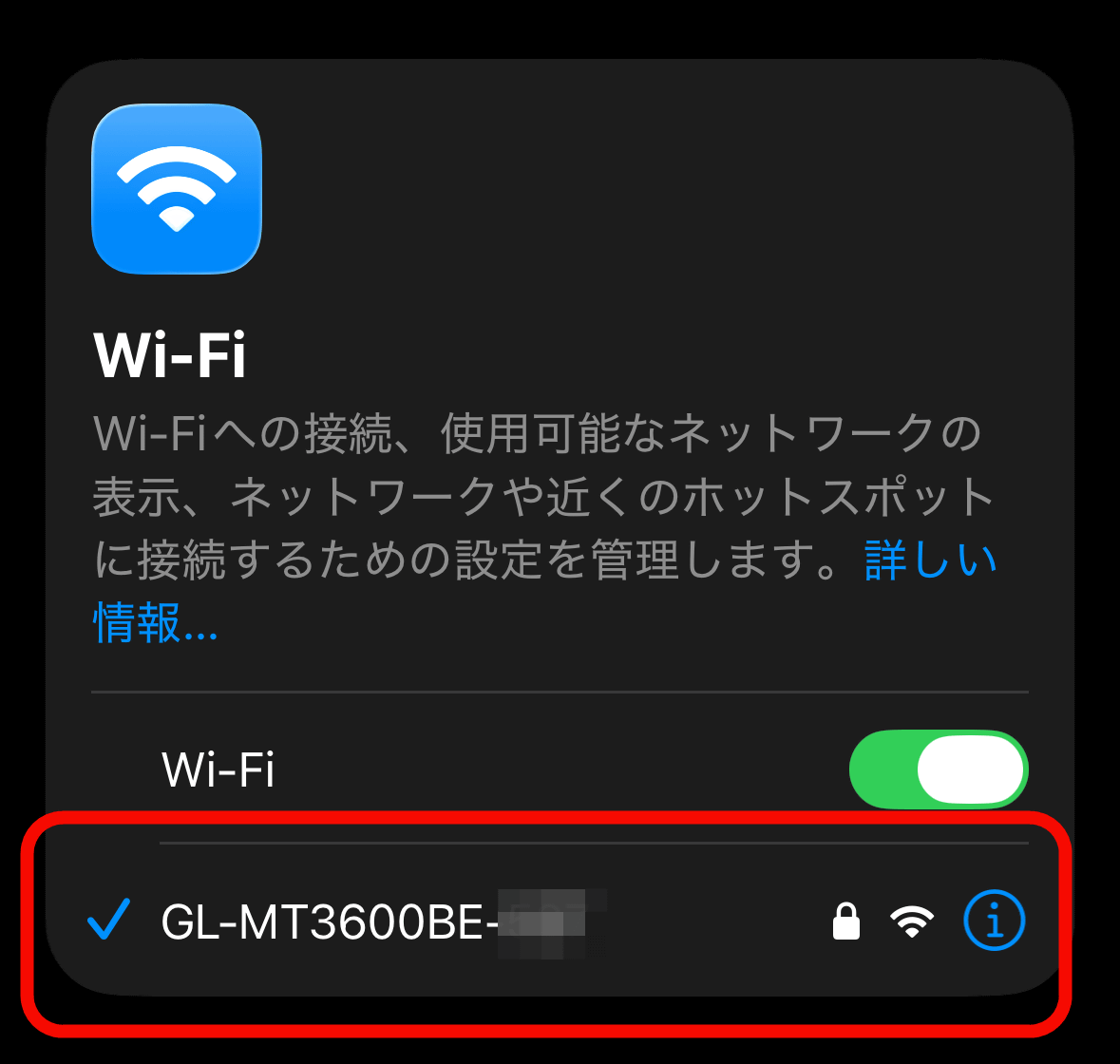
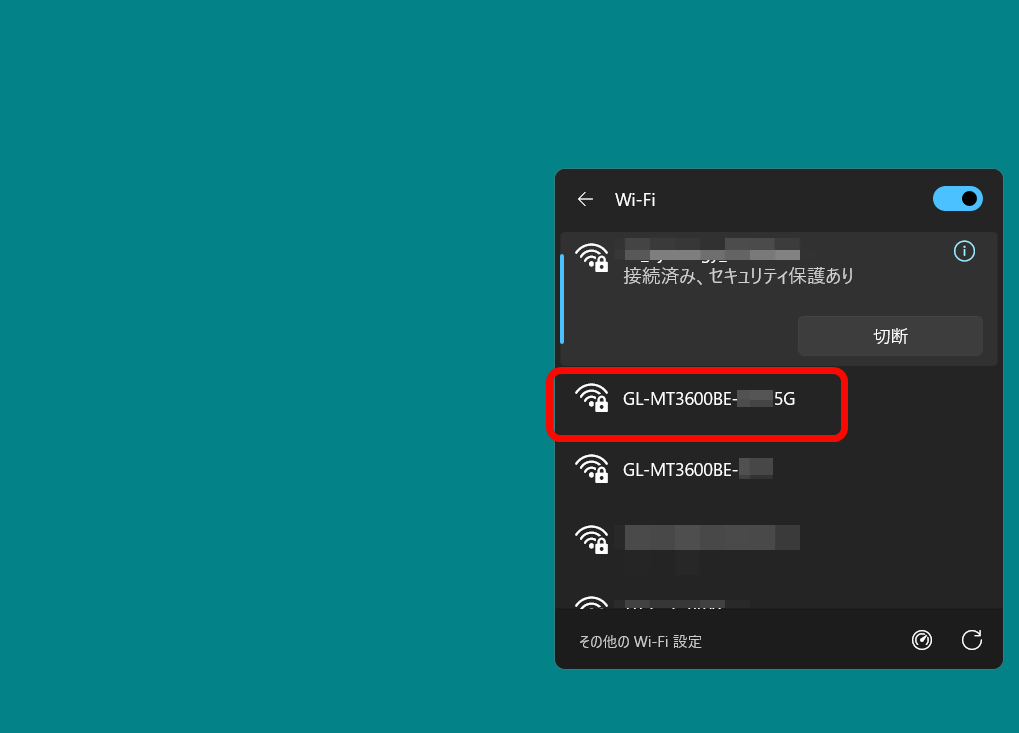
Upon checking my smartphone settings, I confirmed that the SSID containing the Beryl 7 model number 'GL-MT3600BE' was correctly displayed under Wi-Fi in use.
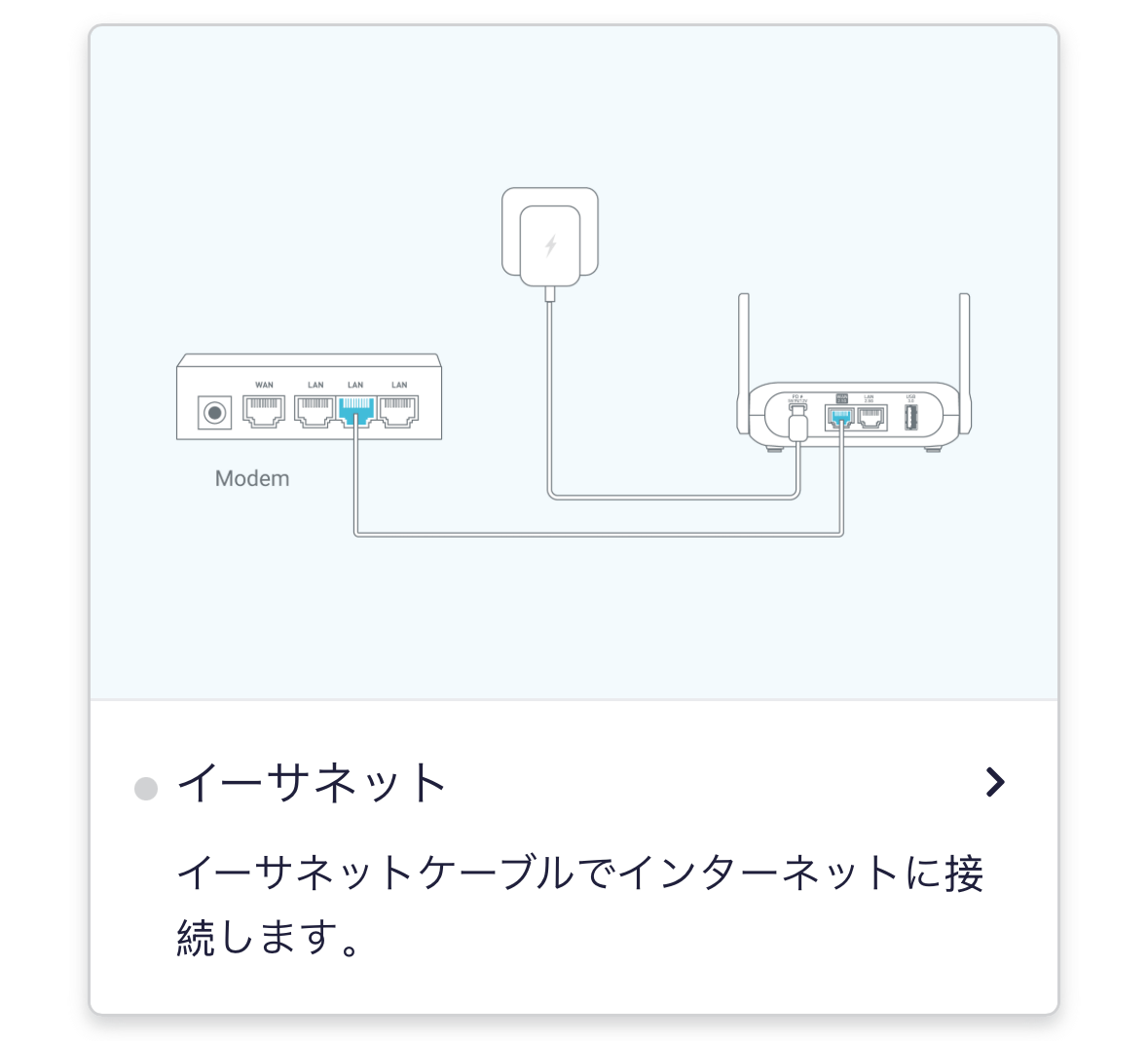
The Beryl 7 has three connection methods. The first is to connect to the internet using an Ethernet cable.
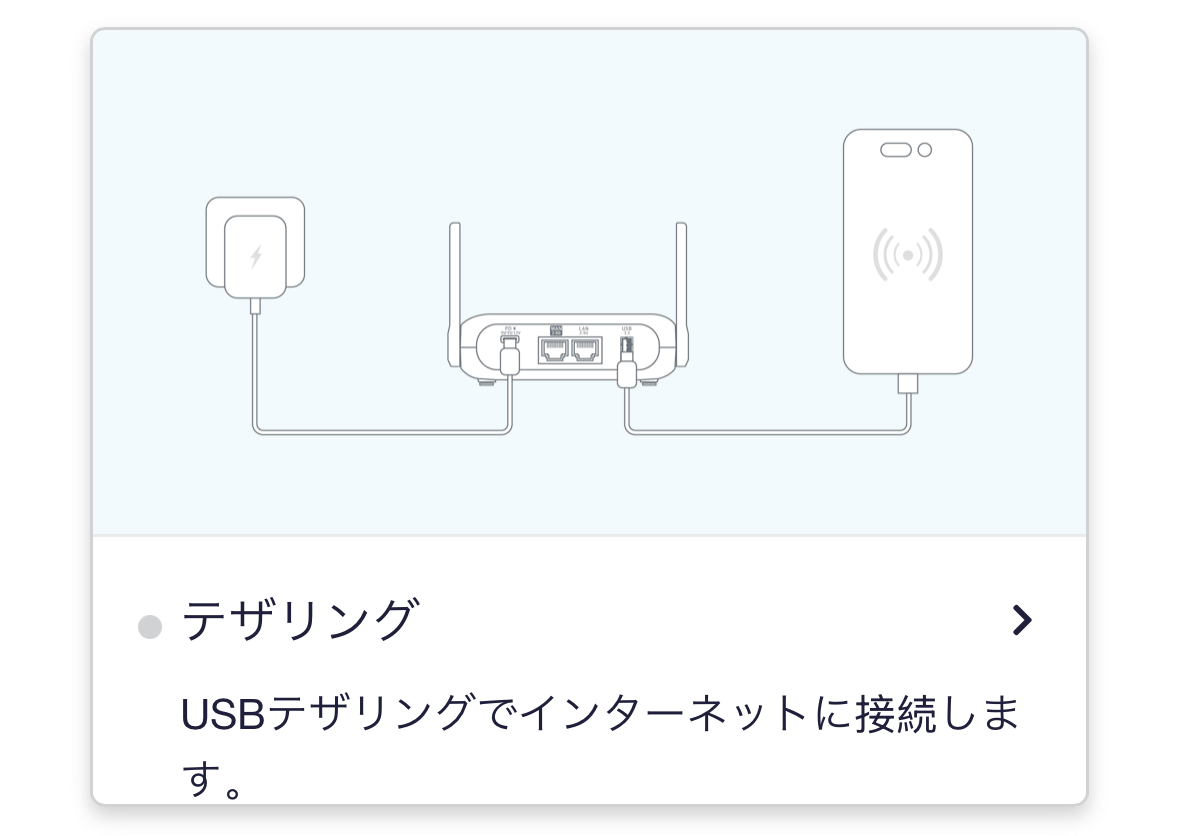
Secondly, there's the method of connecting to the internet using USB tethering from a smartphone or other device.
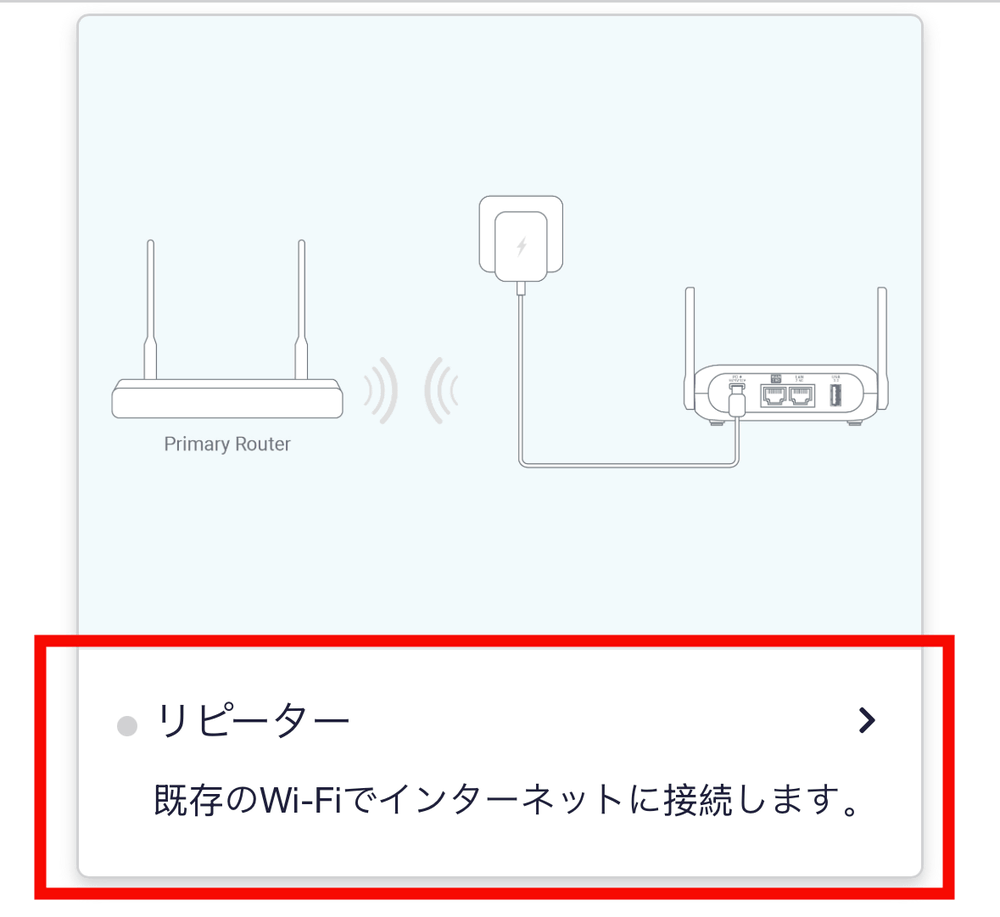
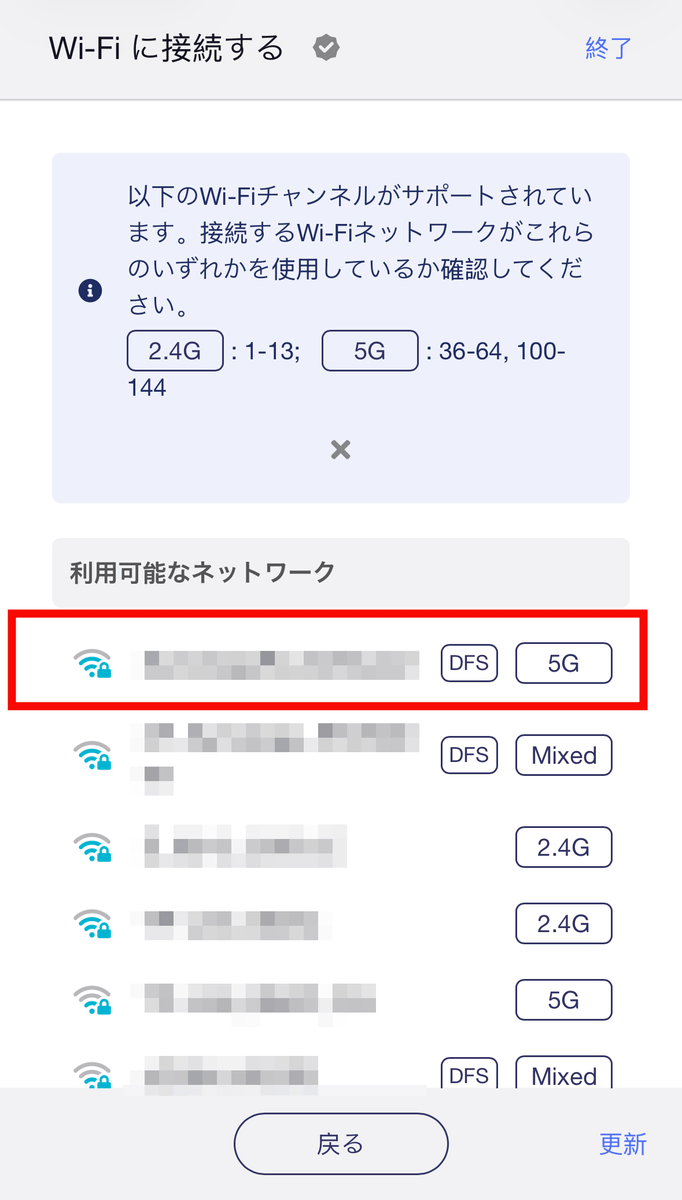
Another method is to connect to the internet via Beryl 7 using an existing Wi-Fi network. This allows you to use free Wi-Fi available at facilities and other locations. This time, we'll try connecting via an existing Wi-Fi network. Tap 'Repeater'.
Select an available Wi-Fi network.
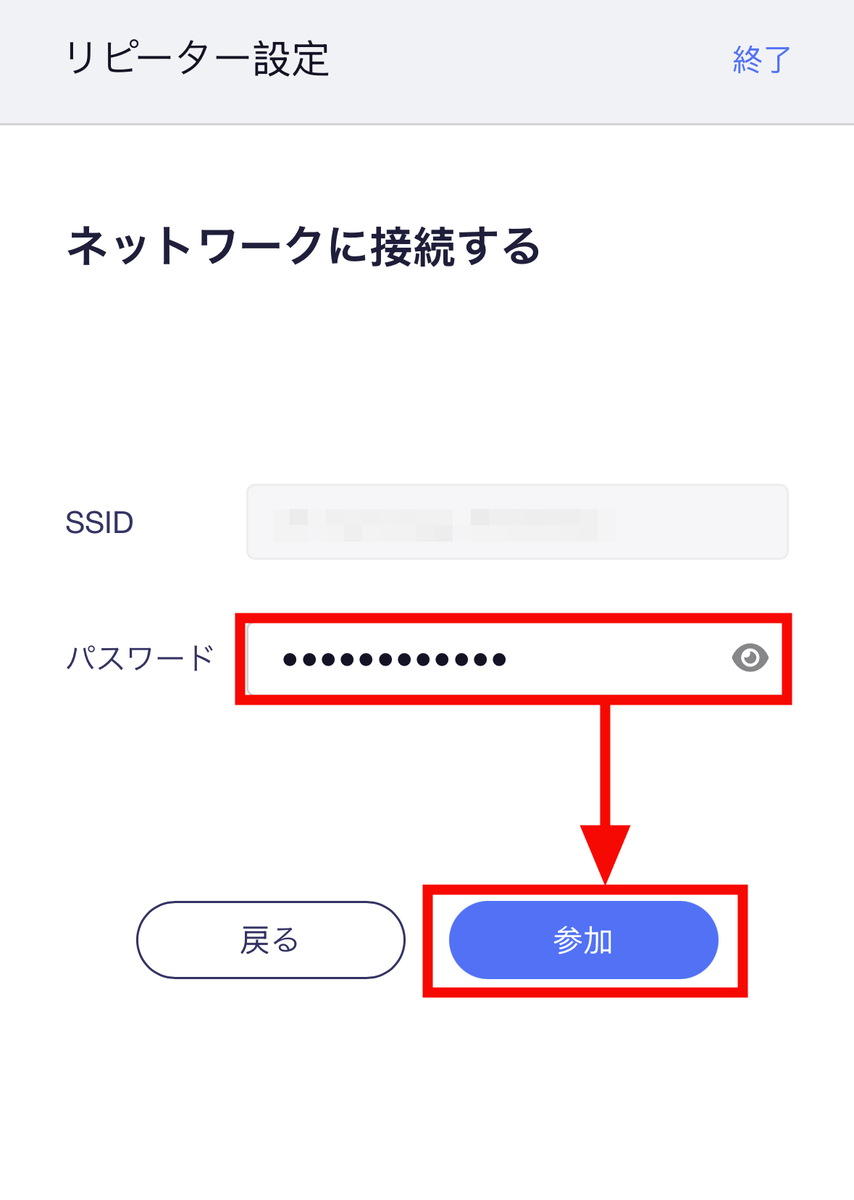
Enter the password for the SSID of the destination server and tap 'Join'.
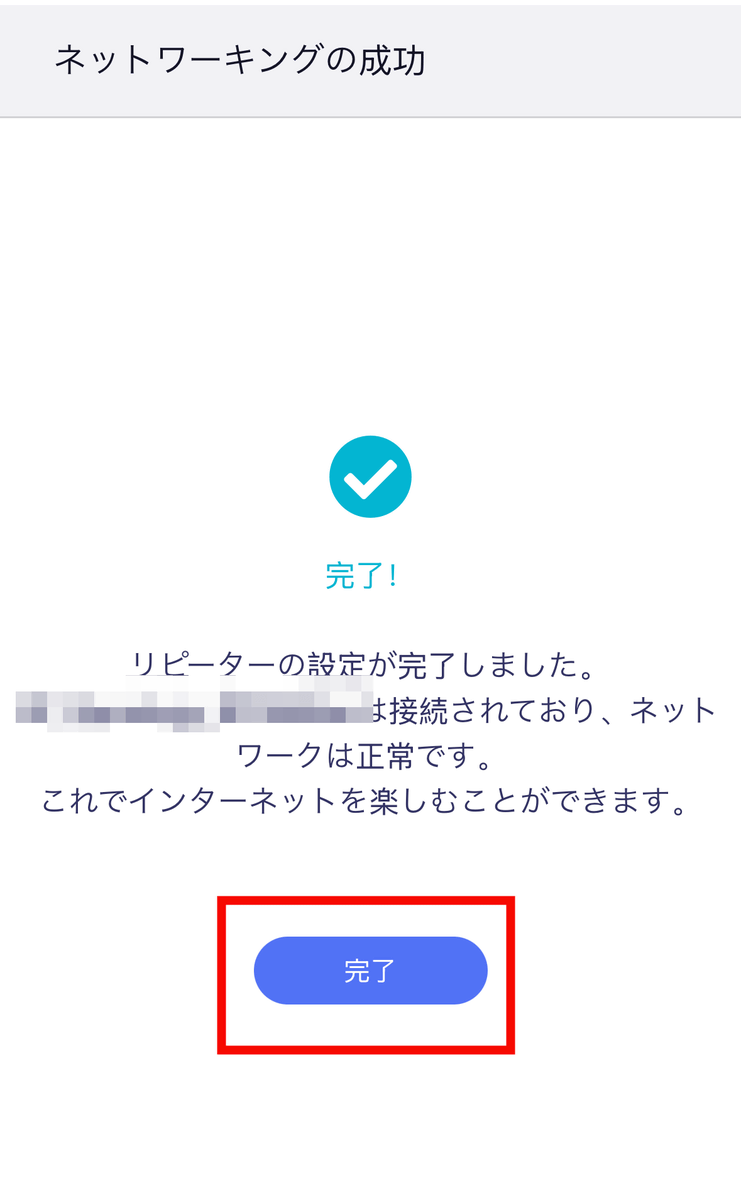
Wi-Fi connection complete.
When using public Wi-Fi, such as when you're out and about or at a hotel, connecting via Beryl 7 instead of directly to the Wi-Fi network reduces security risks because it prevents your device from being directly exposed to the public Wi-Fi.
Furthermore, even if your destination uses a wired LAN connection instead of Wi-Fi, you can enable Wi-Fi connectivity by connecting to the LAN port on the mobile router, allowing multiple laptops and smartphones without wired LAN ports to connect simultaneously. The Beryl 7's wired LAN port supports 100Mbps/1Gbps/2.5Gbps connections, while its Wi-Fi speeds are 688Mbps (2.4GHz) and 2882Mbps (5GHz).
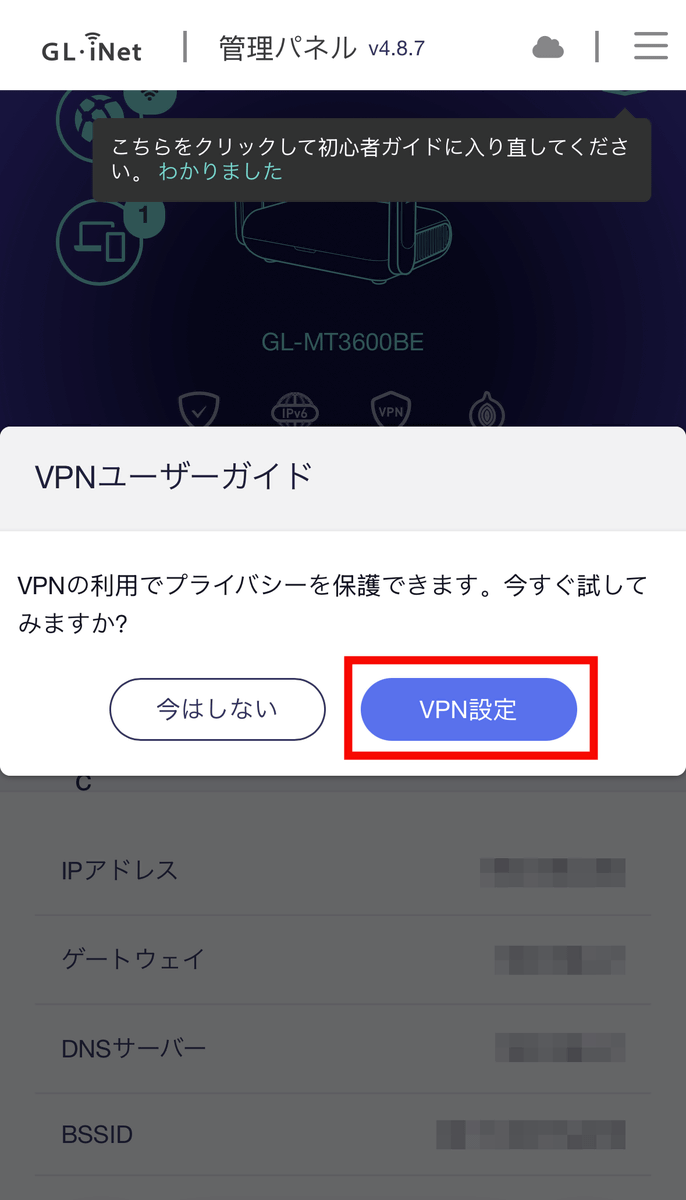
Another feature of the Beryl 7 is that you can use VPNs centrally from the router side. Tap 'VPN settings' from the browser's management screen.
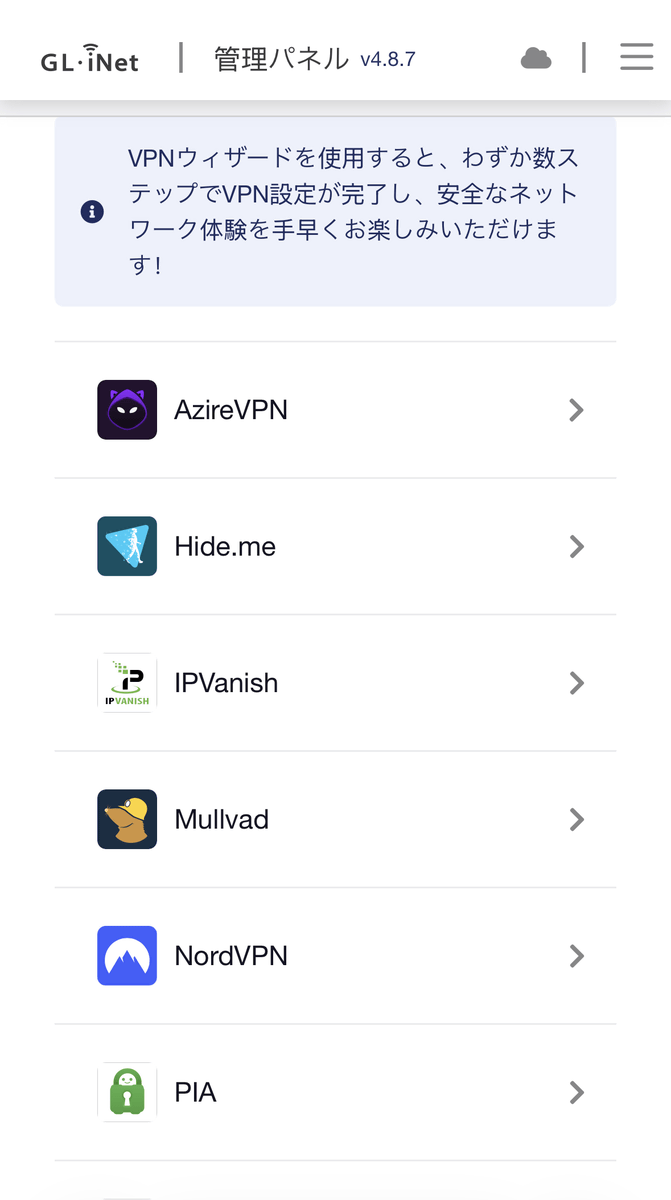
By selecting and logging into your preferred VPN, you can manage the VPN from the router side. This eliminates the need for separate settings on each connected PC or smartphone, meaning you can easily carry a more secure, personal internet connection anywhere by simply carrying your Beryl 7 with the VPN configured. The default pre-configured VPNs include AZIREVPN, HIDE me, IP VANISH, MULLVAD, NordVPN, Private Internet ACCESS, and Surfshark. The maximum VPN speed when using WireGuard is 1100Mbps.
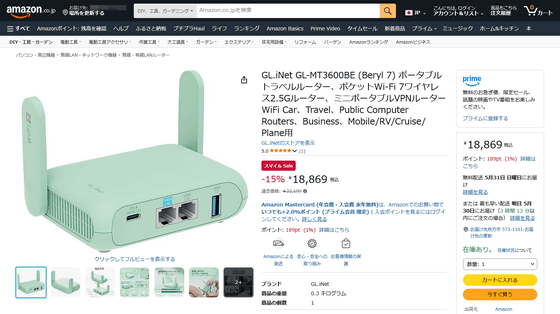
The Beryl 7 (GL-MT3600BE) can be purchased from the GL.iNet official store on Amazon, and at the time of writing, the price was 18,869 yen (tax included). Furthermore, it comes with OpenWrt pre-installed, allowing for uses beyond a simple Wi-Fi mobile router. In the next article, we will review its features in more detail.
Amazon.co.jp: GL.iNet GL-MT3600BE (Beryl 7) Portable Travel Router, Pocket Wi-Fi 7 Wireless 2.5G Router, Mini Portable VPN Router WiFi for Car, Travel, Public Computer Routers, Business, Mobile/RV/Cruise/Plane: Computers & Peripherals
Related Posts:

in Hardware, Web Service, Review, Posted by log1e_dh