'ChatGPT for PowerPoint' has been released, allowing users to automate PowerPoint presentations and create slides using ChatGPT.
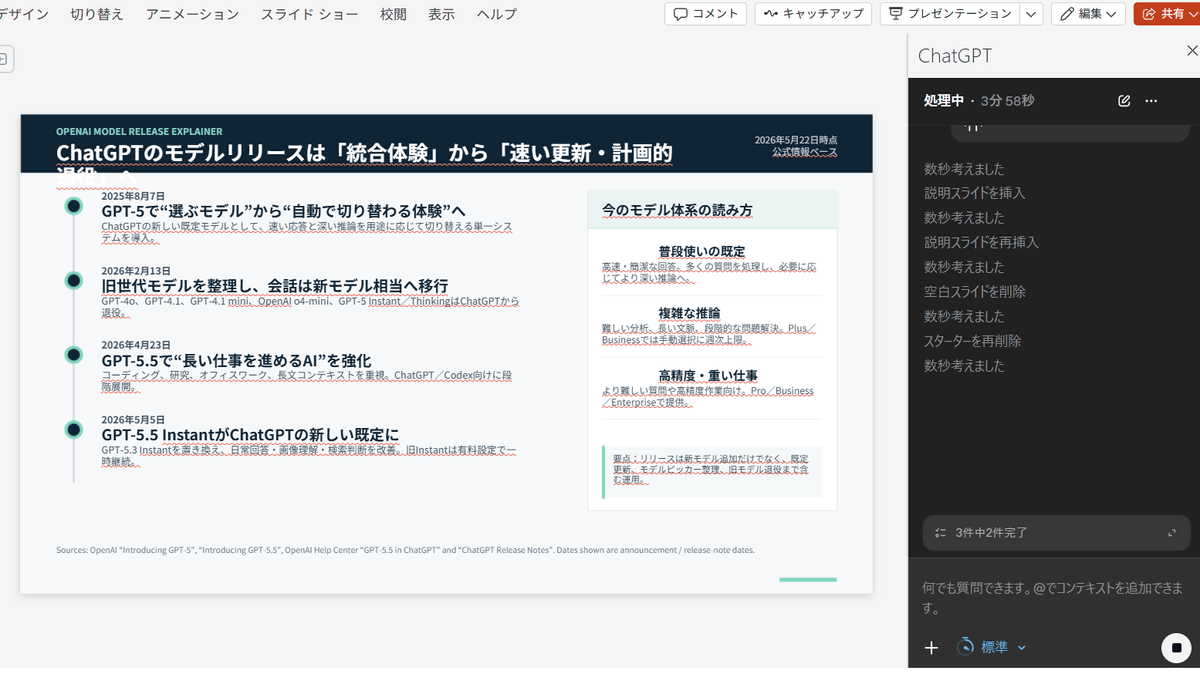
OpenAI has released a beta version of ' ChatGPT for PowerPoint ,' which allows users to control PowerPoint using ChatGPT to create new slides and edit existing ones.
ChatGPT for PowerPoint | Create and edit presentations with ChatGPT
https://chatgpt.com/apps/powerpoint/
Have you ever thought to yourself: I really don't want to make this PowerPoint.
— ChatGPT (@ChatGPTapp) May 21, 2026
Good news: ChatGPT can now create and edit presentations directly in PowerPoint.
Build, update, understand, and polish presentations directly in PowerPoint while keeping slides editable.
Now in… pic.twitter.com/q3rTN24AHh
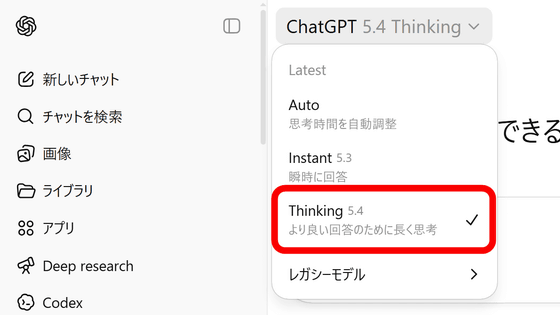
ChatGPT for PowerPoint is available as a PowerPoint add-in on the Microsoft Store . When OpenAI released its frontier model GPT-5.4 in March 2026, they released a beta version of 'ChatGPT for Excel' as an Excel add-in, and this update adds support for PowerPoint.
OpenAI releases 'GPT-5.4,' a 'most capable and efficient frontier model with superior agent performance that can operate PCs better than humans' - GIGAZINE
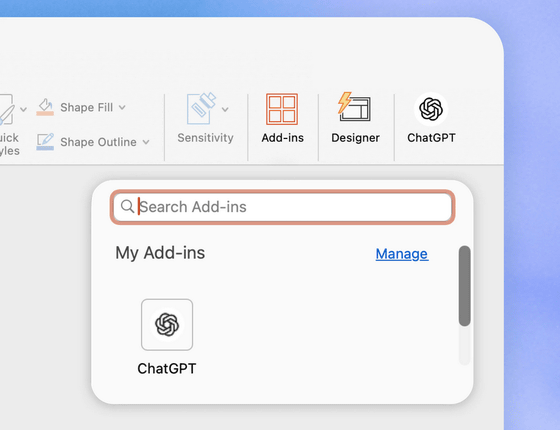
ChatGPT for PowerPoint can be used by adding an add-in and signing in with your OpenAI account.
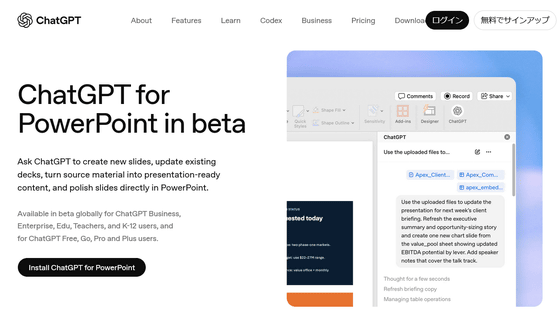
ChatGPT for PowerPoint allows you to generate slides from scratch or edit existing slides simply by giving instructions in natural language. You can also analyze slides to identify shortcomings and anticipate questions.
Furthermore, it includes a feature that prompts users for confirmation before implementing important changes, ensuring security and reliability.
ChatGPT for PowerPoint in beta is available to all accounts worldwide, including free ChatGPT users. Access permissions vary depending on your subscription plan, workspace settings, and administrative settings.
Related Posts: