DeepMind suggests that 'the mouse pointer should be used as input for AI,' and wonders if we'll enter an era where we can communicate with AI by simply saying, 'Do this and that.'
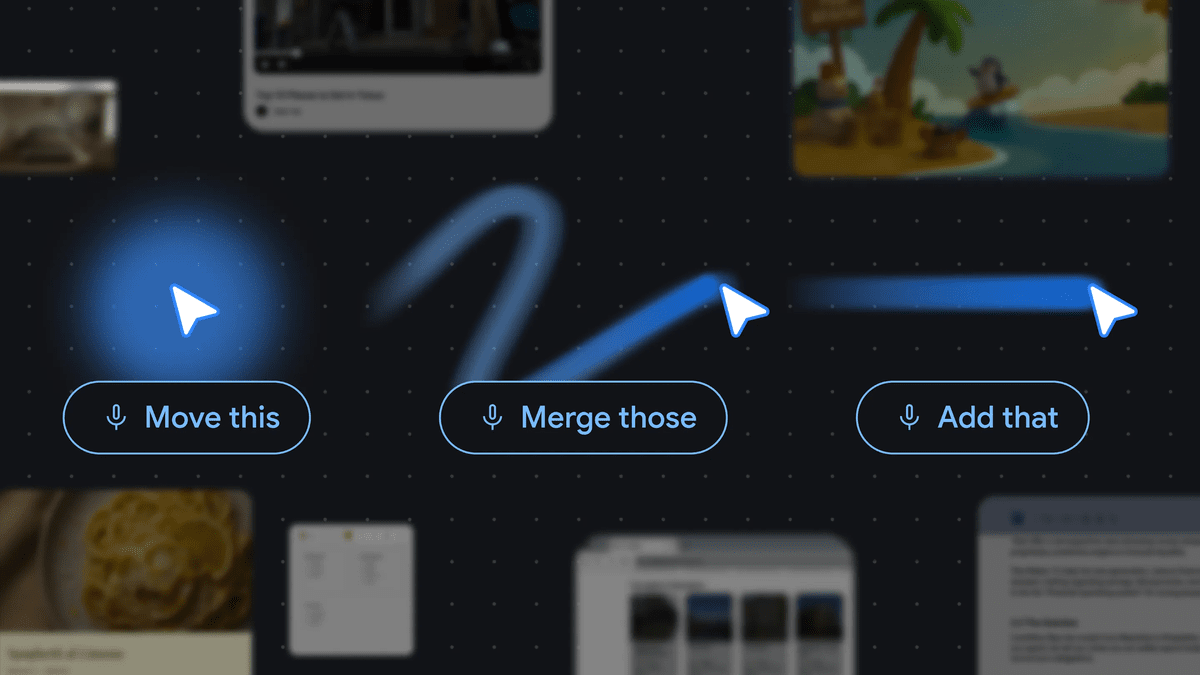
Google DeepMind has unveiled a concept that utilizes the mouse pointer as a means of input for AI. Google DeepMind explains that by pointing at objects on the screen with the mouse pointer and giving short instructions, interaction with AI can be made more intuitive.
Shaping the future of AI interaction by reimagining the mouse pointer — Google DeepMind
Reimagining the computer mouse pointer - YouTube
Traditional AI tools required users to bring in text, images, tables, code, etc., into the AI's chat screen and explain in detail what they wanted done. Google DeepMind aims for the opposite approach, where the AI integrates into the web pages, documents, emails, maps, and image editing screens that users normally use, providing support without interrupting the workflow. For example, it is envisioned that simply hovering the mouse pointer over an image of a building and saying 'show directions' will cause the AI to recognize the building and show directions on a map application.
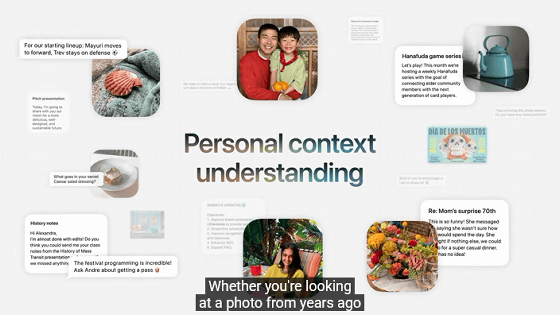
The key point is that the mouse pointer becomes an 'input device for providing context to the AI.' In human conversation, you can point to what the other person is looking at and say 'fix it,' 'move it,' or 'explain what it means,' and your intention will be understood without a long explanation. Google DeepMind claims that by combining the position of the mouse pointer, the content displayed on the screen, and short voice commands, the AI can also be taught to understand similar abbreviated expressions.
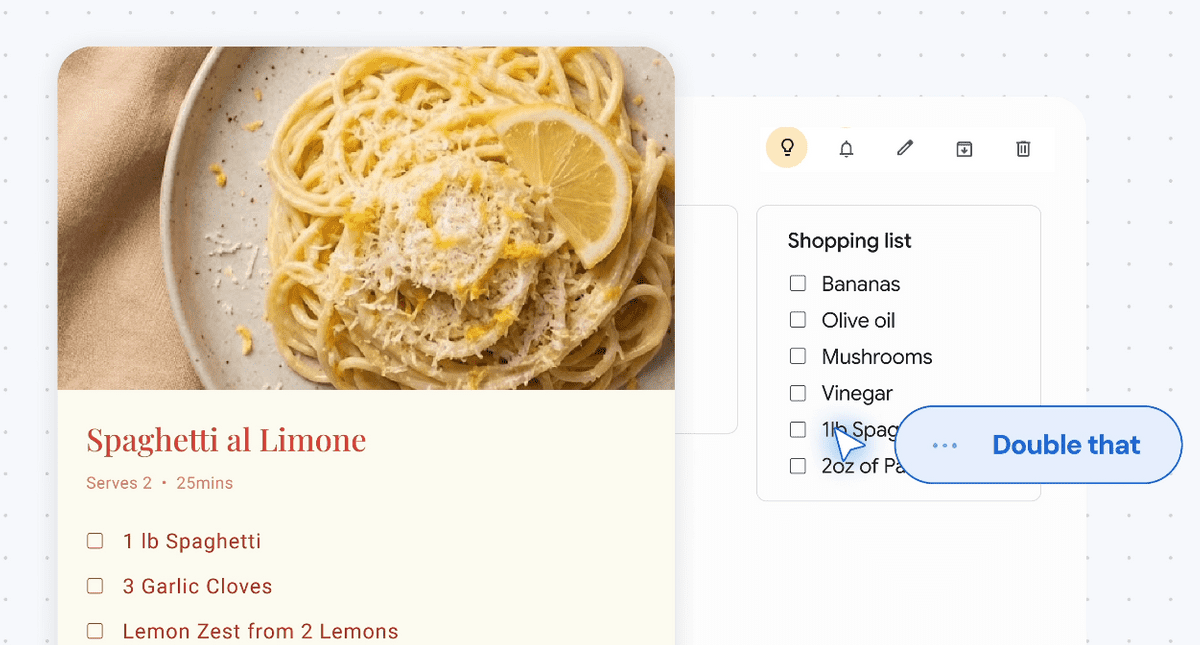
Google DeepMind lists the following design principles for AI-enabled mouse pointers: 'maintain workflow,' 'communicate by pointing,' 'utilize short instructions,' and 'transform pixels on the screen into interactive objects.' For example, they show you pointing to a PDF and asking it to 'summarize it in bullet points,' then pasting the generated summary into an email; pointing to a statistical table and asking it to 'turn it into a pie chart'; or selecting a recipe and giving the instruction to 'double the ingredients.' The idea is to point the mouse pointer at the object in front of you and give short commands, rather than writing long prompts for the AI.
Google DeepMind has also released a demo where Gemini can be controlled using the mouse pointer and voice. Google AI Studio allows users to try image editing and finding locations on a map using the mouse pointer and voice.
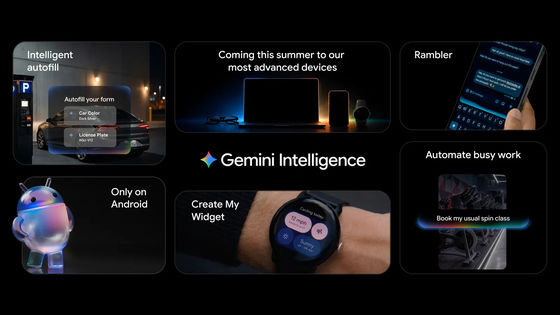
Google says it will incorporate the concept of an AI-powered mouse pointer into Gemini in Chrome and its new ' Googlebooks ' laptops. Gemini in Chrome is envisioned to allow users to point to parts of a webpage to ask Gemini questions or to select and compare multiple products. The Googlebooks will feature a function called 'Magic Pointer,' which will allow users to create appointments by pointing to dates in emails or to display a combination of room photos and furniture images.
Google DeepMind states that interactions with AI may expand beyond simply typing text into a chat window to include pointing to objects on the screen and giving brief instructions. If AI can combine the mouse pointer position, screen content, and voice commands to understand each other, natural instructions such as 'Summarize this' or 'Compar this to this product' will become easier for AI to understand.
Related Posts: