YouTube TV officially introduces a multi-view feature that allows users to customize their viewing experience, such as watching four programs simultaneously on one screen.

YouTube has announced that it will officially introduce a multi-view feature that allows users to watch up to four programs on one screen without switching channels, a feature that has been frequently requested, especially for its TV program streaming service
New on YouTube TV: Build Your Own Custom Multiview - YouTube TV Community
https://support.google.com/youtubetv/thread/429032394
A demo video has been released showing what the multi-view function is.
Explore the Benefits of Multiview on YouTube TV - YouTube
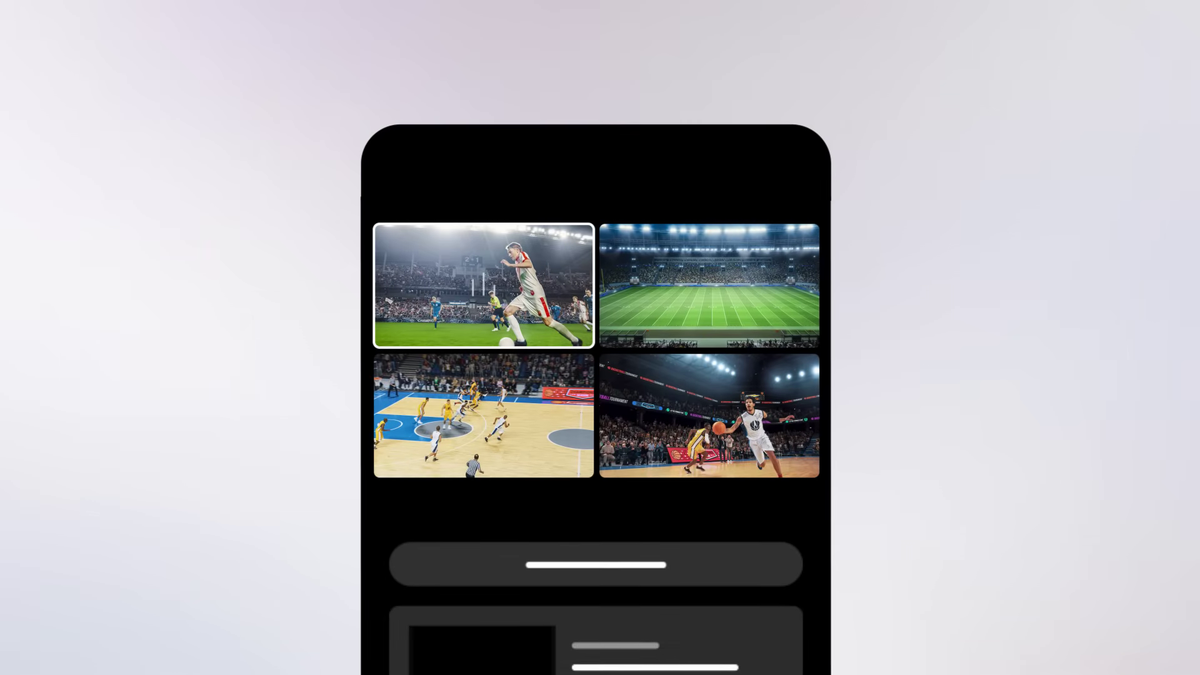
The multi-view function allows you to watch up to four programs on a single screen.
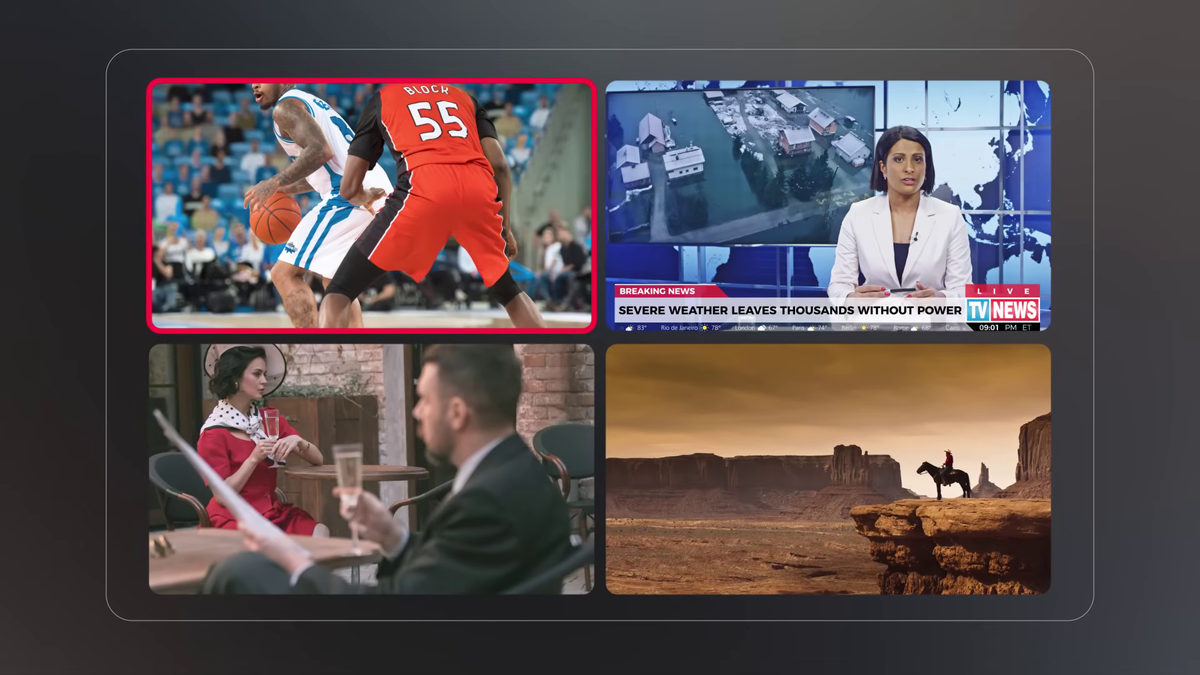
To use it, first launch the 'YouTube TV' app on your smart TV, streaming device, or mobile device.
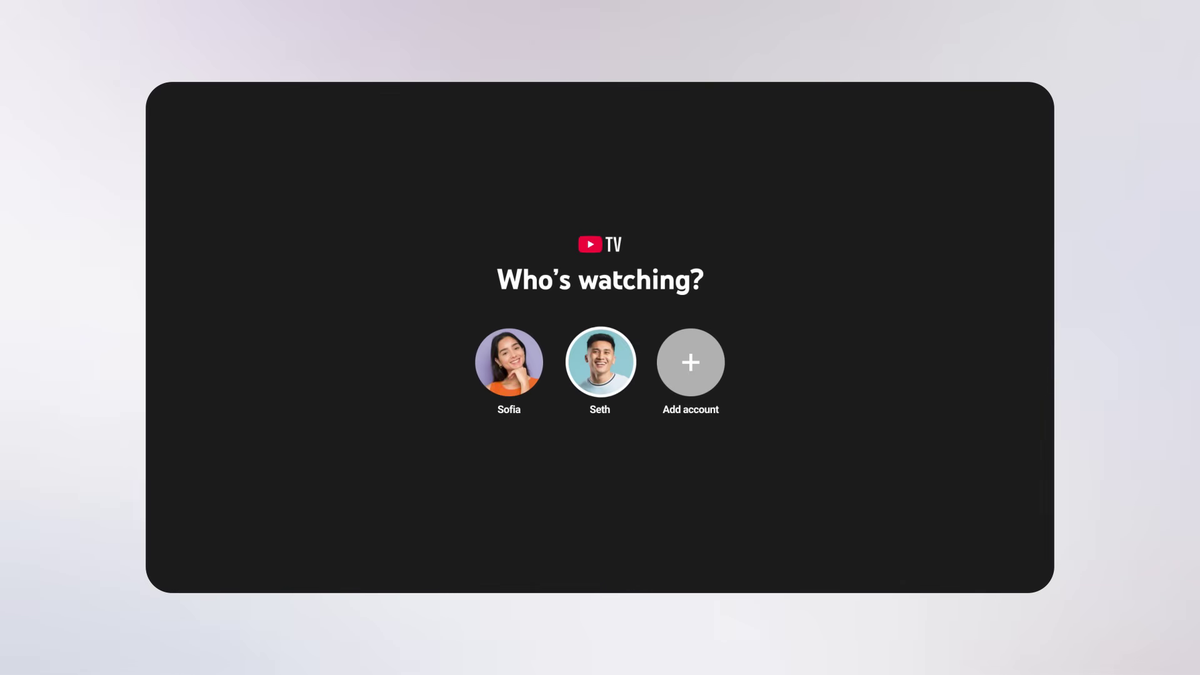
Log in to your account.
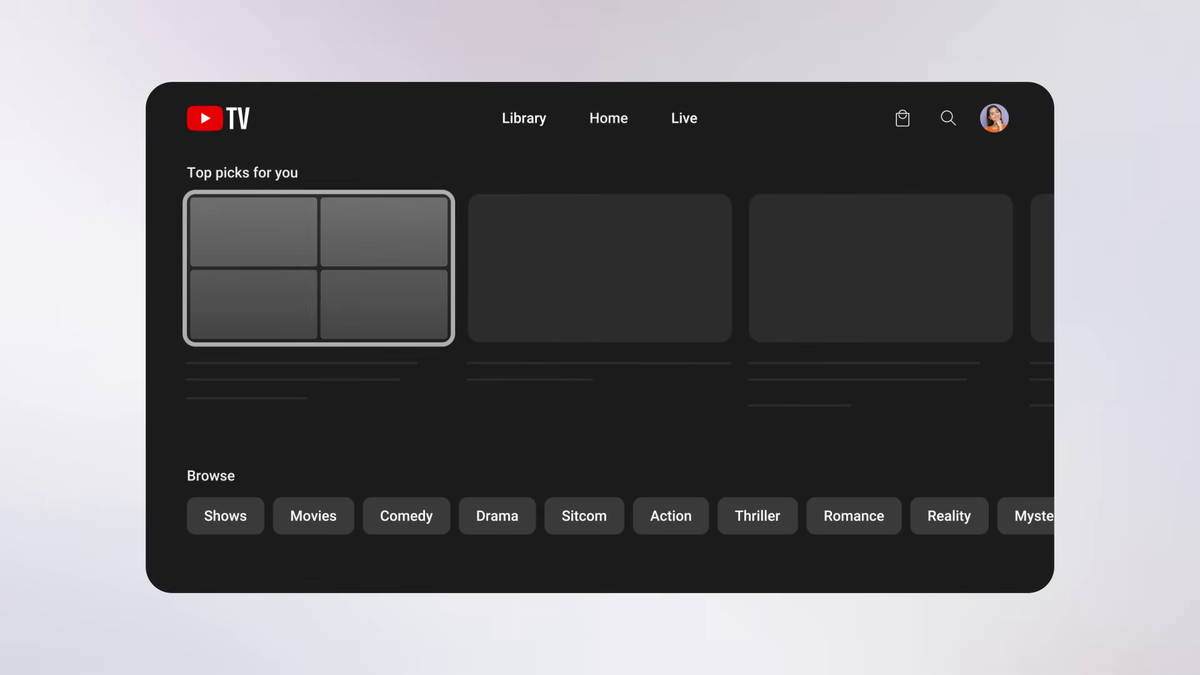
A multi-view has been added to Top Pick on the Home tab, so select it.
Next, you choose what to view using the multi-view builder. In addition to 'Recommended,' there are tabs such as 'Sports' and 'News.'
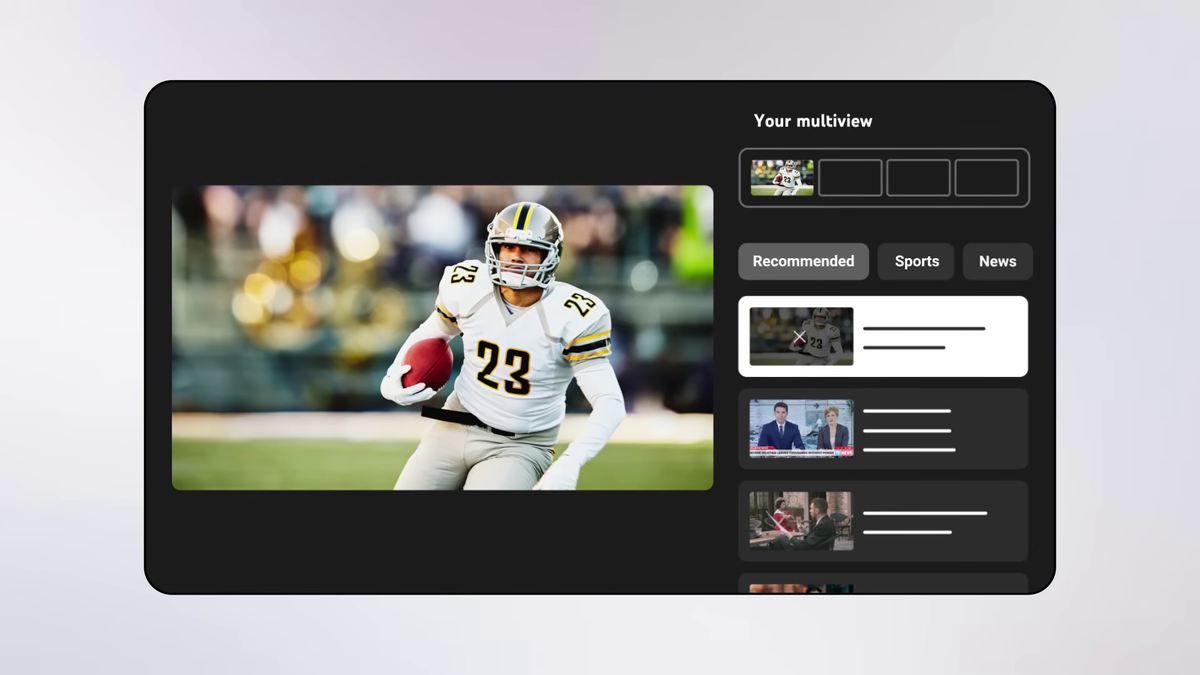
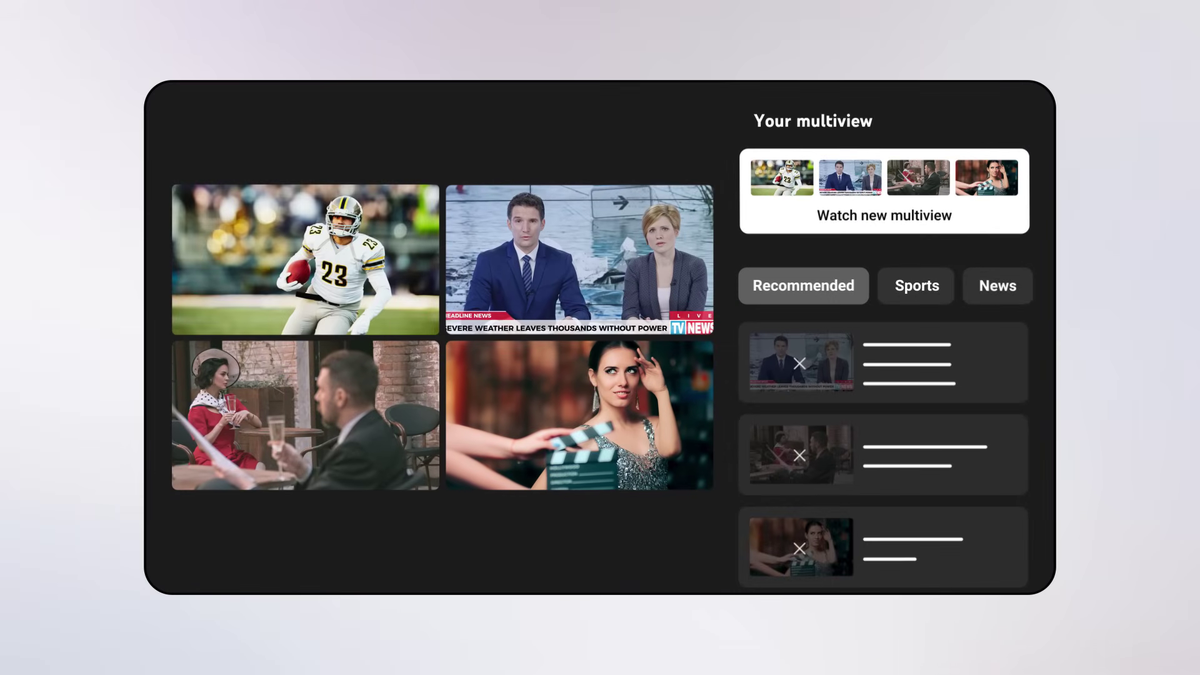
This is what it looks like when you select four channels. If there are any channels you don't want, you can remove them by selecting the channel you want to remove from the list on the right and pressing the '✕' button.
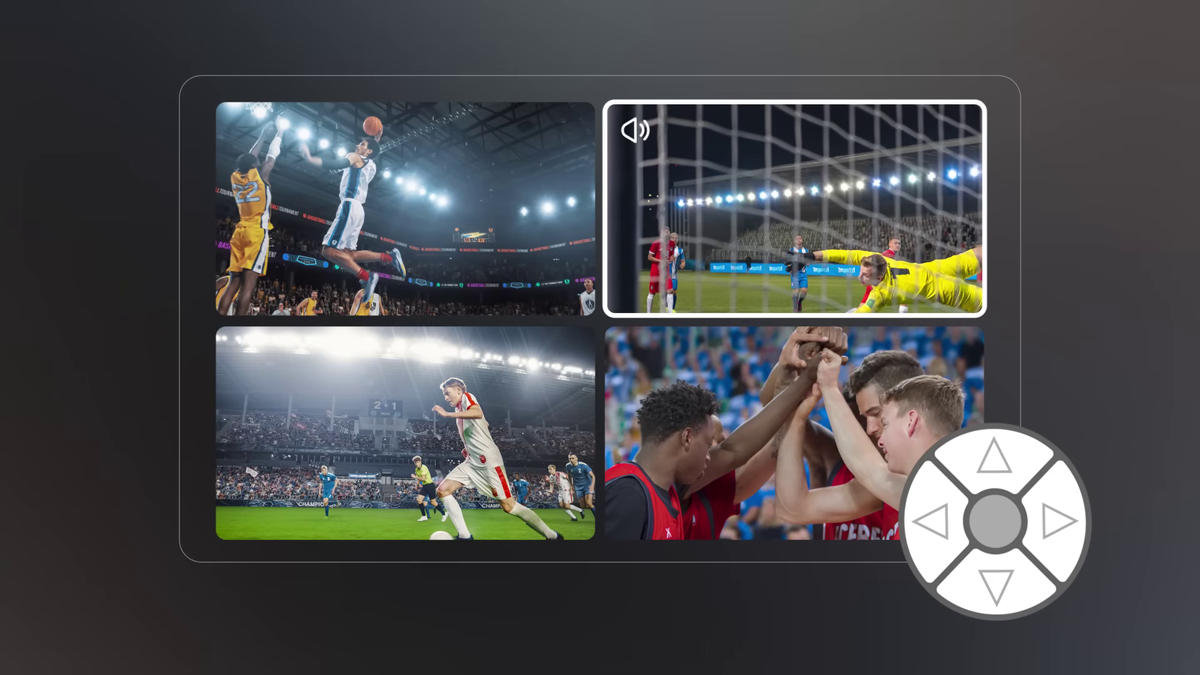
Of the four programs, the one with a frame is the program you are currently watching, and the audio will be from that program. If you want to switch to another program, move the frame using the arrow buttons on the remote control, and the audio will switch immediately.
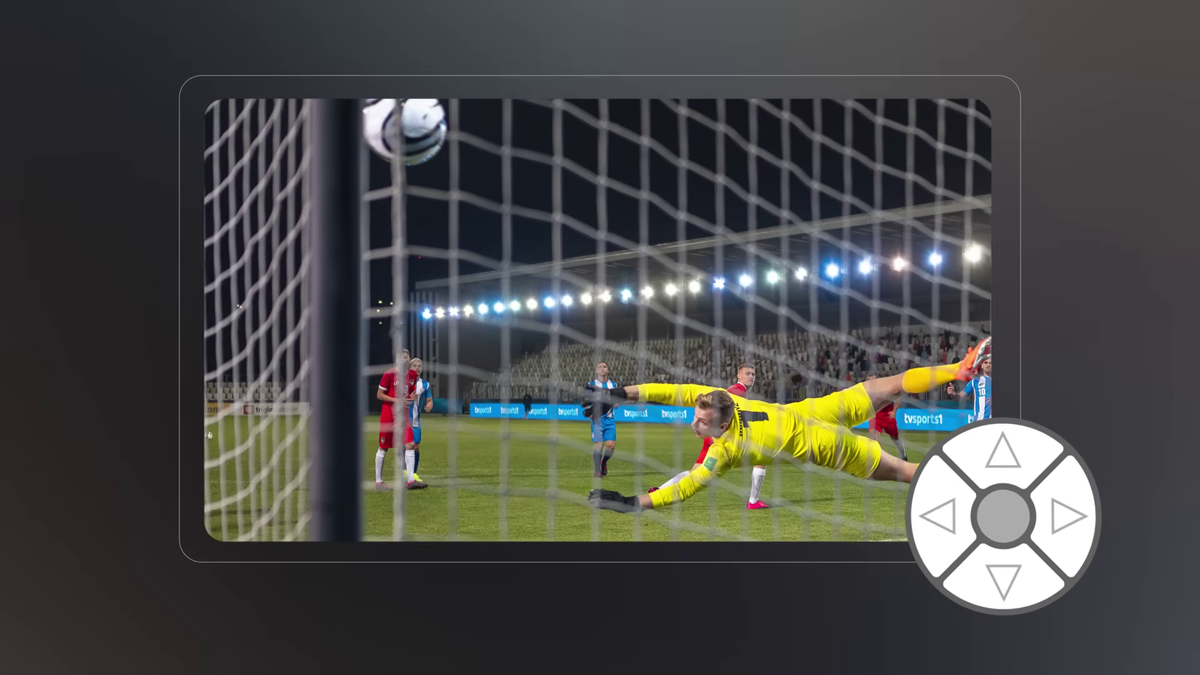
Additionally, by pressing the select button located in the center of the arrow buttons on the remote control, you can display only the currently selected program, showing only one program at a time. This allows you to focus on just one program during exciting moments in sports matches, and then switch back to displaying all four programs once things calm down.
While smartphones use tap controls, they offer the same functionality as smart TVs.
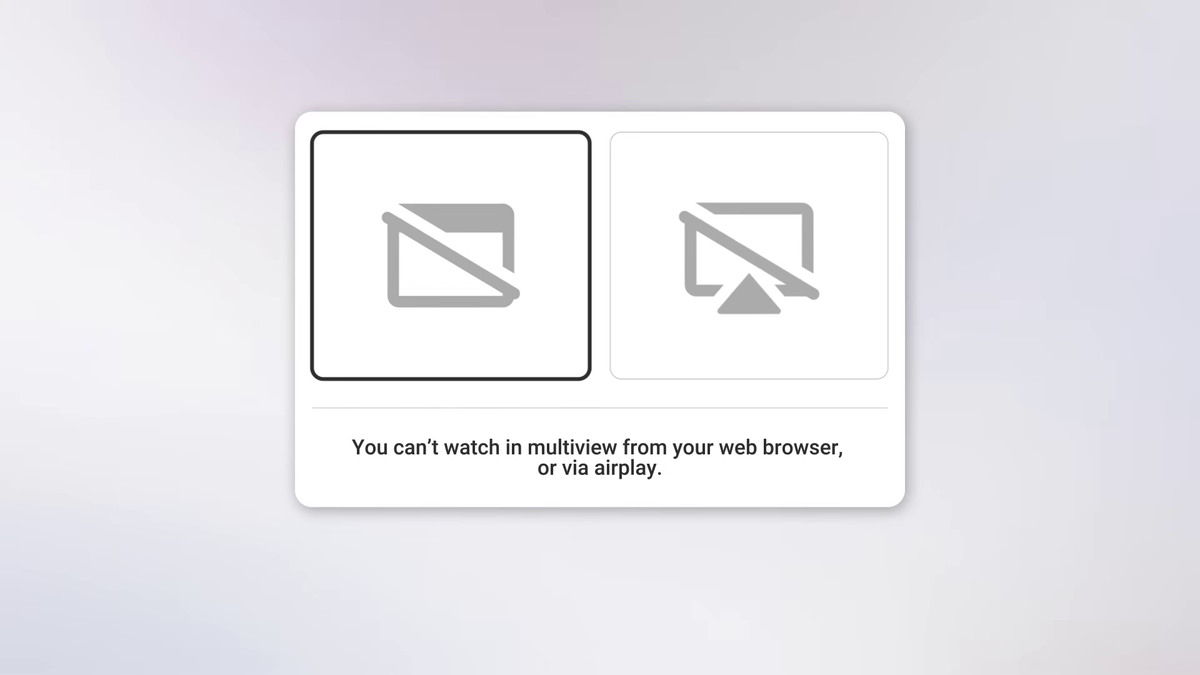
Please note that multi-view cannot be used via web browsers or AirPlay.
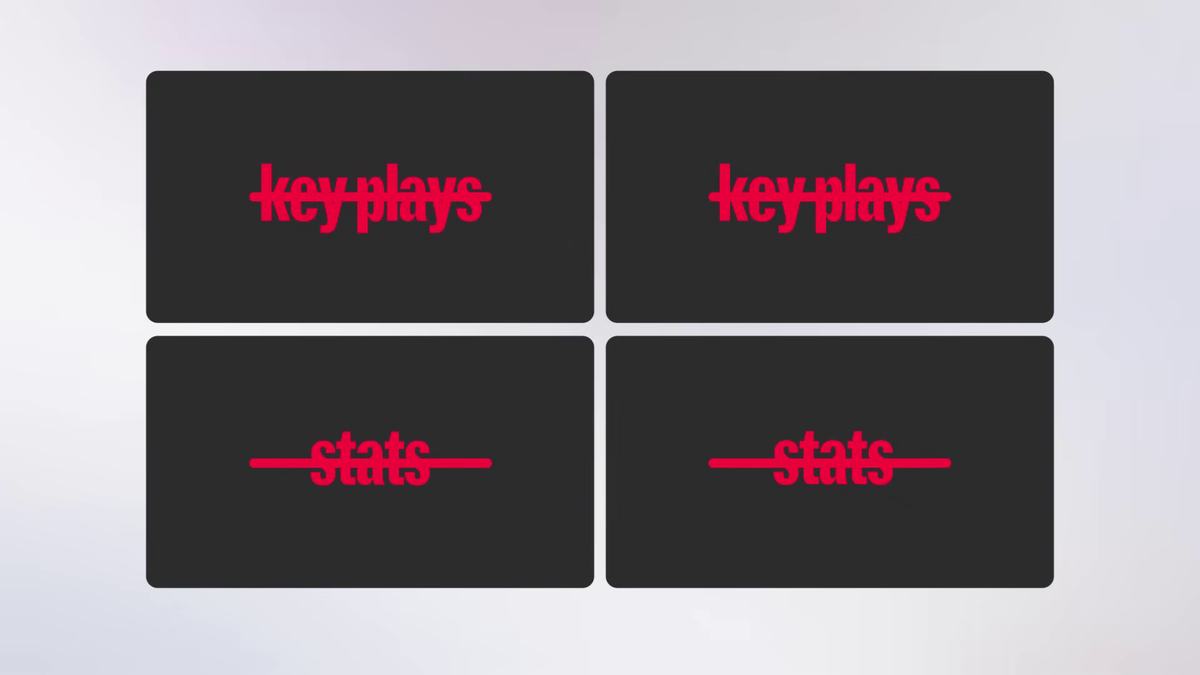
Additionally, the multi-view feature does not offer the keyplay function, which automatically allows users to watch missed live broadcasts or highlights, or the function to view real-time match statistics.
The multi-view feature will be rolled out to all users over the next few weeks.
Related Posts:




in Video, Software, Web Service, Posted by logc_nt