The video generation AI 'HappyHorse 1.0' is finally available for everyone to use, so I tried it out. It can output Japanese dialogue and can create both live-action and anime-style videos.
Chinese company Alibaba has launched the official website for its high-performance video generation AI, ' HappyHorse 1.0 .' HappyHorse 1.0 was already generating buzz before its official release, having achieved the world's highest score on the AI comparison site Artificial Analysis. Since it was available for free use by signing in with a Google account, I tried generating a video with it.
Happy Horse: The Simple, All-in-One AI Video Platform
Do you ever notice the magic hiding in the cracks of reality? Let your wildest thoughts run free. Don't ignore it — the key to infinity is already in your hands.
— HappyHorse (@HappyHorseATH) April 27, 2026
You are the chosen dreamer.
Now, ride your imagination, and let it reshape your world.
🐴 “Who Let the Horse Out”,… pic.twitter.com/DNPAqliv8X
HappyHorse 1.0 is a model that appeared in Artificial Analysis's video generation AI rankings in early April 2026. Immediately after its appearance in the rankings, it recorded scores that surpassed Google and xAI models in categories such as 'generate silent videos from text,' 'generate videos with sound from text,' and 'generate silent videos from images,' and it still maintains the number one position as of the time of writing.
Mysterious video generation AI model 'HappyHorse-1.0' achieves world's highest performance in anonymous testing - GIGAZINE
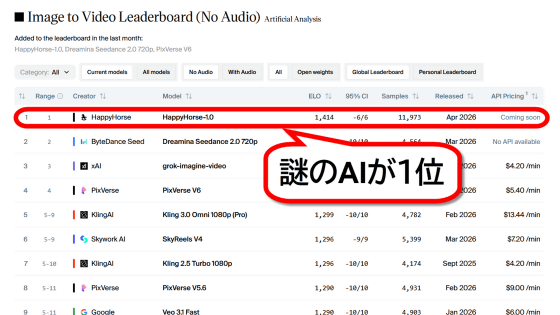
Despite some confusion surrounding HappyHorse 1.0, including the appearance of multiple fake websites even before its official release, Alibaba announced the launch of its official website on April 27, 2026.
Do you ever notice the magic hiding in the cracks of reality? Let your wildest thoughts run free. Don't ignore it — the key to infinity is already in your hands.
— HappyHorse (@HappyHorseATH) April 27, 2026
You are the chosen dreamer.
Now, ride your imagination, and let it reshape your world.
🐴 “Who Let the Horse Out”,… pic.twitter.com/DNPAqliv8X
The official website allows you to sign in using your Google account, so let's actually sign in and generate a video. First, click the link below to access the official website.
Happy Horse: The Simple, All-in-One AI Video Platform
https://www.happyhorse.com/
Click 'Join now'.

Click 'Sign in with Google'.

Select an account.
Clicking 'Next' will complete the sign-in process.

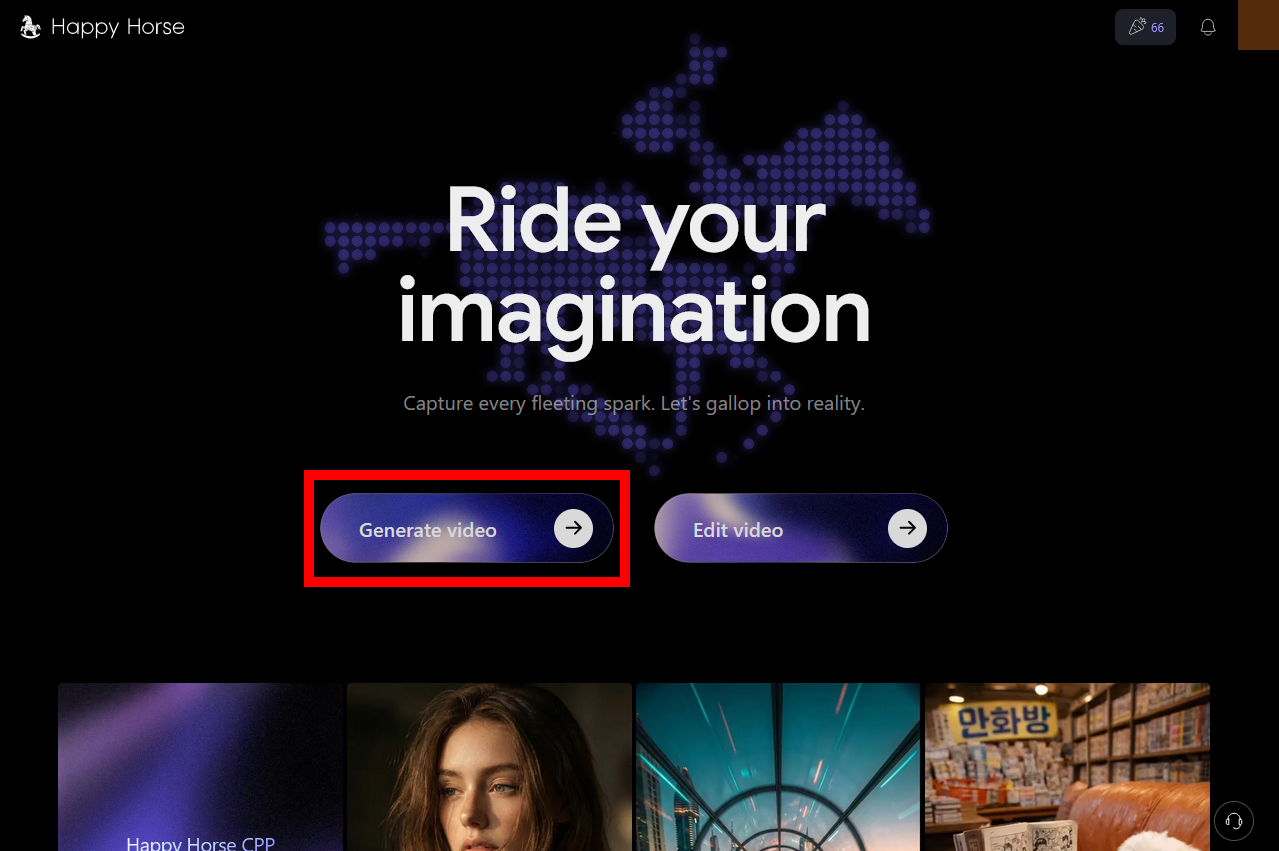
The homepage has both a video generation button and a video editing button. This time, we want to generate a video, so click 'Generate video'.
This is the video generation screen. On the left side of the screen are input fields for 'Image for the first frame' and 'Video description (prompt),' and the generated video is displayed on the right side of the screen. Each time you generate a video, you consume a token, and at the time of writing this article, 66 credits were awarded upon initial sign-in.
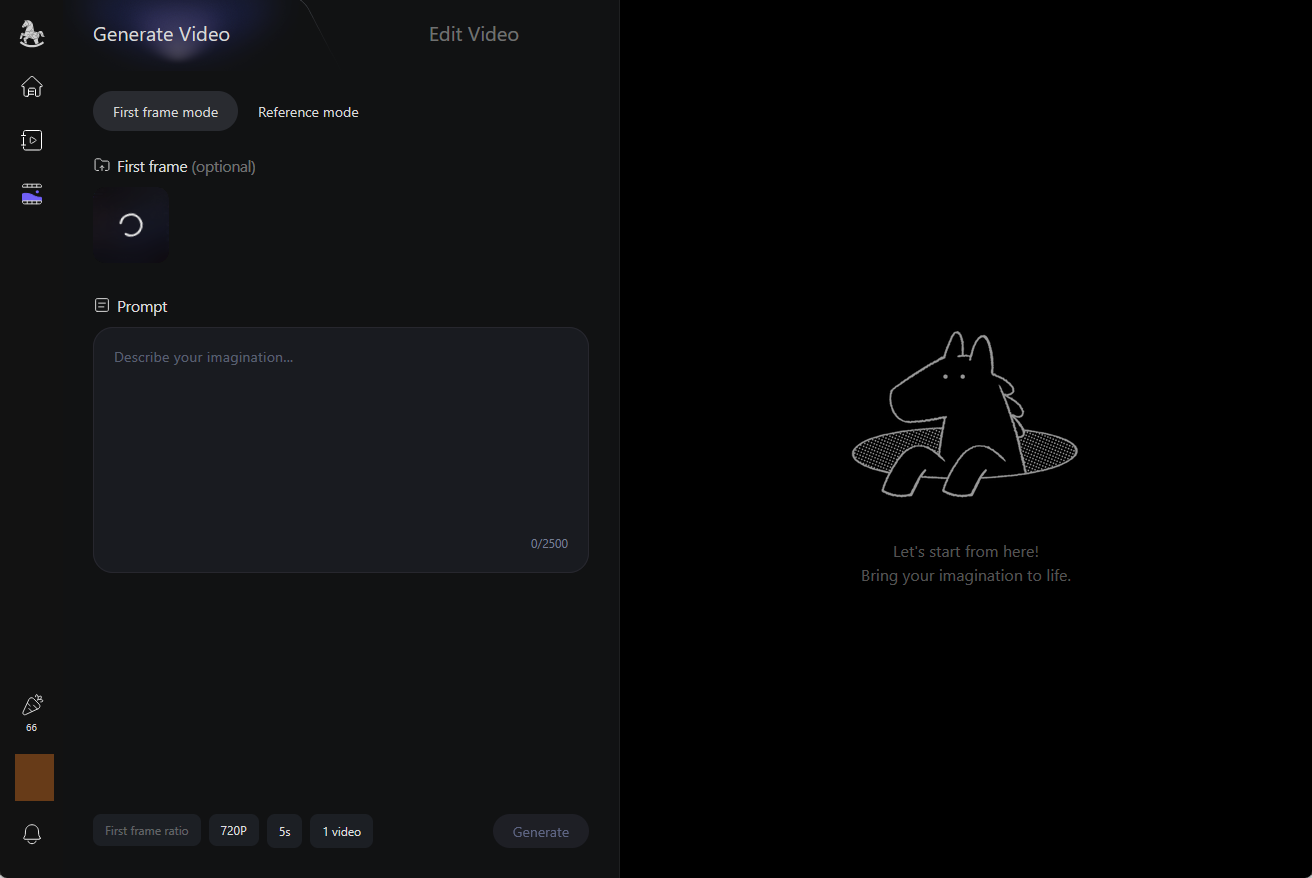
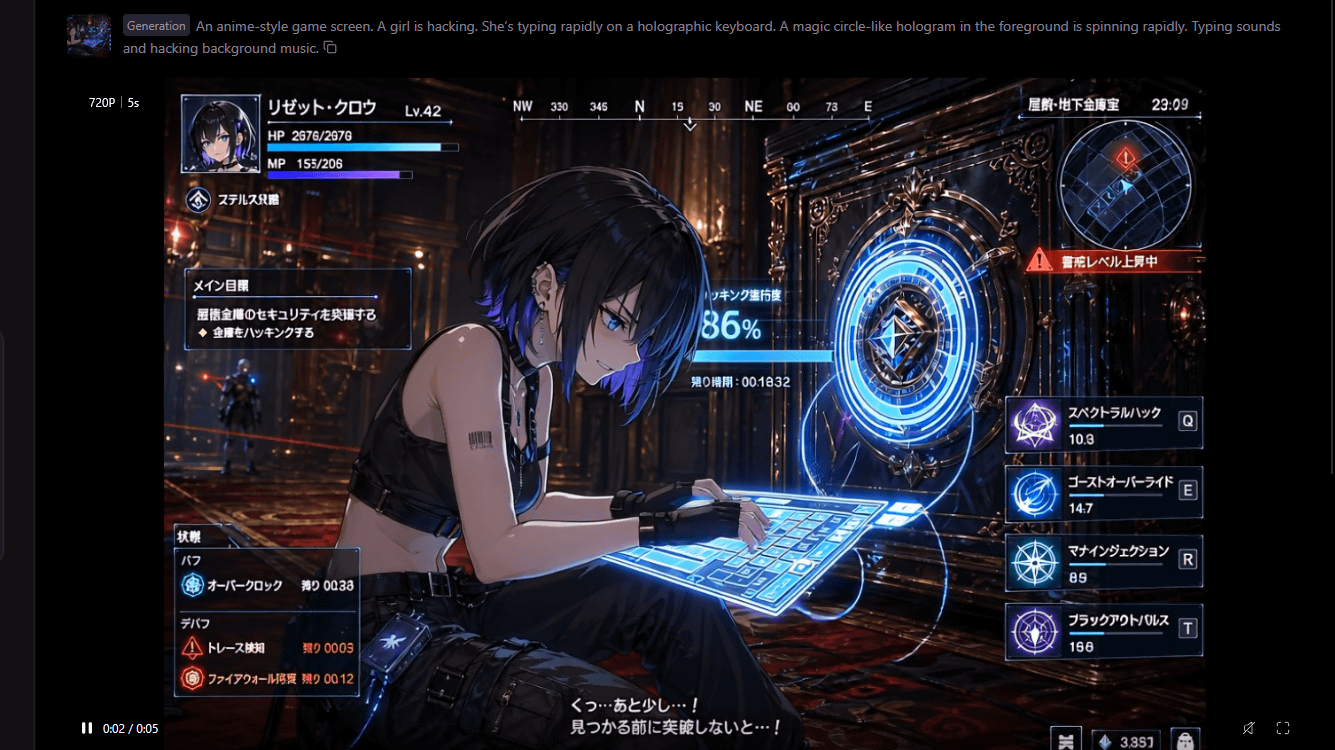
This time, we'll input a fictional game screen generated with
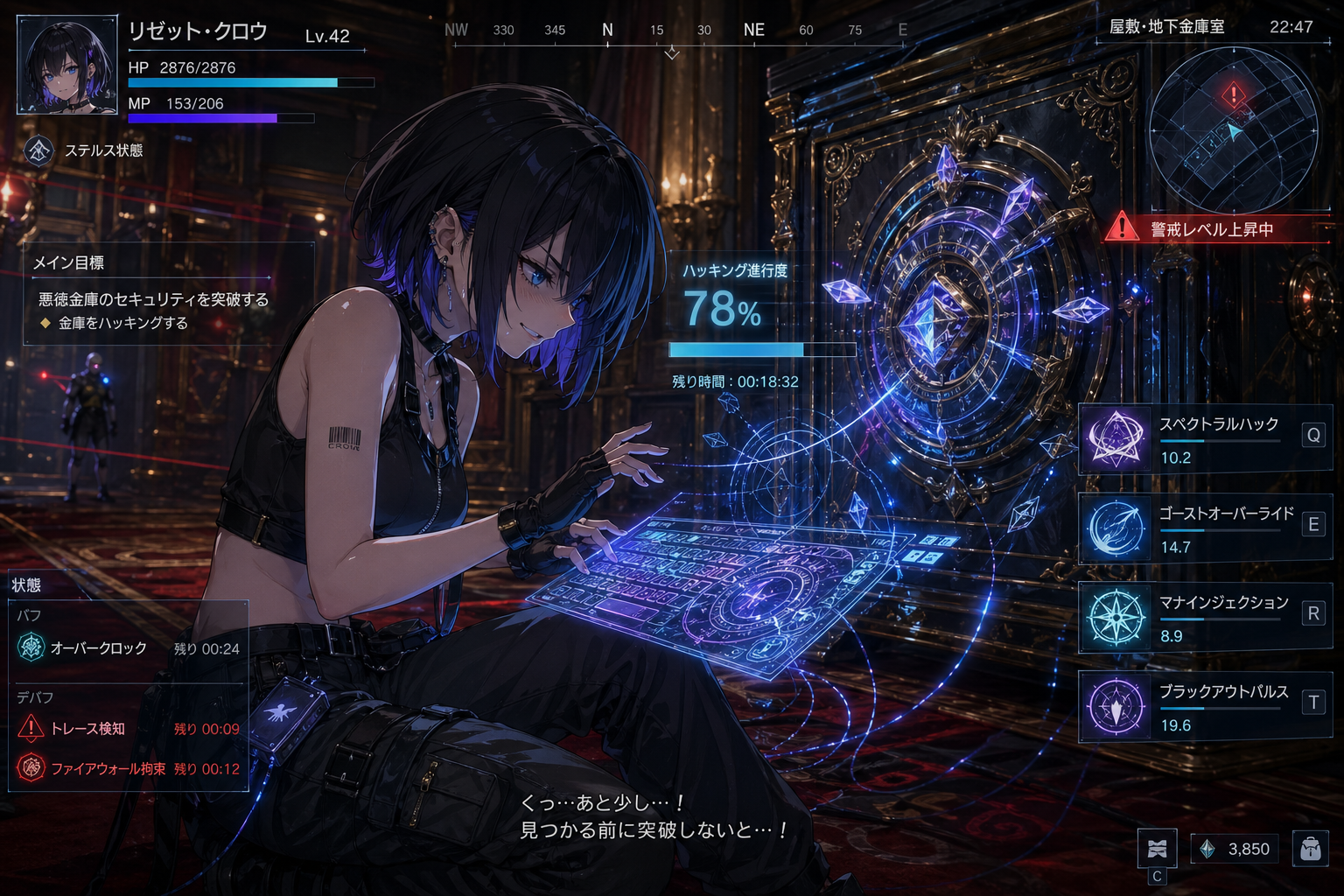
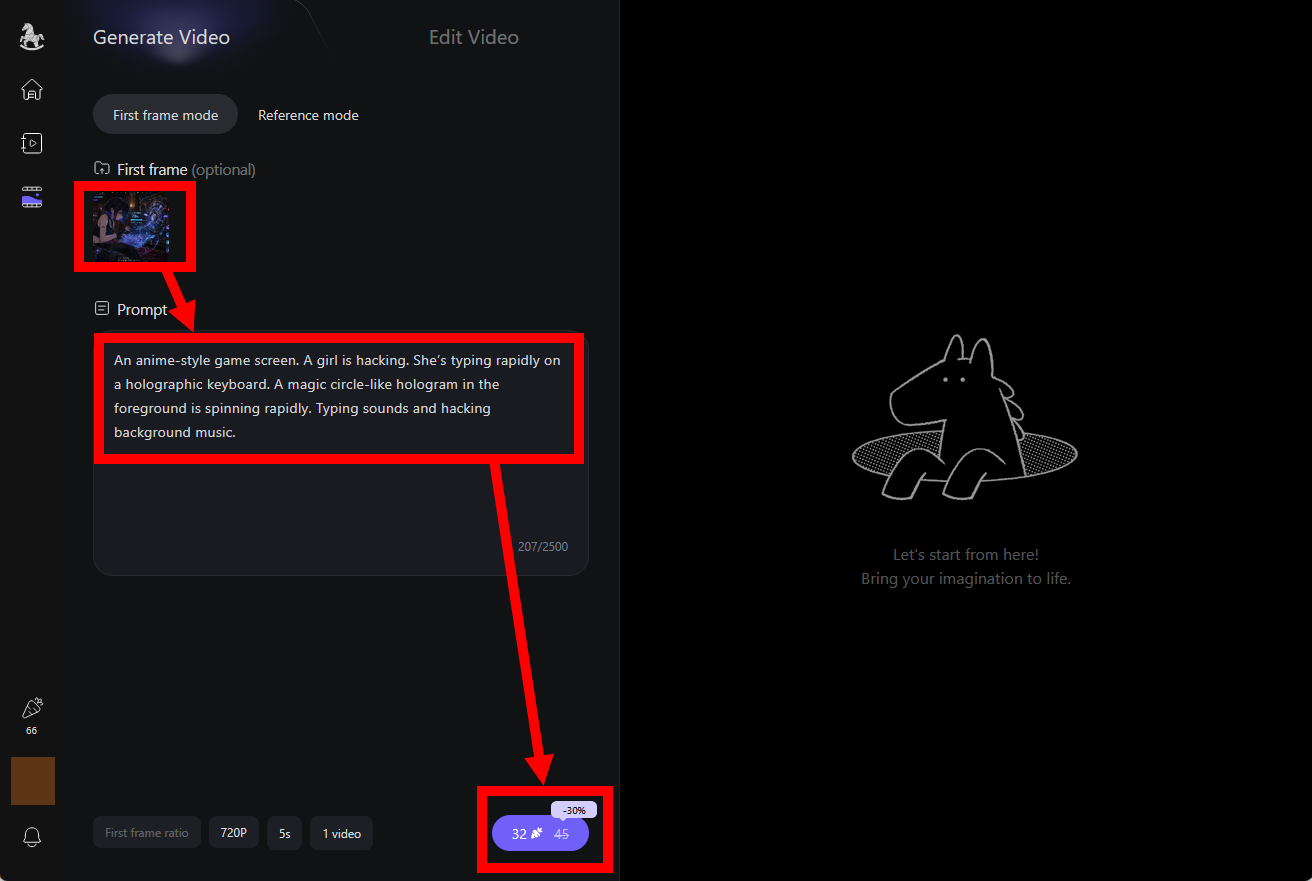
After entering the image and prompt, clicking the purple button at the bottom of the screen will start the generation process. This time, I entered 'An anime-style game screen. A girl is hacking. She's typing rapidly on a holographic keyboard. A magic circle-like hologram in the foreground is spinning rapidly. Typing sounds and hacking background music.' The number of tokens consumed varies depending on the resolution and playback time; with the settings of '720p' and '5 seconds,' it consumed 32 credits.
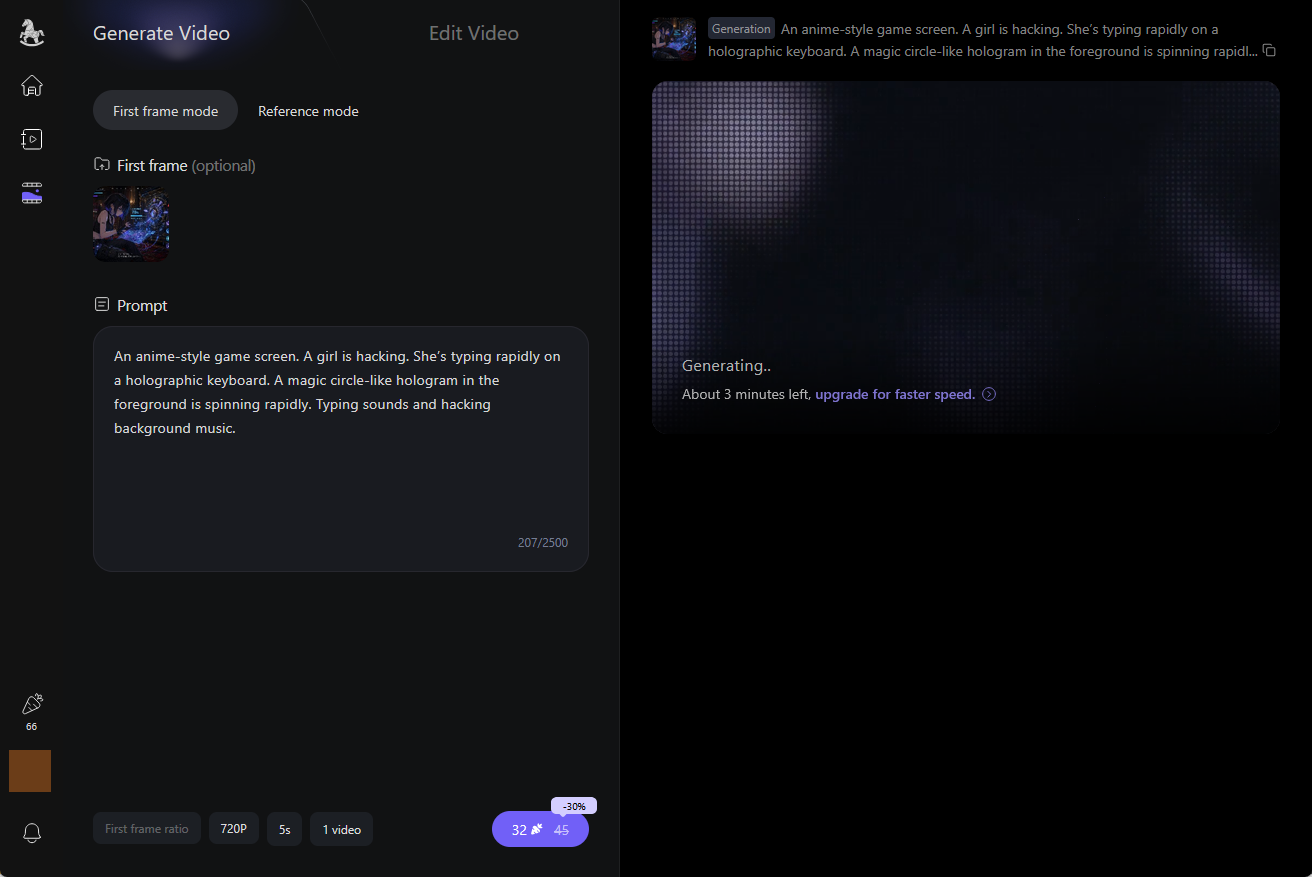
The screen looks like this while it's being generated.
The video was completed in about 90 seconds.
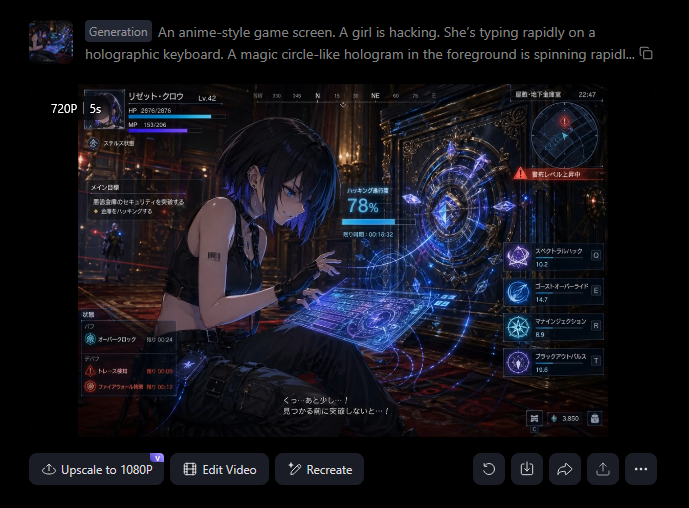
Clicking the download button and then 'Download with watermark' will download the video with the Happy Horse logo. To download the video without the logo, you need to subscribe to a paid plan.
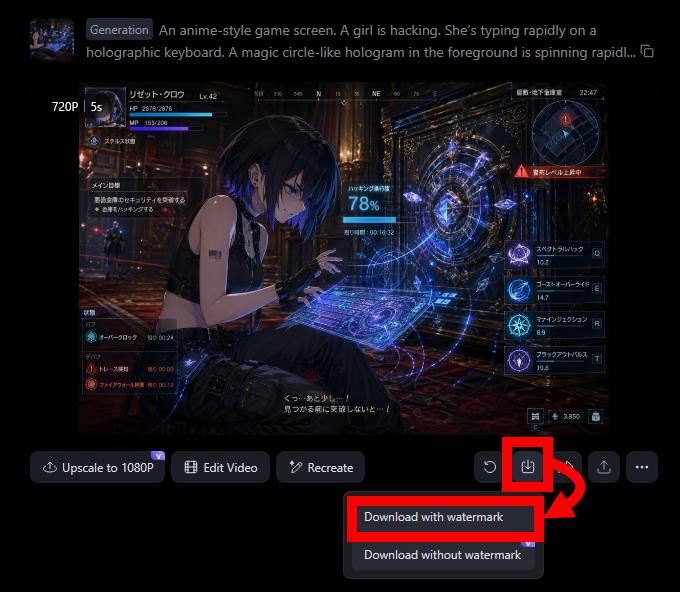
The generated video is shown below. Although no dialogue was specified, it recognized the subtitles in the reference image and added dialogue. It mispronounced 'toppa' as 'toppatsu,' but overall it's a very high-quality video.
I'll also try generating a video without a reference image. Without entering an image, I'll enter 'A Japanese boy in a T-shirt and shorts presses a button on a vending machine. The vending machine transforms into a robot. A crowd gathers in front of the station. The robot makes a clanking noise.' and click the generate button.
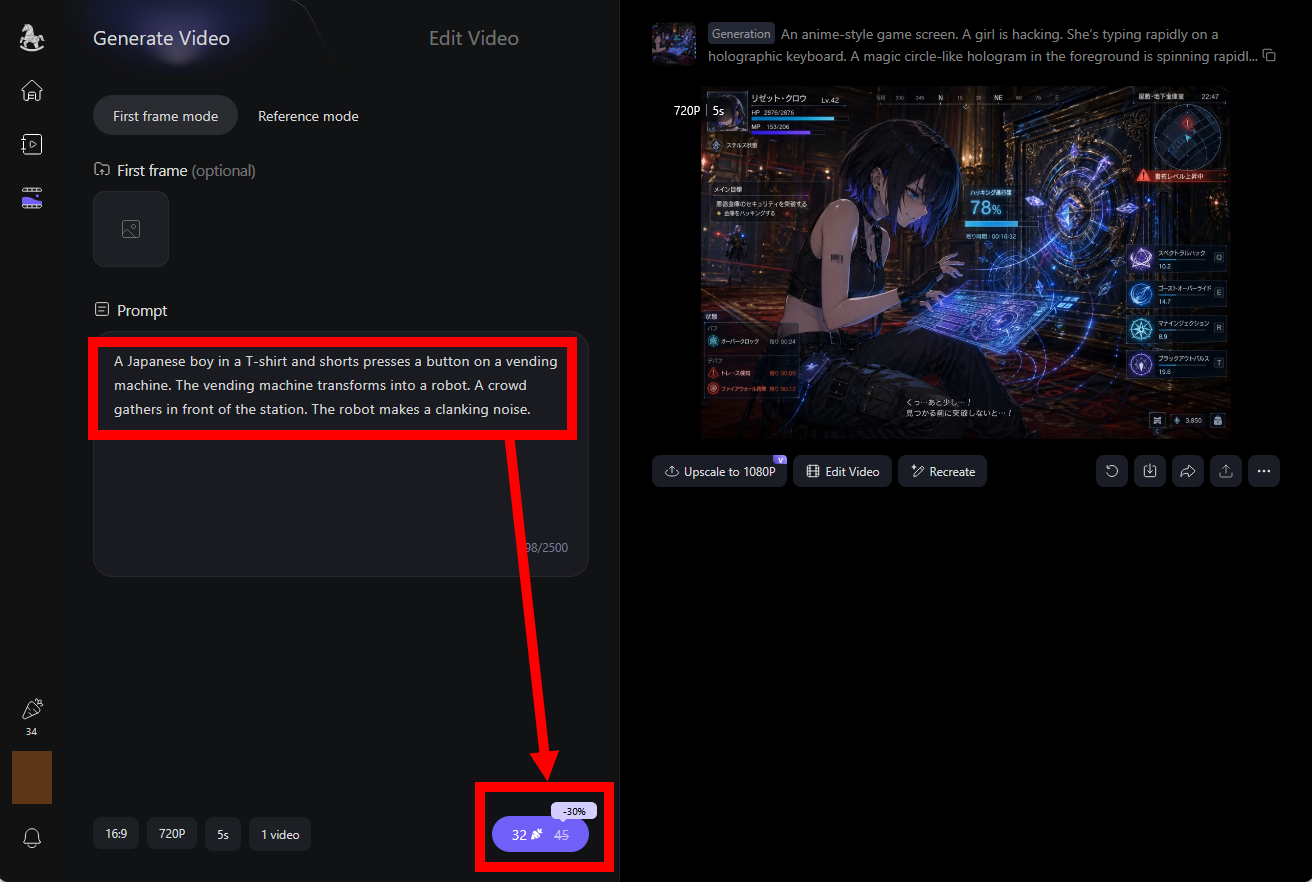
A new video appeared on the right side of the screen, connected to the first video.
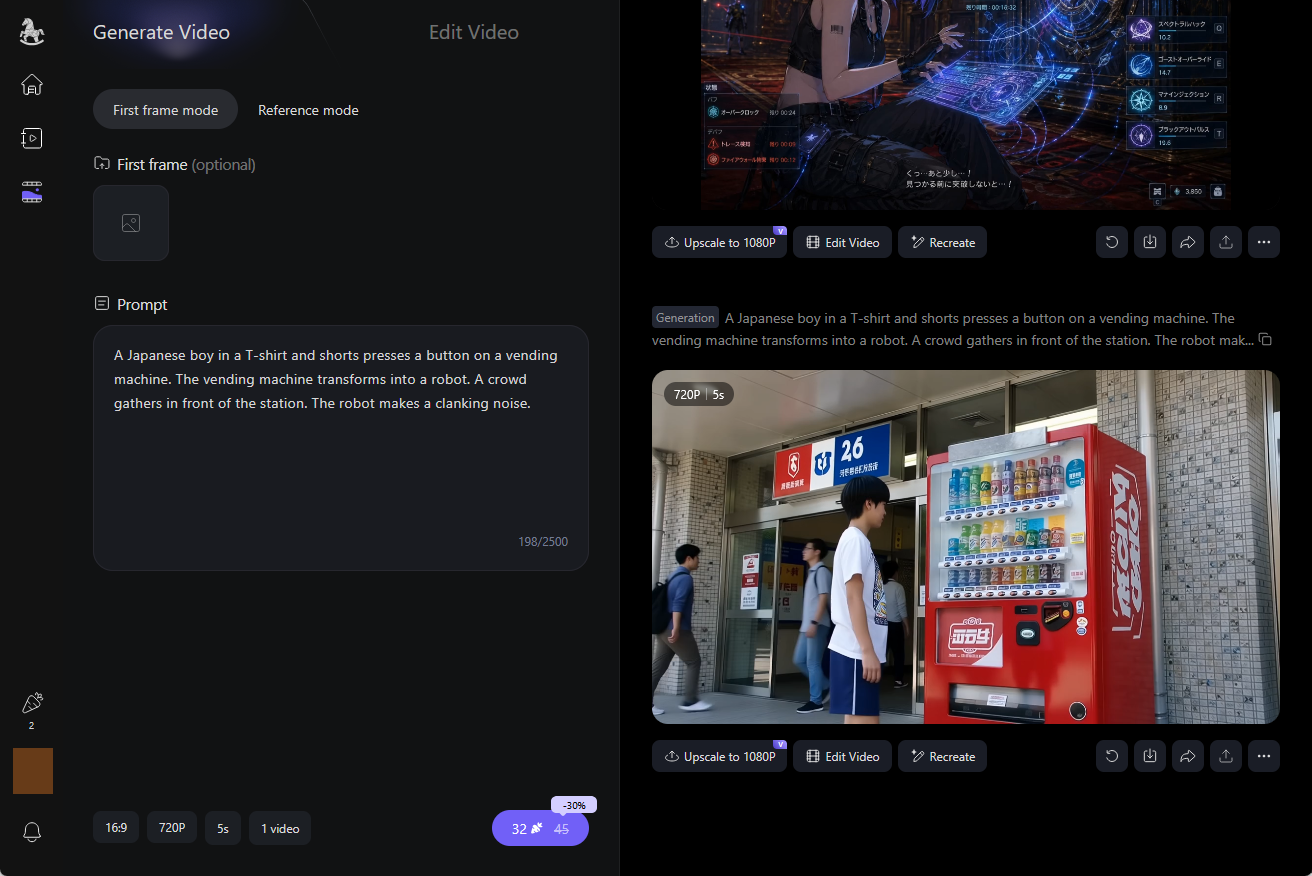
The generated results are as follows. They are mostly as expected, but the 'transformation scene from vending machine to robot' has been cut. Adjusting the prompts might improve this, but the free plan quickly reaches its limits.
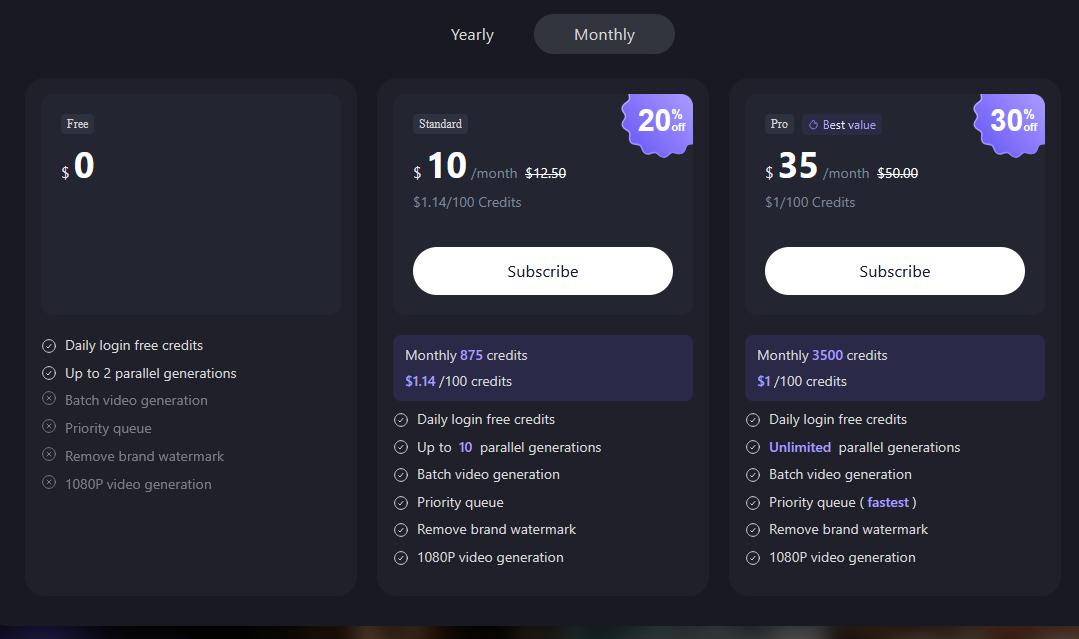
With the free plan, you receive credits daily. If you subscribe to the Standard plan for $10 per month (approximately 1600 yen), you get an additional 875 credits each month. If you subscribe to the Pro plan for $35 per month (approximately 5600 yen), you get an additional 3500 credits each month.
Additionally, ComfyUI now supports video generation using the HappyHorse 1.0 API.
ComfyUI now supports HappyHorse 1.0, Alibaba's cinematic video generation model.
— ComfyUI (@ComfyUI) April 27, 2026
Highlights:
- Cinematic aesthetics, 1080p / 15s multi-shot consistency
- Audio-visual sync: lip-sync dialogue, ambiance, and expressive vocals
- Motion-preserving edits: transform footage or… pic.twitter.com/jNT2n0Y6Q0
Related Posts:






in AI, Video, Review, Web Application, Posted by log1o_hf