'ChiefOnboarding' allows you to smoothly conduct free online onboarding orientations for new members.
In organizations such as companies, groups, and projects, it's common practice to distribute manuals or have supervisors or staff members provide individual explanations to new members regarding rules and system usage.
ChiefOnboarding – Employee onboarding done right.
https://chiefonboarding.com/
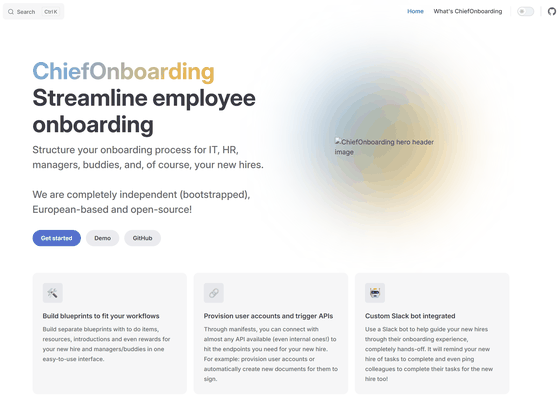
chiefonboarding/ChiefOnboarding: Free and open-source employee onboarding platform. Onboard new hires through Slack or the web portal.
◆How to use ChiefOnboarding
Task management using sequences
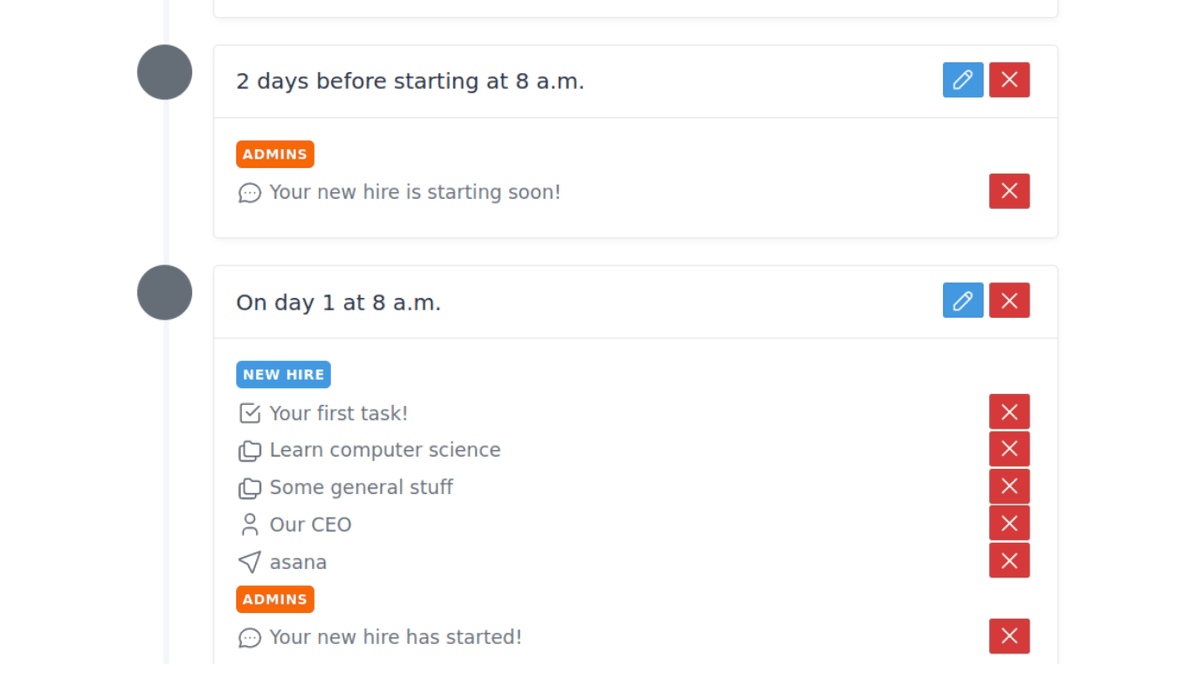
A sequence defines the onboarding process and manages the tasks that need to be performed when a new member joins the team.
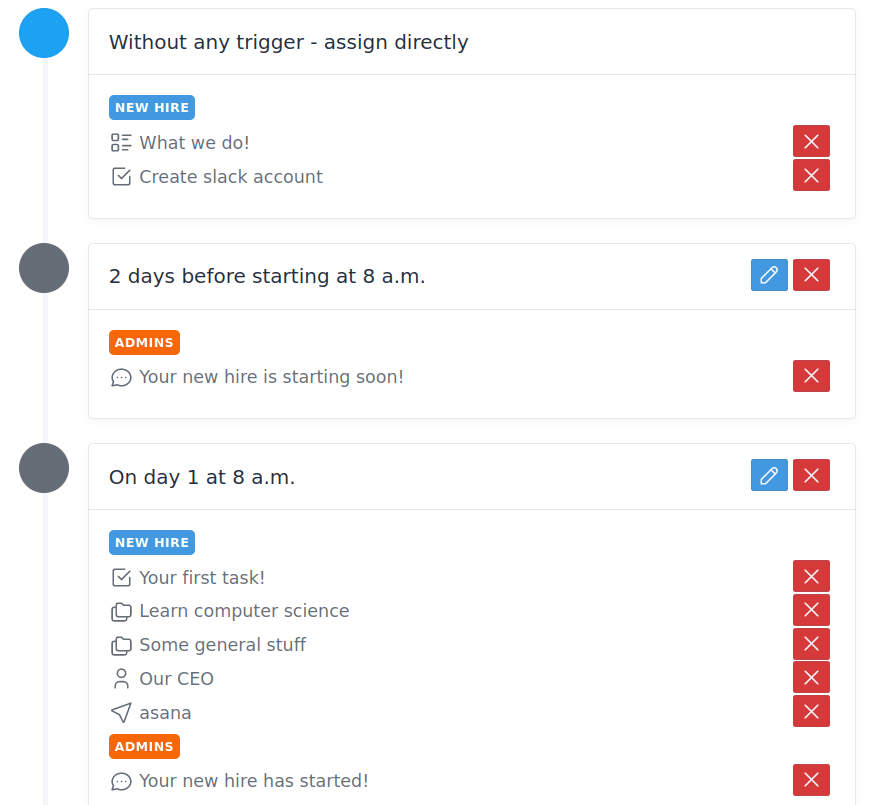
·block
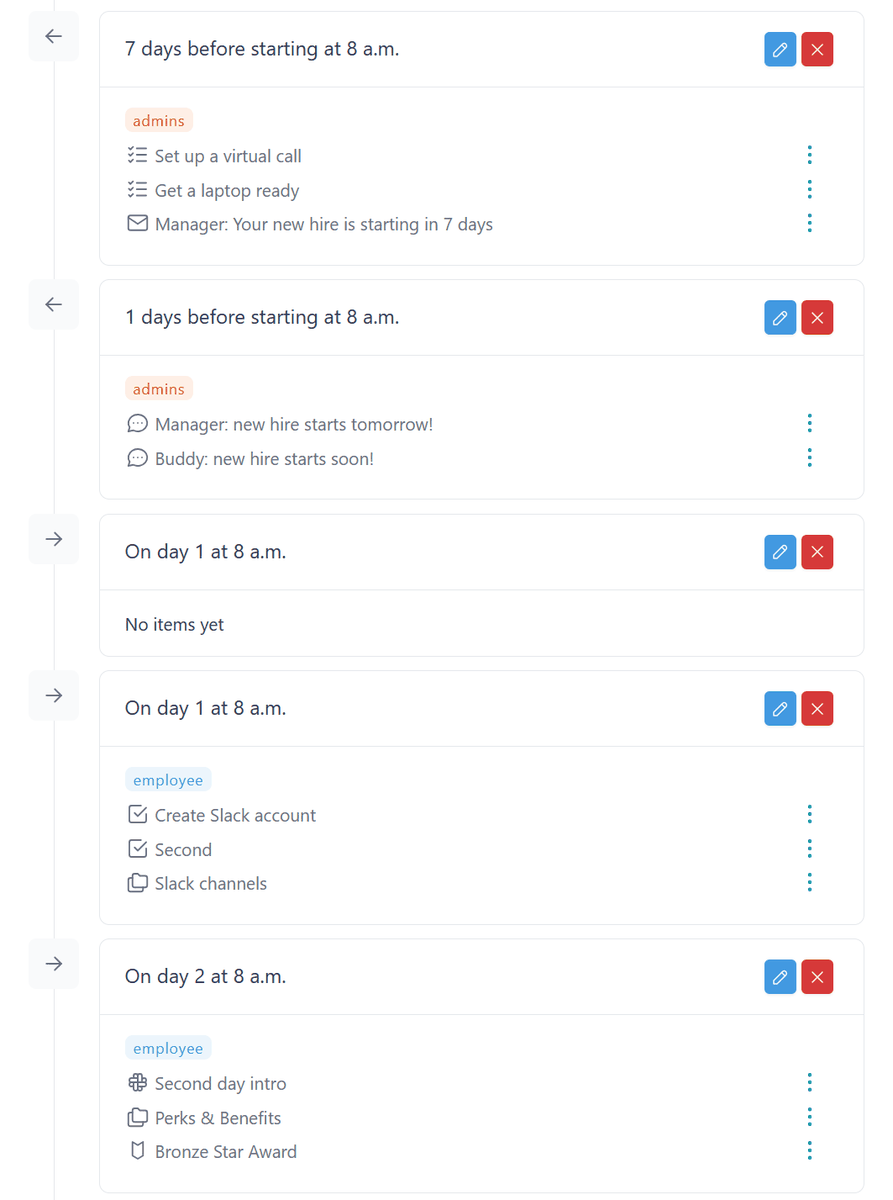
This feature allows you to organize when tasks are displayed based on specific conditions, such as 'X days before joining,' 'X days after joining,' or 'when a specified task is completed.'
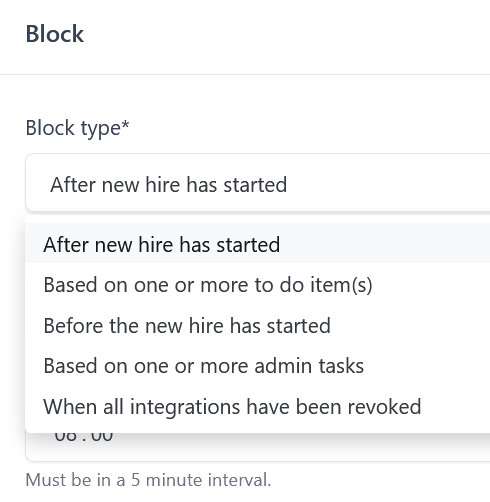
・Template
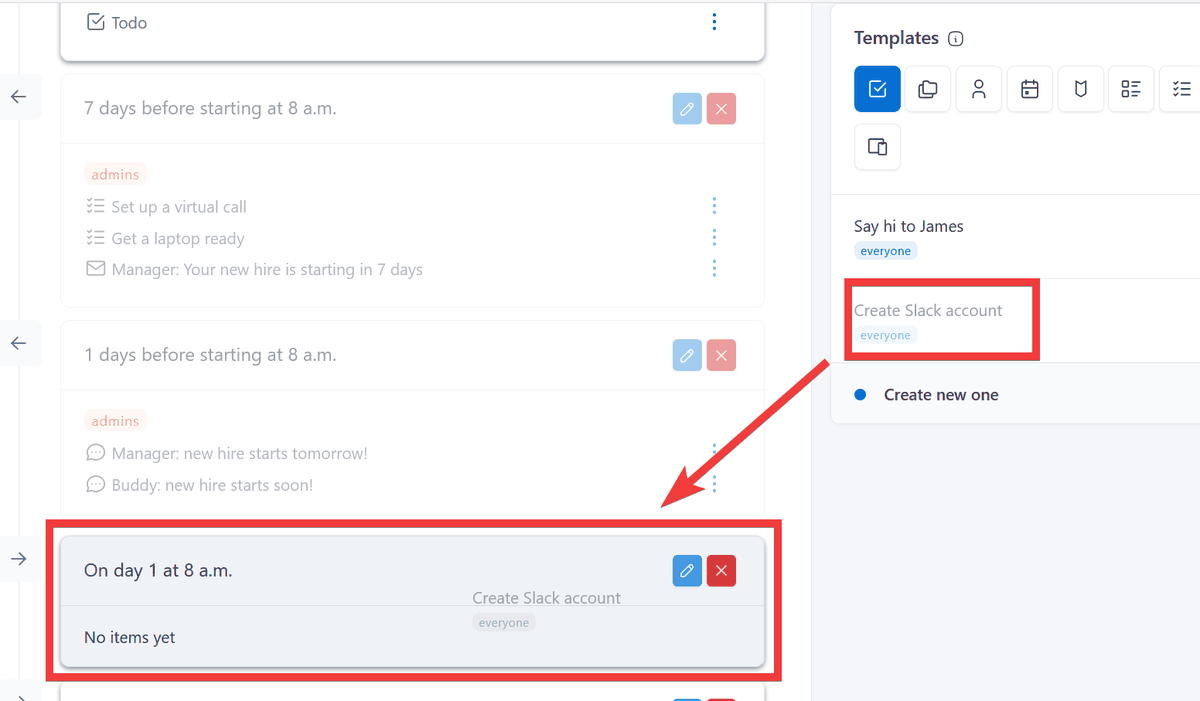
You can add tasks to the created block by selecting them from pre-prepared templates, or by creating new ones, categorizing them by type of work, such as 'ToDo Items' or 'Resources.'
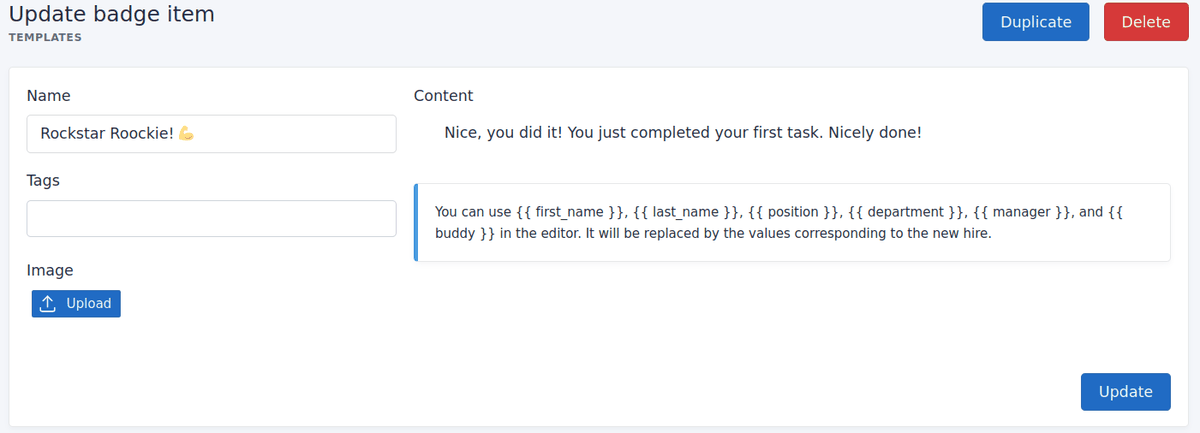
Badge items
There's also a feature that awards badges to new members based on their progress to help maintain their motivation.
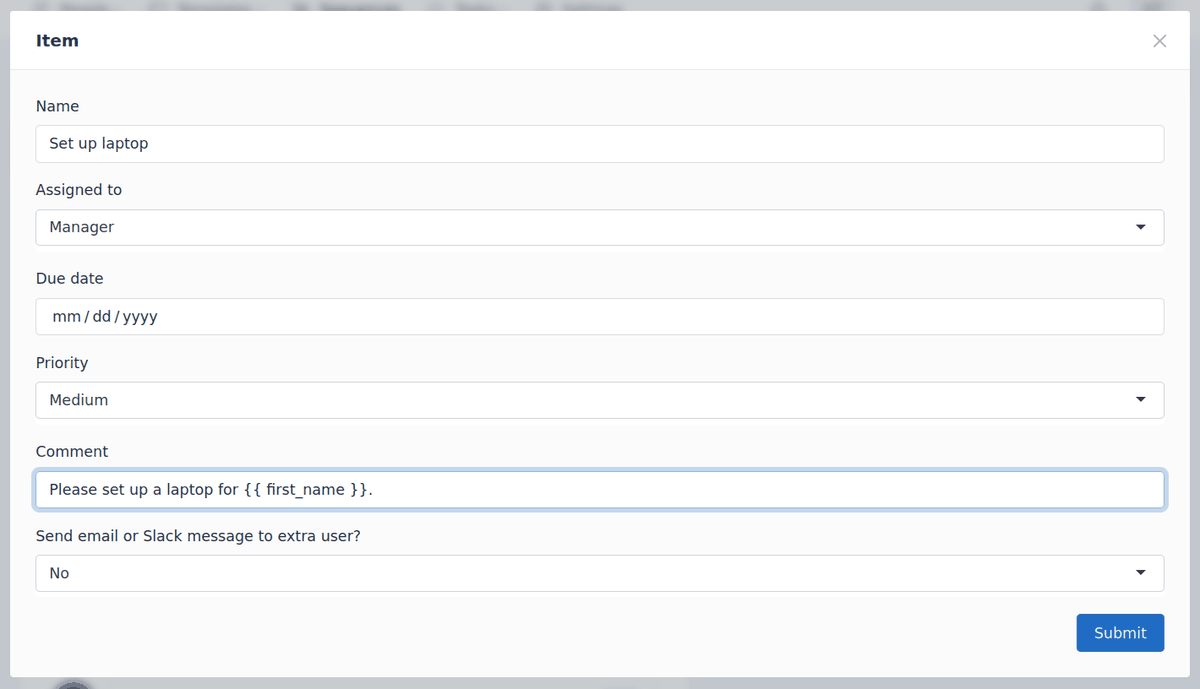
・Administrator tasks
You can register tasks that a person in charge should perform for new members, such as issuing system accounts or procuring equipment.
The blocks are displayed chronologically, making it easy to understand the flow of tasks, such as when the administrator performs preparation work 7 days in advance and contacts the person in charge 1 day in advance.
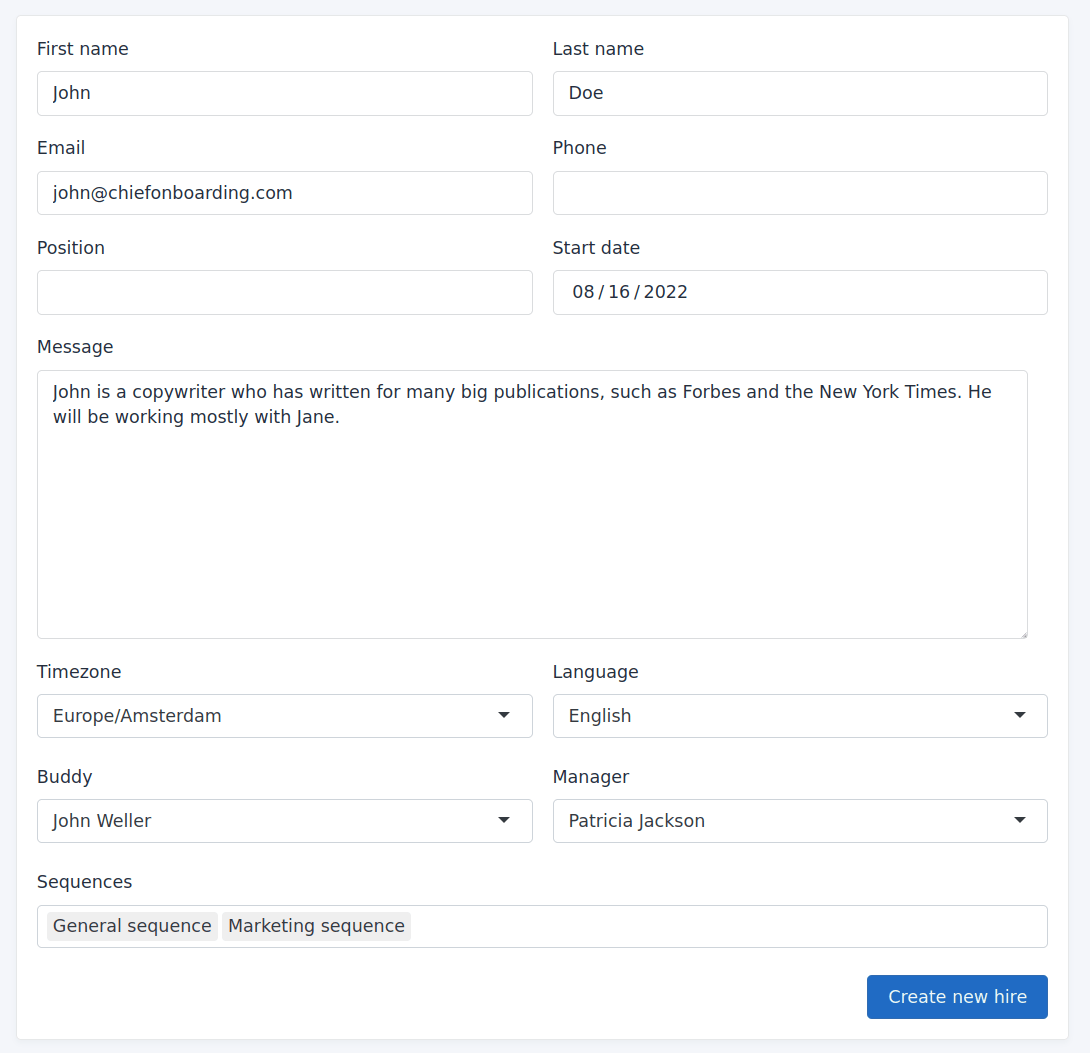
• New member registration
We offer three registration methods for new members: 'using a form,' 'registering via
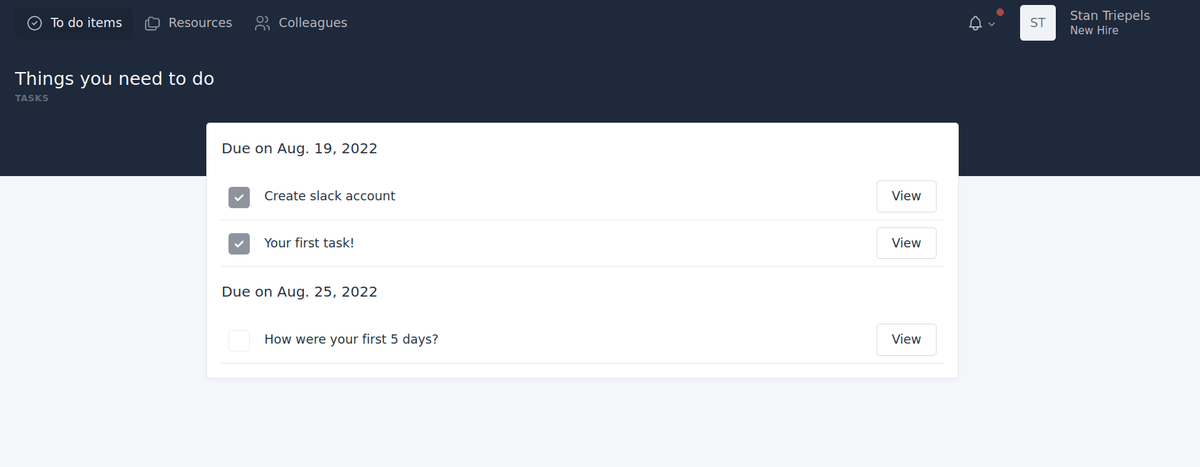
• Portal site for new members
When a new member logs in, a dedicated dashboard is displayed where they can view messages and tasks and report their progress.
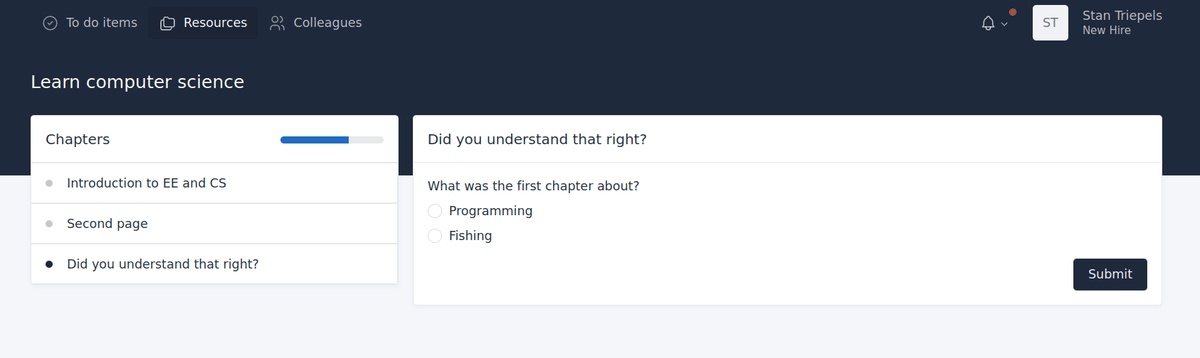
·question
The tasks you can register include 'questions,' which can be used to check new members' understanding and gather information such as uniform sizes.
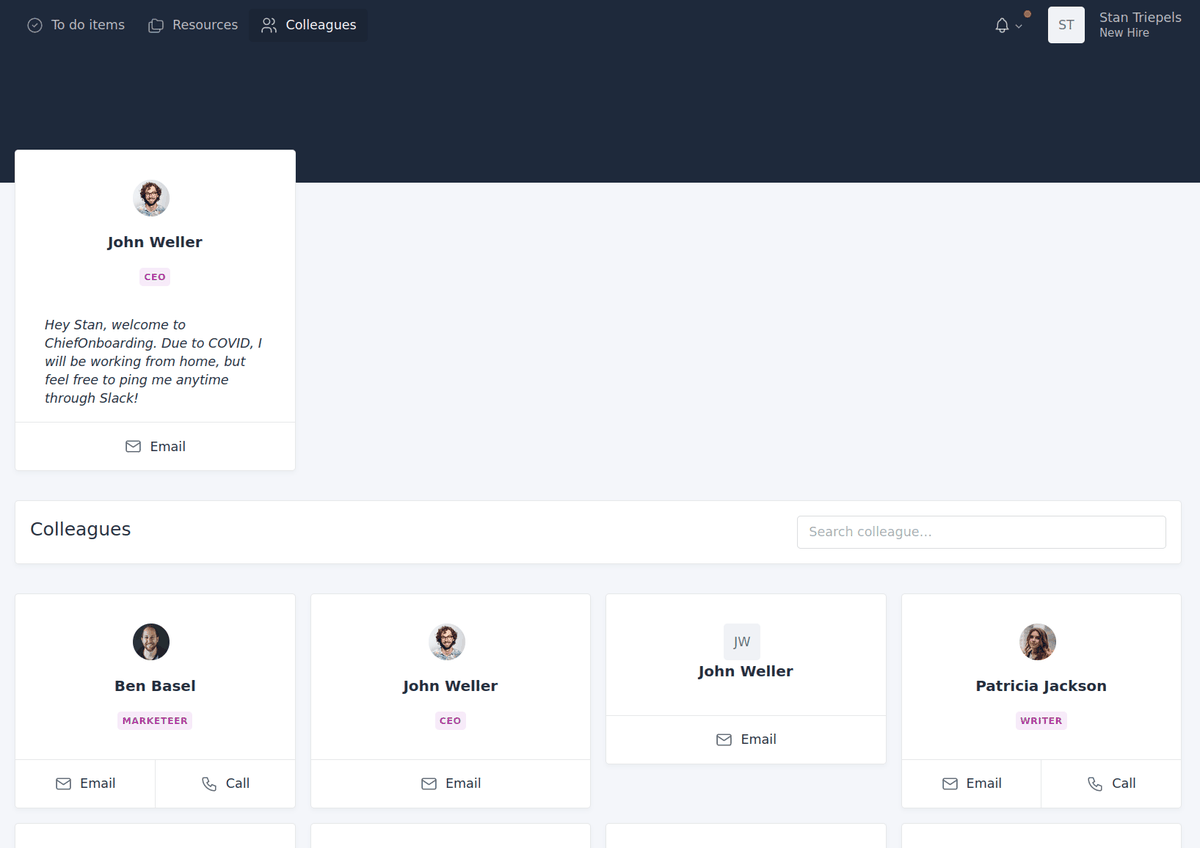
• Profile List
There is a feature that displays the profiles of existing members, allowing you to see their photos, names, contact information, departments, and more.
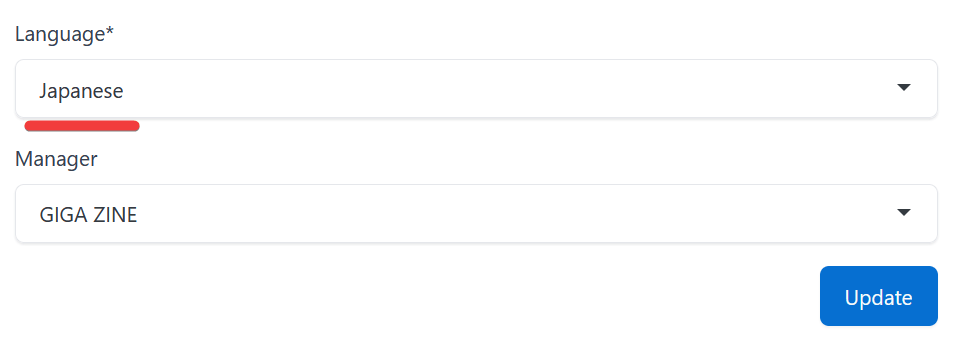
Regarding Japanese language support
While you can select the language for the entire system and for individual users, including 'Japanese,' the UI remains in English, and errors may occur when displaying certain functions. However, it is possible to enter and display Japanese text in fields such as task registration and content.
◆ How to set up ChiefOnboarding
This time, we will set it up in an environment where
 git clone https://github.com/chiefonboarding/ChiefOnboarding.git
 cd ChiefOnboarding
Create the environment variable file by copying it from the sample.
cp .example_env .env
We will change the settings for the demo.
BASE_URL=http://127.0.0.1:8000
As of April 2026, this will not work with PostgreSQL version 18, so we will modify docker-compose.yml to fix the PostgreSQL version to 17.
 services:
 db:
 restart: always
 image: postgres:17
Start the container.
docker compose up -d
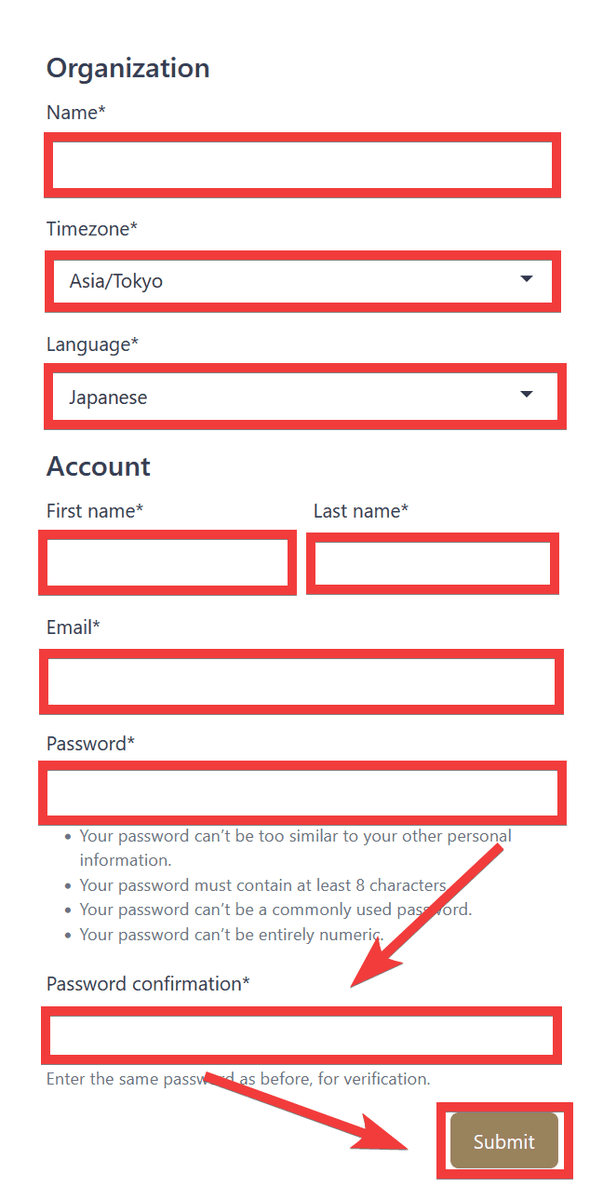
When you access 'http://localhost:8000/' in your browser, the administrator registration form will be displayed. Enter your organization's name in 'Name', select 'Asia/Tokyo' in 'Timezone', select 'Japanese' in 'Language', enter any name in 'First name' and 'Last name', enter your email address in 'Email', enter your password in 'Password' and 'Password confirmation', and then click 'Submit'.
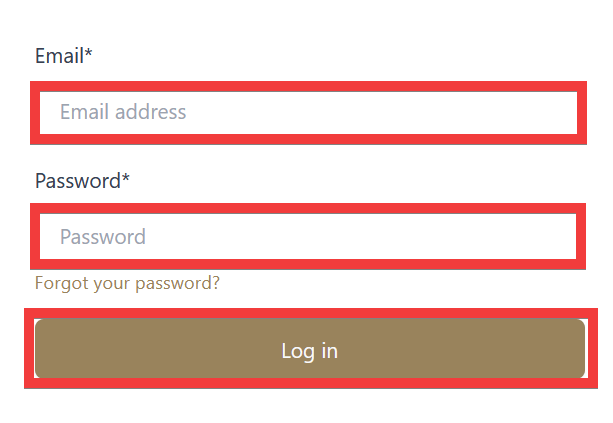
You will be redirected to the login screen. Enter your email address in the 'Email' field and your password in the 'Password' field, then click 'Log in'.
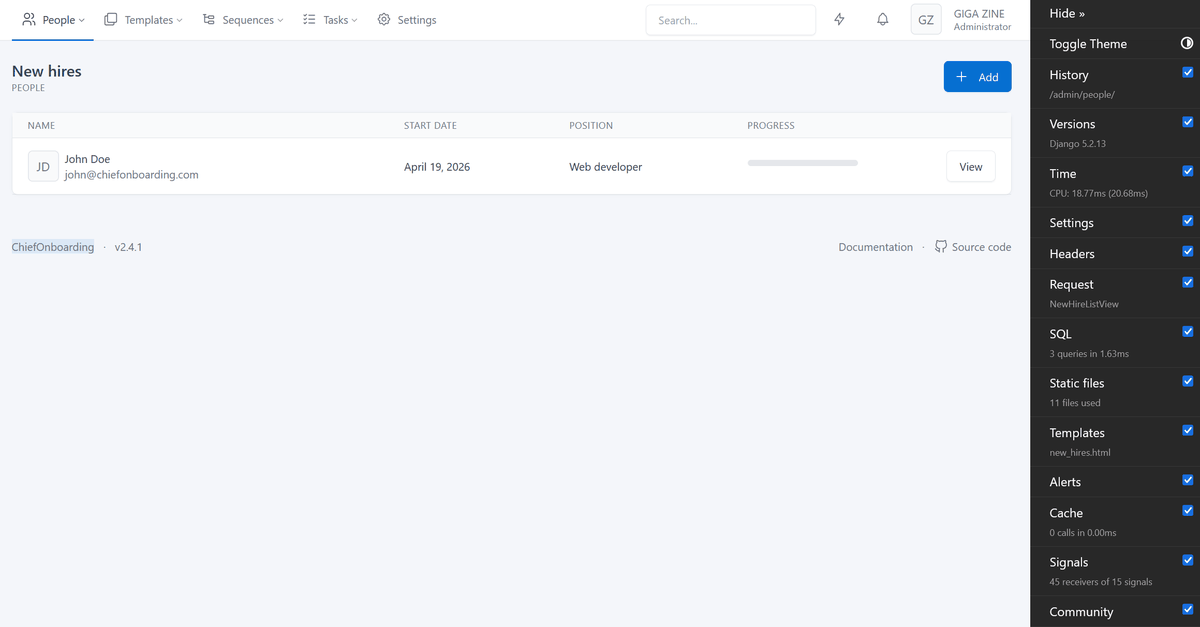
The setup is complete when the initial screen is displayed.
ChiefOnboarding's strength lies in clearly defining 'who does what and when' during onboarding, preventing unnecessary preparation and omissions. By combining tasks and conditions, it allows for the creation of practical workflows, leading to a reduction in human resources.
Related Posts: