Google now allows users to change their Google account username, starting with users in the United States.
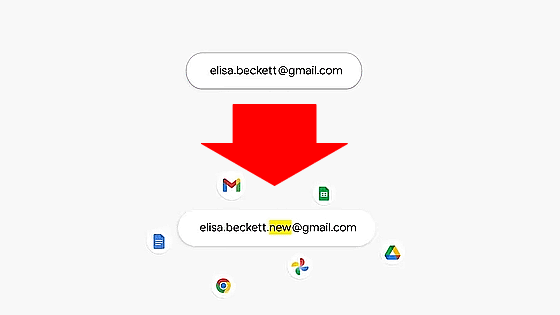
On March 31, 2026, local time, Google announced that it will allow users to change their Google account username (the part of their Gmail account before '@gmail.com').
Here's how to change your Google Account username (and change your Gmail address)
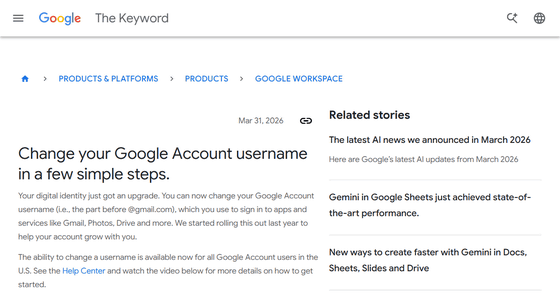
You can finally change the goofy Gmail address you chose years ago - Ars Technica
https://arstechnica.com/gadgets/2026/03/you-can-finally-change-the-goofy-gmail-address-you-chose-years-ago/
Google services use your Google account username to log in to applications and services such as Gmail, Photos, and Google Drive. As the role of Google accounts has expanded along with the growth of Google services, Google has been offering a partial account name change feature since 2025.
Gmail users can now change their '@gmail.com' email address - GIGAZINE
And starting March 31, 2026, all users in the United States will be able to change their Google account username.
Google has released a video demonstrating how to change your username.
Change your Google Account username in a few simple steps - YouTube
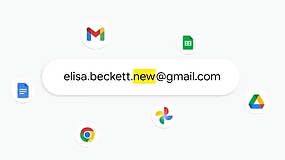
For example, let's say you have a Google account called '[email protected]'.
Change this to '[email protected]'.
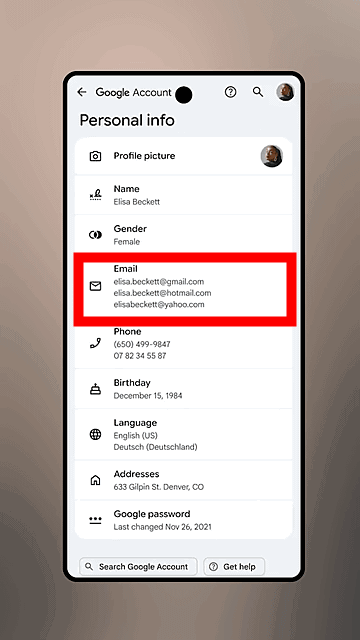
Tap 'Email' on the Google account settings screen.
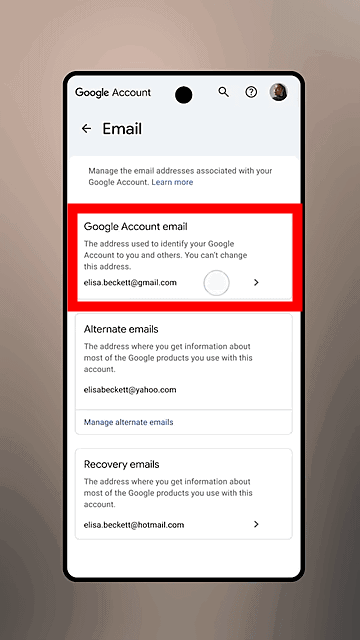
Tap 'Google Account email'.
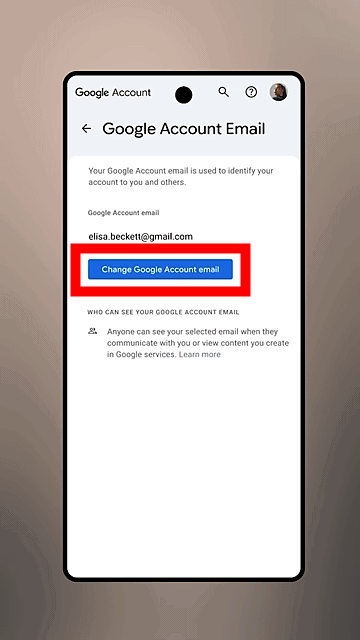
Tap 'Change Google Account email'.
You can change the username portion from the bottom of the screen. However, you cannot change the '@gamil.com' portion.
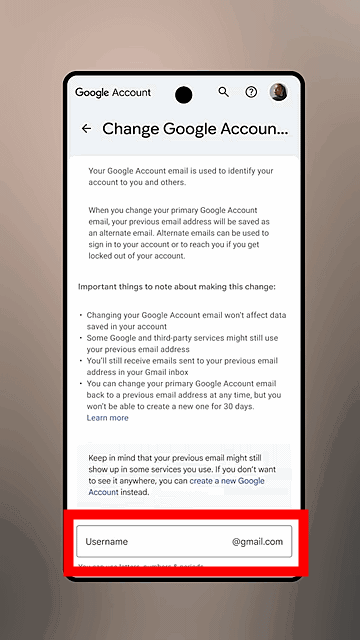
Enter your preferred username and tap 'Yes, change email'.
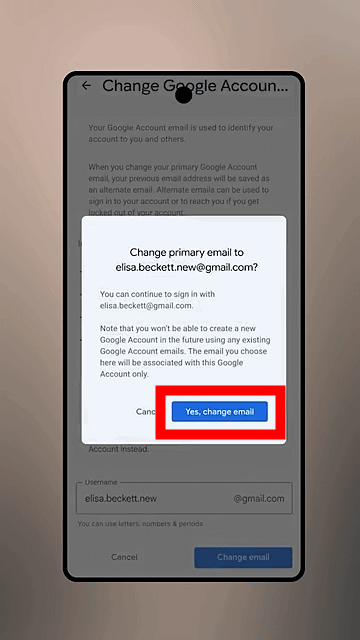
Your username change is now complete. The email address associated with your previous username will now be
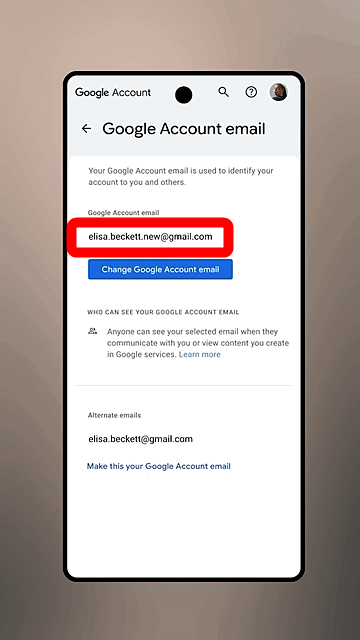
After changing your email address, emails will continue to arrive at both your old and new addresses, and the data stored in your account will not be affected. You can revert to your old username at any time, but once you do, you will not be able to create a new email address ending in 'gmail.com' or delete your new email address for 12 months.
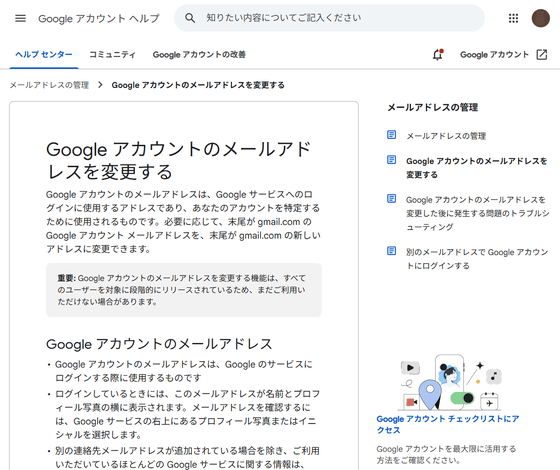
Please note that important points to consider when changing your Google account email address are summarized on the following Google account help page.
Change your Google account email address - PC - Google Account Help
https://support.google.com/accounts/answer/19870?hl=ja
Related Posts:


in Video, Web Service, Posted by logu_ii