Visualping is a free tool that notifies you when a website is updated.
Visualping is a service that uses AI to periodically access specified pages and notify you in natural language if there are any differences from the previous visit. It claims to reliably detect differences even on sites that don't provide RSS feeds, so I'll register an account and try the free version to see what it detects and how.
Visualping: #1 Website change detection, monitoring and alerts
When you access Visualping via the link above, the following screen will be displayed first.
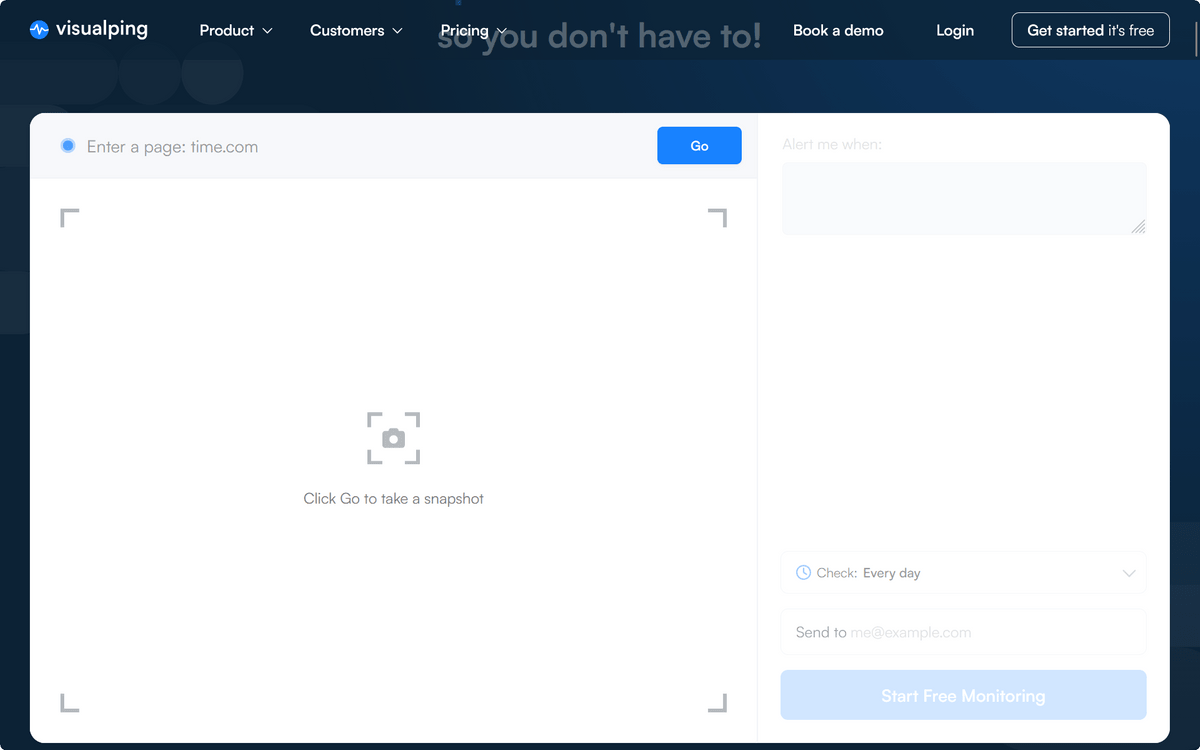
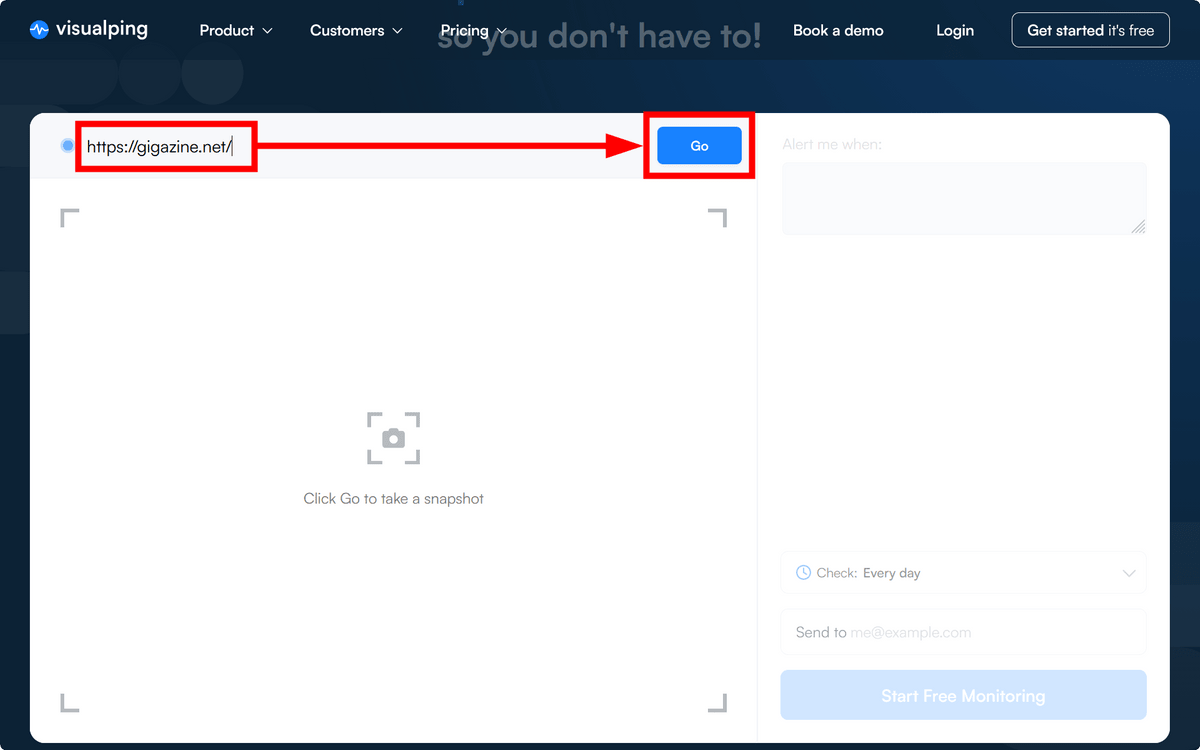
Enter the URL of the website you want to detect differences in and click 'Go'.
The website has loaded.
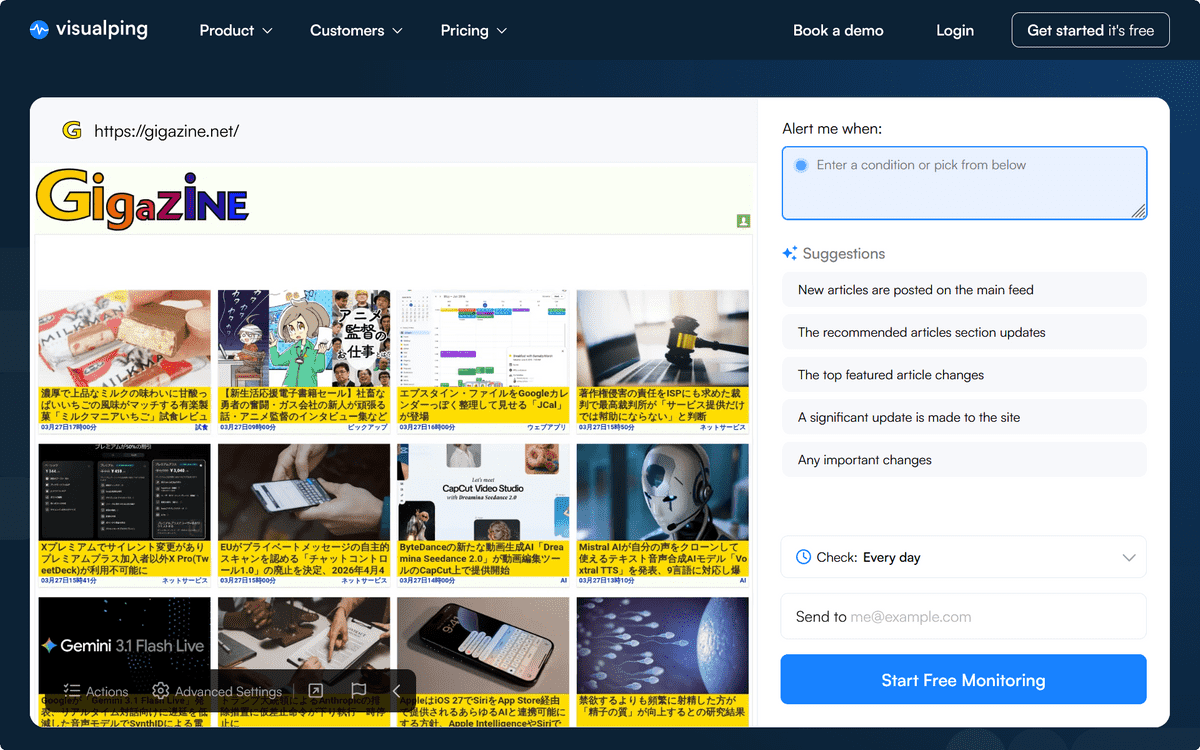
To monitor the entire page, leave it as is. To monitor a specific part of the page, place the cursor over that section.
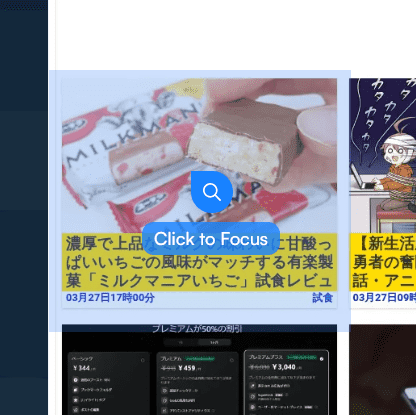
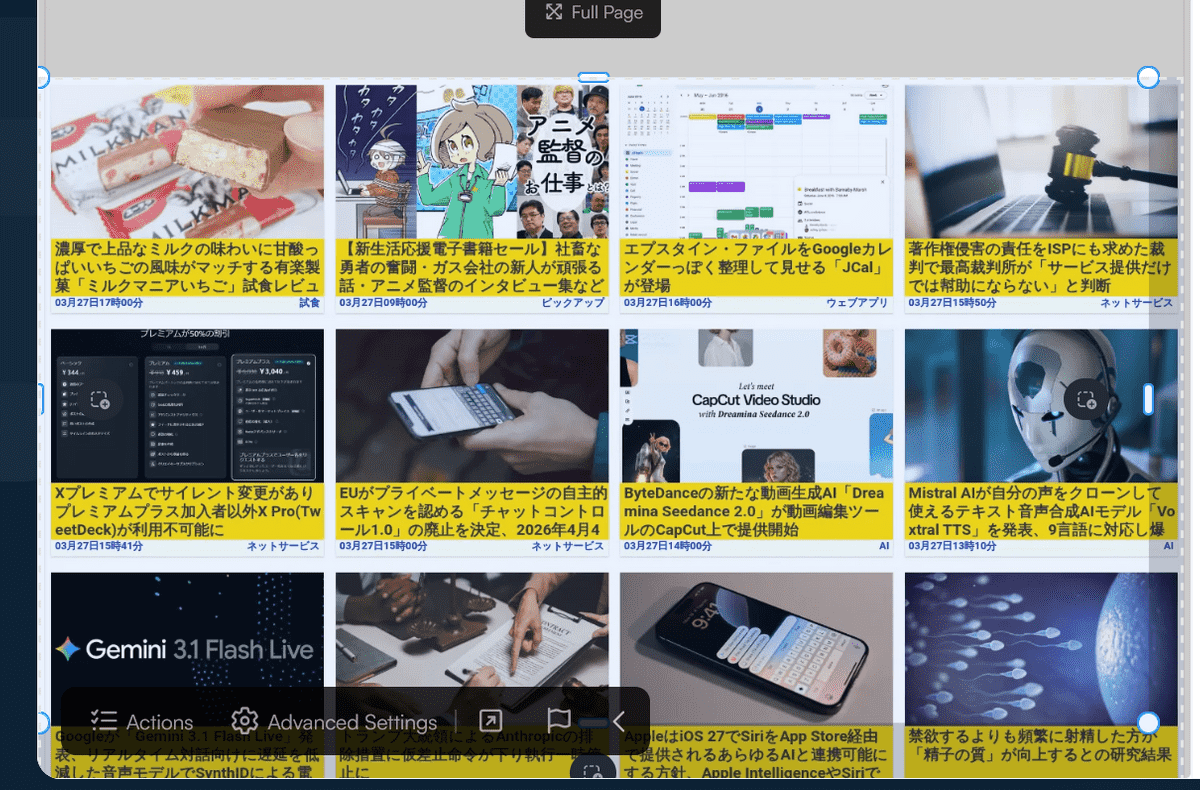
Then, click. A frame will appear, so adjust its size.
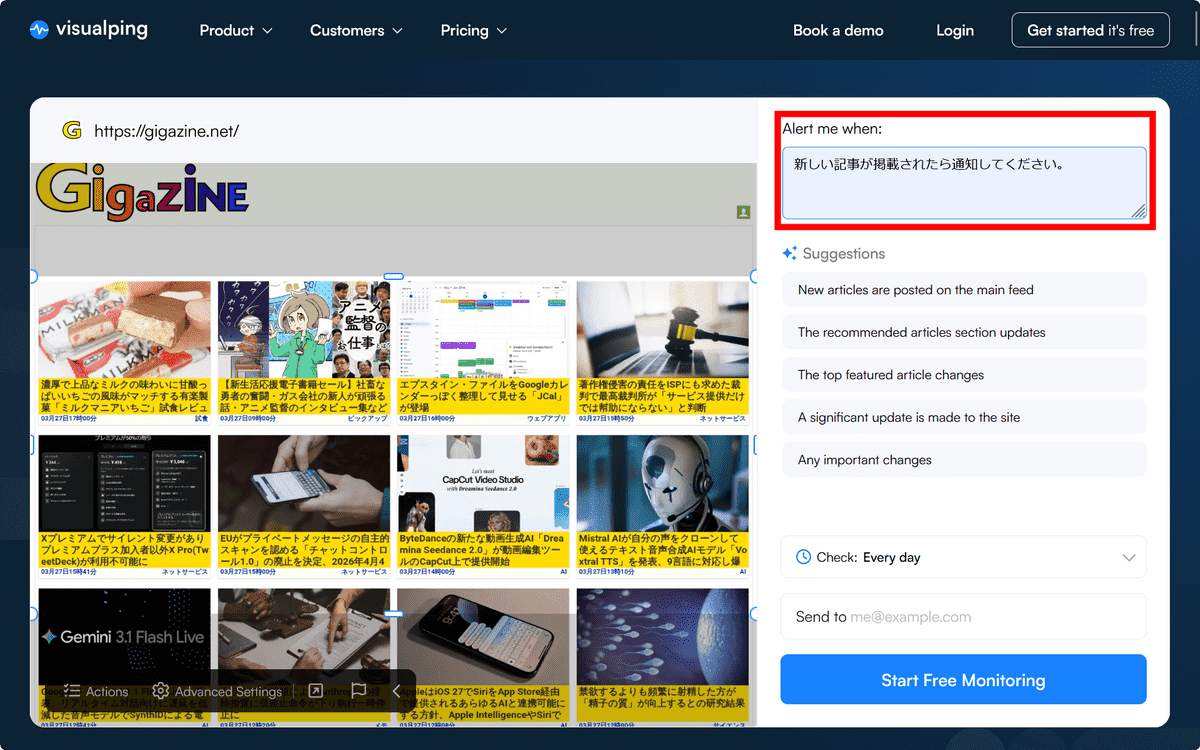
Once you've defined the monitoring scope, enter your instructions in 'Alert me when:'. In this case, we've specified that it should notify you 'when a new article is published'.
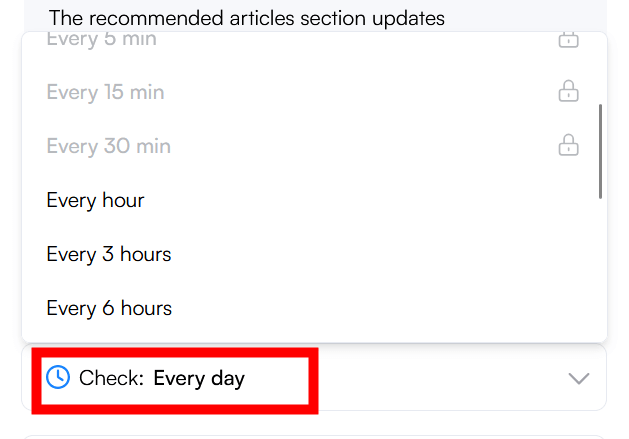
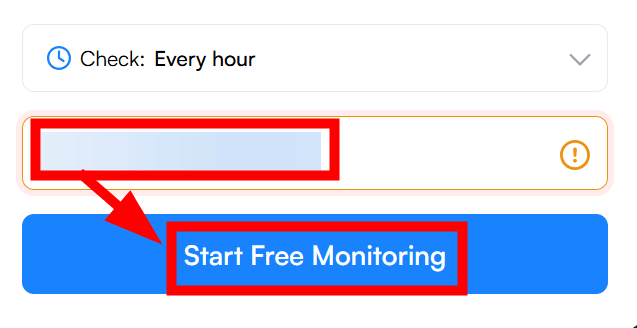
Click 'Check:' below to set the update frequency. The free version has a minimum update frequency of every hour.
Next, enter the email address to which you want to receive notifications in the input field below, and click 'Start Free Monitoring.' The account registration process will begin simultaneously.
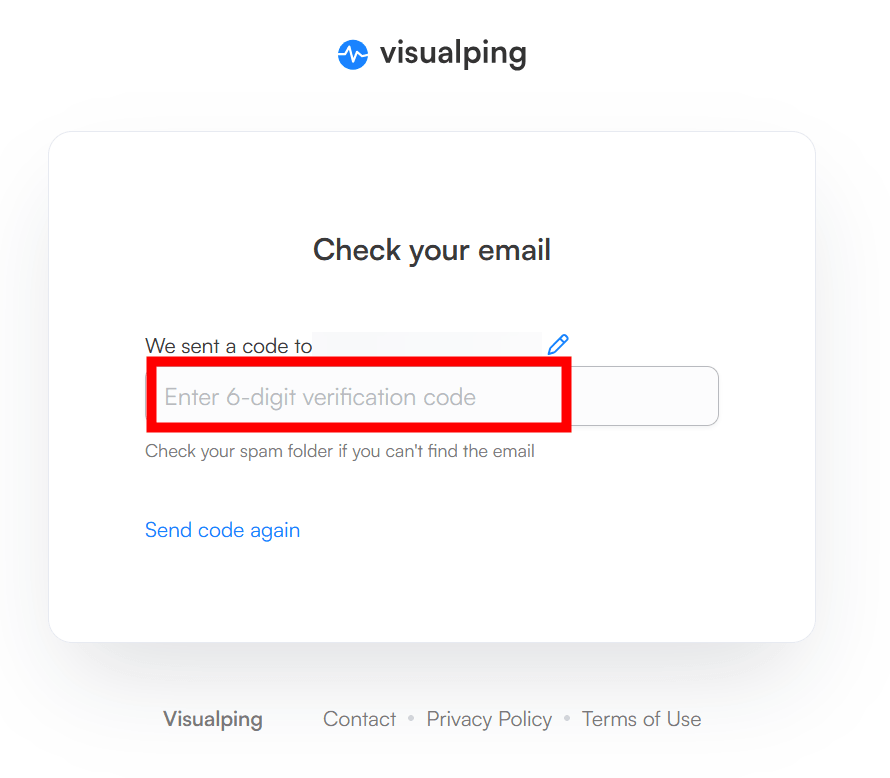
Enter the 6-digit code that will be sent to your email address.
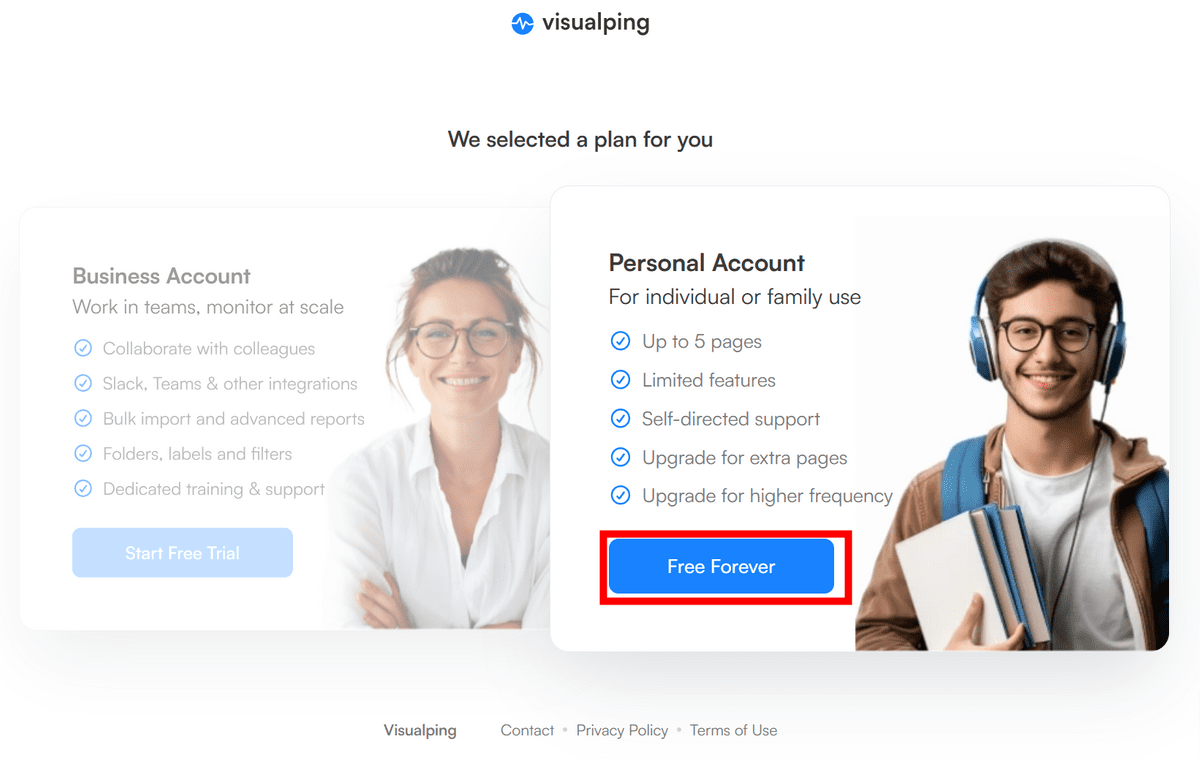
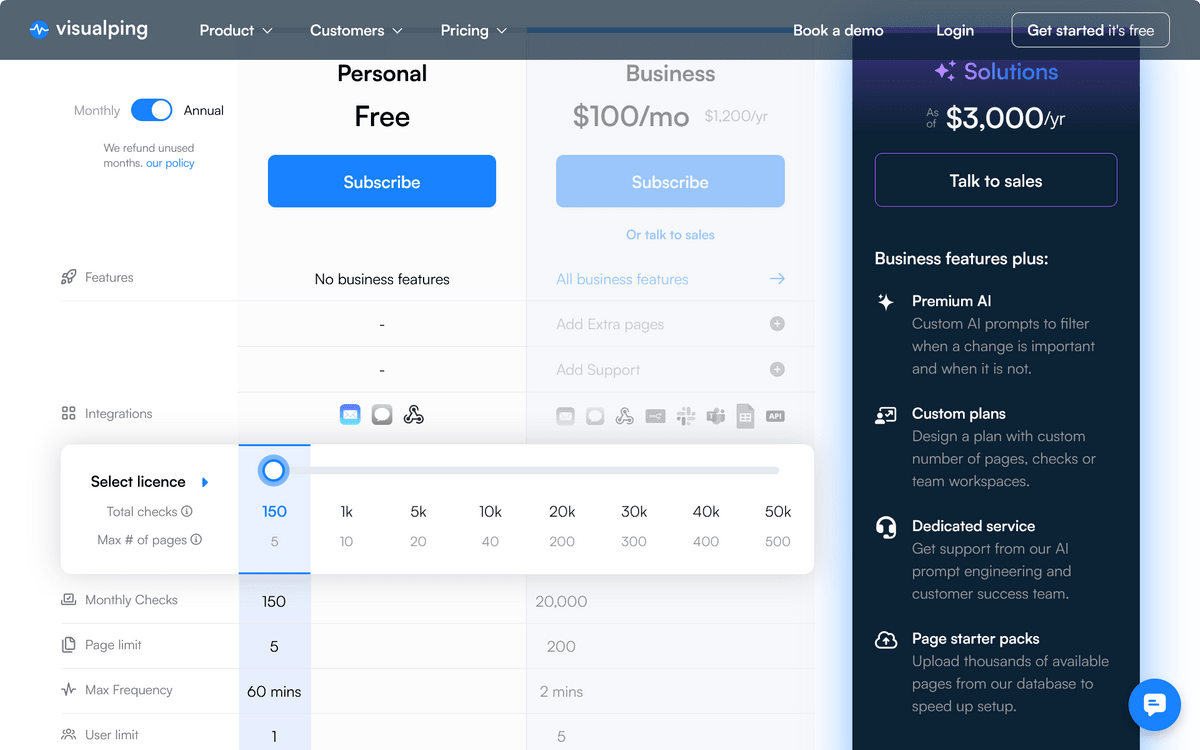
After entering the information, select a plan. The left option is for business and the right is for personal use, so this time I'll select personal use.
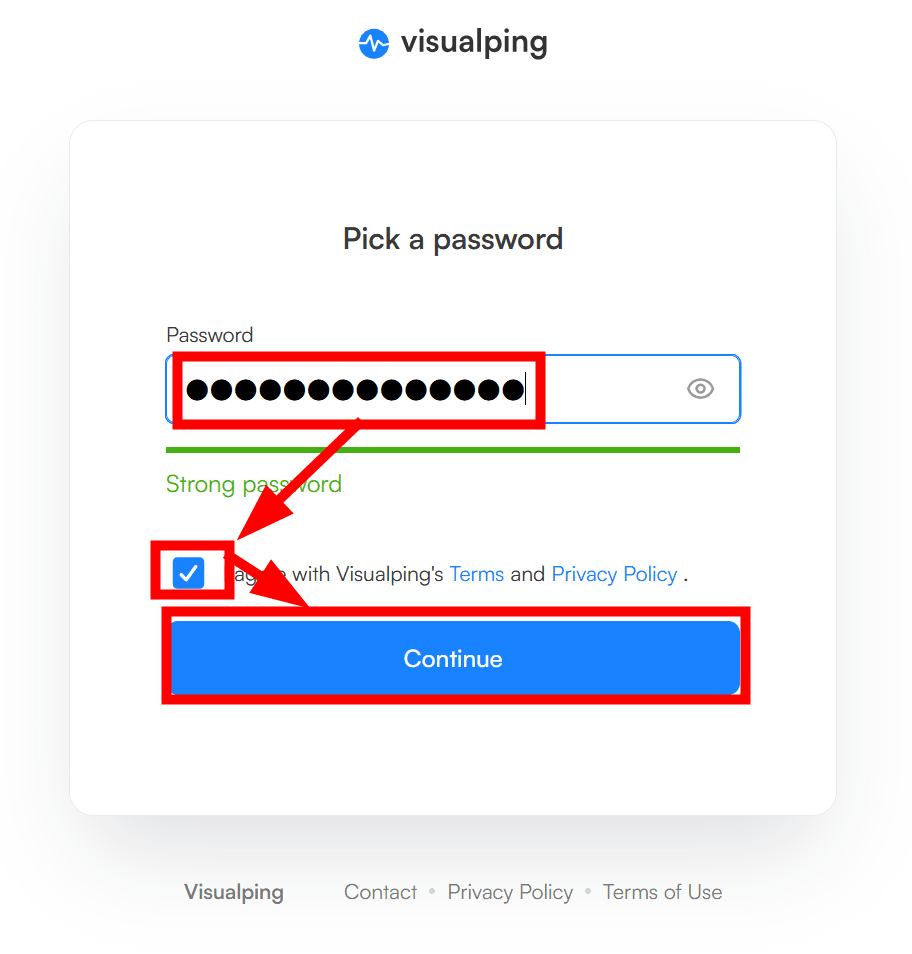
Choose and enter your account password, check the box to agree to the terms and conditions and privacy policy, and click 'Continue'.
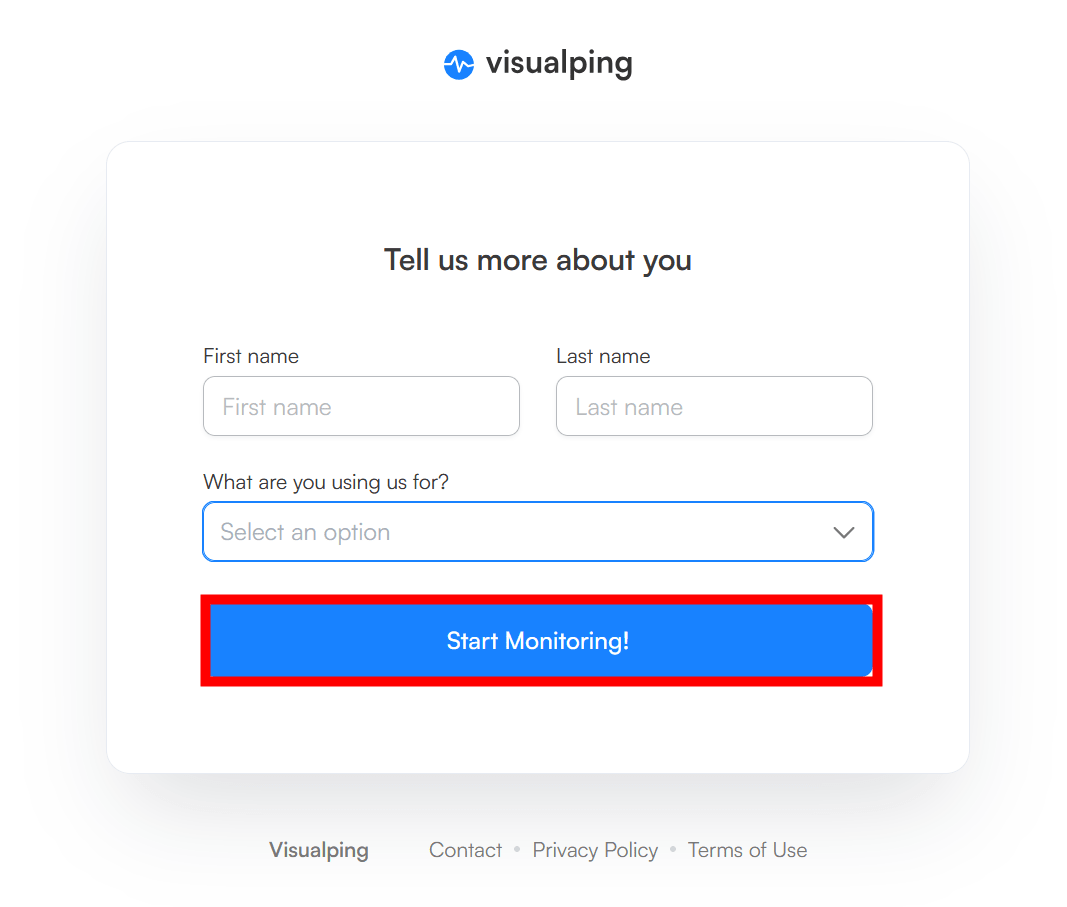
Next, you'll be asked for your name and purpose of use, but you don't have to answer, so I skipped that and clicked 'Start Monitoring.'
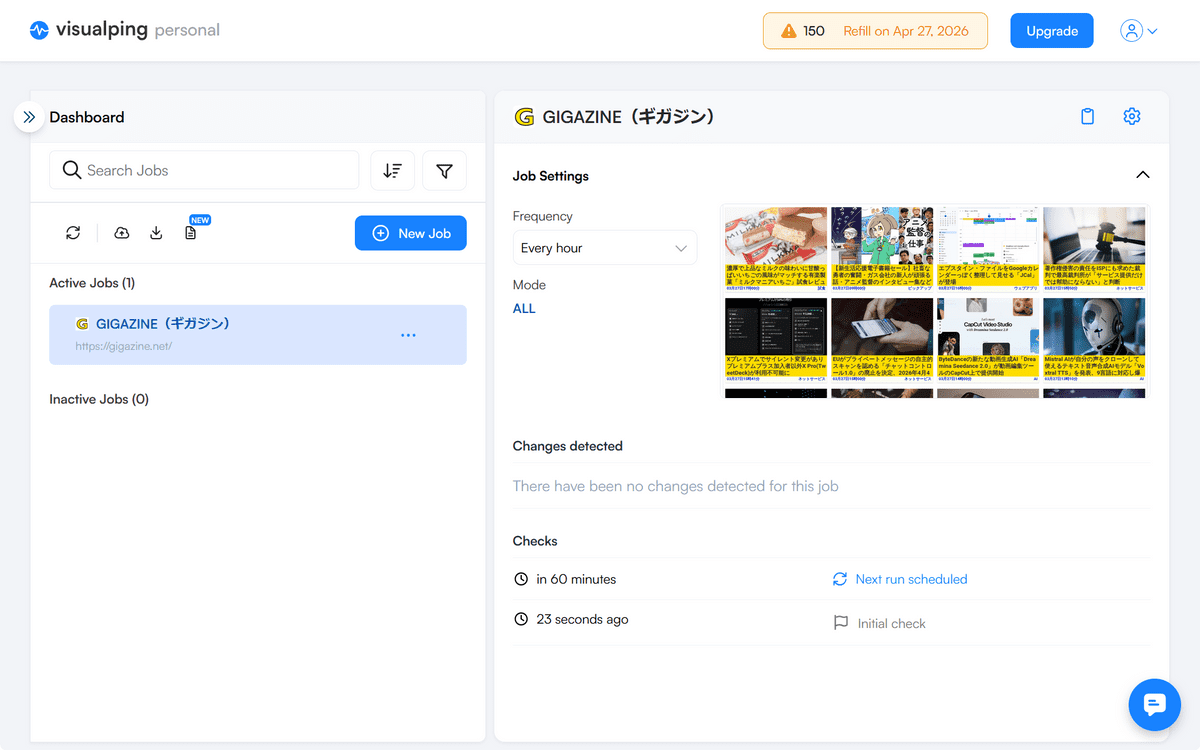
This is how we were able to display the dashboard. It shows the link we obtained earlier and the monitoring status.
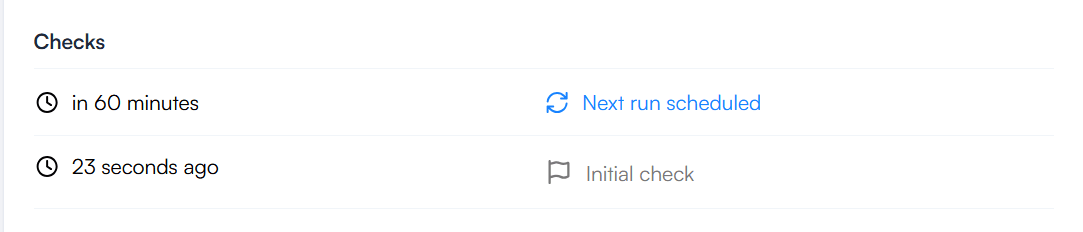
The next check time is displayed in the bottom right corner. It says the next check is in 60 minutes.
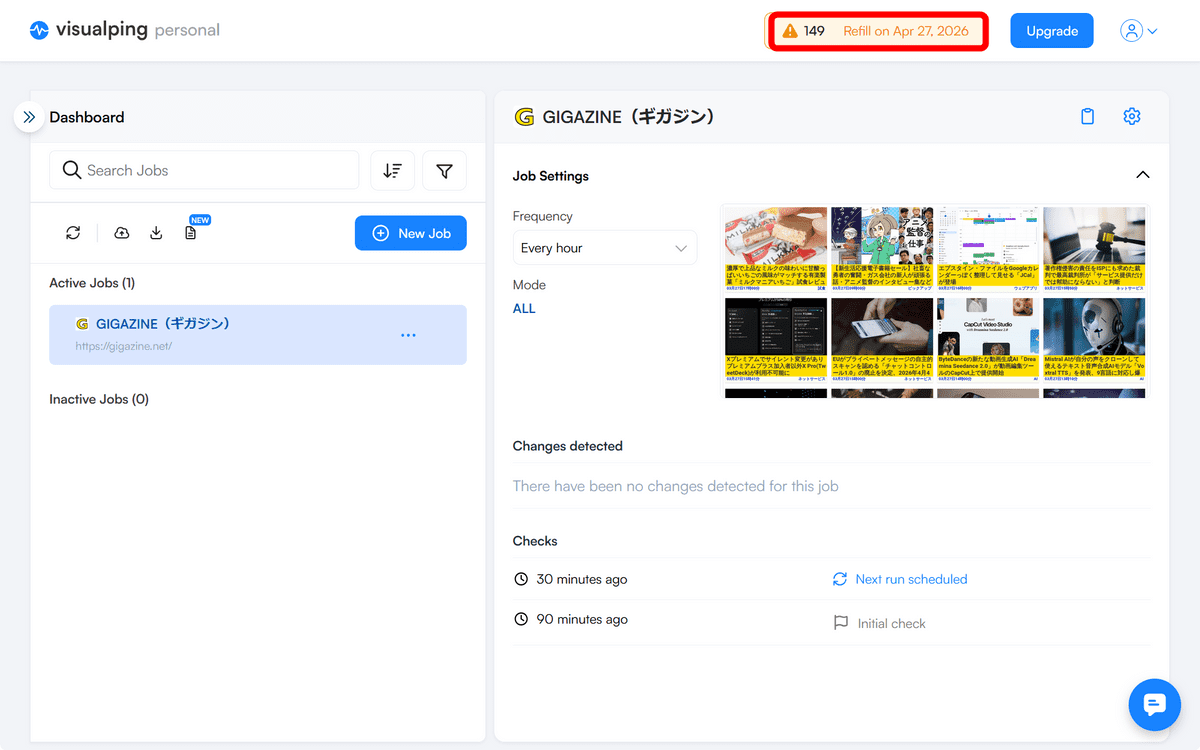
I checked again after 90 minutes. One token, which is limited to 150 uses per month, has been consumed. However, it seems there have been no updates since the last check, so no differences were detected.
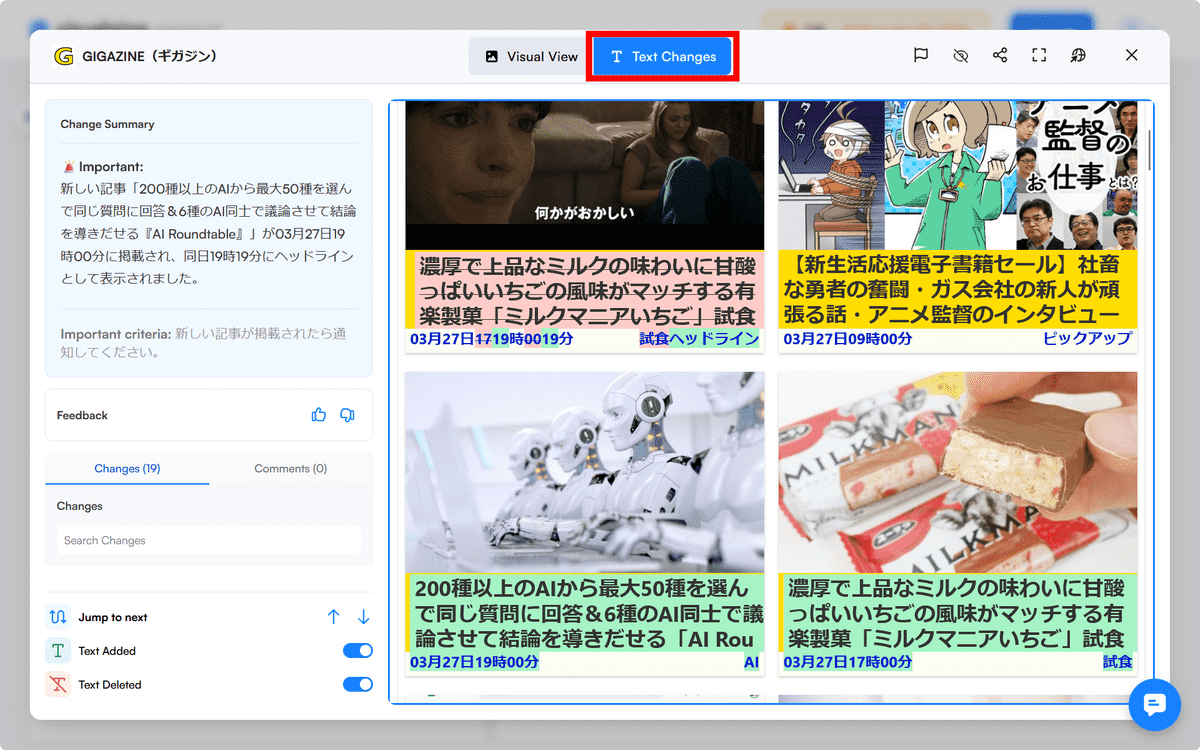
I checked again at the next update time. Two articles have been added since the last check, and a summary of the changes is provided under 'Changes detected'.
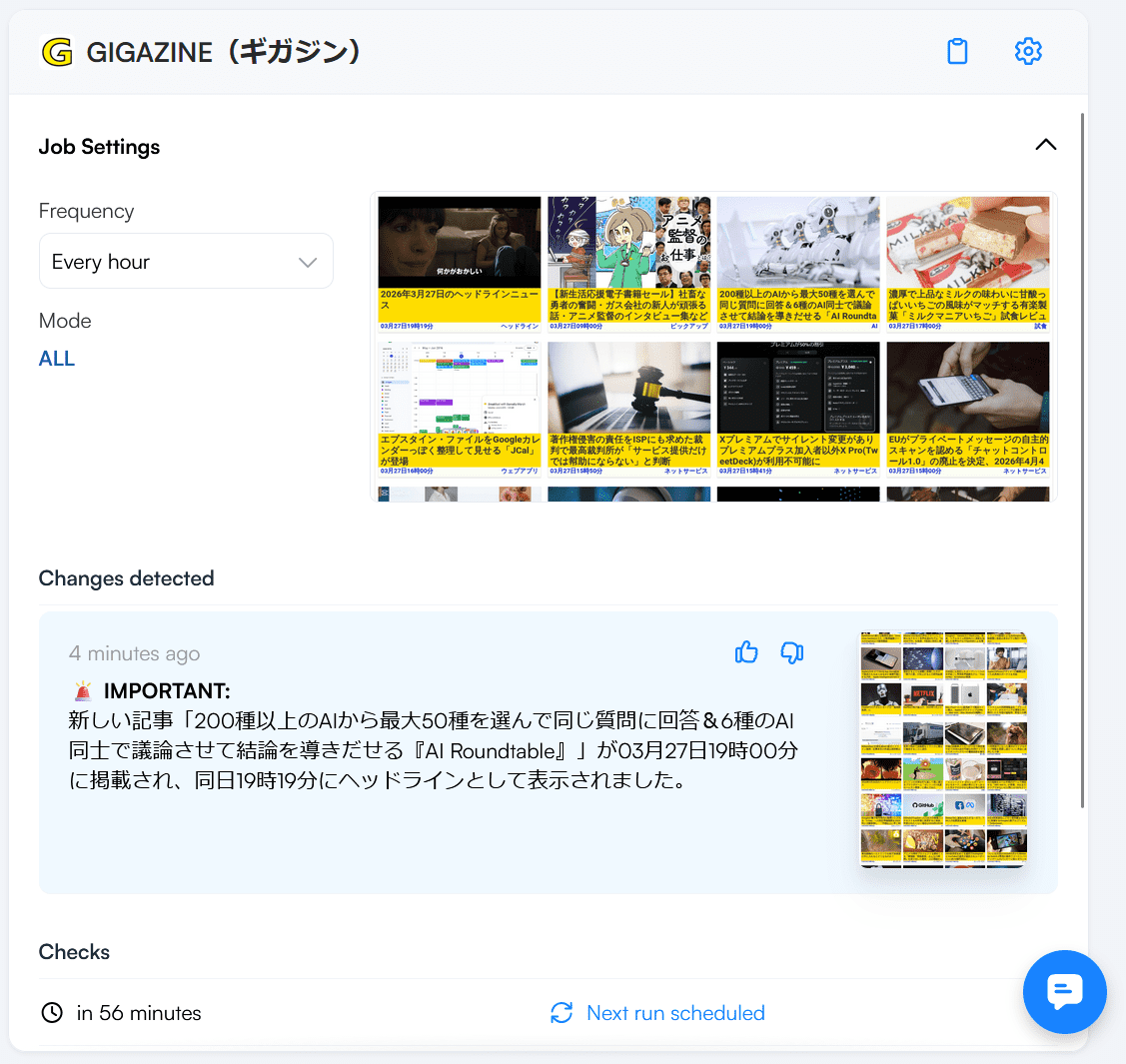
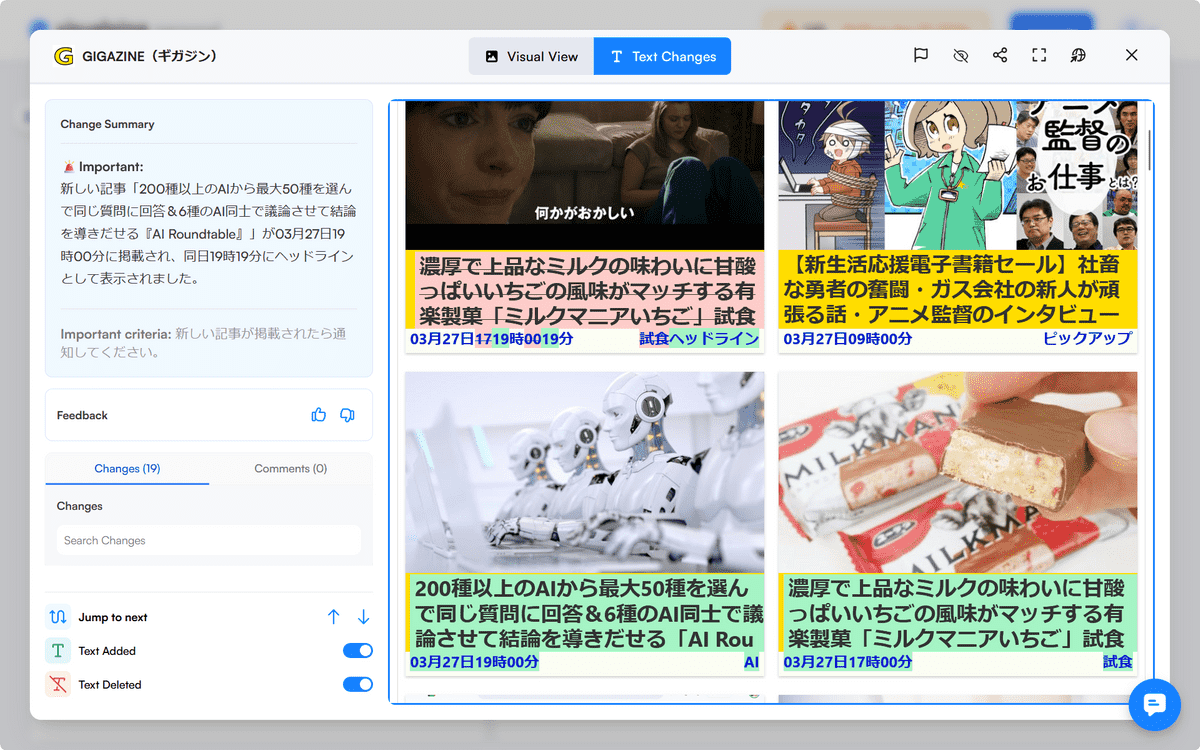
The summary states that a new article, ''AI Roundtable,' which allows you to select up to 50 AIs from over 200 types to answer the same question and have 6 AIs discuss and reach a conclusion,' was published on March 27th at 7:00 PM and displayed as a headline at 7:19 PM on the same day. However, the actual page is shown below, and 'AI Roundtable' and the headline article are different. It is clear that the summary contains an error.
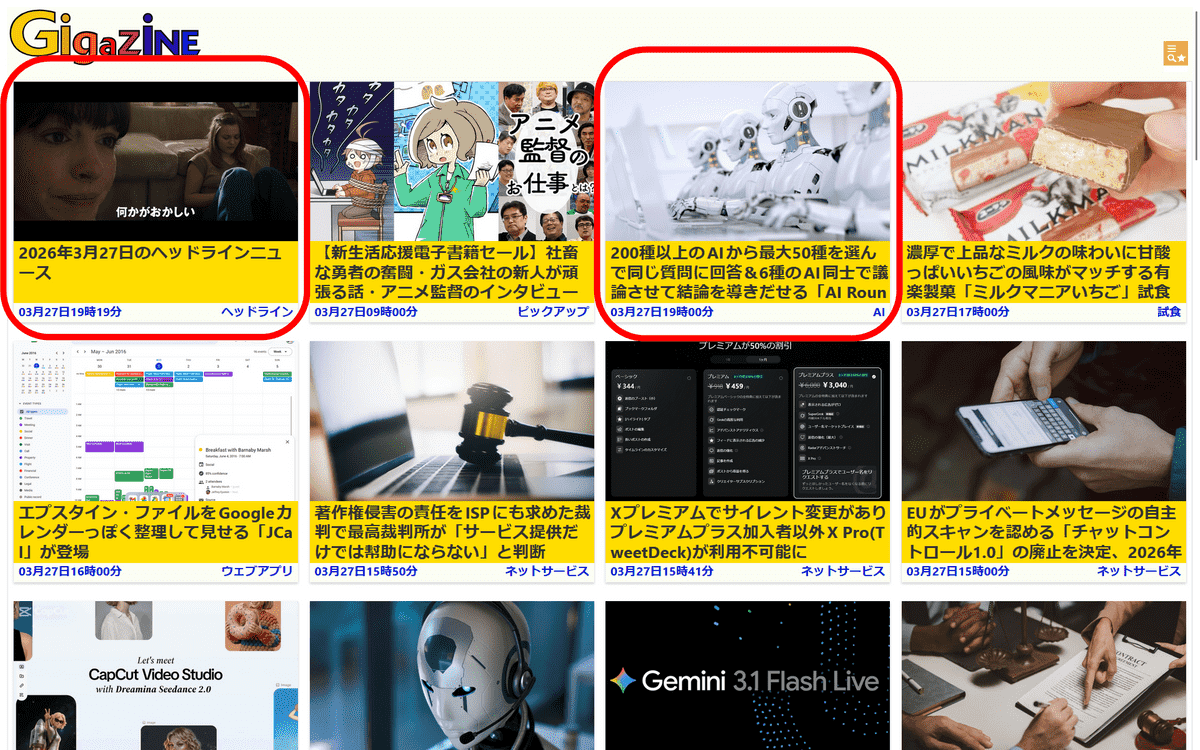
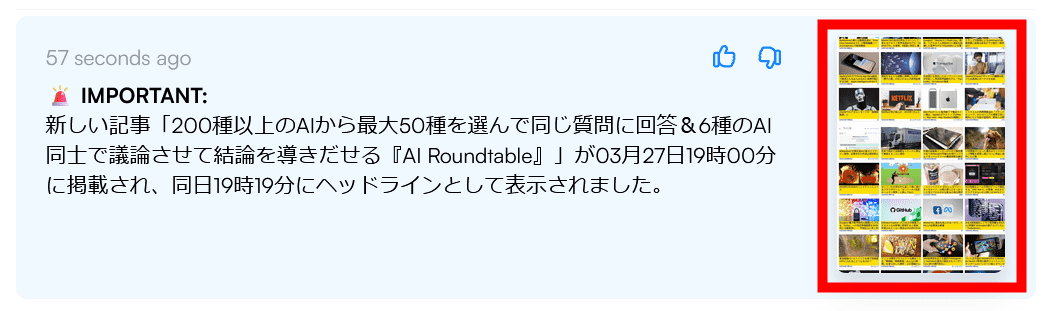
Clicking on the image will display a more detailed visual.
The changes will be highlighted as follows:
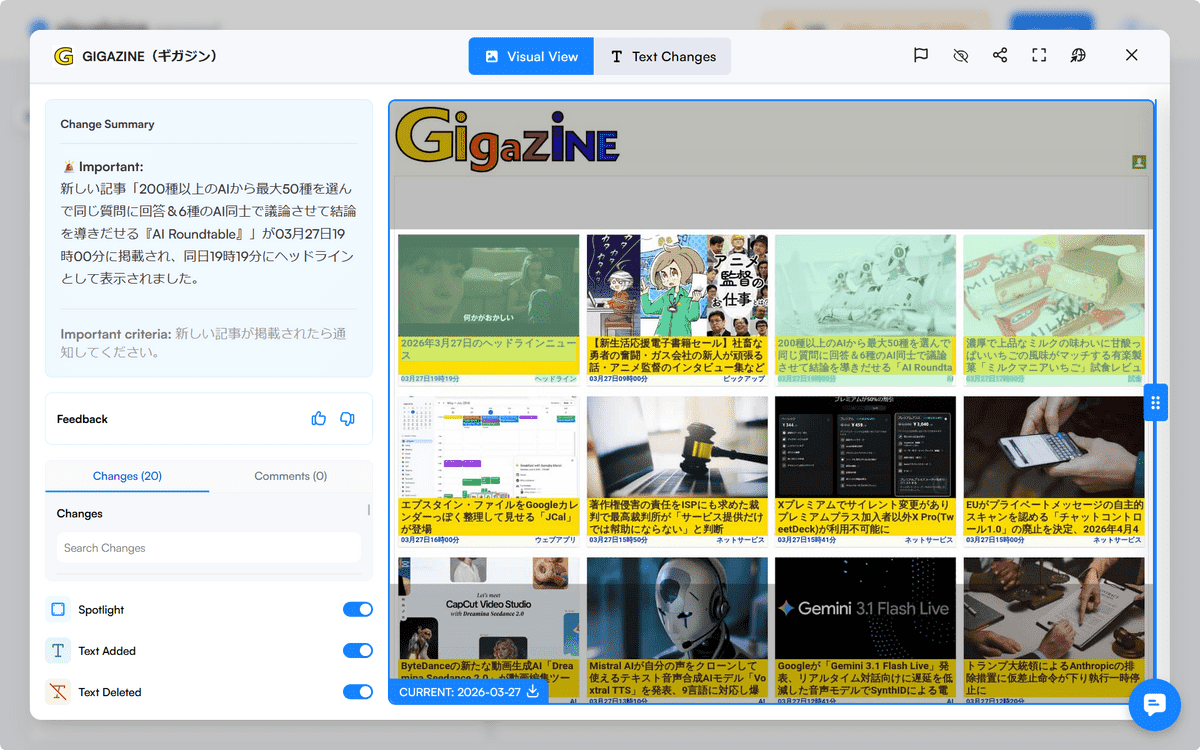
Clicking 'Text Changes' will show how the text on the actual page has changed. It apparently reads the HTML and retrieves the differences.
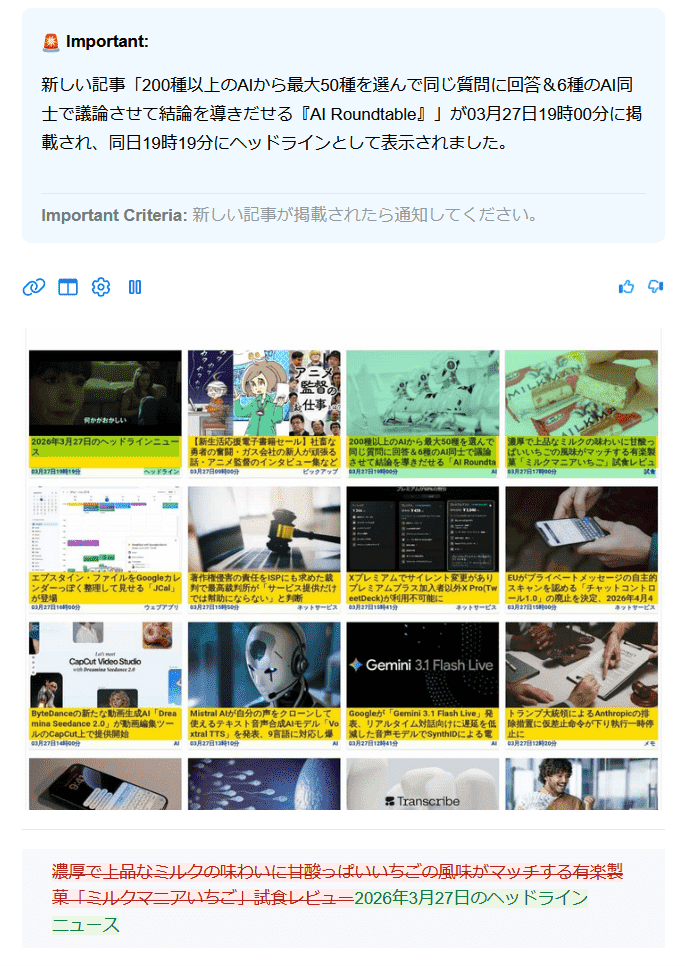
Similar information will also be sent via email. Below is a screenshot of the email, which includes an image highlighting the changes and the text describing those changes.
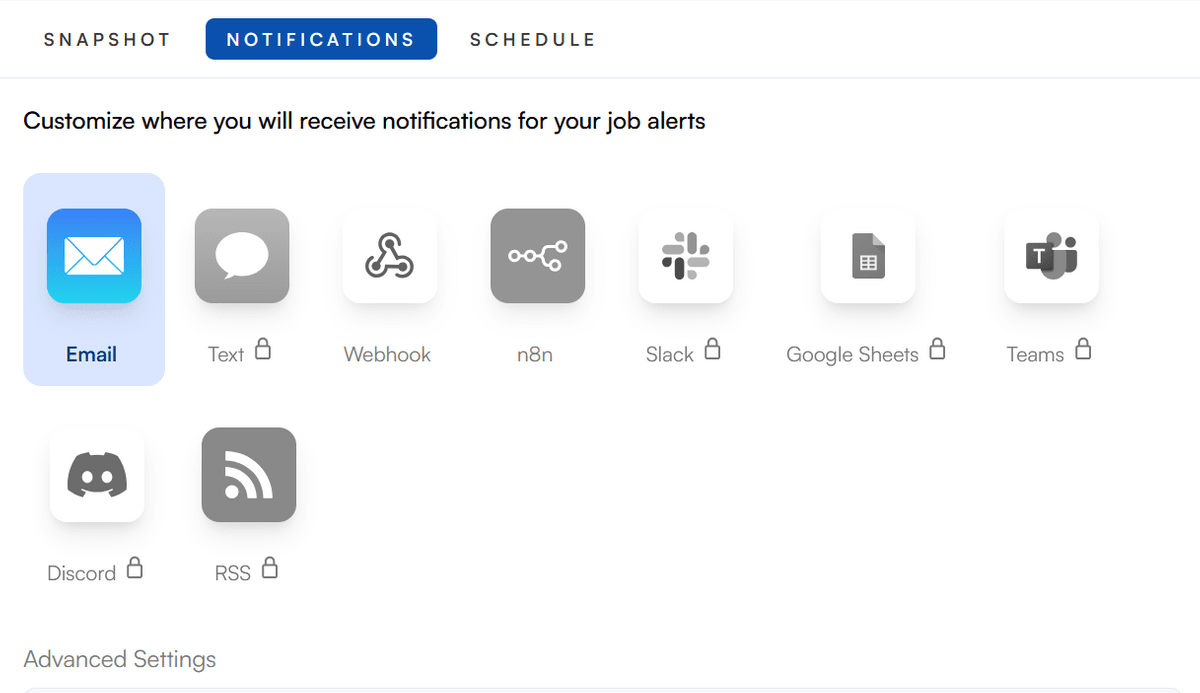
From the dashboard settings screen, you can change the notification destination to Webhook or the automation tool n8n. With the top-tier paid plan, you can also send notifications to other tools such as Google Sheets.
Furthermore, you can set detailed update schedules, such as by day of the week or by time of day.
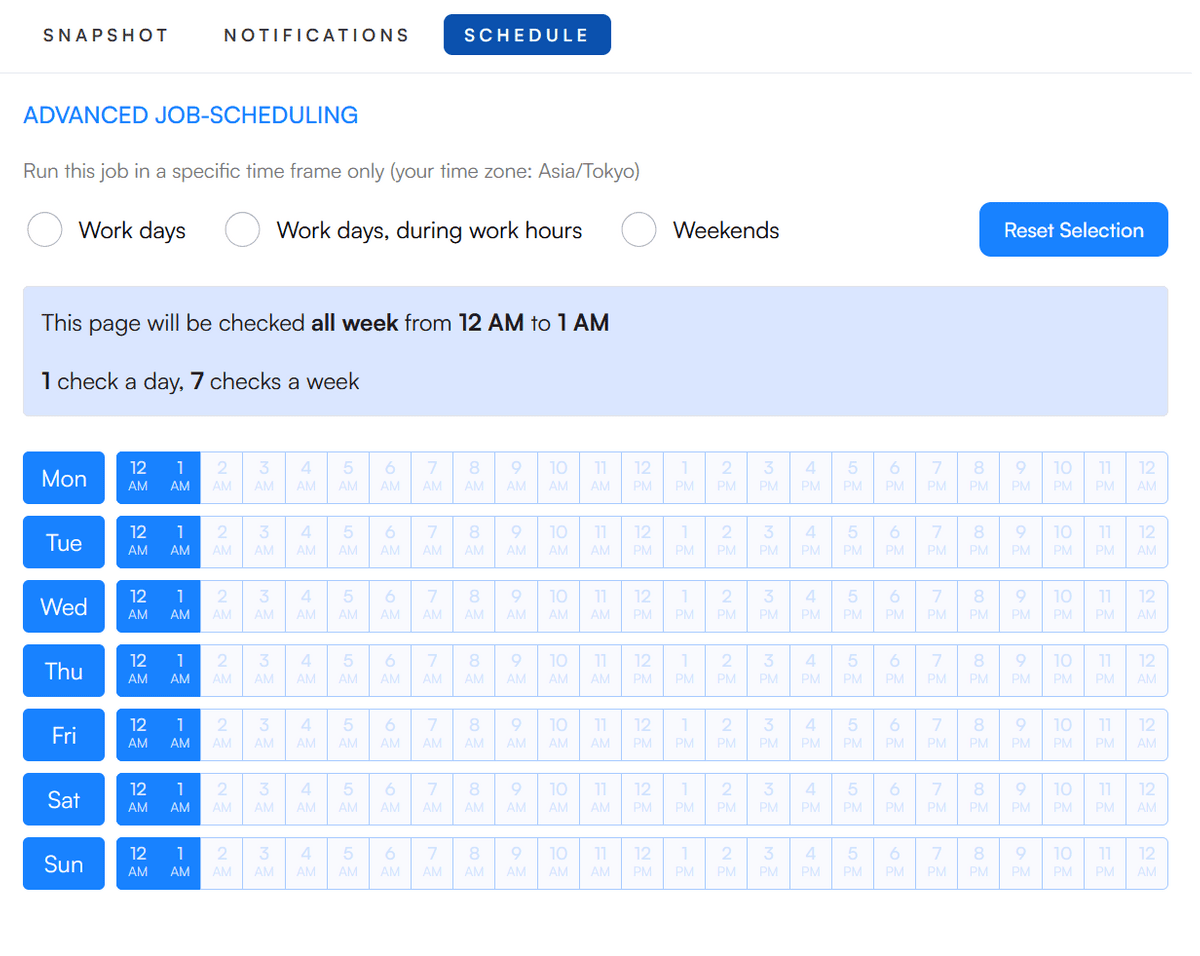
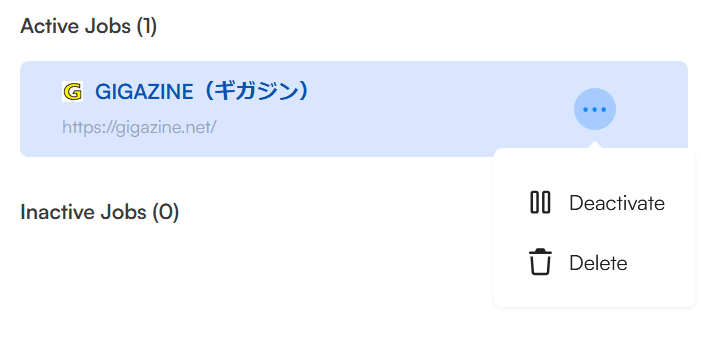
You can deactivate updates when you're not using it.
The free plan allows you to check up to 5 pages, and you can check up to 150 times per month.
Related Posts:


in Web Service, Review, Posted by log1p_kr