The Firefox extension '&udm=14' inserts '&udm=14' into the Google search URL to hide 'AI summary' and 'featured products,' enabling simpler web searches.
In recent years, Google Search has seen an increase in visual elements such as images and videos, and in 2024, it added a feature called '
&udm=14 – 🦊 Get the extension for Firefox (ja)
https://addons.mozilla.org/ja/firefox/addon/udm-14/
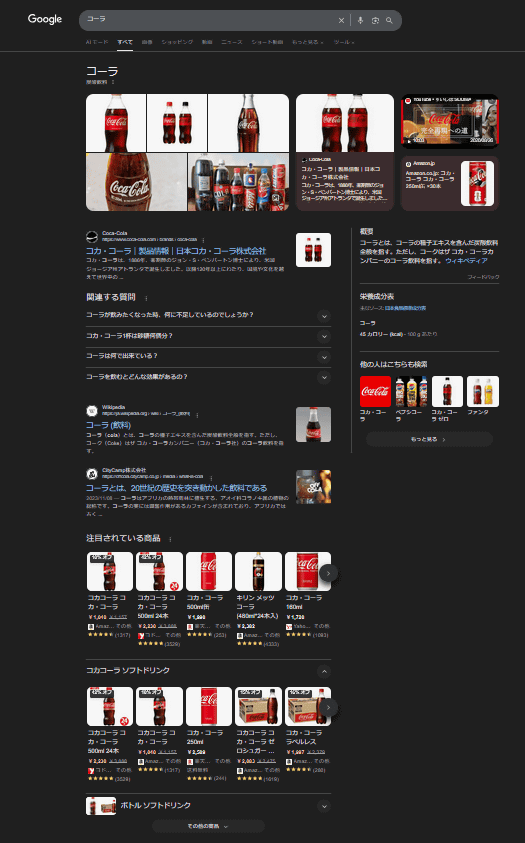
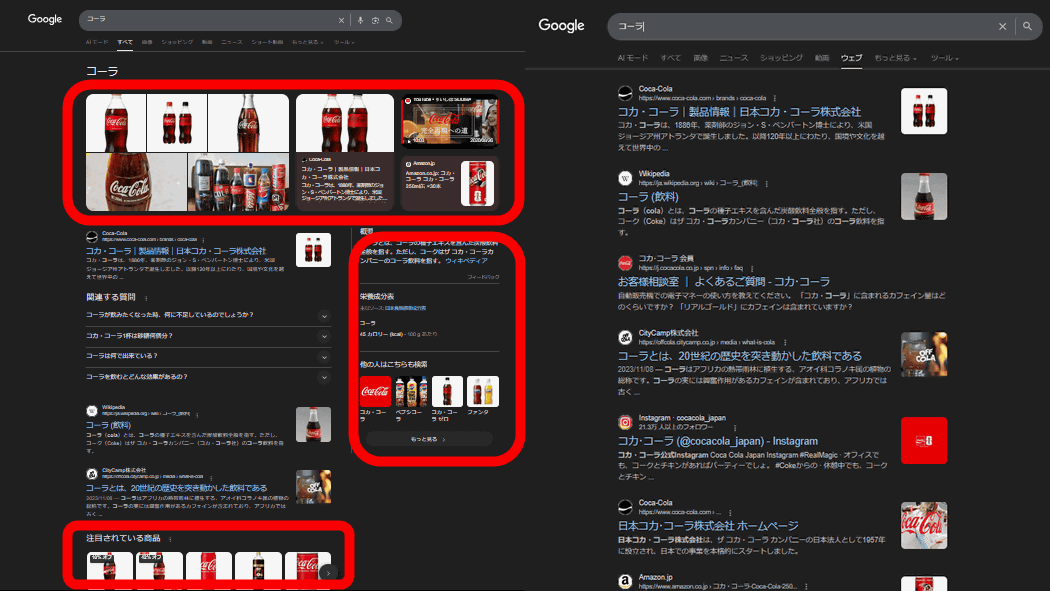
For example, if you search for 'cola' on Google, images and videos will appear at the top of the search results, followed by three links as search results, and then a section called 'Trending Products' which displays purchasable products related to the search term that Google has collected from the web.
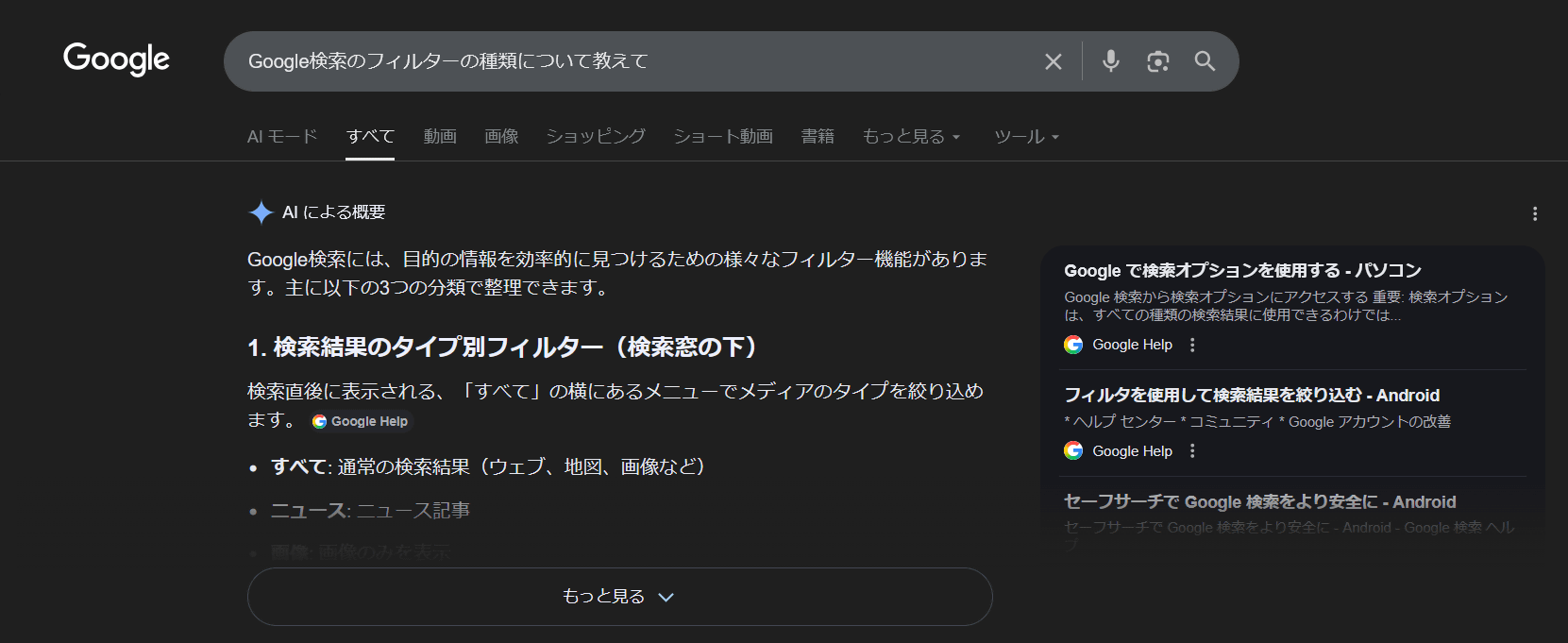
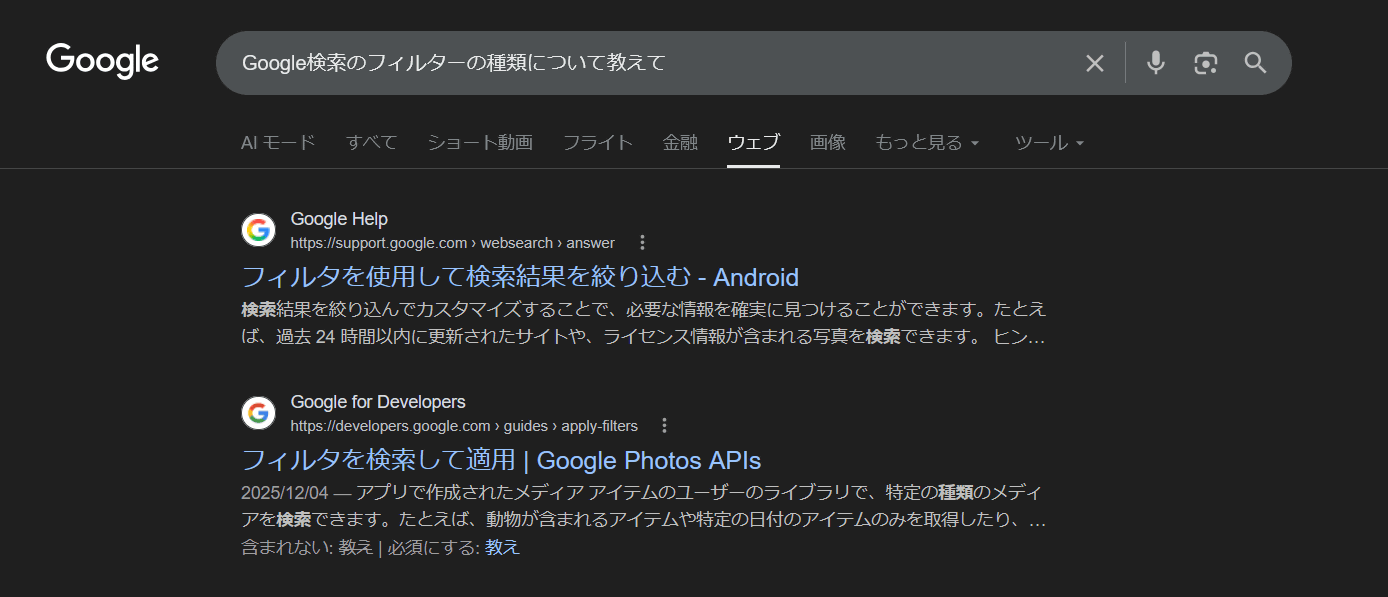
Additionally, depending on your search terms, an 'AI-generated summary' may appear at the top of the search results. For example, when searching for 'Tell me about the types of filters in Google Search,' the following summary of the search results was displayed.
The filter '&udm=14' can make these search results as simple as possible, and there are now Firefox extensions that automatically insert this filter. You can add the extension to Firefox from the link below.
&udm=14 – 🦊 Get the extension for Firefox (ja)
https://addons.mozilla.org/ja/firefox/addon/udm-14/
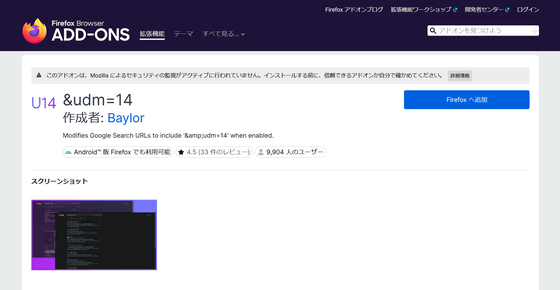
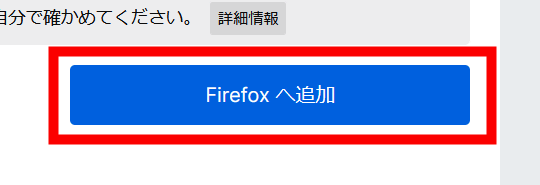
Access the URL above and click 'Add to Firefox'.
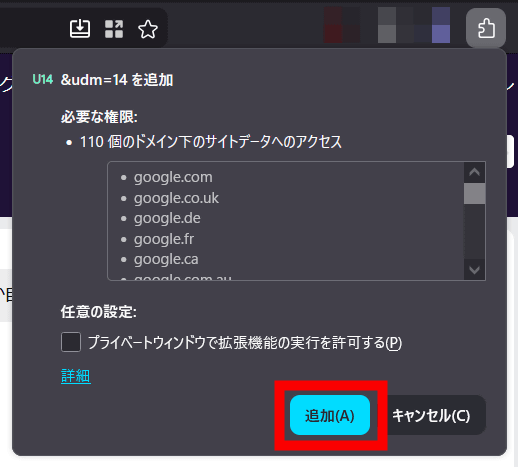
The following will appear in the upper right corner of your browser, so click 'Add'.
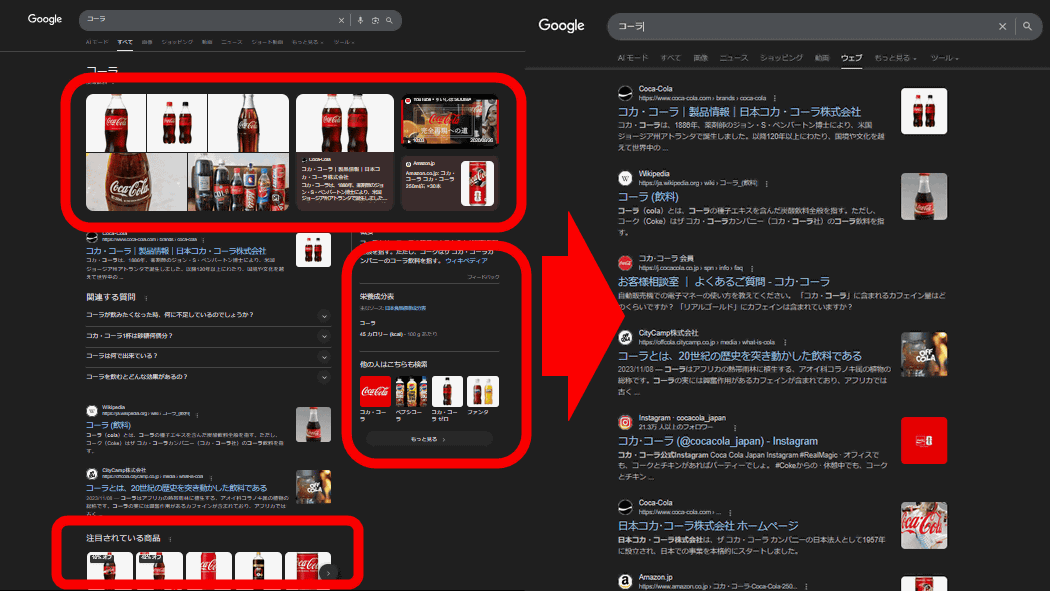
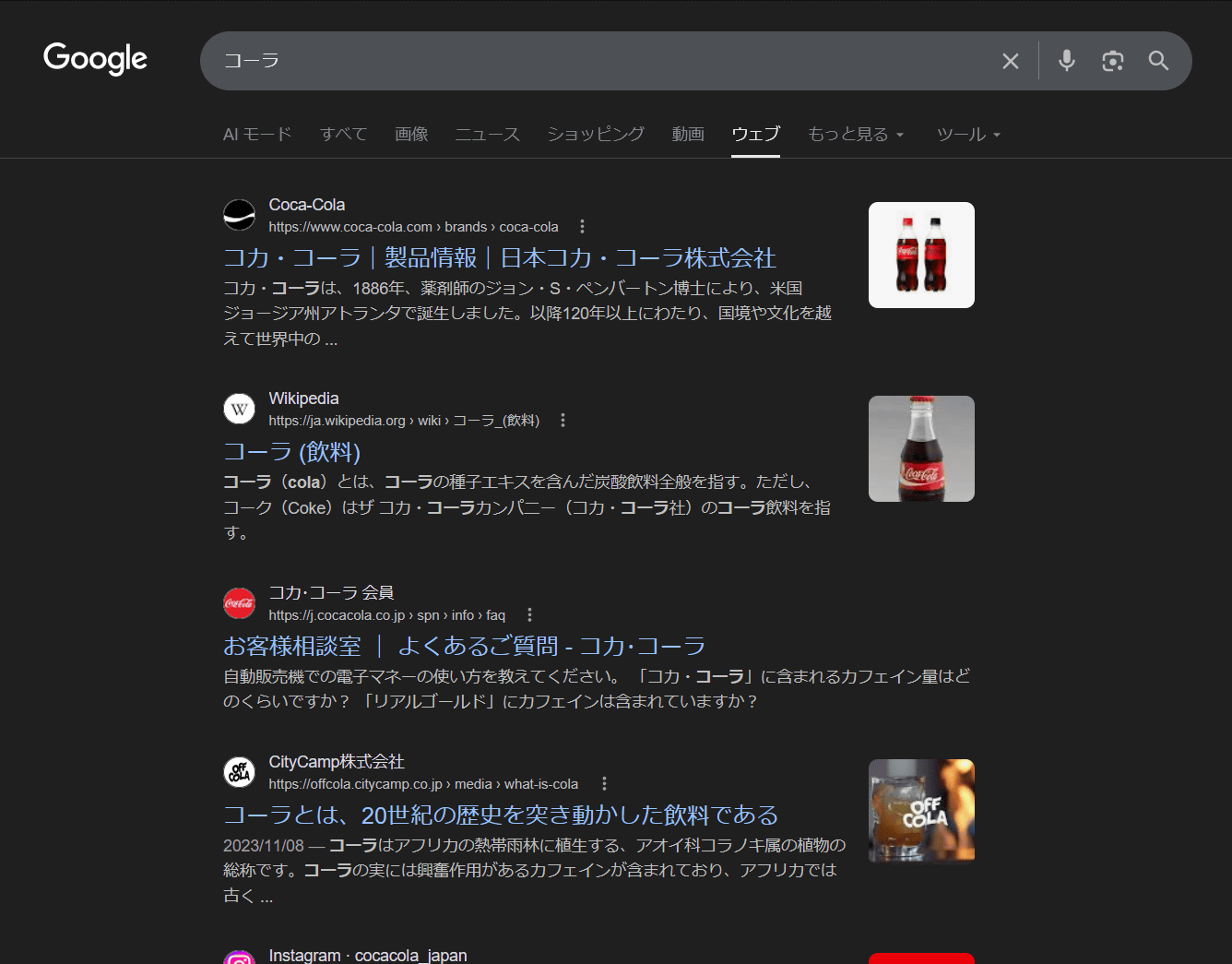
After installing the extension, when I searched for 'Cola' on Google, the images, videos, and 'Trending Products' that were displayed at the top were no longer visible.
In fact, the following is a comparison of the search results page for 'Cola' with and without '&udm=14' (right). The images, videos,
Furthermore, when I searched again for the words that previously displayed 'AI-generated summary,' the AI-generated summary was no longer visible.
Related Posts:



in Software, Web Service, Review, Posted by logu_ii