I tried out 'CoZip,' a free compression/decompression software that's four times faster than Windows' built-in features. It's a free software that utilizes the GPU to compress files at lightning speed.
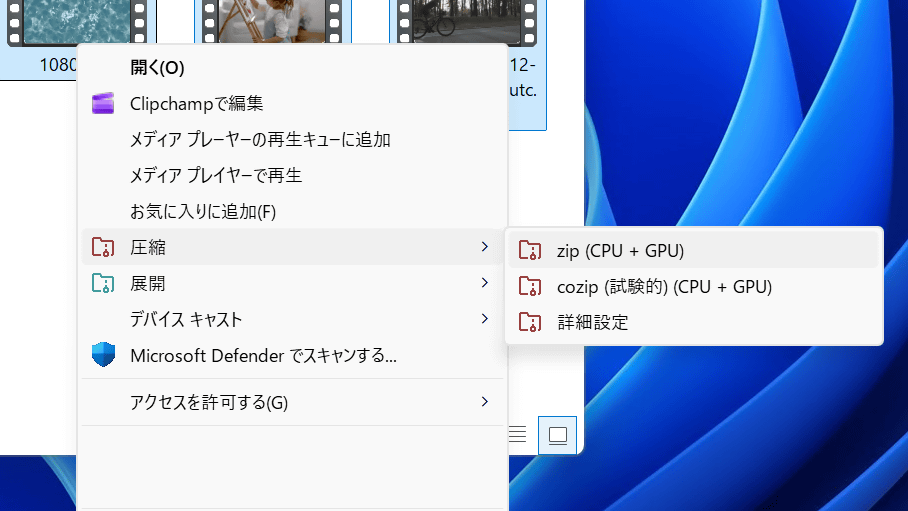
CoZip , a compression and decompression (unpacking) software that uses the GPU to perform extremely fast compression processing, has been released by
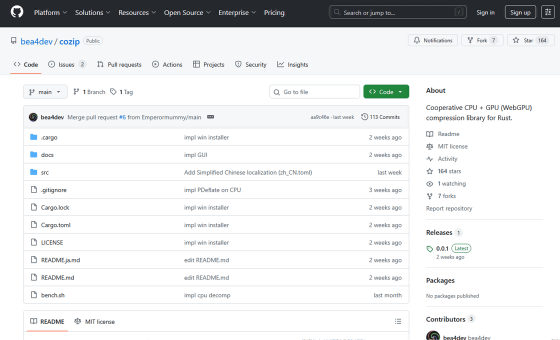
GitHub - bea4dev/cozip: Cooperative CPU + GPU (WebGPU) compression library for Rust. · GitHub
https://github.com/bea4dev/cozip
🗜️We're releasing a compression/decompression software that utilizes the GPU! 📁
— 🦀Bea | bea4dev🦀 (@_Be4_) March 13, 2026
GPU-accelerated compression/decompression software has been released!
My name is CoZip!!!
It's extremely fast!!!
We're releasing the Windows version!!!
(macOS & Linux will be added later)
Download & Discord
↓↓↓↓↓↓↓↓↓↓↓↓↓↓↓↓↓↓ pic.twitter.com/WO4oFMFRFB
To install CoZip, first click the following link to access the distribution page.
Releases · bea4dev/cozip
https://github.com/bea4dev/cozip/releases
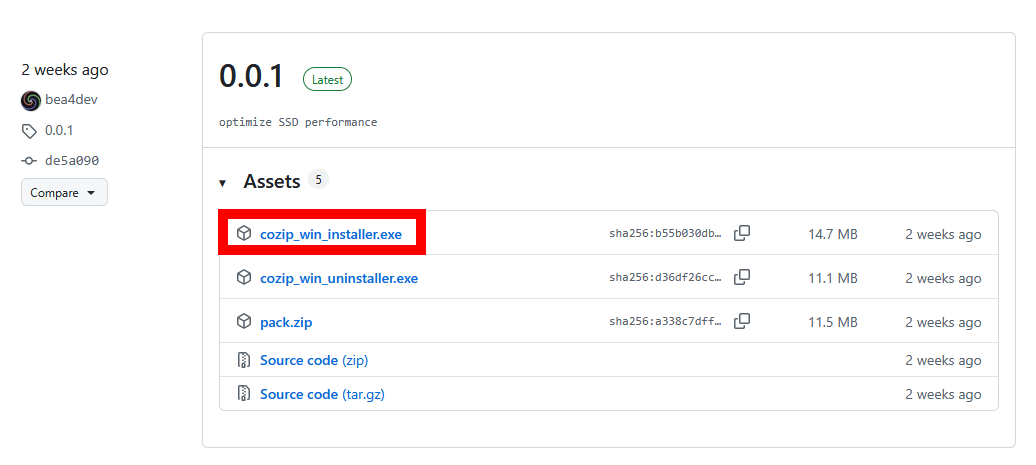
Download the latest installer. This time, I clicked on 'cozip_win_installer.exe' to download it.
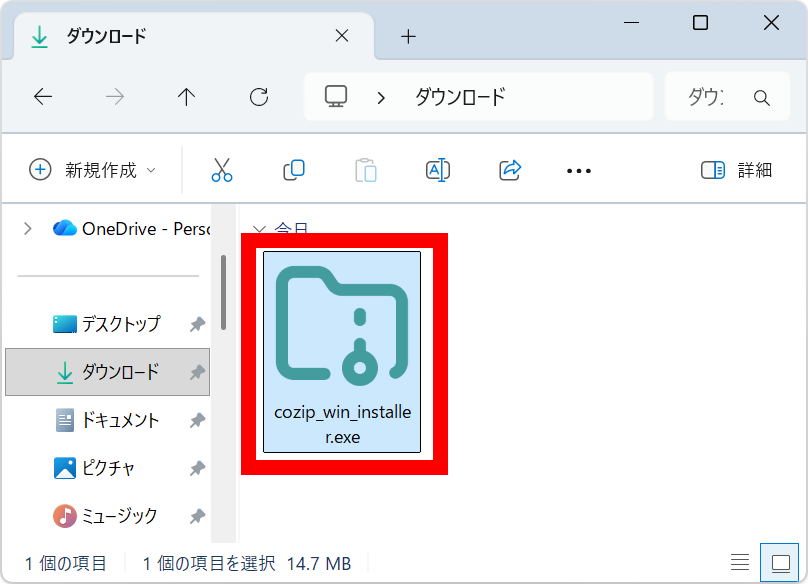
Double-click the downloaded installer to run it.
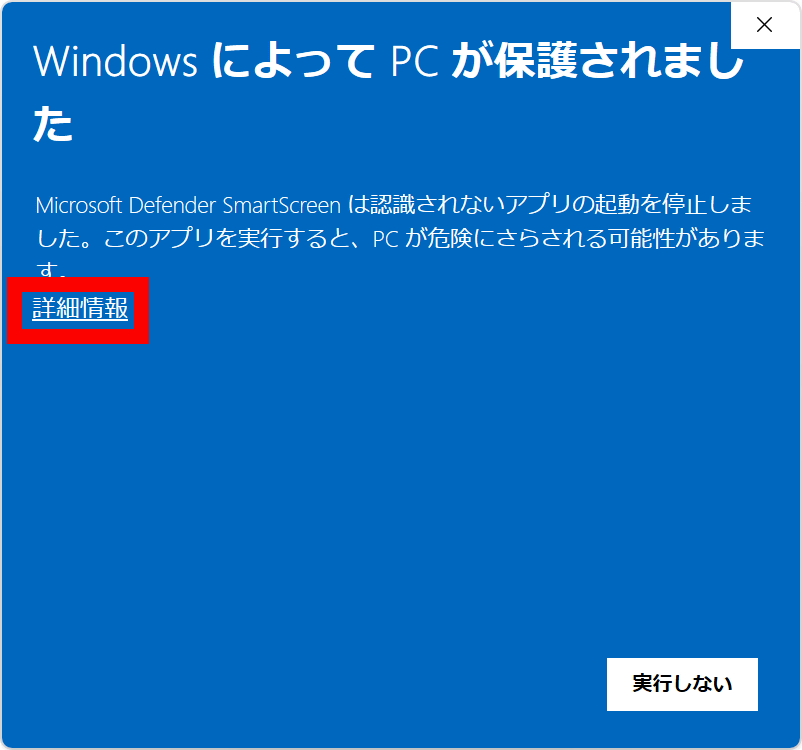
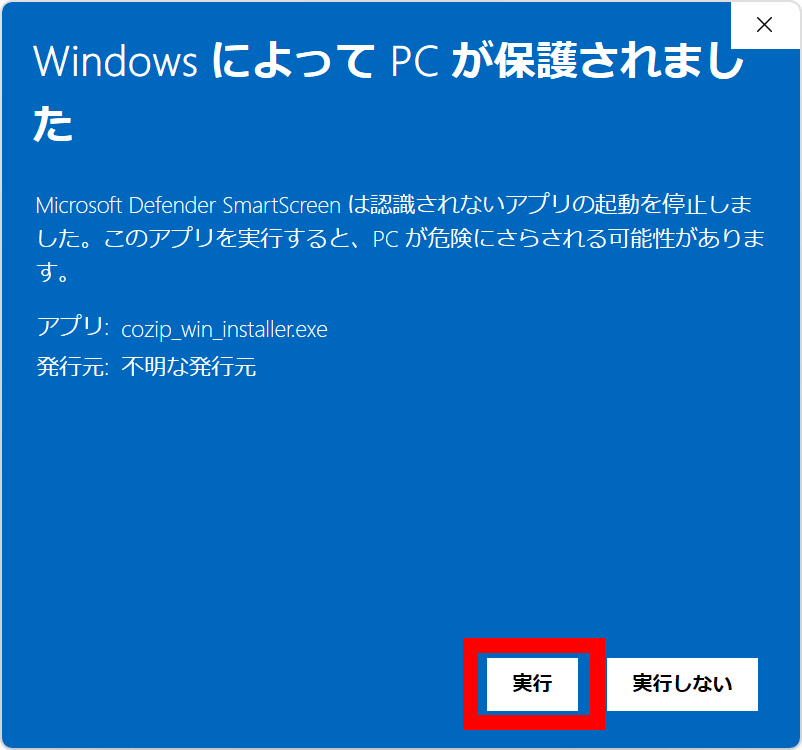
If a protection notice appears, click 'More Information'.
Click 'Execute'.
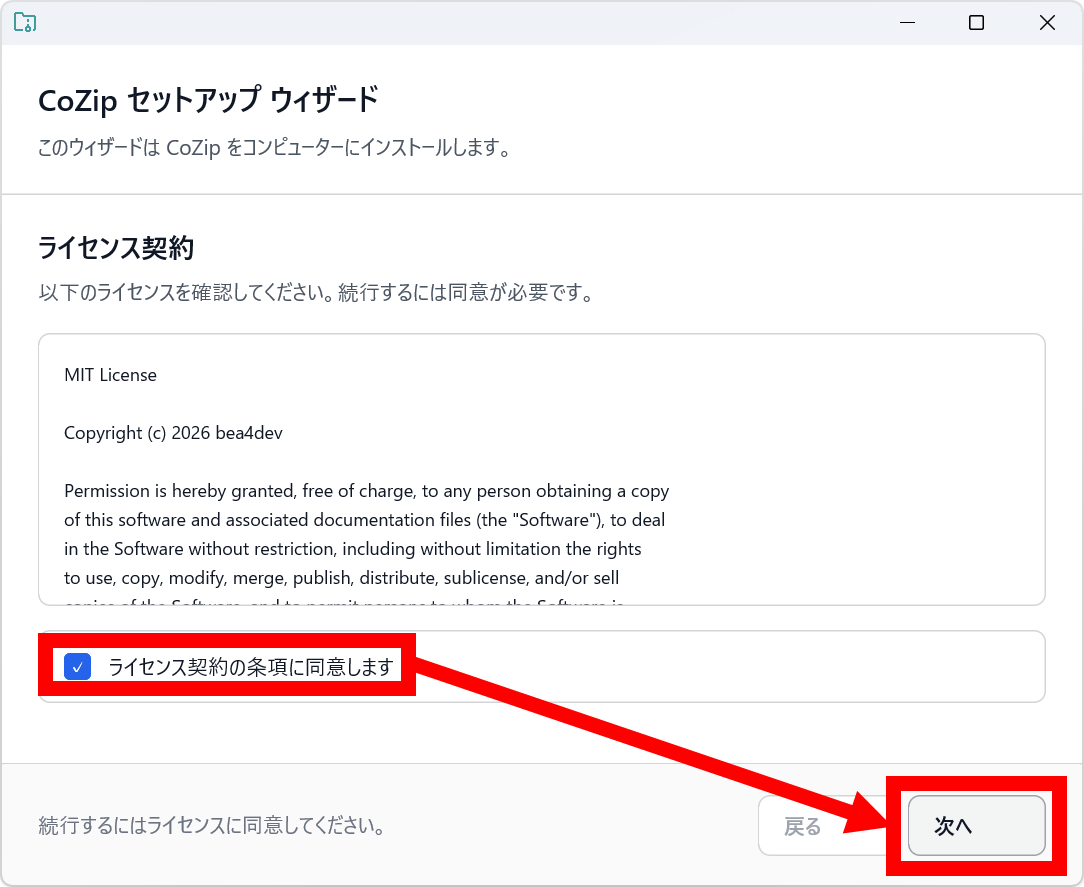
Read the license agreement carefully, then check the box to agree and click 'Next'.
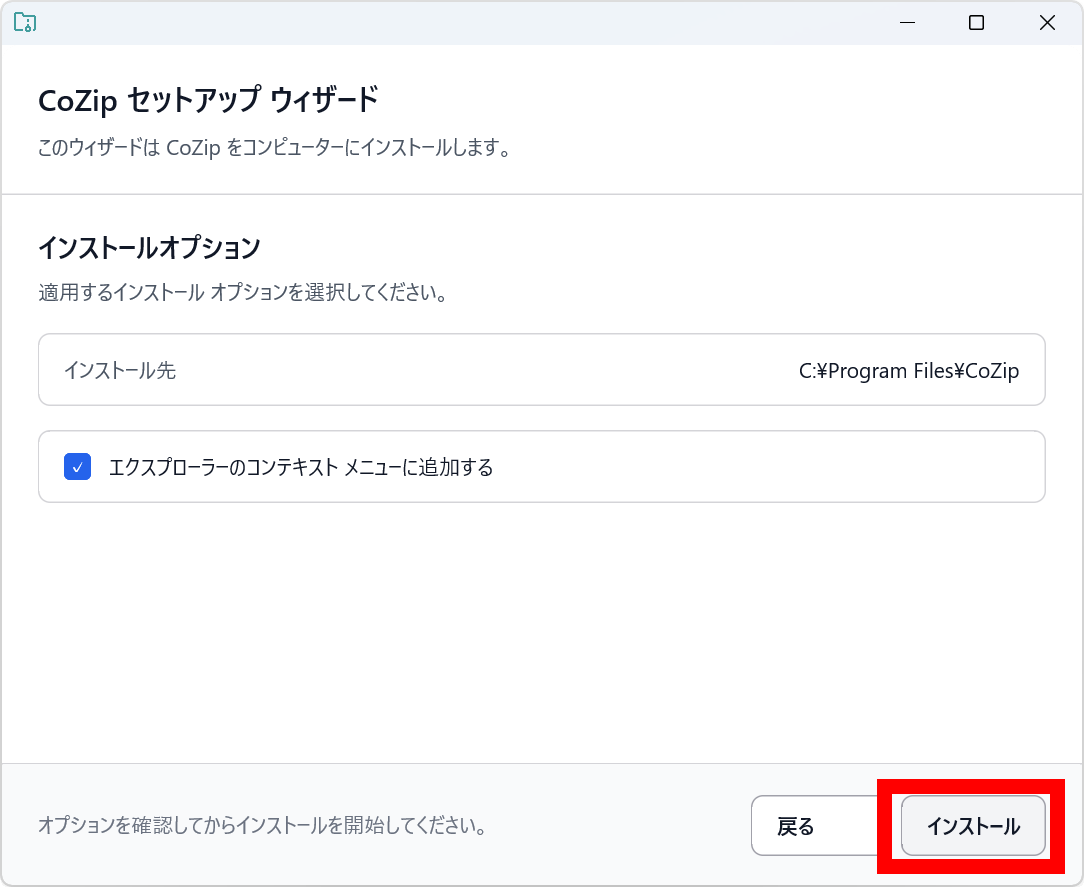
Click 'Install' without changing any settings.
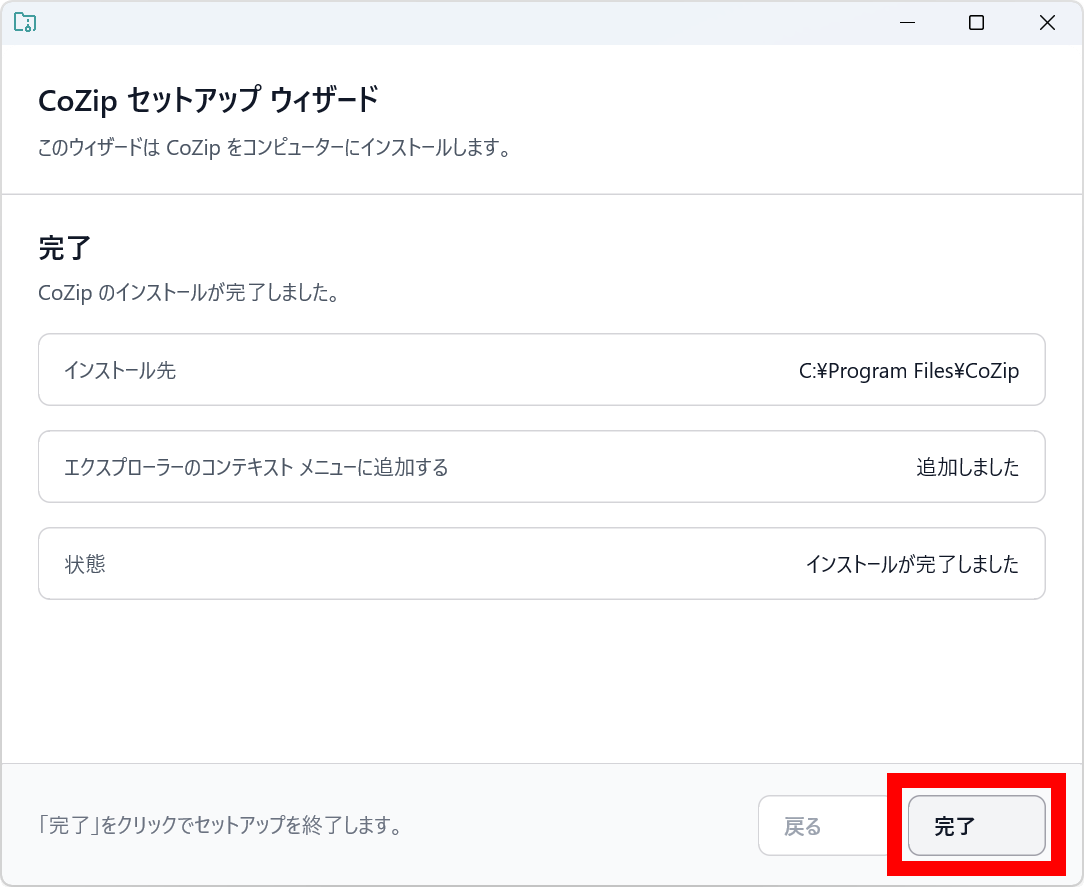
Clicking 'Finish' will complete the installation.
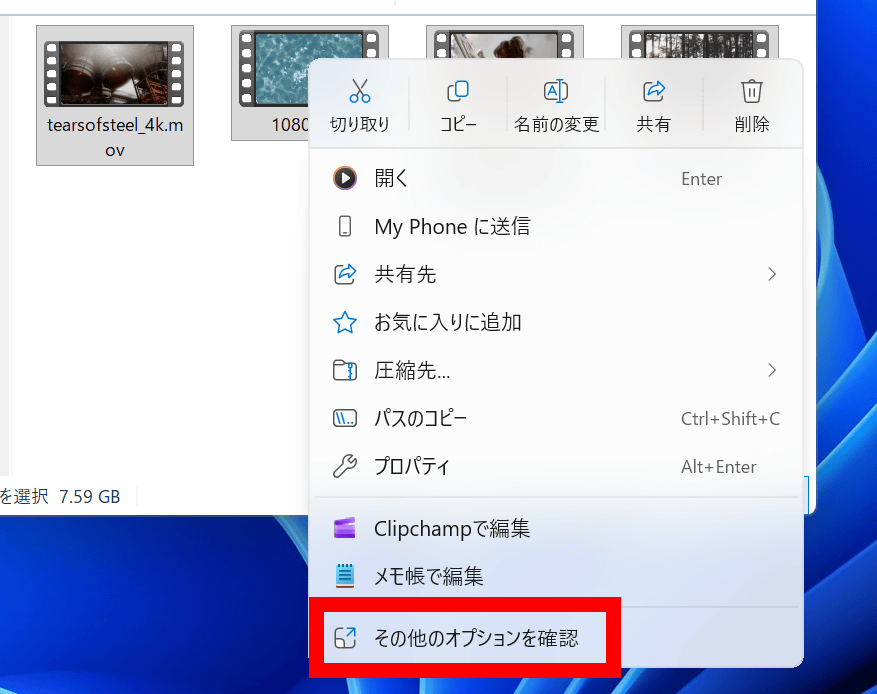
To compress or decompress files using CoZip, first select the target files, then right-click and select 'See more options' from the menu.
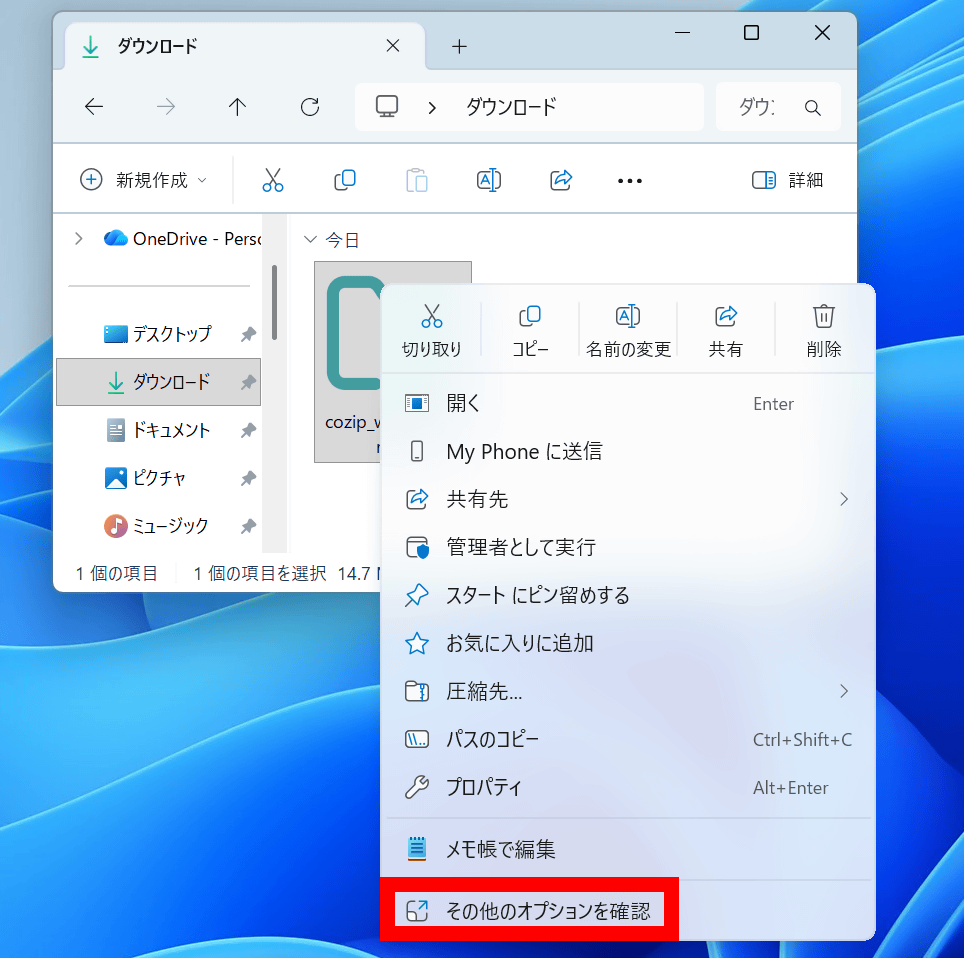
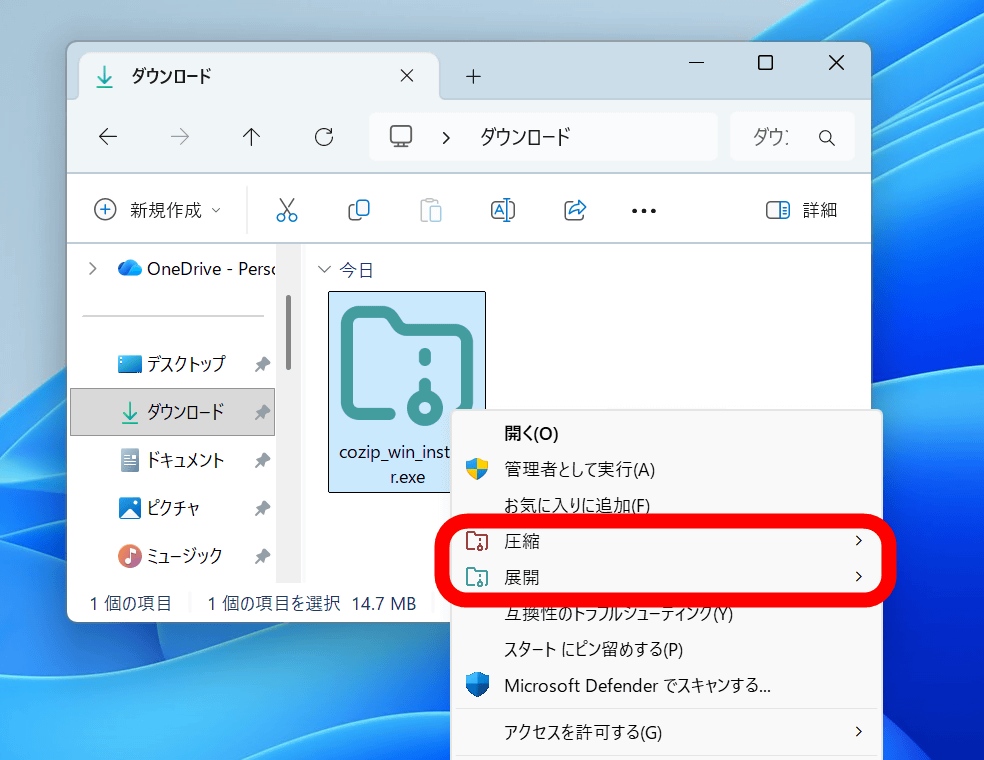
The context menu now includes 'Compress' and 'Decompress.' You can use these buttons to compress and decompress files.
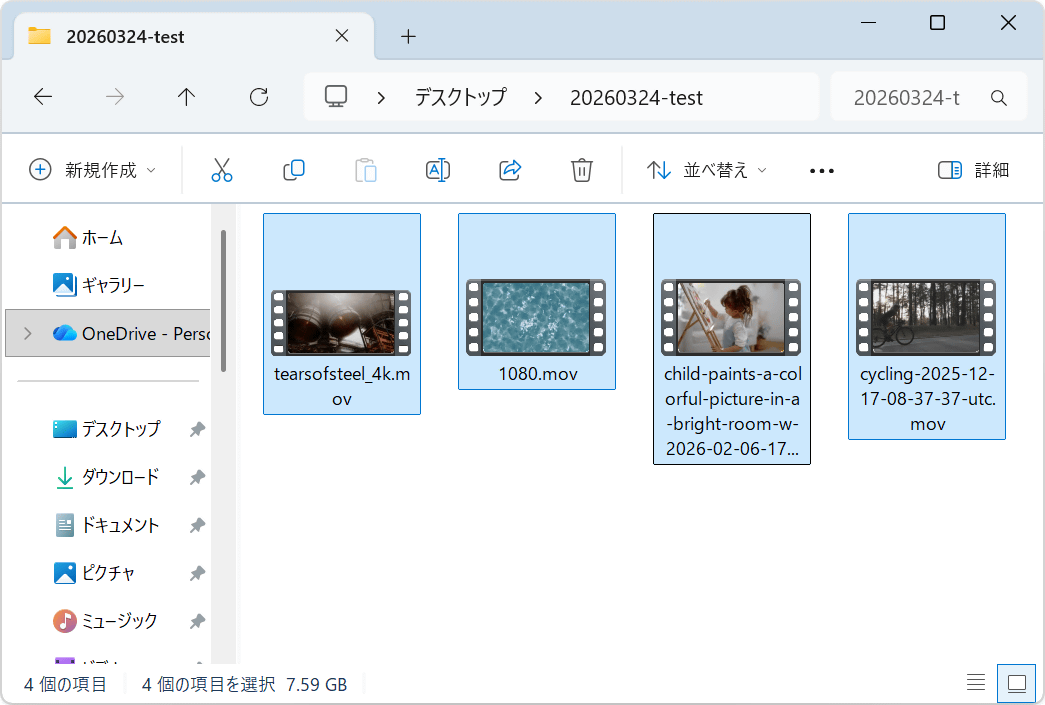
So, let's compare the processing speed of Windows' standard features with CoZip. First, we'll measure the speed at which four videos are compressed into a single ZIP file. The total size of the video files is 7.59GB. The PC used for this test has an AMD Ryzen 5 7600X CPU and an NVIDIA GeForce RTX 5070Ti GPU.
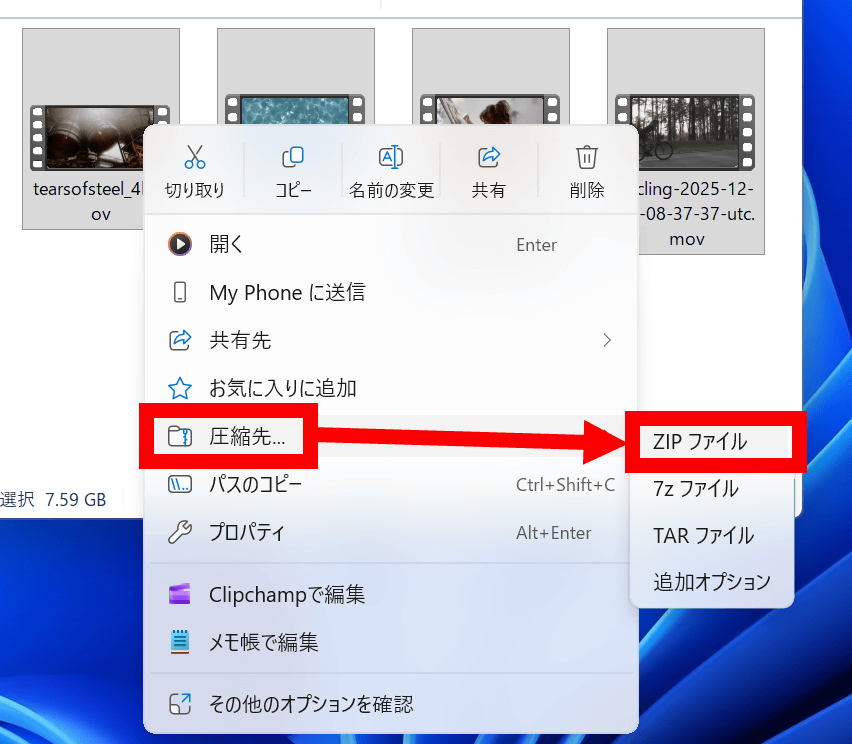
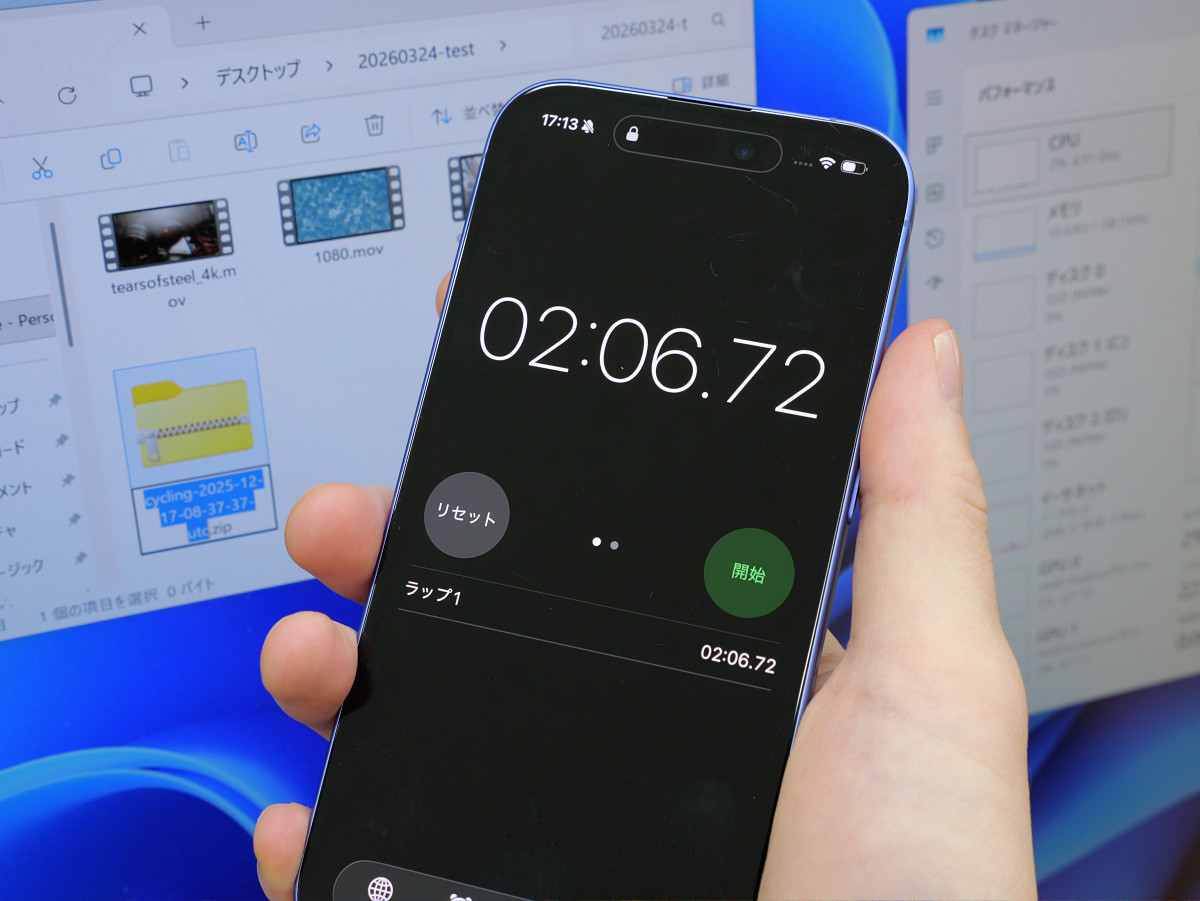
Compress the file using Windows' built-in features. Right-click and select 'Compress to' in the menu, then click 'ZIP file'.
The compression process took 2 minutes and 6 seconds.
Next, compress it with CoZip. Click 'Check other options' in the right-click menu.
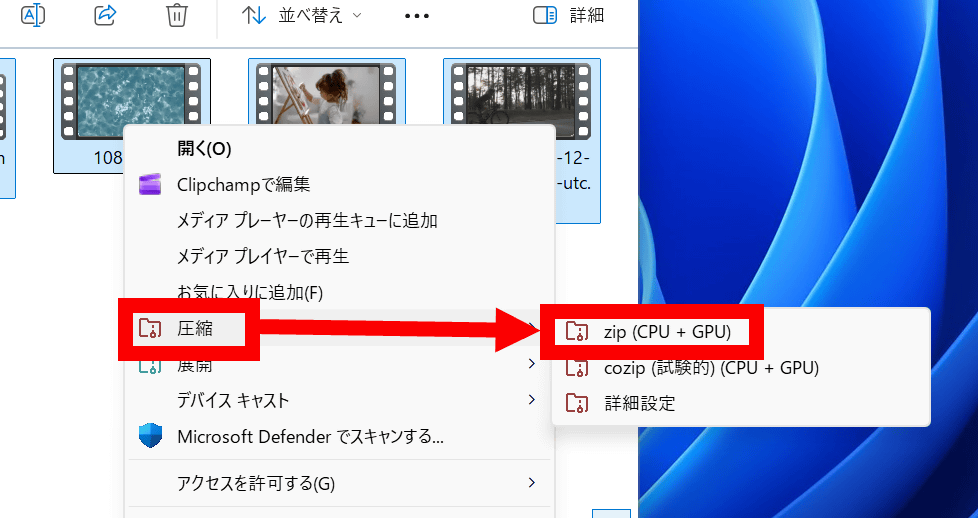
Click 'Compress,' then click 'zip (CPU + GPU).'
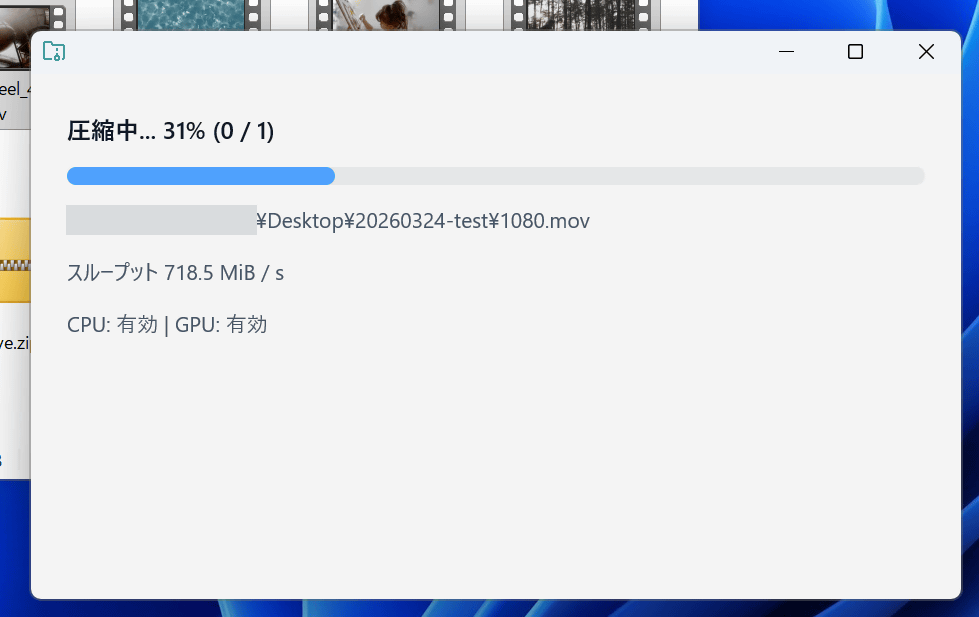
The processing status will be displayed on a screen like the one below.
Processing complete.
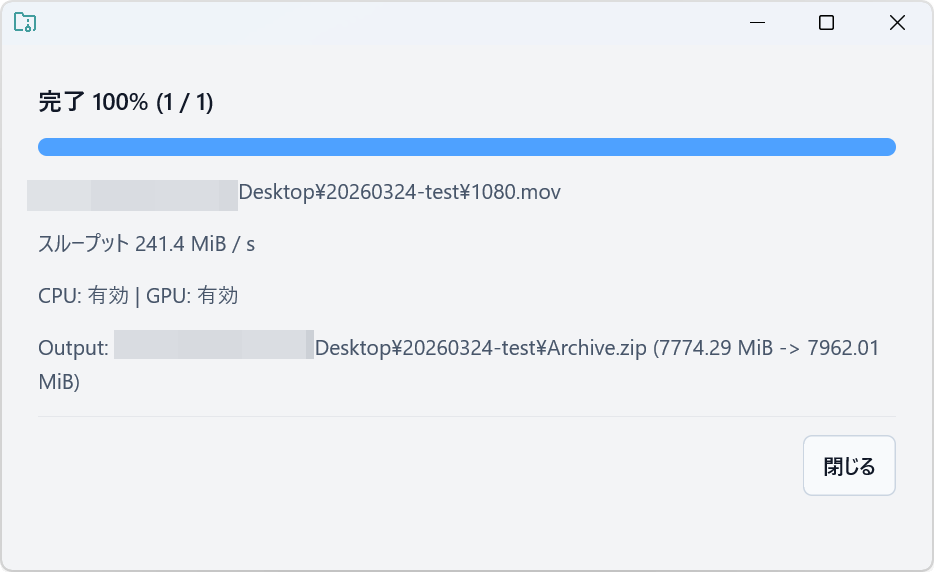
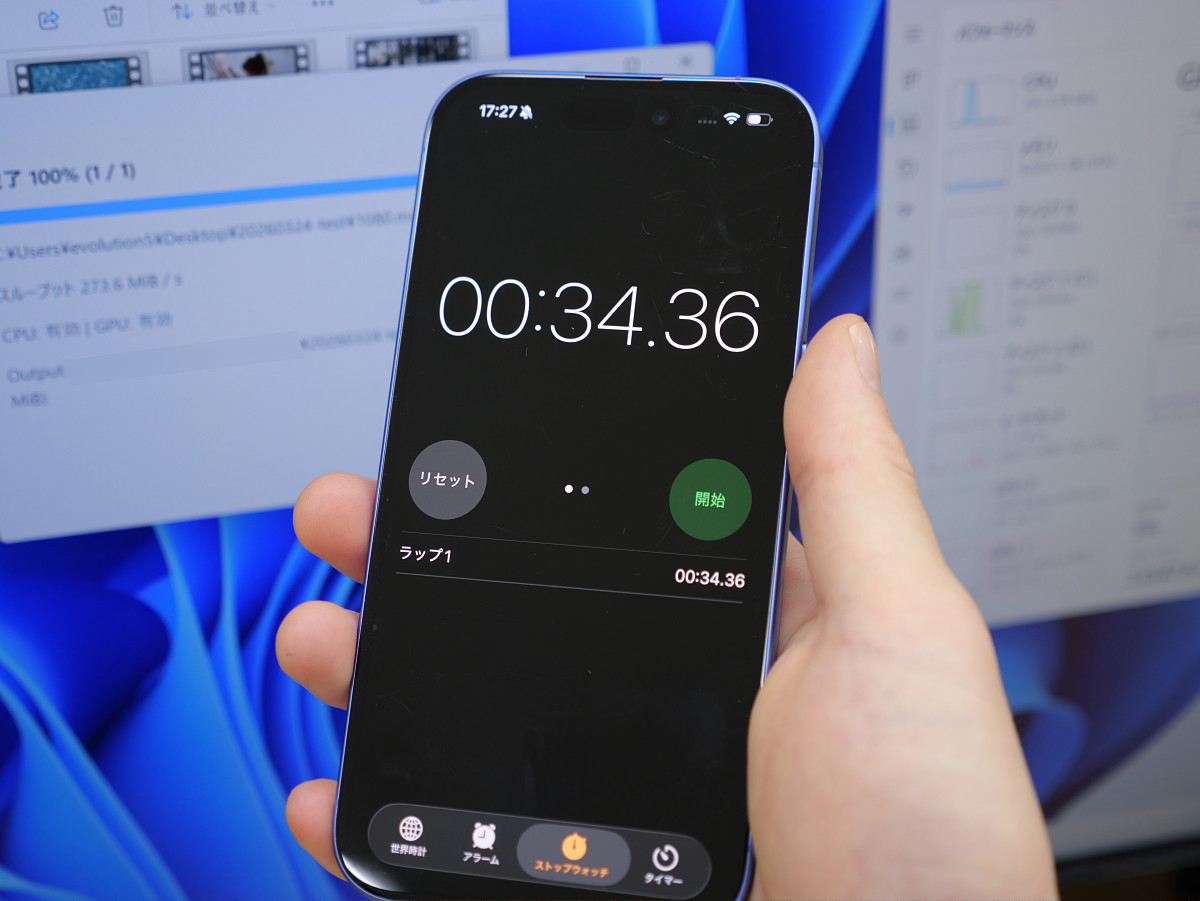
The compression took only 34 seconds. That's about four times faster than the standard Windows function.
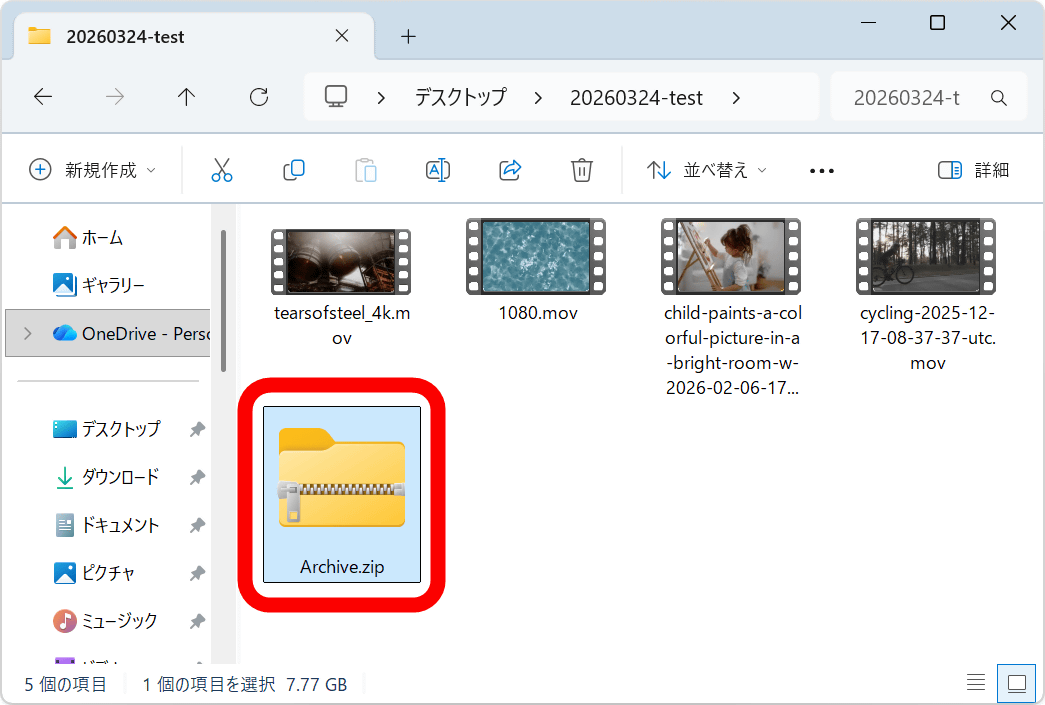
The compressed ZIP file was named 'Archive.zip'.
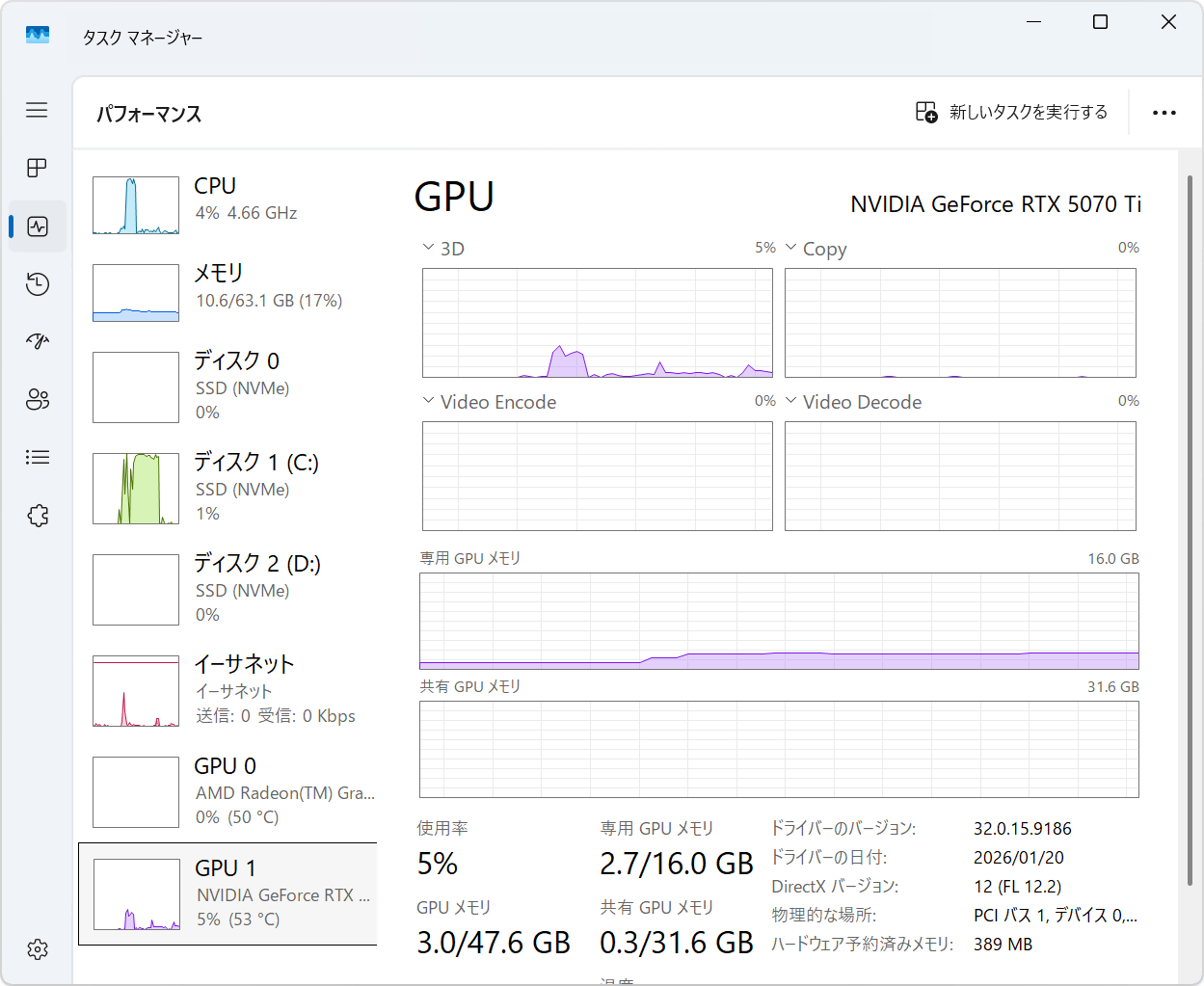
Check the load during the compression process with CoZip using Task Manager. The process uses all CPU threads from the moment compression begins.
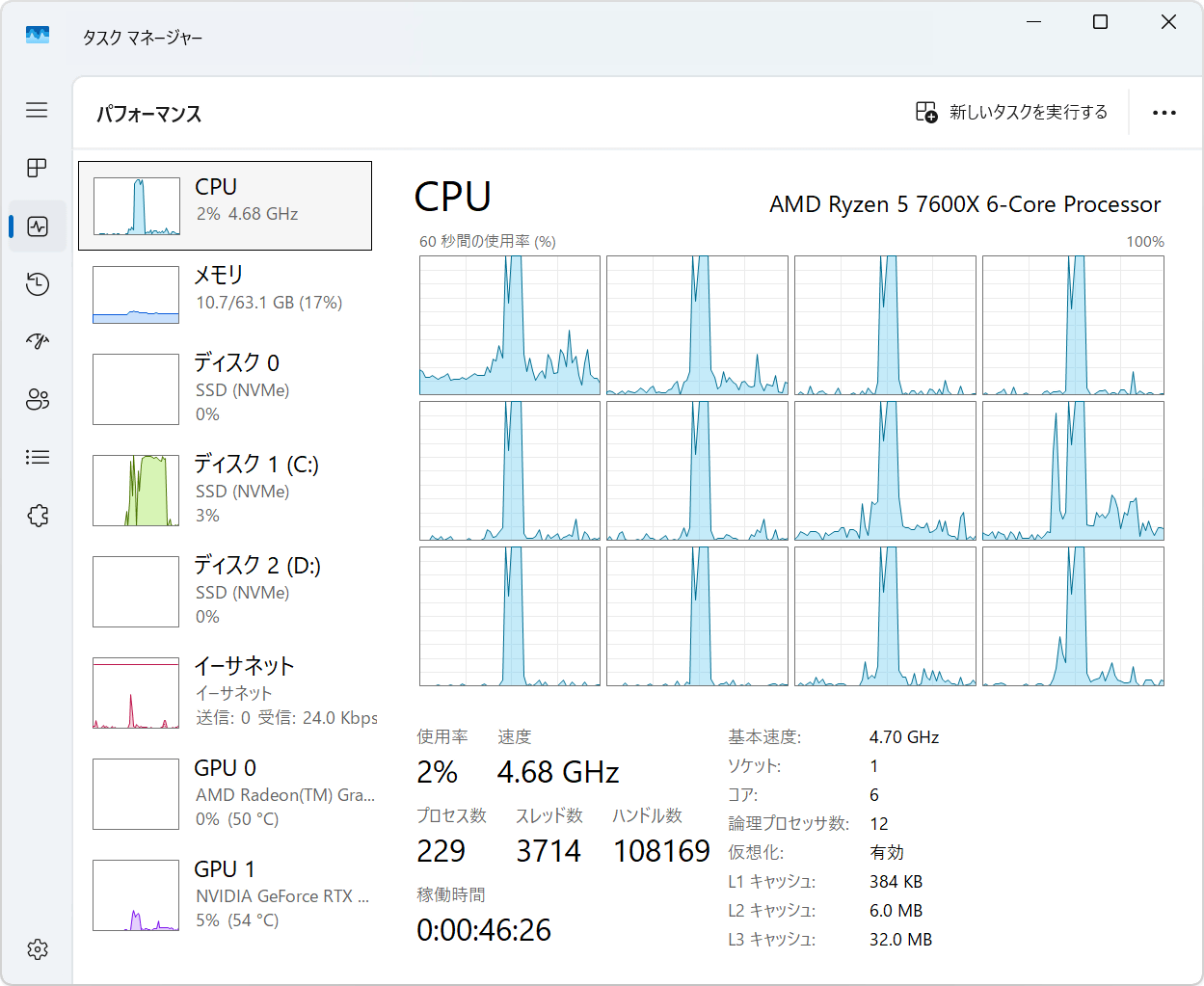
The GPU was also being used very effectively.
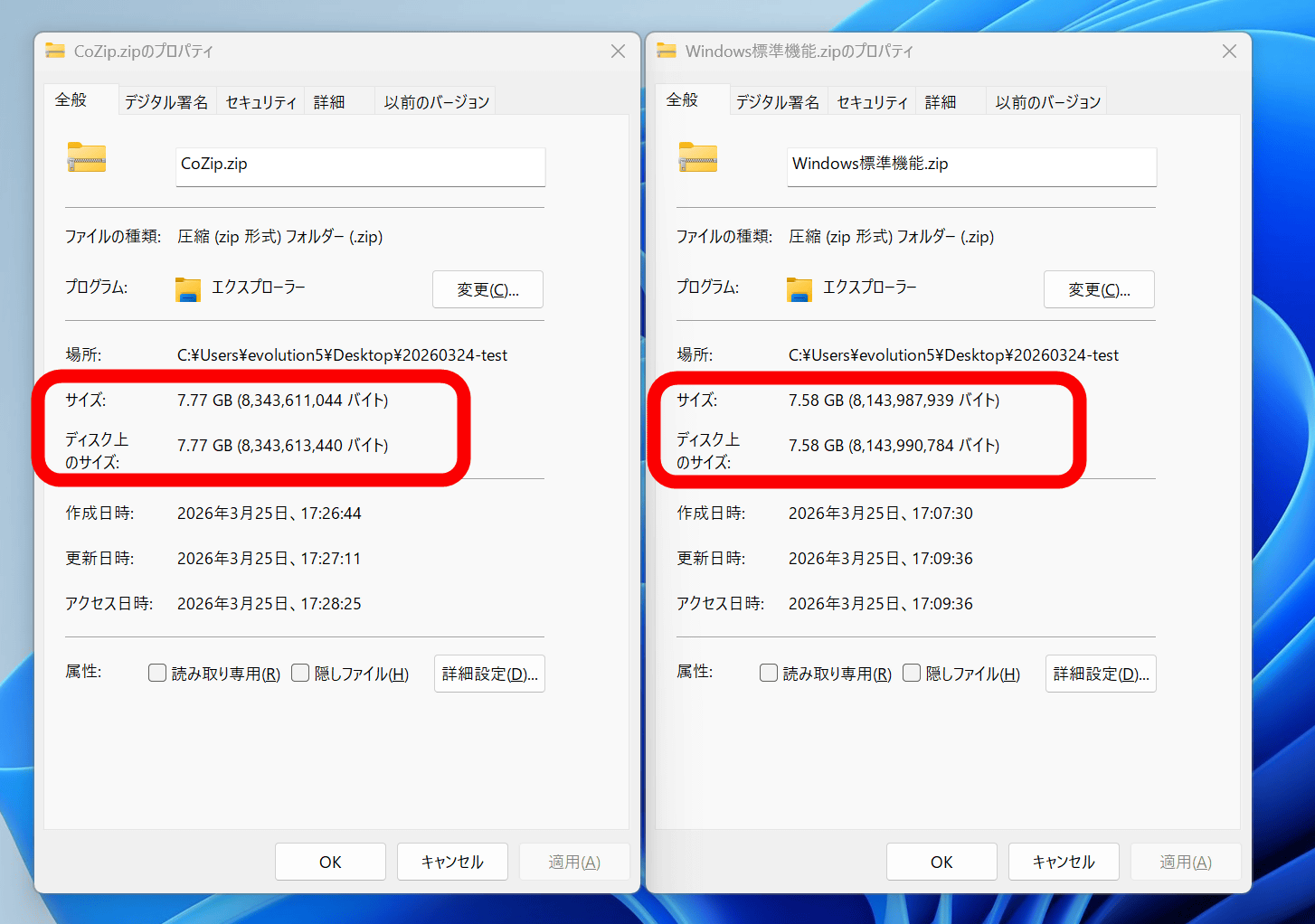
I've placed the properties of a ZIP file compressed with CoZip (left) and a ZIP file compressed using Windows' standard features (right) side by side. With CoZip, the file size is larger than the total file size before compression, reaching 7.77GB.
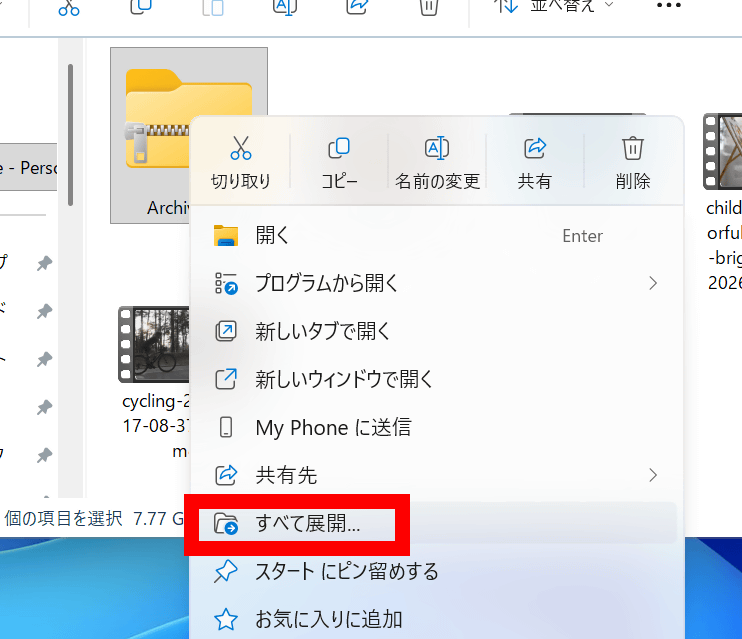
Next, we'll compare the speed of extracting 'Archive.zip,' which we created in the compression test, using both Windows' built-in function and CoZip. First, to extract it using Windows' built-in function, click 'Extract All' in the right-click menu.
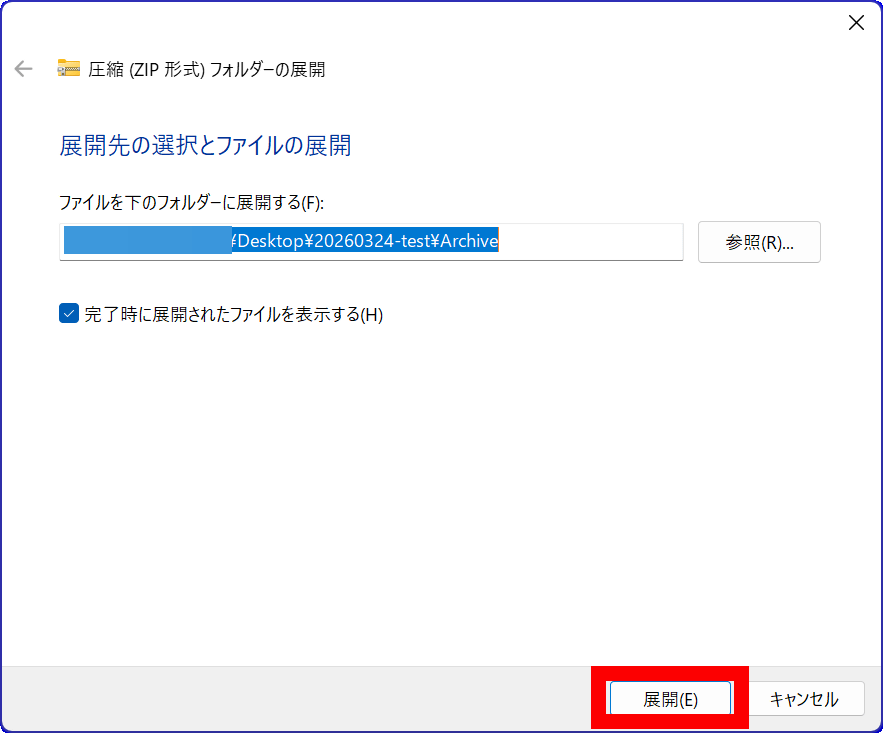
Click 'Expand'.
It was deployed in 58 seconds.

It will also be extracted using CoZip. Click 'Check other options' in the right-click menu.
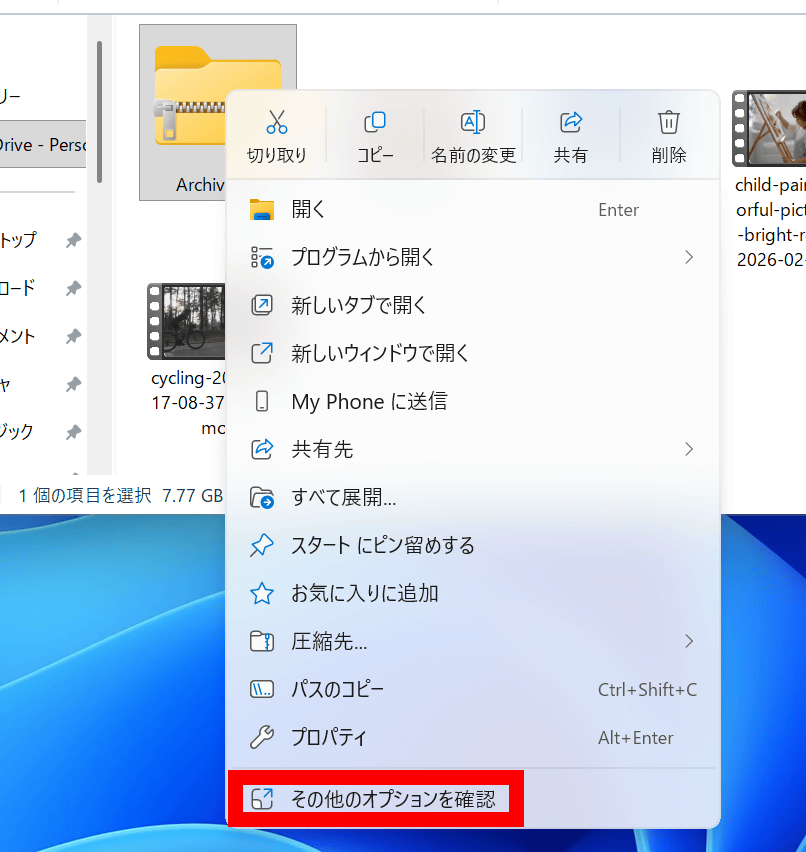
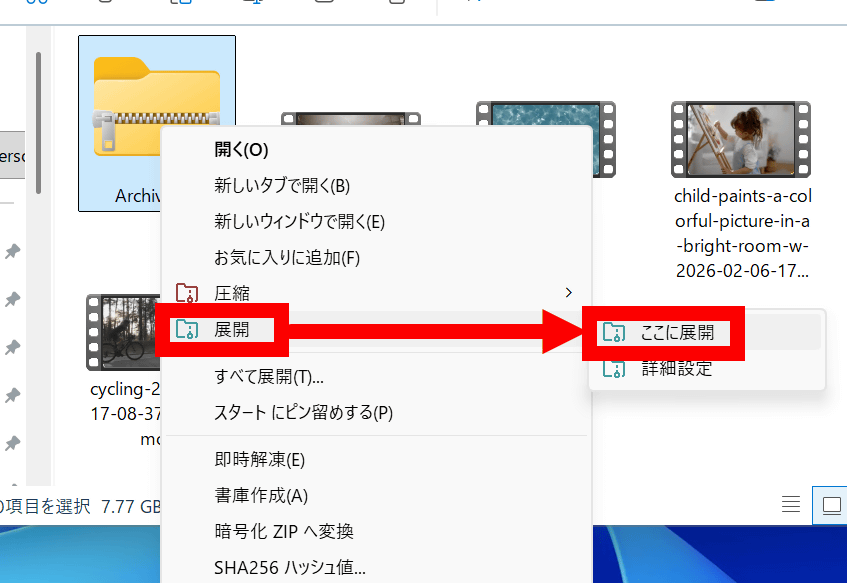
Click 'Expand' and then click 'Expand Here'.
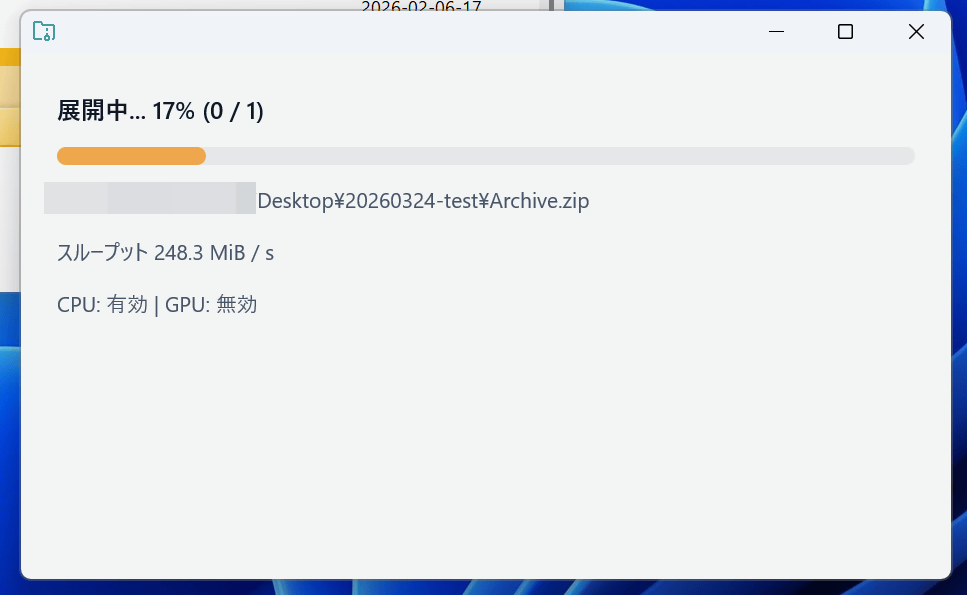
The screen looks like this during the unpacking process. The unpacking process is performed solely by the CPU.
Completed.
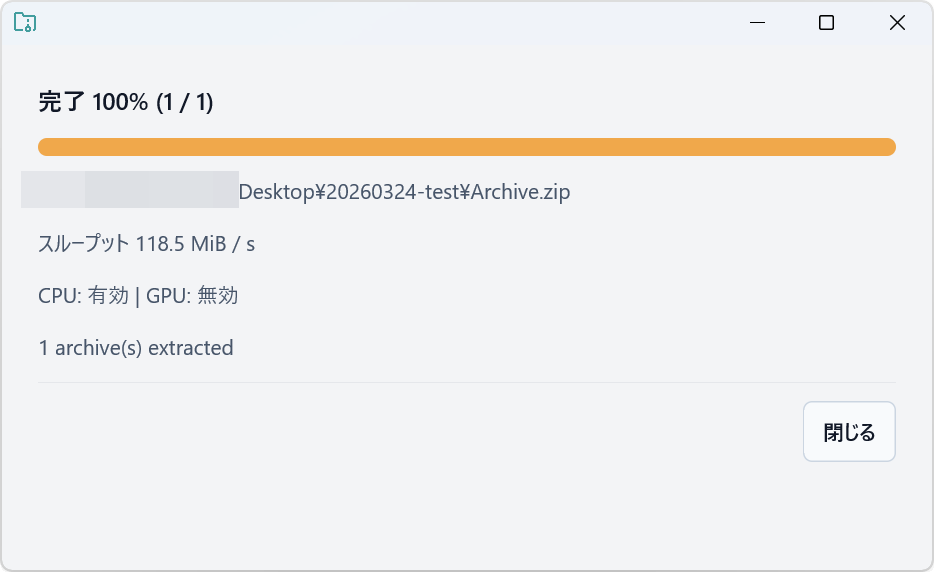
The extraction took 1 minute and 6 seconds. CoZip is incredibly fast at compression, but its extraction speed is about the same as Windows' standard function.

According to Mr. Bear, the version available at the time of writing is good at compressing 'large files,' but not so fast at compressing 'folders with a large number of small files.'
Since you kindly introduced it, I'd like to add a few points: With the current implementation, compressing folders with a large number of small files isn't very fast (it's a scheduler issue).
— 🦀Bea | bea4dev🦀 (@_Be4_) March 16, 2026
So if you're going to try it now, try a large file; it works incredibly fast. https://t.co/cybPASIbbj
The source code for CoZip can be found at the following link.
GitHub - bea4dev/cozip: Cooperative CPU + GPU (WebGPU) compression library for Rust. · GitHub
https://github.com/bea4dev/cozip
Related Posts: