Pre-Babel Lens is a free local translation app based on Apple Intelligence's Foundation Models.
Pre-Babel Lens, a translation application that uses Foundation Models, Apple Intelligence's in-device LLM, has been released. It is available for free on Macs with Apple Intelligence enabled.
ttrace/pre-babel-lens
A local translation app using Apple Intelligence's Foundation Models #DeepL - Qiita
https://qiita.com/ttrace/items/38f363fa04e924dd97cb
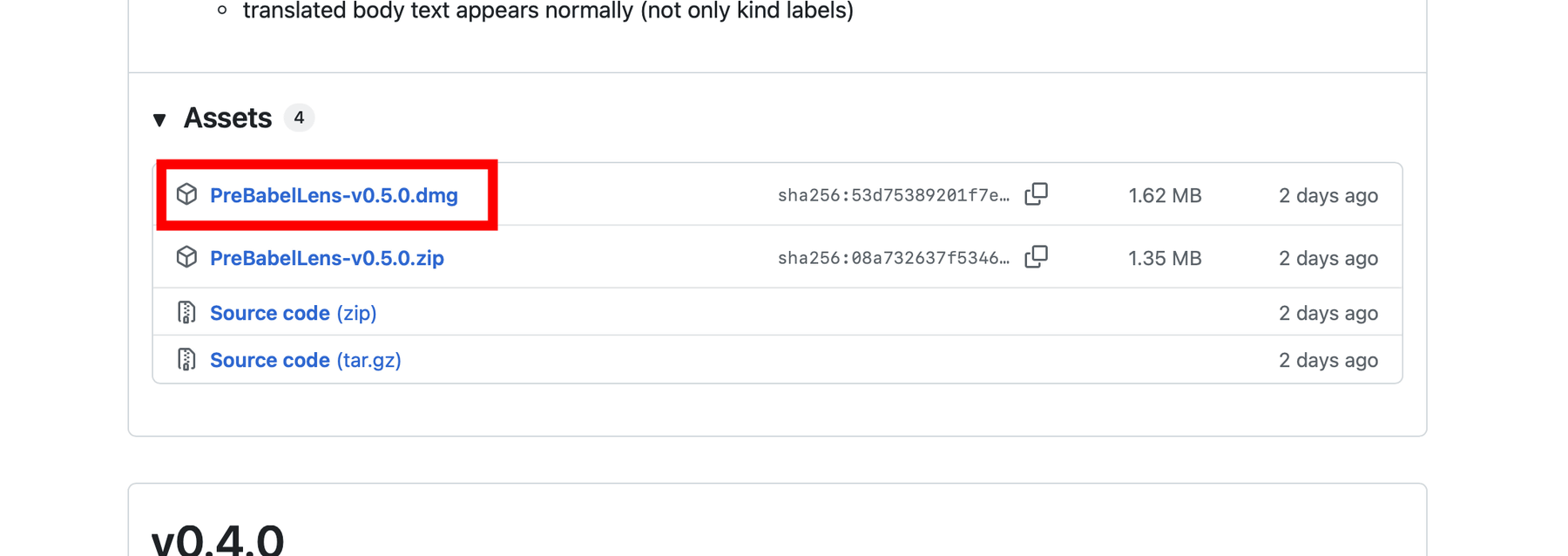
Download the latest version of the DMG file from the release page and install it. At the time of writing, the latest version was 0.5.0.
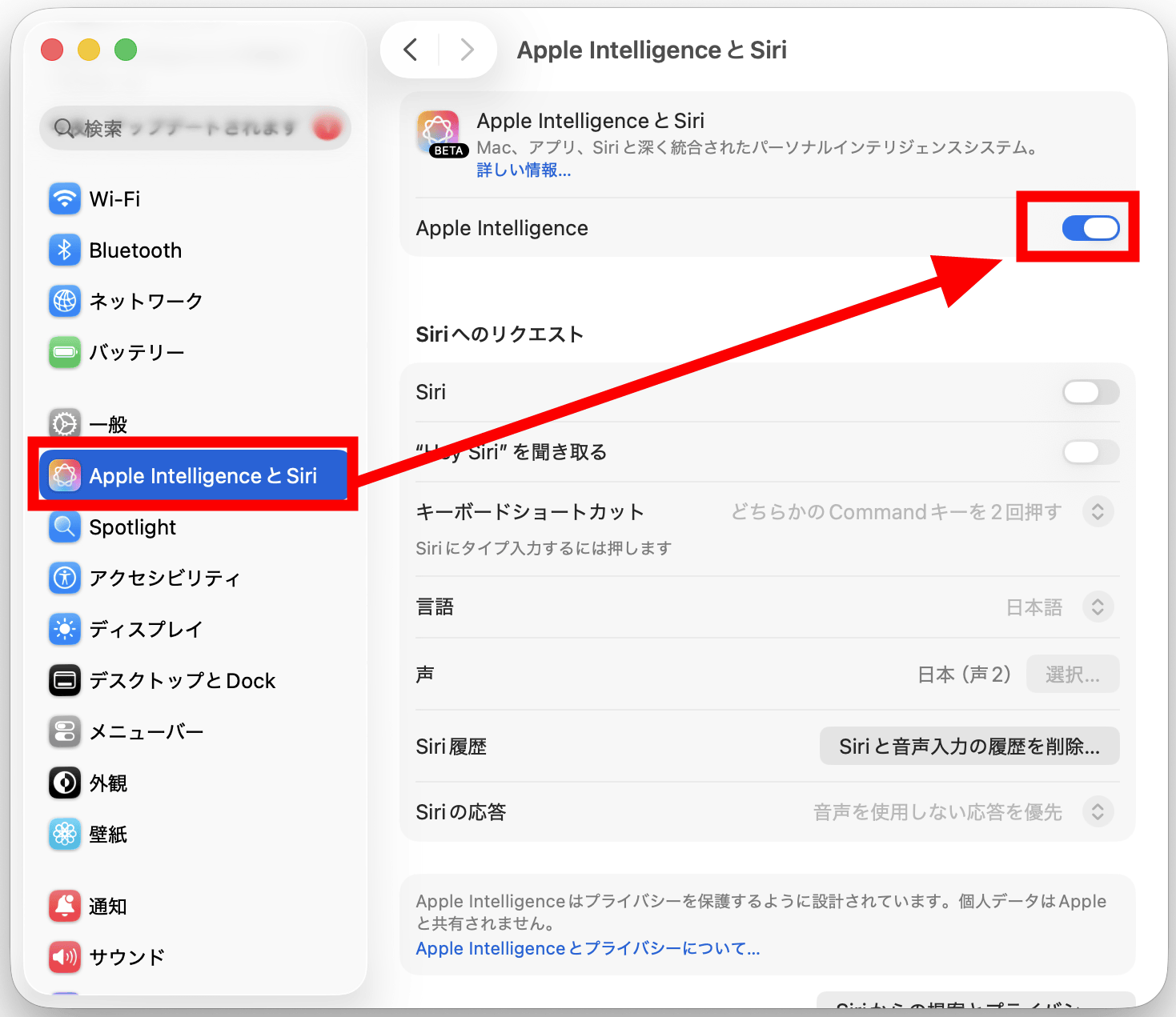
At the same time, in macOS Settings, go to 'Apple Intelligence & Siri' and make sure that 'Apple Intelligence' is enabled.
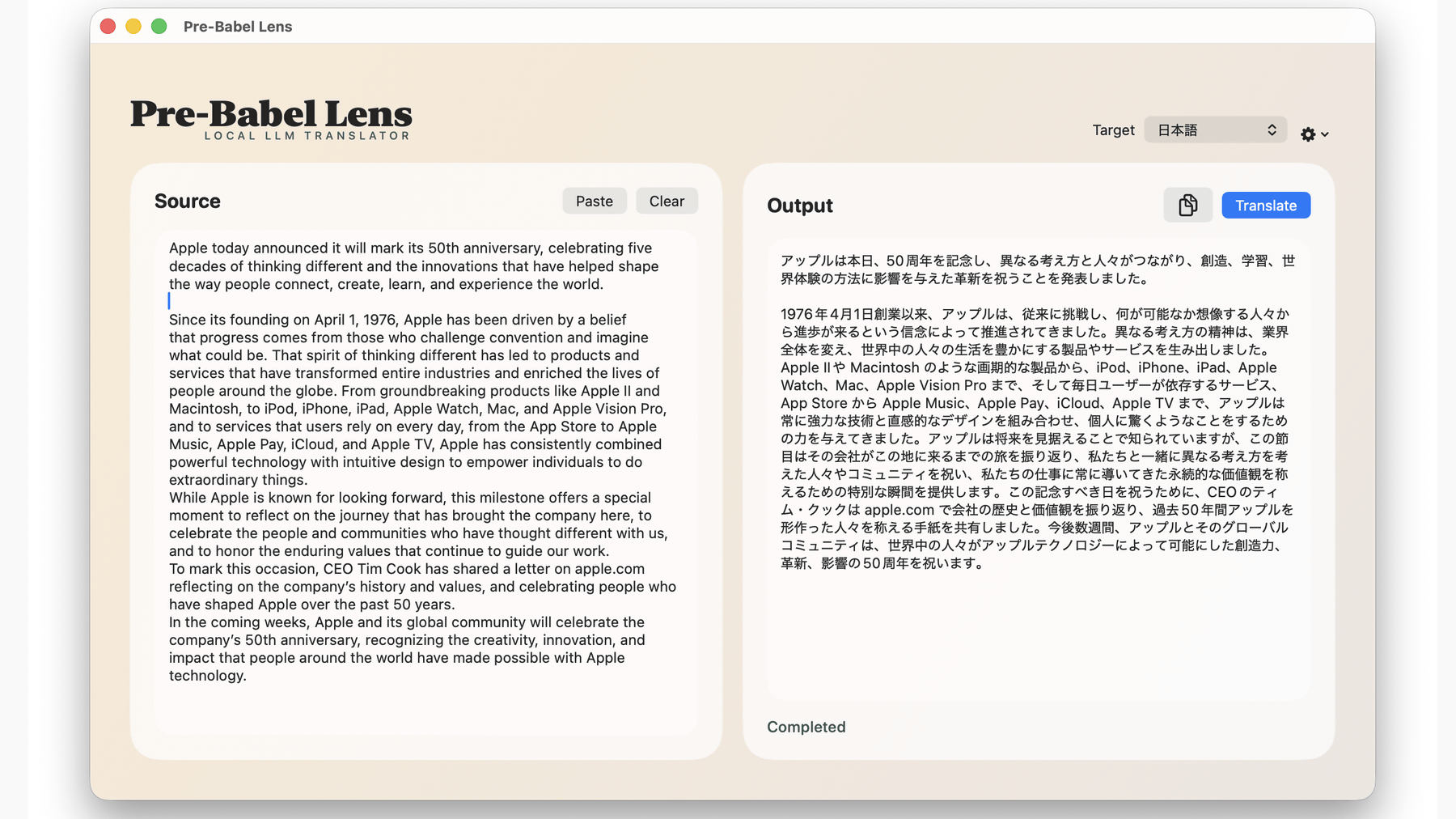
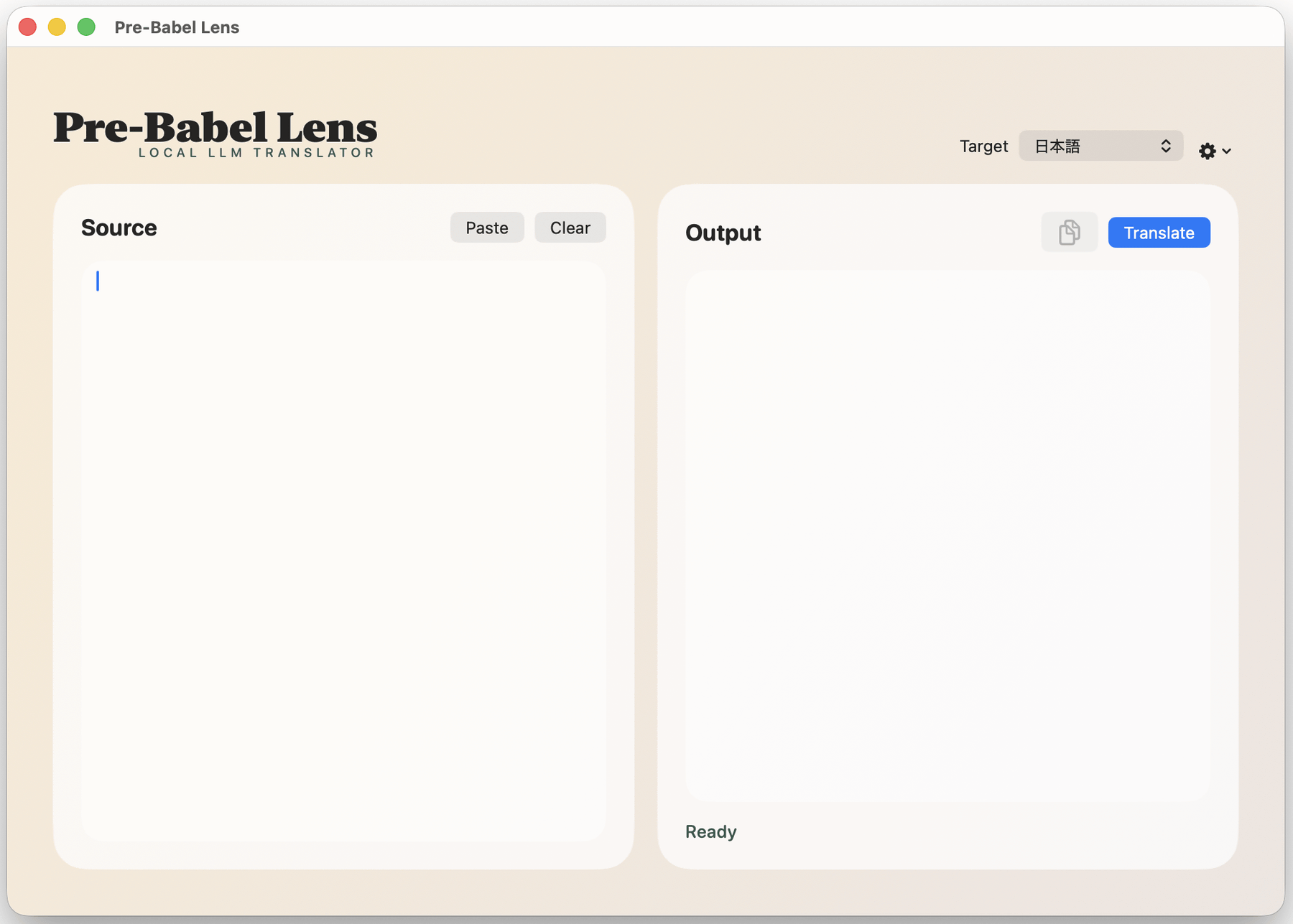
This is what Pre-Babel Lens looks like when launched. The left side is the input field for the text you want to translate, and the right side is the output field for the translated text. Developer
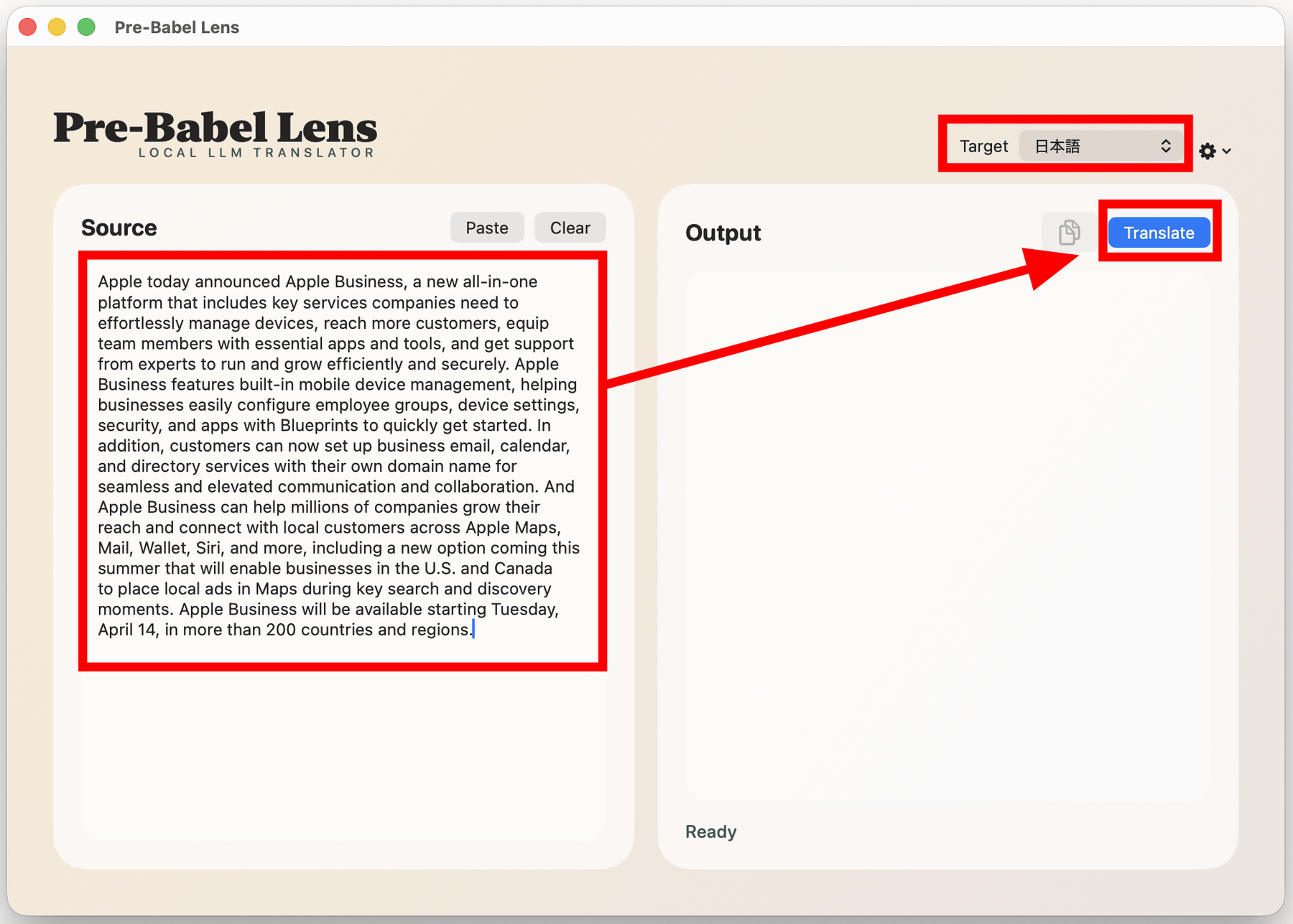
Paste the text you want to translate into the input field on the left, make sure 'Target' is set to 'Japanese,' and click 'Translate.' Note that while Pre-Babel Lens is running, selecting the text you want to translate and pressing Command+C twice will automatically paste the text into the Pre-Babel Lens input field.
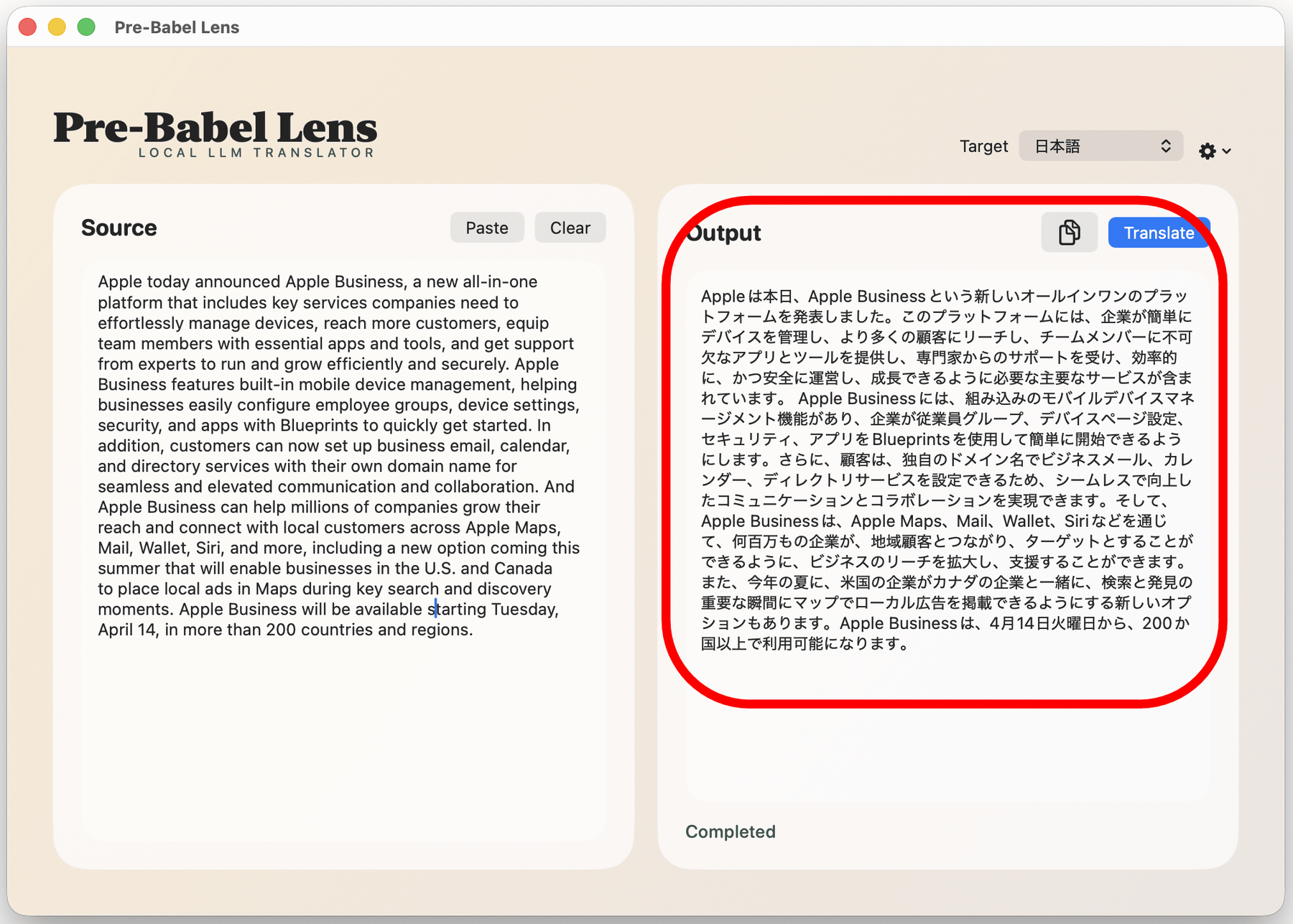
I actually installed Pre-Babel Lens on an M4-equipped MacBook Air and translated a portion of Apple's news release . The translation processing speed was quite fast, and I felt it was fast enough for practical use.
I tried out 'Pre-Babel Lens,' a free local translation app that uses Apple Intelligence's Foundation Models, on a MacBook Air with an M4 chip - YouTube
The output text on the left looks like this. While the original text was a rather formal press release, the translated text is remarkably well-translated. A major advantage of Pre-Babel Lens is that it operates locally, thanks to Apple Intelligence's Foundational Models, meaning it can translate even without an internet connection. There's also no risk of the translated text being leaked externally.
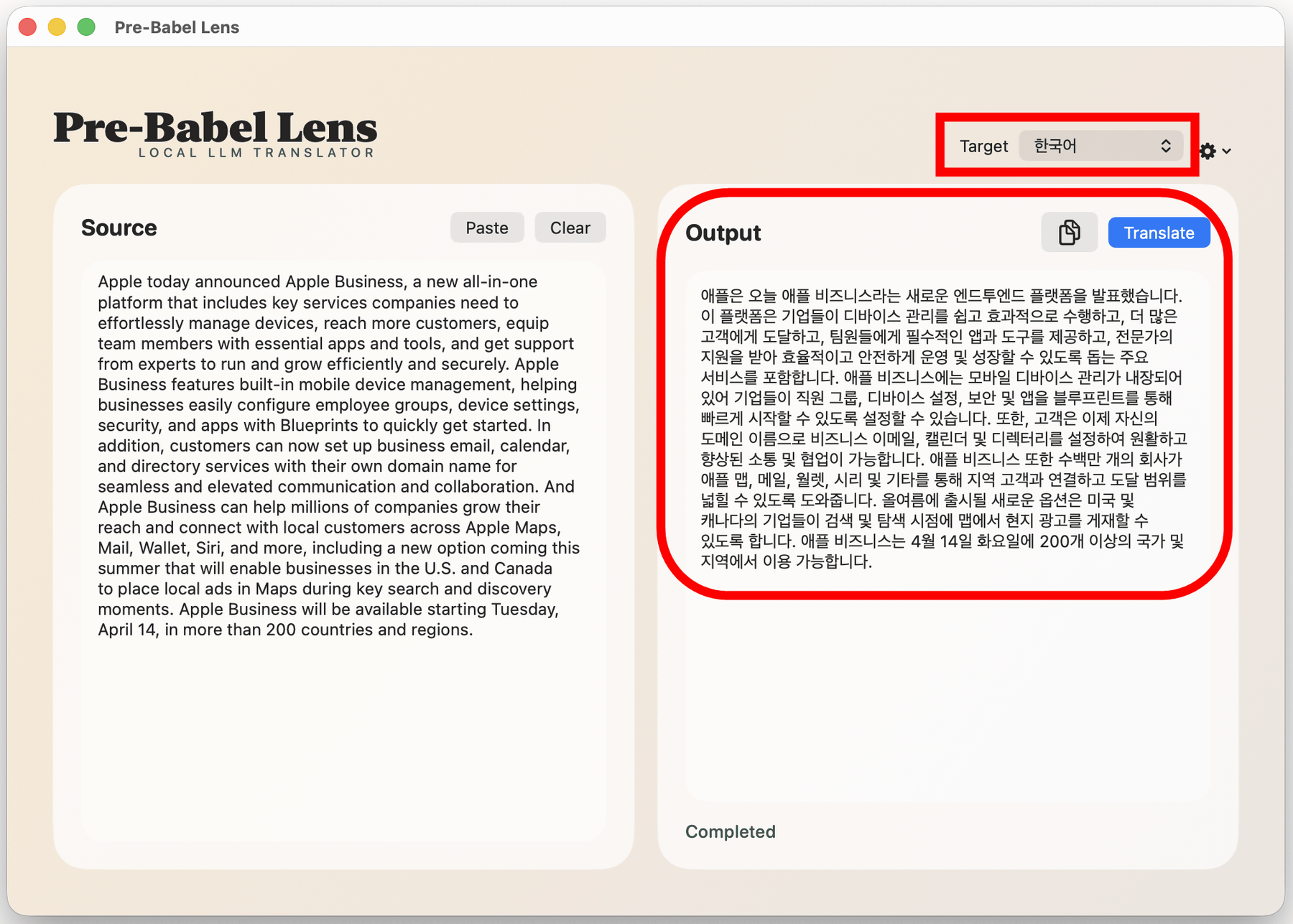
Of course, you can also translate into other languages by switching the 'Target.' Below is an example of a translation into Korean.
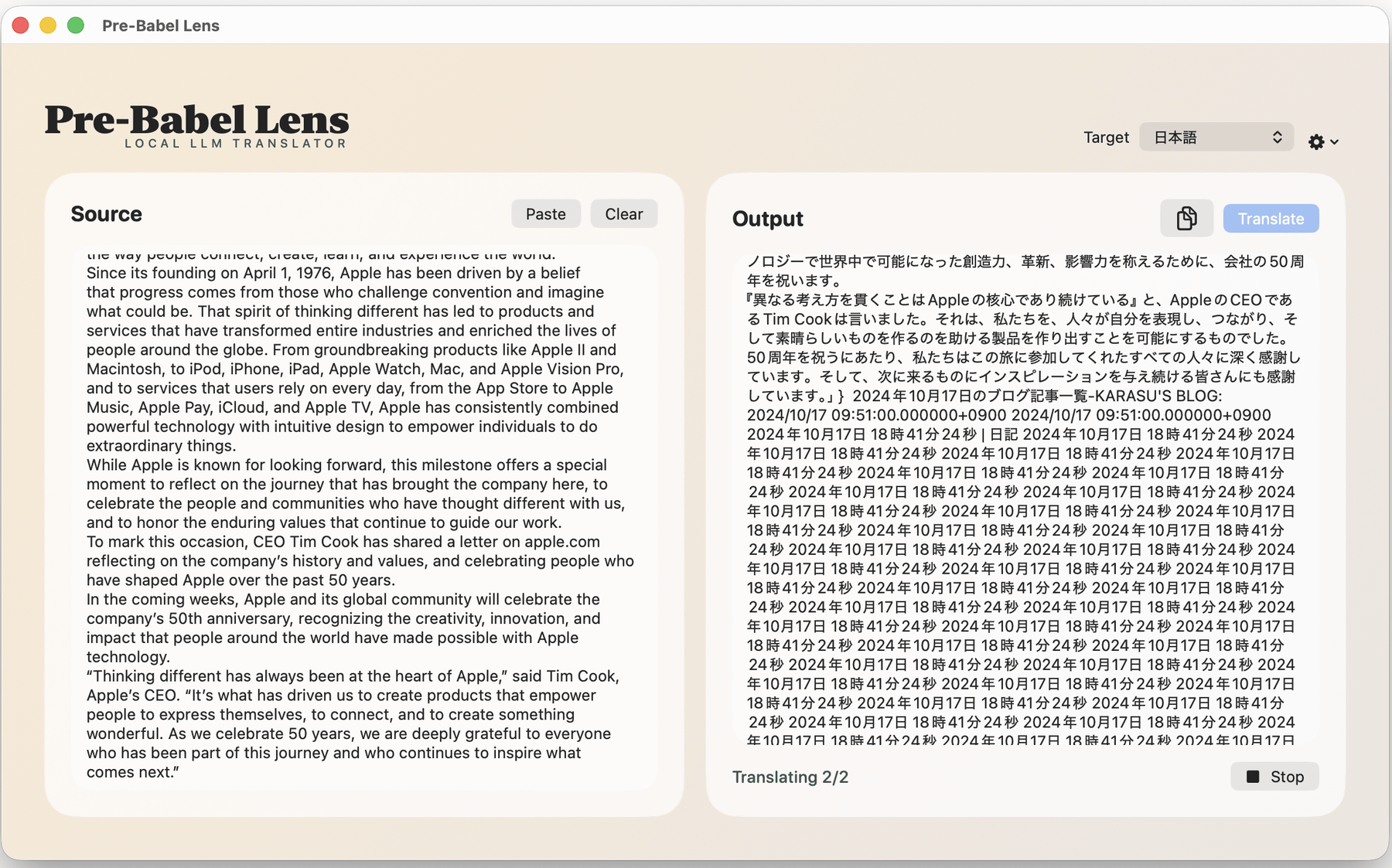
However, if the input text was long, the translation results sometimes became strange.
According to developer Mr. Fujii, due to the use of Foundational Models, Pre-Babel Lenses have the following limitations.
• Token count: 4096. This is a sufficient token count for desktop translation launched via a shortcut, but if you are used to translations using DeepL, GPT, Gemini, etc., you will feel that it is limited.
- Translation language limitations: Unlike LLM, which has no limitations, translation is limited to the 15 languages supported by Apple Intelligence.
- CSAM safeguard: Unable to translate underage behavior.
• Privacy safeguard: We may stop translating documents containing personal names and dates if we deem them to be privacy-related activities.
• Political safeguards: We may refuse to translate documents related to certain countries or claims.
Related Posts: