How to spot fake cell towers in Android's 'Network Notifications' setting
There have been cases of fake base stations transmitting illegal signals, hijacking communications, and sending phishing SMS. These communications can be blocked by disabling 2G connections, but Android 16 adds a new setting: 'Notify me when connected to a suspicious network.'
Android 16 can warn you that you might be connected to a fake cell tower - Android Authority
This Android toggle tells you when you're connect to fake cell towers
https://www.howtogeek.com/theres-a-hidden-android-setting-that-spots-fake-cell-towers/
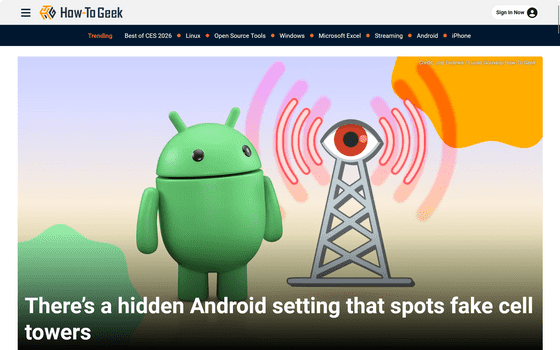
Malicious individuals masquerade as mobile phone base stations and force passersby's devices to connect, then carry out attacks to read highly confidential information such as device identifiers.Such attacks have been confirmed in Japan, and the Ministry of Internal Affairs and Communications has issued a warning.
Ministry of Internal Affairs and Communications | Interference to mobile phone services from wireless devices suspected of being illegal wireless stations - Beware of SMS for phishing scams, etc.
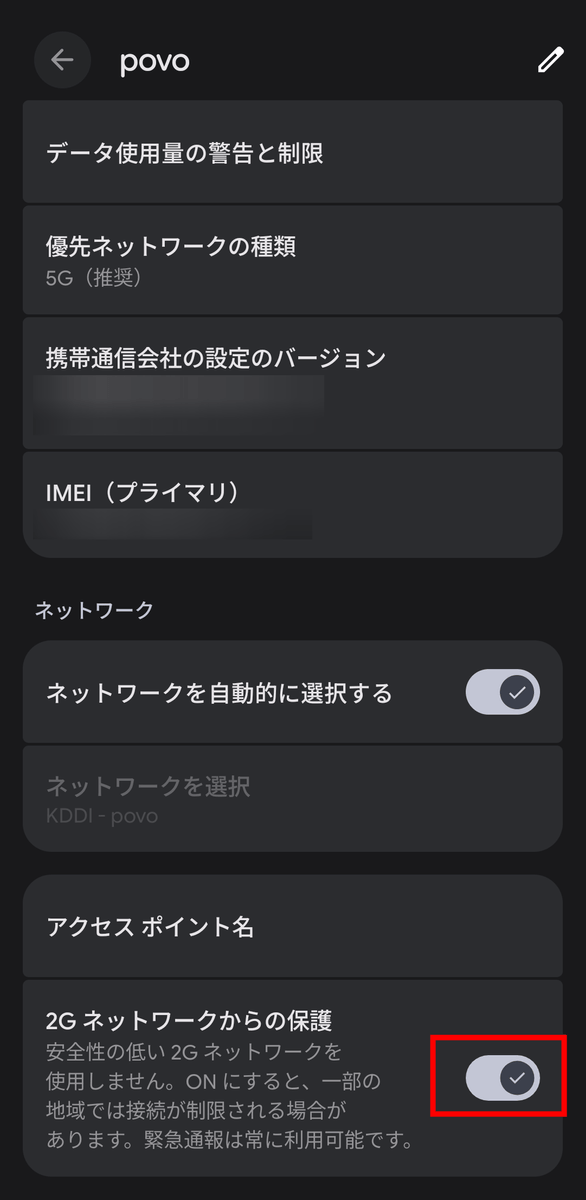
These attacks exploit vulnerabilities in base station authentication via the older 2G communications standard, so disabling 2G on the device prevents unwanted attacks. This setting was added to Android 12 in 2022, but there is no related setting in iOS.
Additionally, Android 16 adds a new setting called 'Network Notifications' that notifies you when your device connects to an unencrypted network or when your unique device ID or SIM ID is recorded by the network. According to technology media How-To Geek, this setting requires high hardware requirements for the device to function, so at the time of writing, it is only supported on the Pixel 10 series. Here's how to set it up:
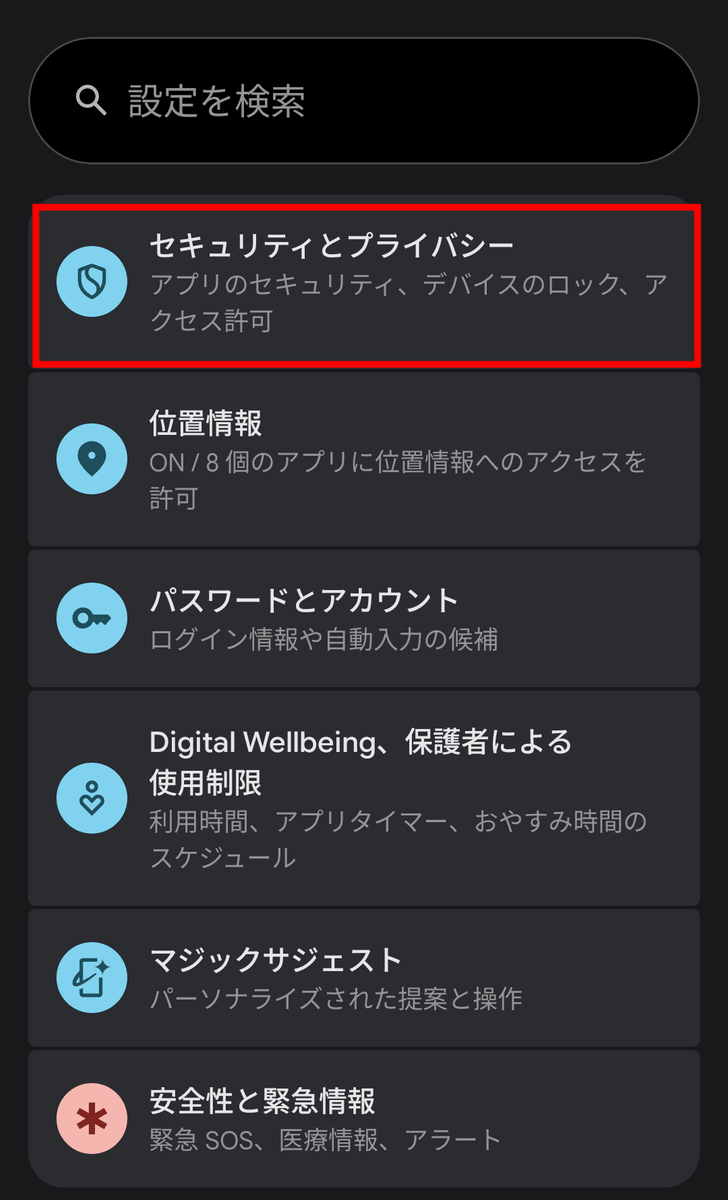
Open the Settings app and tap 'Security & Privacy.'
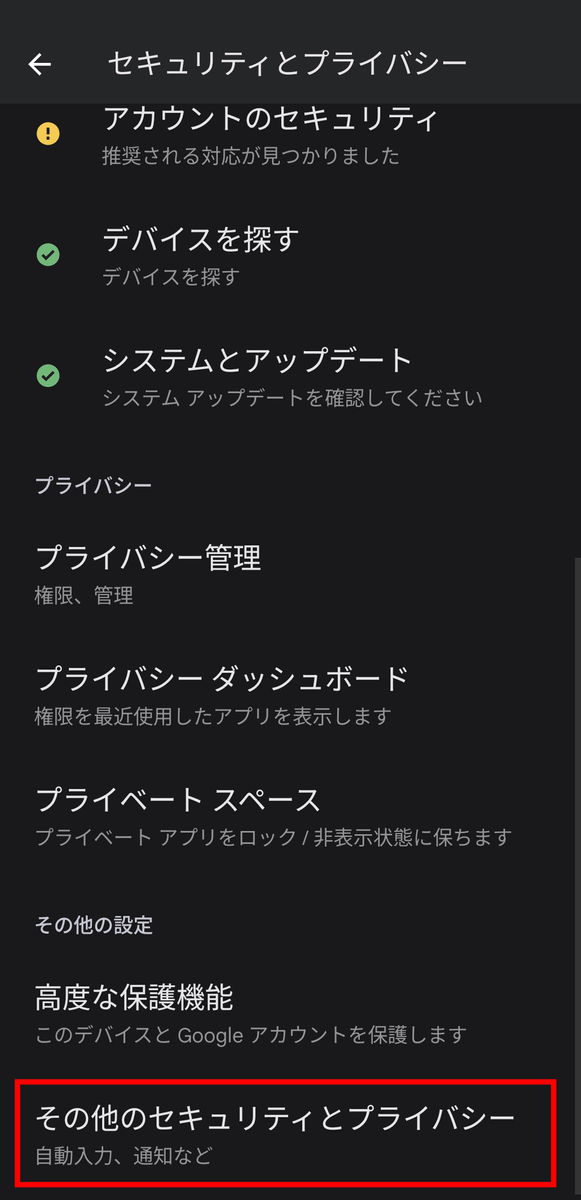
Next, tap 'More security and privacy.'
Tap 'Mobile Network Security.'
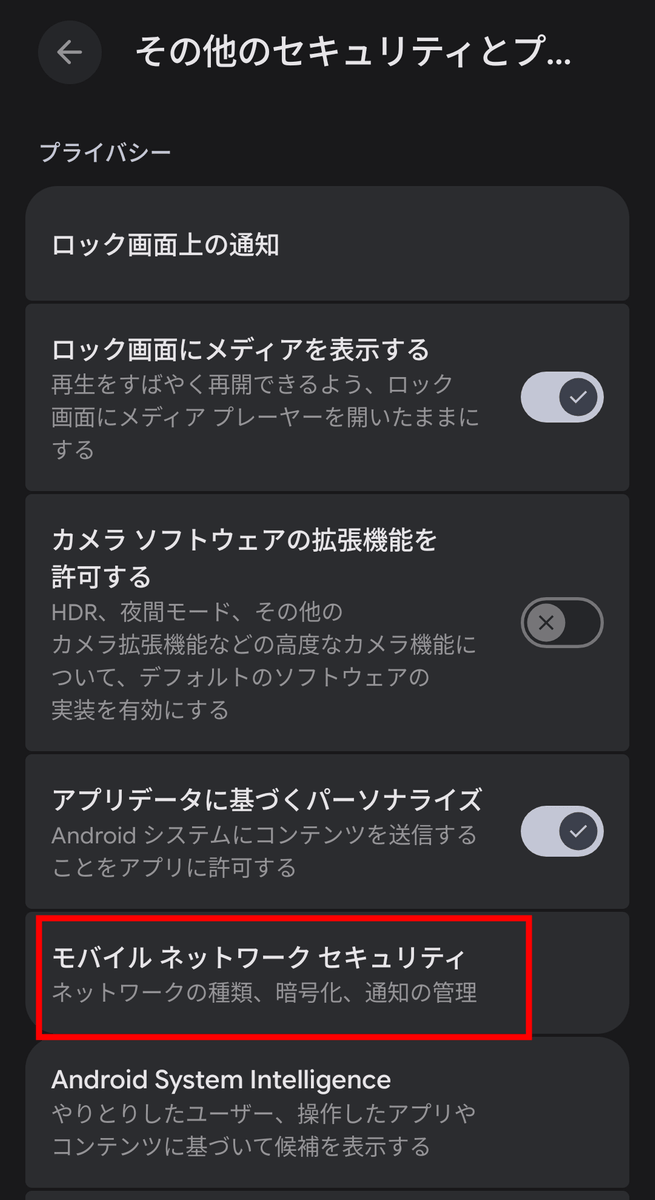
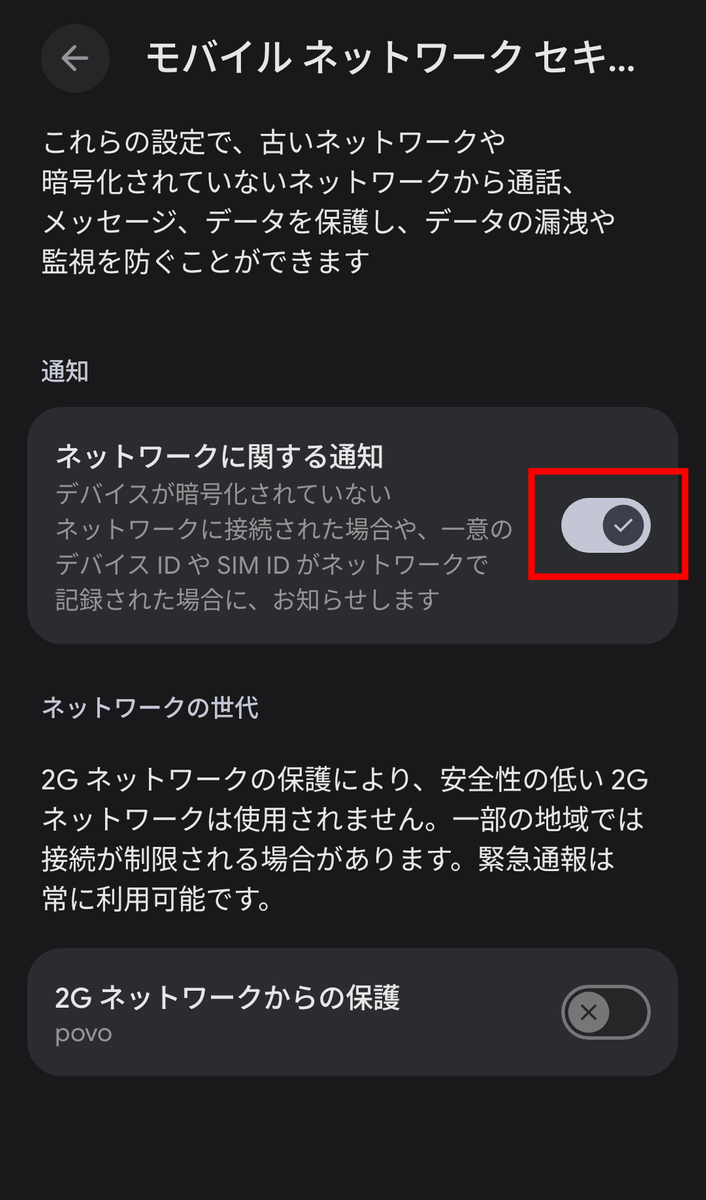
Tap Network Notifications to turn it on.
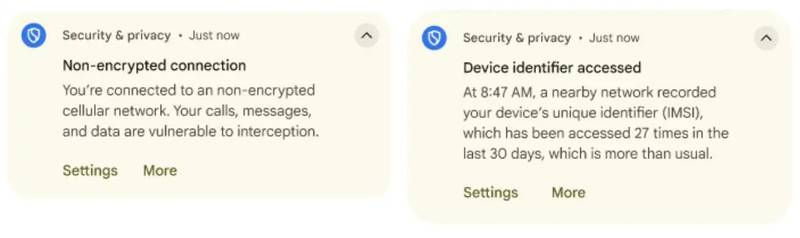
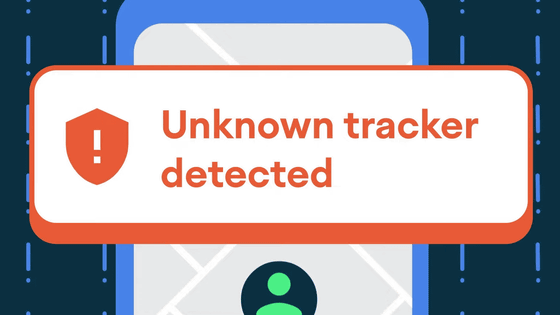
If a situation that matches the 'Network Notification' rule occurs, a warning will be displayed saying, 'You are connected to an unencrypted network, putting your calls, messages, and more at risk.' It will also notify you if someone logs your device information, including the time and frequency of such activity.
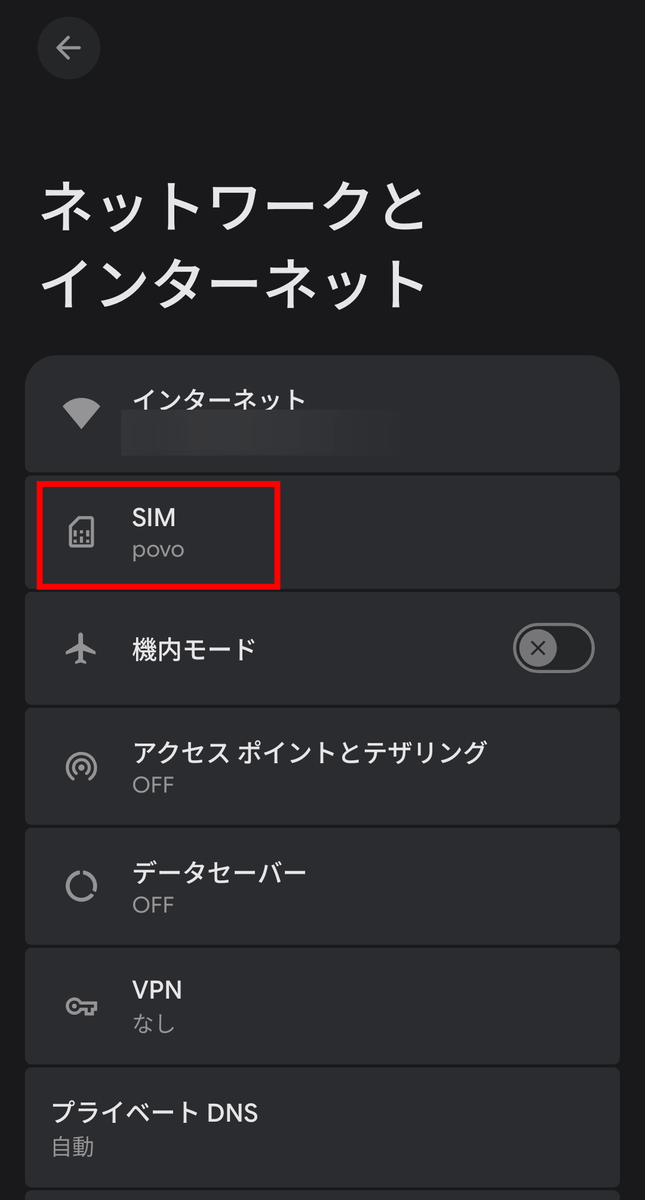
The settings to disable 2G are as follows:
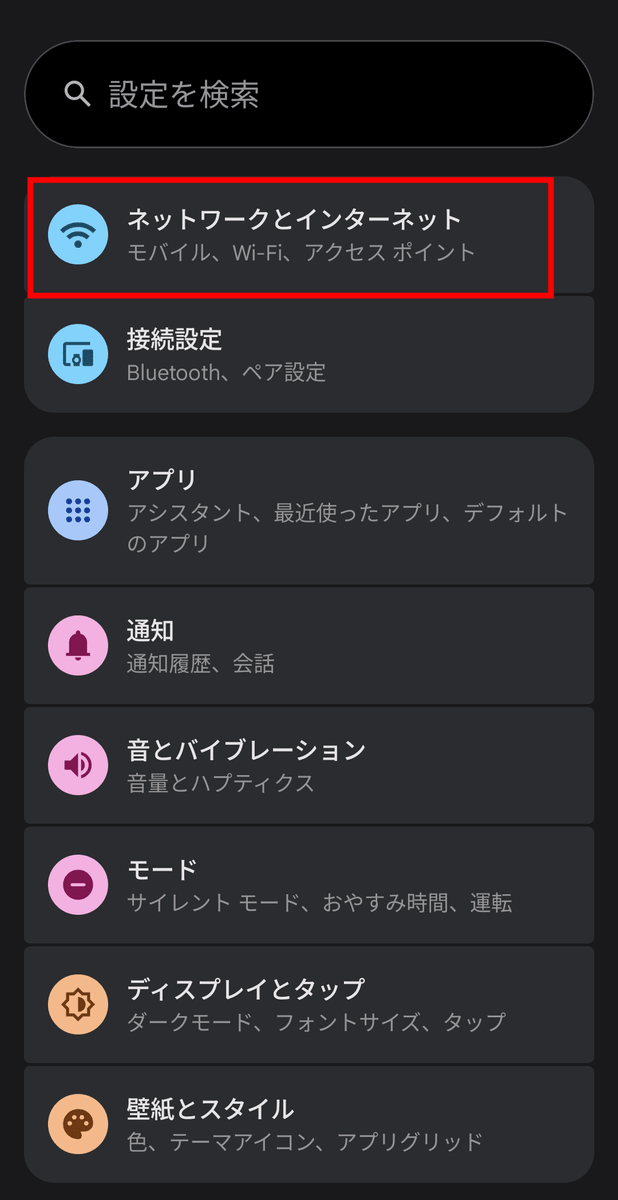
From the Settings app, tap 'Network and Internet.'
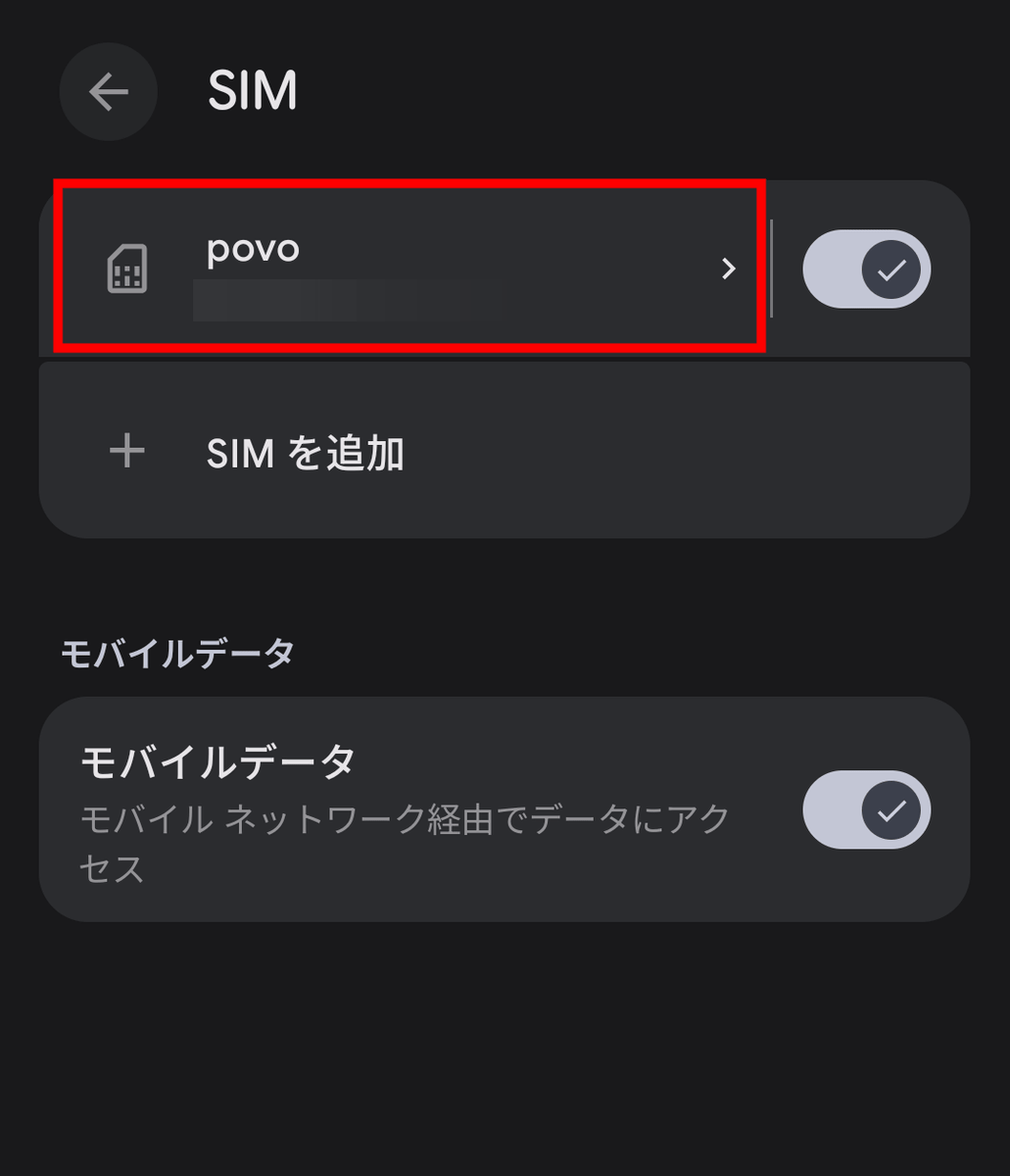
Tap 'SIM'.
Tap SIM card settings.
Tap 'Protect from 2G networks' to turn it on.
Related Posts:





in Smartphone, Security, Posted by log1p_kr