Microsoft issues emergency fix after security update makes some Windows 11 devices unable to shut down
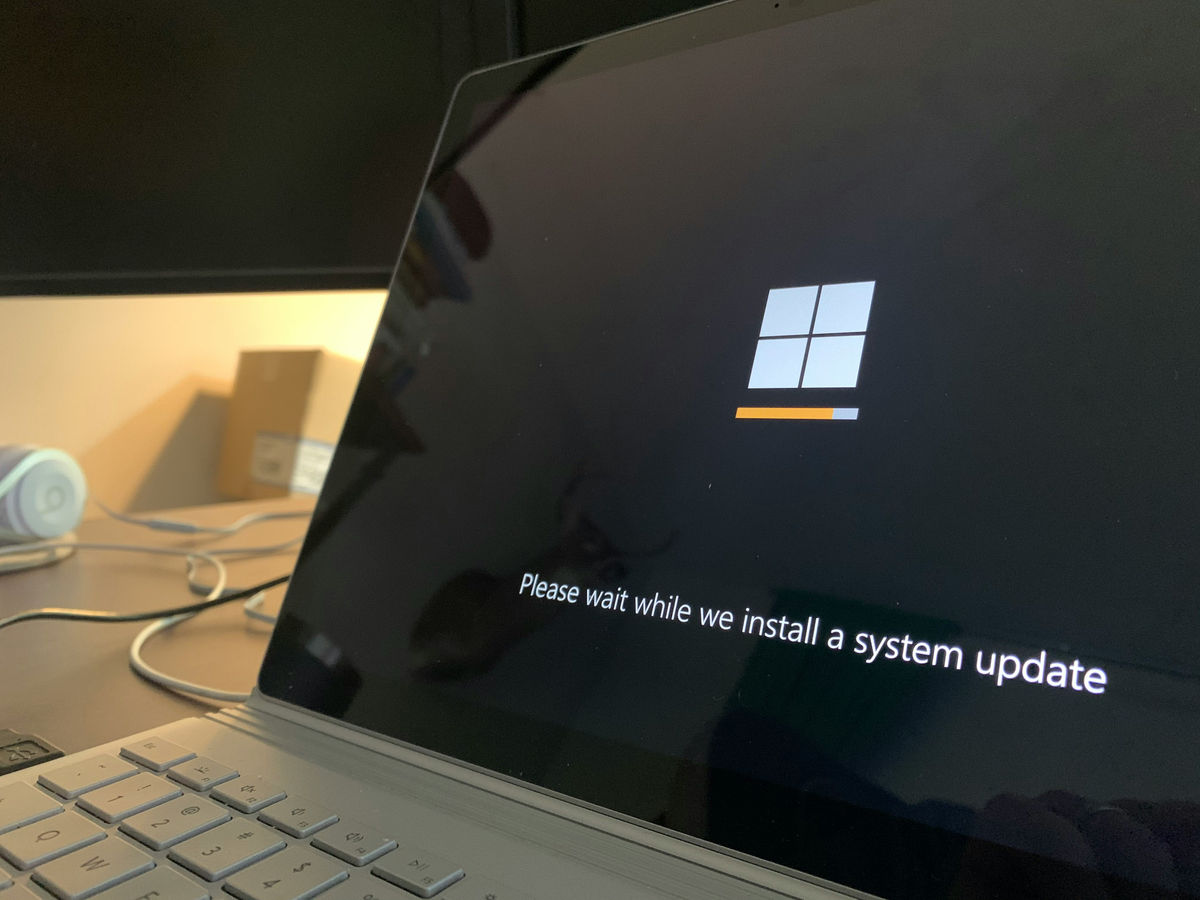
The Windows 11 KB5074109 security update
Windows message center | Microsoft Learn
https://learn.microsoft.com/en-us/windows/release-health/windows-message-center#3763
Windows 11 KB5074109 issues: black screen, freezes Outlook POP, breaks Azure Virtual Desktop, LocalizedResourceName (desktop.ini)
https://www.windowslatest.com/2026/01/17/windows-11-kb5074109-issues-black-screen-freezes-outlook-pop-breaks-azure-virtual-desktop-localizedresourcename-desktop-ini/
Microsoft issues emergency fix after a security update left some Windows 11 devices unable to shut down
https://www.engadget.com/computing/microsoft-issues-emergency-fix-afer-a-security-update-left-some-windows-11-devices-unable-to-shut-down-192216734.html
The issue of Windows being unable to shut down occurs on some Windows devices that use the ' Secure Launch ' security feature, which protects computers from firmware-level attacks during startup. Microsoft explained that the issue was addressed in an update released on January 17th.
In addition to the shutdown issue, several other bugs have been reported with Windows 11 KB5074109.
The first issue was a remote desktop connection issue where entering credentials could fail when connecting to a remote desktop using a Windows client device, Azure Virtual Desktop, or Windows apps on Windows 365. This issue has also been fixed in the update.

Another issue is the black screen issue. Some users have reported that after installing the update, a random black screen appears, the desktop freezes for 1-2 seconds, the display goes black, and then everything returns to normal. This issue occurs on both NVIDIA and AMD, and some users have reported that switching the monitor's DisplayPort mode (for example, down to 1.2 and back to 1.4) resolves the issue.
Additionally, users have also experienced issues with Outlook Classic not opening, not quitting, and not saving sent emails when using POP. The bug occurs when Outlook appears to be 'closed' when using a POP account, but the outlook.exe process continues to run in the background. Because the process never fully terminates, users report that attempting to reopen Outlook either fails to open or displays an error stating that Outlook is already open. The only option is to end or restart Outlook in Task Manager.
There's also a bug that causes File Explorer to no longer respect LocalizedResourceNames in desktop.ini. For example, even if you set a folder name to appear as 'Custom Folder' in desktop.ini, Windows ignores it and displays the folder's original name. It also seems that you can no longer hide folders like save data folders with the hidden attribute.
Related Posts: