Review of the world's lightest 14-inch display 'VAIO Vision+ 14' that can be connected with a single USB cable

The VAIO Vision+ 14 is the world's lightest mobile display over 14 inches, and can be used simply by connecting it with a single USB cable without the need for a power cord. We were given a VAIO Vision+ 14 for
Mobile displays 'VAIO Vision+ 14' and 'VAIO Vision+ 14P'
https://store.vaio.com/ec/feature/VJ5VP141/
This is the outer box of the VAIO Vision+ 14.
Inside the cardboard box was a gray box containing the VAIO Vision+ 14 and a USB Type-C cable.

Here's what all the contents look like: From top left, the VAIO Vision+ 14 main unit, cover stand, USB Type-C cable, and instruction manual.

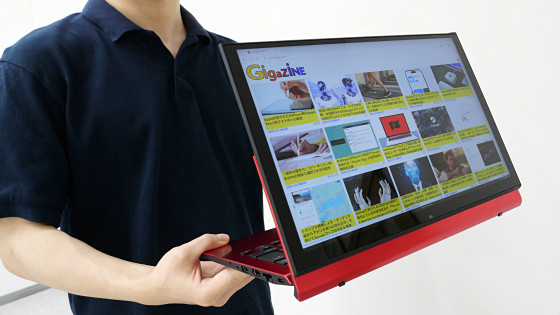
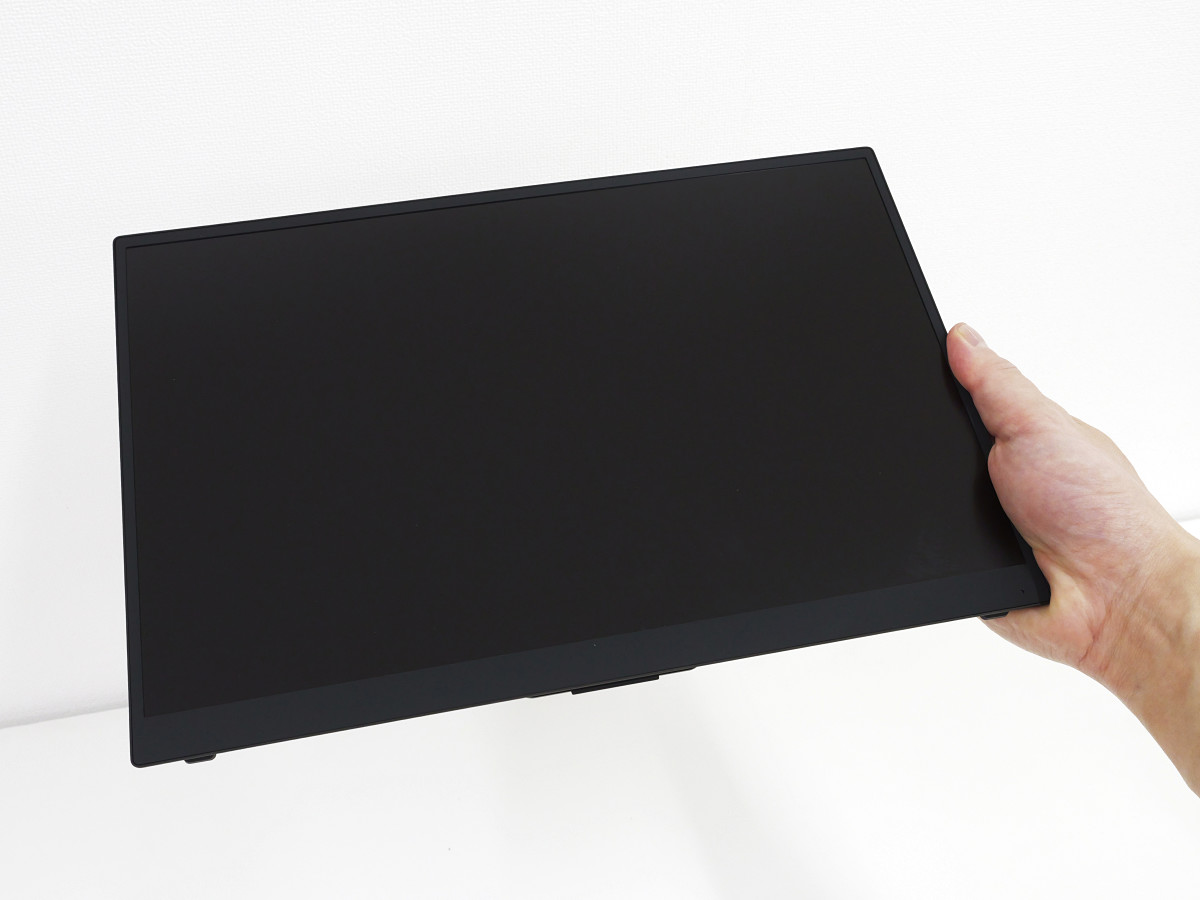
The VAIO Vision+ 14 has a 14-inch screen and measures 312mm wide x 211.1mm high x 12.4mm thick. It's the lightest laptop in the world, and you can hold it with your fingers.
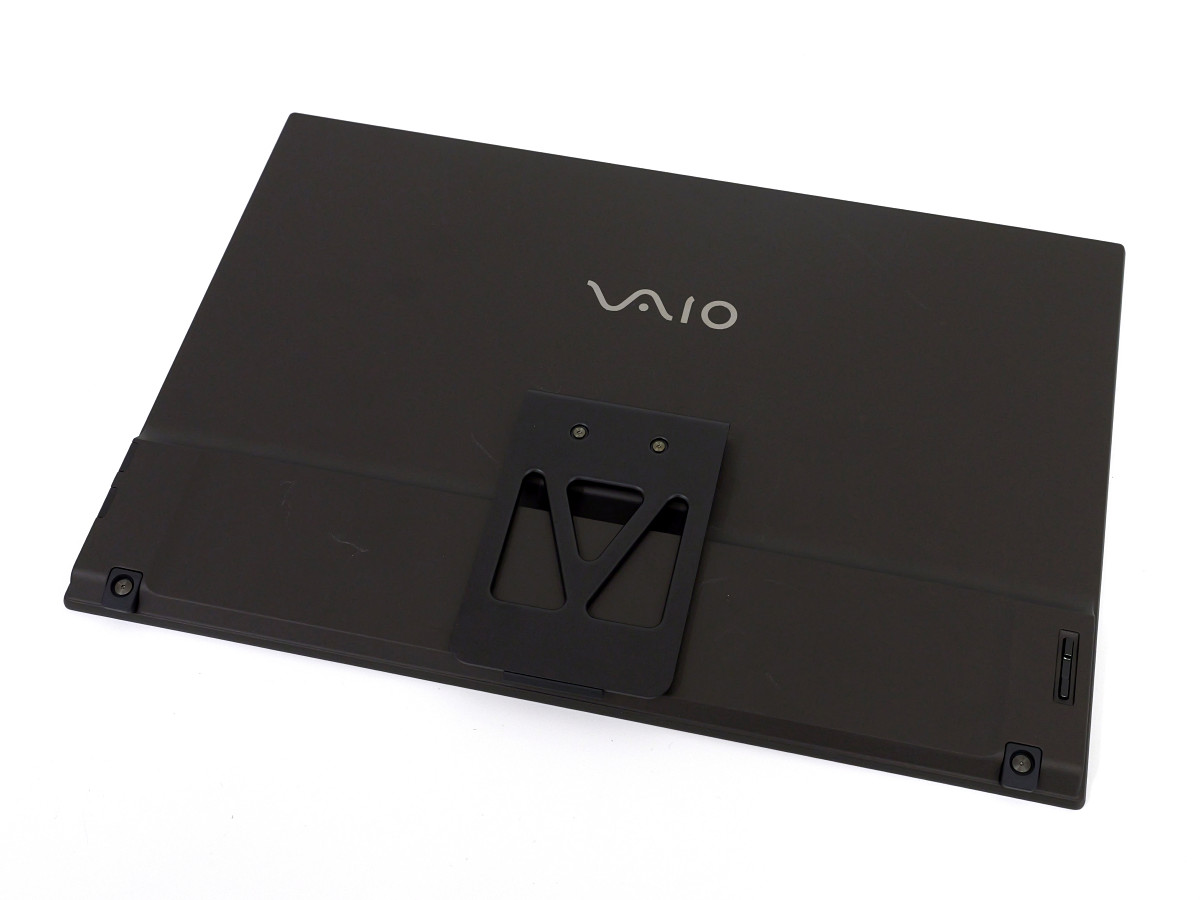
There is a stand on the back.
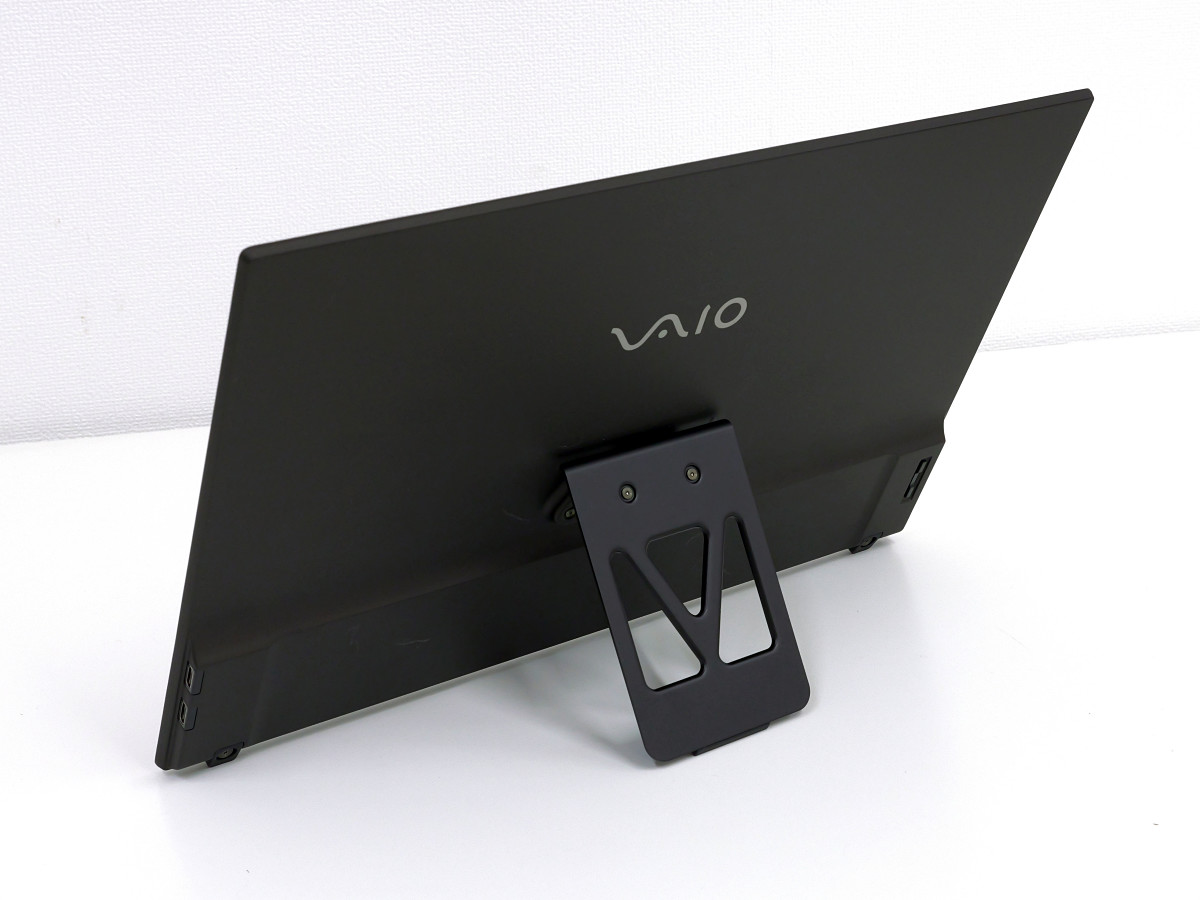
When the stand is unfolded and stands on its own, it looks like this.
There are two USB Type-C ports on the right side.

There is nothing on the left side.

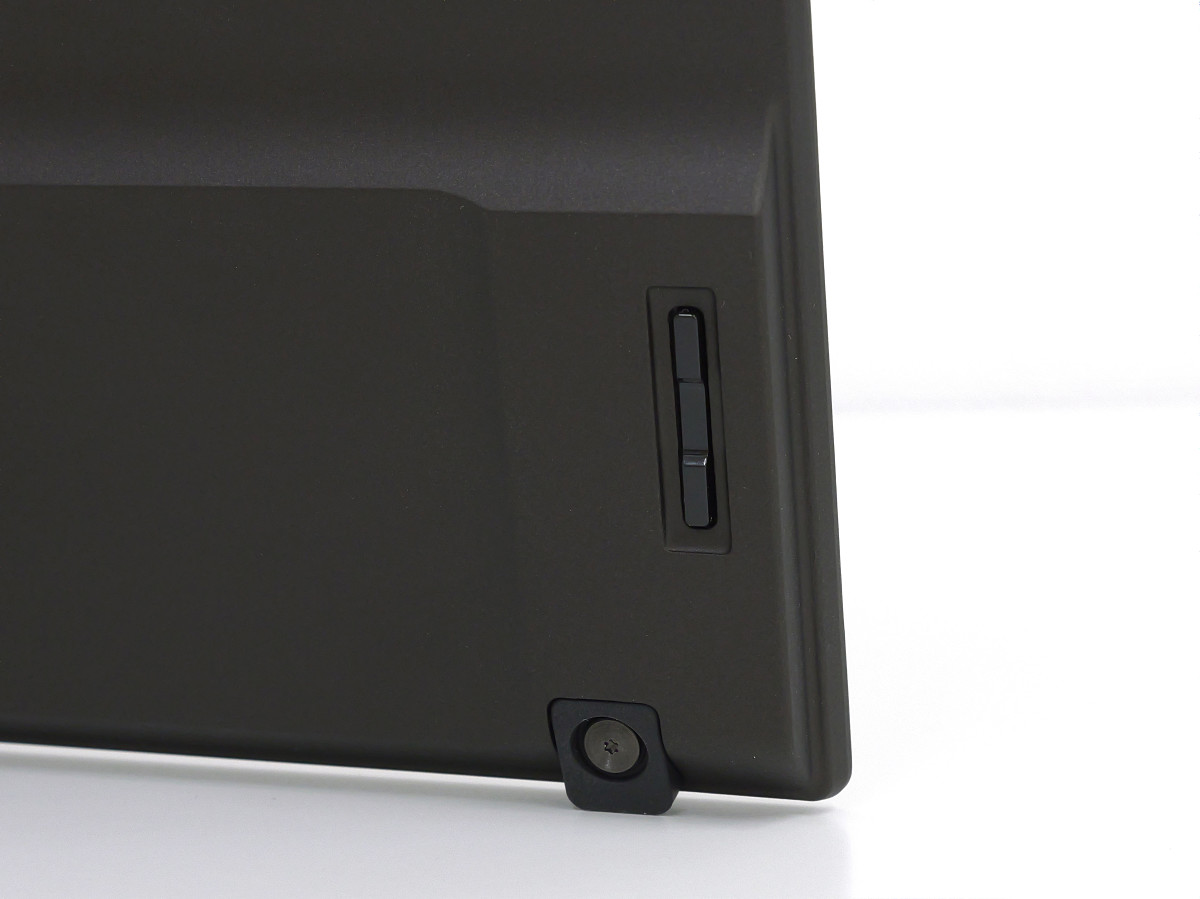
There is a brightness adjustment button on the left rear.
The actual weight is 322g.

It's easy to use; just connect it to the USB Type-C port of a PC that supports DisplayPort Alt Mode. The resolution is 1920 x 1200 pixels. It's wider vertically than Full HD, so it's quite spacious. Although it's a VAIO-branded mobile display, it works fine with PCs other than VAIO.
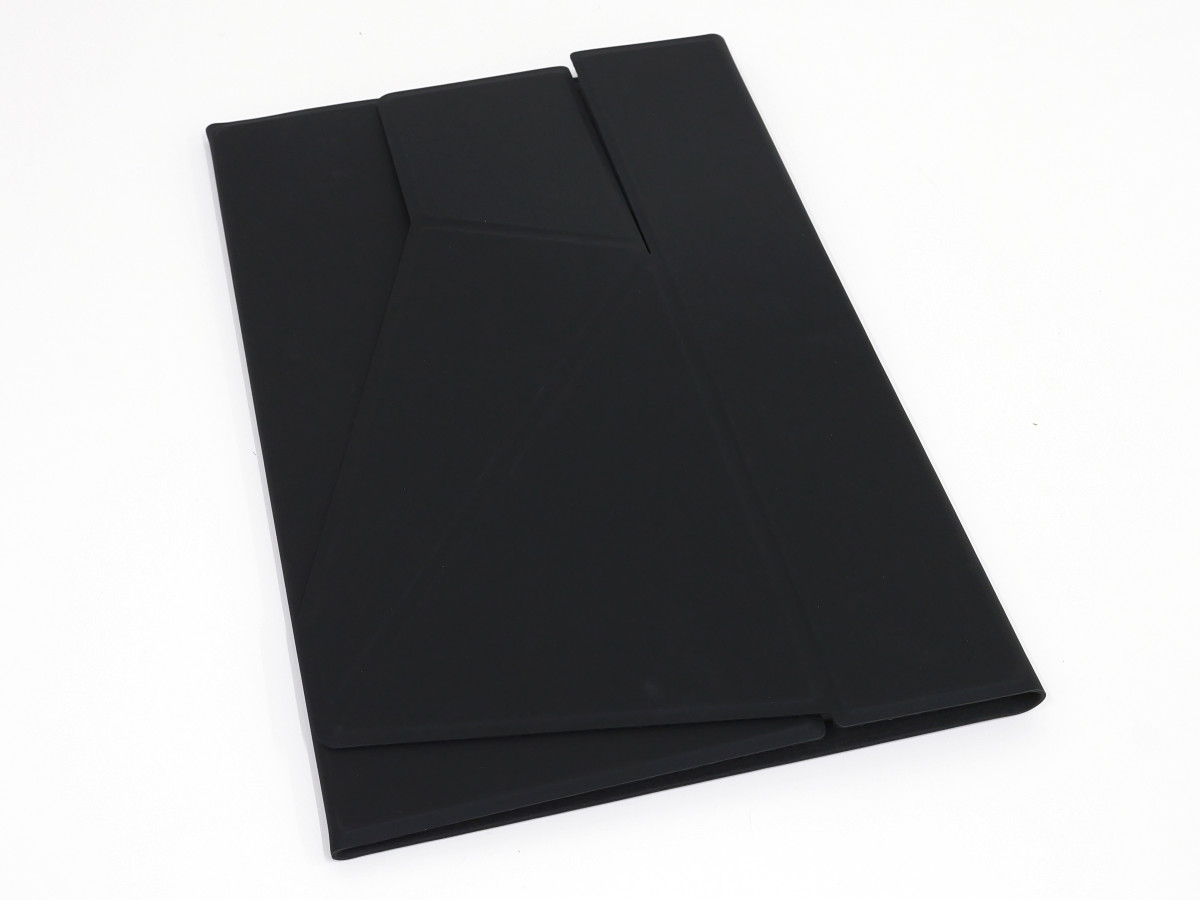
As the name suggests, the Cover Stand can be used as both a cover and a stand. To use it as a cover, simply unfold the Cover Stand and place your VAIO Vision+ 14 on it.

Simply fold it closed from both sides to complete storage.
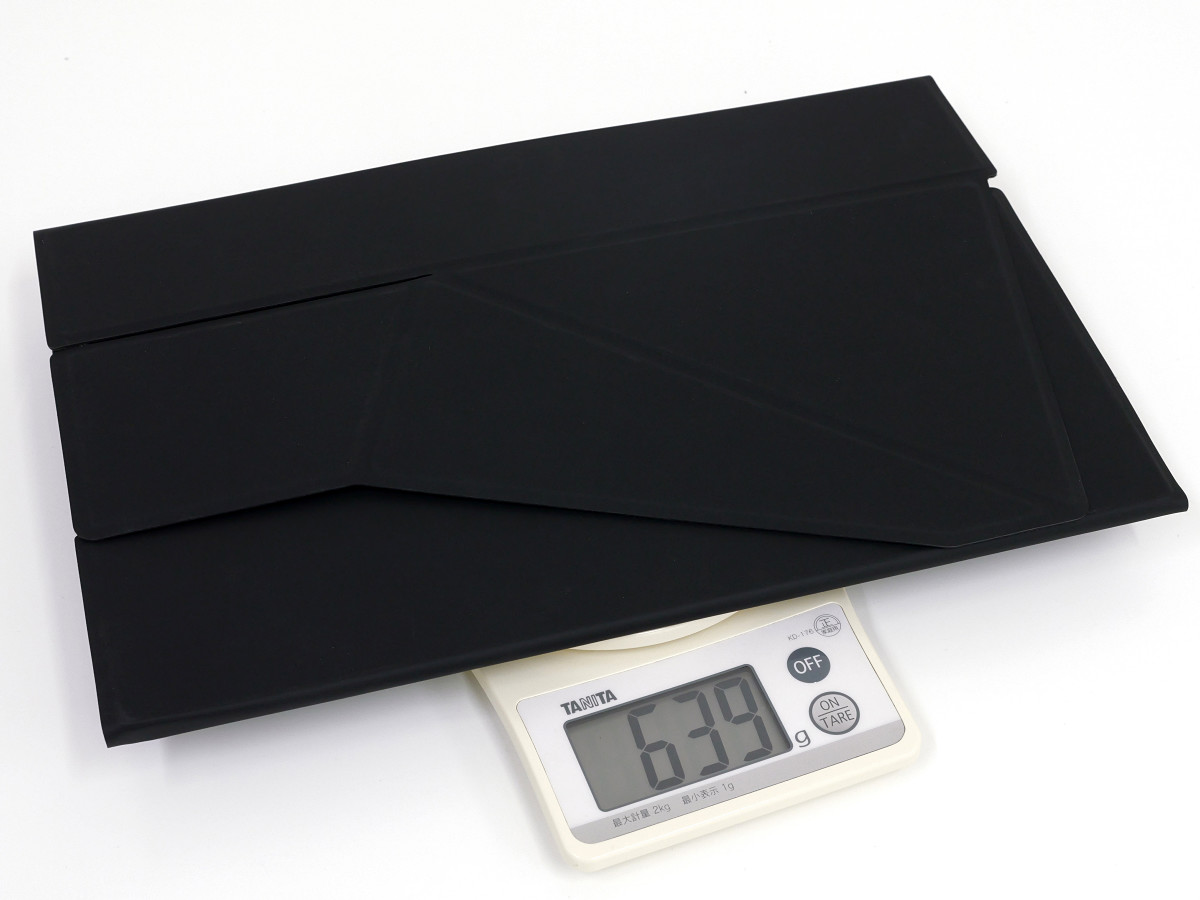
When stored in the cover stand, it weighs 639g.
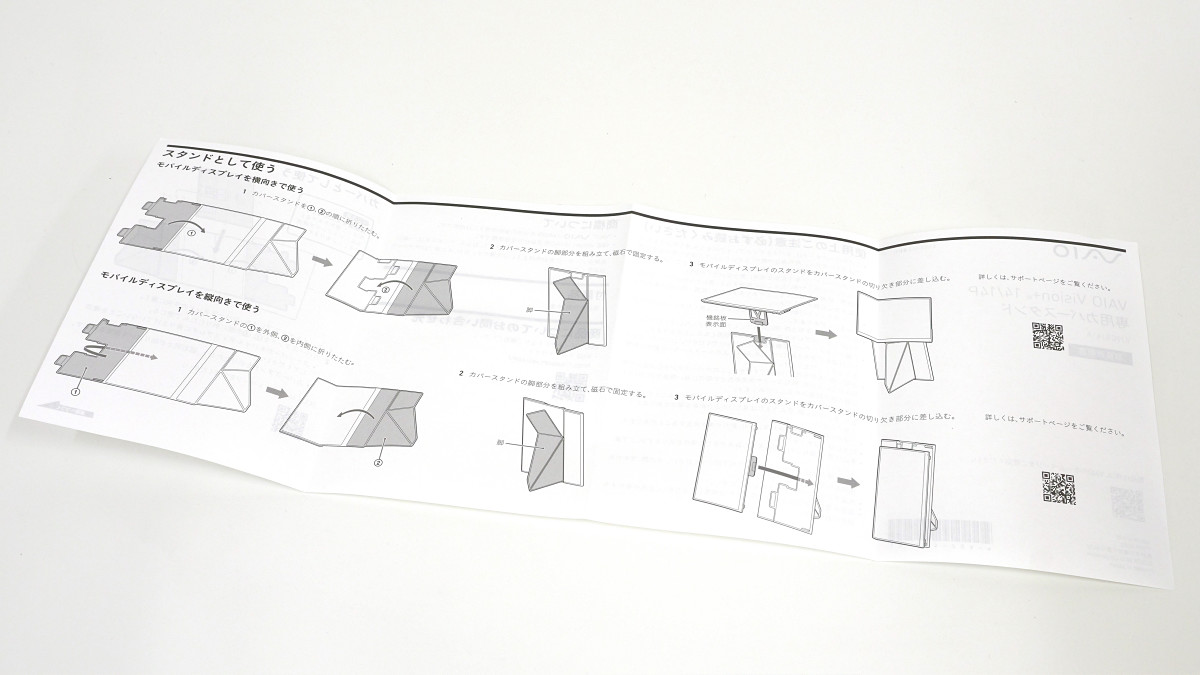
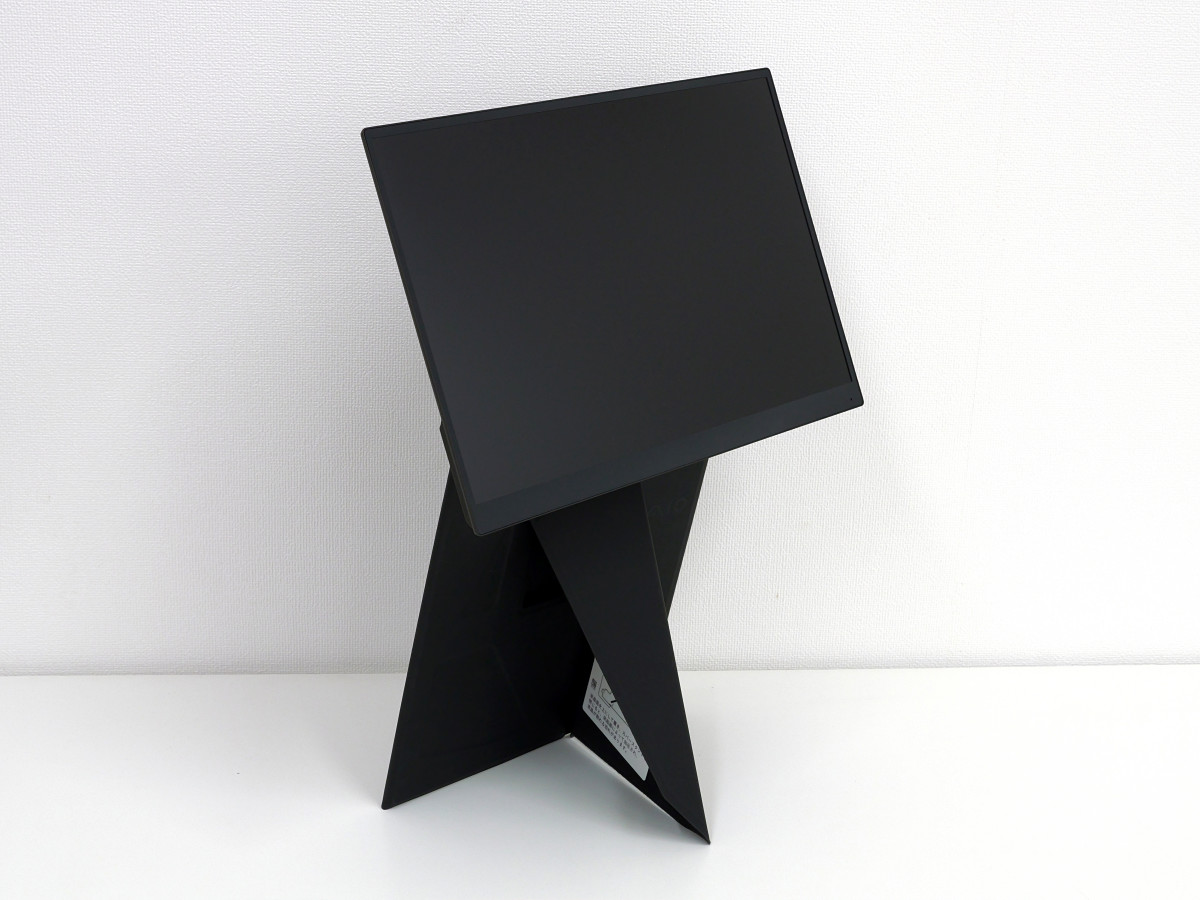
When using it as a stand, you can choose between two setup methods: 'floating the display in the air' or 'standing the display upright in portrait orientation,' depending on how you fold it. The folding method is explained in the instruction manual with illustrations.
This is how the display is set up to float in the air.
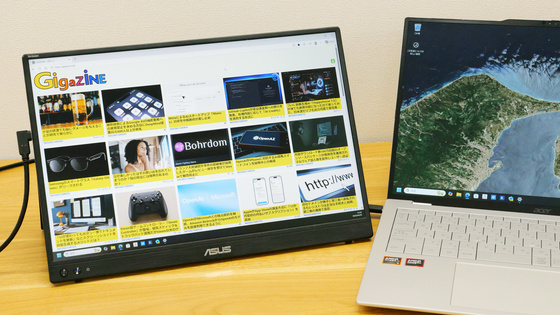
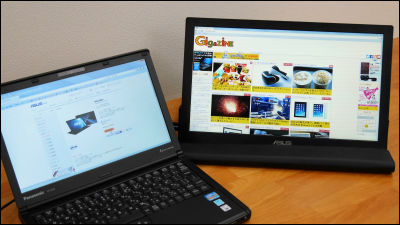
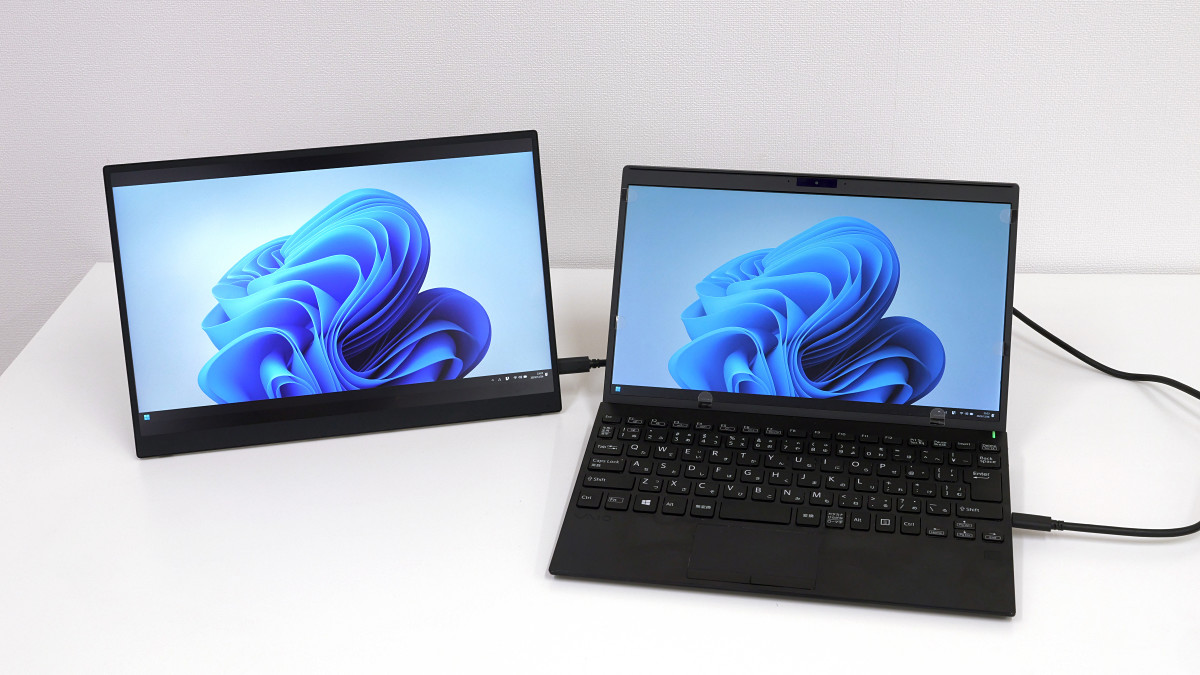
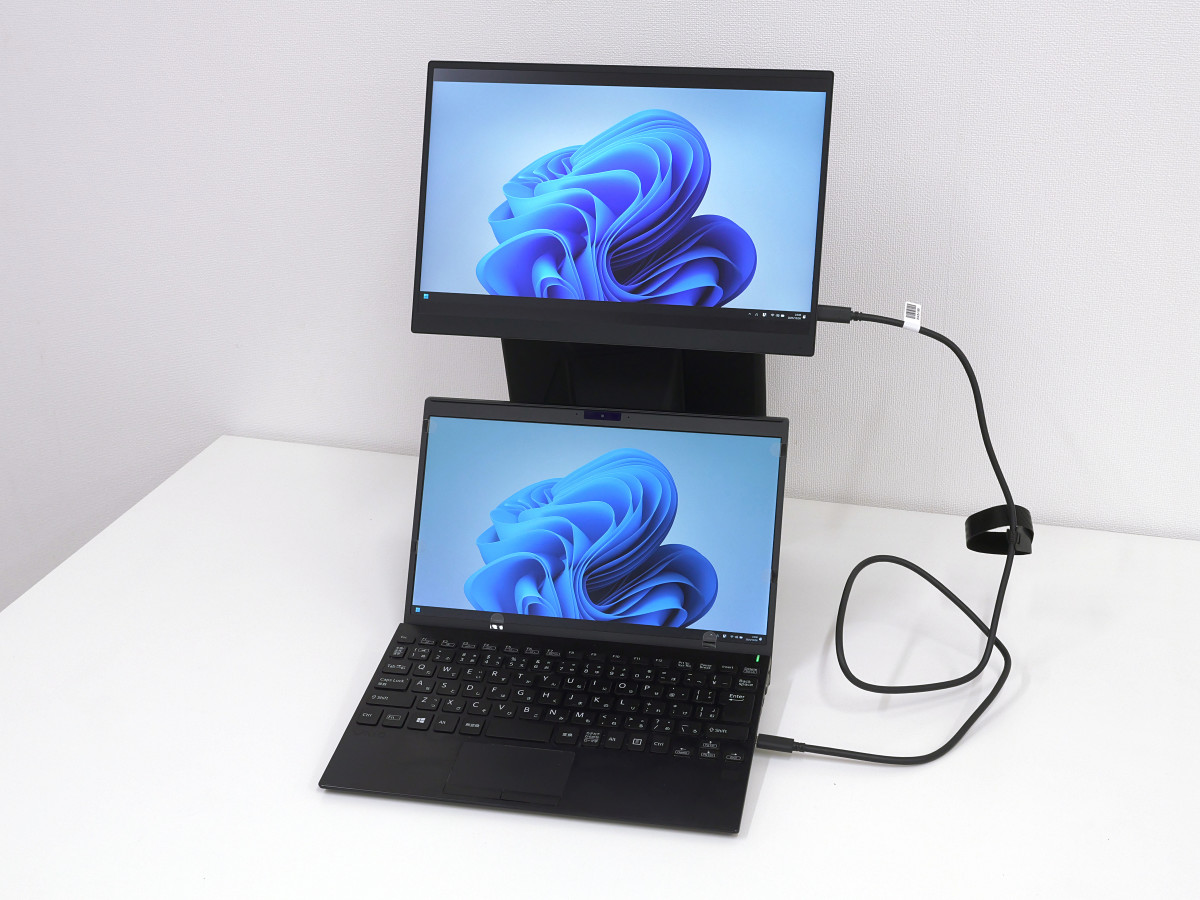
When connected to a laptop, the displays can be used side by side.
When placed vertically it looks like this.

It is useful for displaying long vertical content such as a list of pages on a news site or a timeline on a social networking site. You can also edit A4 size documents to look similar to how they will look when printed.

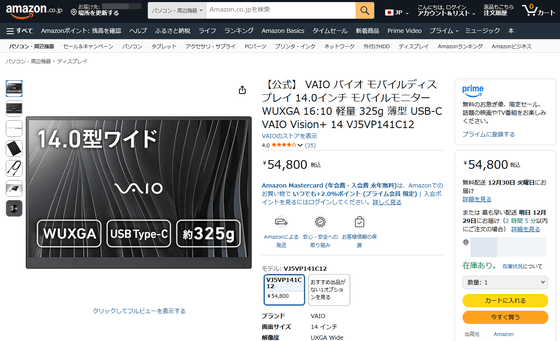
The VAIO Vision+ 14 is available on Amazon.co.jp for 54,800 yen including tax.
Amazon.co.jp: [Official] VAIO Vision+ 14 VJ5VP141C12 Mobile Display, 14.0-inch, WUXGA 16:10, Lightweight, 325g, Slim, USB-C, USB-C, PC & Accessories
You can also get the VAIO Vision+ 14 from the gift article below.
GIGAZINE Winter gift release project 'Answer the questionnaire and take them all!' - GIGAZINE
Related Posts: