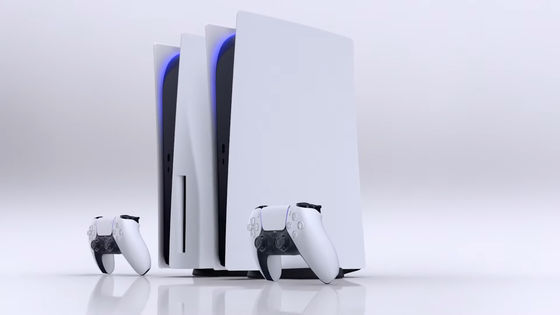
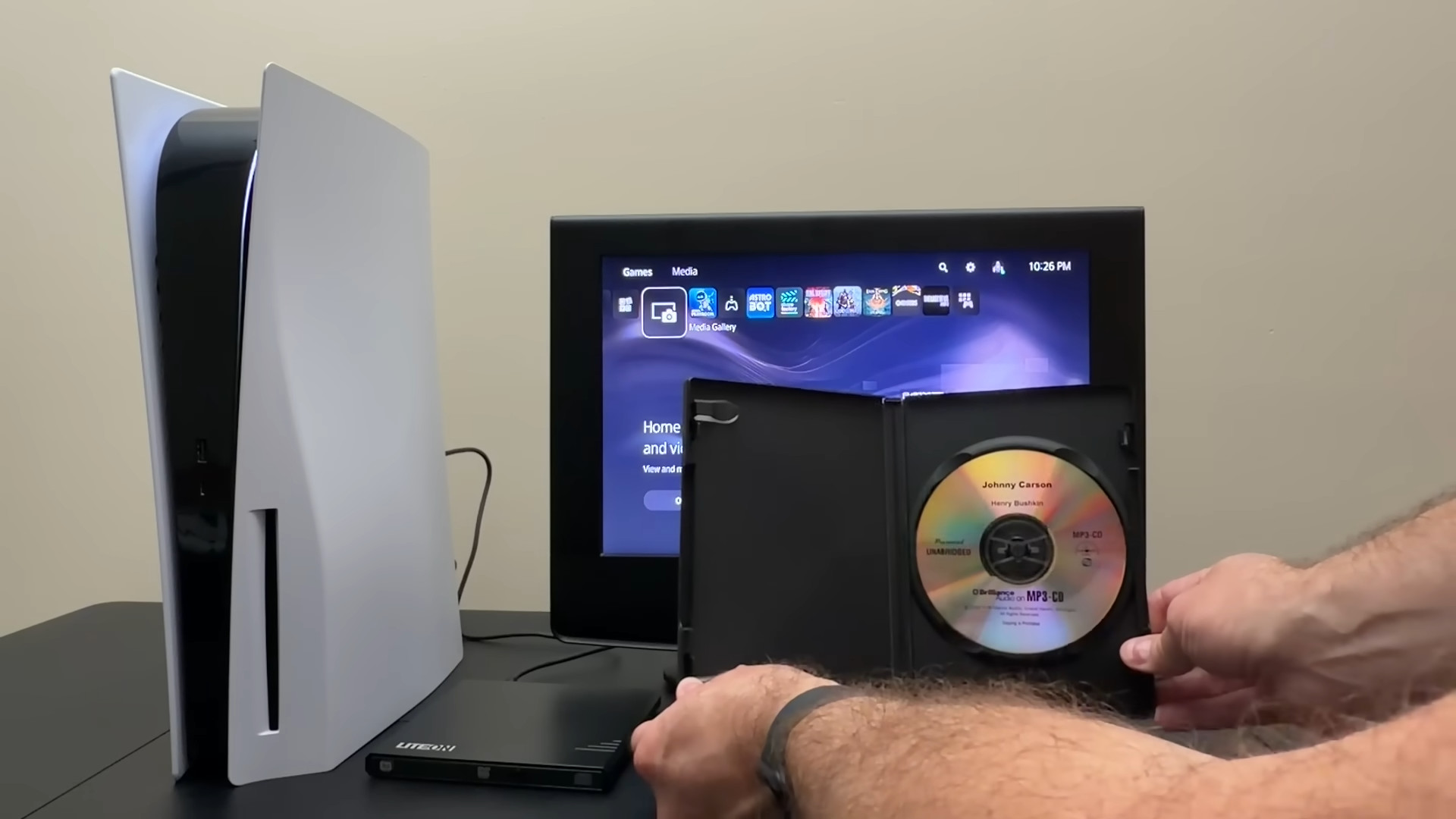
Is it possible to somehow play CDs on the PlayStation 5, which does not support CDs?
Sony's
How to play CDs on the PS5. - YouTube
Unlike Xbox and typical Blu-ray players, the PS5 and PS4 do not have CD reading capabilities, meaning they cannot play music or data CDs in the usual way. Even if you connect a standard external USB optical drive, the PS5 will not recognize it. However, according to Will It Work?, this limitation can be circumvented by using the 'Link to TV' feature built into some drives made by Taiwanese manufacturer Ryton .
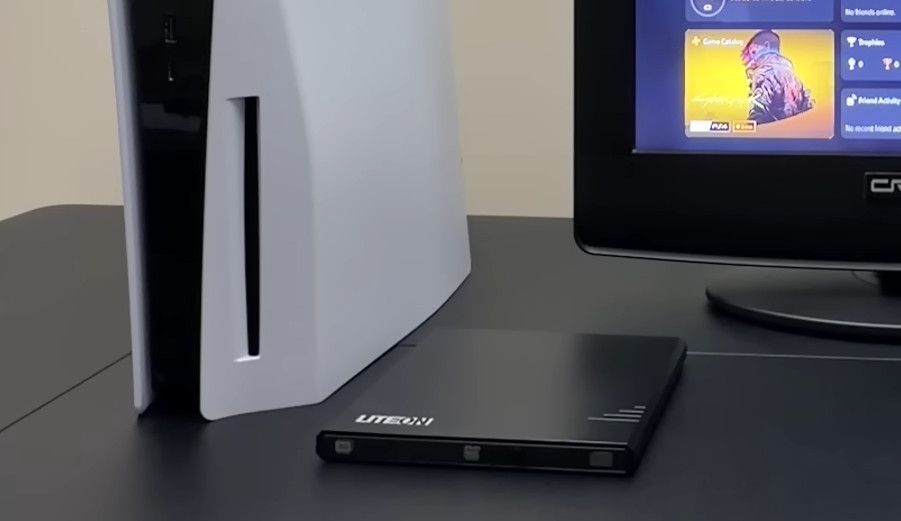
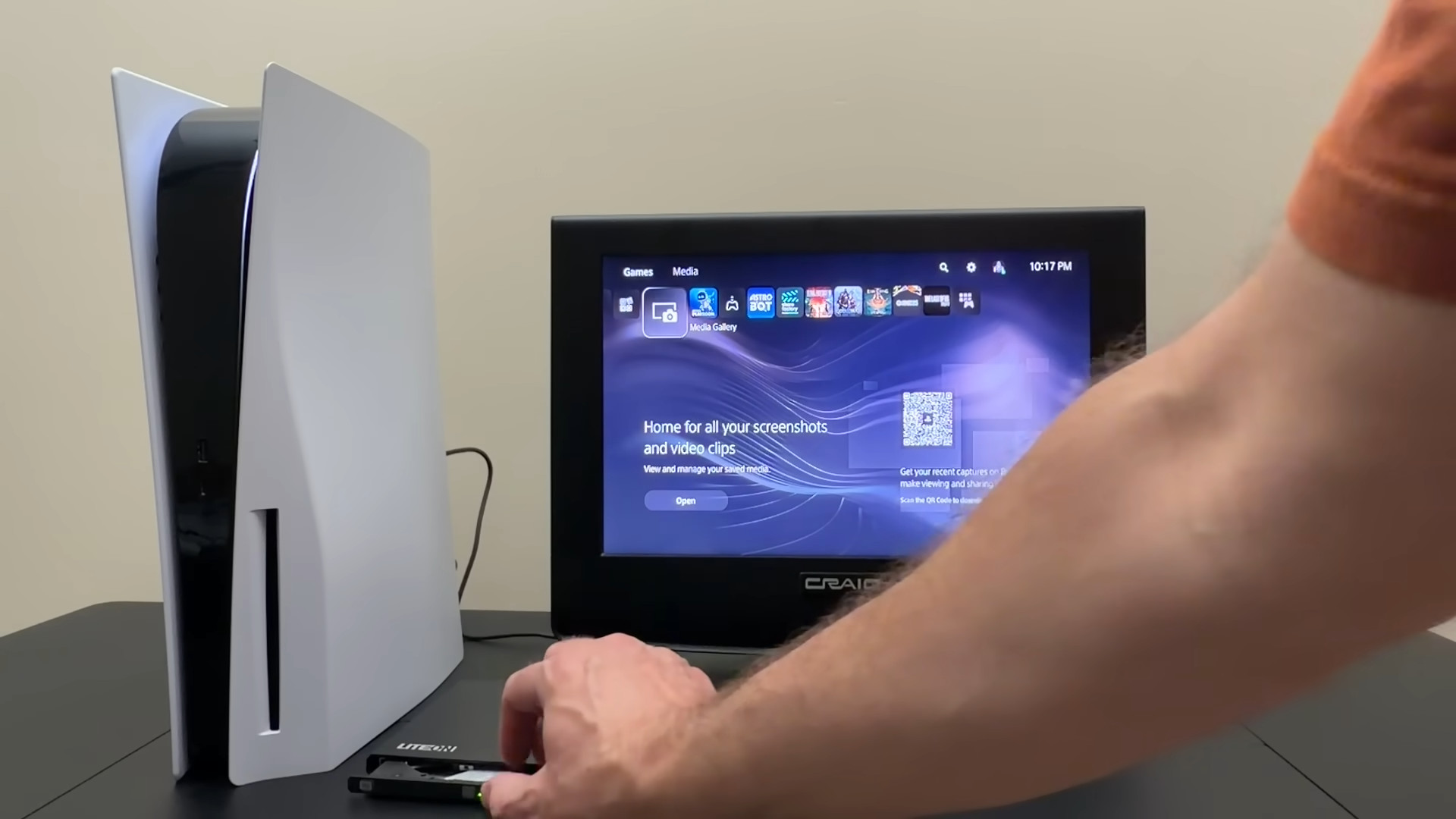
Link to TV is a feature originally designed for smart TVs. It switches the drive into a special mode that makes the contents of any CD or DVD inserted appear to the host as a read-only FAT32 USB flash drive. To enable Link to TV mode, open the tray, press and hold the eject button, and wait until the LED turns green.
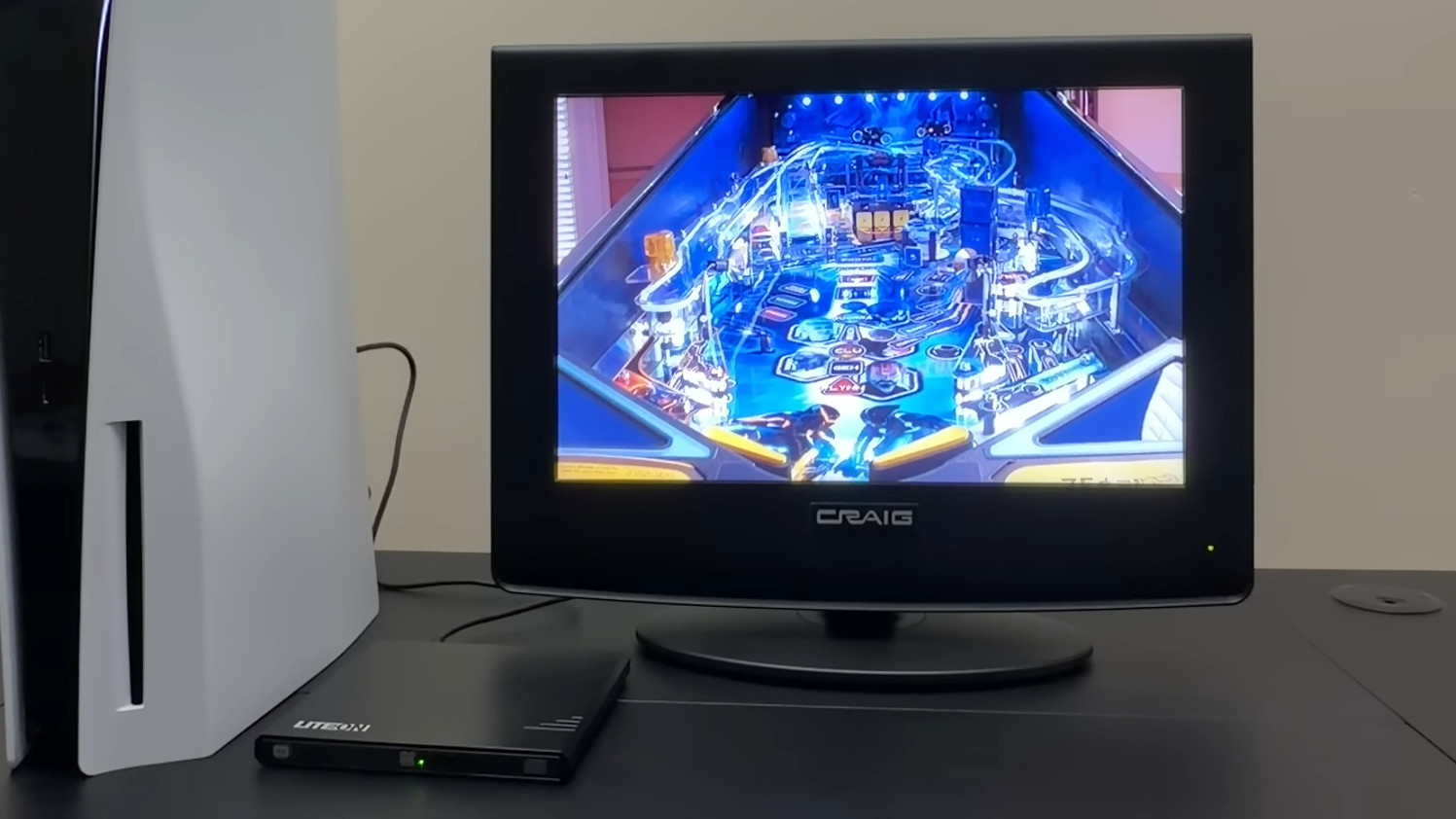
When using Link to TV mode, the PS5 recognizes the CD-RW as USB storage, allowing you to play MP3s, MPEG-4 videos, and JPEG images from the Media Gallery or Music app.
Using this method, it is possible to safely read not only regular CD-RWs, but also 8cm mini-CDs and business card-shaped CDs, which are at risk of becoming stuck when inserted into the PS5's slot-loading drive.
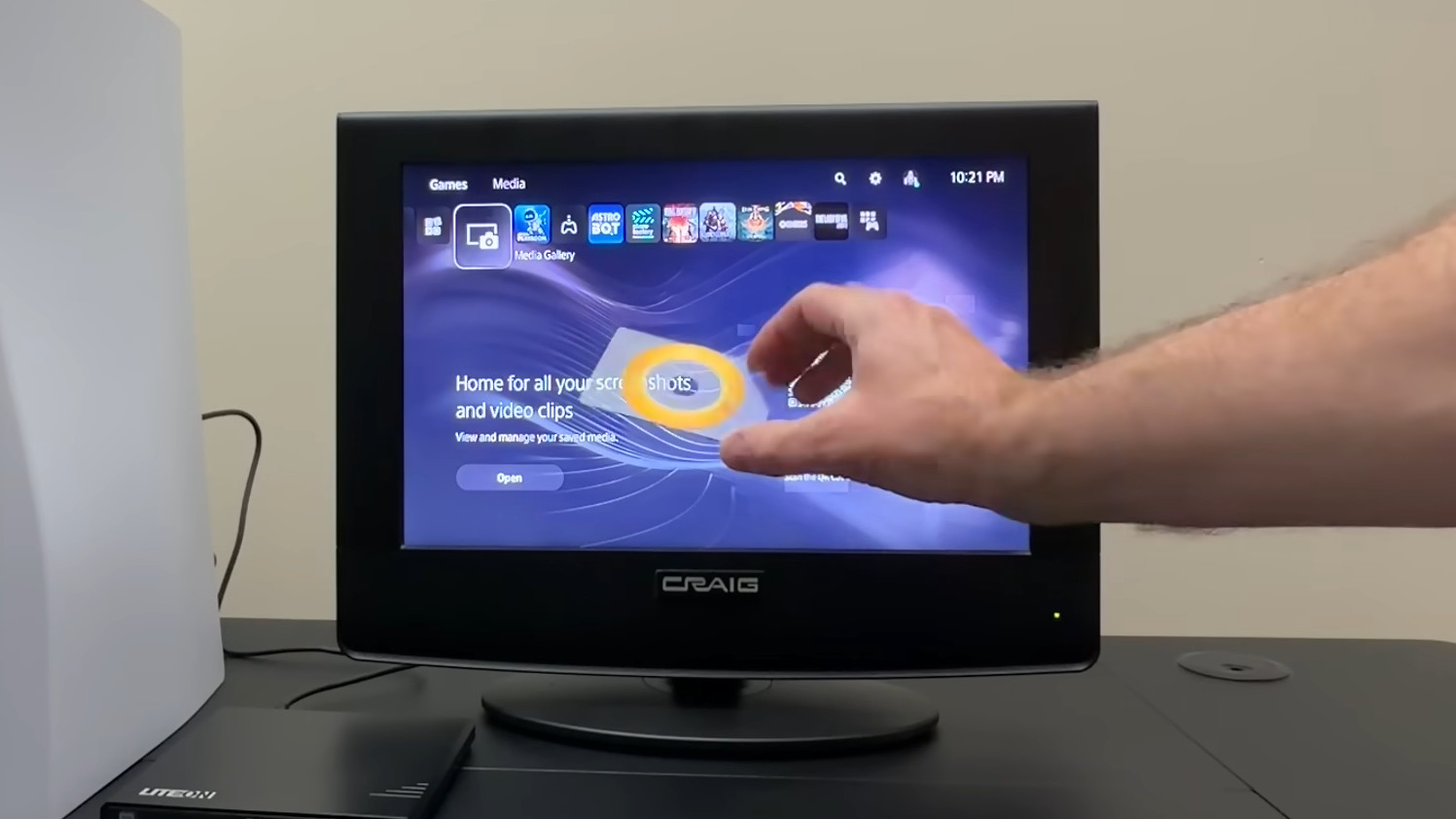
However, there are limitations to the PS5's media implementation. In particular, MP3s will not appear in the Music app unless they are stored in a folder named 'music' directly under the disc. Traditional MP3 CDs in audiobook format do not meet this folder structure, so they cannot be played on the PS5. Furthermore, this method also does not allow for linear PCM playback of regular music CDs; it only works if the CD can be used as a data CD.

Furthermore, even if
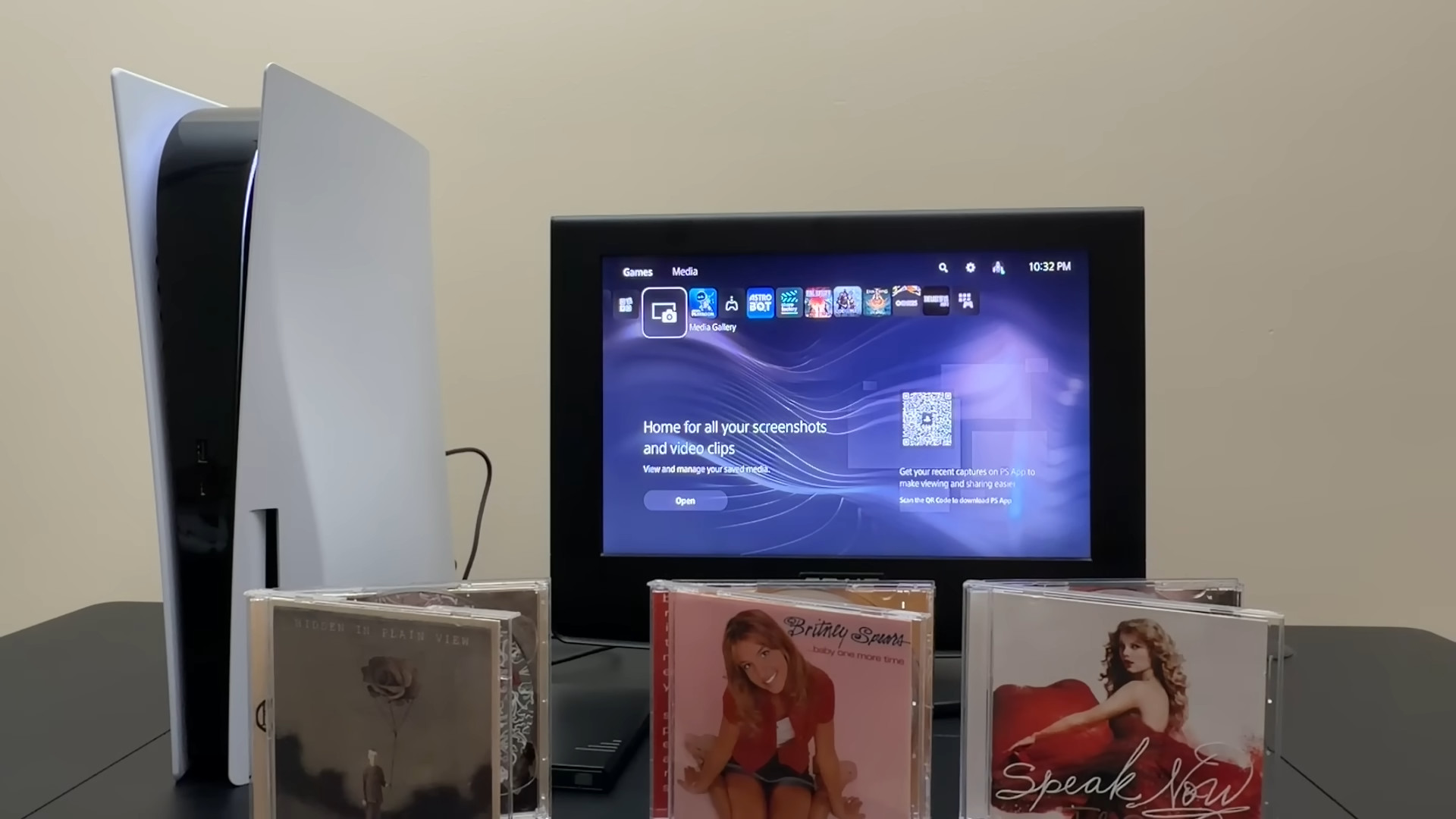
In other words, using Lite-On's Link to TV mode, you can play MP3s, MPEG-4 videos, and JPEGs stored on homemade data CDs on the PS5. However, there are directory requirements: MP3s must be stored in a music folder directly under the root directory, and photos and videos must be placed in a folder with a name of your choice, not directly under the root directory. Will It Work? concludes that 'the trick to play CDs on the PS5 only works if you properly manage the folder structure and use media you burned yourself.'
Related Posts: