ChatGPT now features 'Computer History,' a function that allows users to learn their own PC operation history.
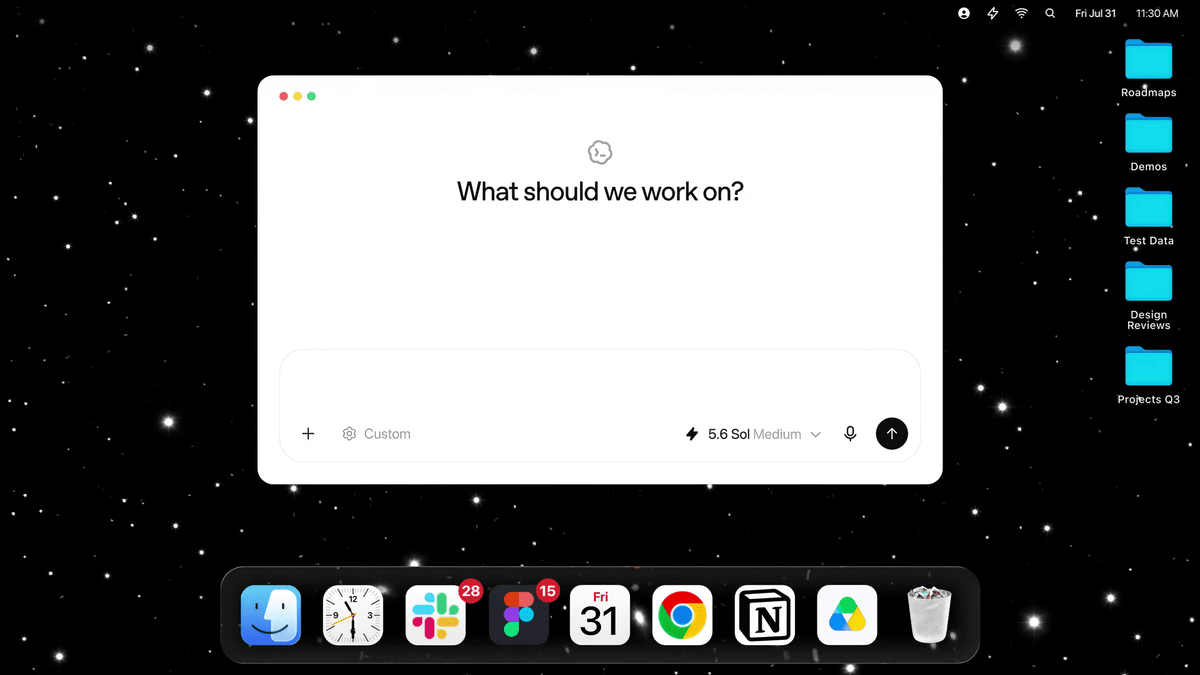
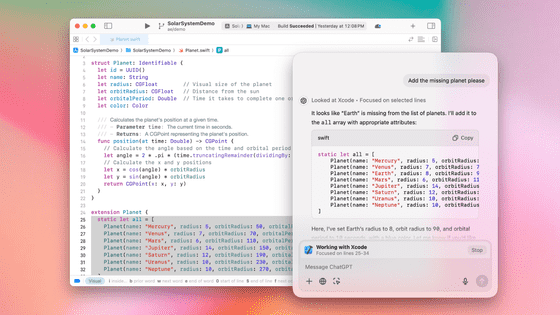
A new feature called ' Computer History ' has been added to the ChatGPT desktop app for Mac, which records app usage history and web activity to help with future tasks. It's said to 'optimize future interactions and require less explanation.'
Computer History | ChatGPT Learn
ChatGPT can now remember your activity across the apps and websites on your computer.
— OpenAI (@OpenAI) August 13, 2026
With Computer History in the desktop app, future interactions feel more personalized and require less explanation. pic.twitter.com/WHZPxPp31R
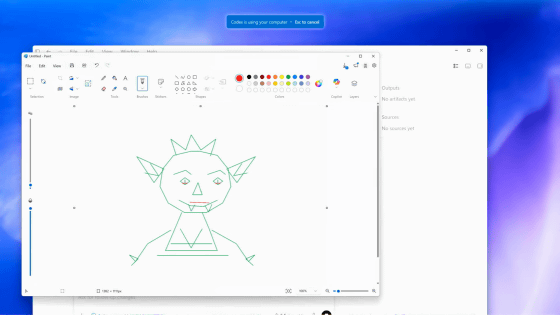
Computer History is a feature that records your activity on apps and websites on your PC, making it accessible to ChatGPT and Codex . It can ask you natural questions about your recent work, resume work from where you left off, and help you understand your work patterns to automate repetitive tasks.
For example, you can ask prompts such as, 'What kind of work were you doing before your last vacation?', 'Where is the proposal I was looking for this morning?', or 'Please make a list of the tasks I worked on today and their progress.'
This feature is opt-in and will not be enabled unless the user grants permission. It allows for granular control over which apps and websites are targeted, and can be shown and paused from the macOS menu bar.
Computer History replaces the previously deployed 'Chronicle' feature. While Chronicle checked screenshots, Computer History only records operation events and does not capture screen or audio. The recorded data is temporarily stored on the device and deleted after 48 hours. Note that the history data is stored unencrypted and may be read by other apps. For this reason, OpenAI advises users to exclude apps they do not want included in their history from being included in Computer History.
Related Posts:




in AI, Posted by log1p_kr