'sandboxd' is a self-hosted development sandbox with a preview URL.
Self-hosted, open-source AI app builder | sandboxd
https://sandboxd.io/
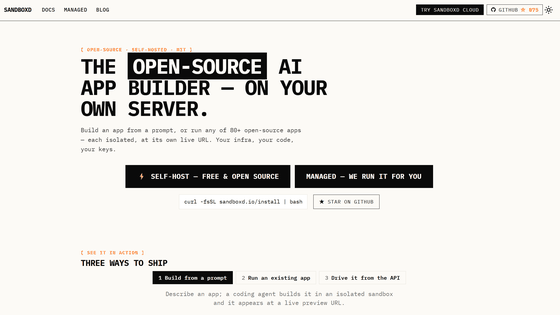
tastyeffectco/sandboxd: Open-source, self-hosted AI app builder — an agent builds real apps in isolated sandboxes on your own server, each live at a preview URL. Self-host in one command. MIT.
◆sandboxd demo site
Sandboxed console
https://sandboxd.io/demo/
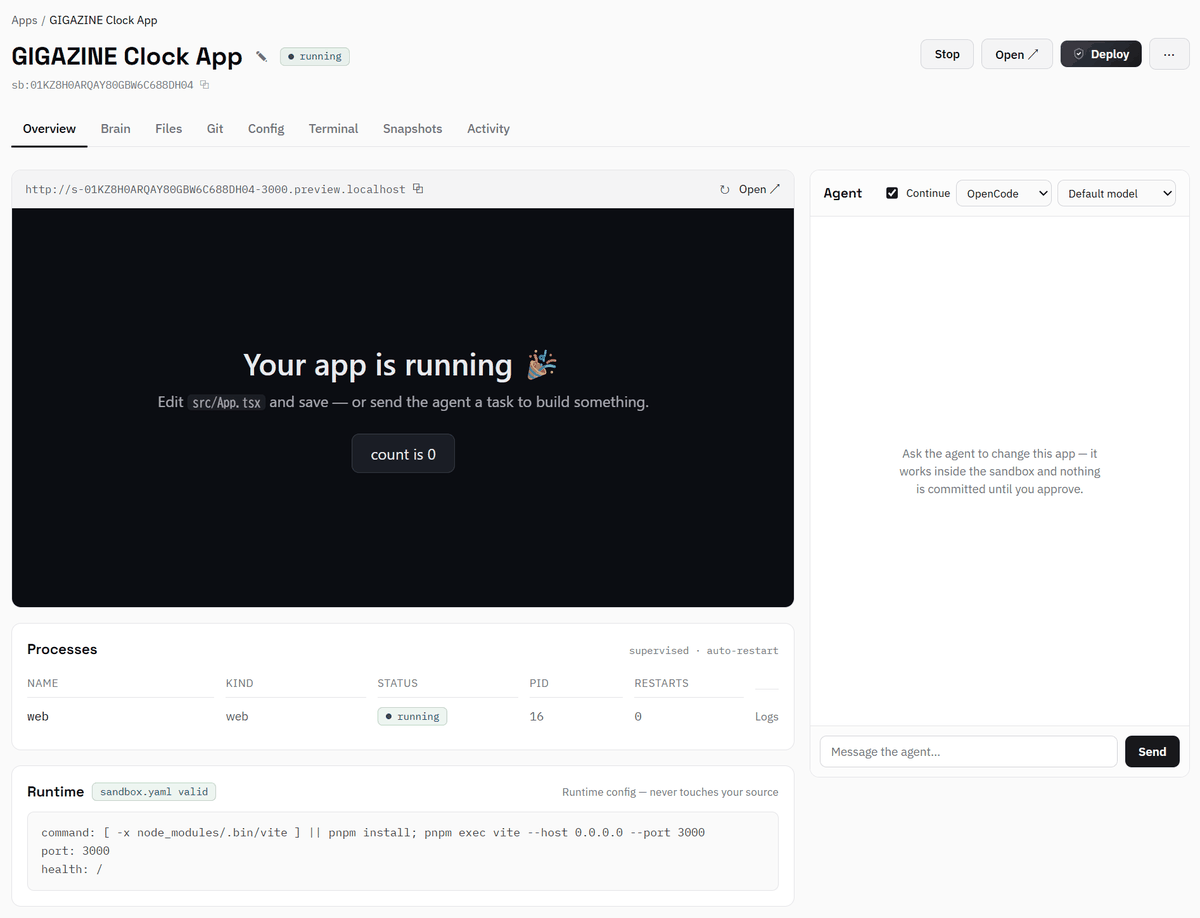
◆Overview of the application development environment using sandboxd
You can give instructions to the AI agent in your browser and proceed from app creation to deployment while checking its operation in the preview.
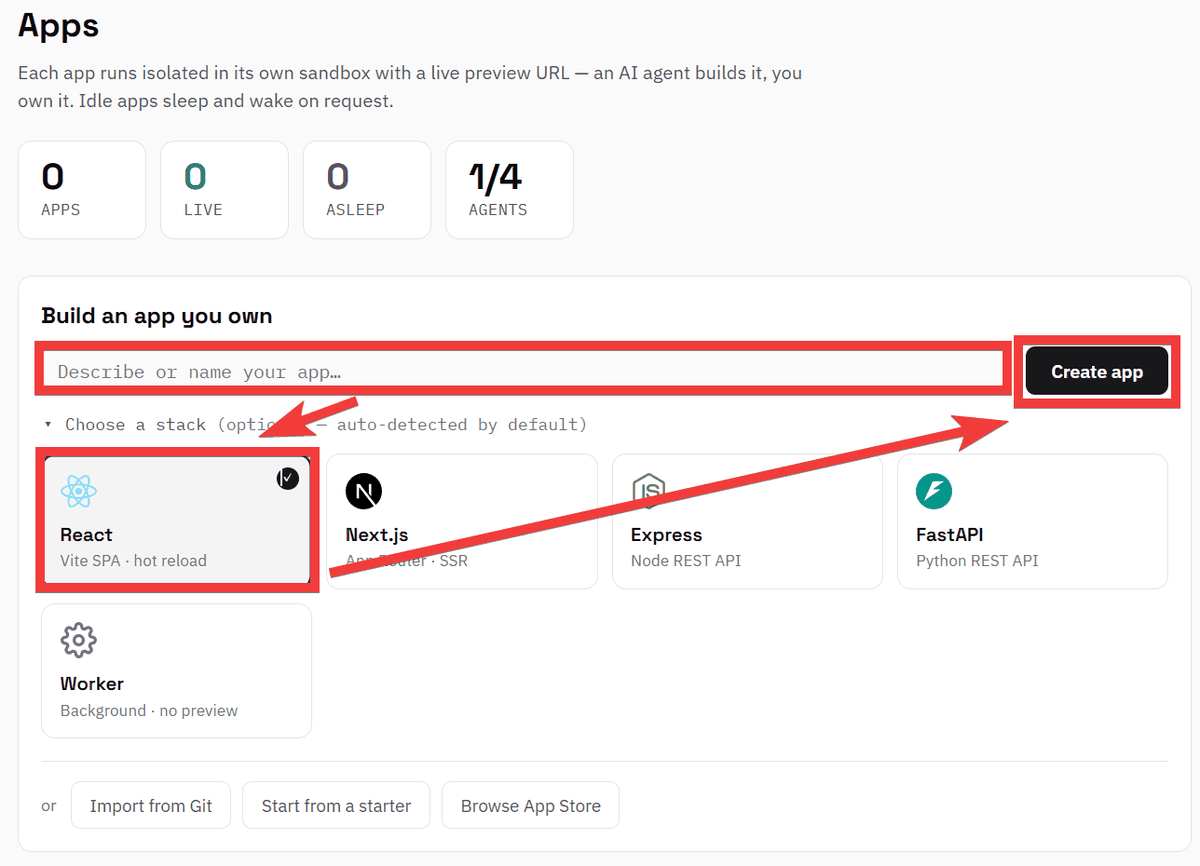
◆How to get started with sandboxd
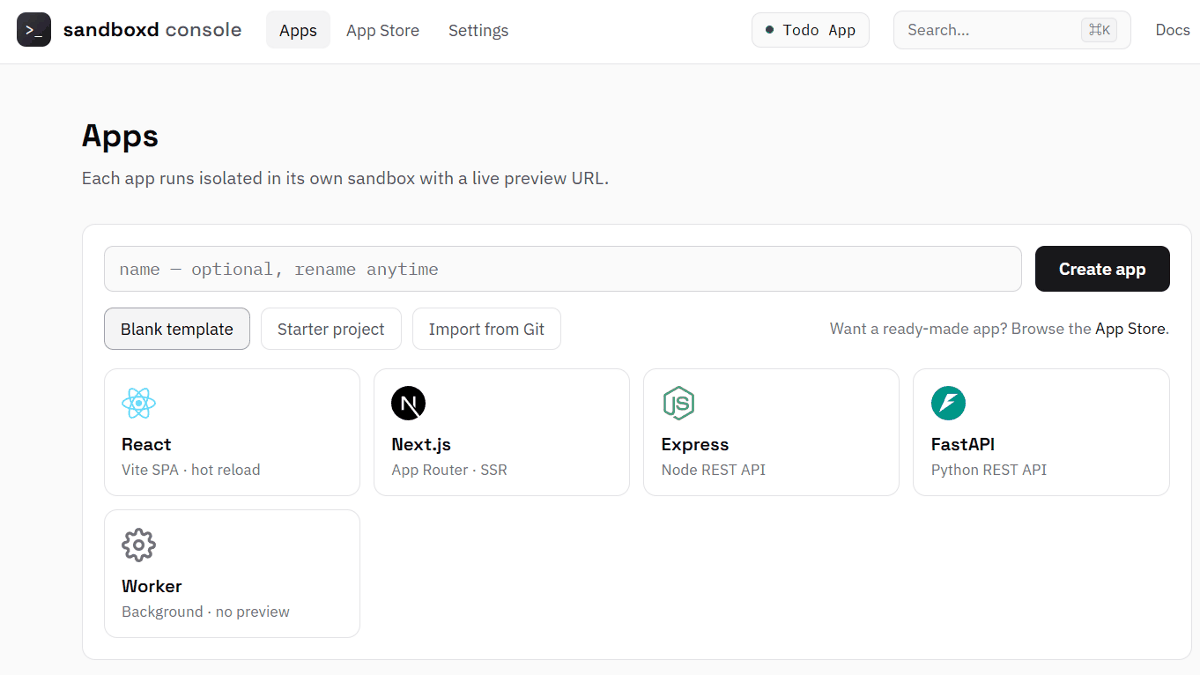
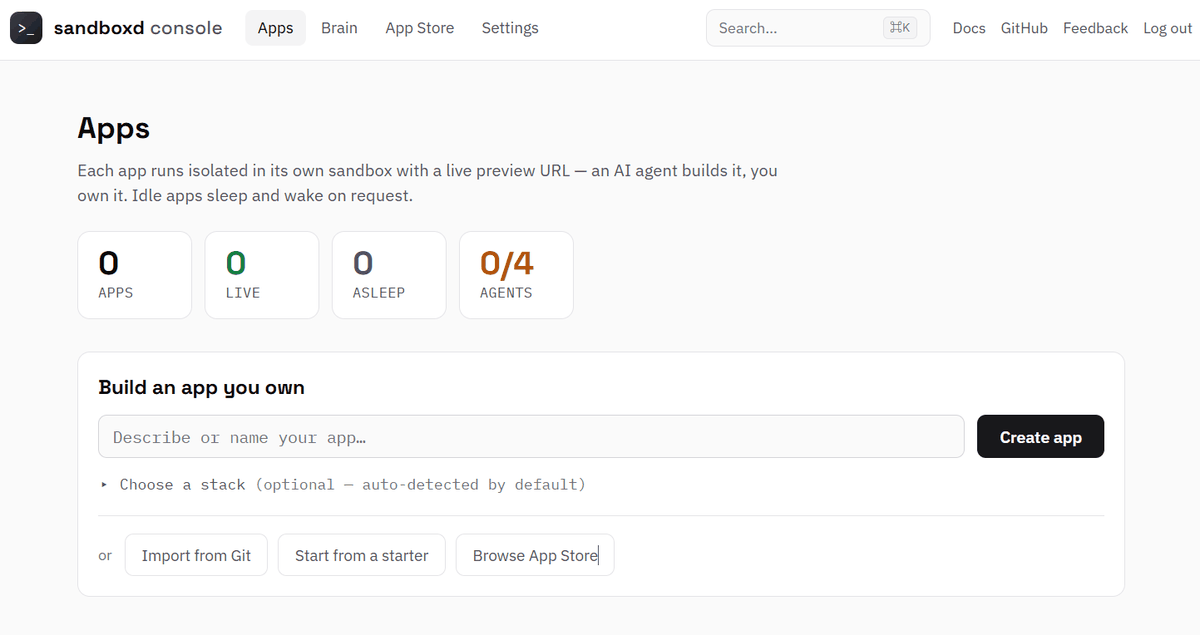
When you open the management screen in its initial state, an app creation form will be displayed. Enter the content or name of the app you want to develop in 'Describe or name your app,' select a development framework if necessary from 'Choose a stack,' and click 'Create app.'
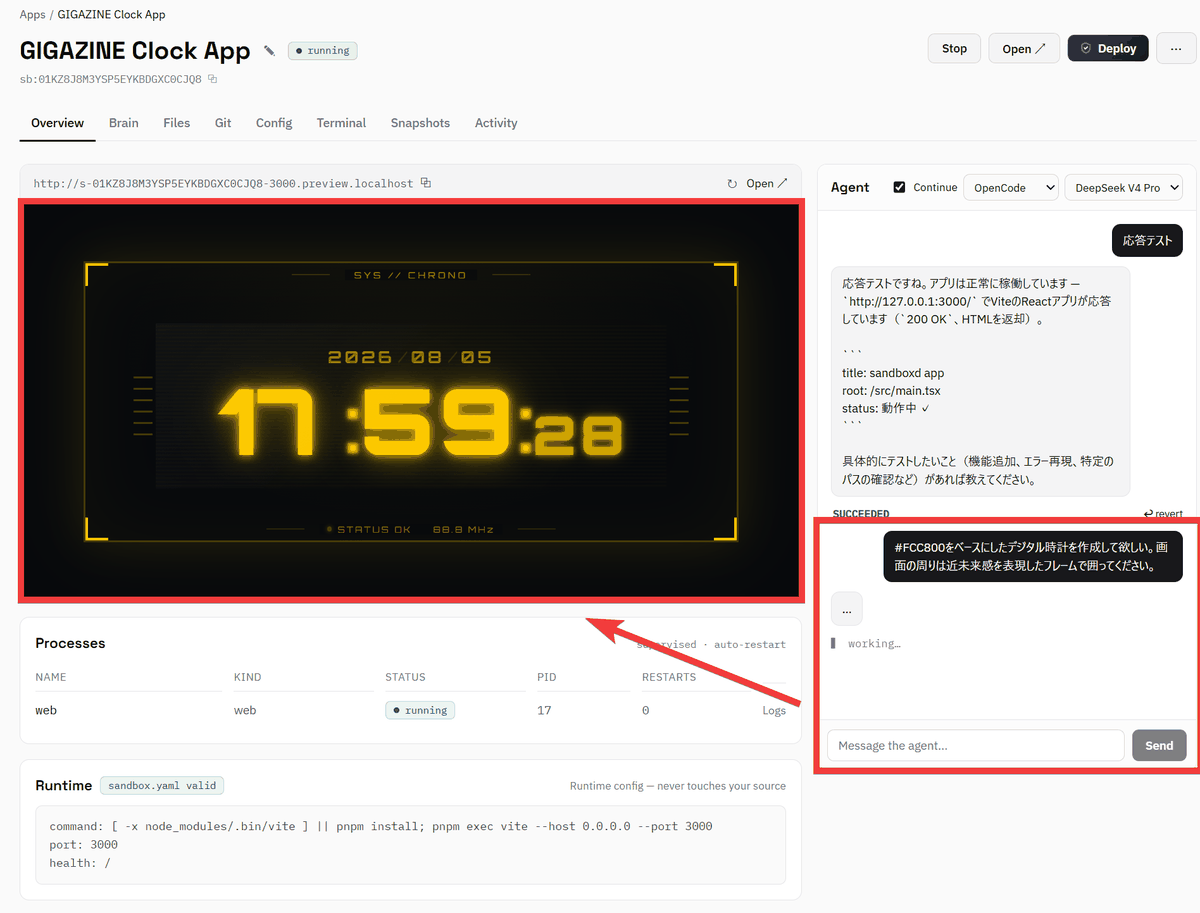
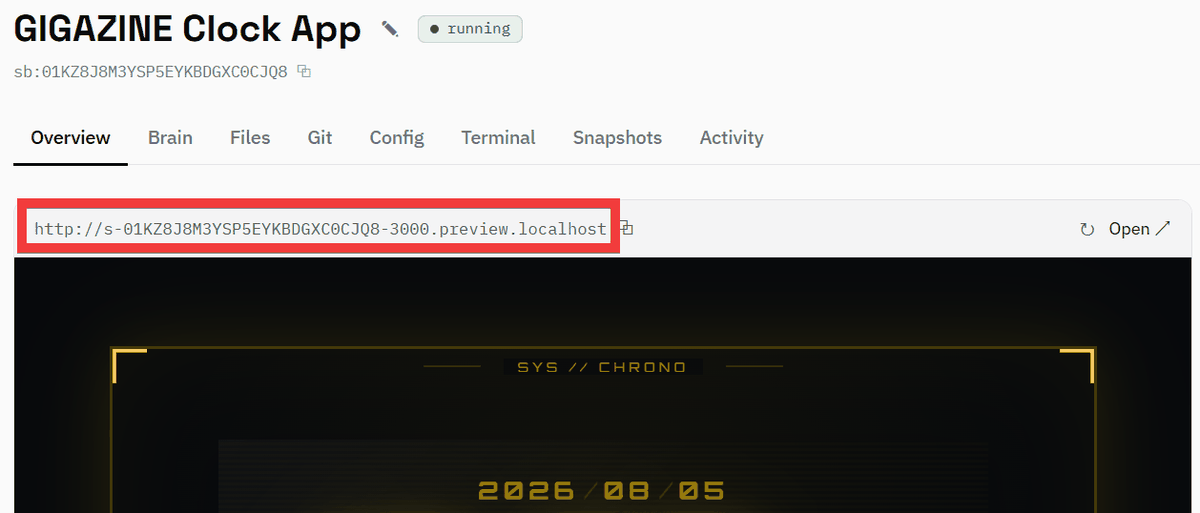
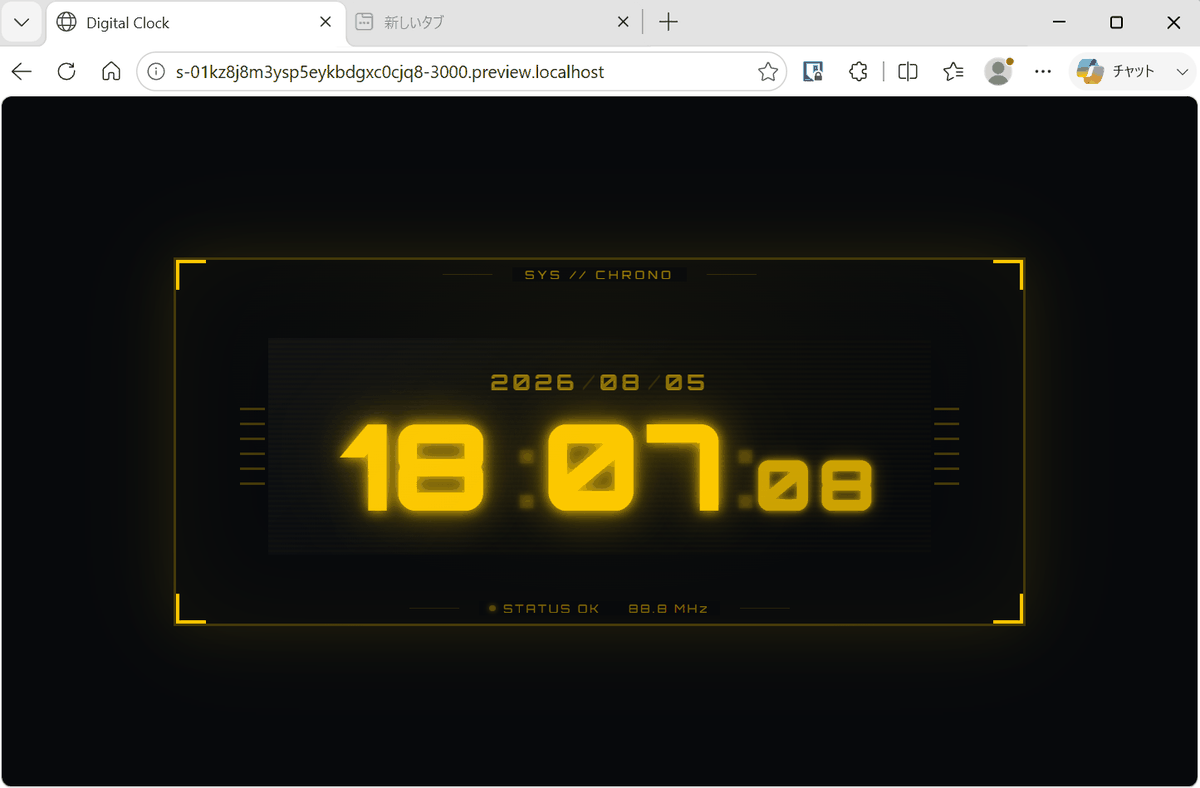
The development screen appeared, so I typed 'Please create a digital clock based on #FCC800. Please surround the screen with a frame that gives it a futuristic feel' into the agent chat and sent it, and a digital clock like the one in the image below appeared.
A preview URL is displayed, so copy it and open it in another browser...
The screen for the app you are creating is now displayed.
◆Deploying open-source applications
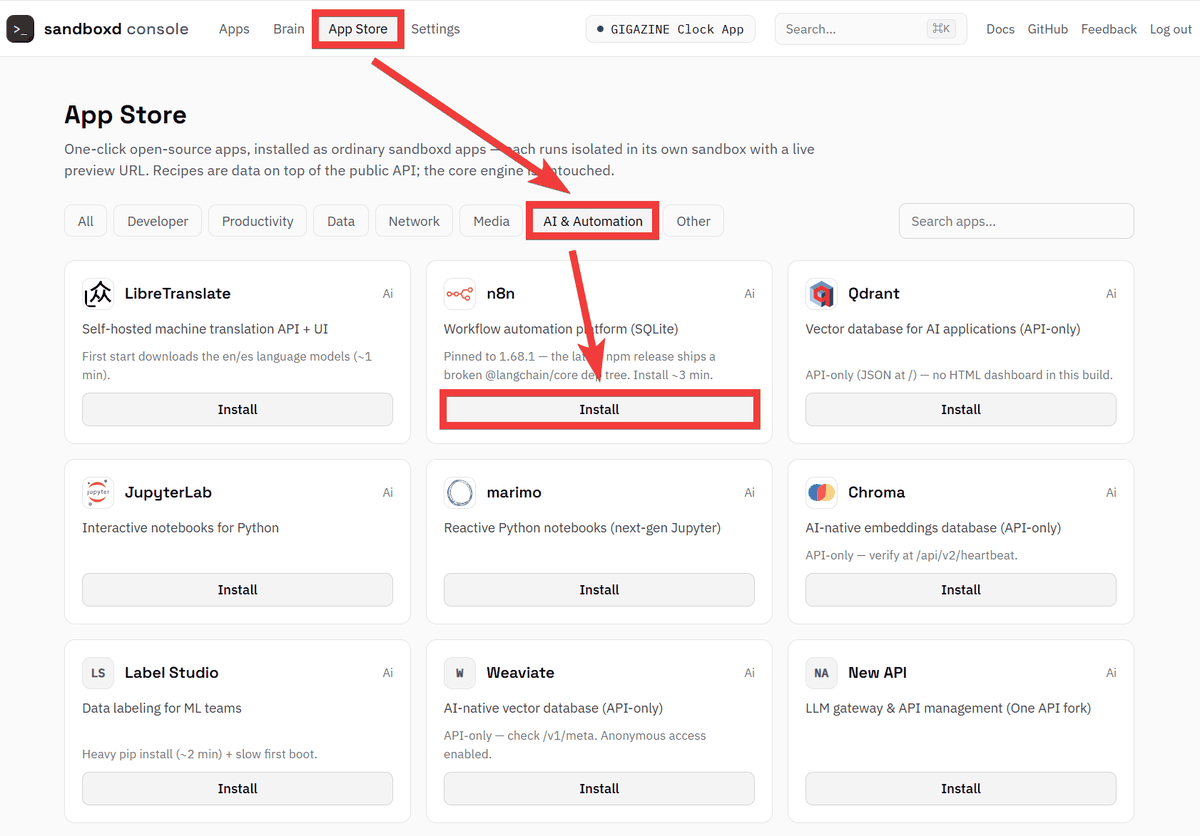
You can easily launch any registered open-source app, not just apps you've developed yourself. Click 'App Store' in the top menu of the management screen, then click 'AI & Automation,' and then click 'Install' for 'n8n.'
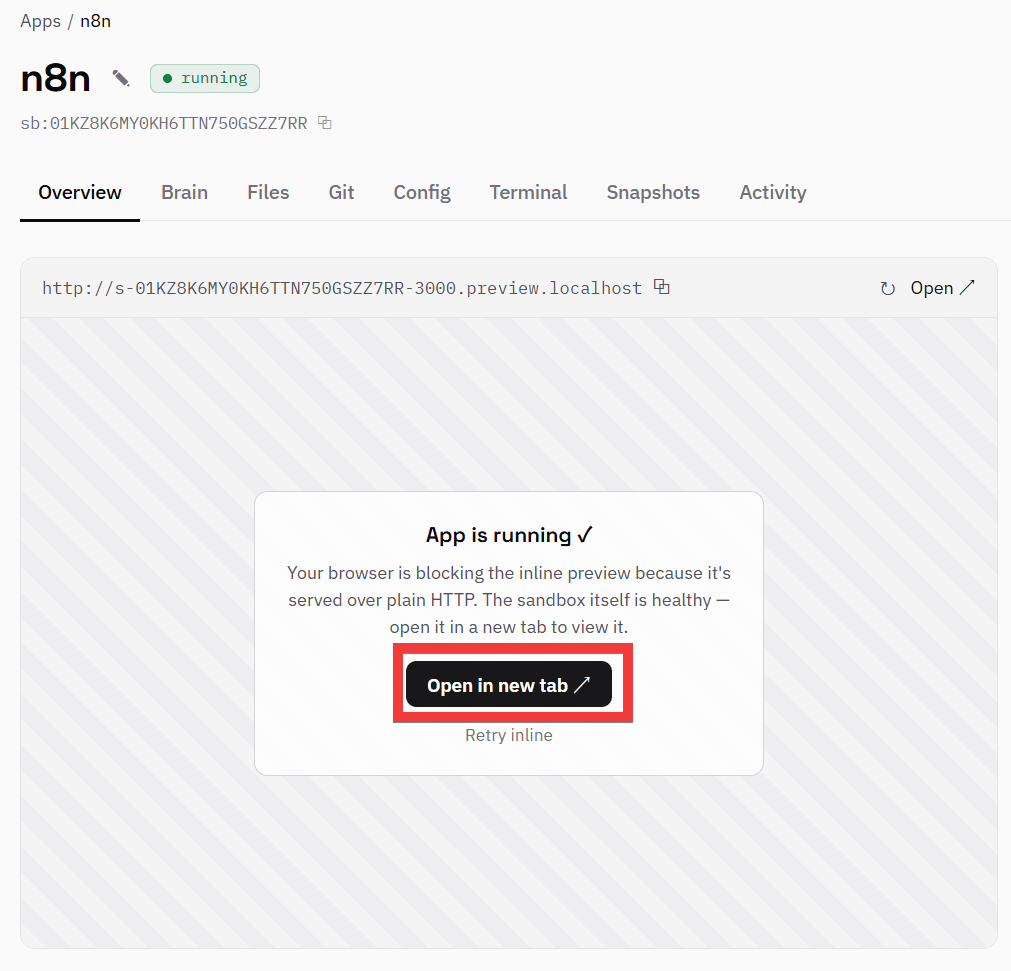
The entire process, from installation to startup, is automated, and an 'Open in new tab' button will appear on the development screen; click it.
The initial registration form for n8n has been displayed.
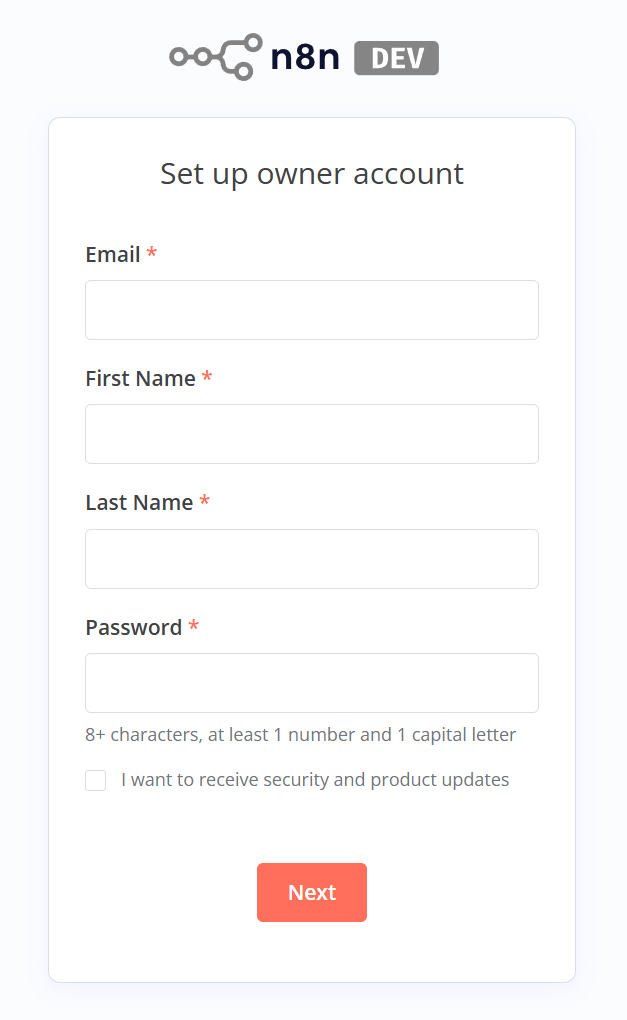
You can launch and combine multiple apps for development, including testing the backend of an app and the operation of integrated services.
◆Other features
- Loading public repositories
Presets are available for React /
- Checkpoints are automatically created before sending instructions to the AI agent, allowing it to be restored to the state before the instruction was given.
- The sandbox state can be saved as a snapshot and restored or duplicated.
- You can register environment variables and secrets for each app, and secrets are managed in an encrypted state.
- Sandboxes that have not been used for a certain period of time will be automatically stopped and restarted when the preview URL is accessed.
It supports OpenCode and ClaudeCode, allowing you to switch between AI agents and models depending on your development needs.
- The API key for the AI service is not passed directly to the sandbox, but is assigned via an authentication proxy when communicating with external services.
- You can create sandboxes and run AI tasks via the REST API.
- Operation and development can also be done via API without using the web console.
◆sandboxd's evaluation
sandboxd was initially posted on the social news site Hacker News under the name 'sandboxes' and introduced as a self-hosted sandbox infrastructure. Later, due to inconsistencies in the name used for repository names, environment variables, and Docker images, the name was standardized to 'sandboxd.' Positive feedback included comments such as, 'I created an IDE using Linux containers, but I struggled a lot with building the container environment and am not satisfied with the current implementation. This project is perfect for several projects I'm working on, so I'll definitely try it.' Negative feedback raised security concerns , such as, 'It's quite dangerous to expose a Vibecoding project isolated only by Docker to the internet.'
◆How to build a sandbox
This time, we will set it up in an environment where Docker Desktop and WSL2 are available on Windows 11. Open the WSL2 console and execute the following installation command.
curl -fsSL sandboxd.io/install | bash
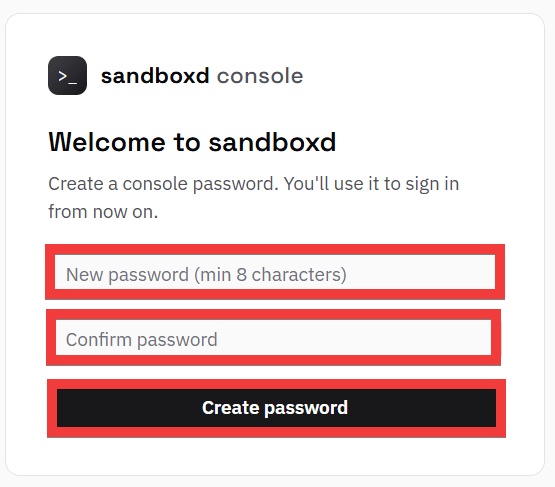
Once the setup is complete, launch your browser and go to 'http://console.localhost'. A password setting form will appear. Enter your password in both 'New password' and 'Confirm password' fields, and then click 'Create password'.
The setup is complete when the administration screen is displayed.
Related Posts: