I tried out the calculator app 'Calculator - Desktop Mate Widgets' where Hatsune Miku does the calculations for you. It even reads out the numbers and shows her struggling with the calculations.
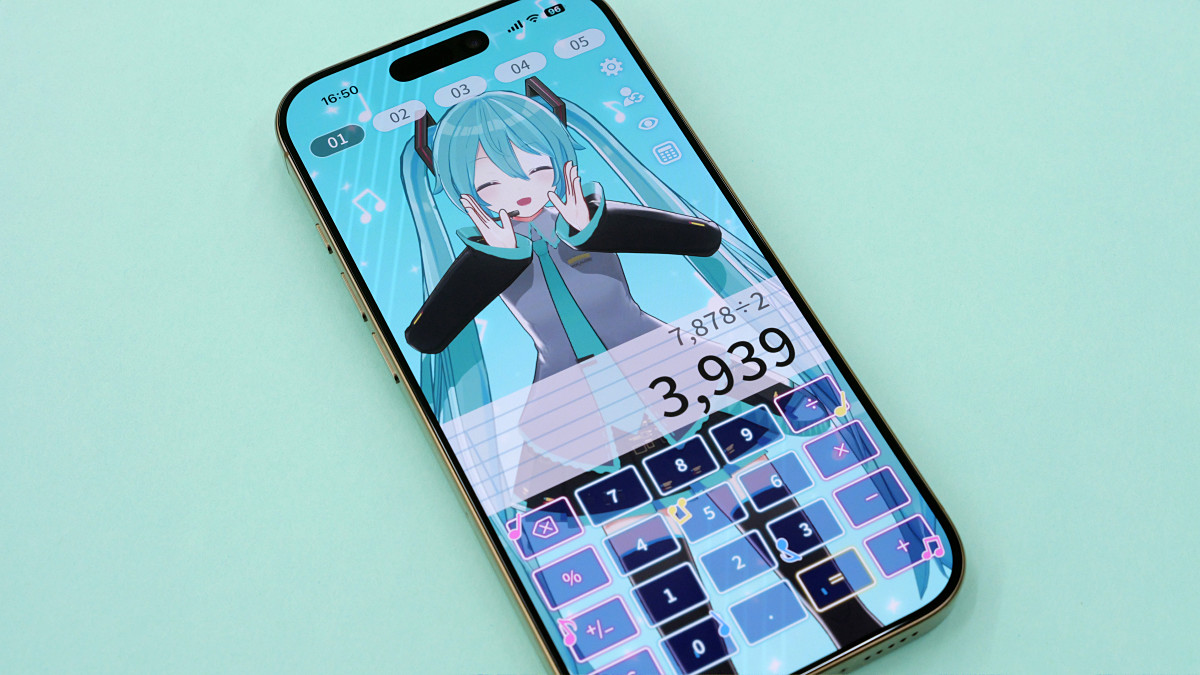
A new calculator app called ' Calculator - Desktop Mate Widgets ' has been released, a sister app to '
Desktop Mate Widgets | A fun widget series featuring your favorite characters
https://www.infiniteloop.co.jp/desktopmate/widgets/
The Calculator - Desktop Mate Widgets app is compatible with Windows, macOS, iOS, and Android. This time, we'll try the iOS version. First, access the App Store distribution page and download it for free.
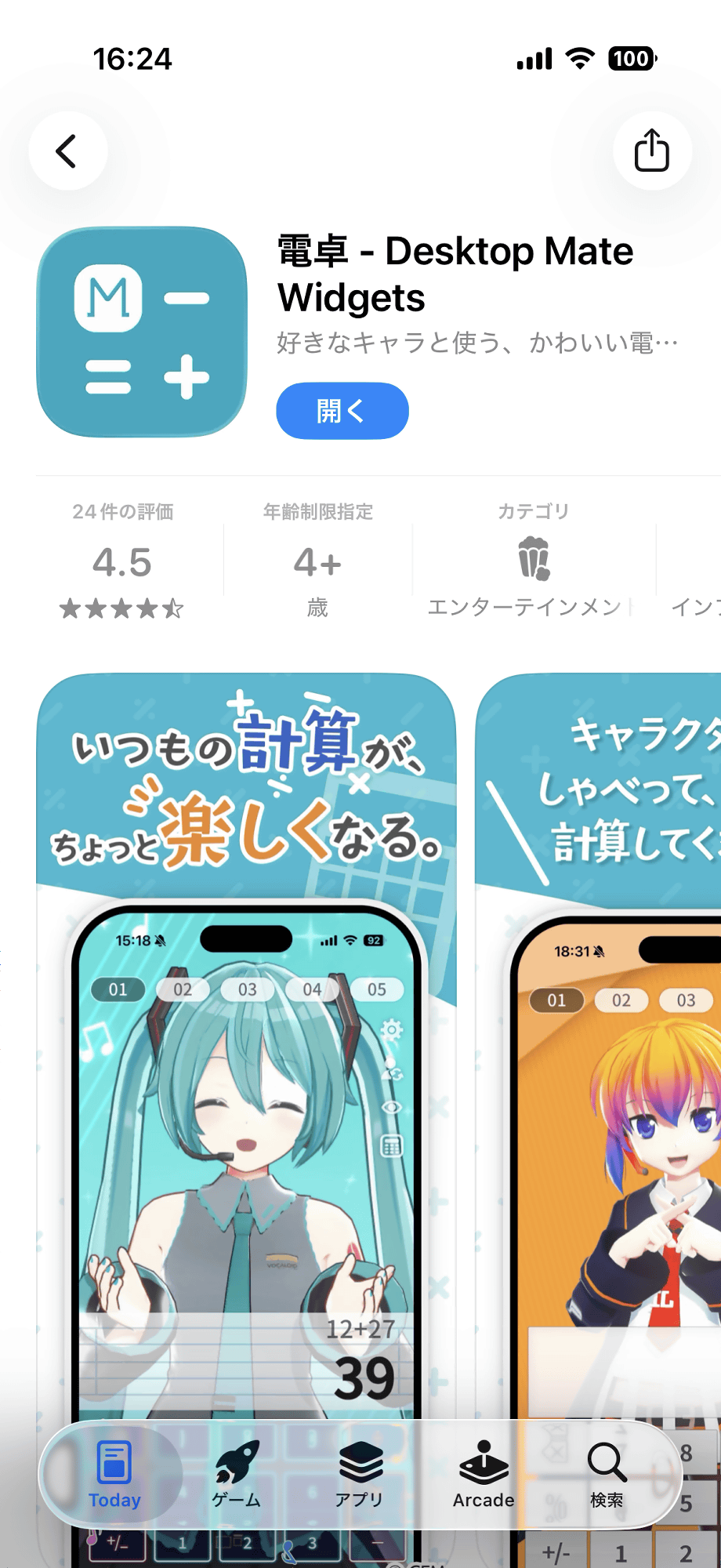
This is what the Desktop Mate Widgets calculator screen looks like. The calculator's background displays '
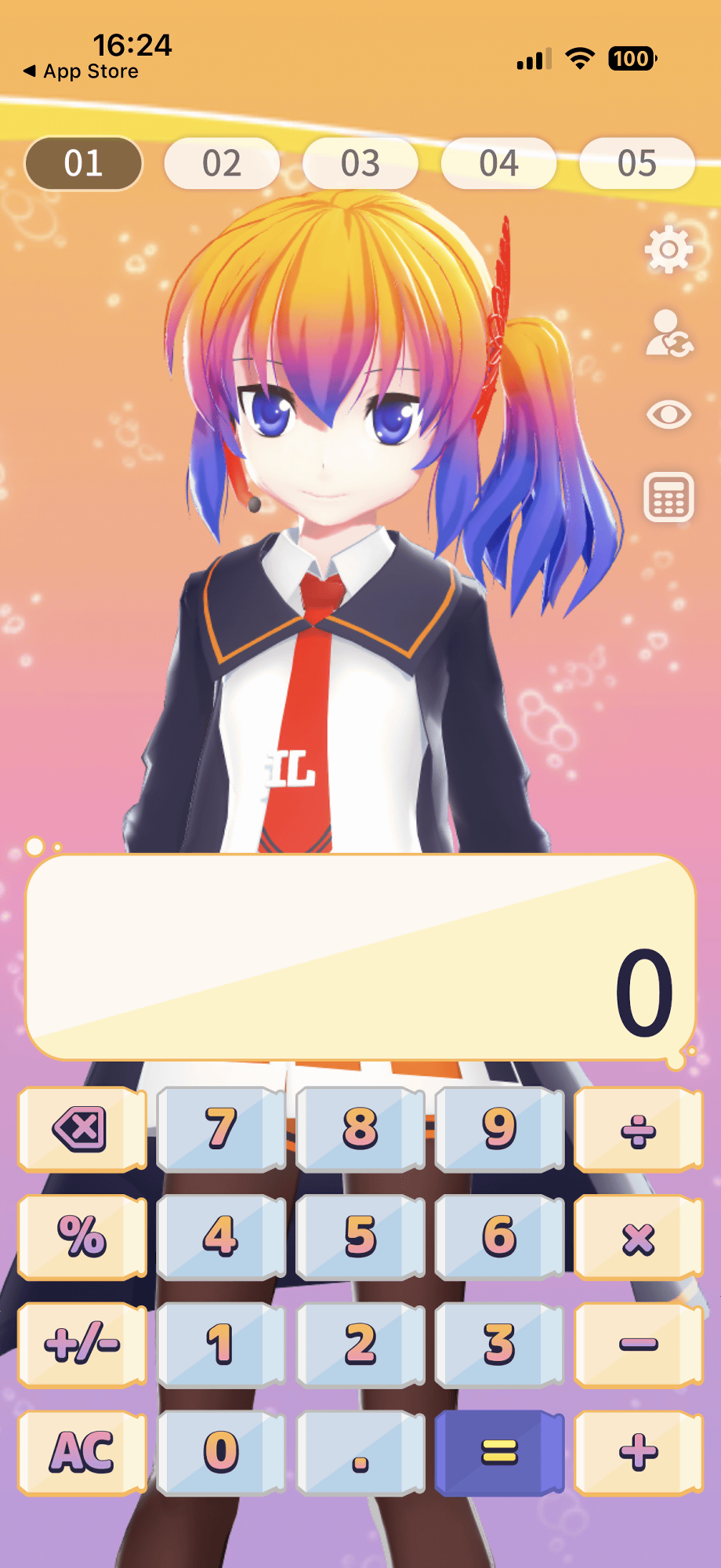
I recorded myself actually doing calculations. When you press the number buttons or symbol buttons, Aieru-tan strikes a pose and says things like 'One!' or 'Add!'.
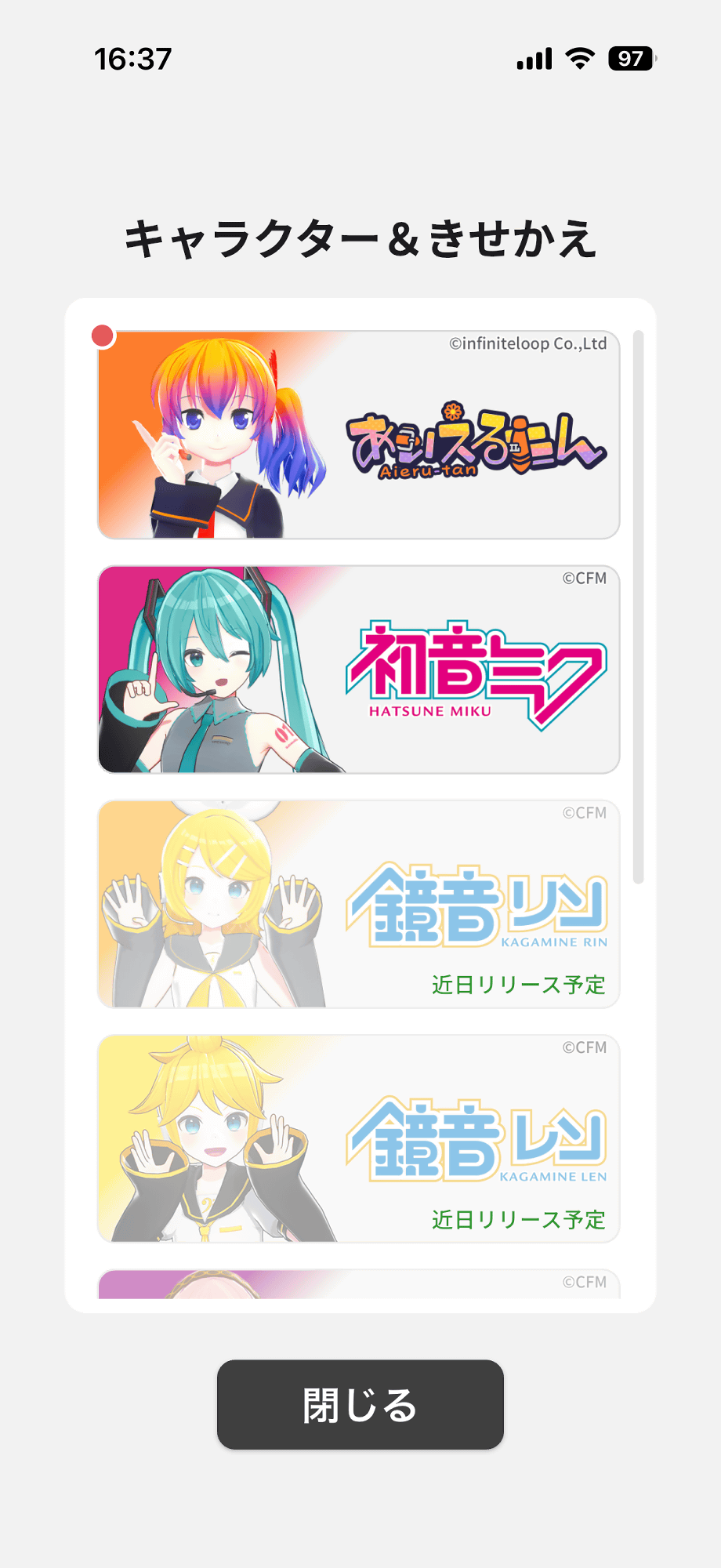
You can also change to a character other than Aieru-tan. To change the character, tap the button enclosed in the red frame in the upper right corner of the screen.
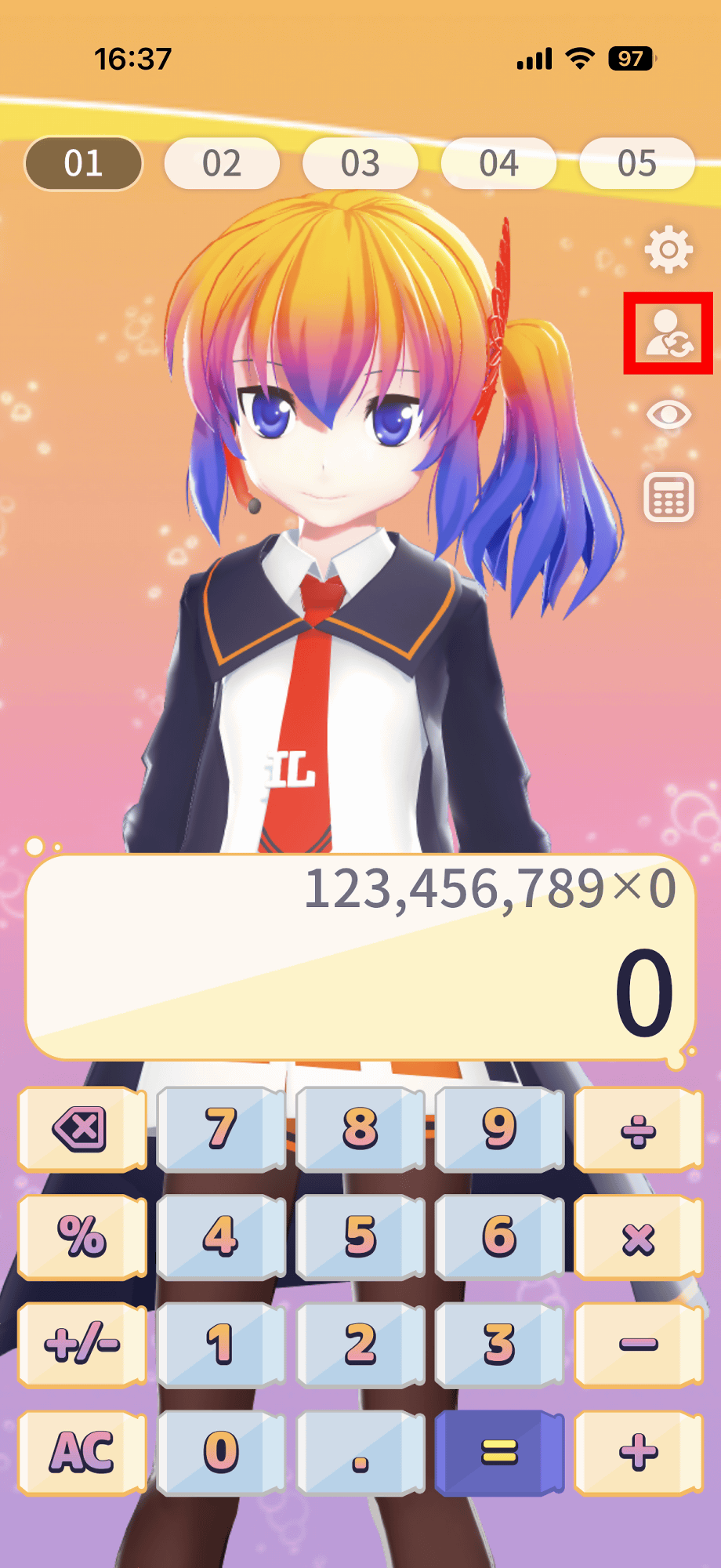
At the time of writing, Hatsune Miku was available as a selectable character. Calculator - Desktop Mate Widgets is a free app, but additional characters are available for a fee, with Hatsune Miku costing 440 yen.
This is what it looks like when Hatsune Miku is displayed.
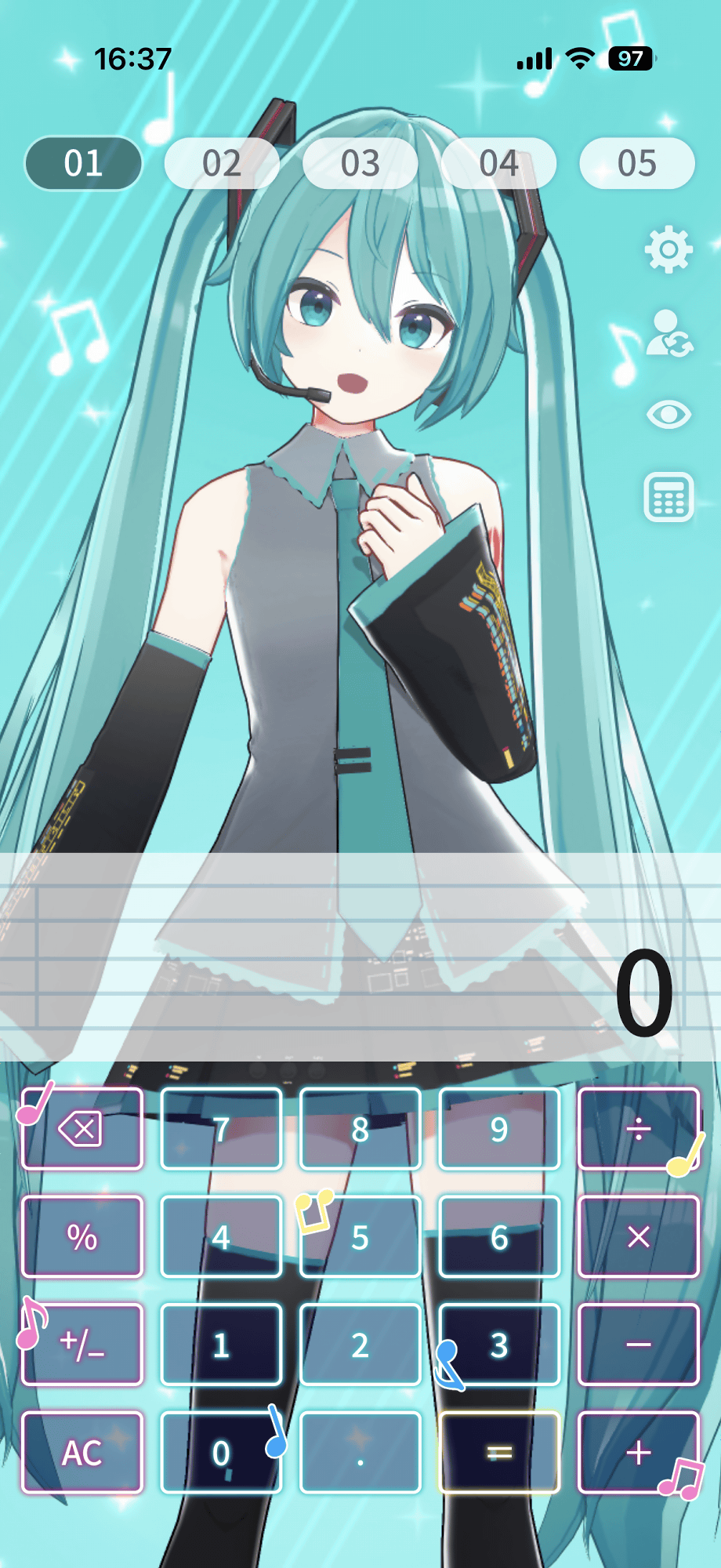
Hatsune Miku will also speak in response to button presses.
The Calculator - Desktop Mate Widgets has a unique feature called 'Struggling with Calculations,' which occasionally plays a motion where the character thinks deeply while saying 'Hmm?'. Below is an example of Hatsune Miku struggling with calculations.
Hatsune Miku struggling with calculations: 'Calculator - Desktop Mate Widgets' - YouTube
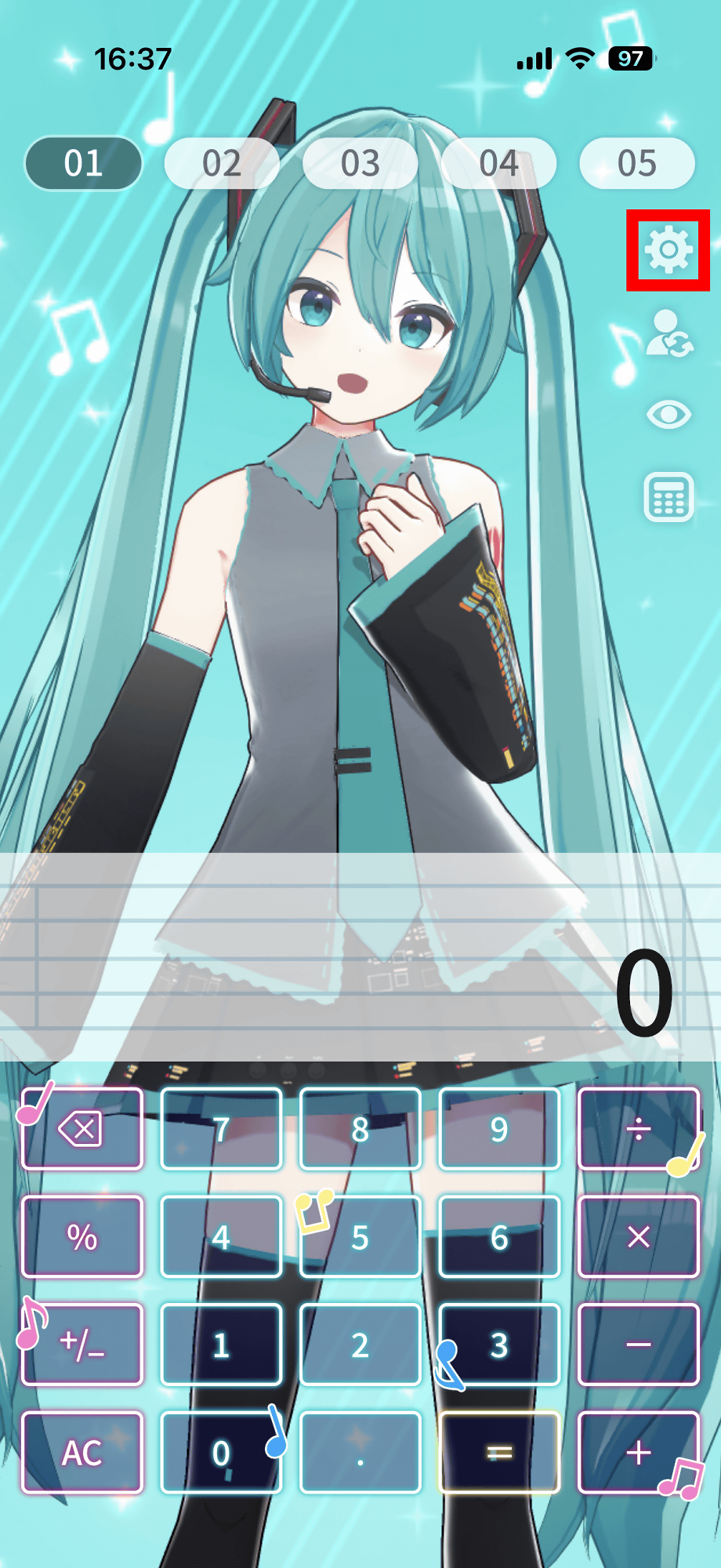
The frequency of 'I struggle with calculations' can be changed in the settings. Tap the settings button in the upper right corner of the screen.
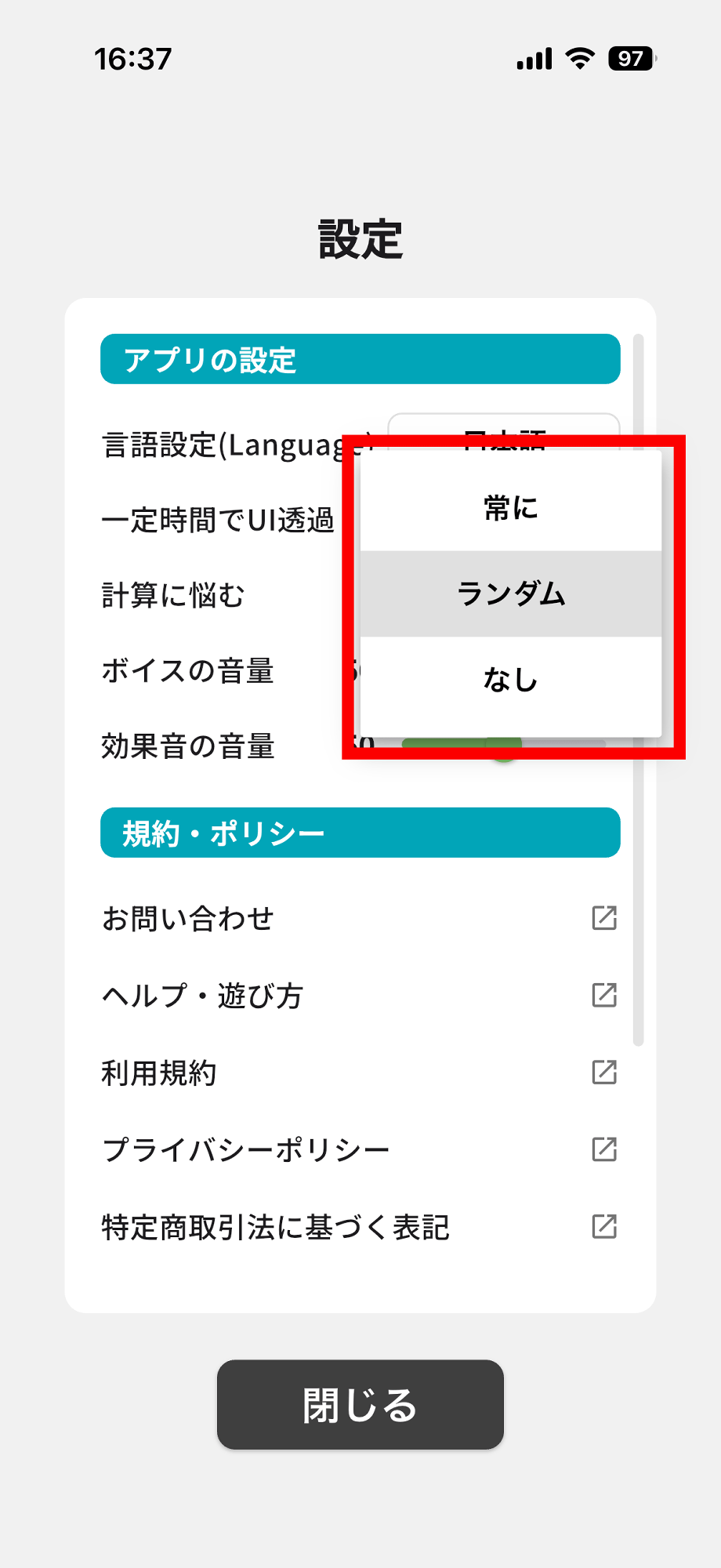
Tap 'Random' to the right of 'Struggling with calculations'.
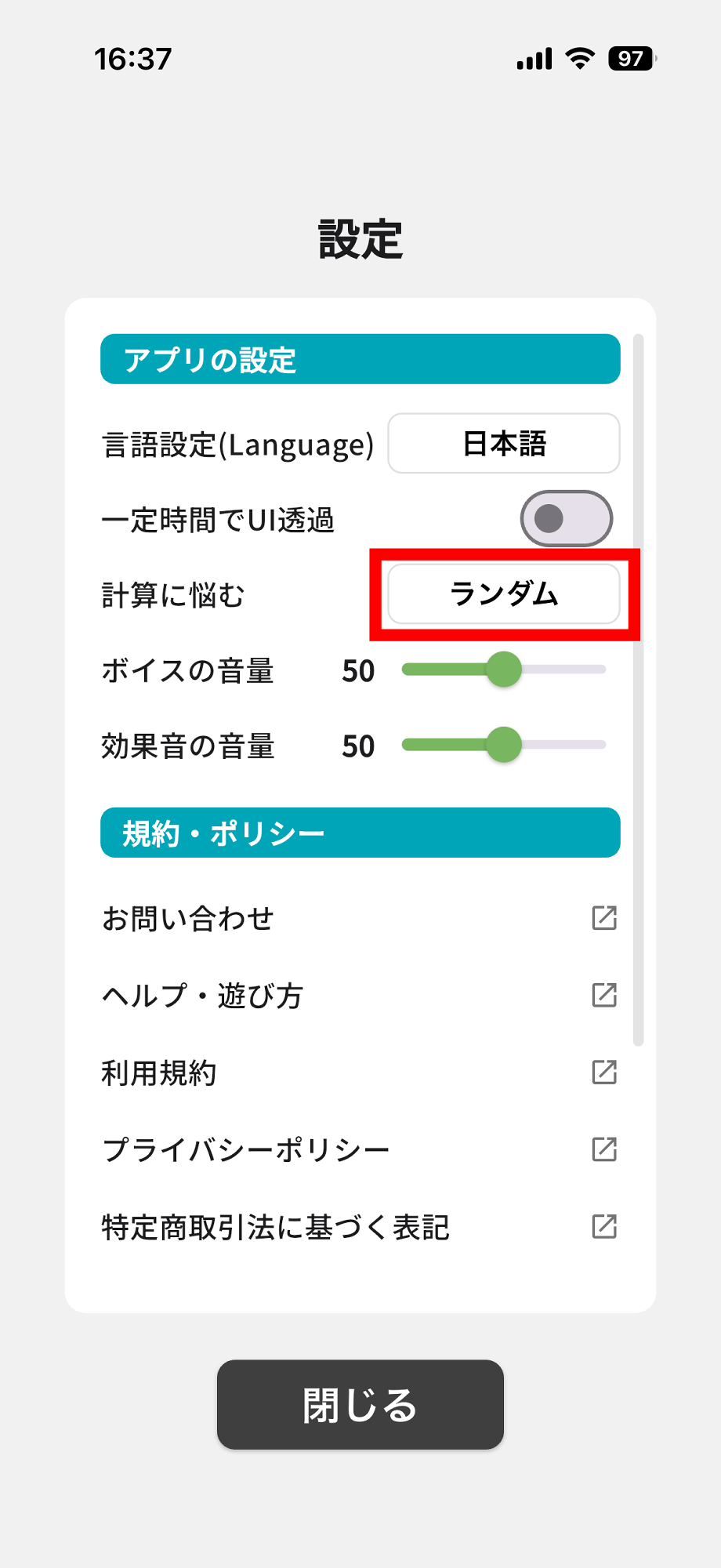
You can choose the frequency from 'Always,' 'Random,' or 'Never.'
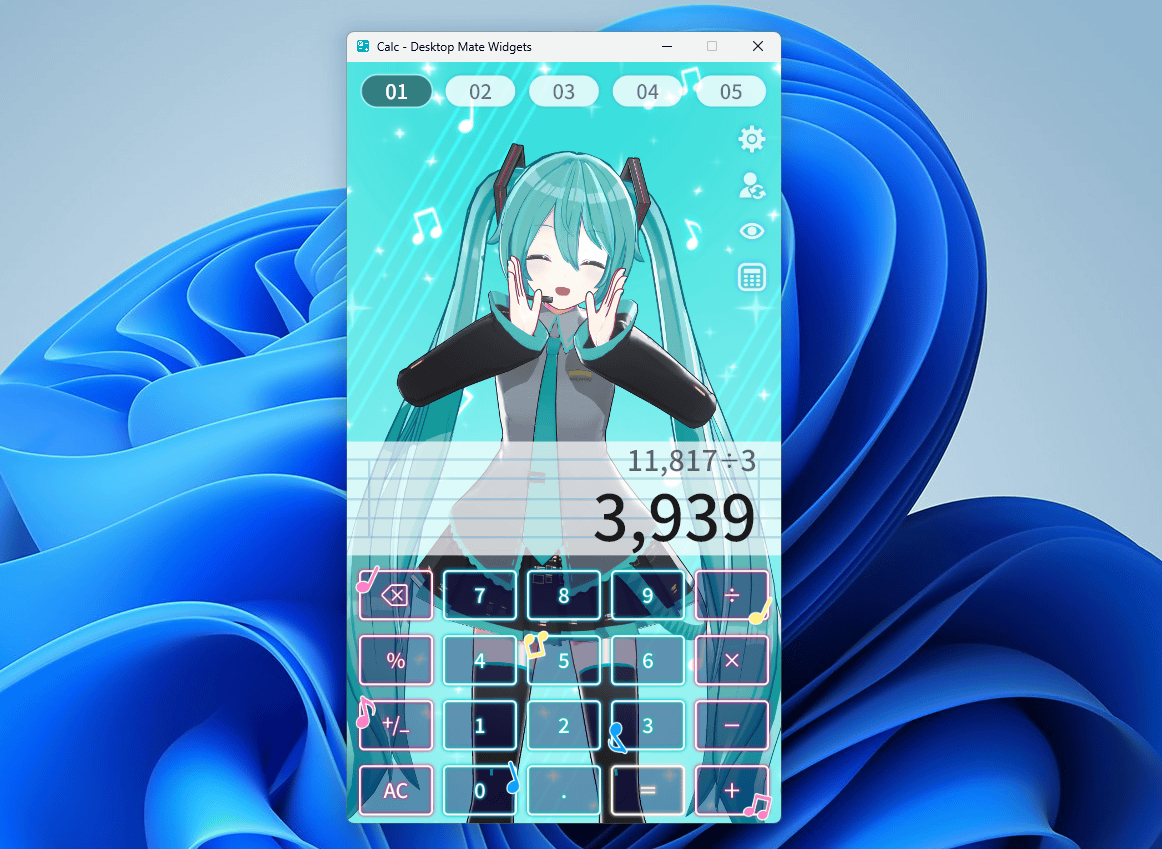
You can enjoy the same features on other operating systems as well. This is what Hatsune Miku looks like when displayed on the Windows version.
The iOS version is available for download from the App Store, and the Android version from Google Play. The Windows version is available on Steam and the Microsoft Store.
Calculator - Desktop Mate Widgets app - App Store
https://apps.apple.com/jp/app/%E9%9B%BB%E5%8D%93-desktop-mate-widgets/id6782669667
Calculator - Desktop Mate Widgets - Google Play app
https://play.google.com/store/apps/details?id=jp.co.infiniteloop.widgets.calc
Steam: Calculator - Desktop Mate Widgets
https://store.steampowered.com/app/4791250/__Desktop_Mate_Widgets/
Calculator - Desktop Mate Widgets - Download and install for free on Windows | Microsoft Store
https://apps.microsoft.com/detail/9ndxt3j2w2q5?hl=ja-JP&gl=JP
Related Posts:
in Video, Software, Smartphone, Review, Posted by log1o_hf