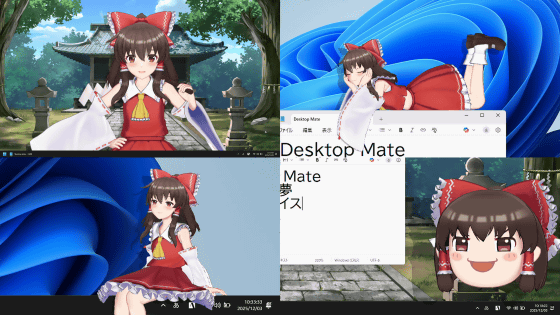
The DLC for Desktop Mate has been released, which lets you summon the talking Marisa Kirisame and Marisa Yukkuri to your desktop. I tried it out, featuring Mai Kanazawa's newly recorded voices and Yukkuri voices.
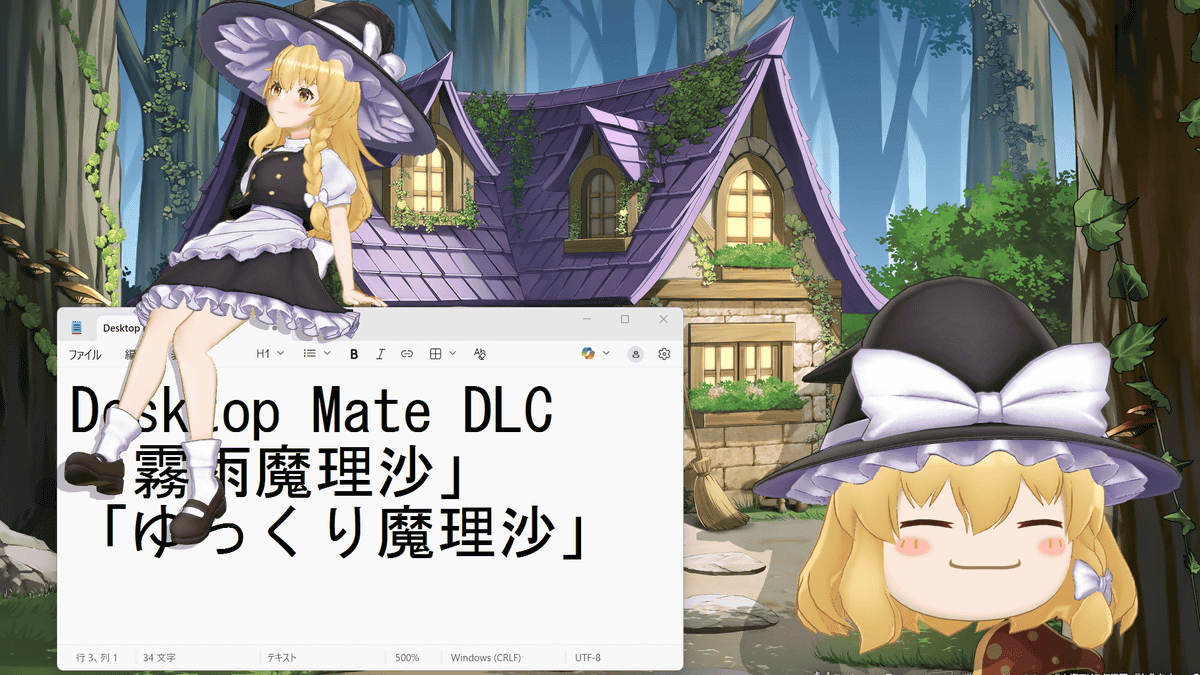
Steam: Desktop Mate Marisa Kirisame DLC
https://store.steampowered.com/app/4018670/Desktop_Mate__DLC/
Steam: Desktop Mate Yukkuri Marisa DLC
https://store.steampowered.com/app/4270570/Desktop_Mate__DLC/
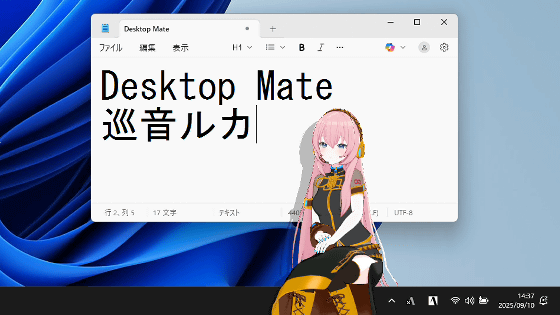
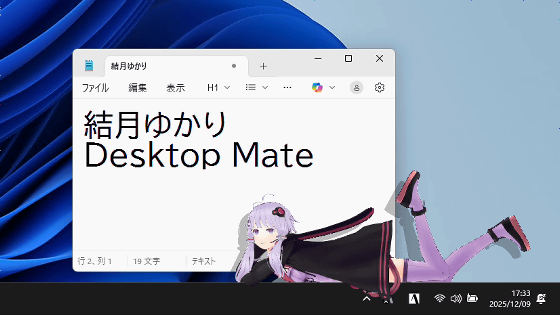
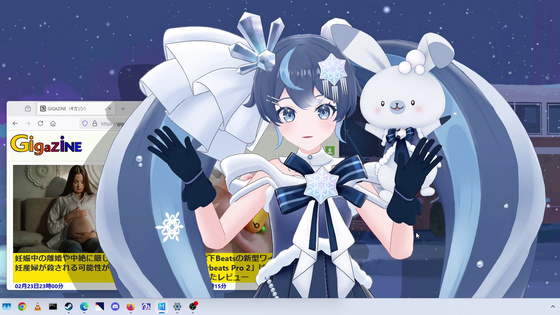
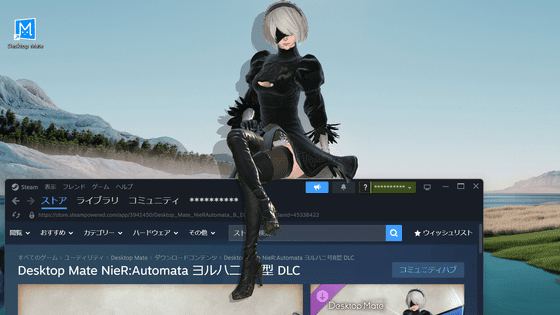
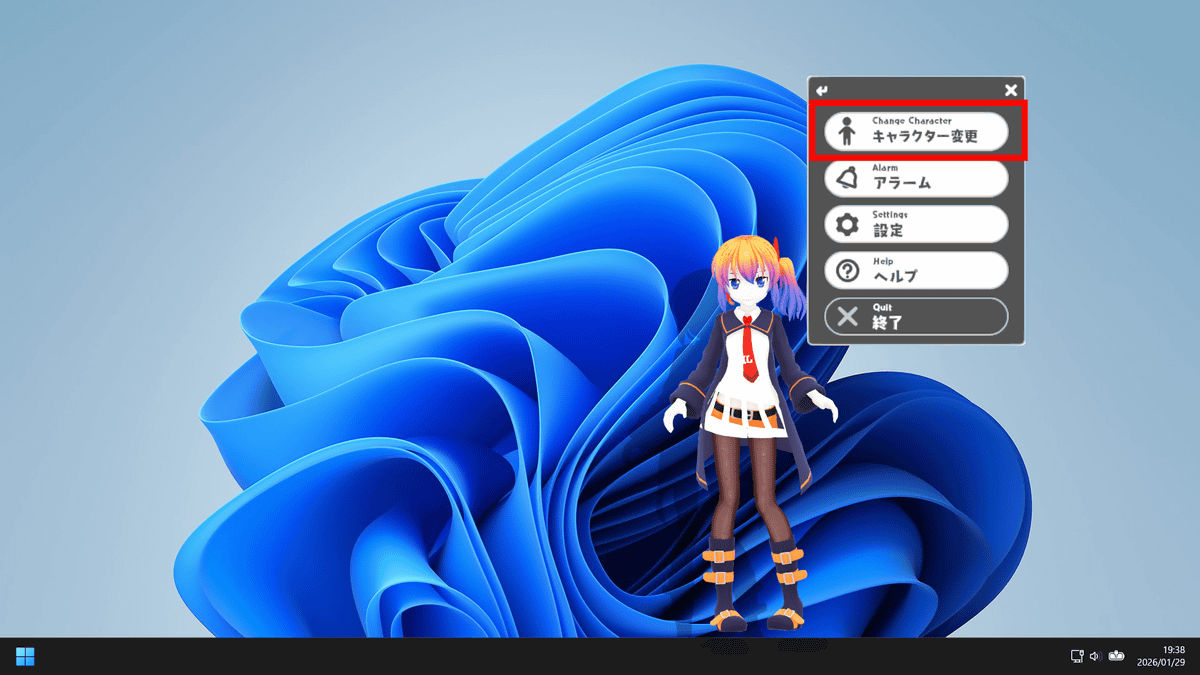
Desktop Mate itself is a free app available on Steam, but you can add Marisa Kirisame and Marisa Yukkuri to your character list by purchasing the paid DLC. After purchasing the DLC, first launch Desktop Mate and click 'Change Character' in the right-click menu.
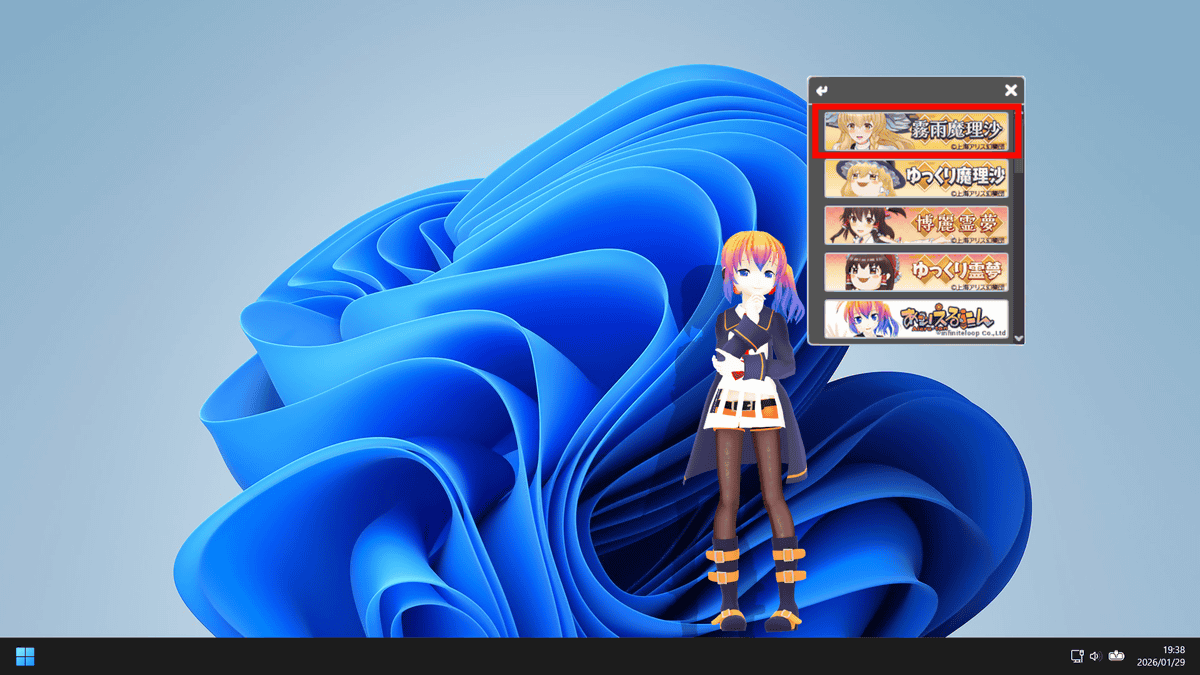
Click on Marisa Kirisame.
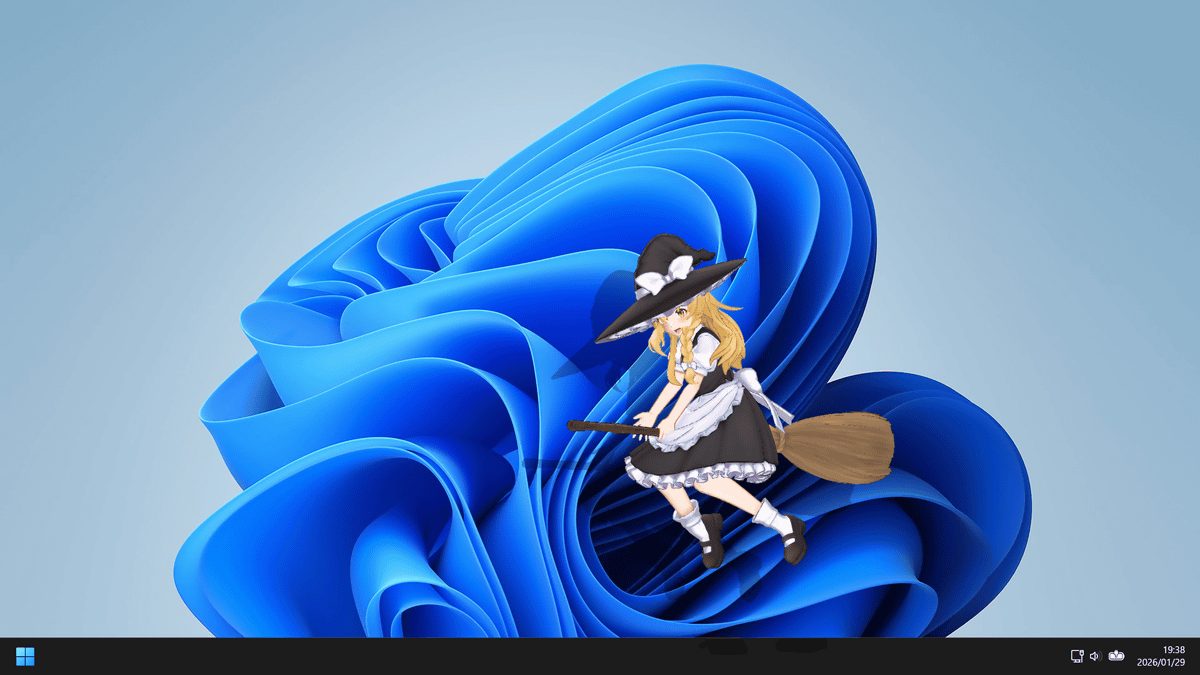
Marisa appears on a broom. Marisa's voice is newly recorded by
The standing posture is as follows:
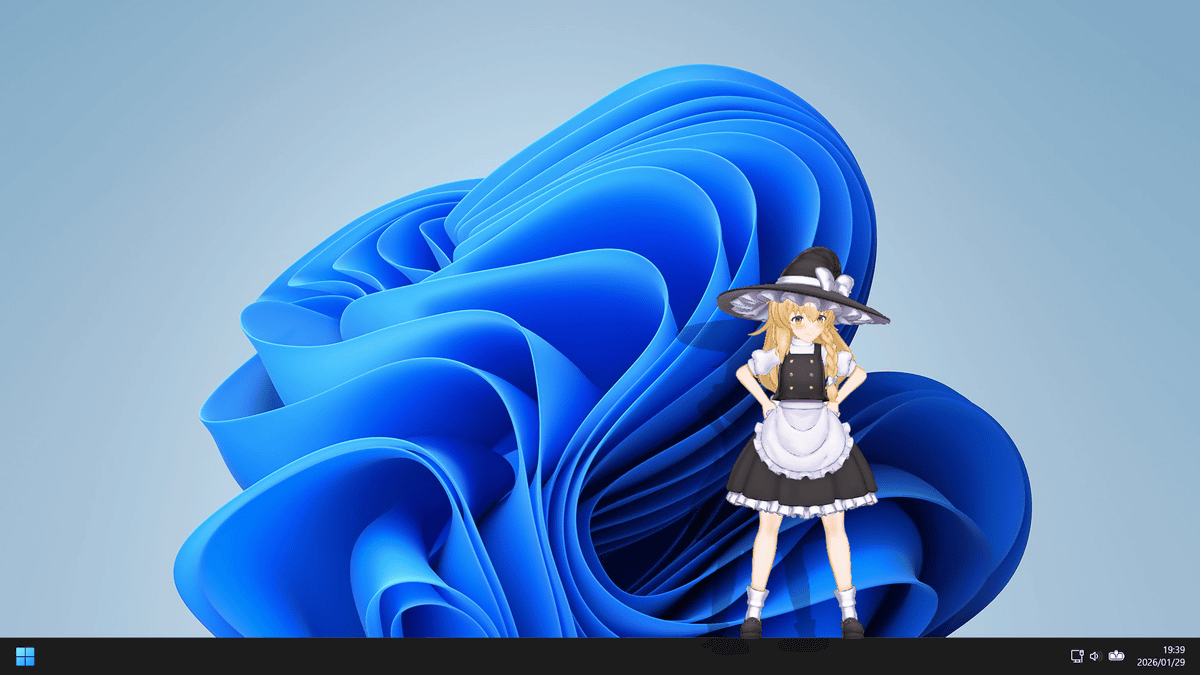
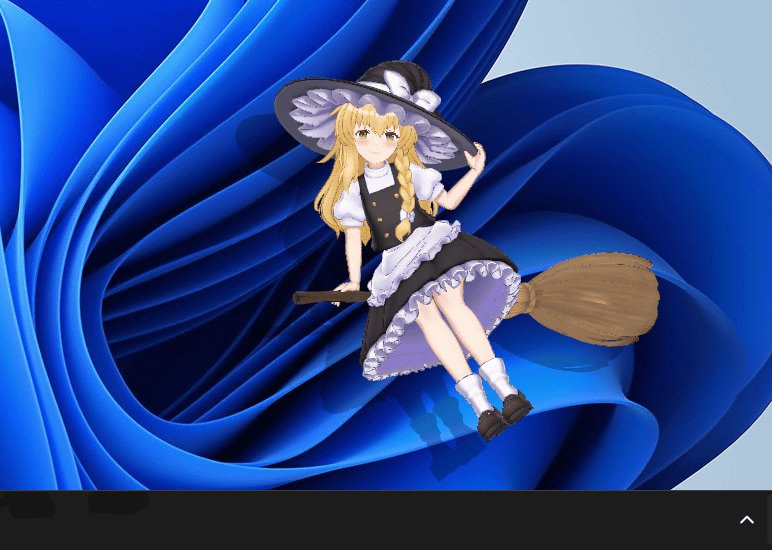
If left alone, it would sometimes take out a broom and float away.
You can also drag and drop, or pick up and move it around.

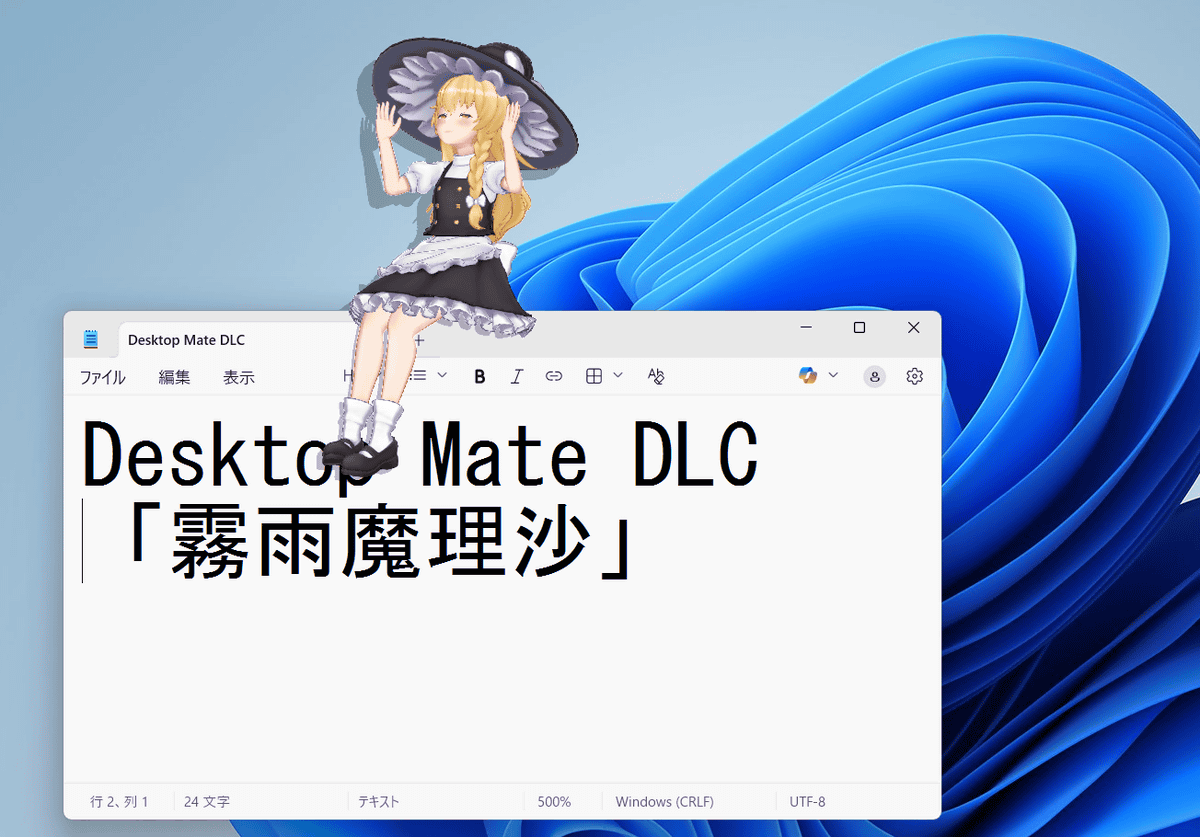
You can also lift it up and move it to place it on top of a window.
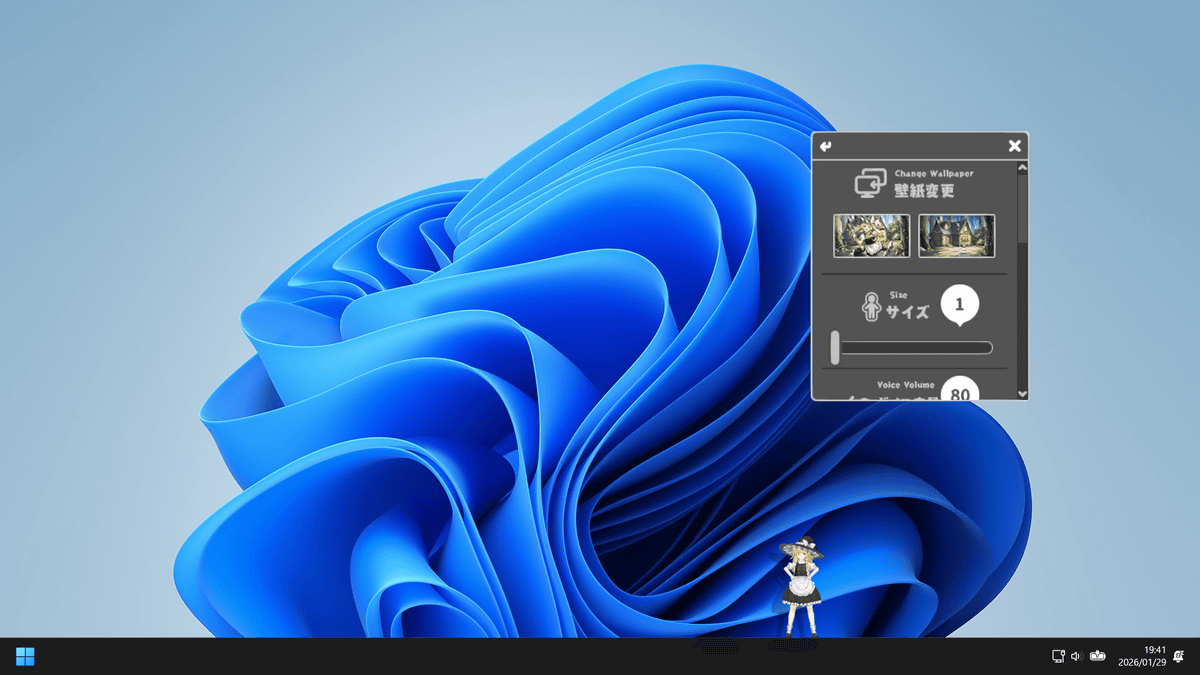
You can change the size from the settings in the right-click menu. Size 1 covers the entire screen, as shown below.
Size 50.
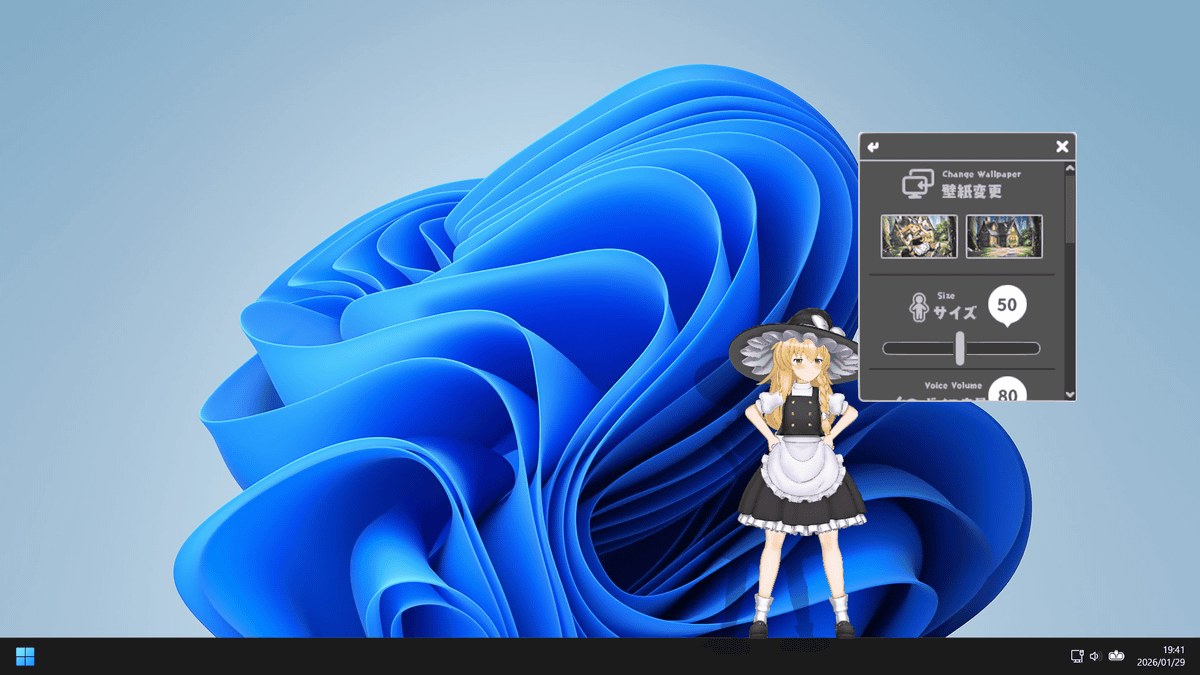
Below is a size of 100, which takes up almost the entire vertical width of the screen.
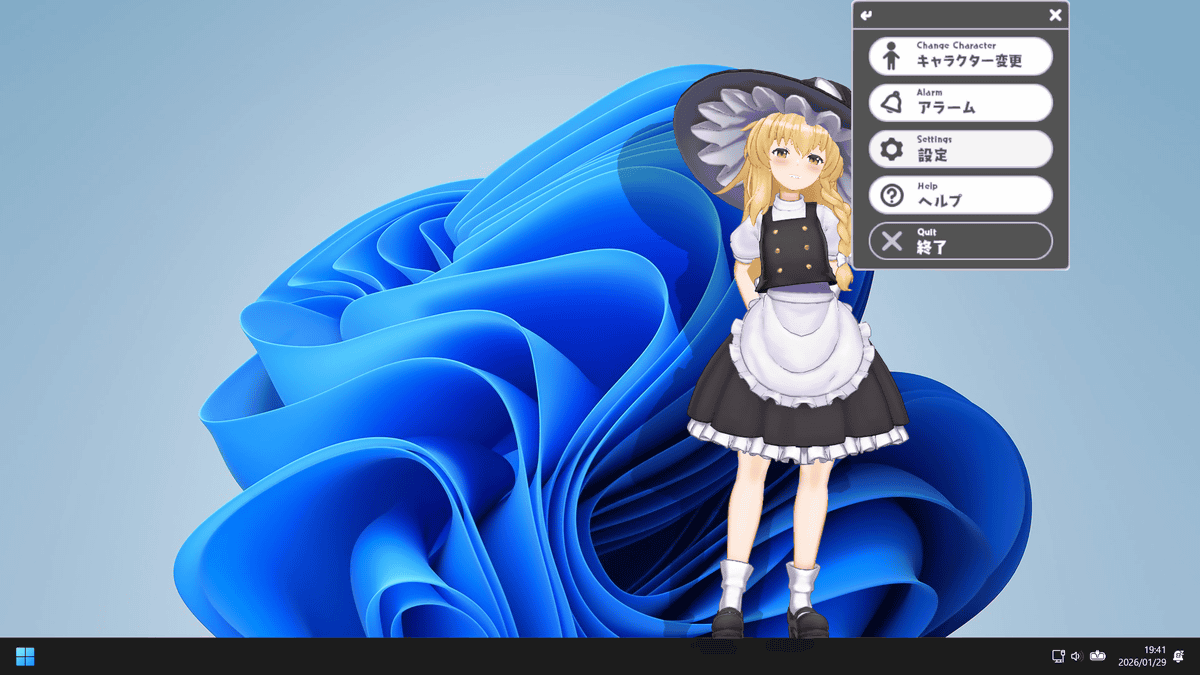
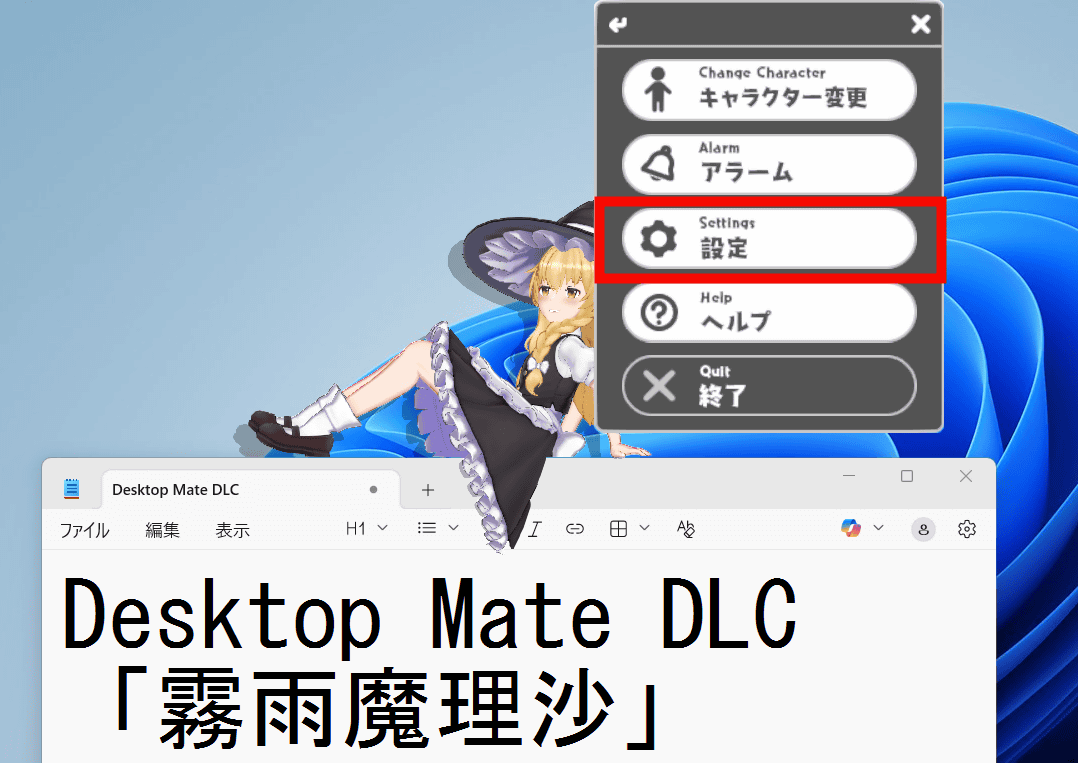
The 'Desktop Mate Marisa Kirisame DLC' also comes with two wallpapers. Click 'Settings' in the right-click menu.
Select a wallpaper.
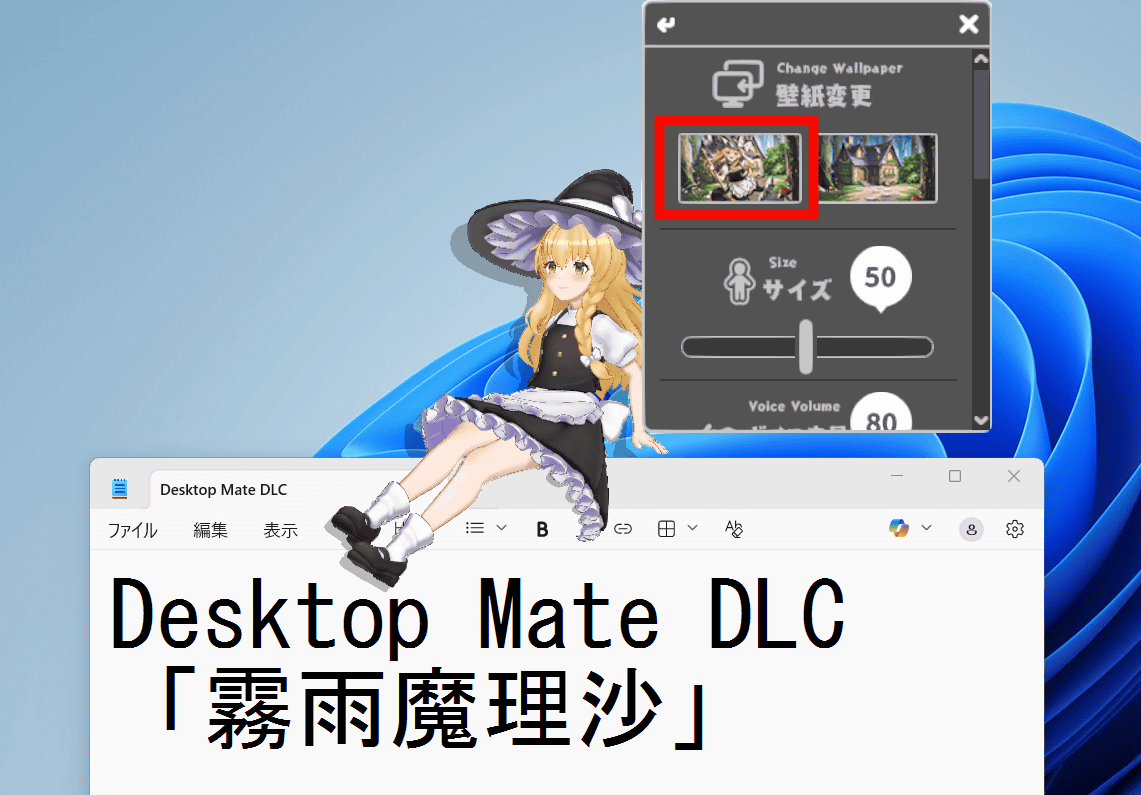
A wallpaper drawn
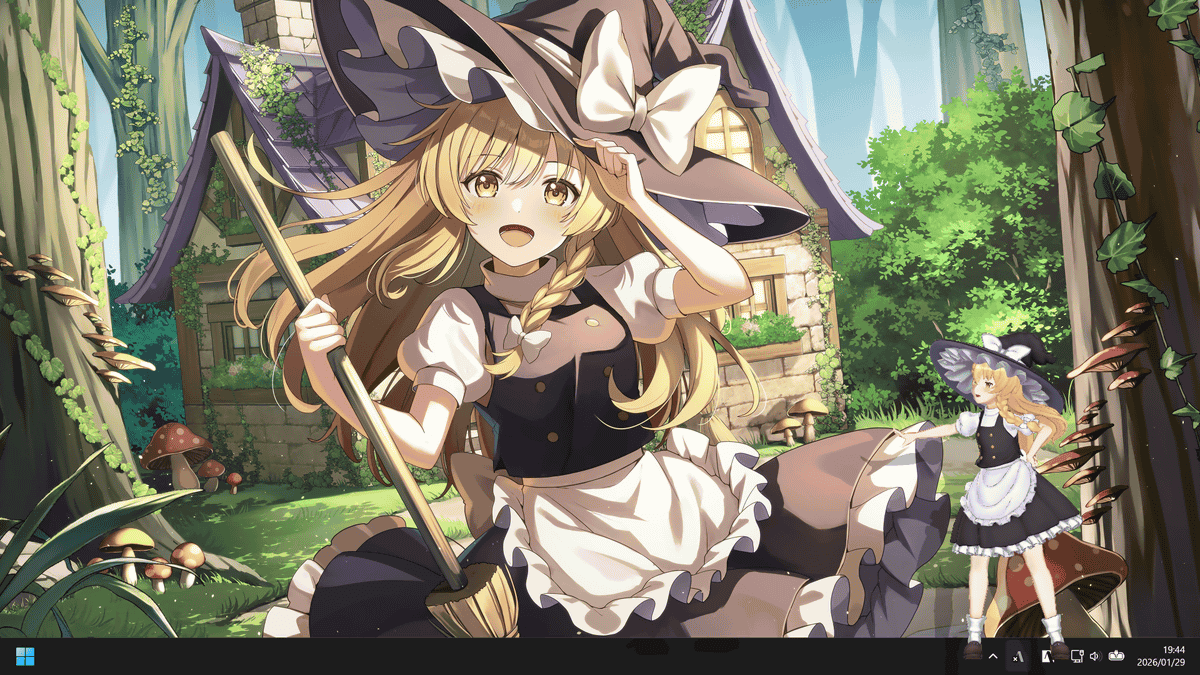
Another wallpaper looks like this.
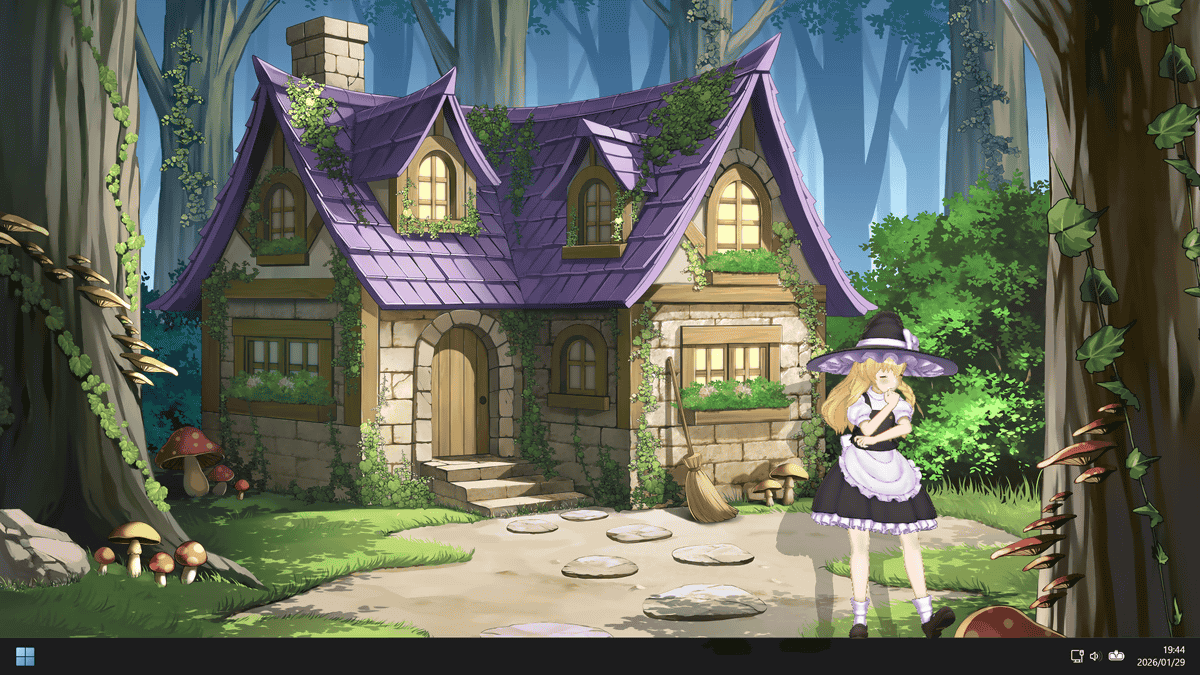
The 'Desktop Mate Kirisame Marisa DLC' comes with Marisa-like motions, such as appearing on a broom and adjusting her hat. It also plays voice messages when you click or pick up the character. You can see Marisa's movements and voice messages in action in the video below.
It also has an alarm function, and when the set time arrives, Marisa will appear on the screen to let you know.
Marisa Kirisame tells you the time from your PC screen [Desktop Mate] - YouTube
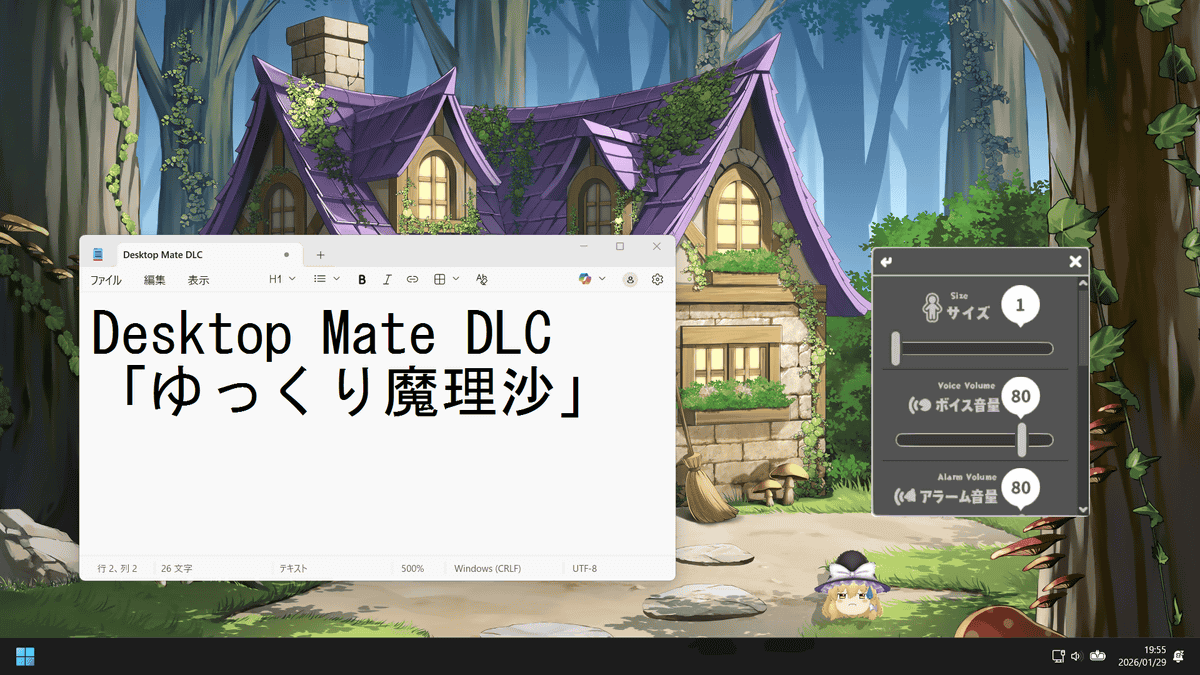
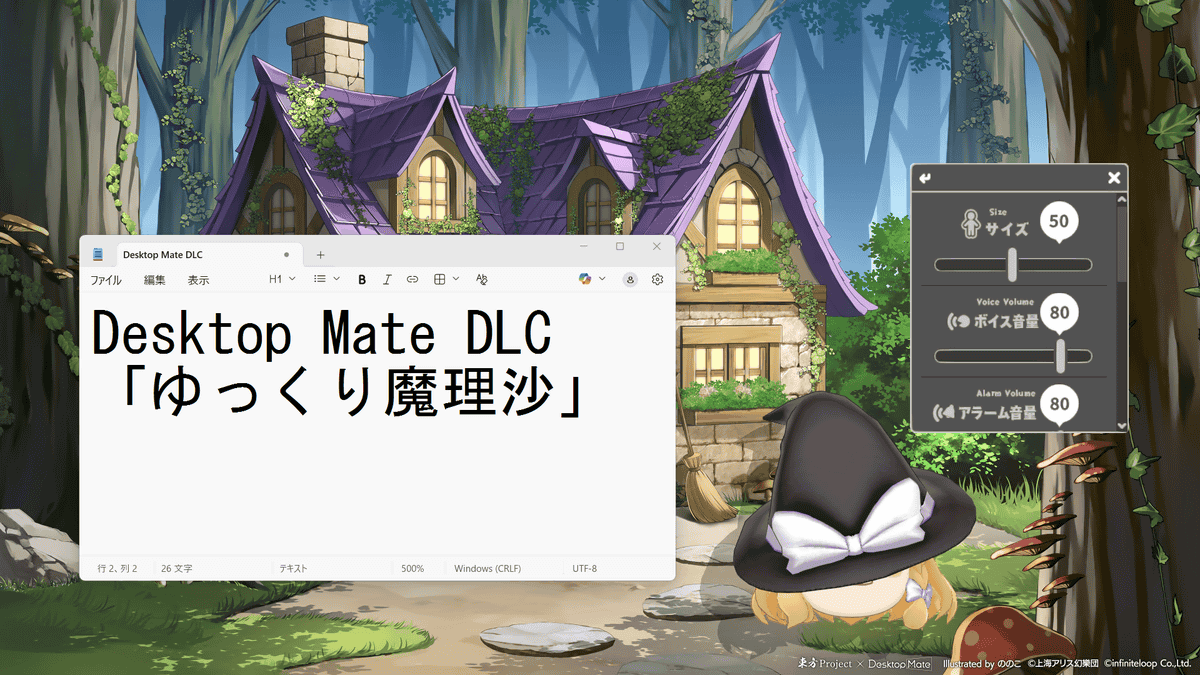
The 'Desktop Mate Yukkuri Marisa DLC' has also been released, which allows you to summon Yukkuri Marisa, a character familiar from gameplay commentary. Yukkuri Marisa looks like this. Her lines are in her familiar voice, with a '-da ze' tone.
I tried placing Marisa on my PC screen [Desktop Mate] - YouTube
Size 1.
Size 50.
Size 100.
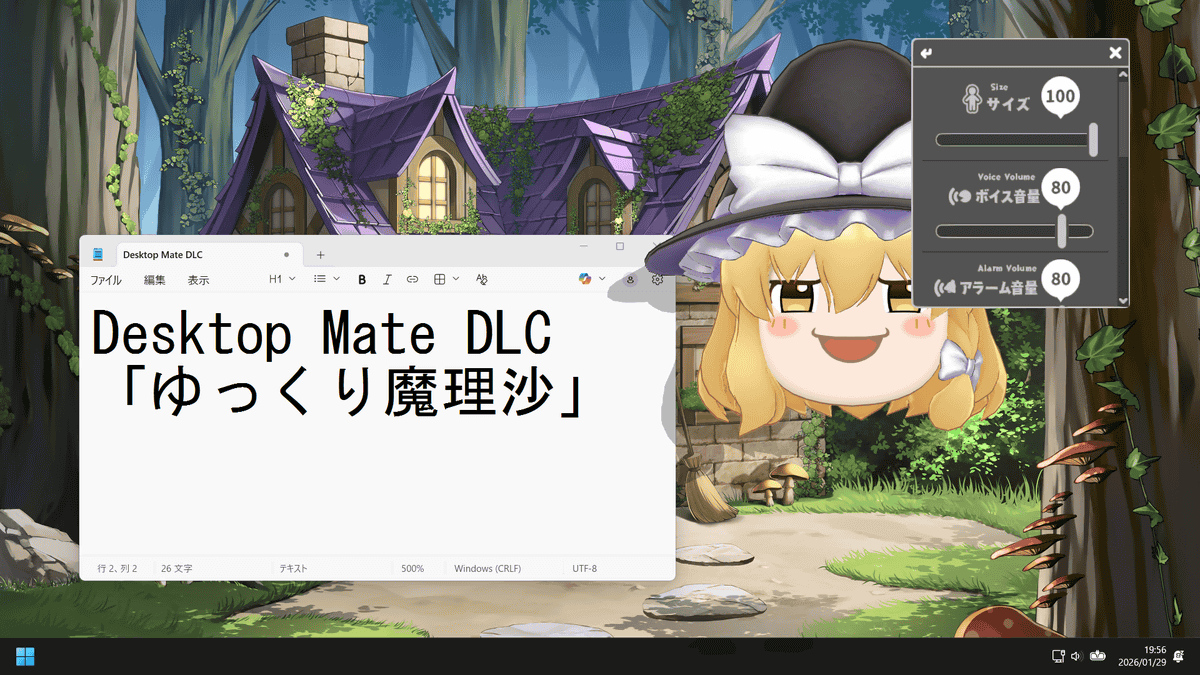
The alarm function is also available in Yukkuri Marisa.
Alarm function that lets you know the time with Marisa [Desktop Mate] - YouTube
Desktop Mate itself is free, 'Desktop Mate Kirisame Marisa DLC' is 2,200 yen including tax, and 'Desktop Mate Yukkuri Marisa DLC' is 1,100 yen including tax. If you purchase both as a set, you can get a 10% discount for 2,970 yen.
Related Posts: