'VHS' allows you to convert terminal sessions into animated GIFs for free.
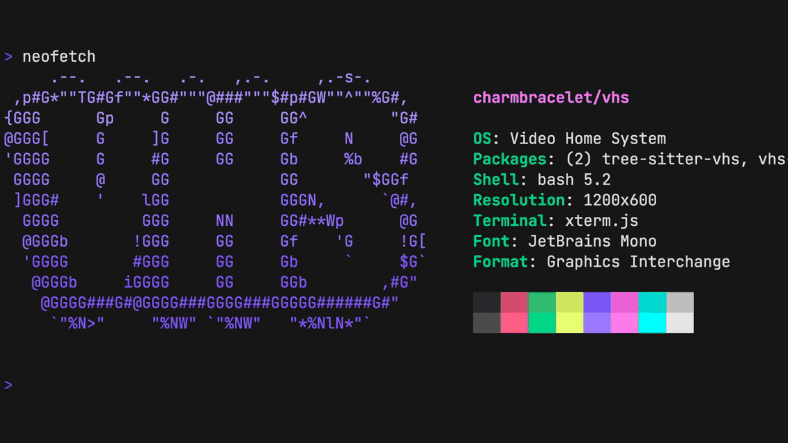
Recording command line operations with desktop capture captures typos, incorrect commands, and repeated operations, making re-recording and editing time-consuming. Therefore, a tool called 'VHS' has been released that allows you to create visually appealing GIFs and videos of command line operations by writing key inputs and waiting times as code in a text file, and then automatically executing and recording the steps.
charmbracelet/vhs: Your CLI home video recorder
https://github.com/charmbracelet/vhs
◆Demonstration of videos created on VHS
With VHS, you can create animated GIFs, MP4s, and WebMs that record the following command operations.
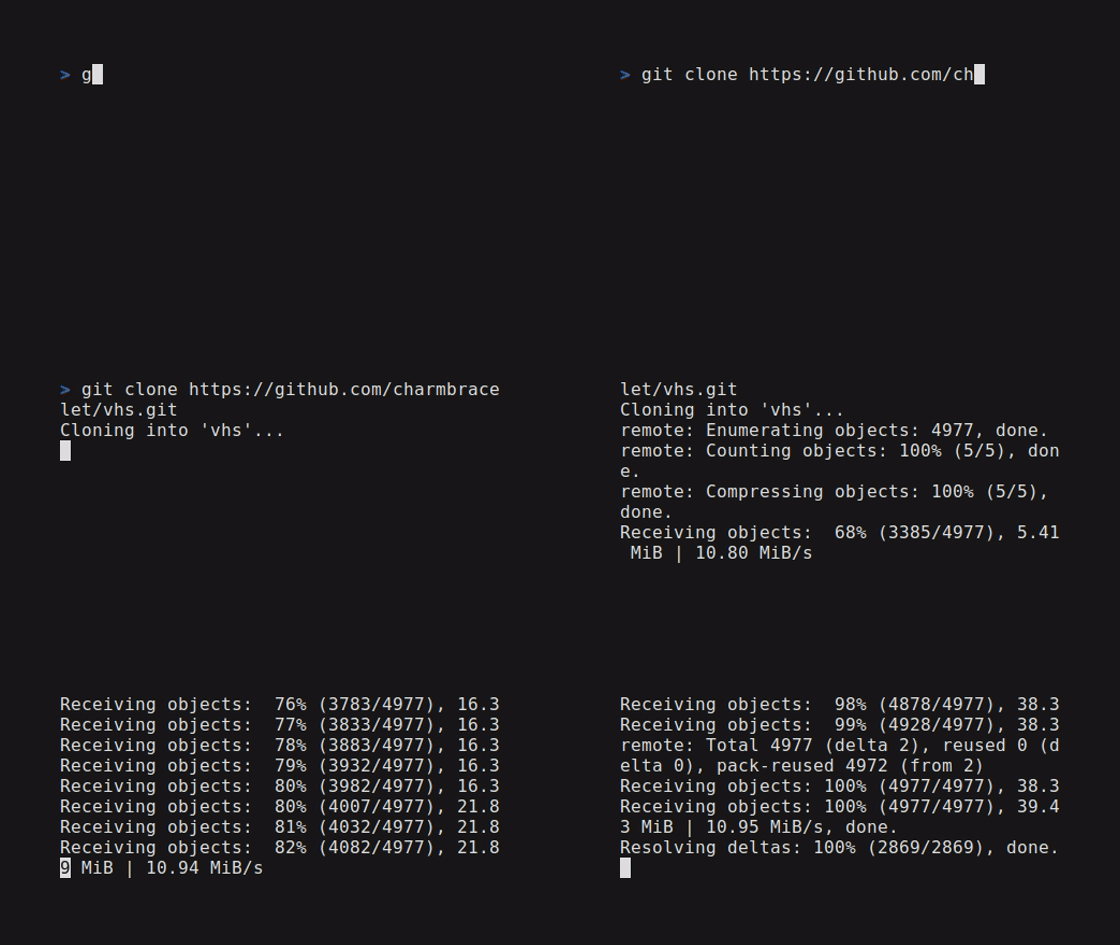
◆Execute the special code and record it as a video.
Prepare a tape file containing video settings such as output format and font size, as well as the commands to be entered.
 # File name
 Output demo.gif

 Require echo

 # Environment Settings
 Set Shell 'bash'
 Set Font Size 16
 Set Width 560
 Set Height 315

 # Operation to record
 Type 'git clone https://github.com/charmbracelet/vhs.git' Sleep 500ms Enter

 Sleep 5s
You can create a video by running the 'vhs' command on a tape file.
VHS demo tape
◆Commands that can be specified in tape files
You can customize various elements related to the output video.
• Output video format: 'Output [filename.extension (gif, mp4, webm)]'
Specifying 'Output frames' will create separate PNG files for each frame.
• Font size: 'Set FontSize [Size]'
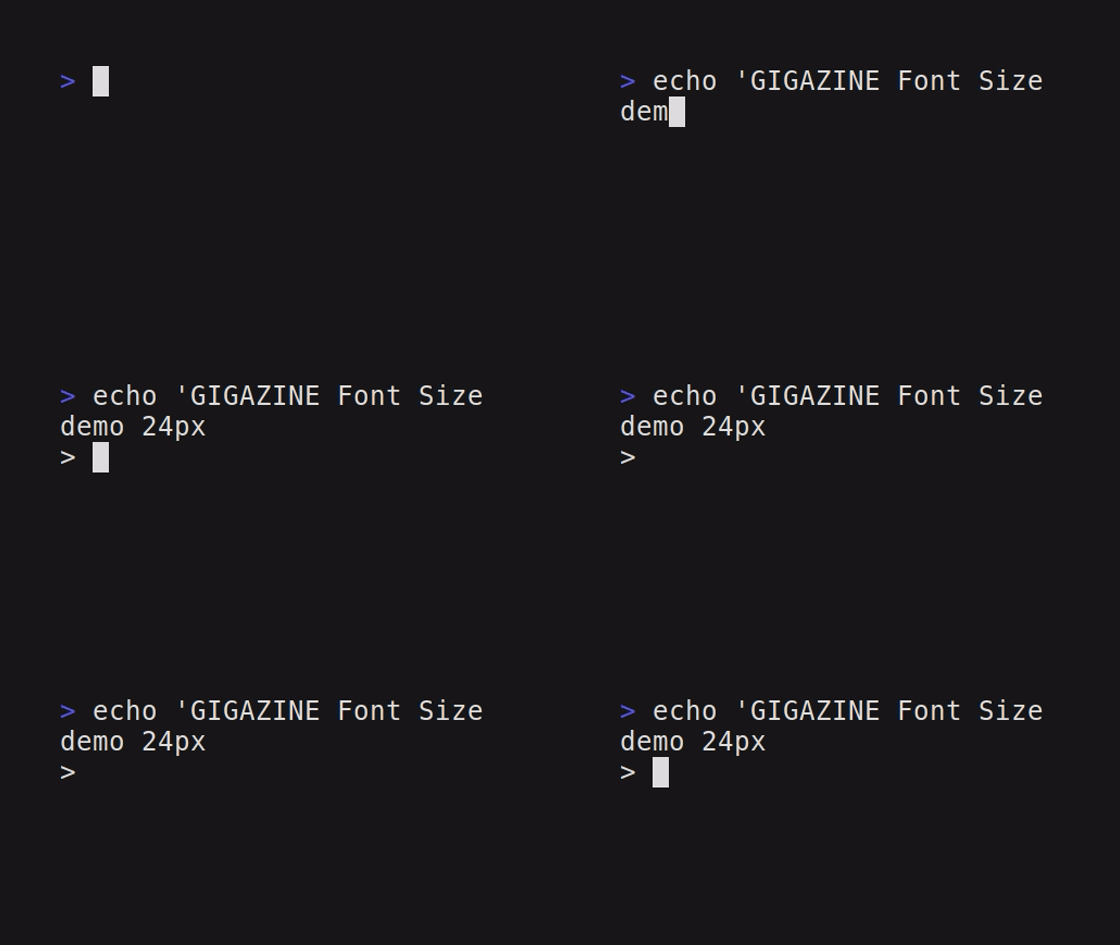
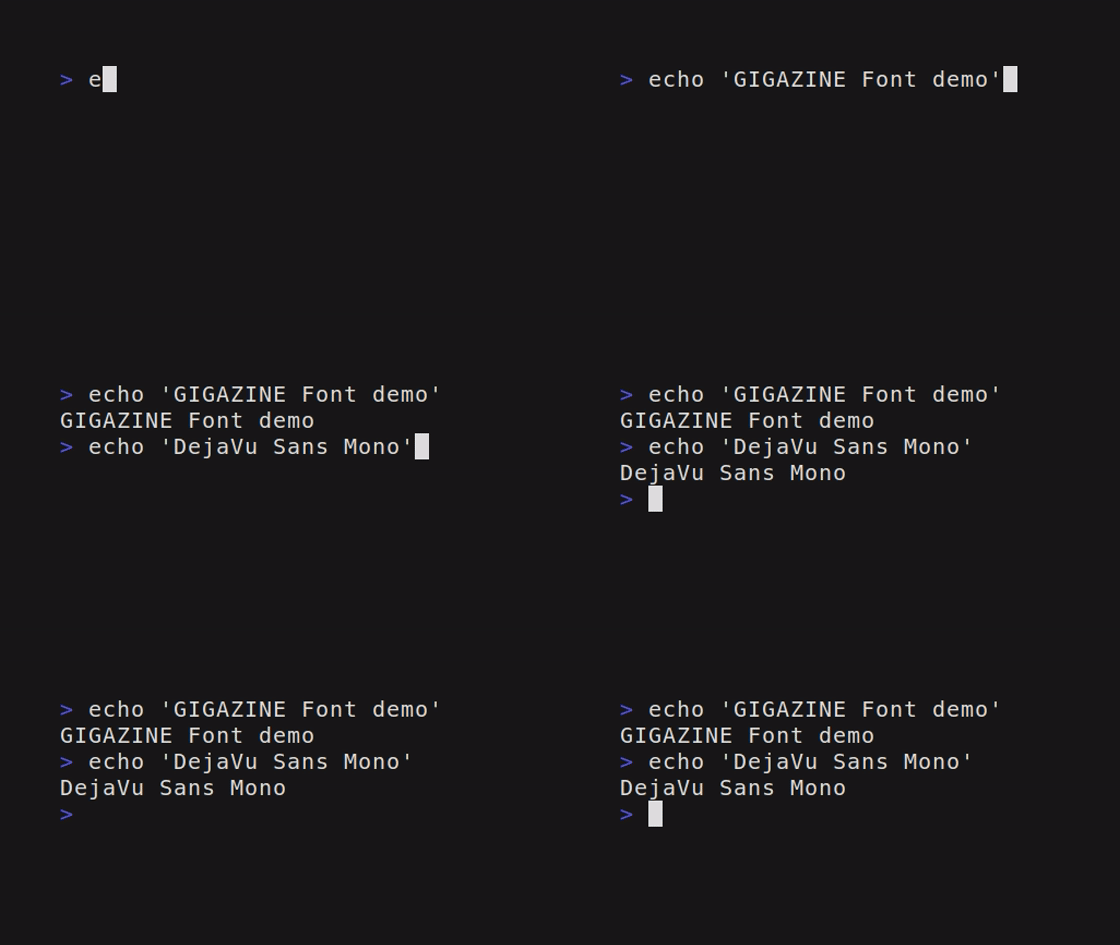
• Font: 'Set FontFamily [Font Name]'
• Typing speed: 'TypingSpeed [Speed]'

- Settings for margins and borders: 'Set Margin [Width], Set MarginFill [Color], Set BorderRadius [Size]'

• Terminal color theme: 'Set Theme [Theme Name - Custom JSON]'
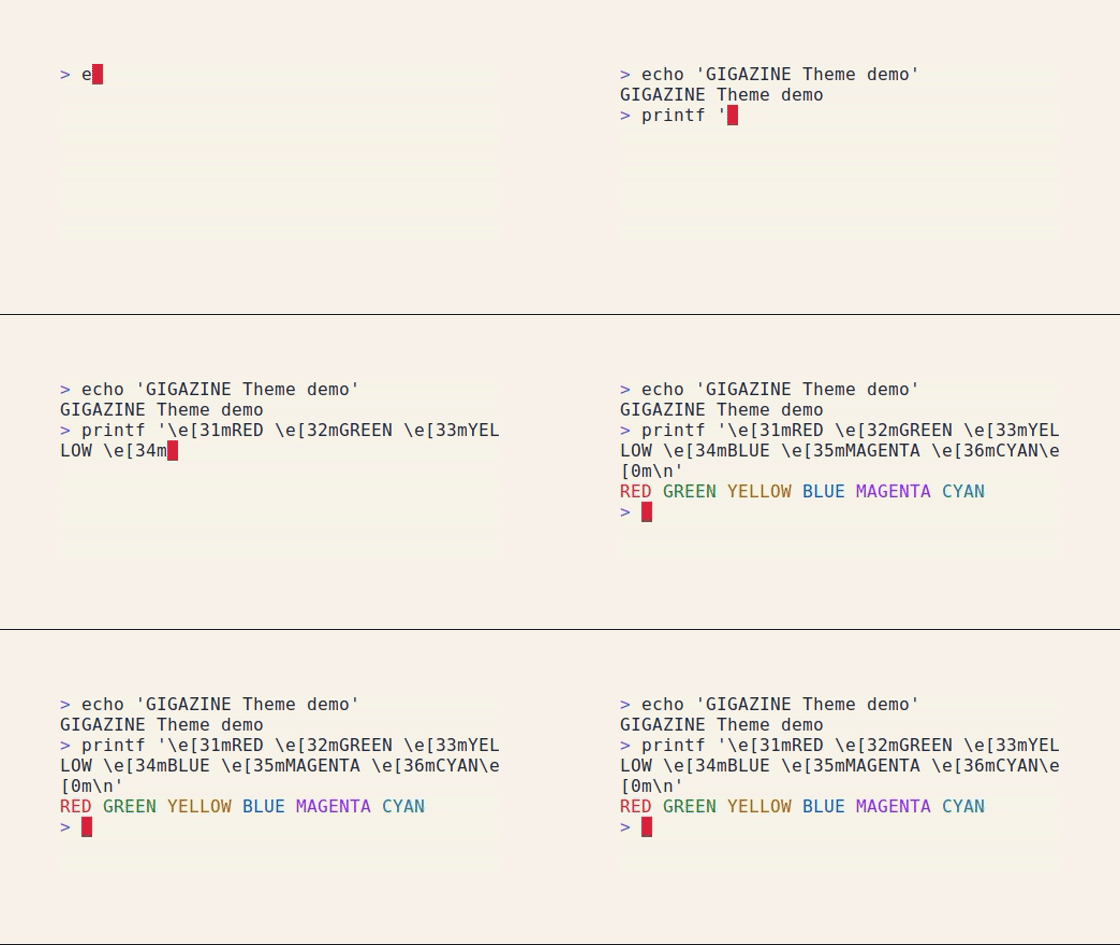
- Specify the terminal screen resolution: 'Set Width' and 'Set Height'
The following commands are available for entering commands into the terminal:
- Enter the specified string as a command: 'Type [string]'
- Entering special keys such as Enter or Backspace: 'Key [Special Key Name]'
- Simultaneous input with the Control key: 'Ctrl + [key]'
• Waiting time: 'Sleep [time]'
- Hide/Show commands you don't want to show, such as password input:
In addition, other operations that can be performed in the terminal, such as cursor movement and scrolling, can be specified using commands.
◆How to install VHS
Although Windows binaries are available, they did not function correctly in our test environment, freezing after startup, so we will install it on WSL2 , which is Ubuntu set up on Windows 11. After launching the WSL2 prompt, install the necessary libraries for VHS, 'ttyd' and 'ffmpeg'.
sudo apt install ttyd ffmpeg
By registering the official Charm APT repository with Ubuntu, updating the package information, and installing it, you can use the 'vhs' command.
 # Ubuntu
 sudo mkdir -p /etc/apt/keyrings
 curl -fsSL https://repo.charm.sh/apt/gpg.key | sudo gpg --dearmor -o /etc/apt/keyrings/charm.gpg
 echo 'deb [signed-by=/etc/apt/keyrings/charm.gpg] https://repo.charm.sh/apt/ * *' | sudo tee /etc/apt/sources.list.d/charm.list
 sudo apt update && sudo apt install vhs
Related Posts: