Rowboat, an AI that remembers email, meeting, and Slack content to help with work, offers several advantages as an alternative to Claude Desktop.
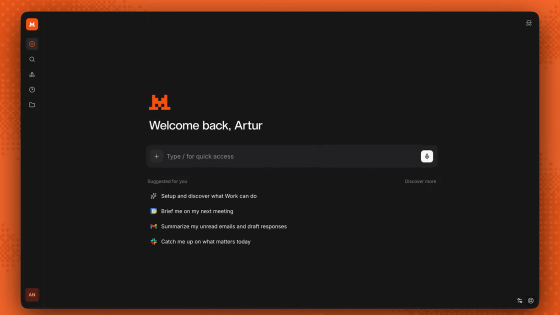
Rowboat, a desktop application that stores emails, meetings, Slack conversations, and other AI-generated content locally, and operates as an AI assistant that remembers the context of your work, has been released. Rowboat is an open-source AI work environment distributed for Mac, Windows, and Linux, and is described on its official GitHub as a 'desktop AI assistant with a work memory.'
GitHub - rowboatlabs/rowboat: Open-source AI coworker, with memory · GitHub
Rowboat Work Surfaces: describe a workflow, get an app built into your work - YouTube
Since the information needed for work—such as emails from clients, meeting minutes from the previous meeting, Slack chats, and chat history with AI—is scattered across multiple apps, if you ask AI to perform a task, it will provide irrelevant answers if it doesn't have the necessary background information.
Rowboat allows you to store scattered work information on your computer as 'memories' that are easy for AI to handle. Rowboat indexes emails, meetings, Slack, and conversations with AI assistants, and organizes them as an Obsidian-style knowledge graph with cross-links.
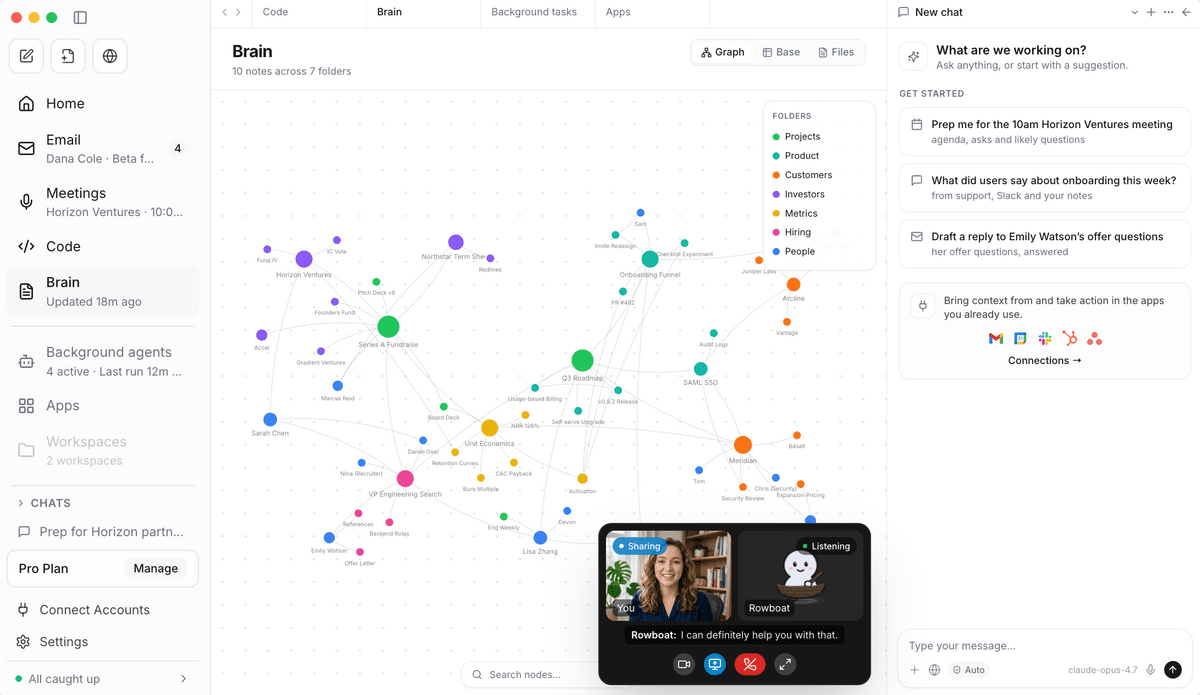
For example, if you ask an AI chat to 'create a draft reply based on the content of the last meeting with Company A,' a typical AI chat would require the user to paste the previous meeting minutes or email text. Rowboat, however, has a history of the work's context, so it can use relevant emails and meeting notes as material to create draft replies and summaries. This reduces the burden of having to explain everything from scratch each time.
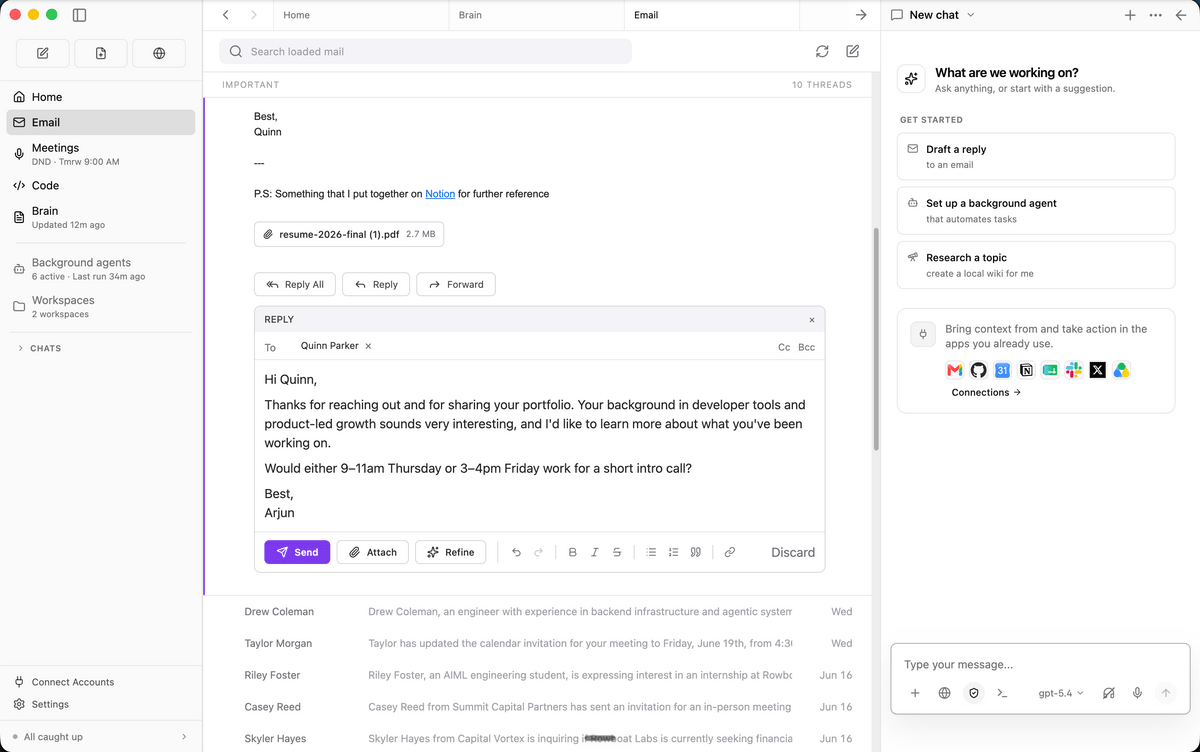
Rowboat can also be used for organizing post-meeting information. Rowboat has a local meeting note function that creates a meeting summary by live-transcribeing audio from the microphone and speaker, saving it as a Markdown file, and reflecting it in the knowledge graph. After the meeting ends, key points such as 'what decisions were made' and 'who was scheduled to do what next' are automatically summarized.
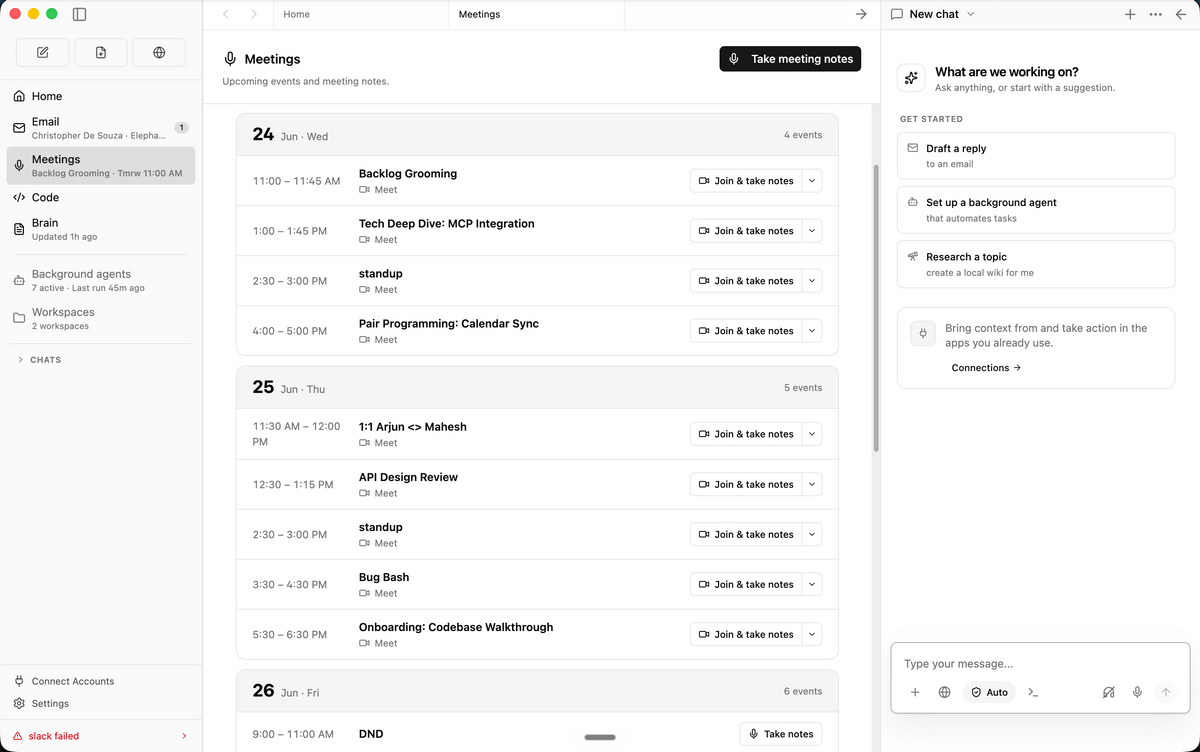
Furthermore, Rowboat comes pre-configured with various workspaces, including an email client, notes, browser, code mode, and project-specific workspaces. The built-in email client categorizes important emails from others, and for important emails, it uses accumulated work context to create draft replies. Its key feature is that it not only uses AI to generate text, but also integrates the entire workspace—reading emails, taking notes, researching in the browser, and writing code—all within Rowboat.
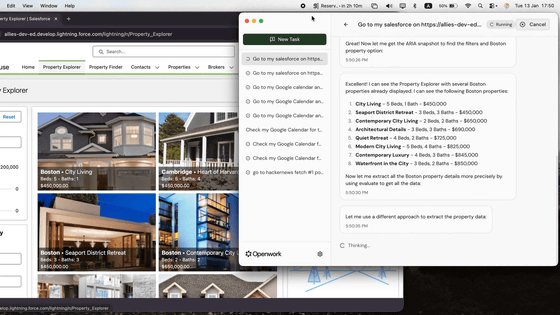
A comparable AI desktop application is Anthropic's 'Claude Desktop.' Claude Desktop is an application that allows you to use Anthropic's AI 'Claude' on your desktop, and you can use chat, PC operation, and software development support from the Chat, Cowork, and Code tabs. By using MCP, a mechanism for connecting the AI assistant with data sources, it can also be linked with external tools and local data.
Anthropic announces 'Cowork,' an AI for PC operation that can automate everything from creating to deleting files - GIGAZINE
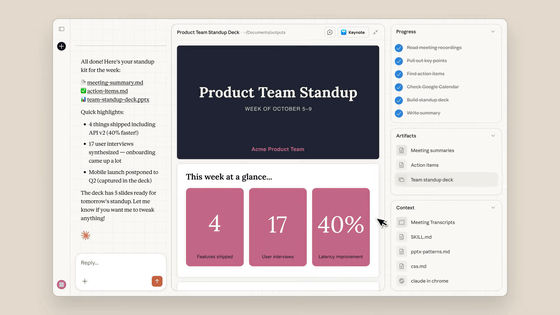
However, Claude Desktop is basically a 'place to converse with AI,' and how necessary information is connected tends to depend on the user's settings and operation. Rowboat was designed from the beginning as a 'place to store work information,' and it emphasizes creating memories that can be used for a long time across email, meeting notes, Slack, browsers, coding work, etc. Rowboat's official explanation is that while many AI tools search documents and transcripts and recreate context when needed, Rowboat builds context over time, allowing users to check relationships and edit notes.
Furthermore, Rowboat advocates a 'local-first' approach. Rowboat saves data on the user's computer as plain Markdown, rather than in a proprietary format, allowing users to view, edit, back up, and delete it. The 'local-first' aspect means that the AI's memory is not confined to a cloud service, but remains as a readable file on the user's computer.
Rowboat doesn't have a fixed AI model to use. In addition to local models via Ollama and LM Studio, Rowboat also supports hosted models where you provide your own API key, and even if you switch models later, the data remains in the local Markdown repository. It's designed so that even if you change AI models, the memories of your work will be carried over.
Rowboat is an app that's close to a 'local workspace for teaching AI the context of a task.' Rowboat Labs states that they 'aim for an AI that builds up memory over time, rather than an AI that starts by searching every time it needs something.'
Related Posts: