'ternlight' has emerged, allowing you to embed a mere 5MB AI model into your website and enable users to interact with it locally, adding AI-powered search functionality and other features to your website.
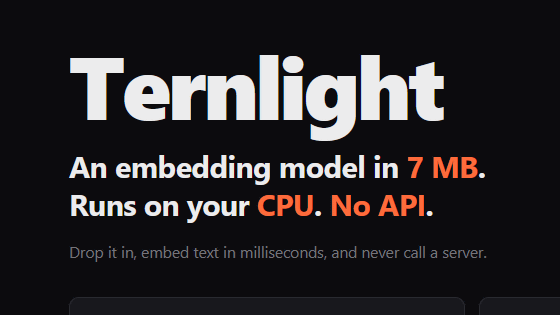
' ternlight ' is a package that allows you to embed lightweight embedded models into your website. Embedded models are 5-7MB in size, and website visitors can run the embedded models on their own CPUs.
GitHub - soycaporal/ternlight · GitHub
ternlight is a package that allows you to include an ultra-compact model, distilled from the small embedded model ' all-MiniLM-L6-v2, ' on your website. It comes in two versions: '@ternlight/base' and '@ternlight/mini,' with base using 7MB of memory and mini using 5.5MB. Web developers can use ternlight to add features such as 'semantic search functionality utilizing embedded models' to their websites.
@ternlight/base - npm
https://www.npmjs.com/package/@ternlight/base
@ternlight/mini - npm
https://www.npmjs.com/package/@ternlight/mini
The ternlight demo site is available at the following link.
ternlight · semantic search · React docs
https://ternlight-demo.vercel.app/
Once you access the demo site, scroll down.
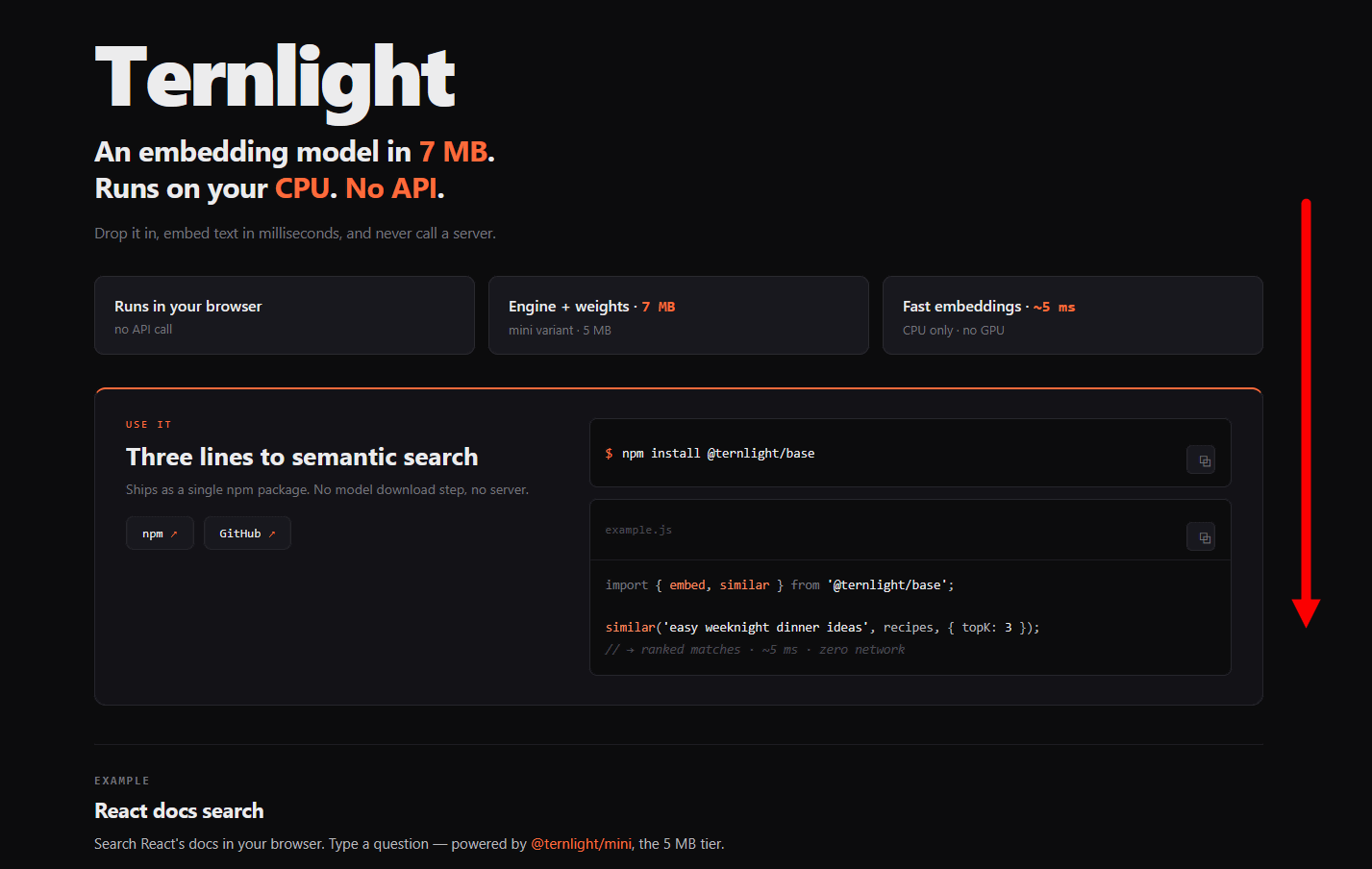
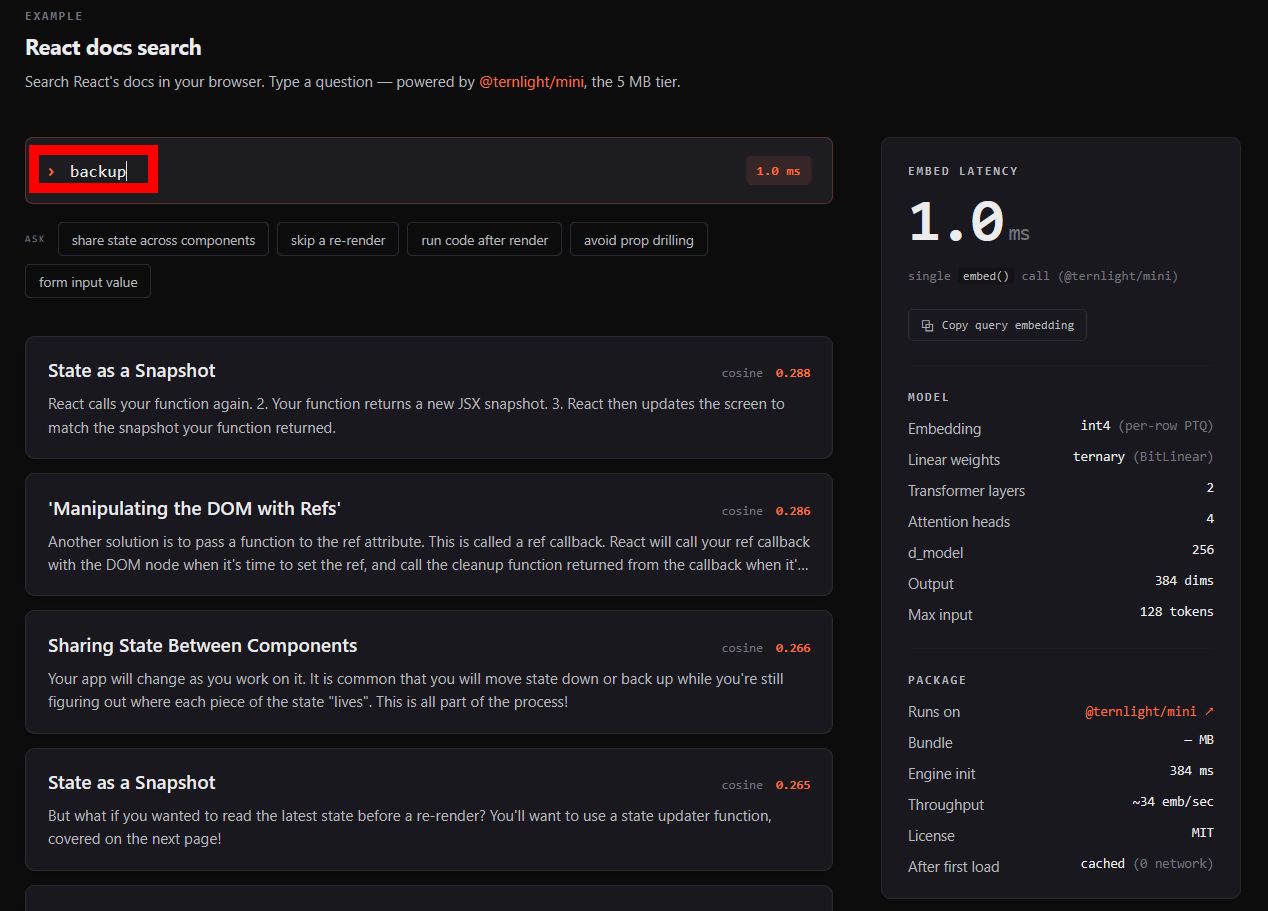
At the bottom of the page, you'll find a demo titled 'Search within React documentation using embedded models.' The embedded models begin loading as soon as you access the page, so please wait a moment.
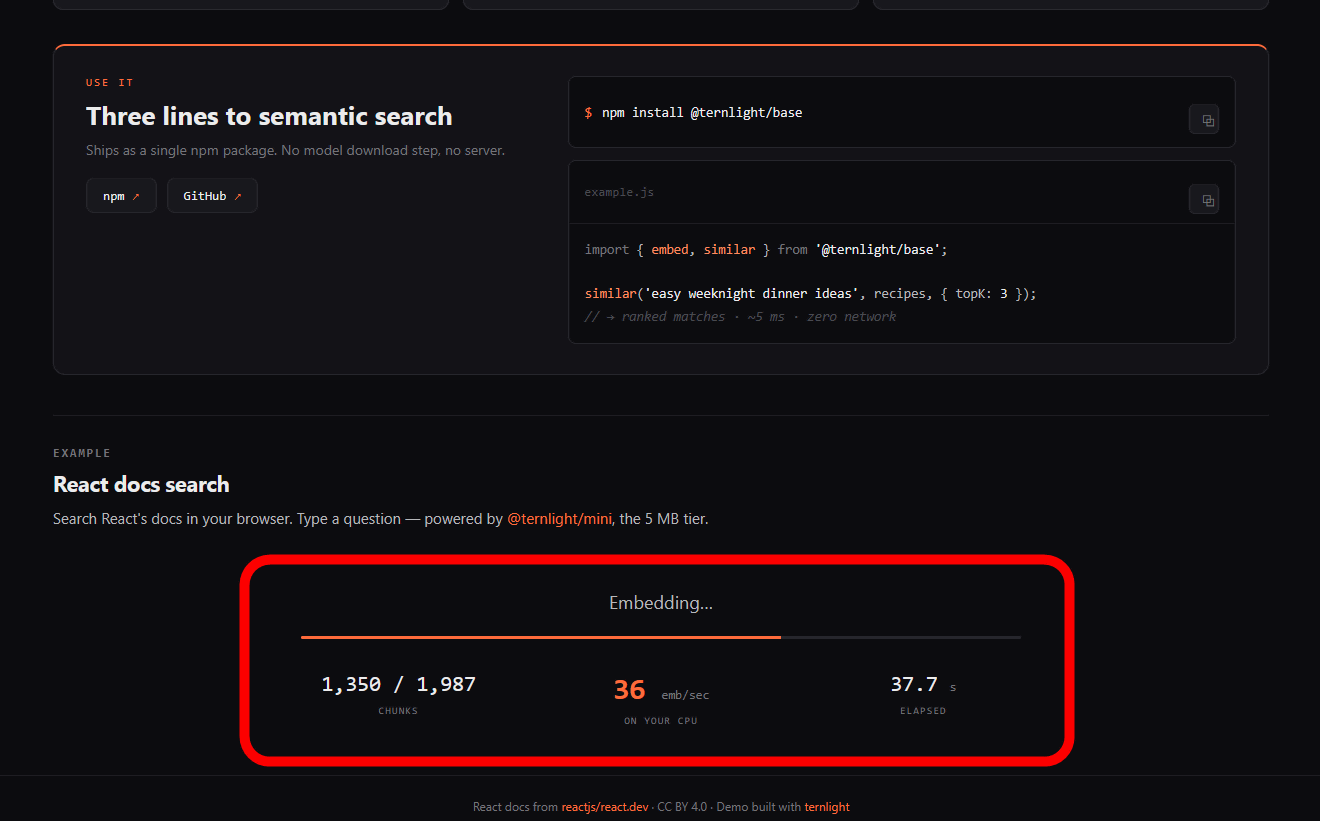
Loading complete. The search bar is now displayed.
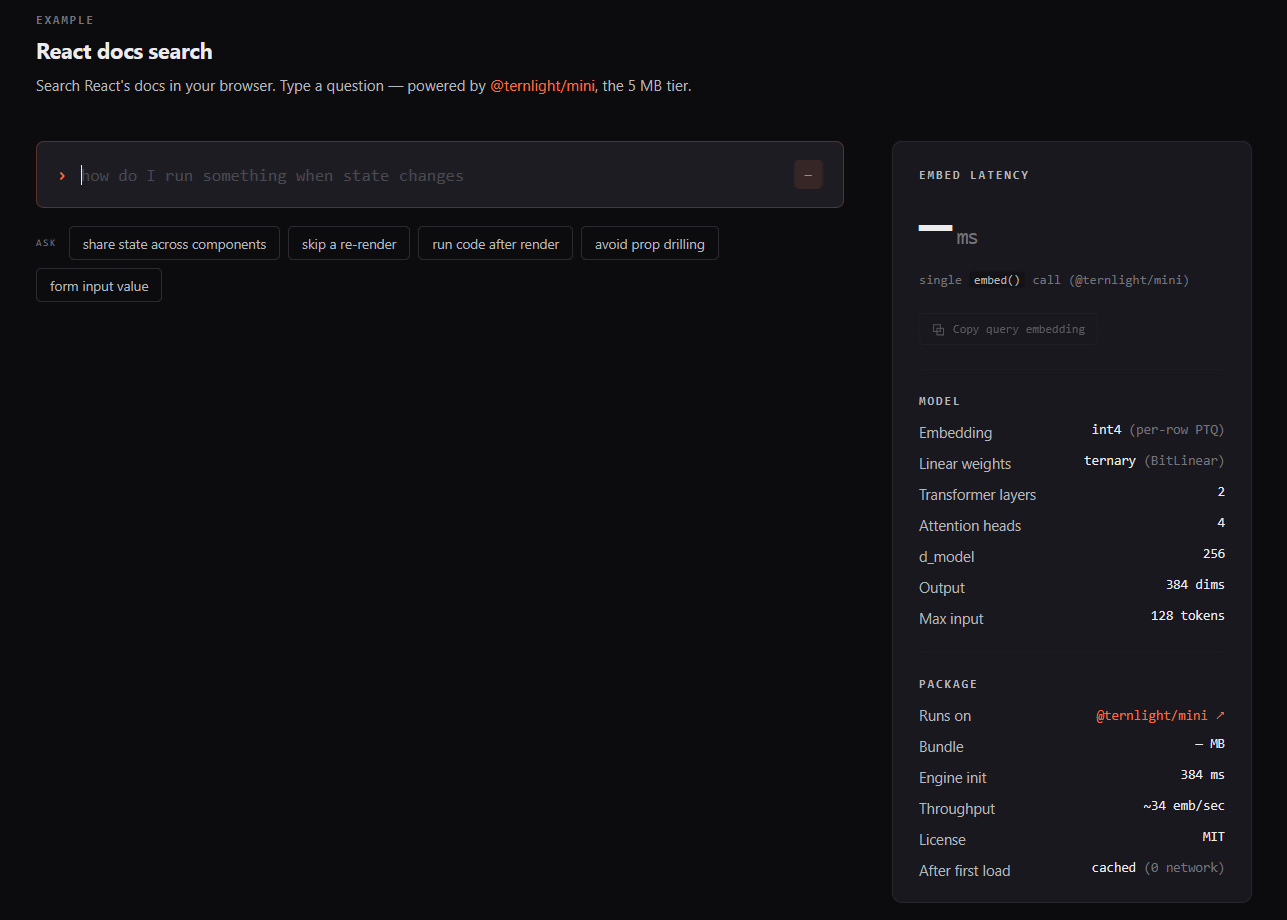
You can search for related pages by entering keywords in the search bar. The embedded model calculations are performed using the visitor's CPU. Even when run on a laptop, the processing was completed with only a few milliseconds of delay.
Wen Shu Tang , the developer of ternlight, is looking for contributors to improve performance and quality.
Related Posts:



in AI, Web Application, Posted by log1o_hf