Google AI Studio now offers a 'Starter Tier' that allows you to publish apps without registering a credit card or other payment method.
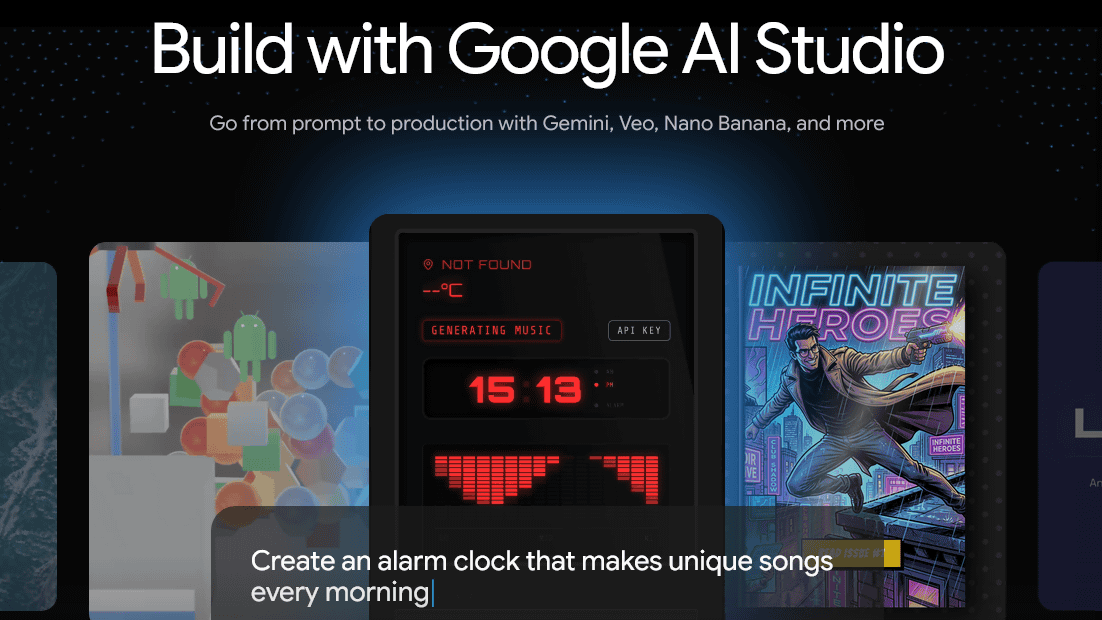
Google's AI development platform, '
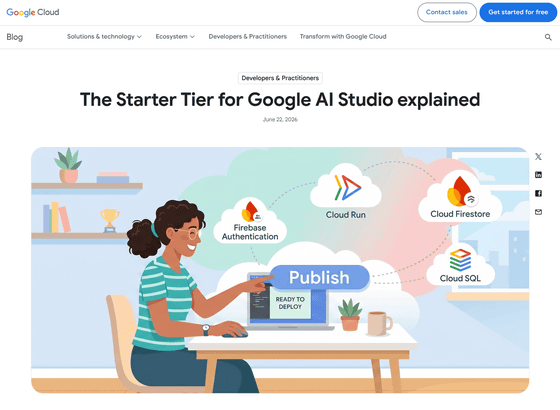
The Starter Tier for Google AI Studio explained | Google Cloud Blog
https://cloud.google.com/blog/topics/developers-practitioners/the-starter-tier-for-google-ai-studio-explained
Google AI Studio is a service that allows you to develop and test AI apps and prompts using Gemini in your browser. In May 2026, a feature was added that allows you to build Android apps simply by entering prompts in natural language.
Google's web-based AI Studio now allows users to create native Android apps - GIGAZINE
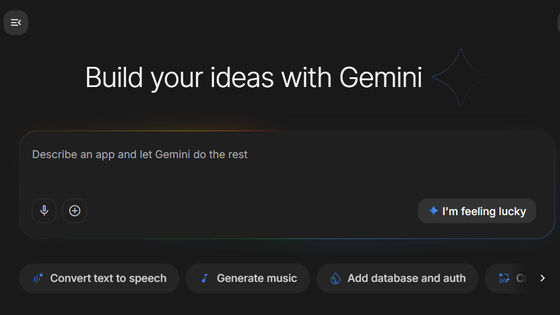
Previously, publishing an app required creating a Google Cloud project and configuring billing settings, but with the newly introduced Starter Tier, you can publish your app without performing these settings.
When you set up a Starter Tier service in Google AI Studio, it automatically creates a Google Cloud project in the background, and Google handles everything from region selection and API activation to security policy management. You don't need to create, configure, or manage the project.
Unlike regular Google Cloud projects, the Starter Tier offers only minimal features. Google states, 'That's the point. The fewer settings you have, the less likely you are to encounter problems,' and promotes the Starter Tier as a feature for beginner app developers.
In the Starter Tier, the necessary services are automatically configured according to the functionality required by your app. As of the time of writing, the following are automatically configured: Cloud Run (computing layer), Firebase Authentication (if your app requires user login), Firestore (database service for NoSQL data storage), and Cloud SQL for PostgreSQL (Developer Edition) (provided if relational data with appropriate schema, joins, and ACID compliance is required).
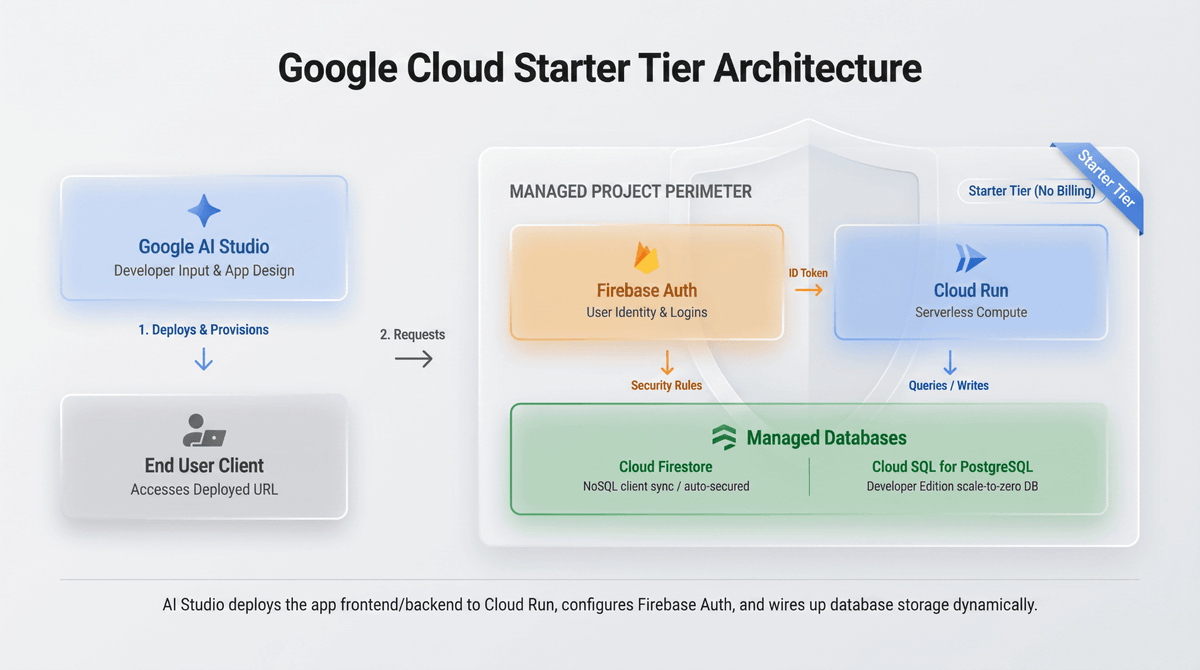
With the Starter Tier, you can publish apps created in Google AI Studio simply by clicking the 'Publish' button. After publication, a Cloud Run URL is issued, and you can use it directly as a web app.
When comparing using Google Cloud's free trial and the Starter Tier as ways to start developing and publishing apps for free, the free trial has a 90-day limit, while the Starter Tier has no time limit. On the other hand, the Starter Tier has limitations on the regions and resources that can be used, and you cannot freely add other Google Cloud services. Also, the Starter Tier limits the number of apps that can be deployed to two. If you have already published two apps, you will need to delete the existing apps or upgrade to a regular Google Cloud environment.
As of the time of writing, the Starter Tier is available to individual Google accounts, but if you are signed in with a corporate or educational institution's Google Workspace account, resource deployment may be restricted by organizational-level management policies. It also depends on the regional availability of Google AI Studio. Furthermore, the official documentation states that 'Users with a valid or previously held Google Cloud billing account are not eligible for the Starter Tier. Enterprise accounts associated with paid or free Google Workspace, Google Workspace for Education, or Google for Nonprofits subscriptions are also excluded,' meaning that users who currently or previously have a billing account with Google Cloud are not eligible.
Related Posts: