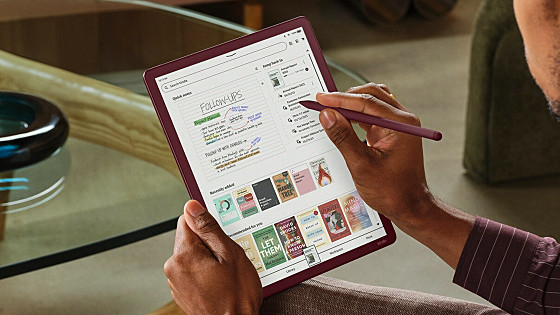
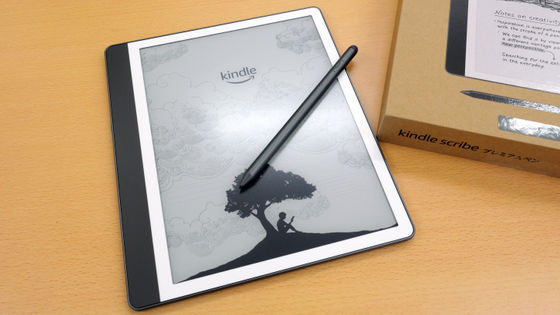
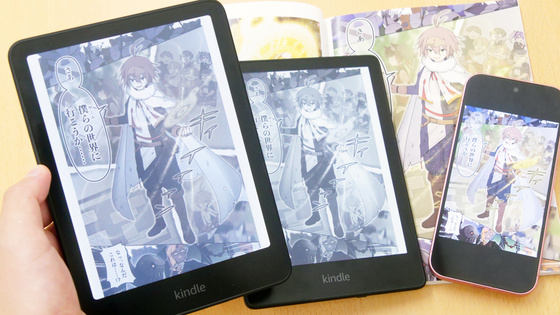
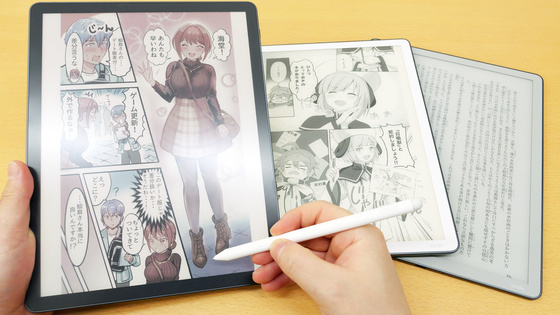
I tried out the new features and note-taking capabilities of the 2026 model of Amazon's official e-reader, the Kindle Scribe, which includes a note-taking function, as well as the note-taking feature in the first color model.
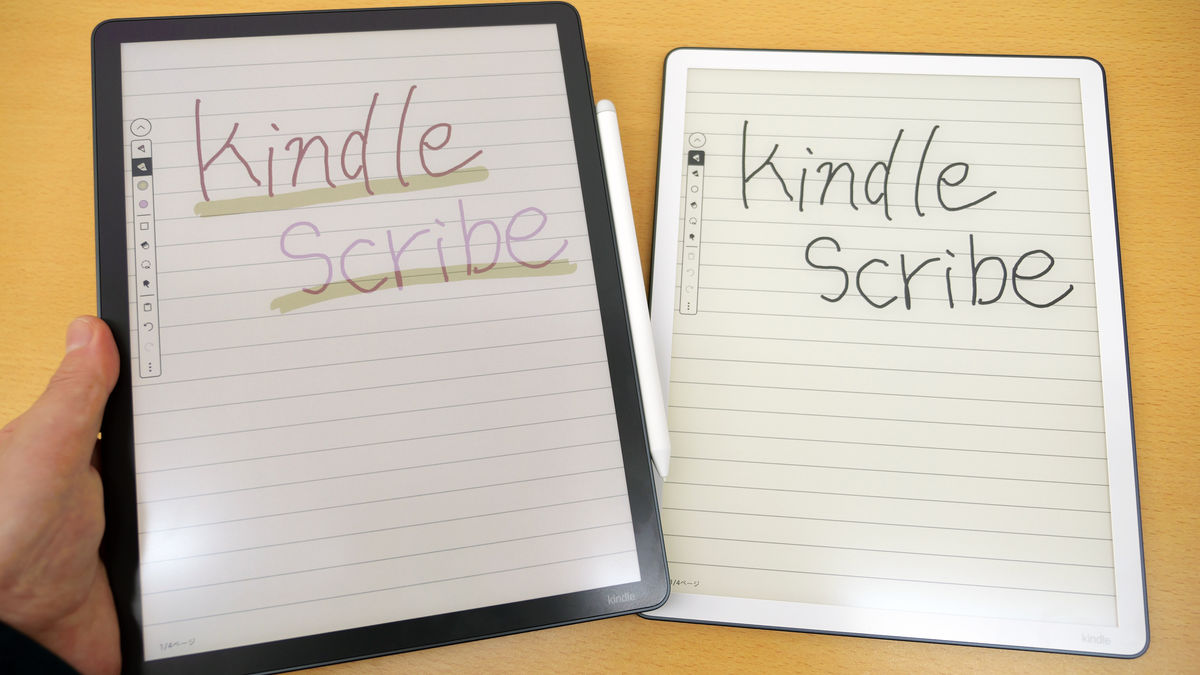
The new Kindle Scribe model, released on June 10, 2026, features a handwritten note-taking function with an e-paper display. The new ' Kindle Scribe Colorsoft ' model now supports color display, allowing users to take colored notes, and also boasts improved writing feel and parallax. I tried out the Kindle Scribe's note-taking function, including these new features.
Amazon launches new Kindle Scribe series in Japan, including the Kindle Scribe Colorsoft, the first Kindle Scribe with a color display - About Amazon Japan
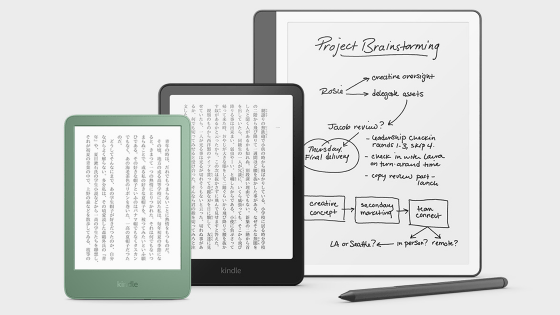
The following article provides a good overview of the appearance of the three new Kindle Scribe models that will be released in 2026.
Amazon's official e-reader with note-taking functionality, the Kindle Scribe, has released three new models, including the first color-displaying Kindle Scribe Colorsoft, so I tried them out - GIGAZINE
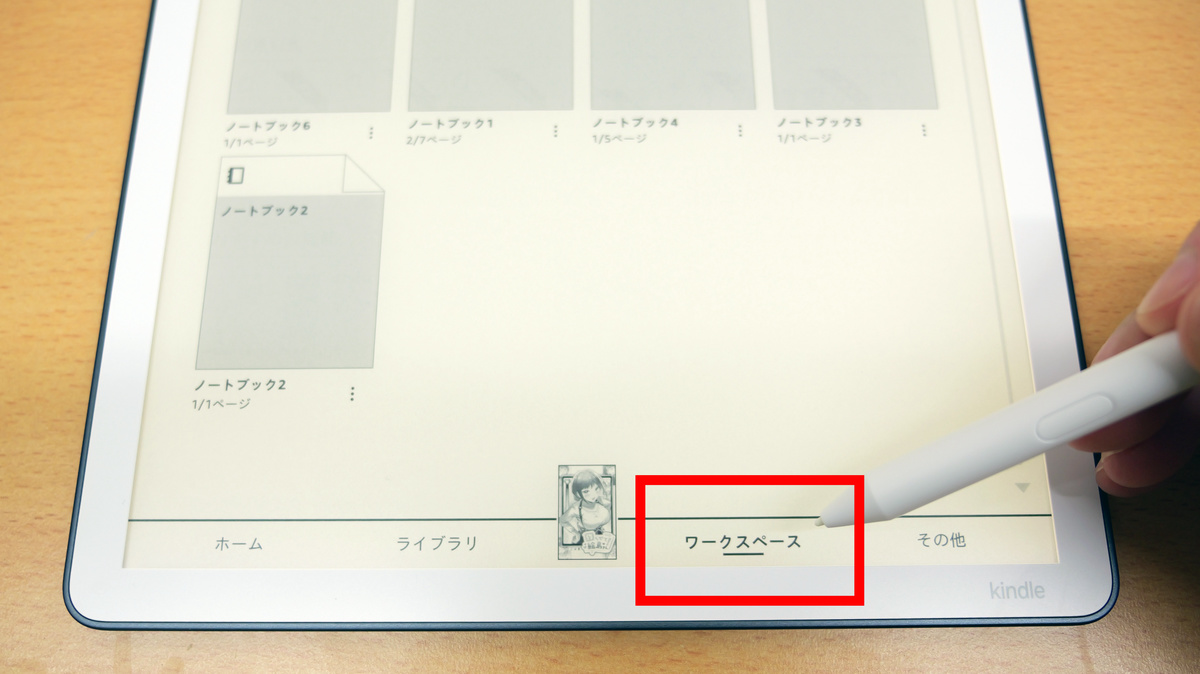
First, we'll use the 2026 model of the Kindle Scribe. To use the note-taking function, tap 'Workspace' at the bottom of the menu.
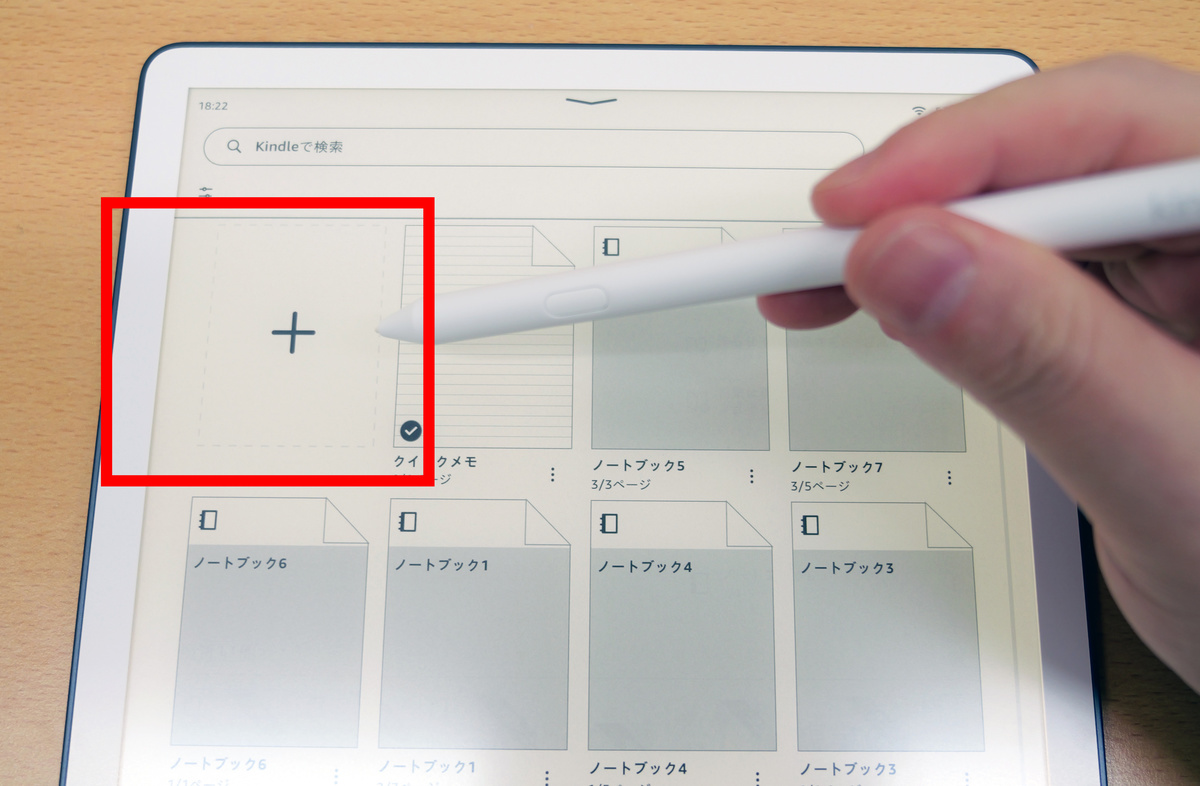
Tap the '+' icon to create a new document.
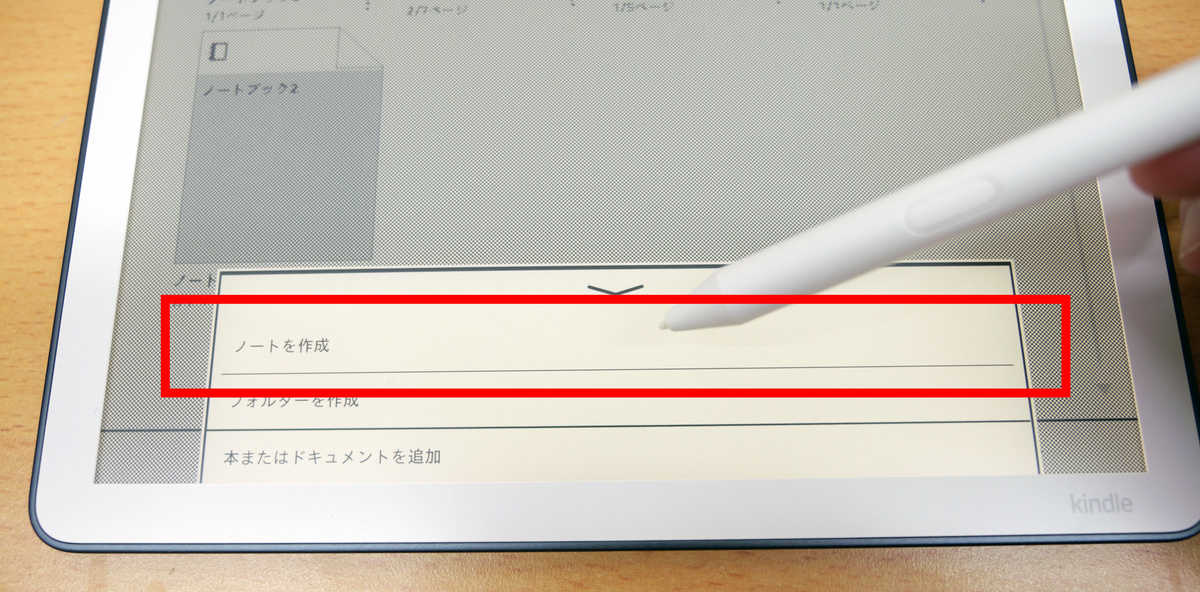
Select 'Create Notebook'.
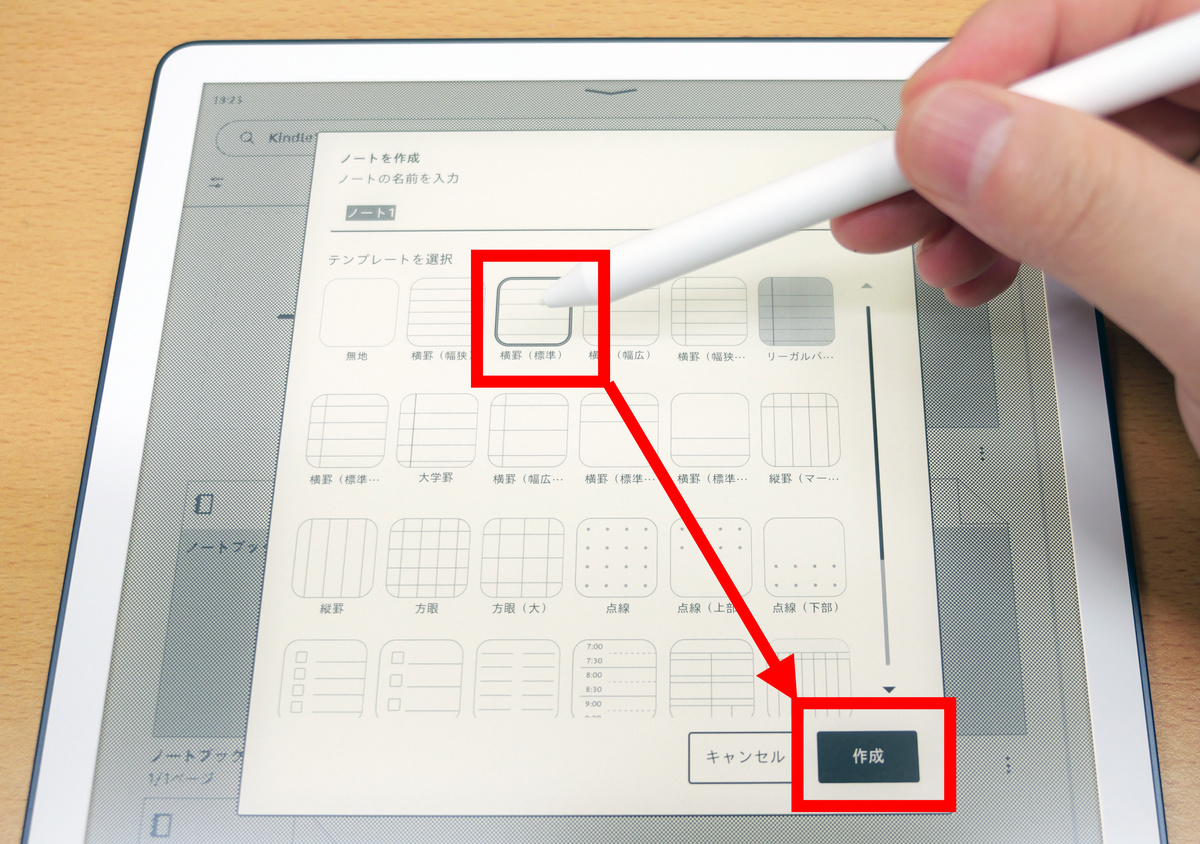
After selecting the type of notebook, click 'Create'.
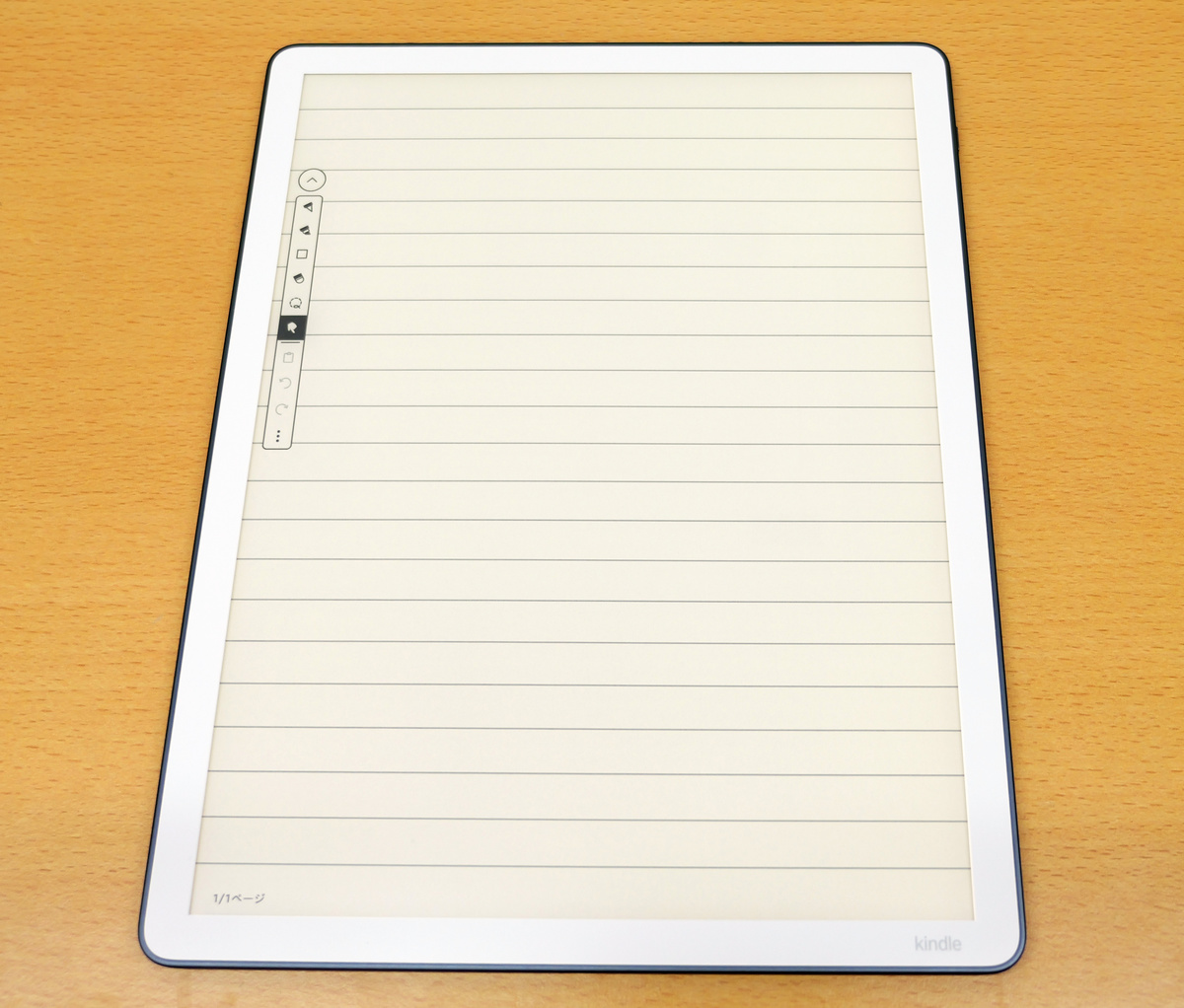
A blank note was displayed.
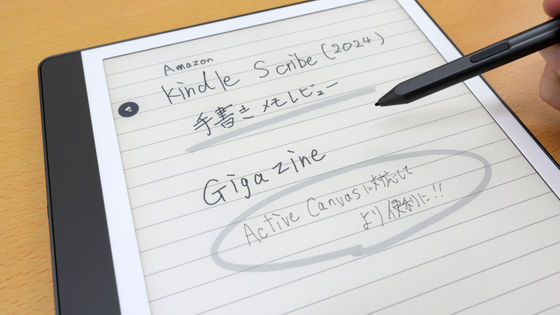
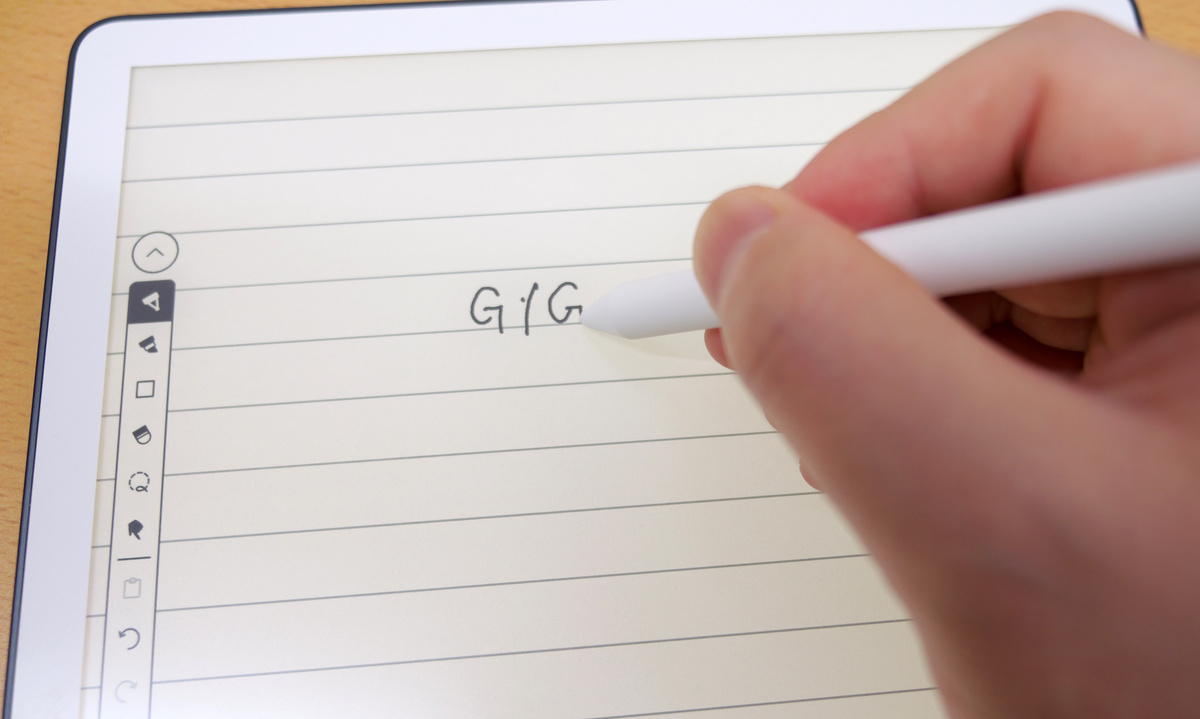
You can start taking notes right away using the included pen.
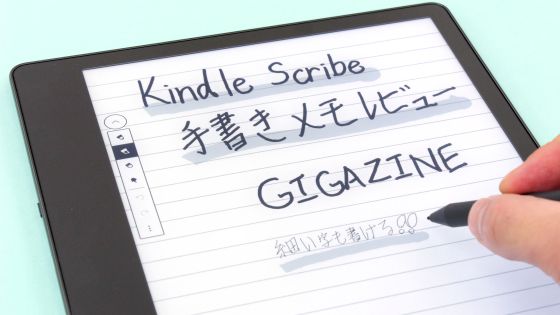
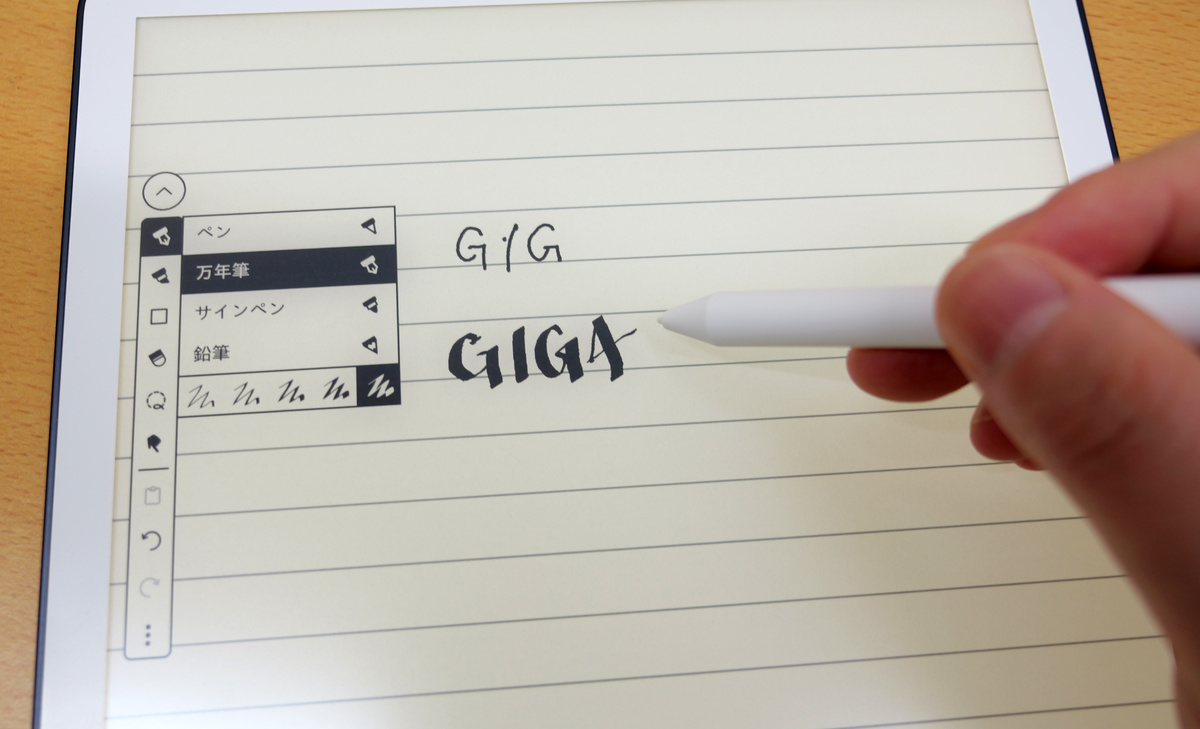
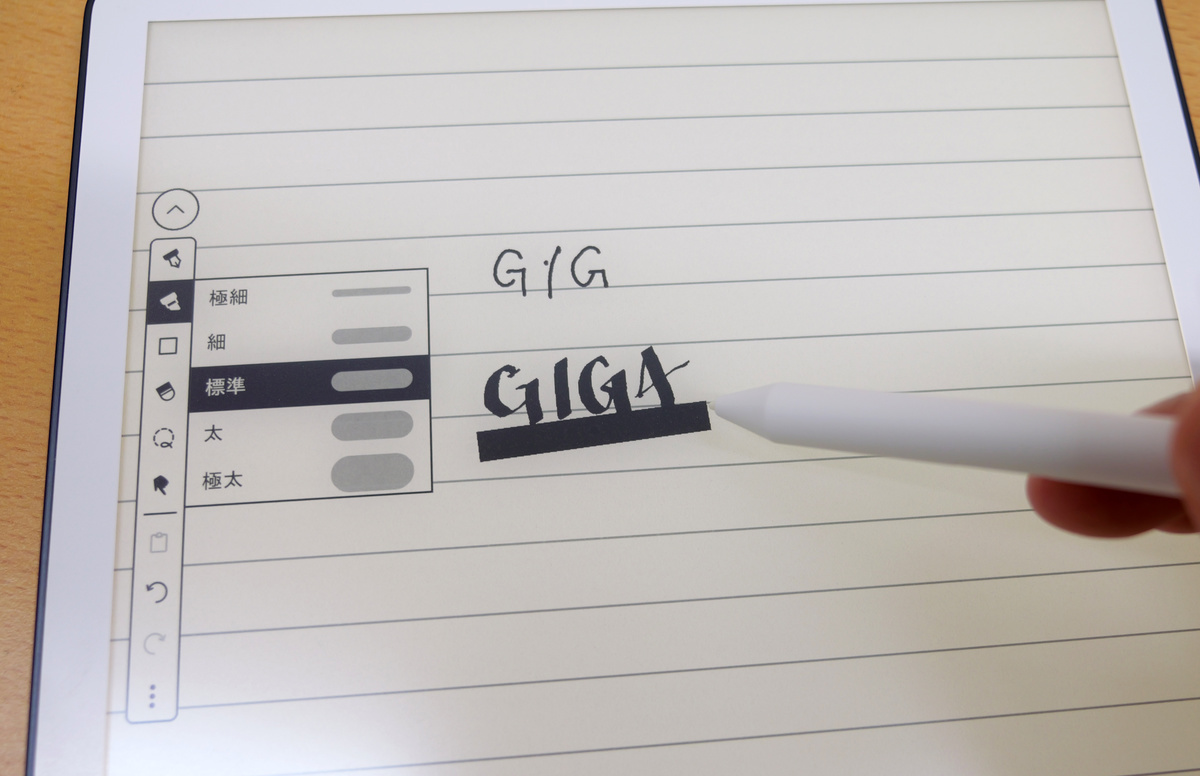
There are four types of pens: 'pen,' 'fountain pen,' 'felt-tip pen,' and 'pencil,' and each type comes in five different tip sizes.
You can also choose from 5 different highlight thicknesses.
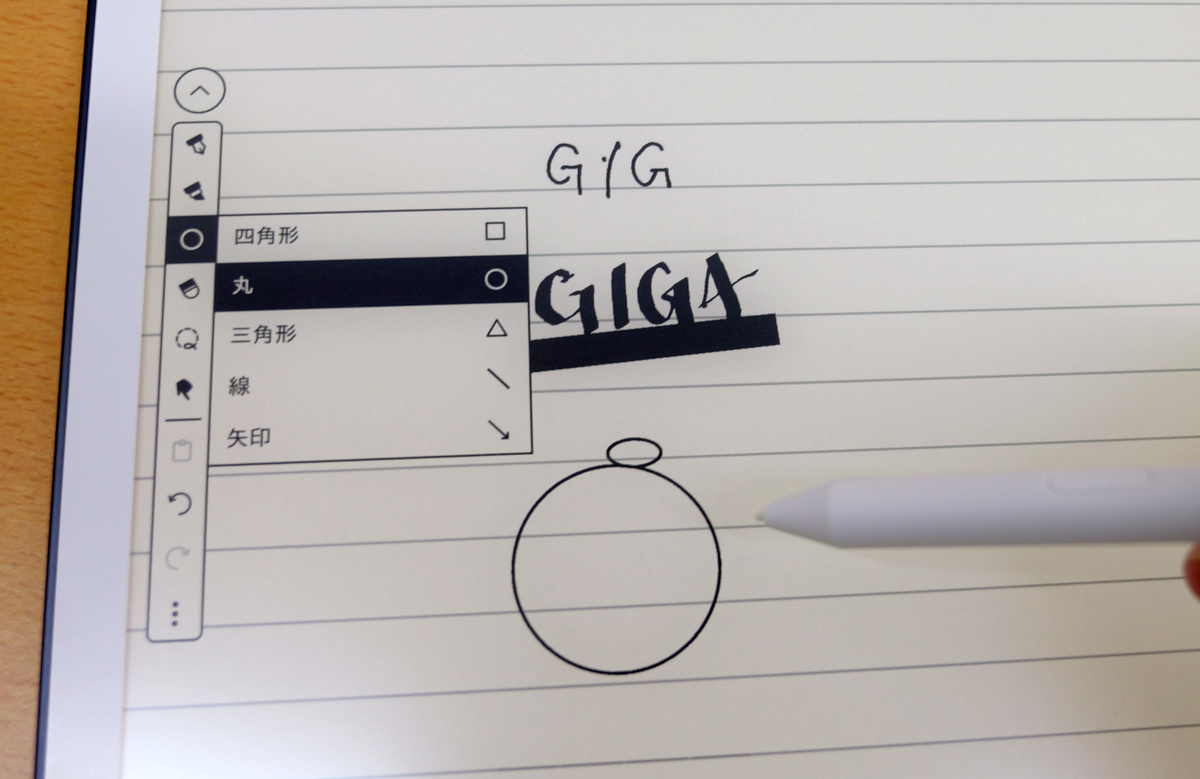
Additionally, there are shape tools for 'rectangles,' 'circles,' 'triangles,' 'lines,' and 'arrows.'
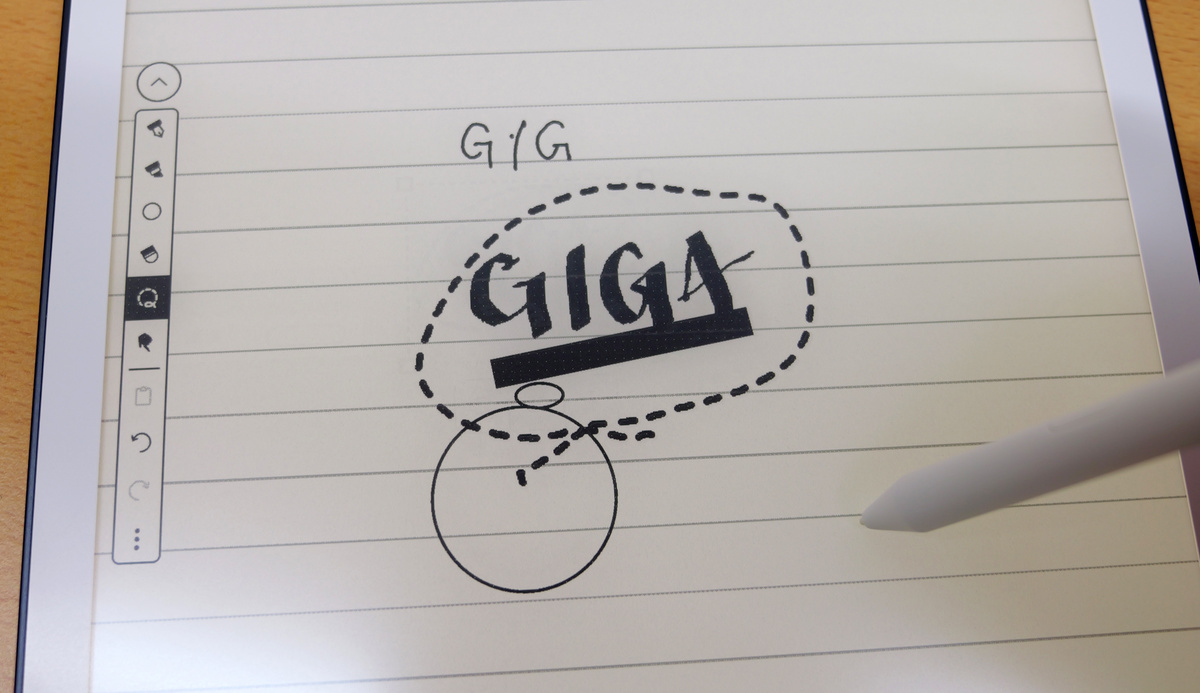
The selection tool allows you to enlarge/reduce, copy and paste only the selected portion of a note by drawing a dotted line around it.
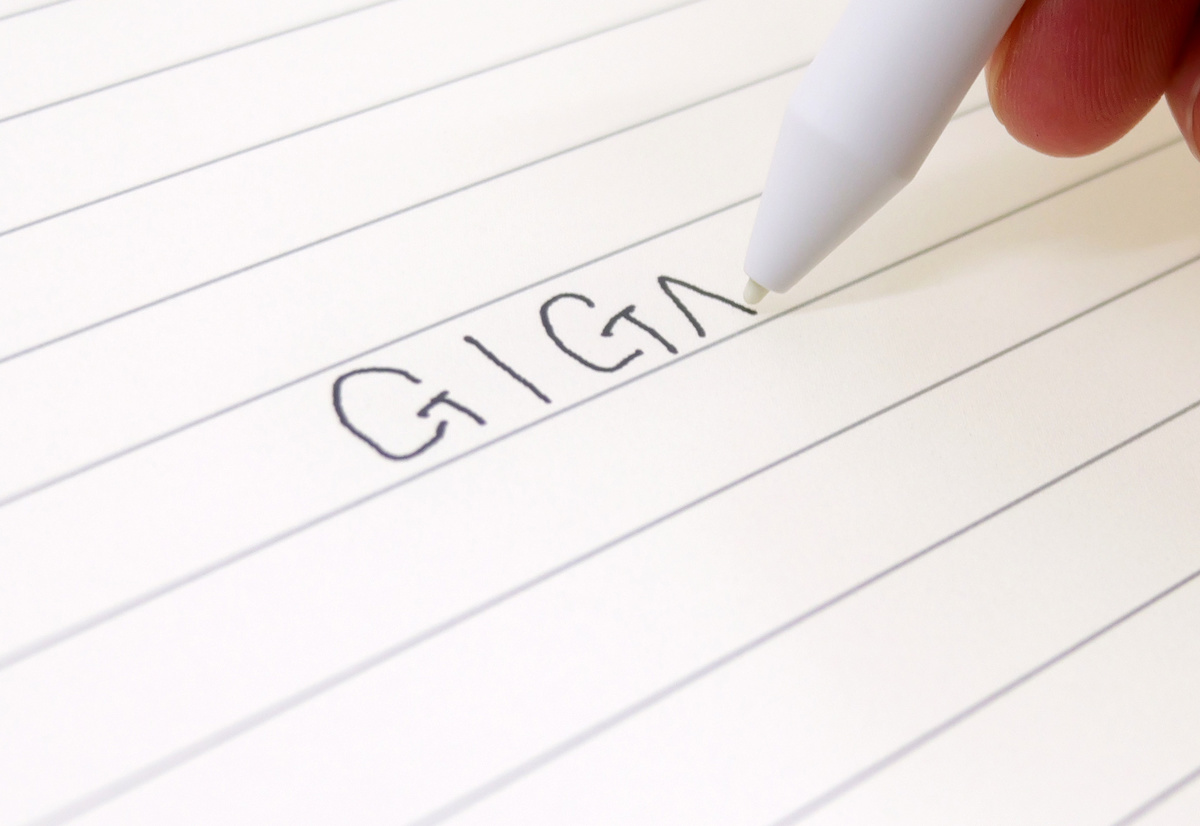
In terms of pen writing feel, the friction has been improved from the previous model, and you can now feel more resistance, similar to writing on paper. When writing small letters, you don't really feel the paper-like quality, but when drawing long lines quickly, you can feel a distinct 'scratchy' sensation that is different from writing on a tablet. In addition, the parallax has been improved thanks to a redesigned display stack.
Next, I'll try using Kindle Scribe Colorsoft, which supports color display. When I log into Kindle Scribe Colorsoft, the notes I was writing on other devices are shared.
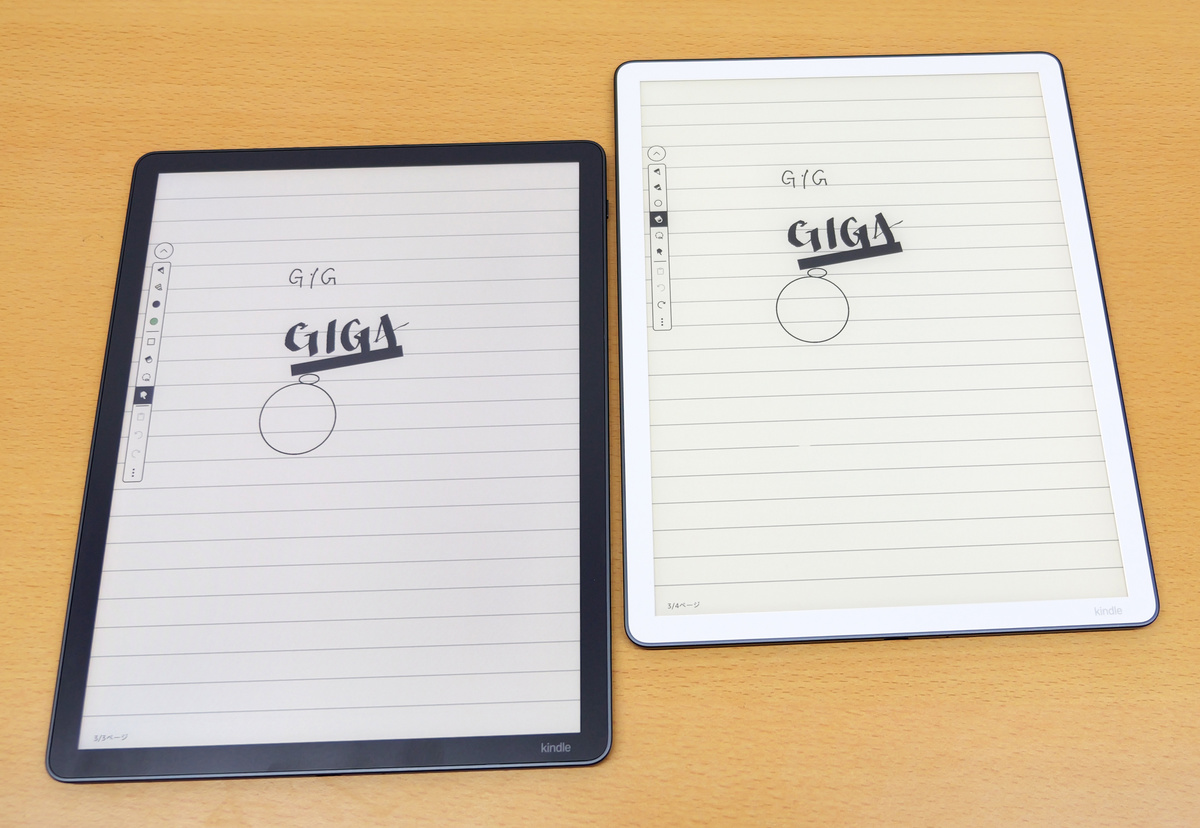
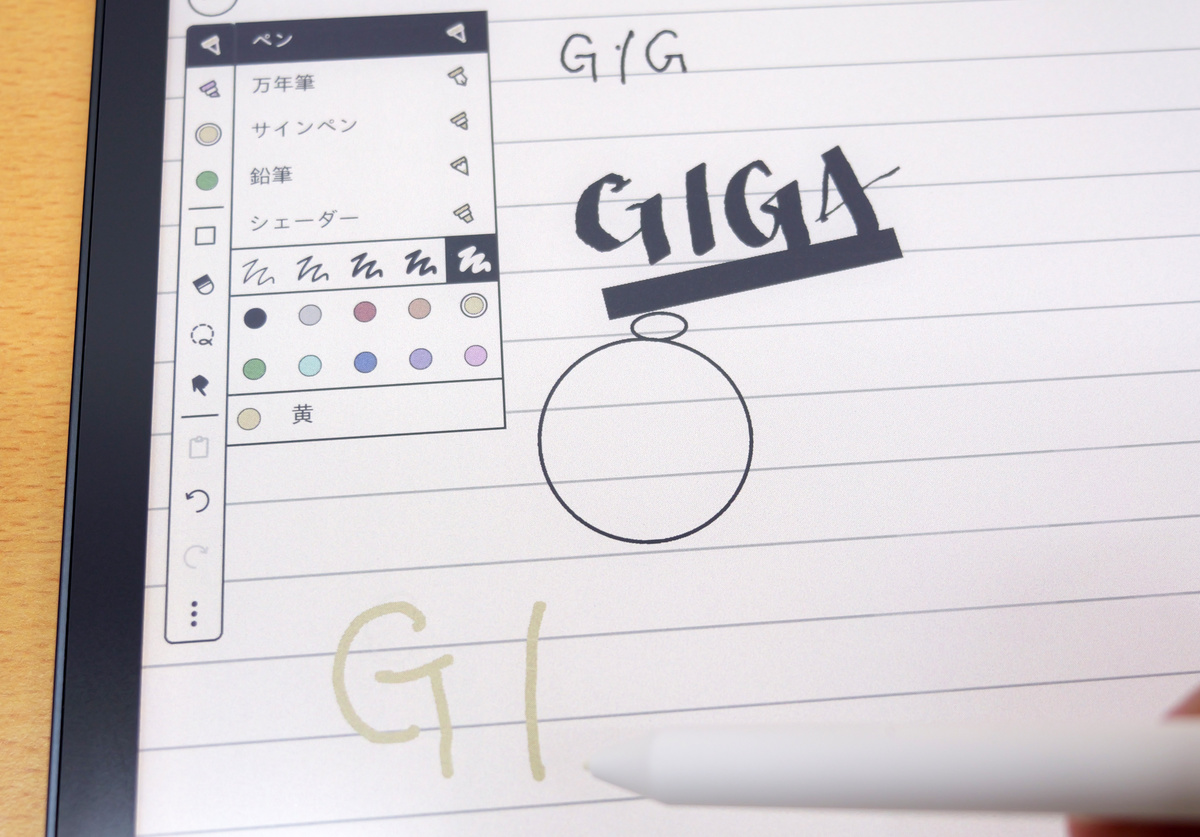
With Kindle Scribe Colorsoft, you can choose the pen tool color from 10 options: black, gray, red, orange, yellow, green, light blue, blue, purple, and pink.
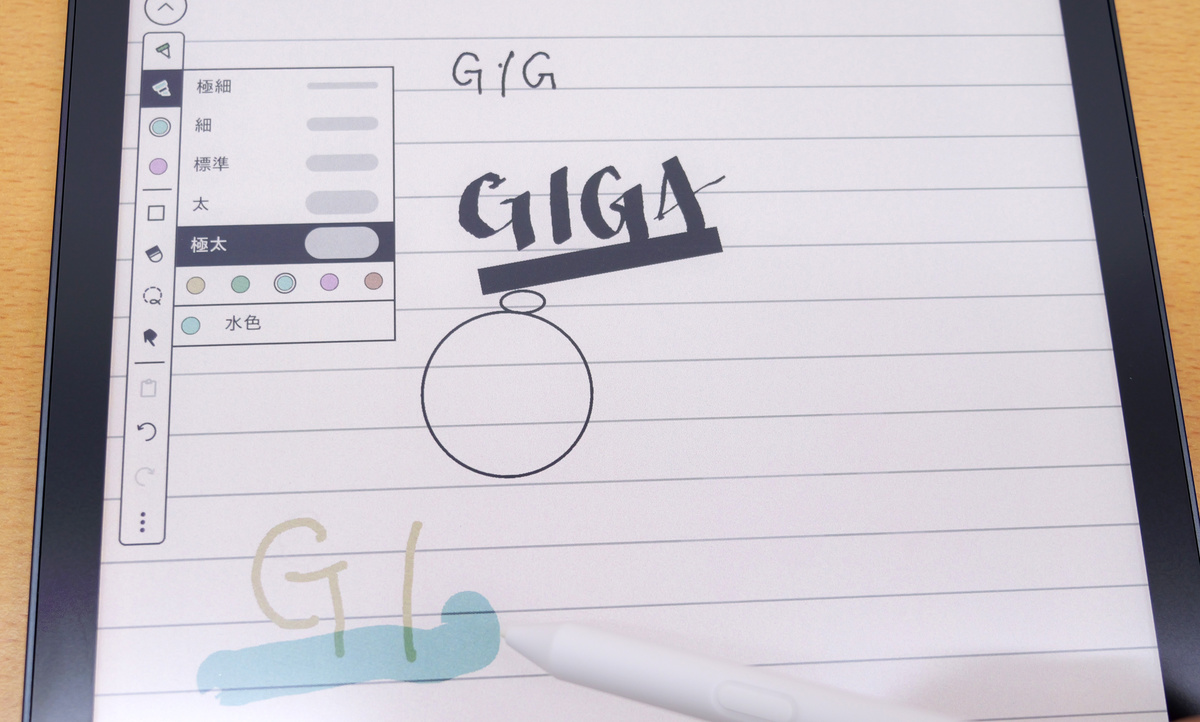
The highlight tool allows you to use 'yellow,' 'green,' 'light blue,' 'pink,' and 'orange.'
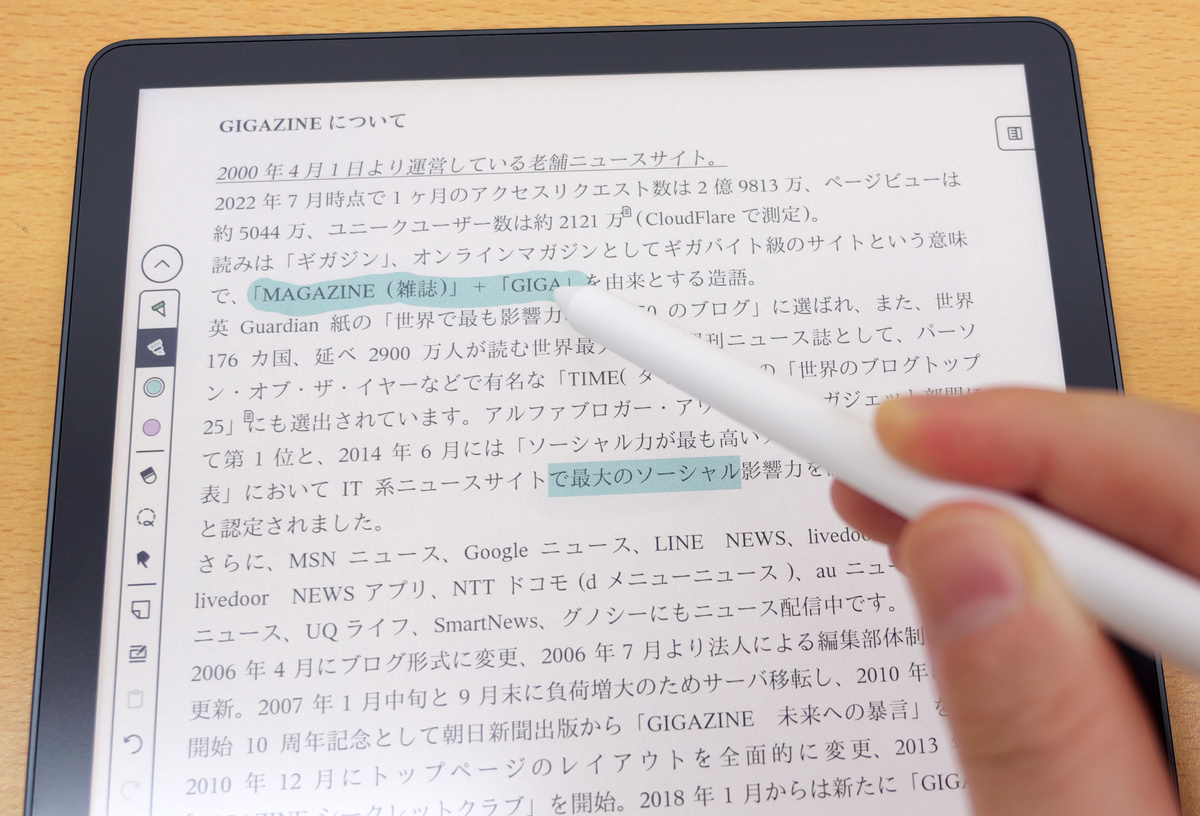
You can directly apply color highlights to documents stored in Kindle Scribe Colorsoft.
Furthermore, Kindle Scribe Colorsoft now includes a new 'Shader' tool.
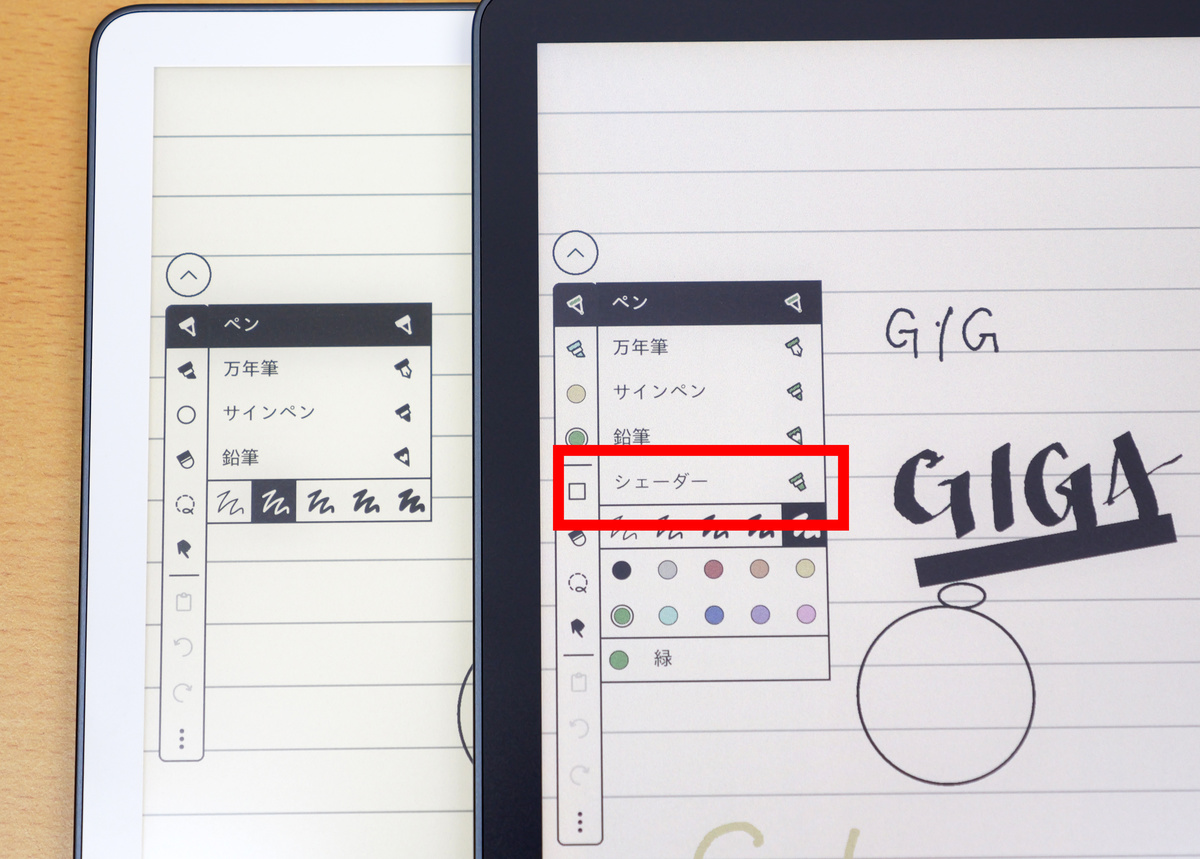
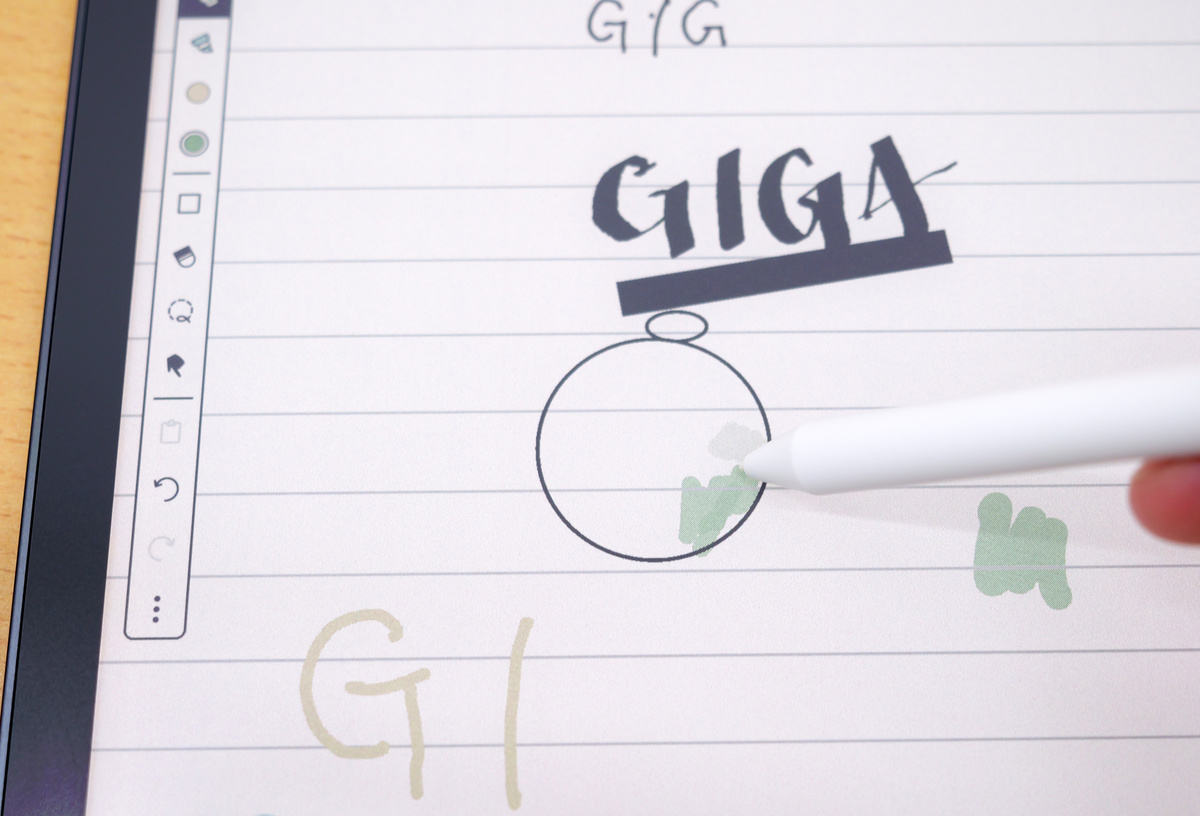
Using the shader tool results in lighter colors than using a pen or highlighter, making it useful for simple art creation.
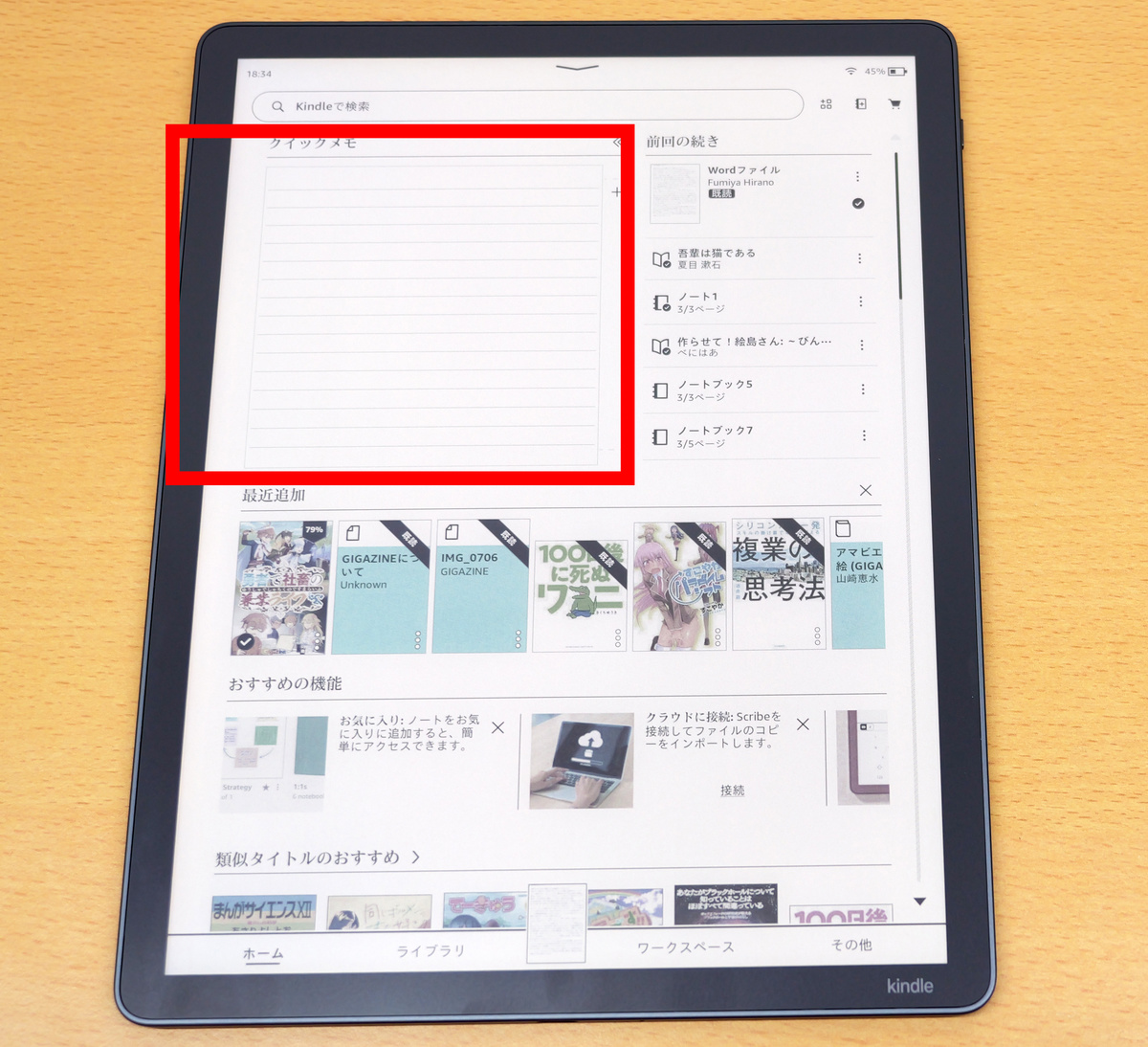
Another feature of the Kindle Scribe 2026 model is the addition of 'Quick Notes' to the home screen. You no longer need to open notes from the workspace; you can start taking notes immediately after booting up your device.
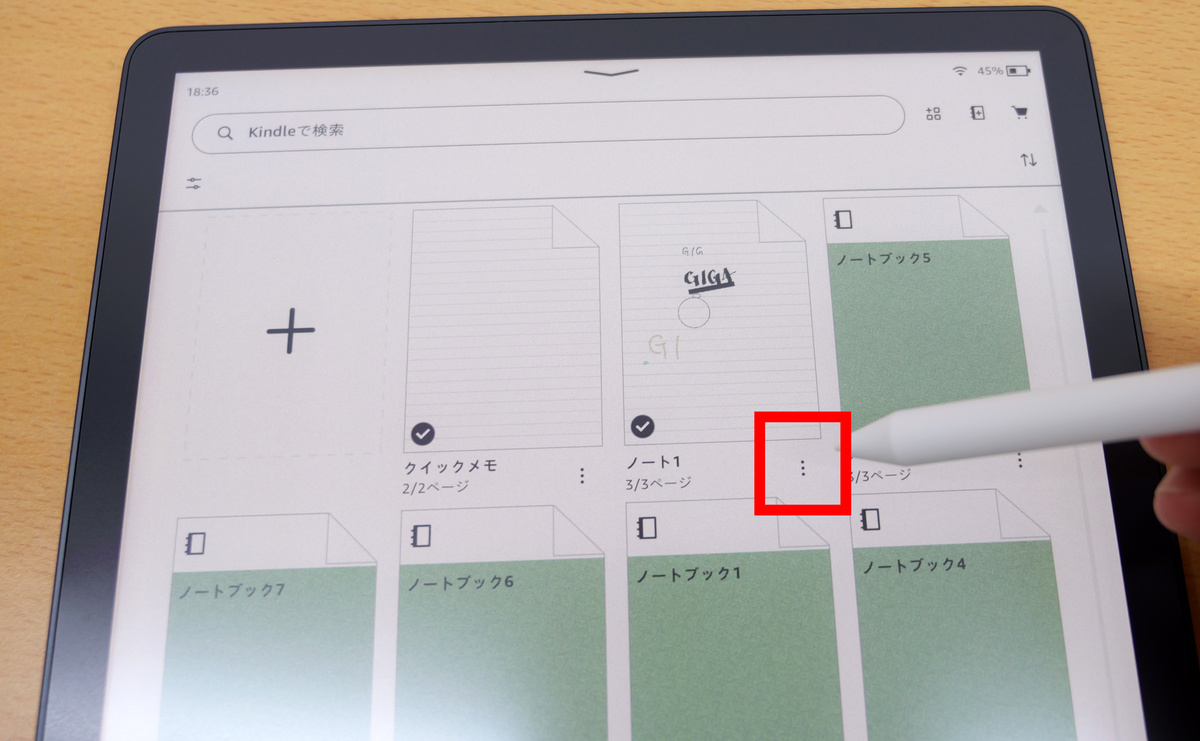
To export your written notes, tap the menu icon in the notes list in your workspace.
Tap 'Share'.
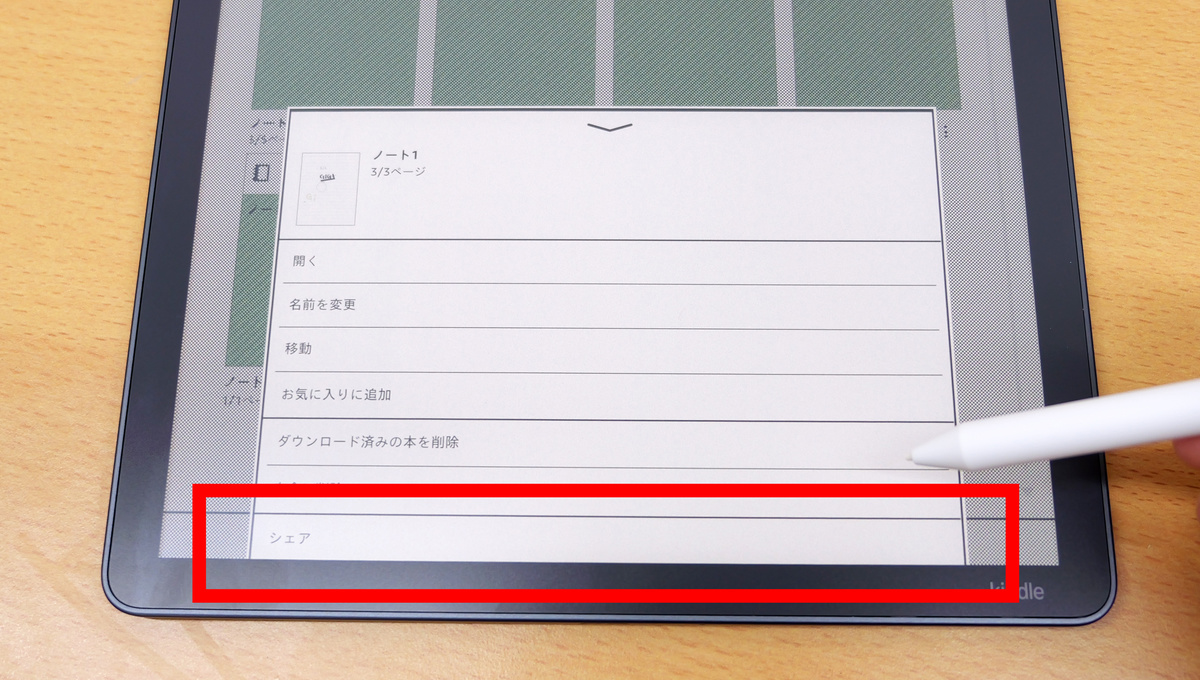
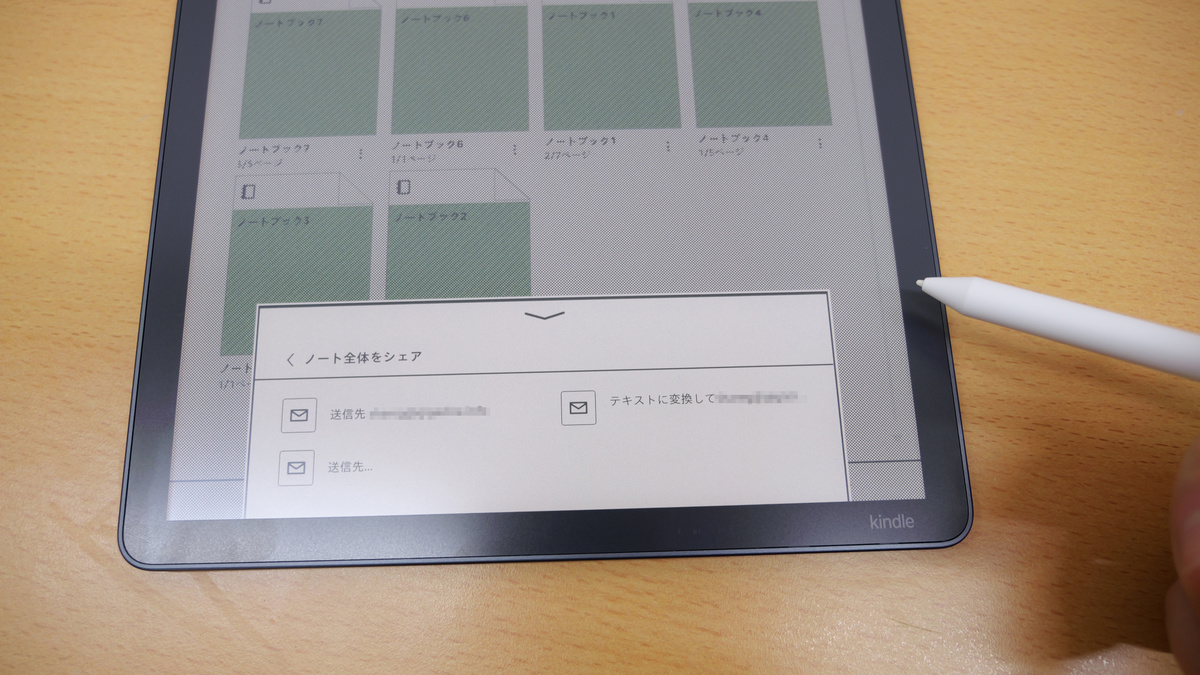
You can send files via email by sending them to the email address you are logged into, or by entering the recipient's email address.
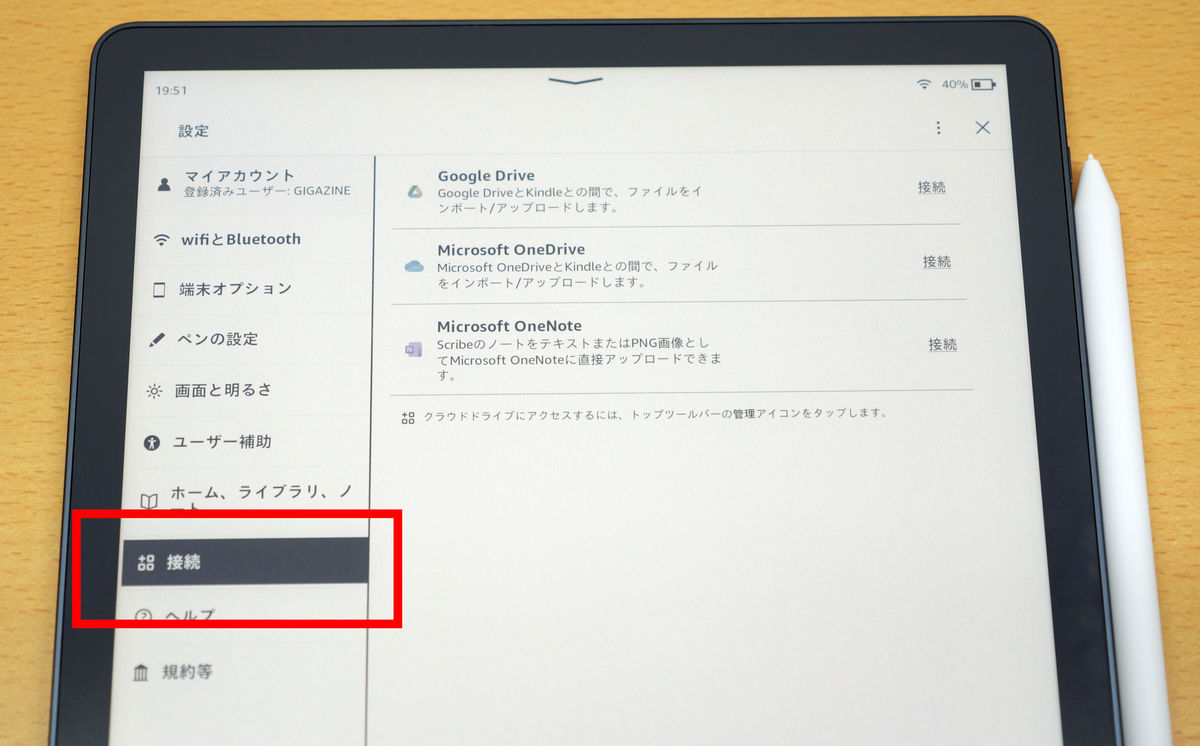
Another new feature of the Kindle Scribe 2026 model is the ability to send and receive files by linking with Google Drive, Microsoft OneDrive, and Microsoft OneNote through the 'Connections' setting. This allows you to add handwritten notes to documents imported from Google Drive or Microsoft OneDrive, or quickly share notes to Microsoft OneNote, making better use of the note-taking function.
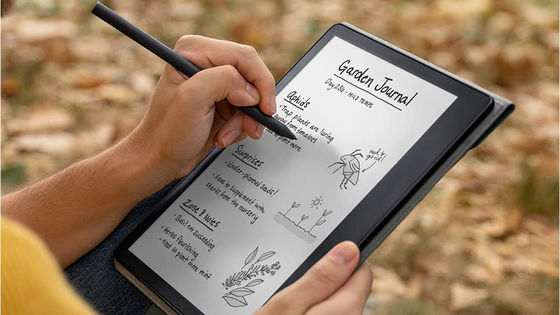
The Kindle Scribe's new note-taking feature offers noticeable improvements over the previous model, such as parallax, a paper-like feel, and quick responsiveness, which become more apparent the more you use it. In particular, the Kindle Scribe Colorsoft's color notes are a significant departure from the previous model, which was monochrome only. With its convenient cloud syncing feature, you can add notes and highlights to documents, or quickly transform inspiration from reading into art—the possibilities are endless.
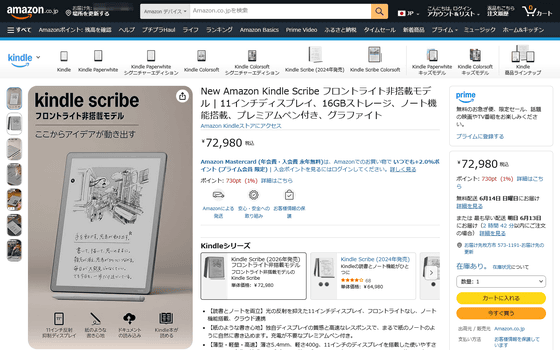
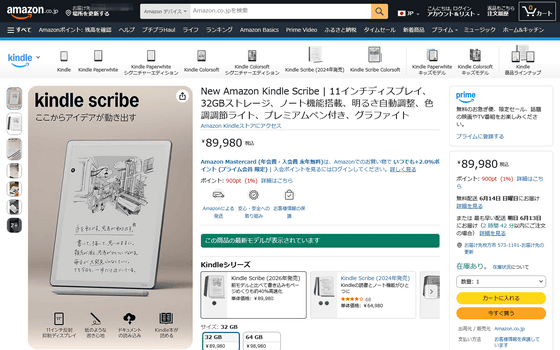
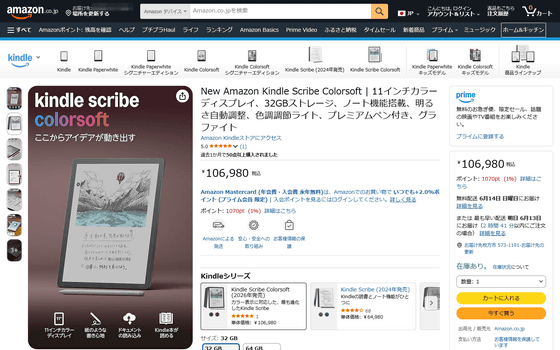
The new Kindle Scribe is priced at ¥89,980 (tax included) for the 32GB model and ¥98,980 (tax included) for the 64GB model. The Kindle Scribe without a front light has 16GB of storage and costs ¥72,980 (tax included). The Kindle Scribe Colorsoft has 32GB of storage and costs ¥106,980 (tax included) for the 64GB model.
Amazon.co.jp: New Amazon Kindle Scribe (without front light) | 11-inch display, 16GB storage, note-taking function, premium pen included, graphite: Amazon Devices & Accessories
Related Posts: