InsForge: An open-source Heroku-like platform for coding AI agents.
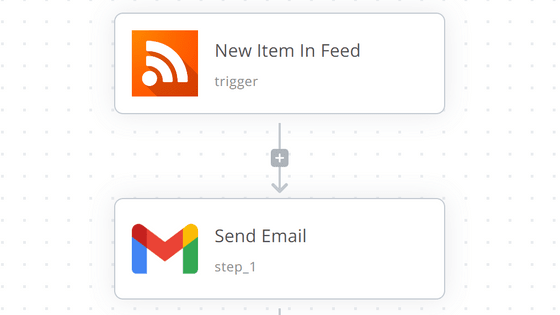
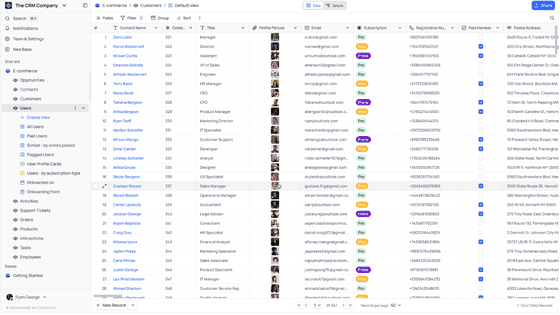
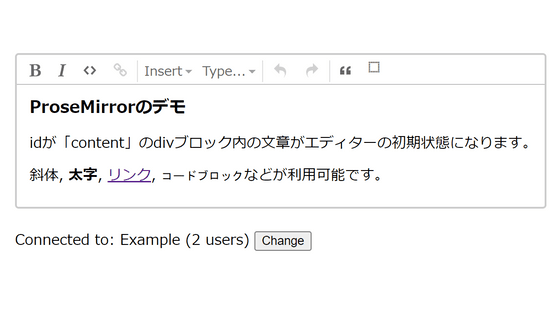
When creating web applications using AI, it's common to use backend services like
InsForge - The agent-native cloud infrastructure platform
https://insforge.dev/
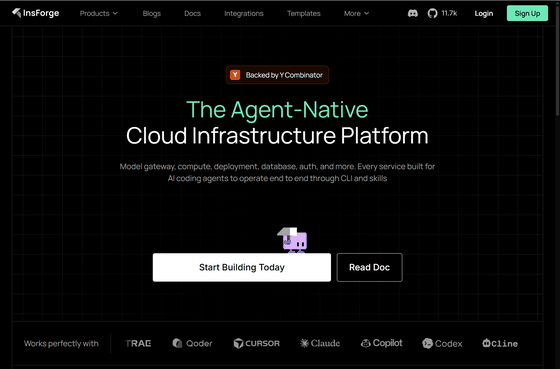
InsForge/InsForge: The all-in-one, open-source backend platform for agentic coding. InsForge gives your coding agent database, auth, storage, compute, hosting, and AI gateway to ship full-stack apps end-to-end.
◆List of InsForge's basic functions
| Function name | explanation |
|---|---|
| Authentication | User management, authentication, and sessions |
| Database | PostgreSQL |
| [Dream] | Amazon S3 compatible file storage |
| Edge Functions | Deno- based serverless code that runs at the edge |
| Compute | Long-running container service |
| Site Deployment | Building and deploying the site |
| Realtime | Real-time subscription for data changes |
| Vector | Vector search and embedding using pgvector |
| Analytics | Event tracking and usage analysis |
| Payment | Payment and subscription management with Stripe integration |
| Messaging | Sending emails, notifications, and transactional messages |
| Cron jobs | Scheduled regular jobs |
◆Features uniquely implemented by InsForge
Model Gateway
Because multiple LLM providers can be handled together as an OpenAI- compatible API, connecting to AI models from your application becomes simpler.
MCP Server
A server compatible with MCP , an extension for AI agents, is available, allowing you to call InsForge's backend functions as an external tool. This enables you to proceed with development while checking the status of databases, authentication, storage, and other components.
CLI and Skills
The AI agent has a CLI that can be called directly from the terminal, and Skills are available to assist with its operation. In the cloud version, Skills allow the agent to work while understanding the procedures for backend operations. The README states that the CLI and Skills are only available in the cloud version, and that using the MCP Server is the basic method for having the AI agent operate InsForge in the self-hosted version.
◆ How to set up self-hosting on InsForge
This time, we will set it up in an environment where Docker Desktop and Git Bash for Windows are installed on Windows. Prepare a working folder, and download and save docker-compose.yml and .env.example .
 mkdir -p insforge
 cd insforge
 curl -L -o docker-compose.yml 'https://raw.githubusercontent.com/insforge/insforge/main/deploy/docker-compose/docker-compose.yml'
 curl -L -o .env.example 'https://raw.githubusercontent.com/insforge/insforge/main/deploy/docker-compose/.env.example'
Copy .env.example as .env.
cp .env.example .env
Rewrite the .env file to match your environment.
 # .env
 API_BASE_URL=http://localhost:7130
 VITE_API_BASE_URL=http://localhost:7130

 # Authentication
 # Generate random values using commands like openssl rand -hex 16.
 JWT_SECRET=【Recommended: Random value of 32 characters or more】
 ROOT_ADMIN_USERNAME=【Any email address】
 ROOT_ADMIN_PASSWORD=【Any password】
We will start the container.
docker compose up -d
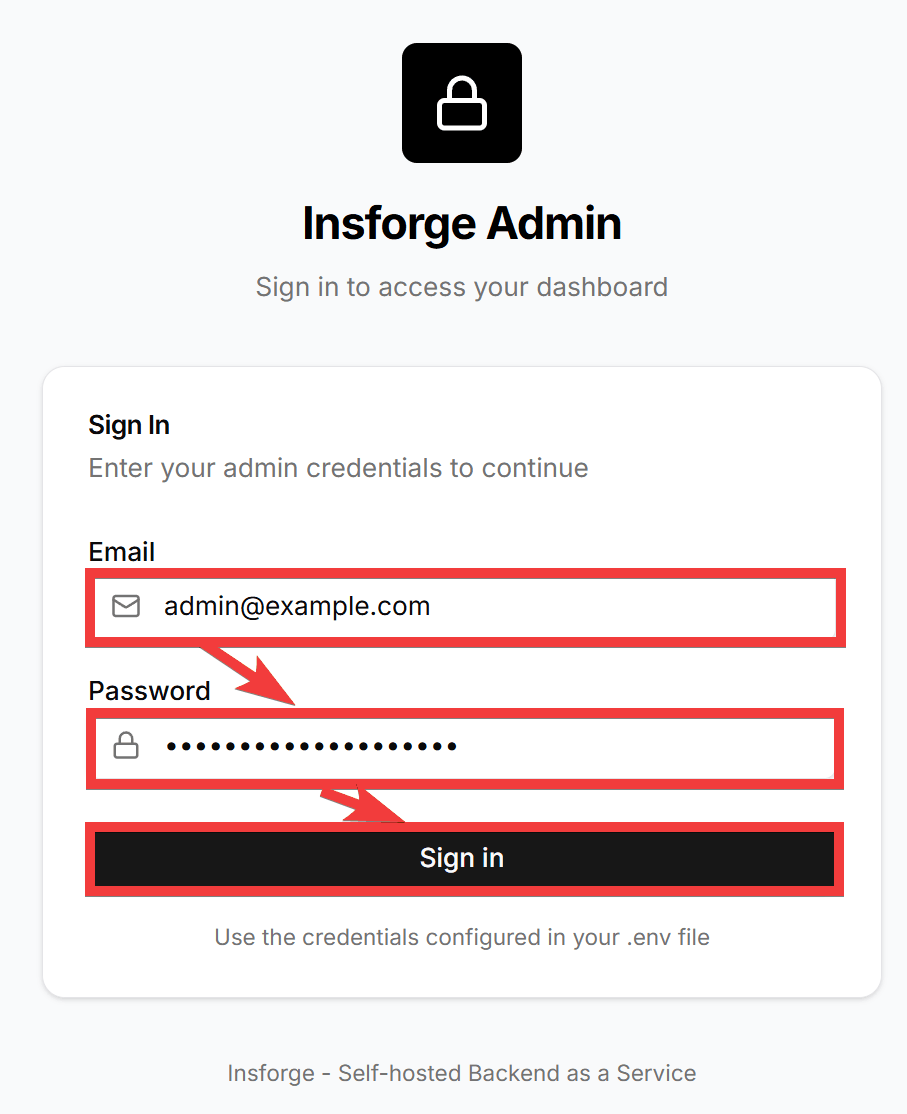
Once the container starts, access the URL you set in .env in your browser. A login form will appear. Enter the email address you set in .env in the 'Email' field and the password you set in .env in the 'Password' field, then click 'Sign in'.
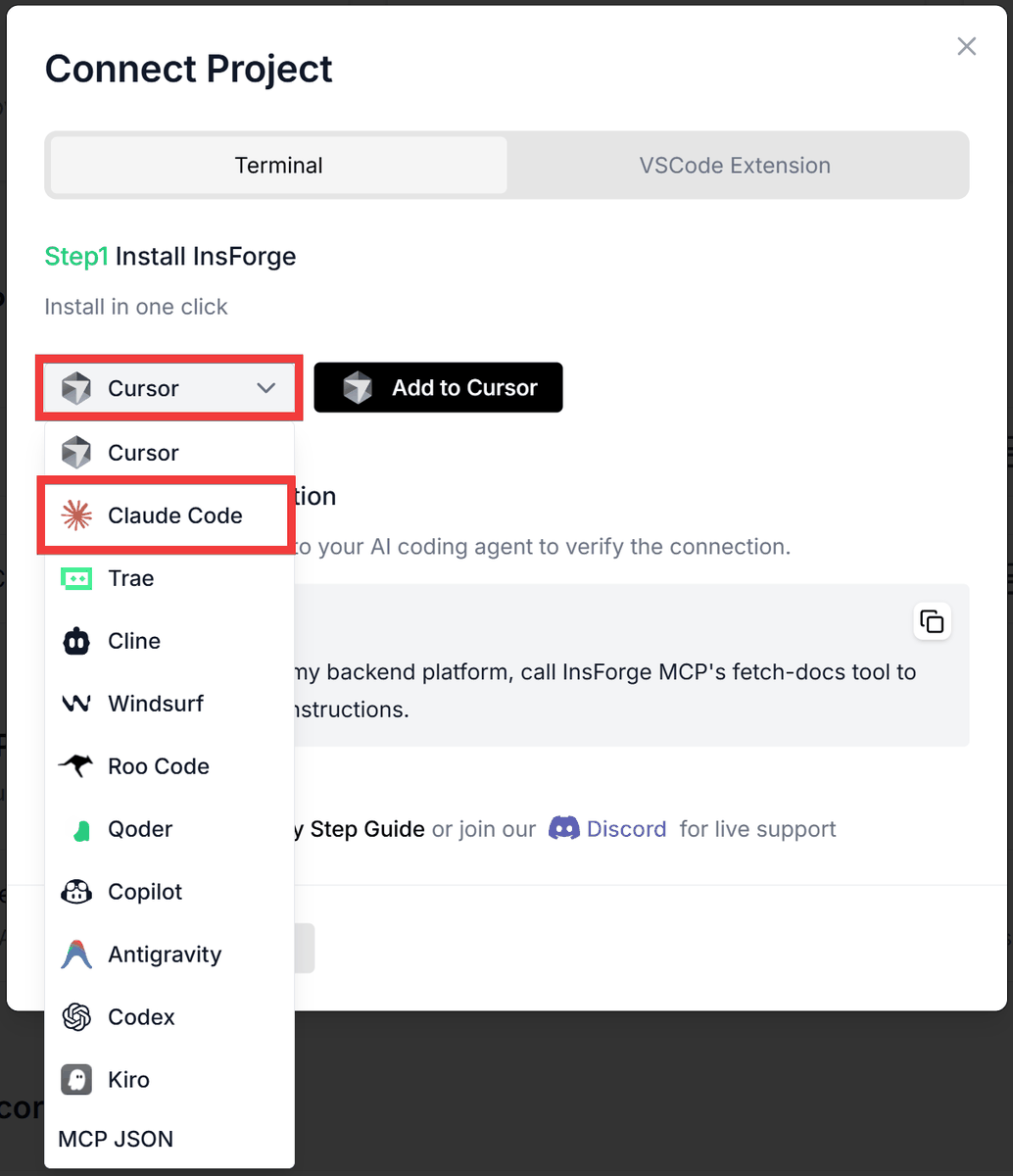
After logging in, the settings screen for the AI agent you want to connect with will be displayed, so select the AI agent you want to connect with from the 'AI Agent Selection' form.
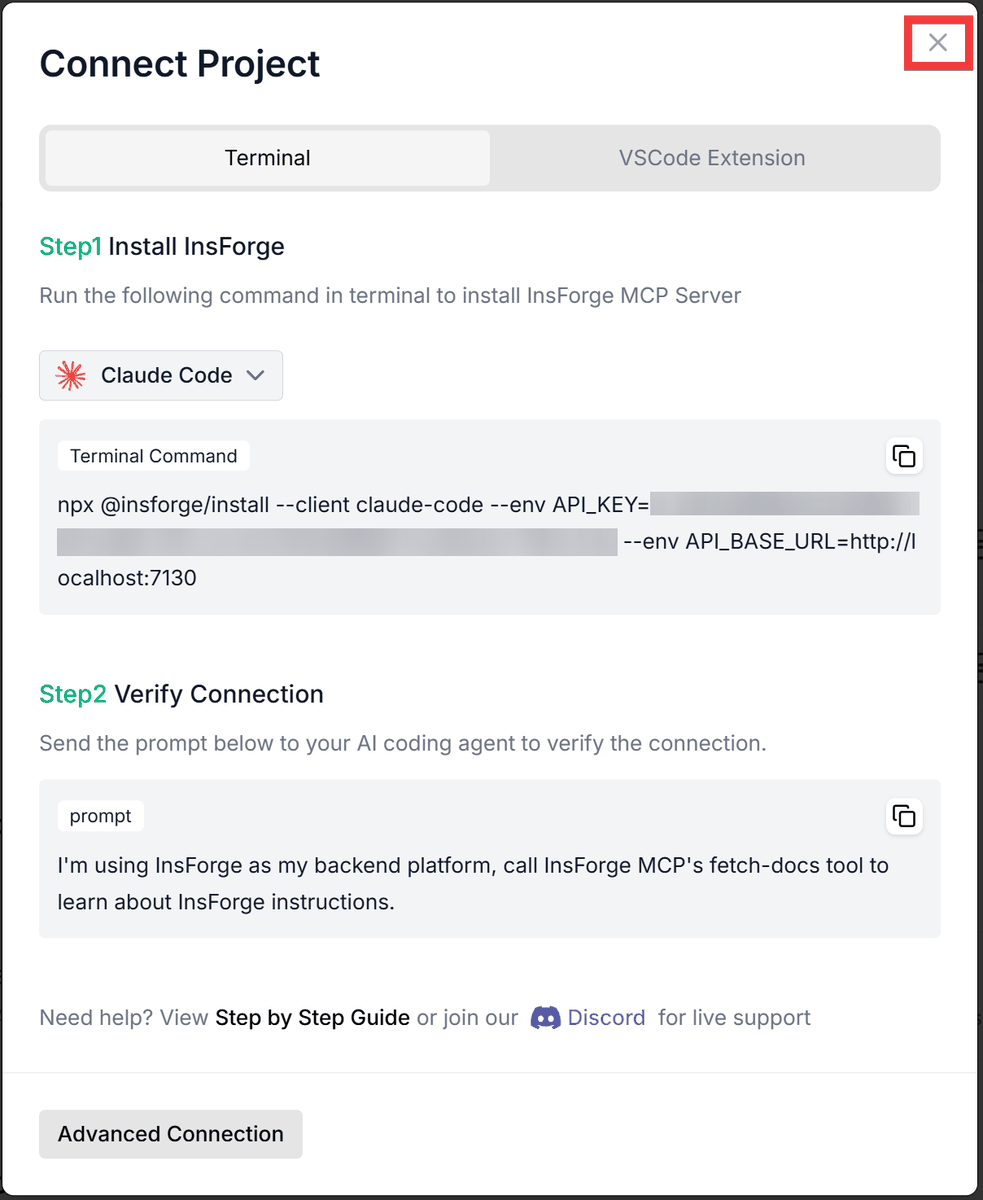
The setup instructions will be displayed, so copy the 'Terminal Command' from Step 1.
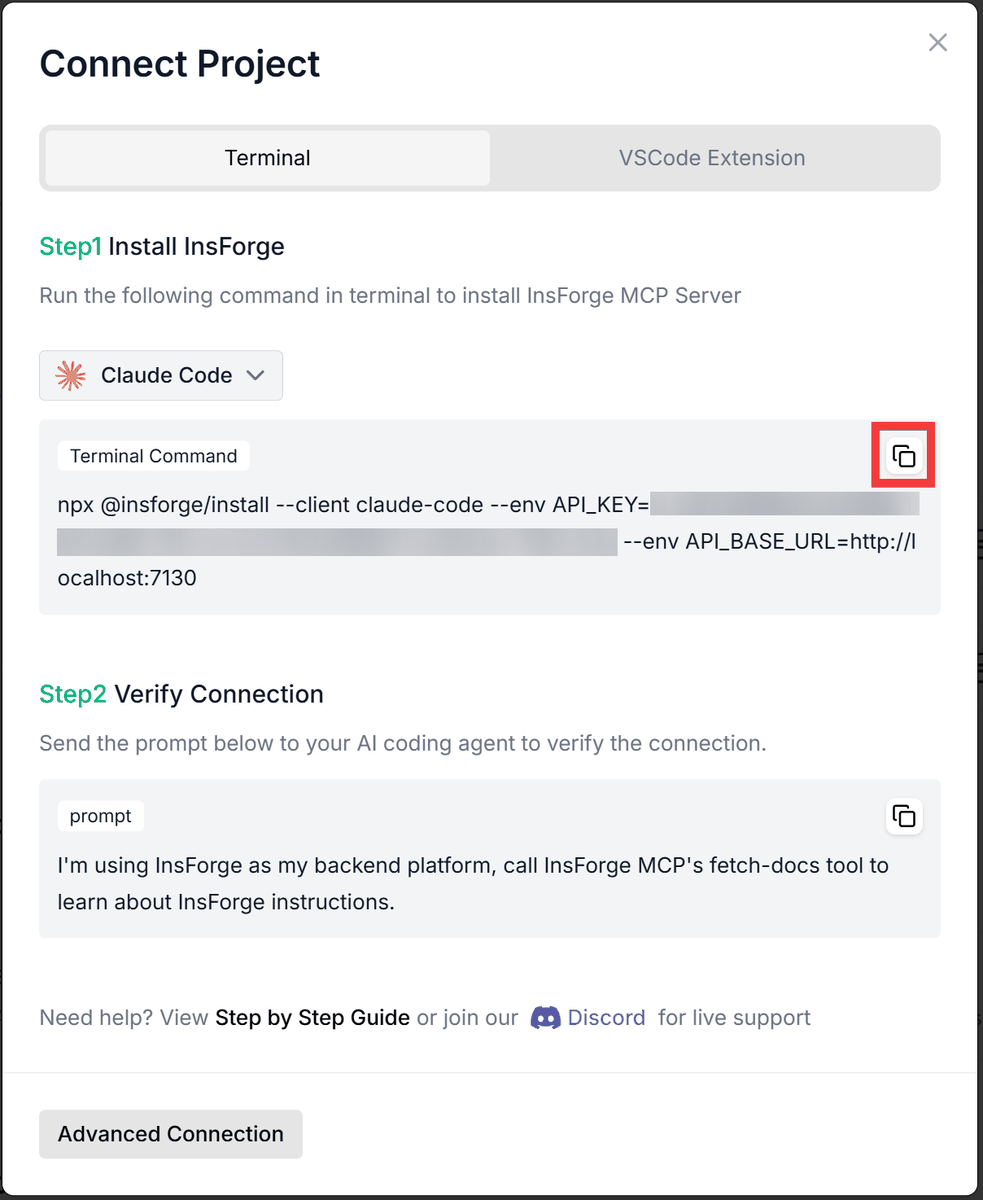
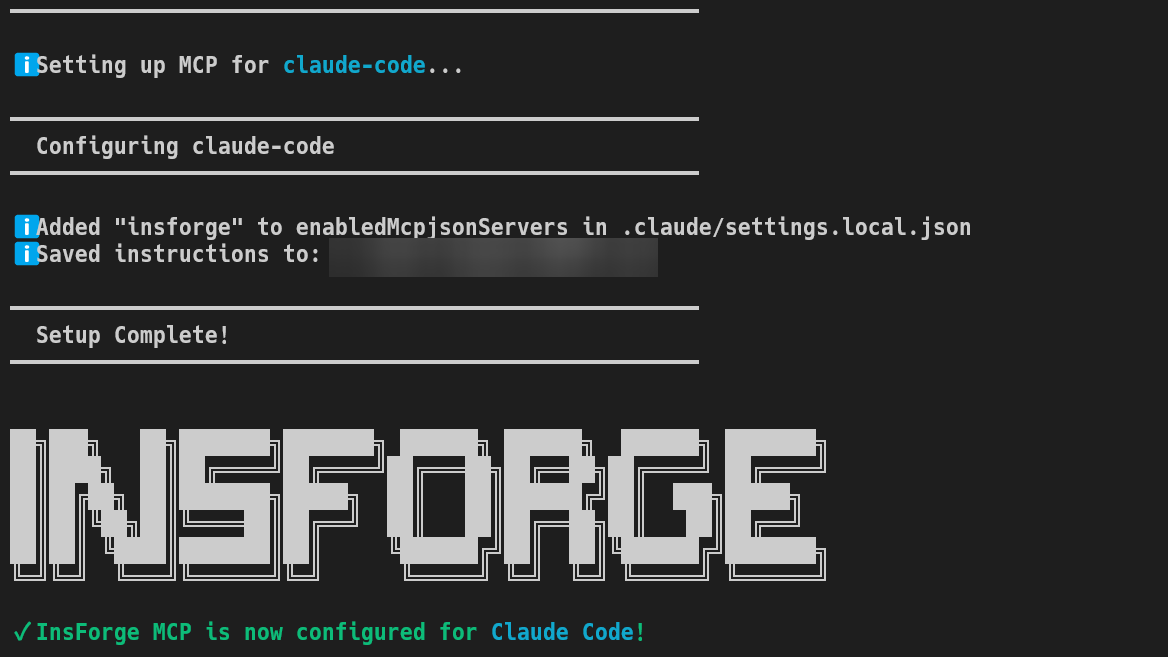
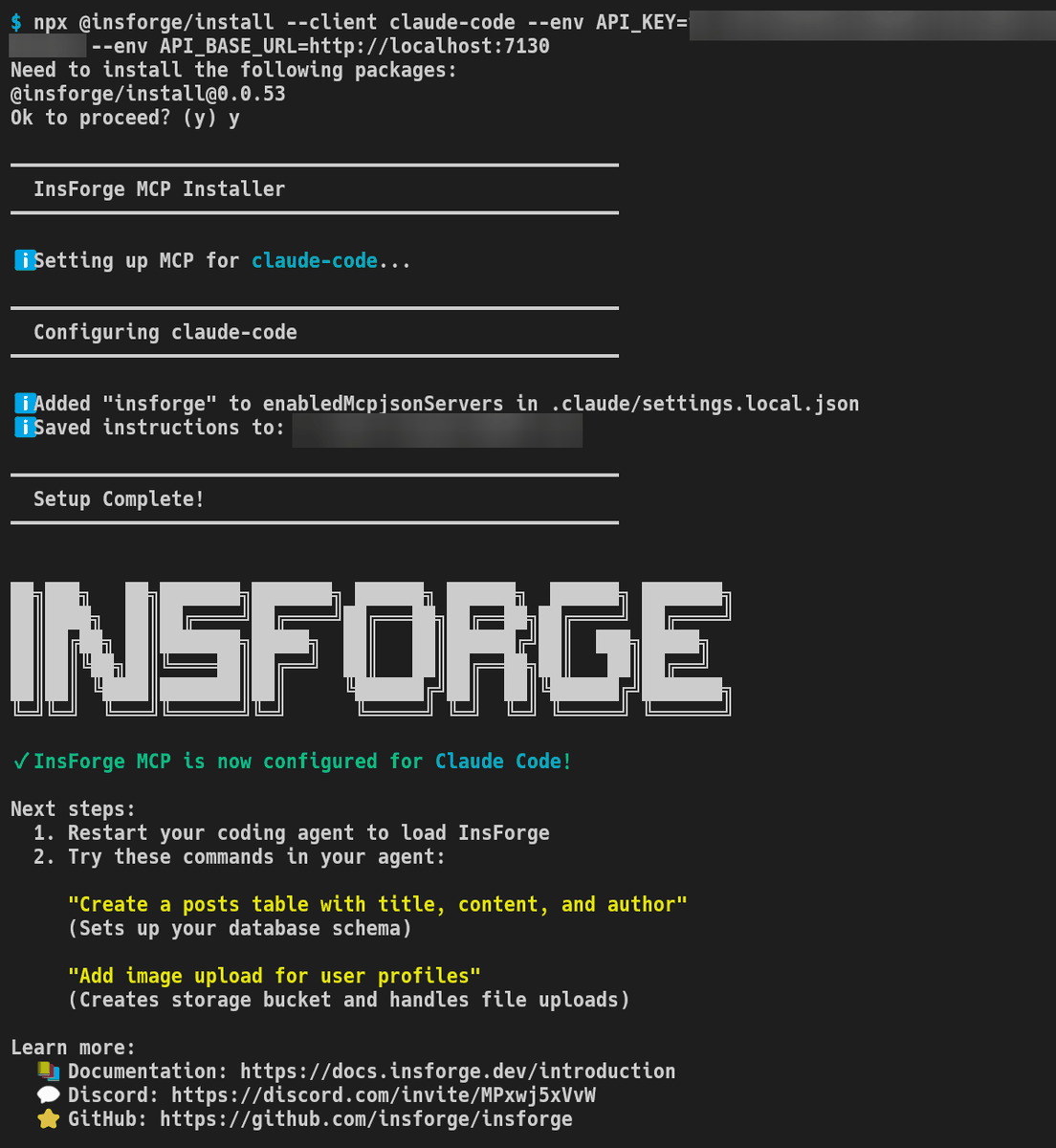
Executing the copied command in Git Bash will start the MCP server.
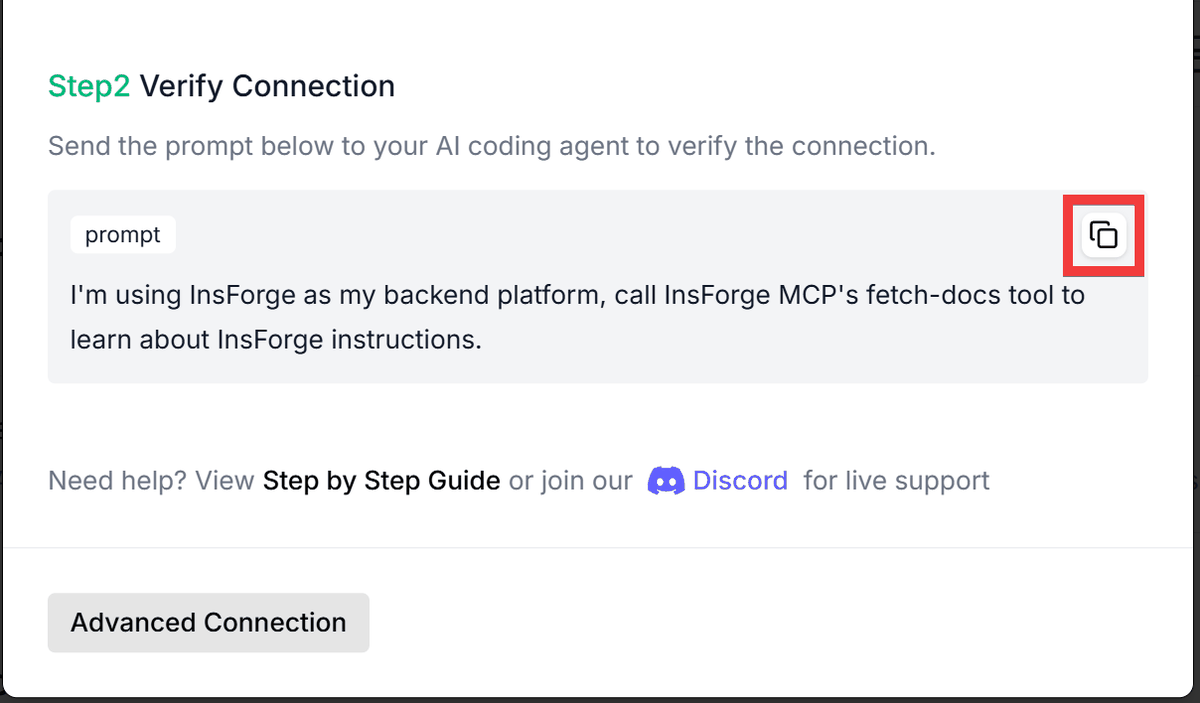
Next, copy 'prompt' from Step 2 and paste it into the AI agent's chat field and execute it to set up the MCP for InsForge.
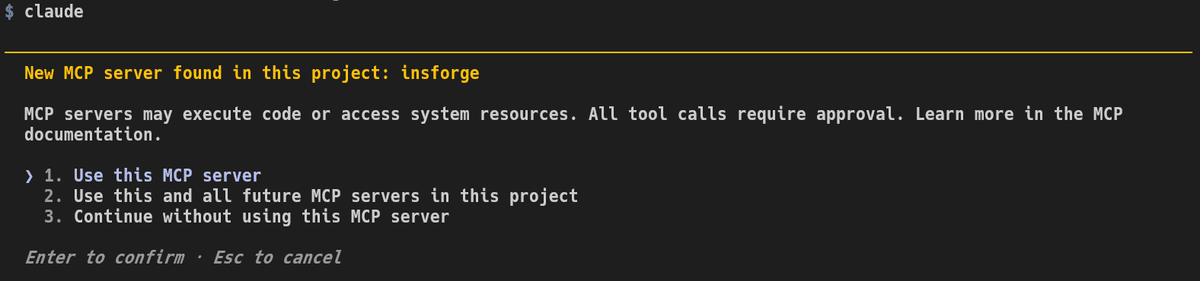
In the case of
Once you have finished configuring MCP, click 'Close'.
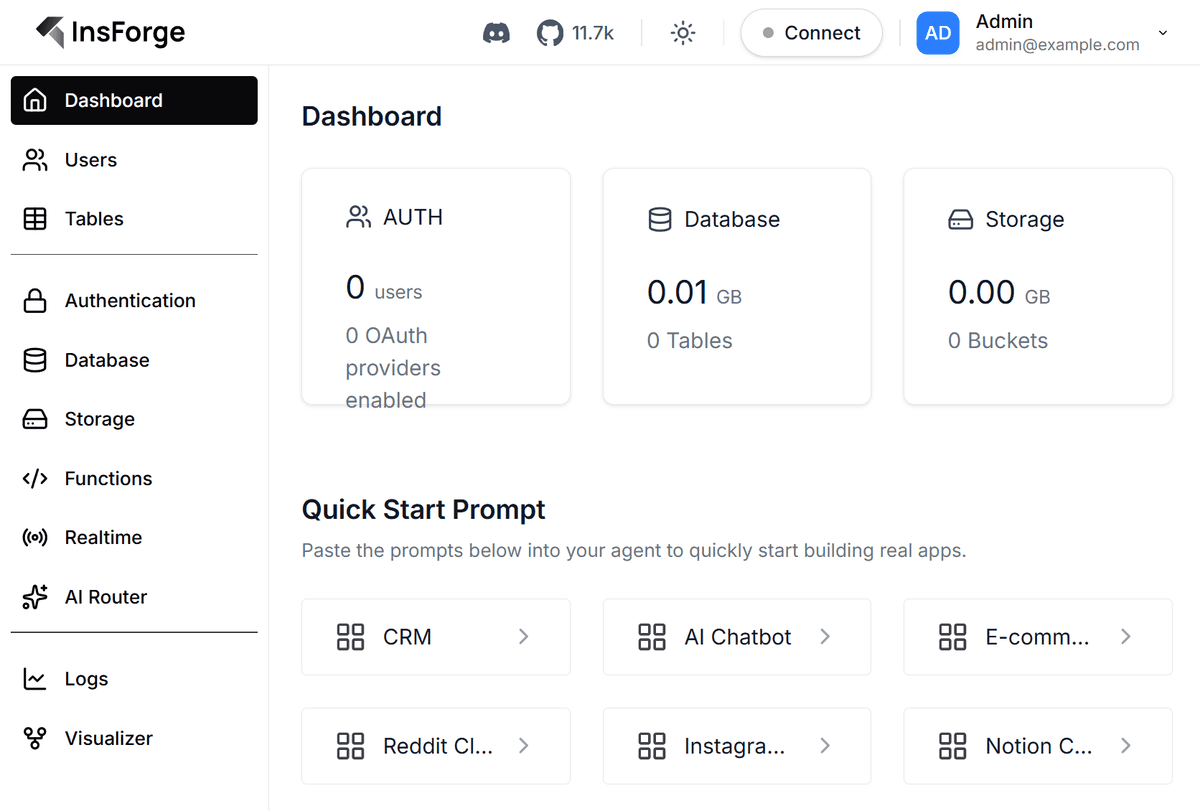
The setup is complete when the administration screen is displayed.
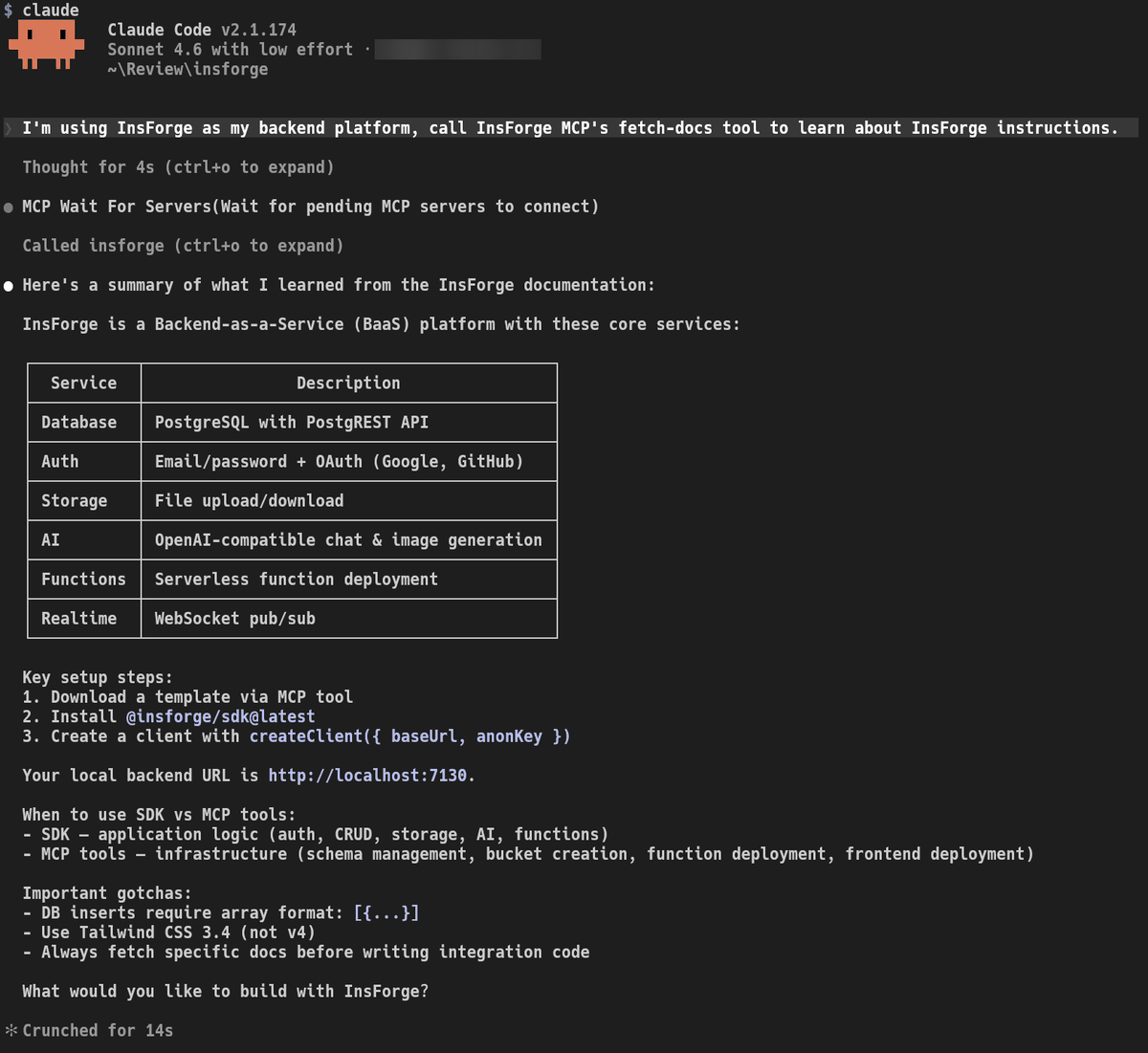
To verify the connection between the AI agent and InsForge, I instructed the agent to 'I'm using InsForge as my backend platform, call InsForge MCP's fetch-docs tool to learn about InsForge instructions.' InsForge responded via the MCP server as follows:
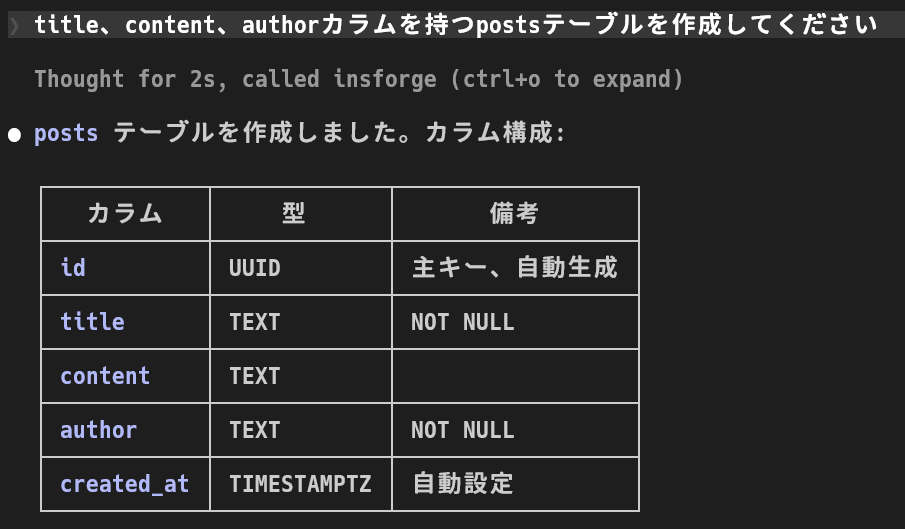
As an implementation test based on instructions in Japanese, I entered 'Create a posts table with title, content, and author columns,' and the table was created exactly as instructed.
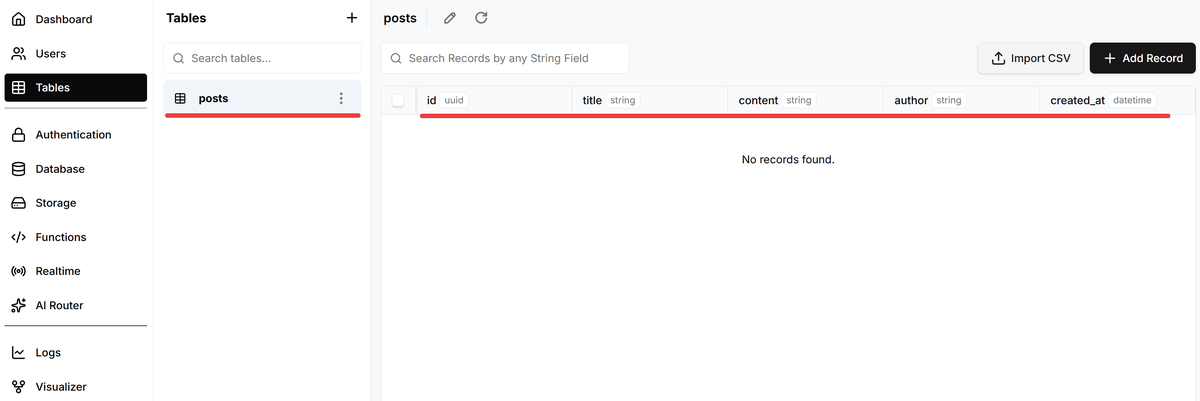
You can confirm that the table has been created from the administration screen.
When I instructed the system to 'add an image upload function for user profiles,' it created the necessary storage and tables in the backend and displayed the script for implementation on the frontend.
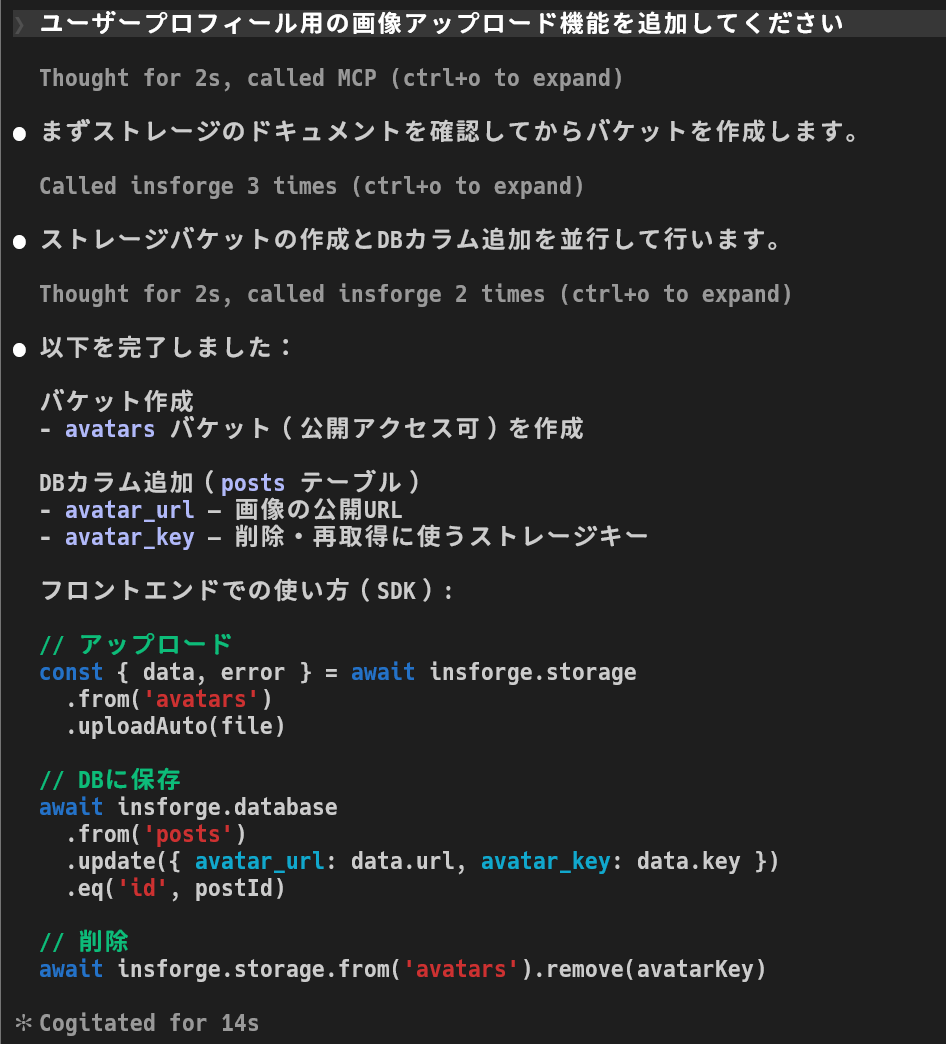
Operations that were previously performed through the administration screen can now be implemented via MCP from a coding AI agent.
The cloud version also includes a feature that scans the backend daily to detect security, performance, and operational issues, and prompts you to pass on the fixes to the AI coding agent if any problems are found.
Related Posts: