Google has launched 'Dreambeans,' a service that generates a unique story every day based on each user's search history, photos, emails, and other data.
Smartphones store a vast amount of data reflecting daily activities, including emails, calendar entries, photos, video viewing history, and search history. However, necessary information is scattered across multiple apps; for example, you might open your calendar to check your schedule, search Gmail to look up your purchase history, or view Google Photos to reminisce. Google has announced ' Dreambeans ,' an experimental app that uses AI to organize this scattered information.
Meet Dreambeans, an app that connects you with what matters
Introducing Dreambeans: Surfacing what matters to you - YouTube
Dreambeans is an app that uses information from Google apps that the user has allowed to access to compile daily events and interests into 'stories.' According to Google, Dreambeans aims to present a limited number of stories on topics relevant to the user, rather than being a feed for endless viewing.
Dreambeans uses information from sources such as Gmail, Google Calendar, Google Photos, YouTube, and Google Search history. For example, if you receive a delivery confirmation email for pet supplies in Gmail and have a friend coming over in your Google Calendar, Dreambeans will display a story with tips on training your dog using treats and suggestions for dog-friendly restaurants you can go to with your friend. Its distinguishing feature is that it doesn't simply summarize emails and appointments, but combines information from different apps to suggest 'what you should do next.'
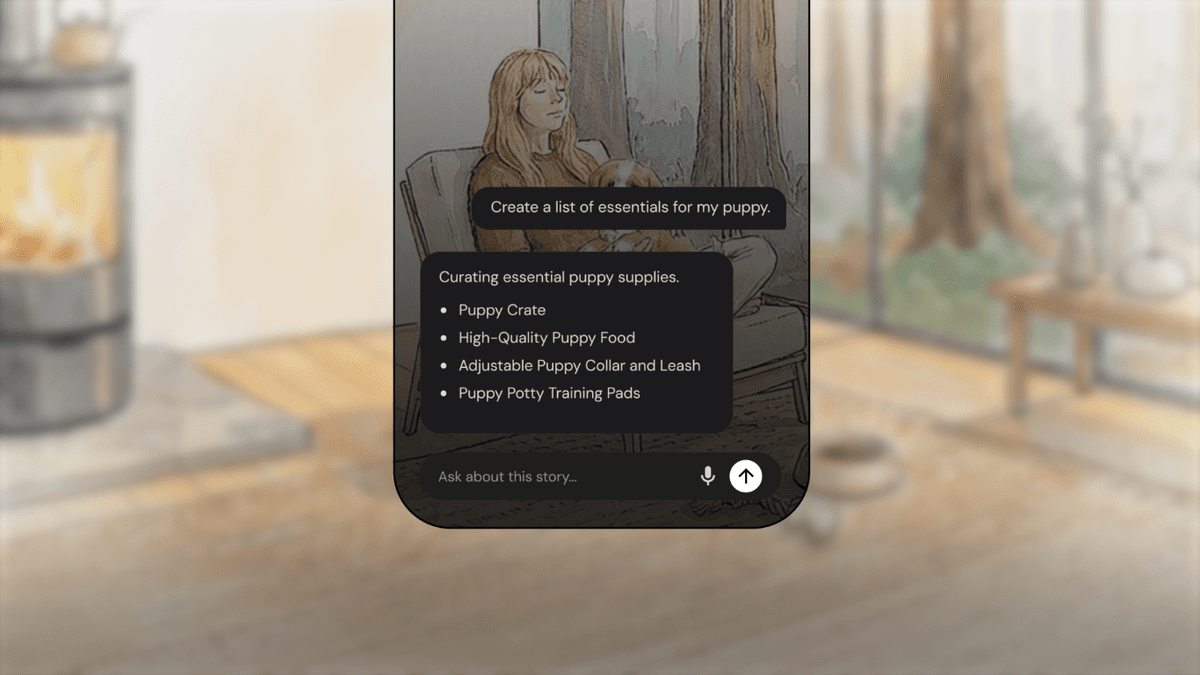
The stories will also be accompanied by AI-generated illustrations. Instead of simply displaying generic stock photos, the system creates visuals that reflect places the user frequently visits or people they have close relationships with, presenting daily information in a way that is closer to personal reading material. According to Google, for stories involving people or those close to the user, Google Photos and Nano Banana 2 will be used to personalize the scenes.
Furthermore, tapping on a story that interests you allows you to explore related information in more detail. For example, you can use online information to plan your next steps, such as searching for nearby dog parks or checking out potential puppy training classes. Favorite stories can be saved to your library for later viewing.
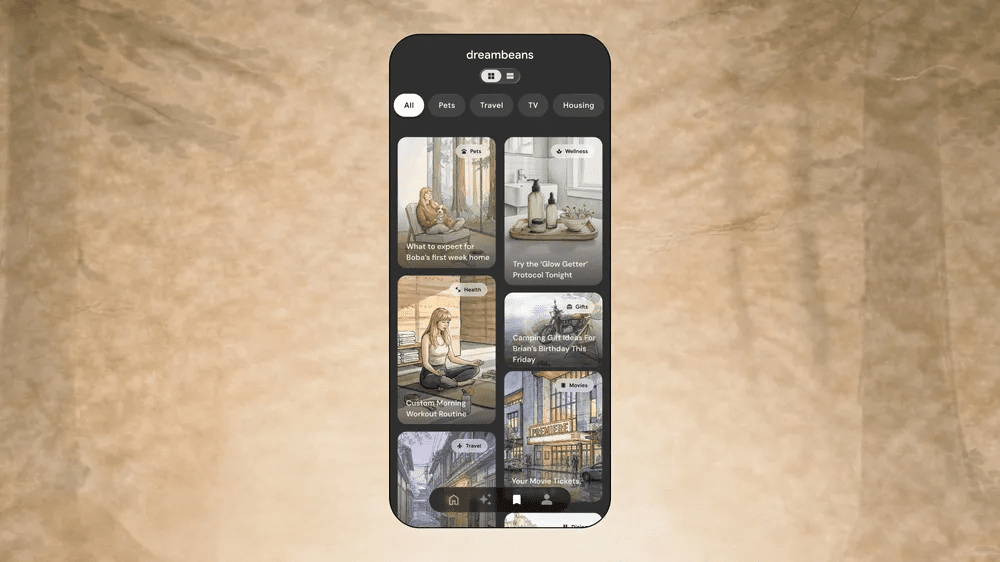
Dreambeans also offers an adjustment feature in case suggestions that don't suit the user's preferences are displayed. By providing feedback on stories or letting users know that a suggestion isn't right for them, this feedback will be reflected in future stories displayed. However, feedback does not immediately rewrite the story displayed at the time of writing; it is reflected in stories created on subsequent days.
To use Dreambeans, you need to connect at least one Google app. Users can choose which app to connect. Connecting more apps is said to result in more personalized content, but since you can choose whether or not to connect each app, users can manage the range of data that Dreambeans can access.
As of the time of writing, Dreambeans is available for Android and iOS for Google AI Ultra users aged 18 and over residing in the United States. Google states that the reason for limiting the availability is to first provide it to enthusiastic users in one language area to check its performance and then gradually roll it out while improving its features.
Related Posts:



in AI, Video, Software, Smartphone, Posted by log1d_ts