NVIDIA has announced the end of support for its graphics card settings app, 'NVIDIA Control Panel,' and is urging users to migrate to the NVIDIA app.

NVIDIA released GPU driver version 610.47 on May 26, 2026. The release notes published alongside the release explicitly state that support for the settings application 'NVIDIA Control Panel' has ended.
007 First Light GeForce Game Ready Driver Released
The NVIDIA Control Panel is a management application that is installed along with NVIDIA GPU drivers, allowing you to customize numerous items such as screen resolution settings, colors, and behavior when connecting multiple screens.
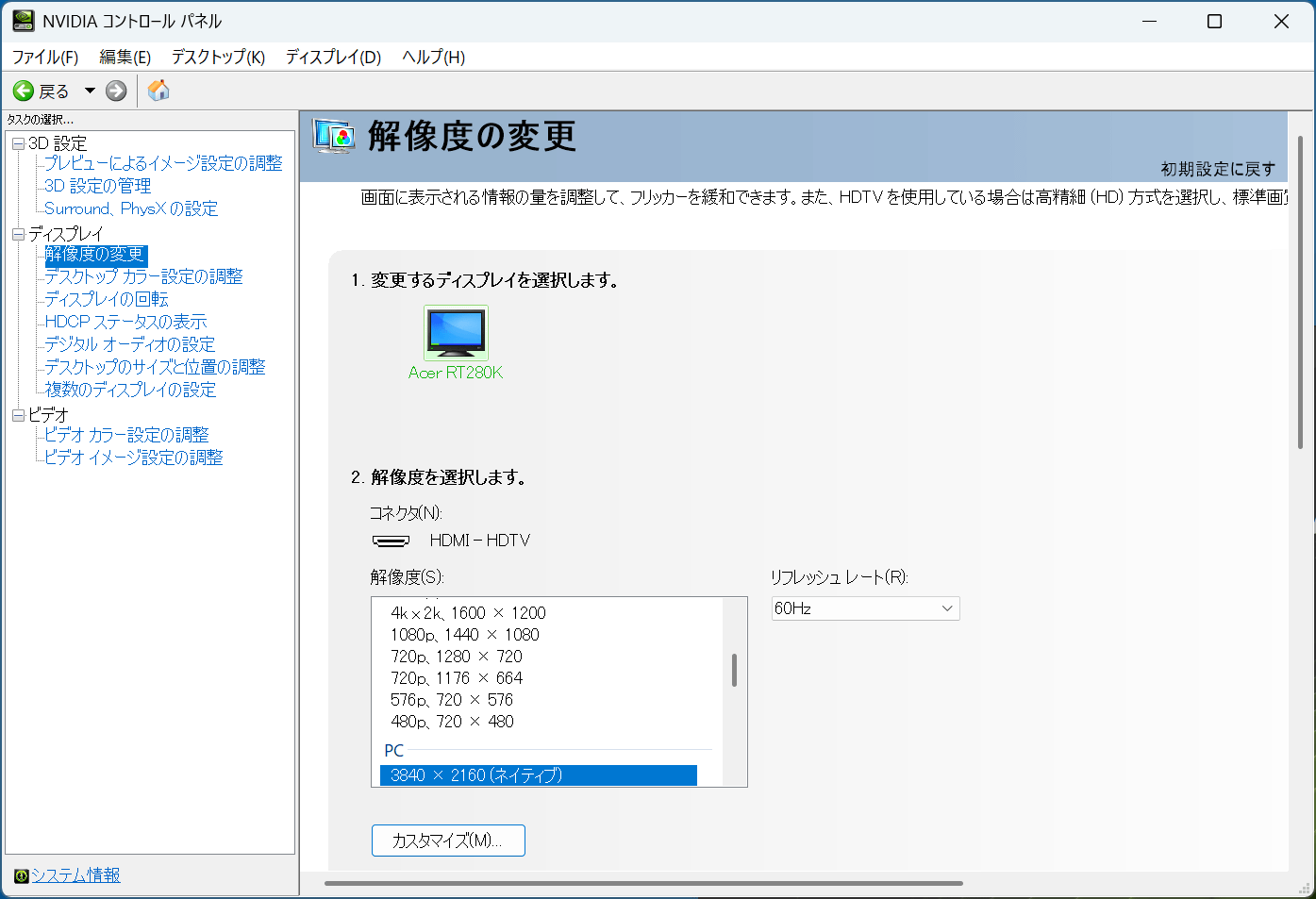
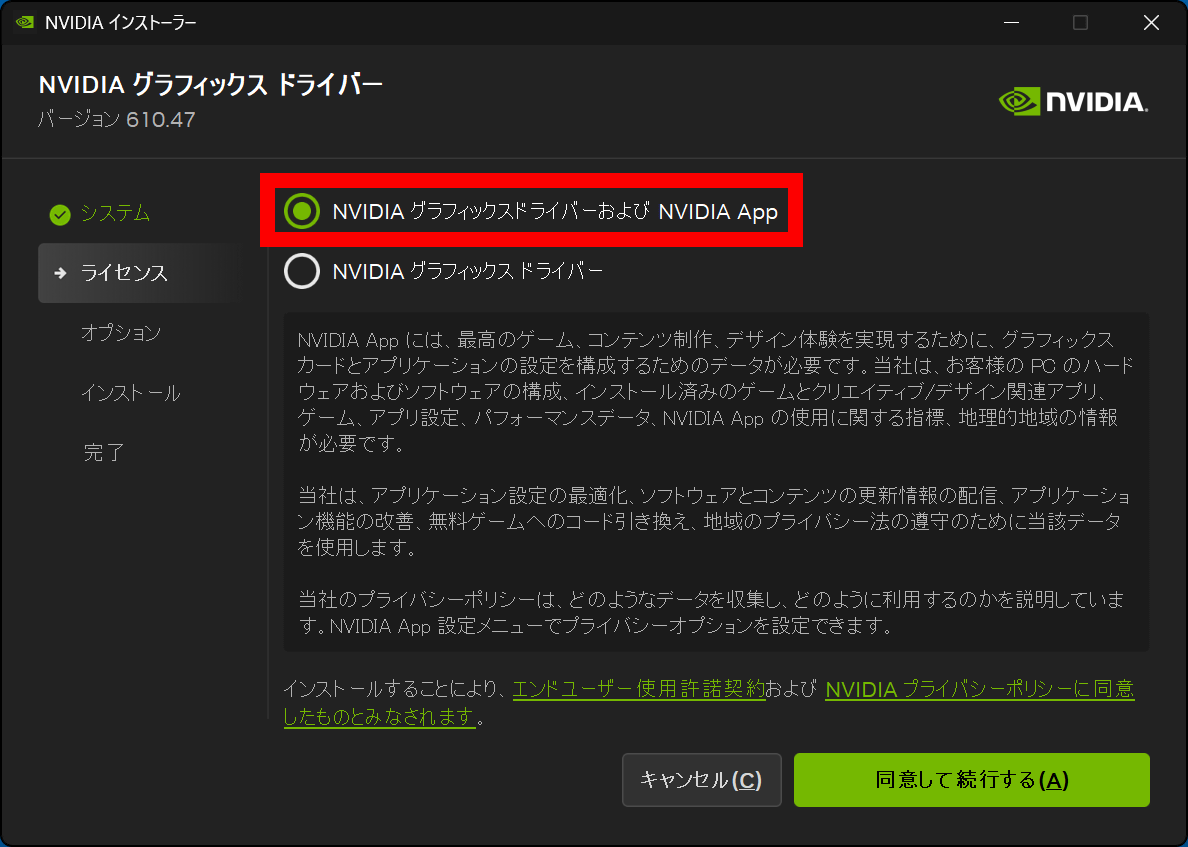
NVIDIA has now announced the end of support for the NVIDIA Control Panel in its 'GeForce Game Ready Drivers' for gamers and its 'NVIDIA Studio Drivers' for content creators.
From now on, you will customize various settings using the 'NVIDIA app.' The NVIDIA app can be downloaded from
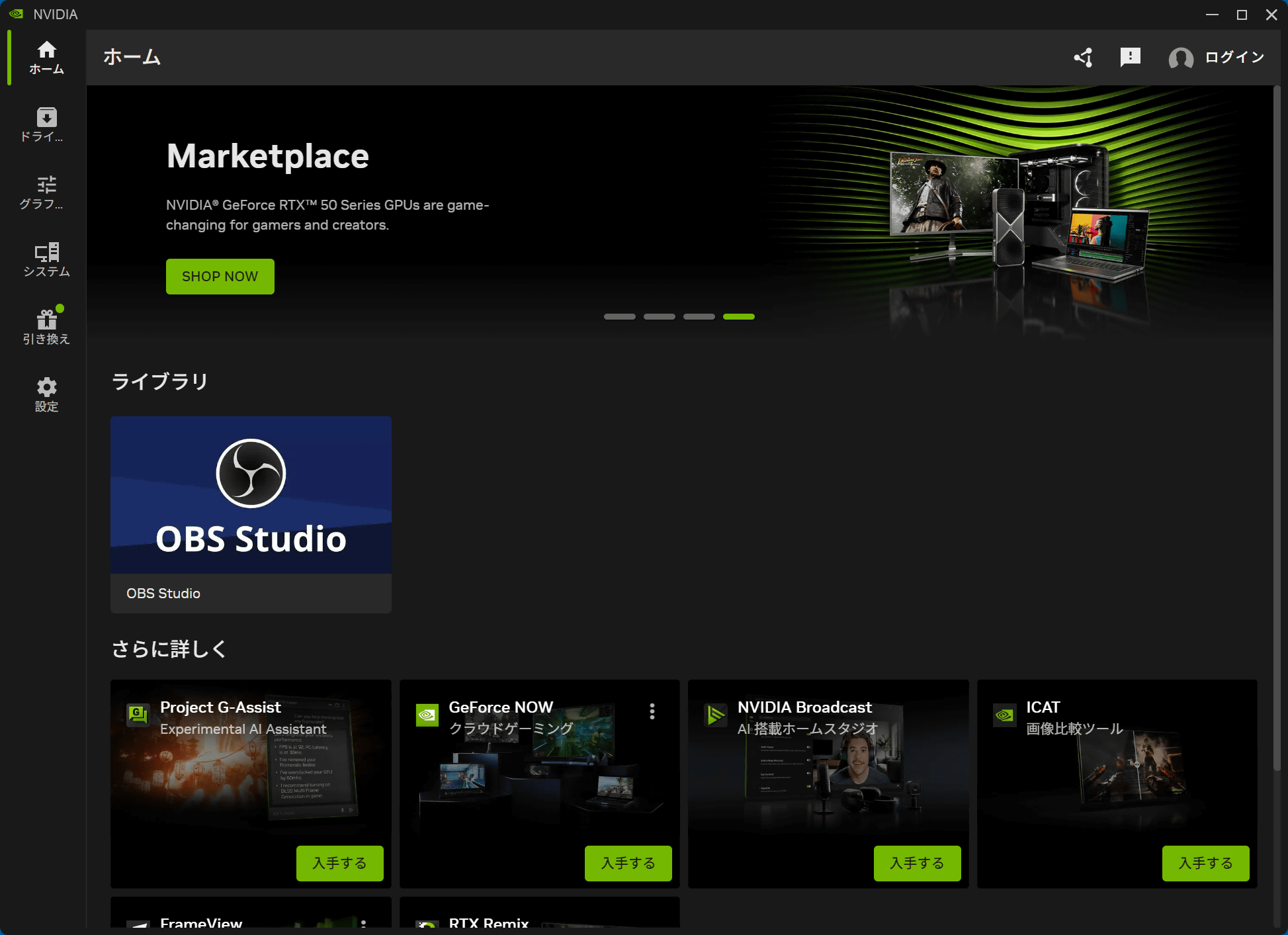
This is what the NVIDIA app's home screen looks like.
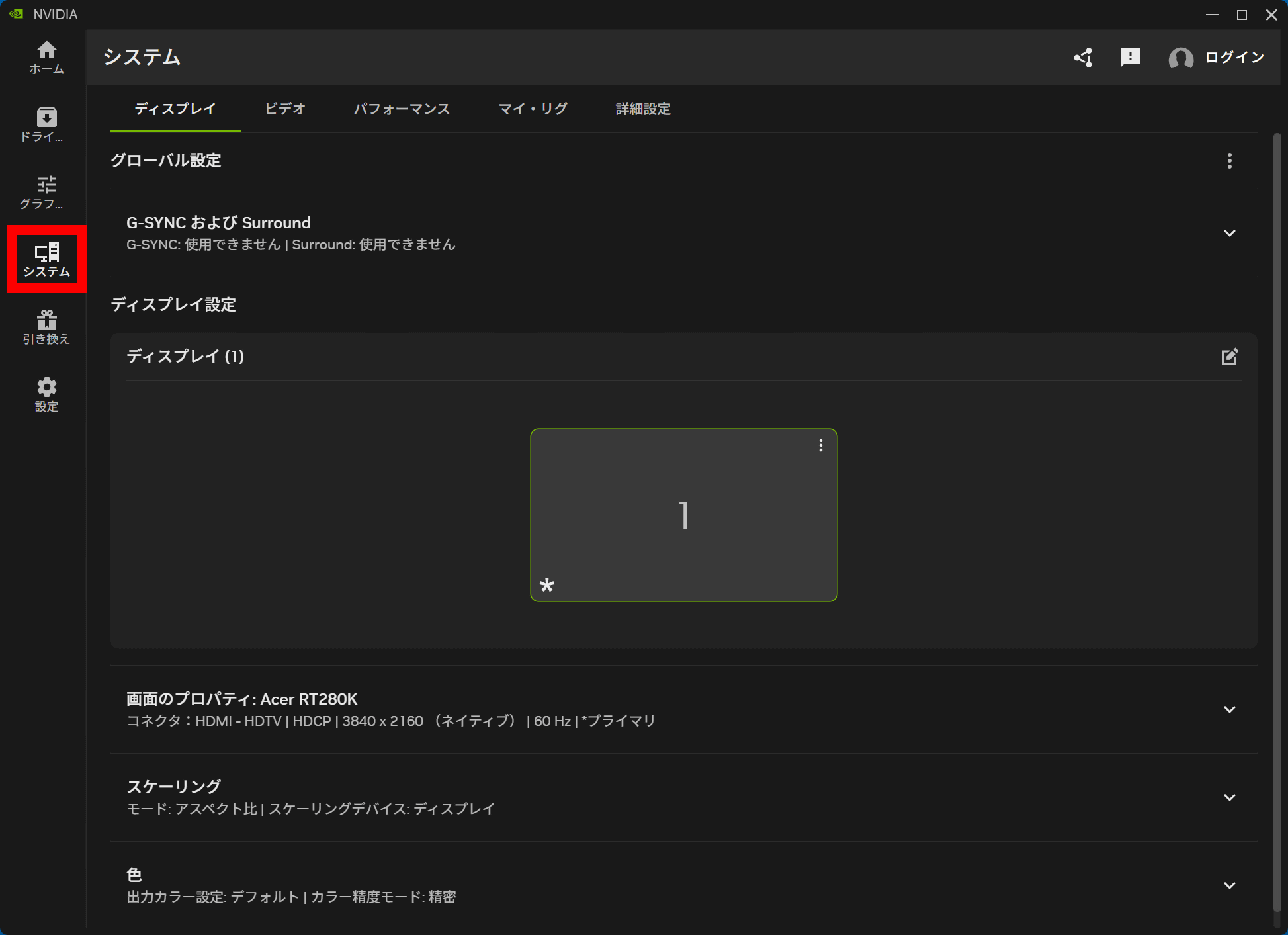
Clicking 'System' in the left-hand sidebar will display the settings screen for the display and other components. According to NVIDIA, all the settings that were available in the NVIDIA Control Panel are available here.
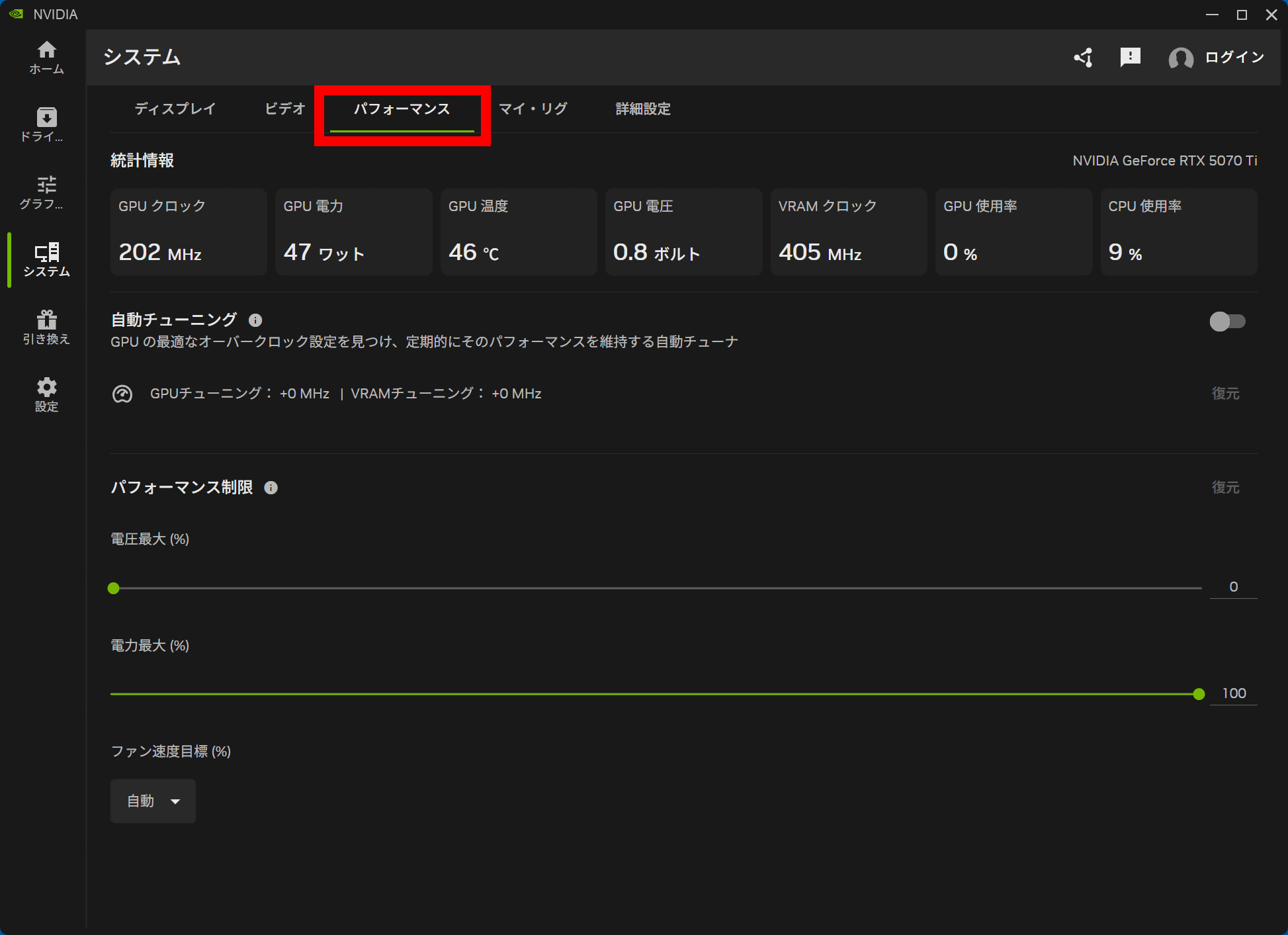
The NVIDIA app runs more smoothly than the NVIDIA Control Panel and includes numerous additional features. For example, clicking 'Performance' in the system screen allows you to check the GPU clock speed and power consumption, and you can also use the 'Automatic Tuning' overclocking function.
Clicking 'Drivers' in the left sidebar allows you to check the latest driver information or perform a reinstallation.
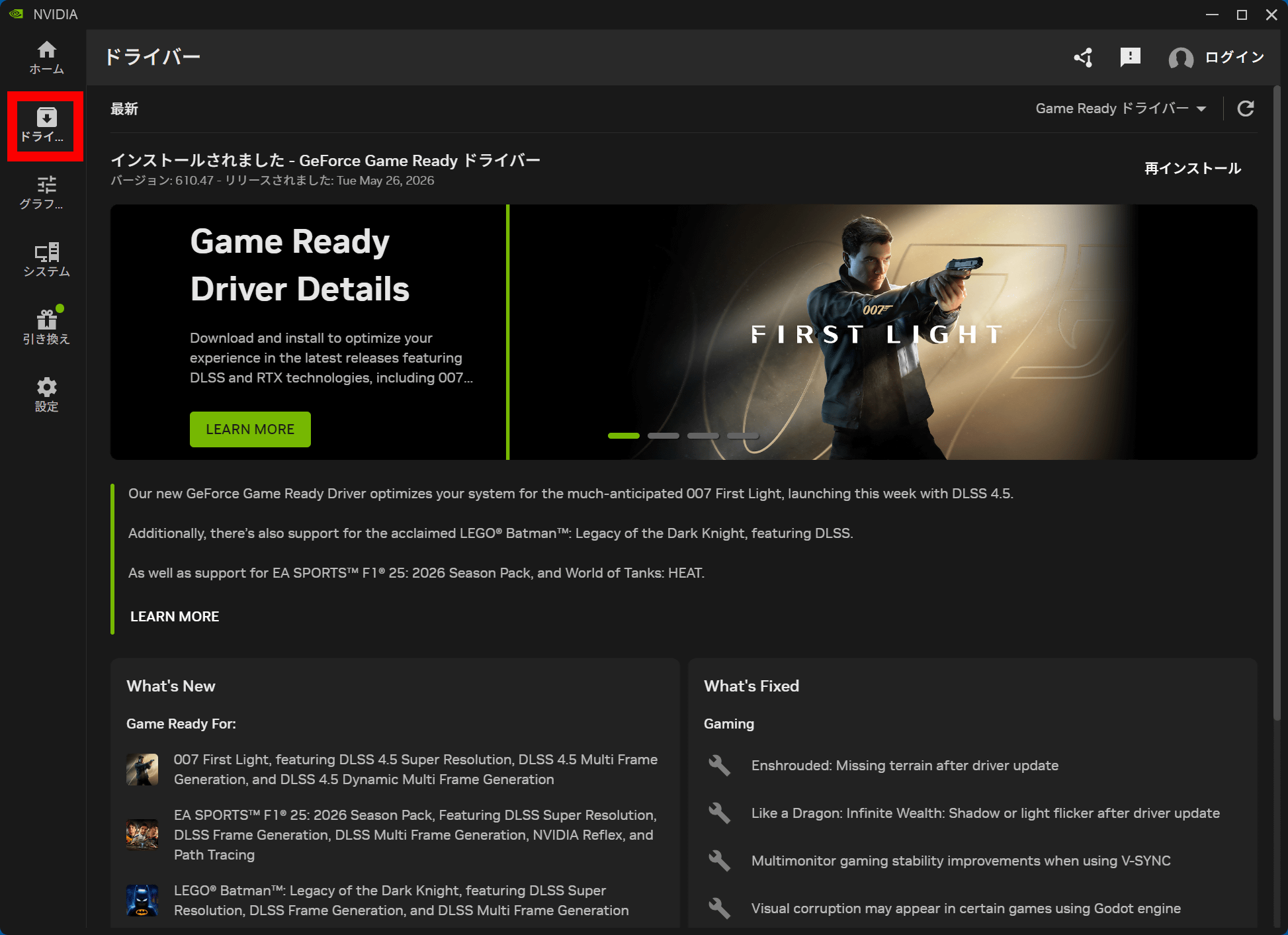
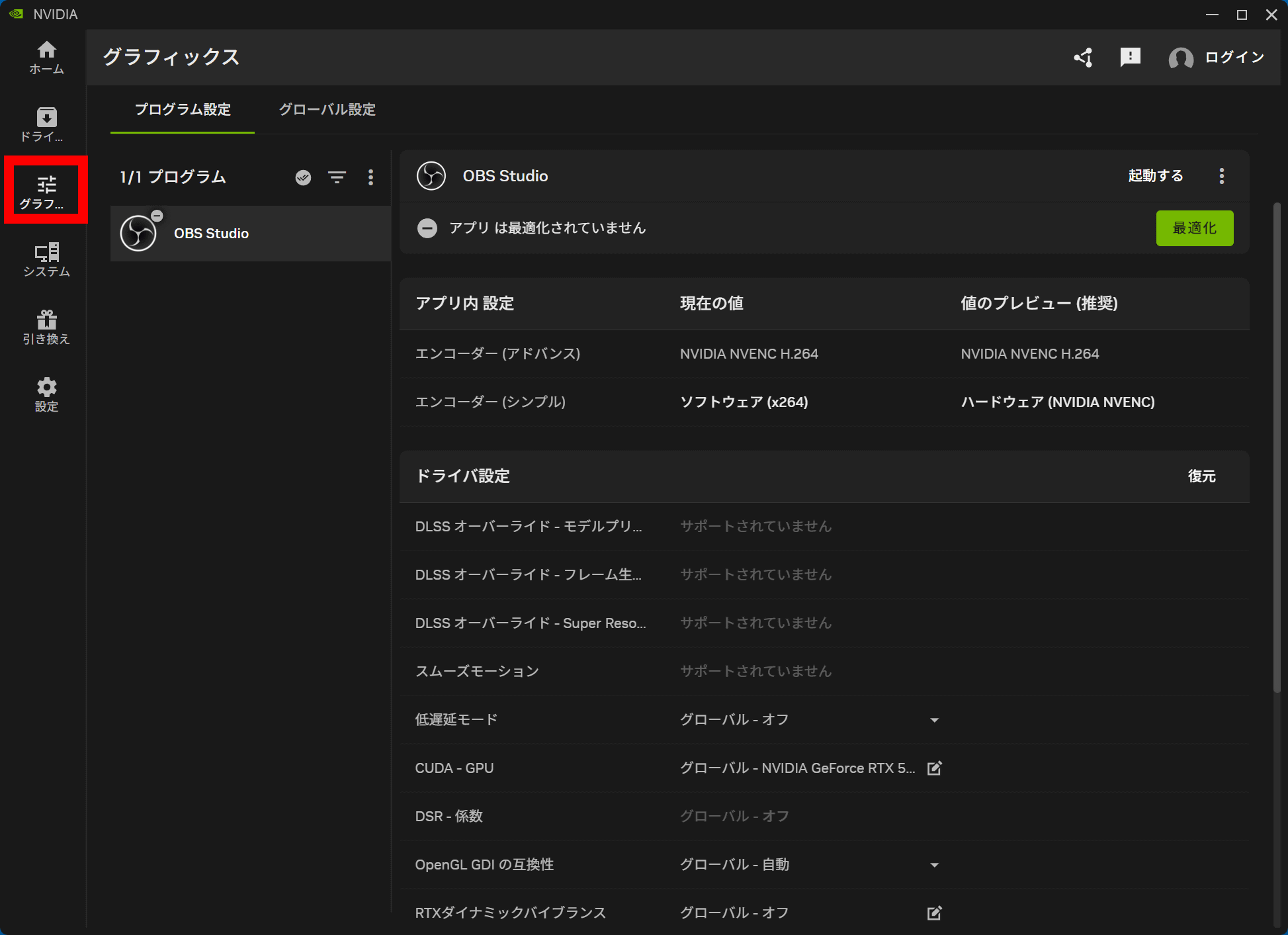
Clicking 'Graphics' in the left sidebar will display games and related applications on your PC, allowing you to optimize rendering settings for your graphics card.
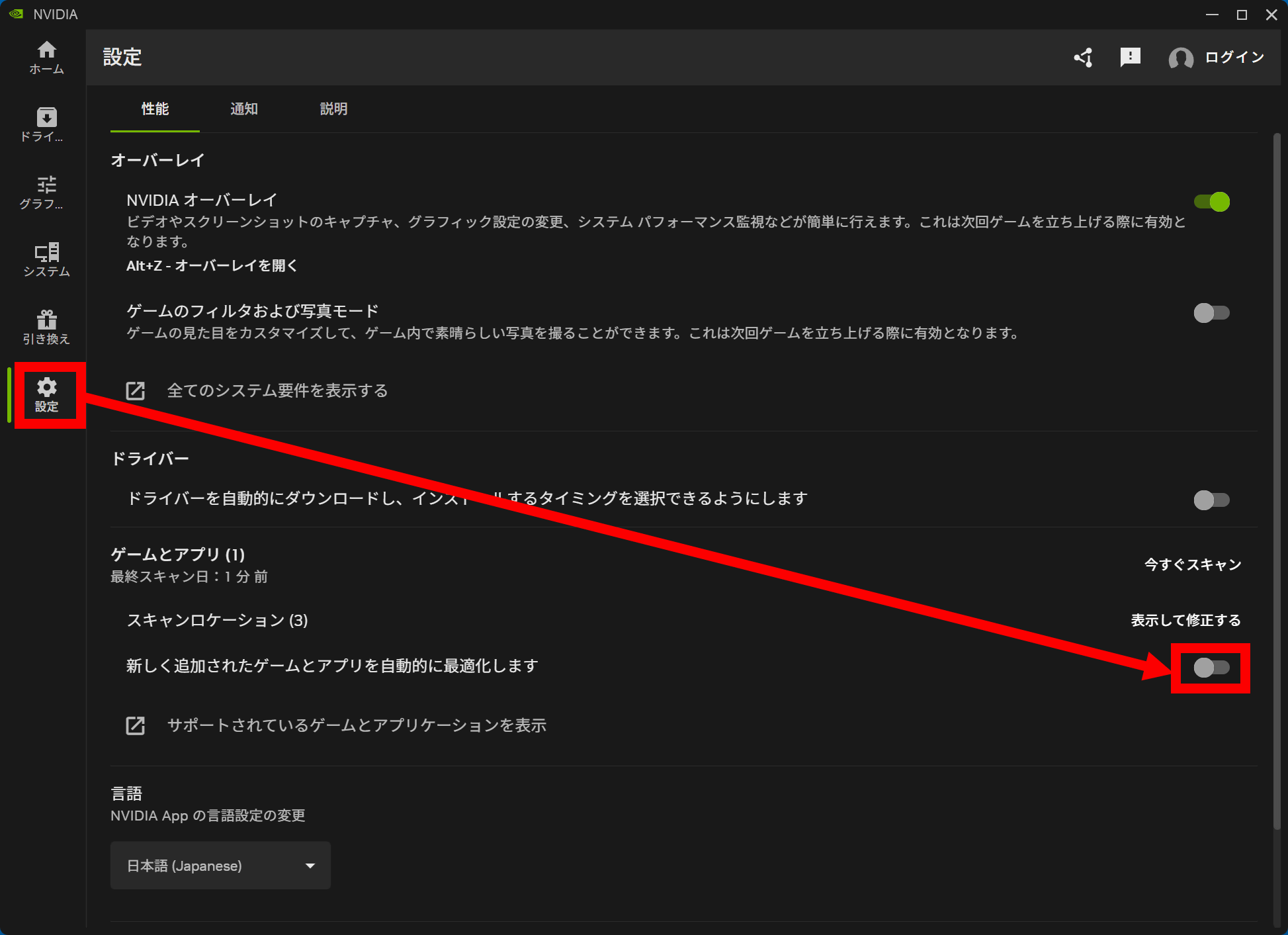
By default, game and app optimization is performed automatically. If you don't want the settings to be changed without your permission, you need to click 'Settings' in the left sidebar and then switch off the toggle switch to the right of 'Automatically optimize newly added games and apps'.
NVIDIA has explicitly stated that it will not be adding or modifying any features in the Control Panel. Furthermore, if you already have the NVIDIA Control Panel installed, it will remain on your system unless you perform a clean install of the drivers. Since it will continue to be distributed through the Microsoft Store, you can reinstall the NVIDIA Control Panel even after uninstalling it.
The NVIDIA app does not yet implement some settings for the NVIDIA RTX PRO series, and support for the NVIDIA Control Panel will continue to be available for the NVIDIA RTX PRO series.
Related Posts: