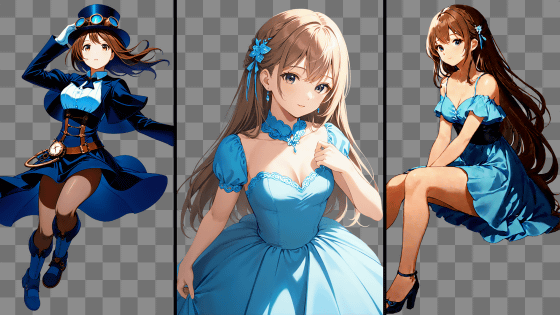
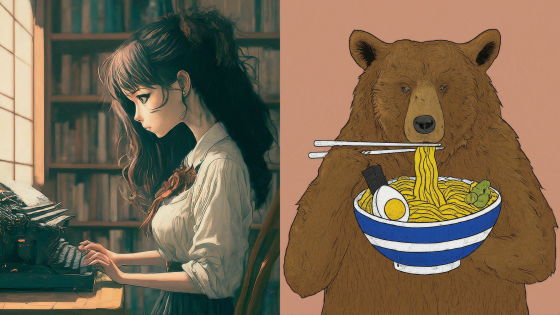
FLUX Outpainting, a software specializing in outpainting using the image generation AI 'FLUX.2,' has been released, and we tried it out.
AI development company Black Forest Labs has announced ' FLUX Outpainting, ' which enables 'outpainting'—extending an image by drawing outside its boundaries—using its image generation AI,
FLUX Outpainting - Black Forest Labs
https://docs.bfl.ai/flux_2/flux_outpainting
New release: Outpainting (expand any image to any aspect ratio).
— Black Forest Labs (@bfl_ml) May 14, 2026
Most outpainting struggles at boundaries: light breaks, textures drift, seams appear.
FLUX Outpainting fixes this at the model level.
Give it an image + canvas geometry and get a coherent scene extension with… pic.twitter.com/l0hgqCuZRz
FLUX Outpainting can be tried for free at the following demo site. However, you will need to log in with a Google or GitHub account.
FLUX Outpainting
https://flux-tools.bfl.ai/outpainting
The demo site looks like this. You can load an image by clicking on the right and selecting it, or by dragging and dropping an image. Note that the demo version has a limitation of up to 2 megapixels in resolution for images that can be loaded.
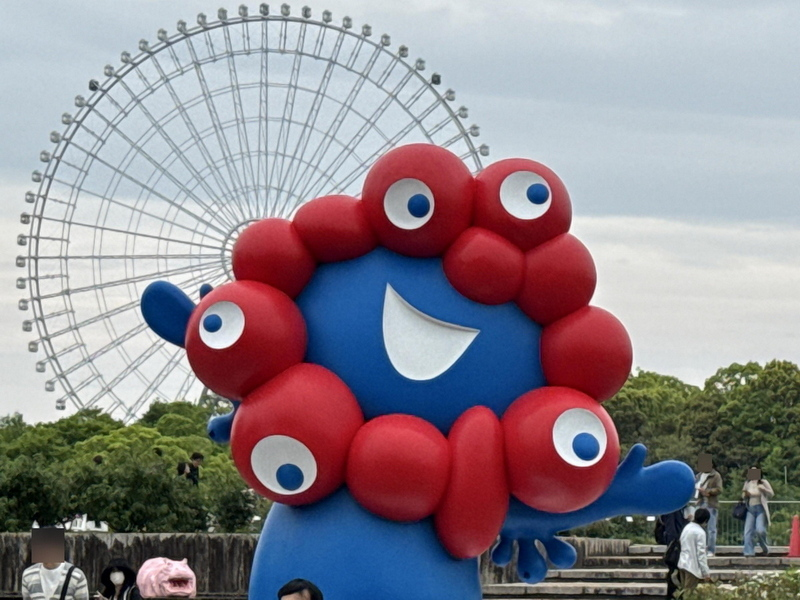
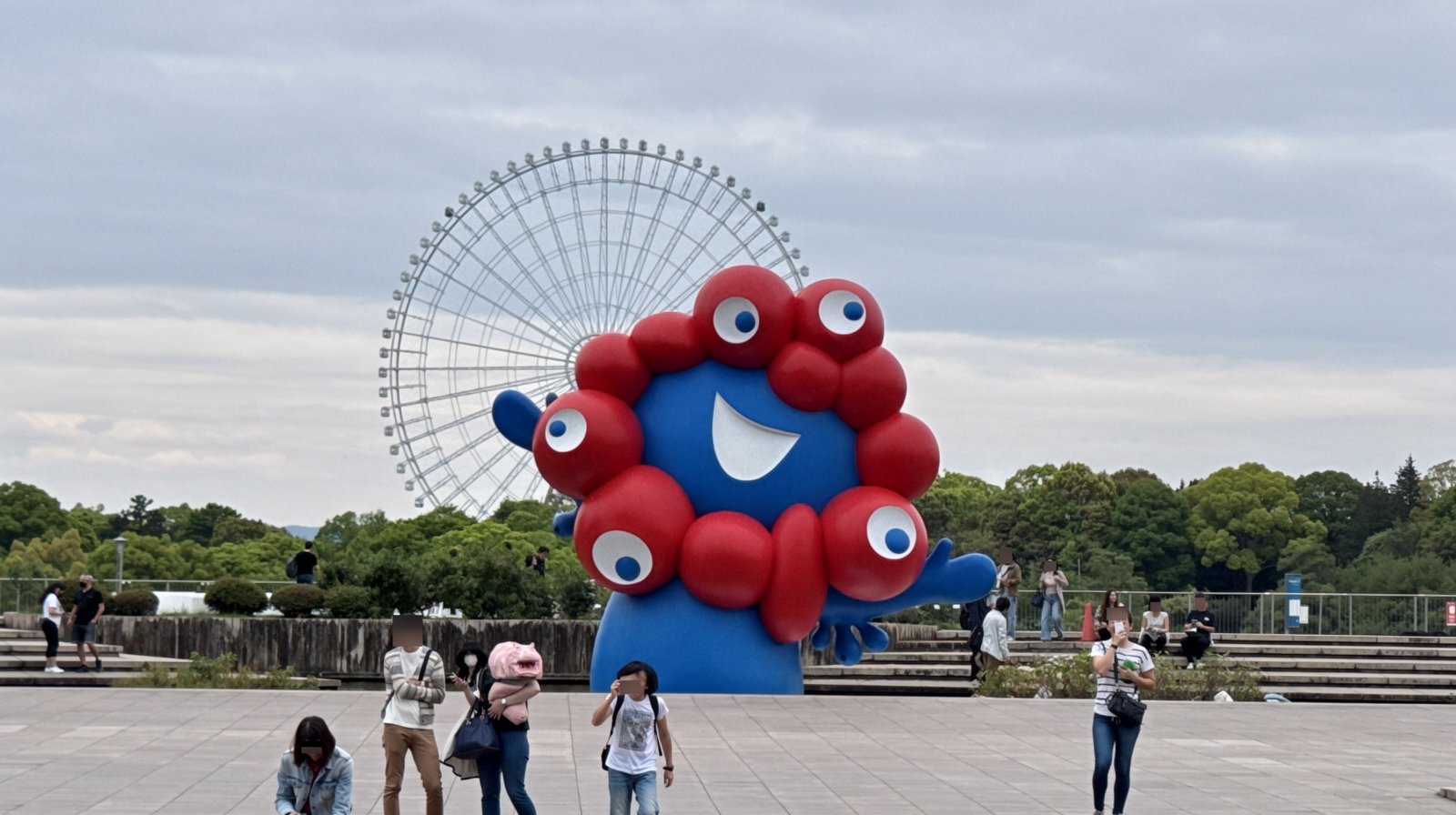
This time, I'll try outpainting the following photo.
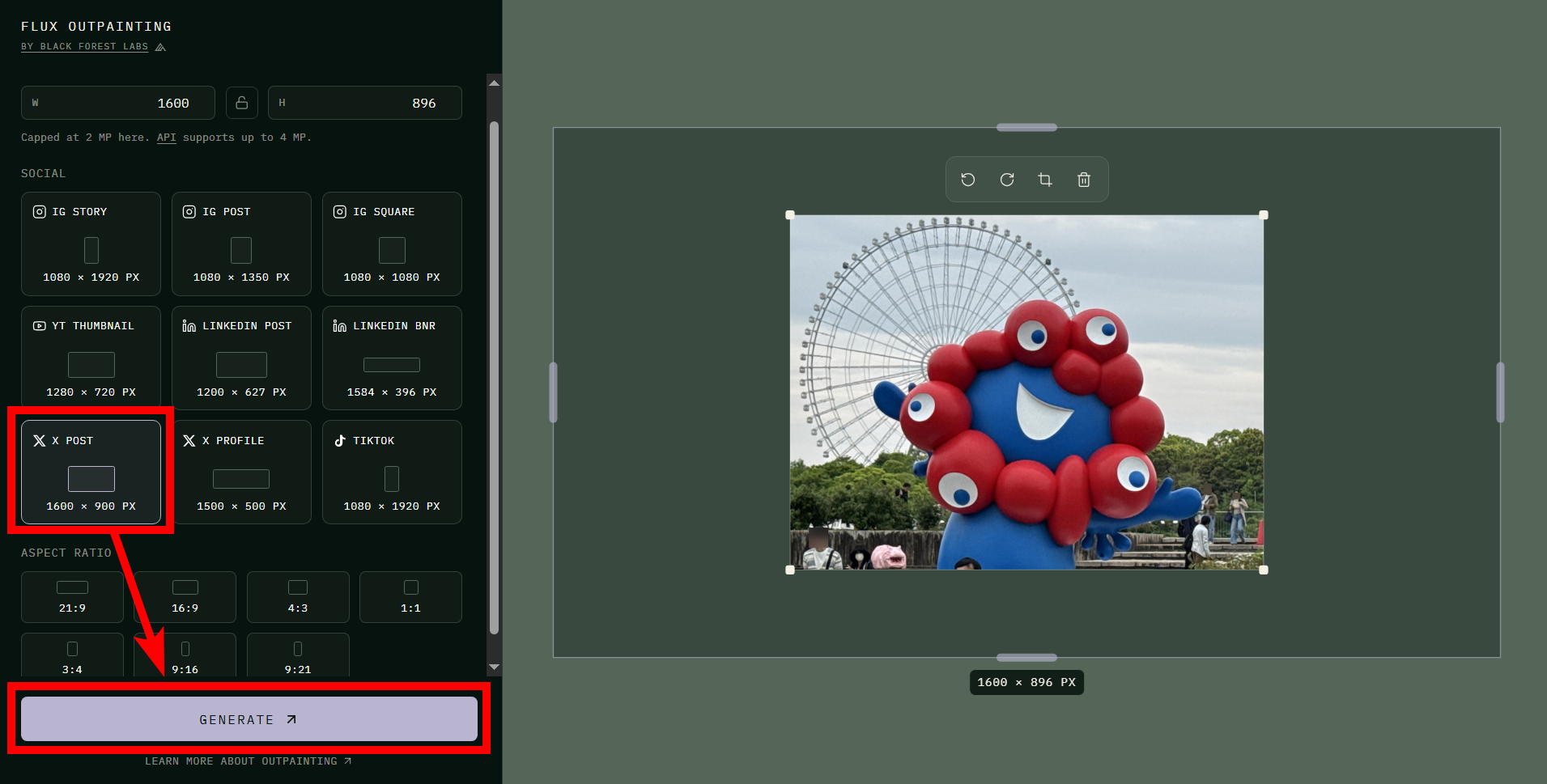
Once the image is loaded, select the desired resolution after scaling. Selecting a 16:9 aspect ratio will show the scaling area around the loaded image on the right. Click 'GENERATE' to perform the outpainting.
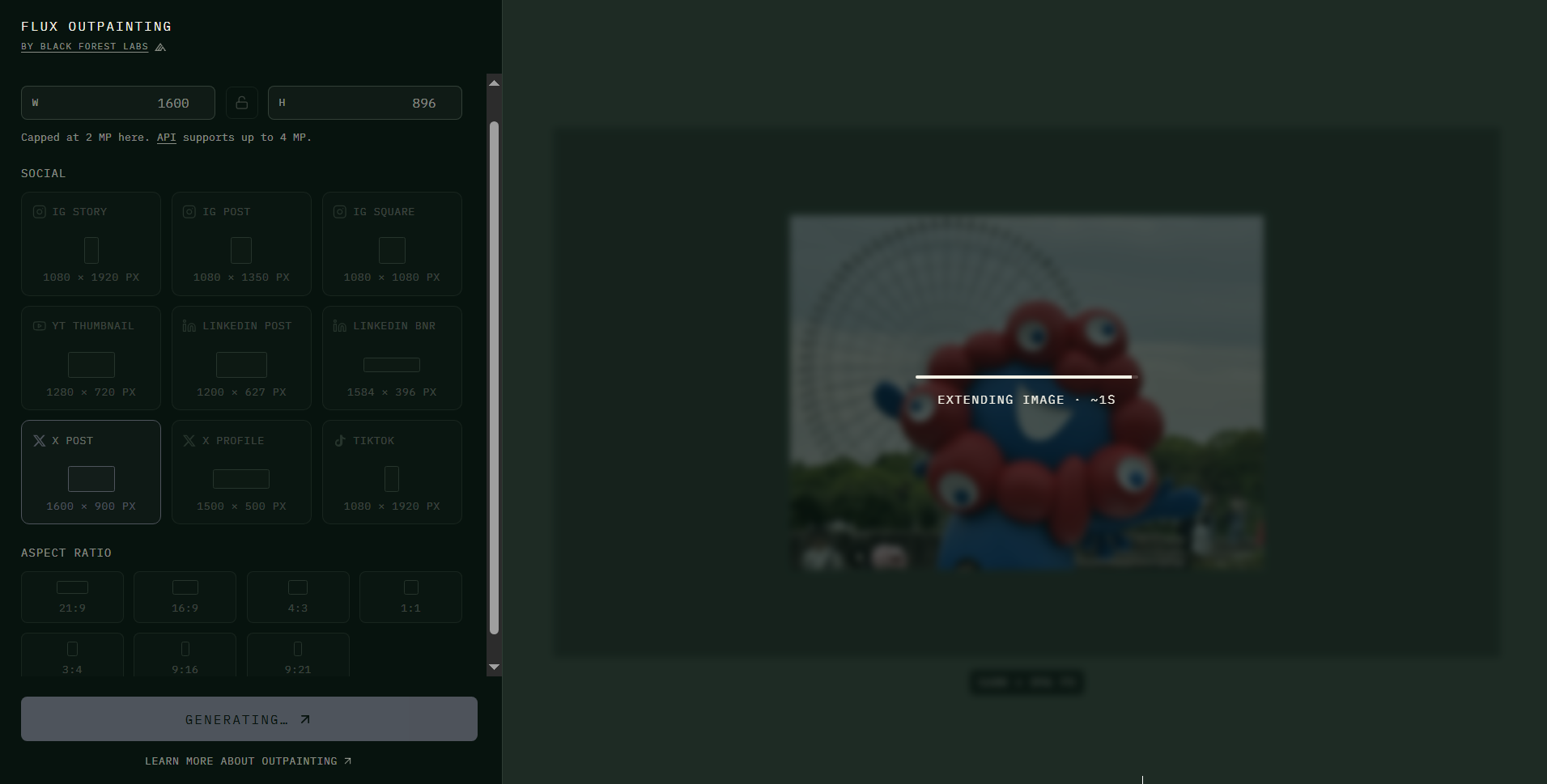
Outpainting takes 30 seconds to 1 minute.
Once the outpainting is complete, the output image will be displayed on the right. Clicking 'DOWNLOAD PNG' in the bottom right corner will allow you to save it in PNG format.
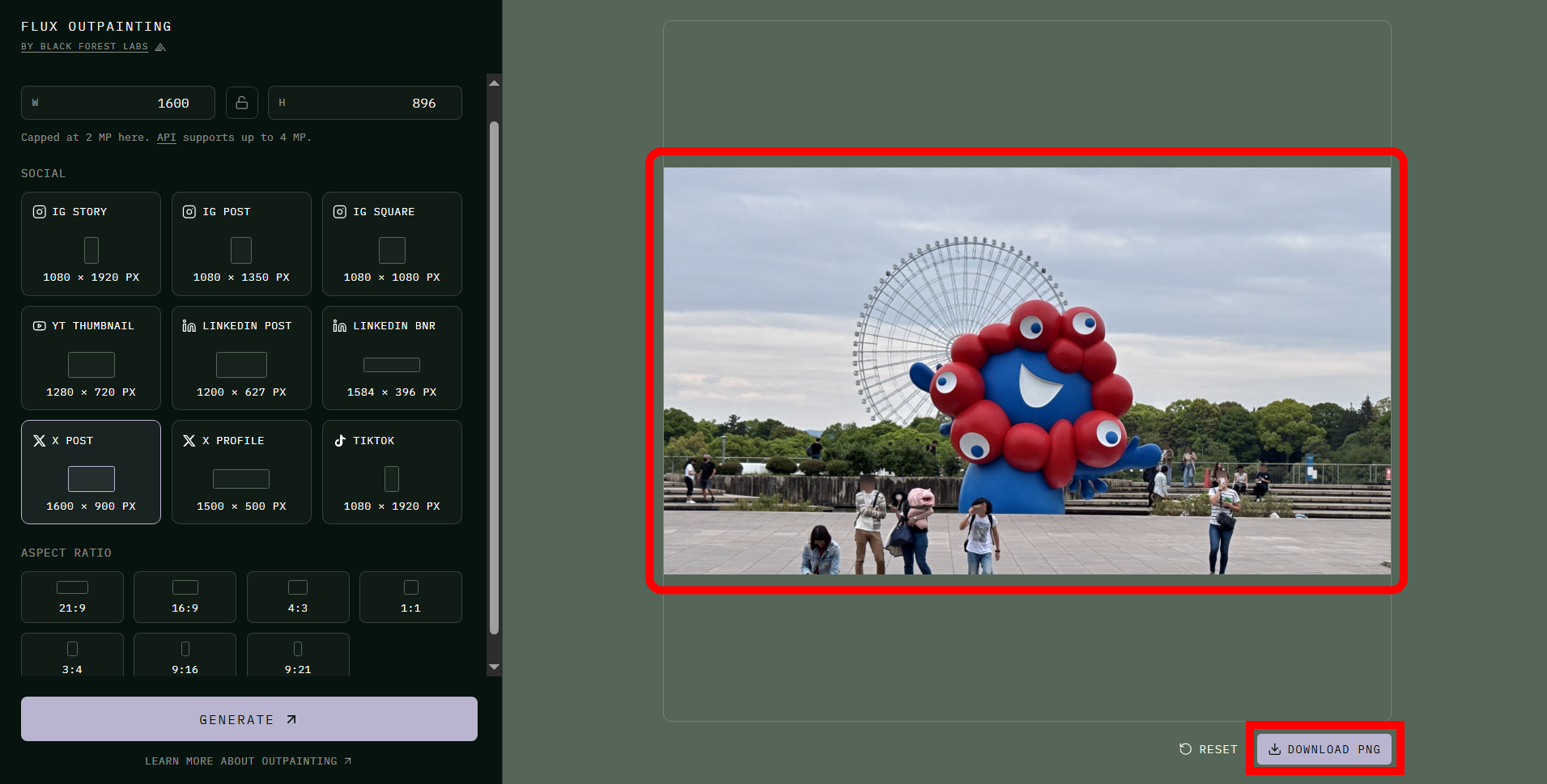
By the way, this is what the output image looks like. Myakumyaku's feet are abruptly cut off by the terrain, making it look like a giant Myakumyaku is emerging from the other side of the ground, but otherwise the image is almost flawless.
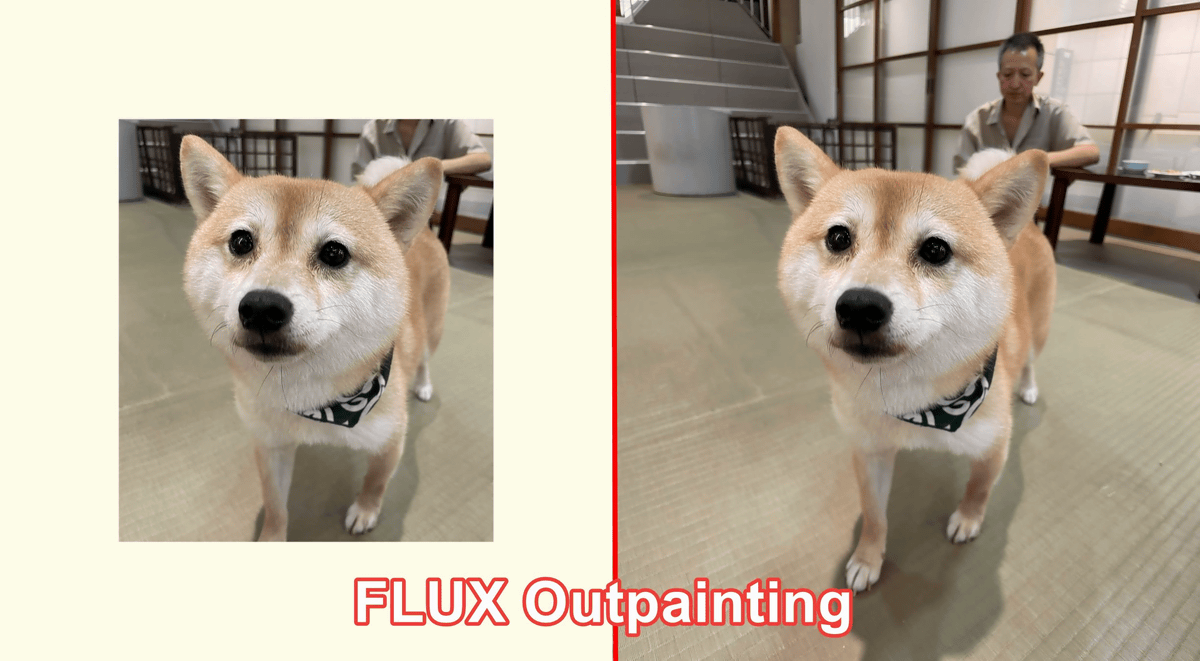
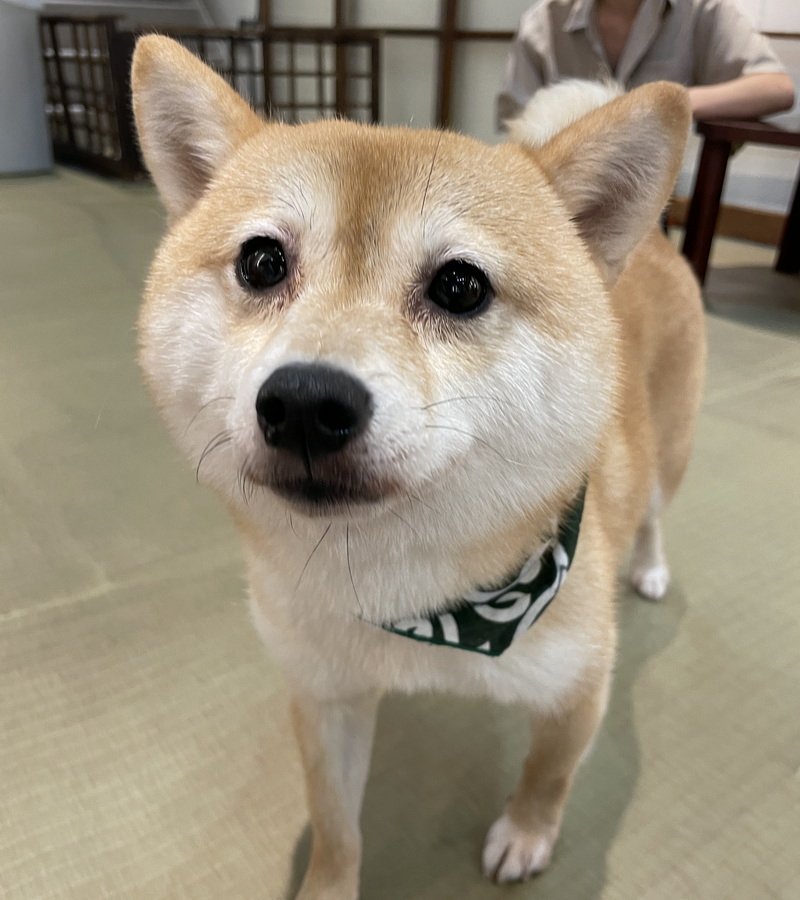
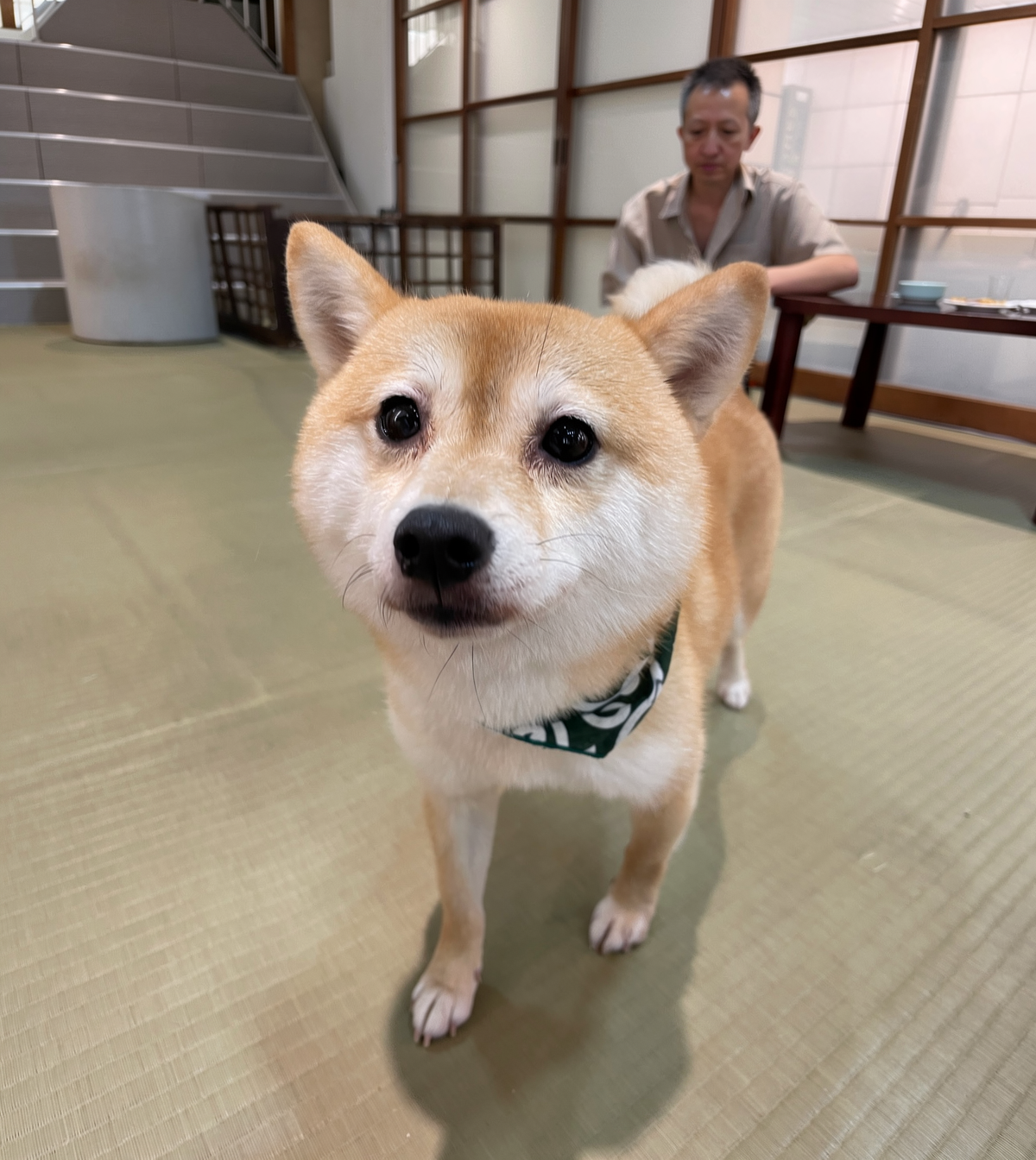
Next, I tried outpainting this photo of the dog.
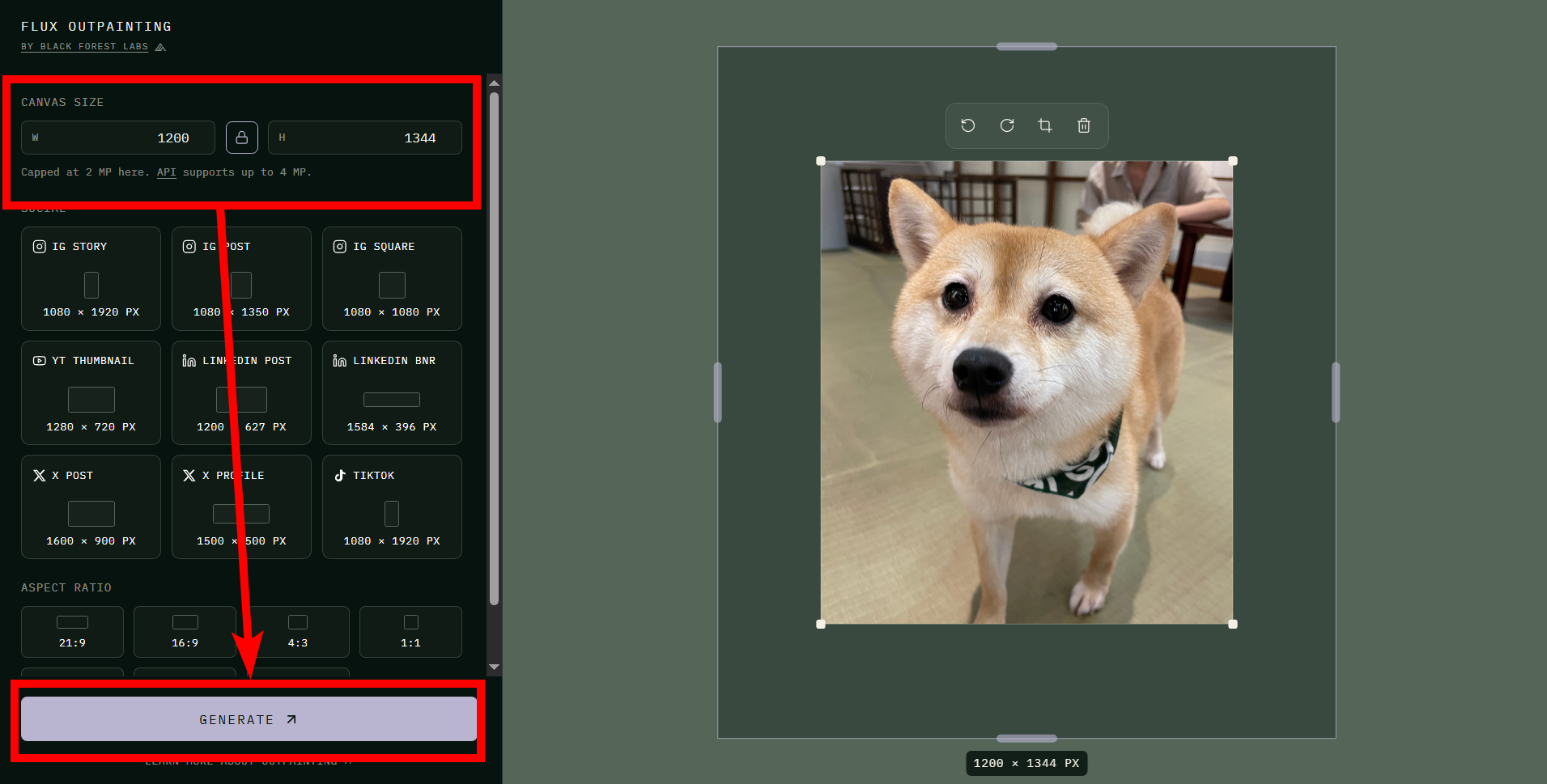
This time, let's try performing outpainting by specifying the resolution instead of the aspect ratio. In the demo version of FLUX Outpainting, the maximum resolution after outpainting is 4 megapixels.
The output image looks like this. The face of the person sitting in the background, the sliding doors, the tatami carpet, the trash can, and the stairs are all reproduced exactly as they were. The dog's right front leg, which was slightly cut off in the original image, was also printed without any problems.
Black Forest Labs states, 'Many traditional outpainting methods have problems at the boundaries, such as broken light, misaligned textures, and visible seams. FLUX Outpeinting solves this problem at the model level. Simply give us an image and canvas geometry, and you get a consistent scene extension that maintains structure and continuity.'
Related Posts: