ControllerTest.io is a web application that can diagnose controller drift.
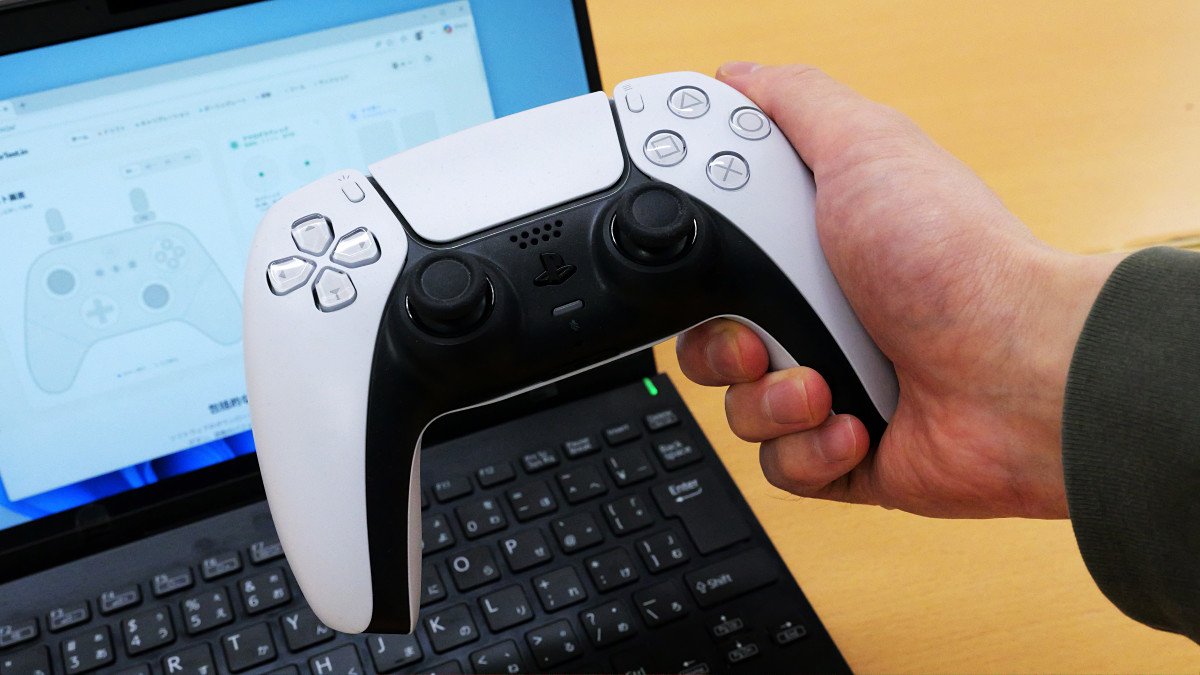
When using controllers for game consoles like PlayStation and Nintendo Switch for extended periods, a phenomenon called 'drift' can occur, where the controller registers movement as occurring even when the analog stick is not being touched. ControllerTest.io is a web application that visualizes whether or not this drift phenomenon is occurring. You can connect your controller to your PC and diagnose the condition of your analog stick.
Gamepad Tester - Controller Test & Drift Diagnosis Online
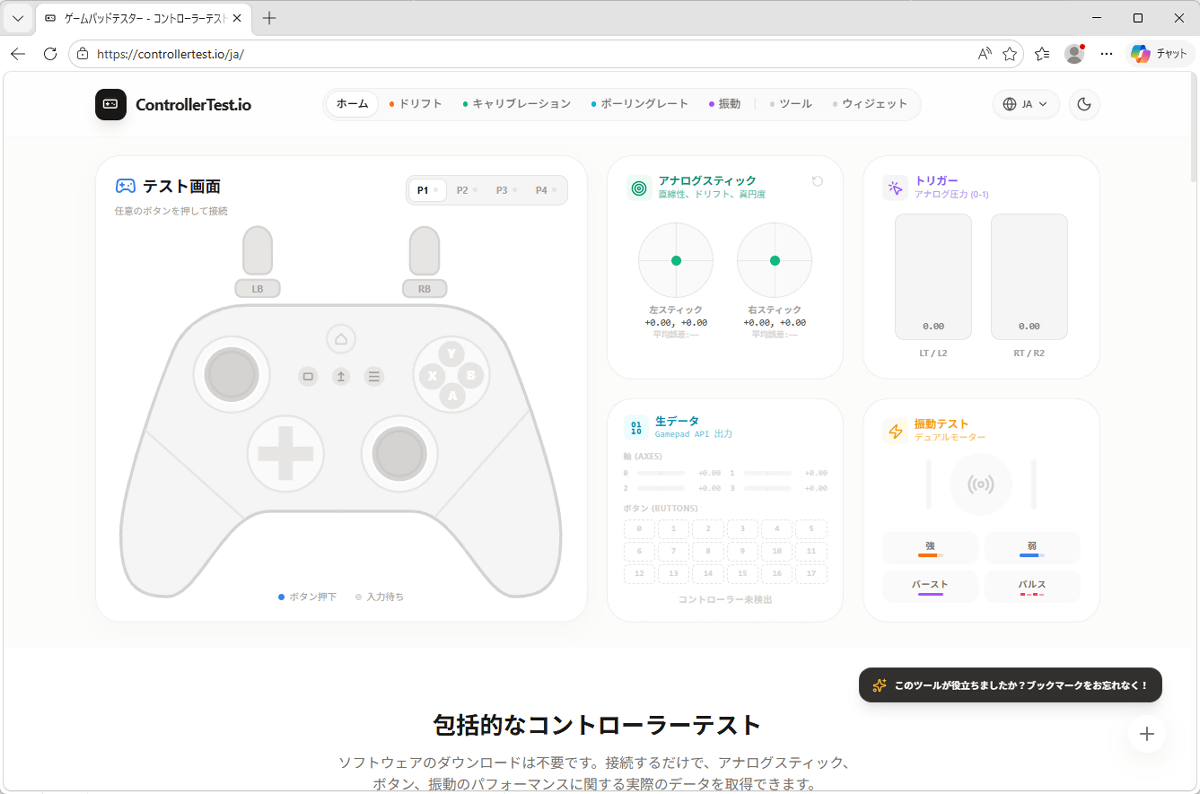
Click the link above to access ControllerTest.io.
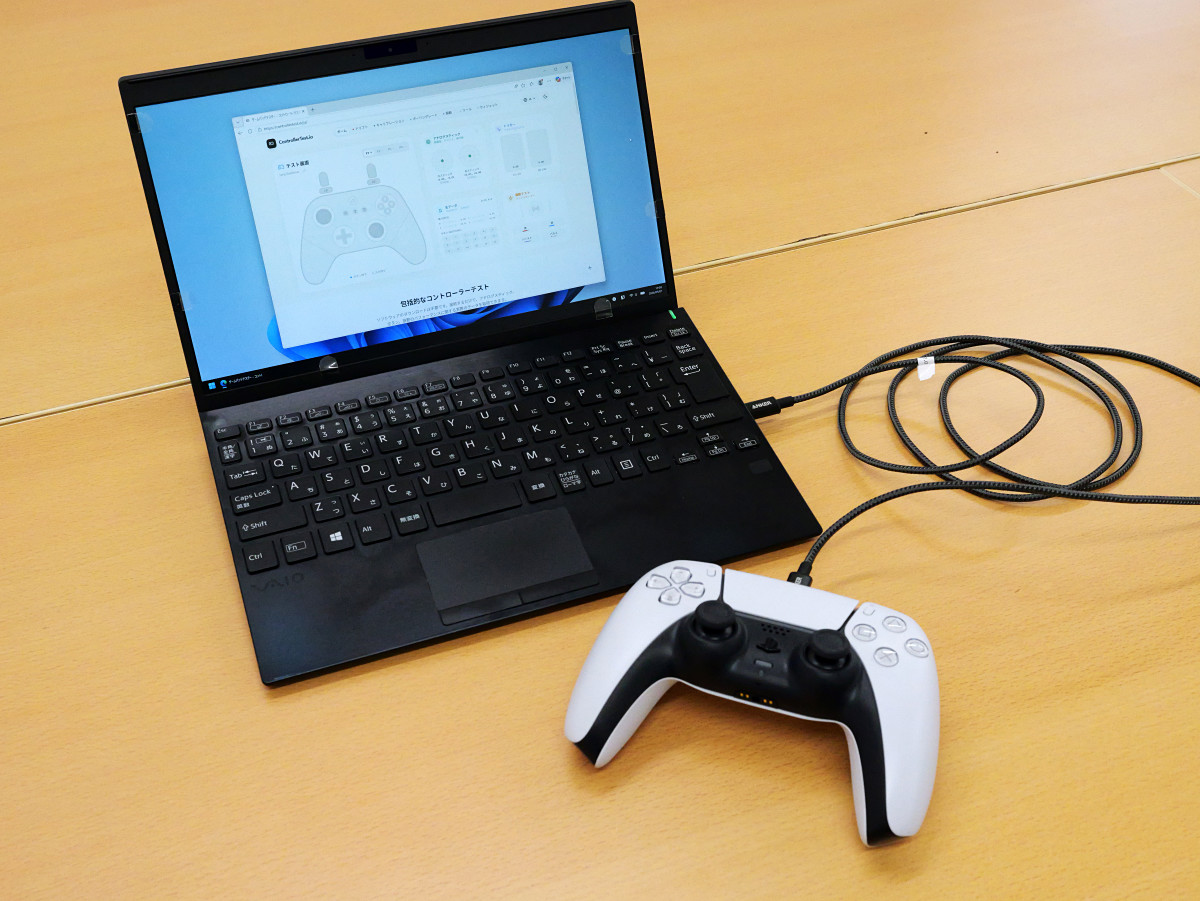
Connect the controller to your PC via USB. In this case, I connected the DualSense, the official controller for PlayStation 5.
Next, press any button you like.
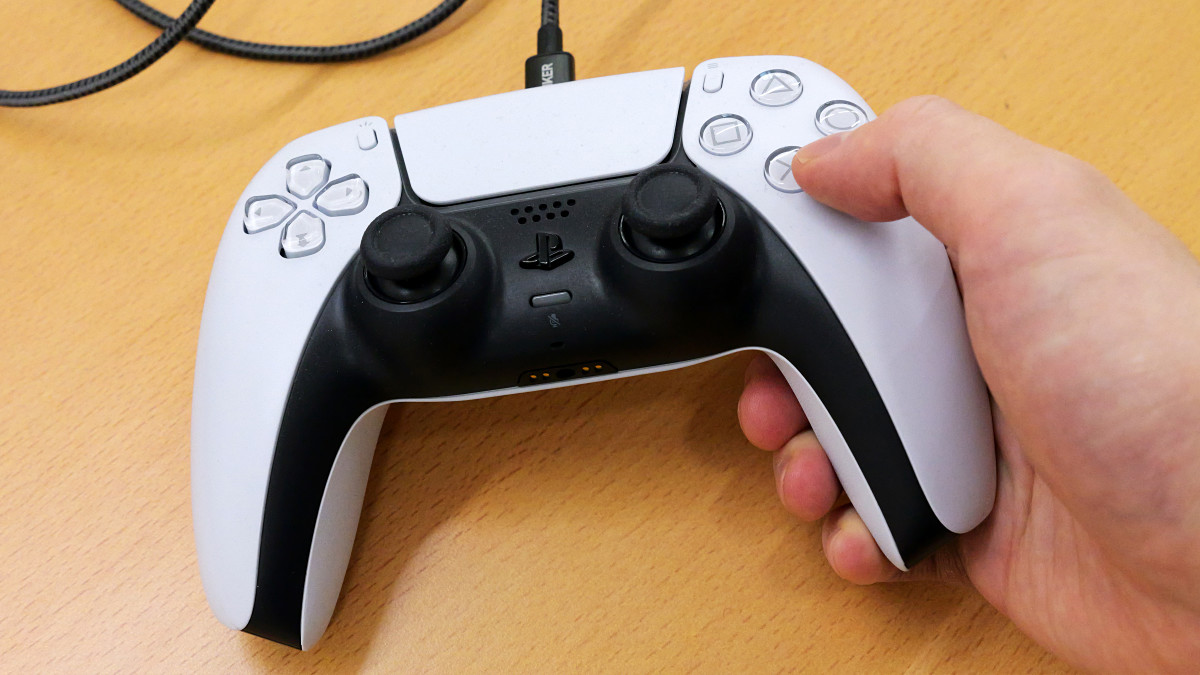
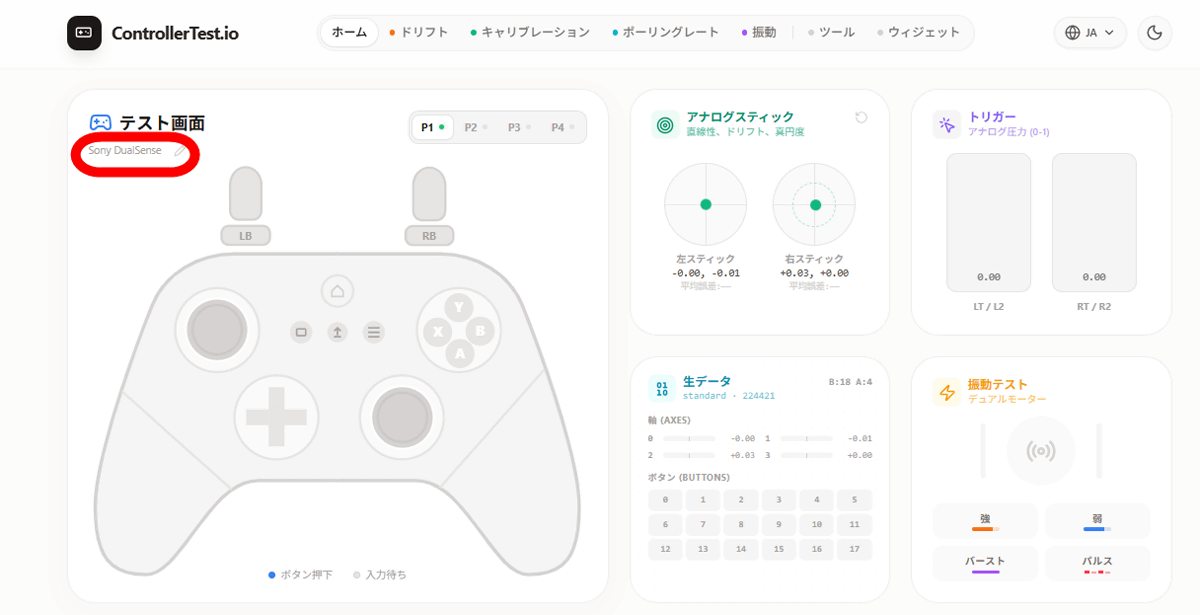
Then, the controller was connected and the controller name was displayed on the screen. The illustration part hasn't changed, but this doesn't affect the drift diagnosis, so it's OK.
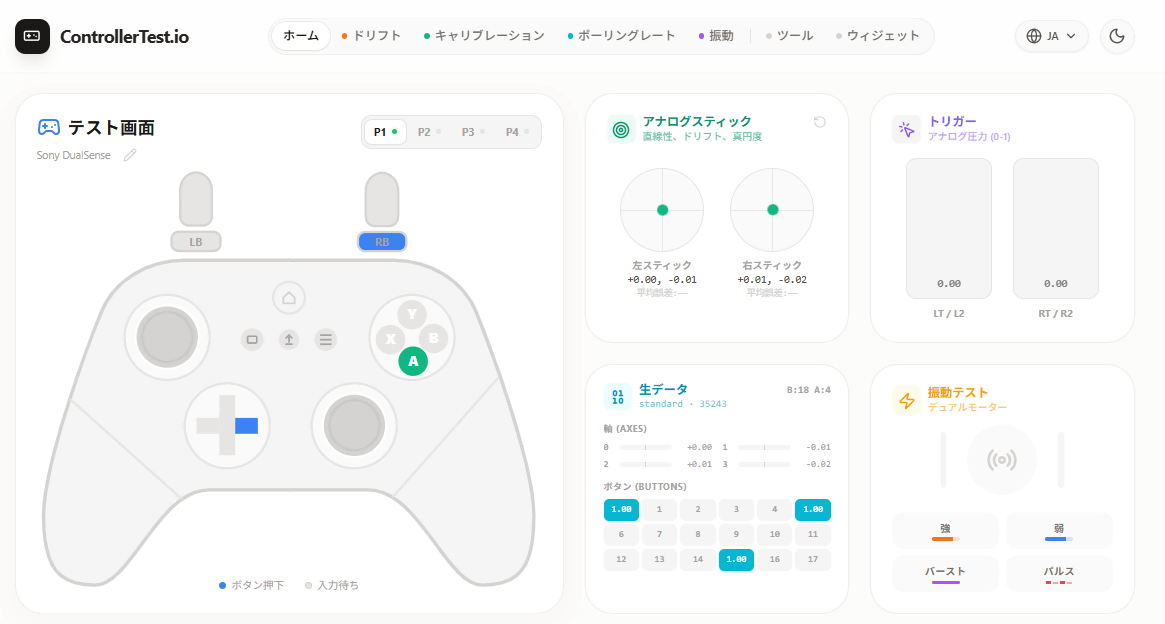
When you press each button on the controller, the corresponding part will light up.
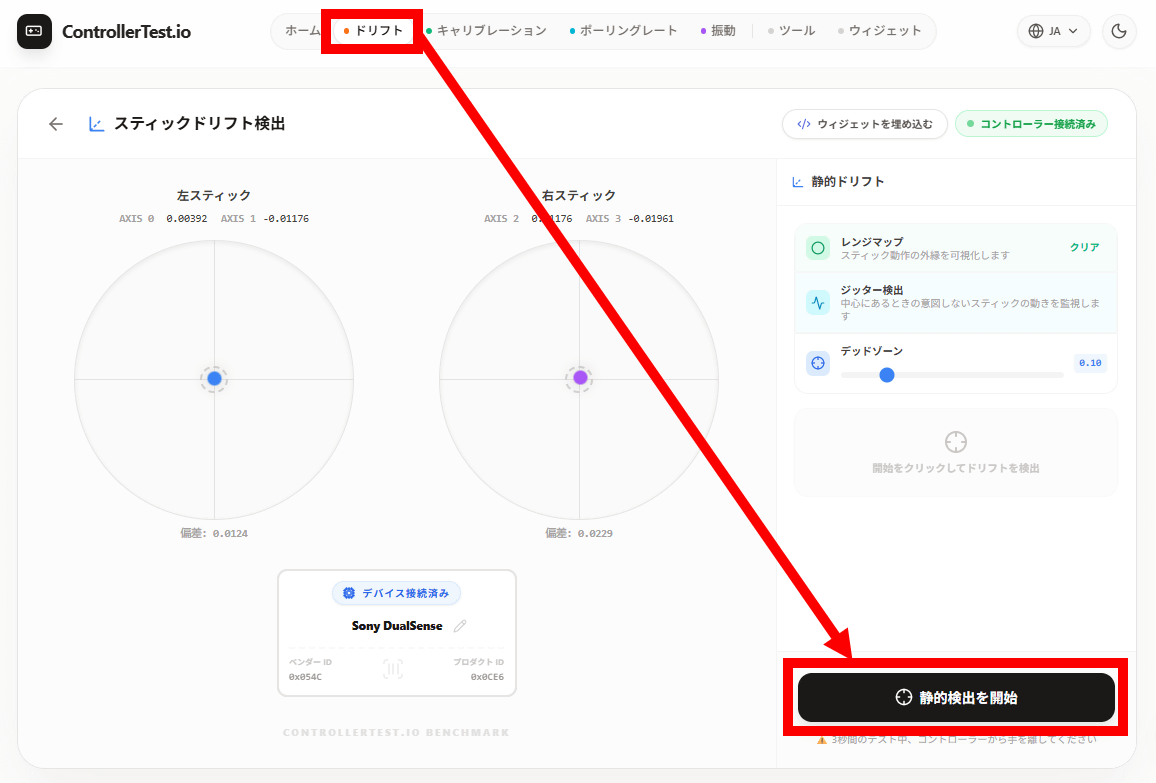
To perform a drift diagnosis, click 'Drift' at the top of the screen, then click 'Start Static Detection' in the bottom right corner.
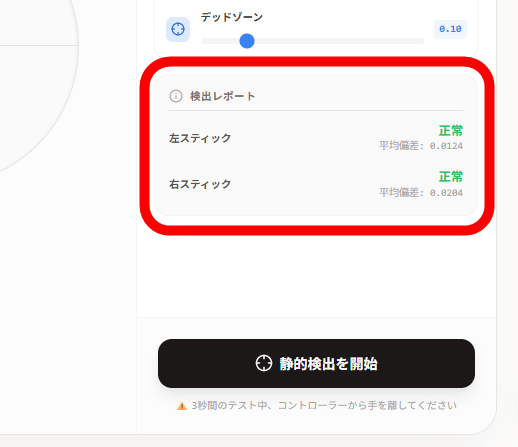
If you wait 3 seconds without touching the controller, the diagnostic result will be displayed. In this case, it was 'normal'. This way, you can quickly check whether your controller is working properly or not.
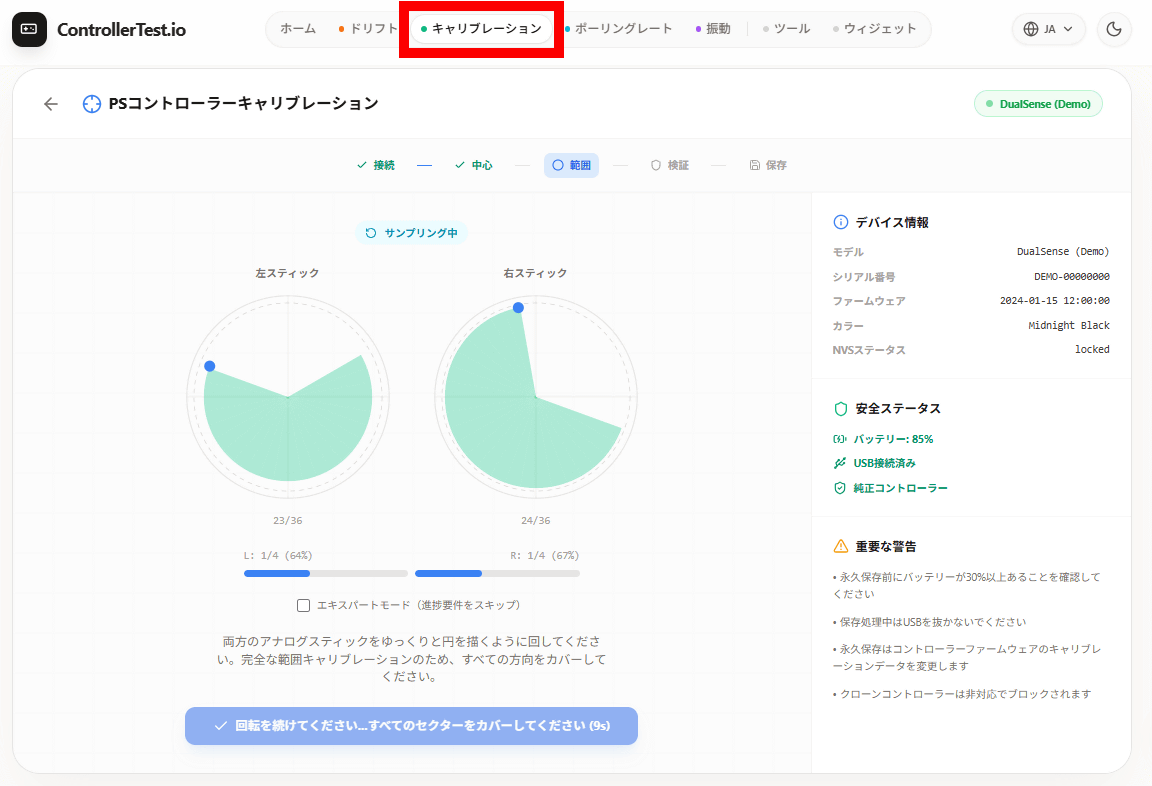
ControllerTest.io also includes a calibration function. However, please be aware that ControllerTest.io is not affiliated with SIE or Nintendo, so exercise caution when using it.
Related Posts:



in Hardware, Review, Game, Web Application, Posted by log1o_hf