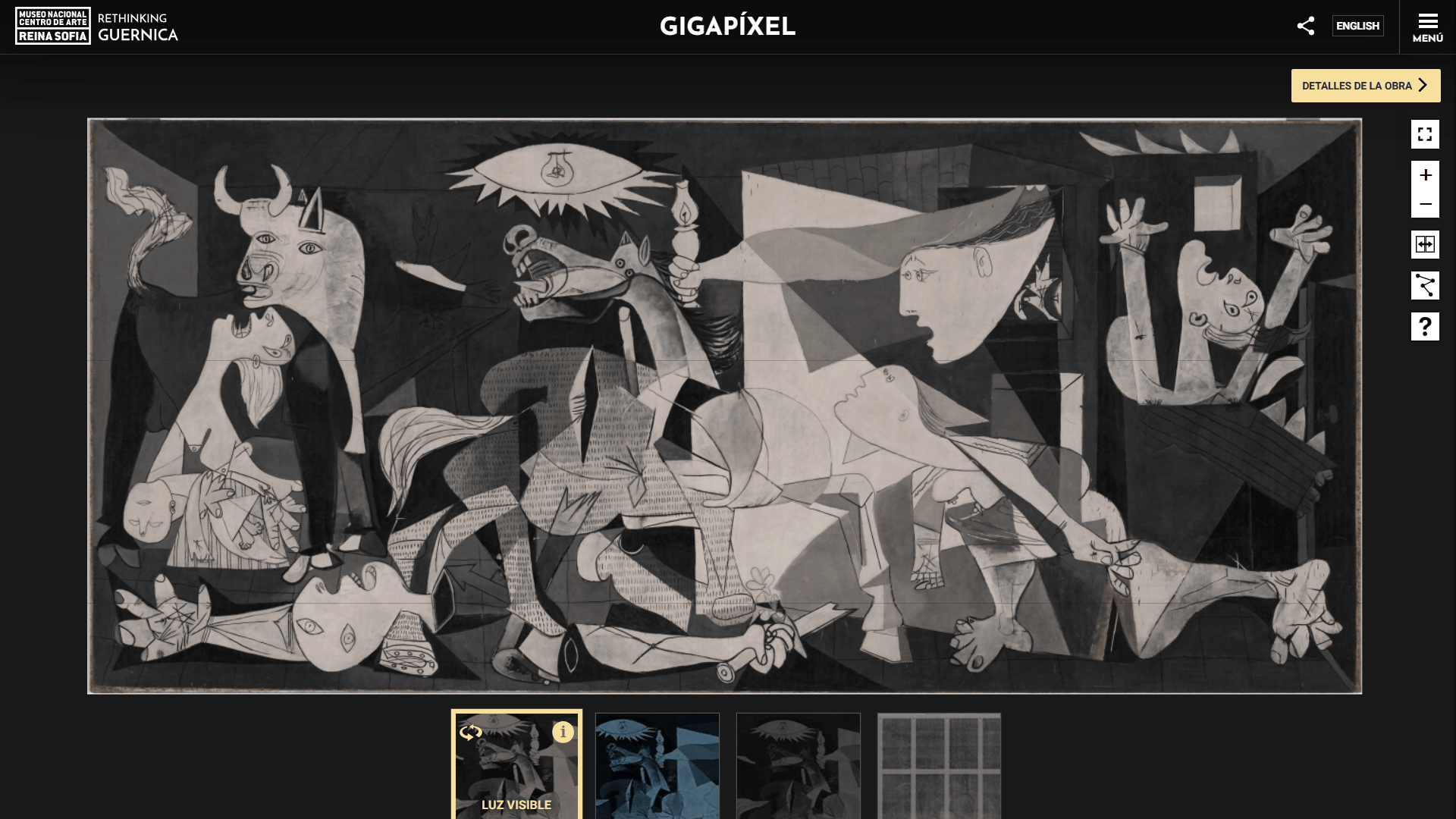
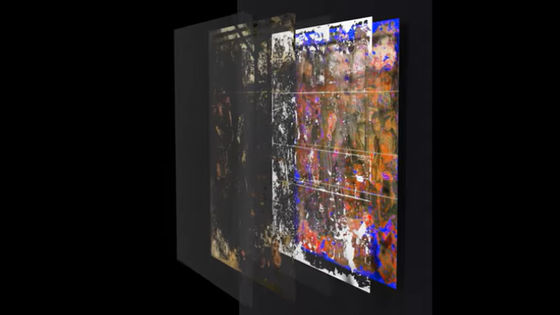
'Guernica Gigapíxel' allows you to examine 'Guernica' in extreme magnification, and by comparing it with multiple imaging techniques including visible light, ultraviolet, infrared, and X-ray, you can check its restoration history.
'
Guernica Gigapíxel - Repensar Guernica
https://guernica.museoreinasofia.es/gigapixel/
If you access 'Guernica Gigapíxel', Guernica will be displayed.
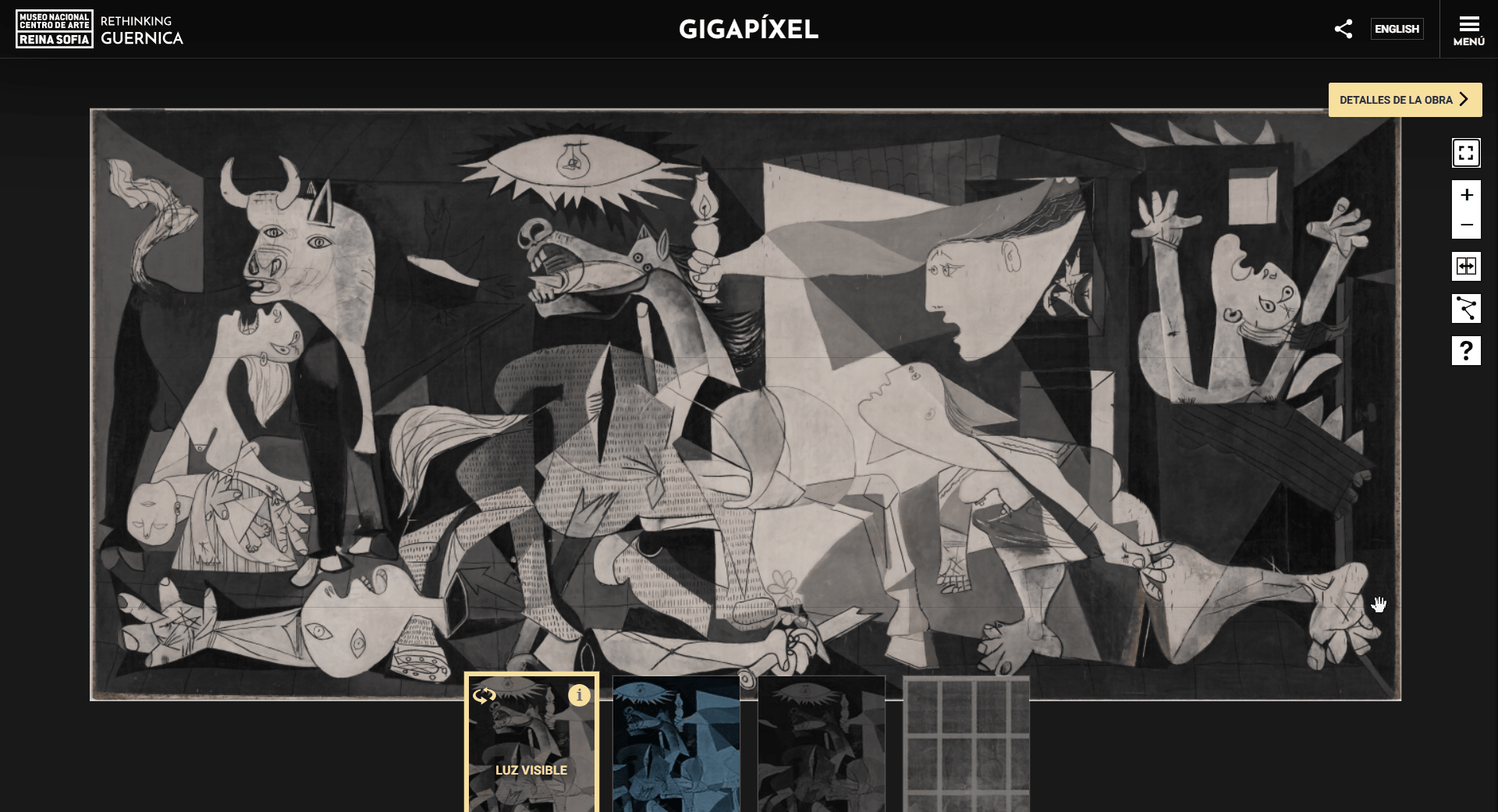
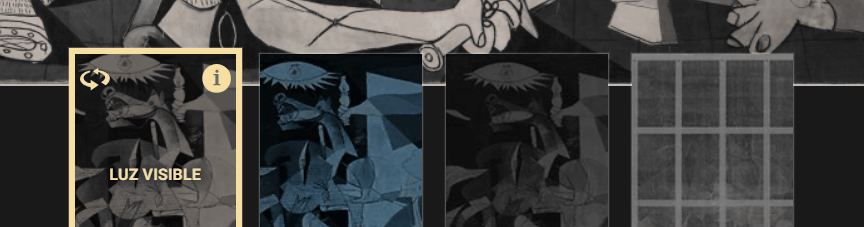
At the bottom of the screen, from left to right, are four imaging methods: 'visible light,' 'ultraviolet light,' 'infrared light,' and 'X-rays.' Selecting one of these will change how Guernica appears.
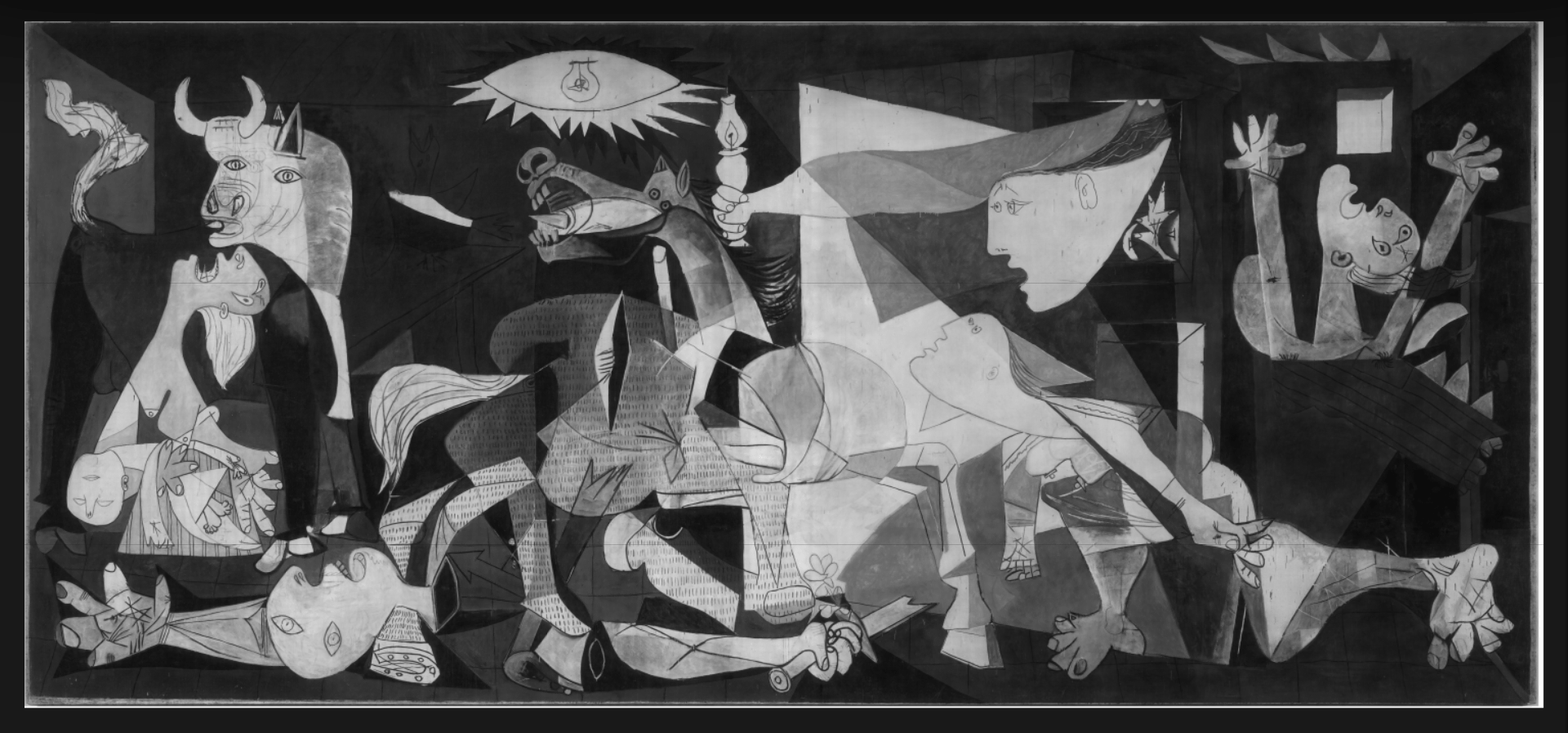
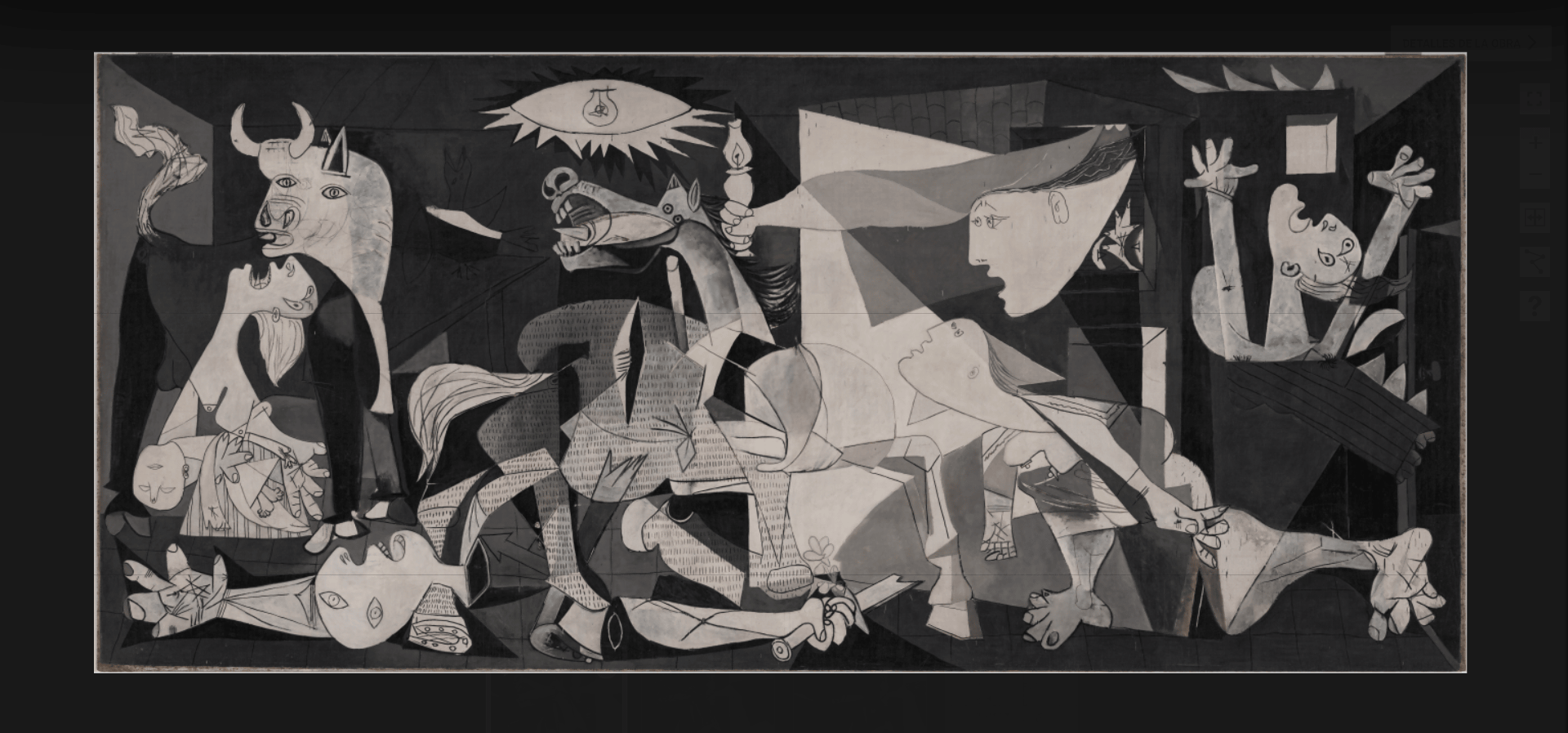
When you select 'Visible Light,' it looks like this. The Reina Sofía Museum explains, 'Studies using macro photography with visible light not only allow us to examine the painter's technique in great detail and meticulousness, but also lead to a more accurate record of the preservation state of the paint layers.'
According to the Reina Sofía Museum,
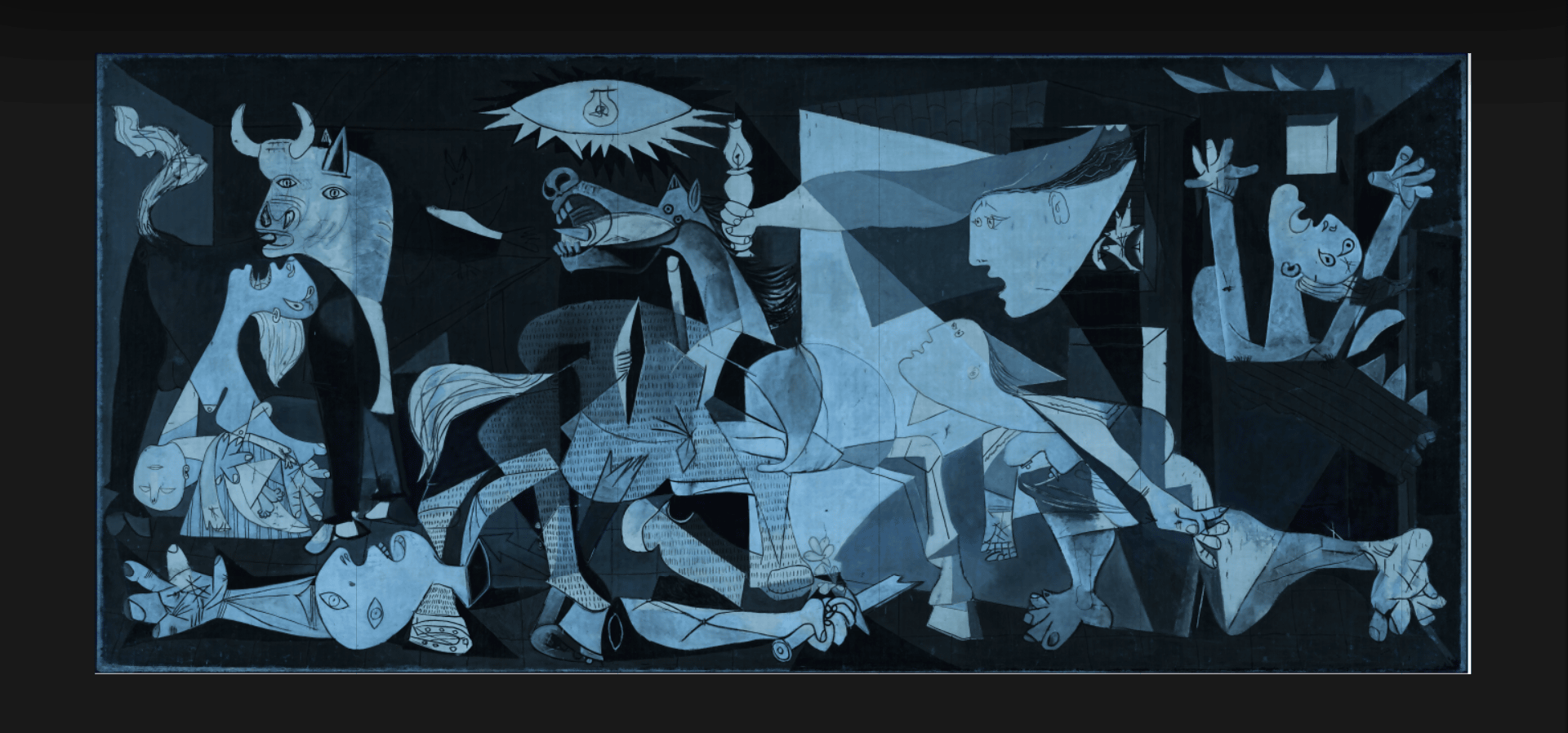
The image below is of Guernica photographed using infrared light. Infrared photography allows for the analysis of intermediate layers by observing the interior through the surface of the painting. Therefore, infrared photography is useful for finding underpaintings, changes in composition, and hidden signatures or inscriptions.
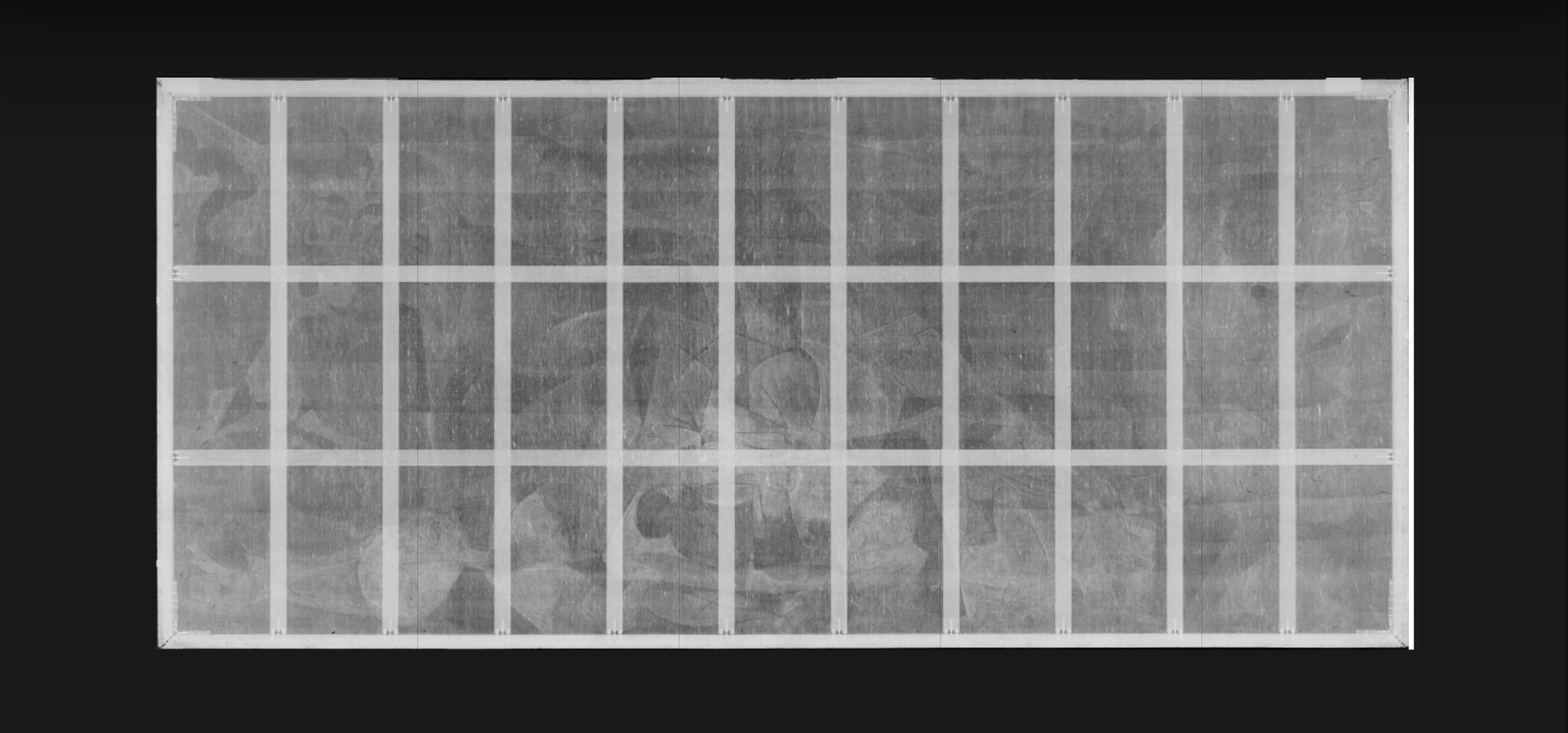
Selecting 'X-ray' will yield the following results. X-ray inspection provides information about the painting's three-dimensional structure and a detailed analysis of each layer of the artwork, particularly the extent of specific wear.
You can zoom in and out of the screen using the mouse scroll wheel or the '+/-' buttons on the right edge of the screen. The minimap in the lower right corner of the screen shows which part of the painting you are zooming in or out of with a yellow border.
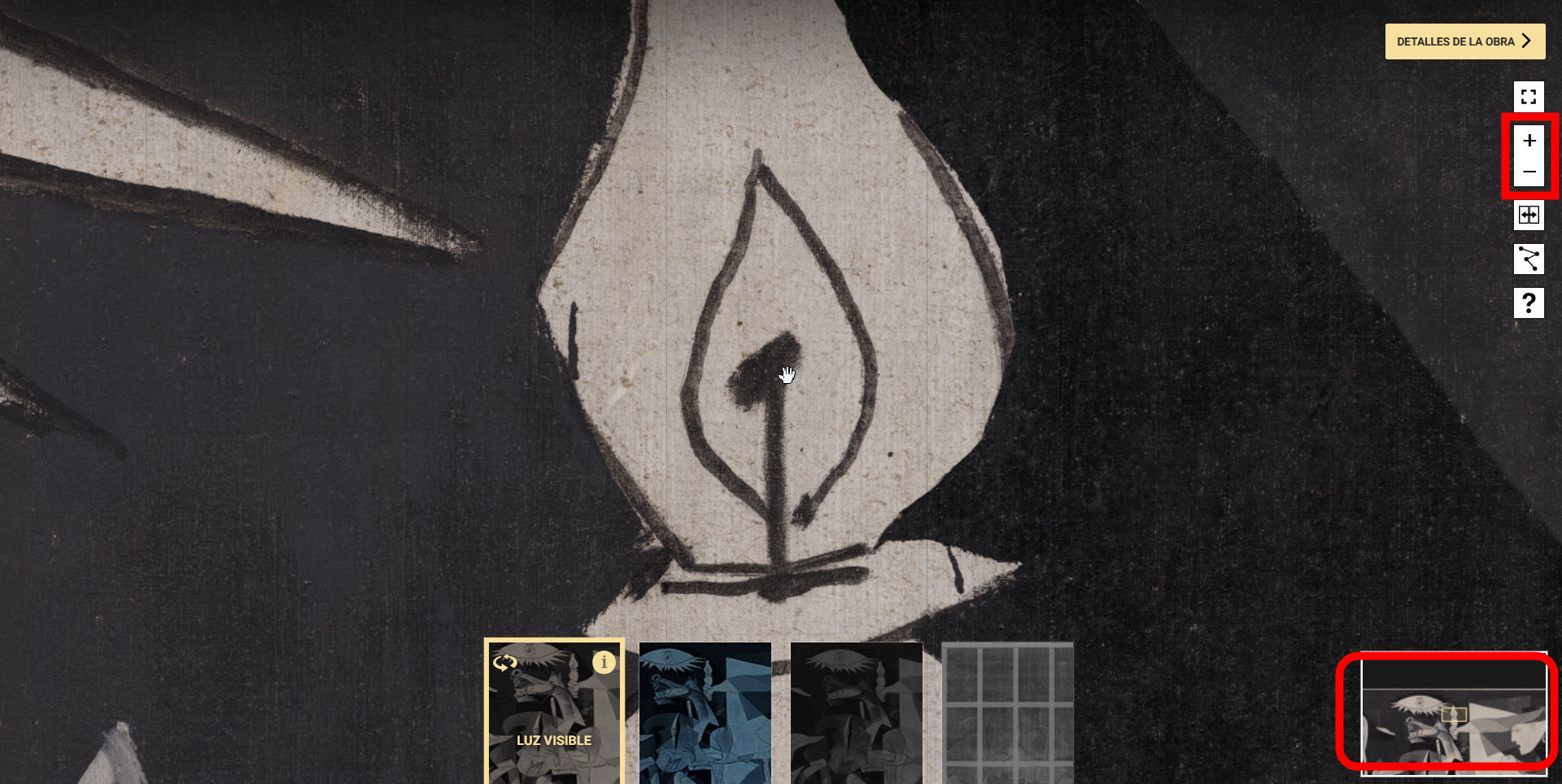
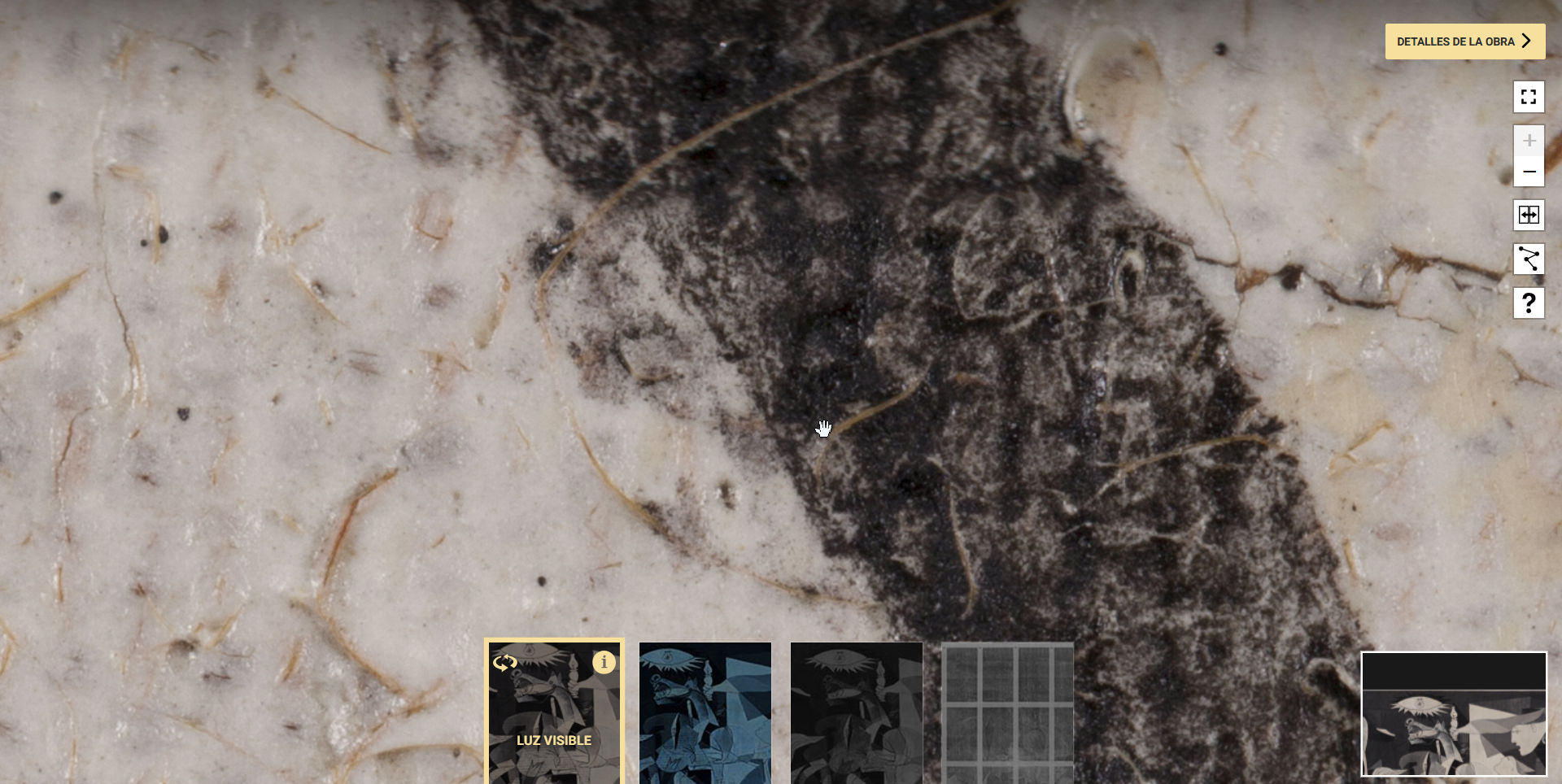
Incidentally, when zoomed in to the maximum, it looks like this. You can clearly see the material of the canvas surface.
Click the button located below the '+/-' buttons.
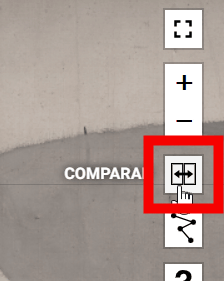
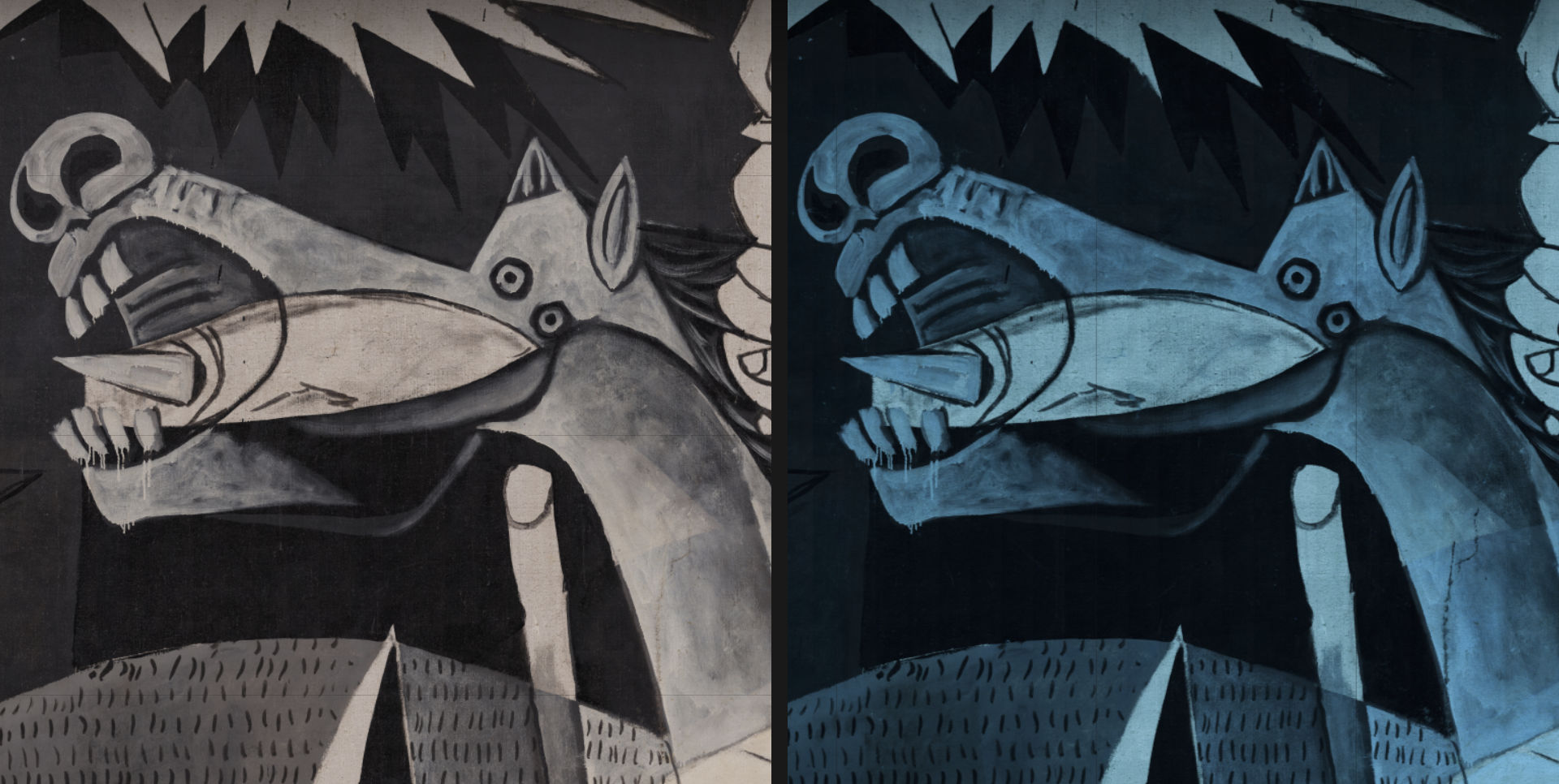
This allows you to compare the same location using different photography techniques, as shown below.
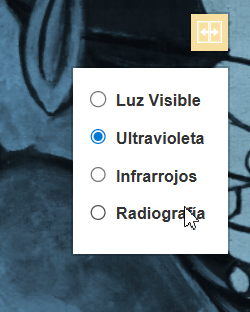
The shooting technique manual can be changed from the UI displayed below the button.
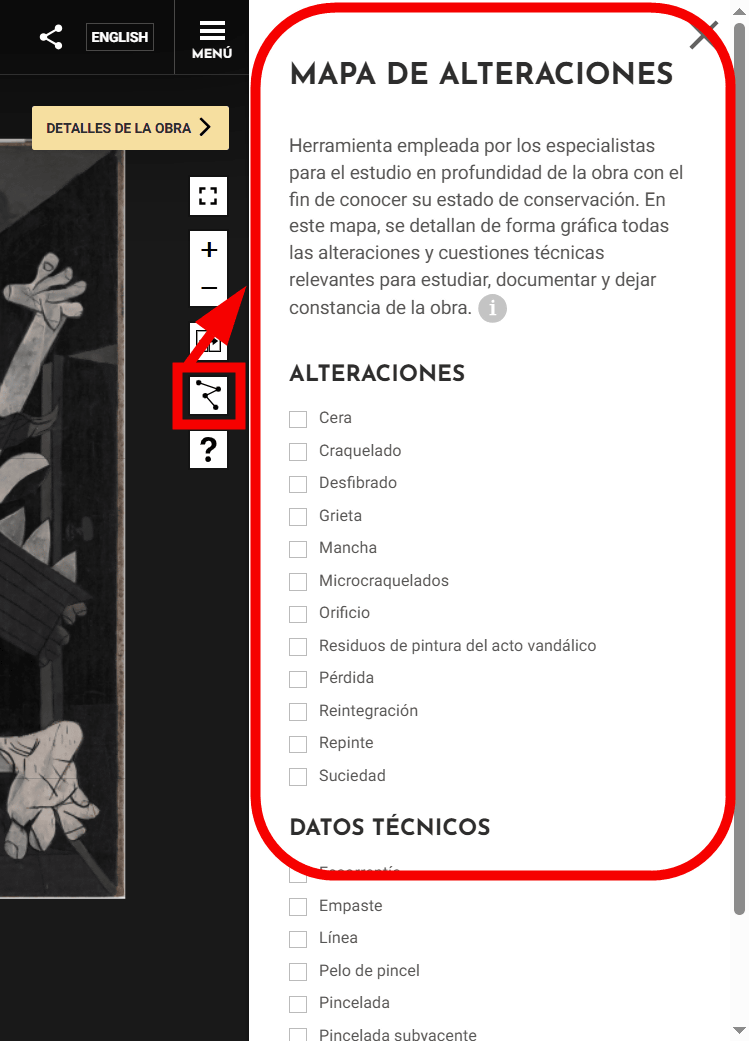
Clicking the 'Mapa de alteraciones' button will display a tool for experts to examine the state of preservation of Guernica in detail on the far right of the screen.
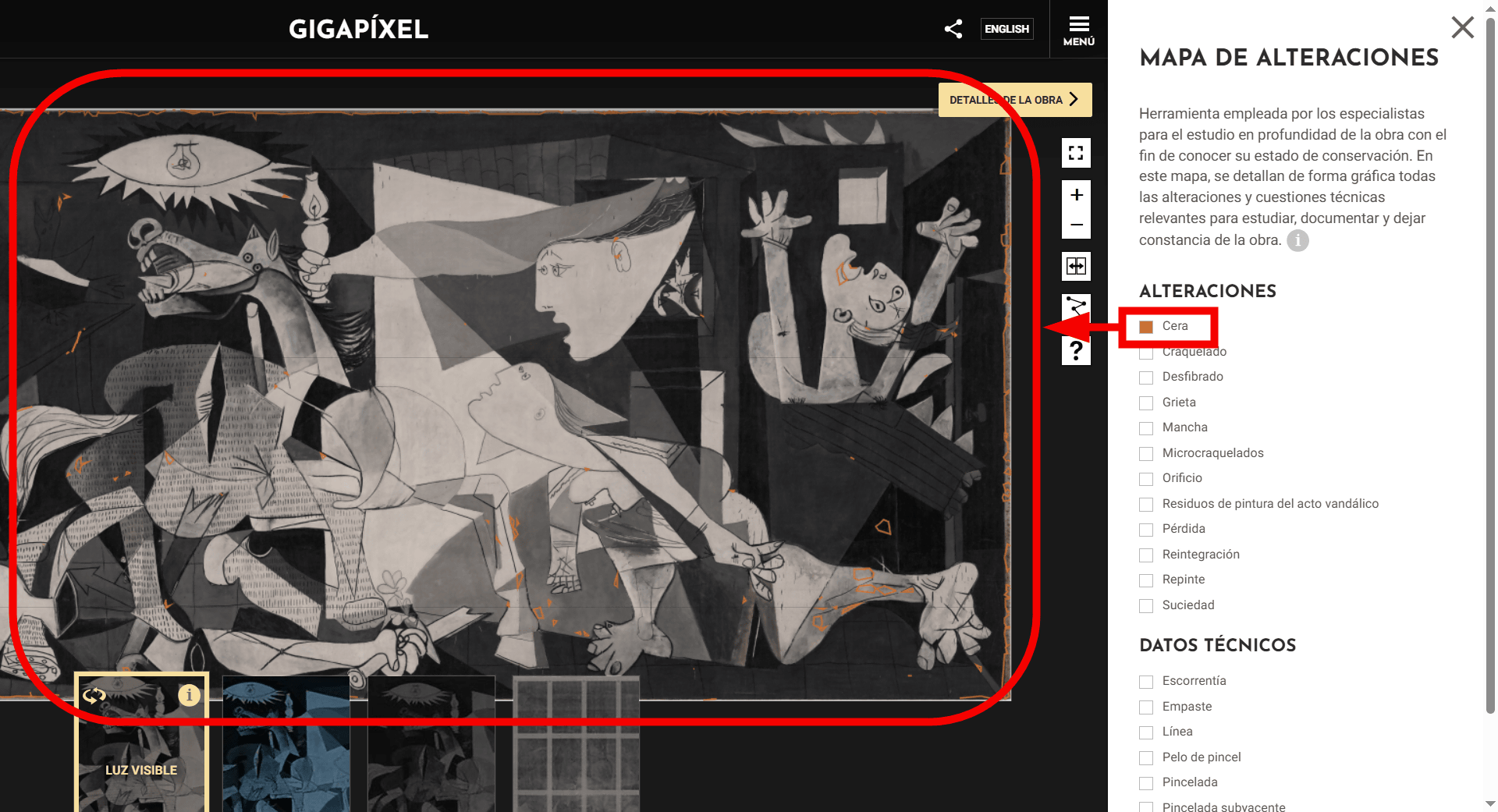
For example, clicking on 'Cera' (wax) visualized where wax was applied to Guernica.
Click 'DETALLES DE LA OBRA' in the upper right corner of the screen.
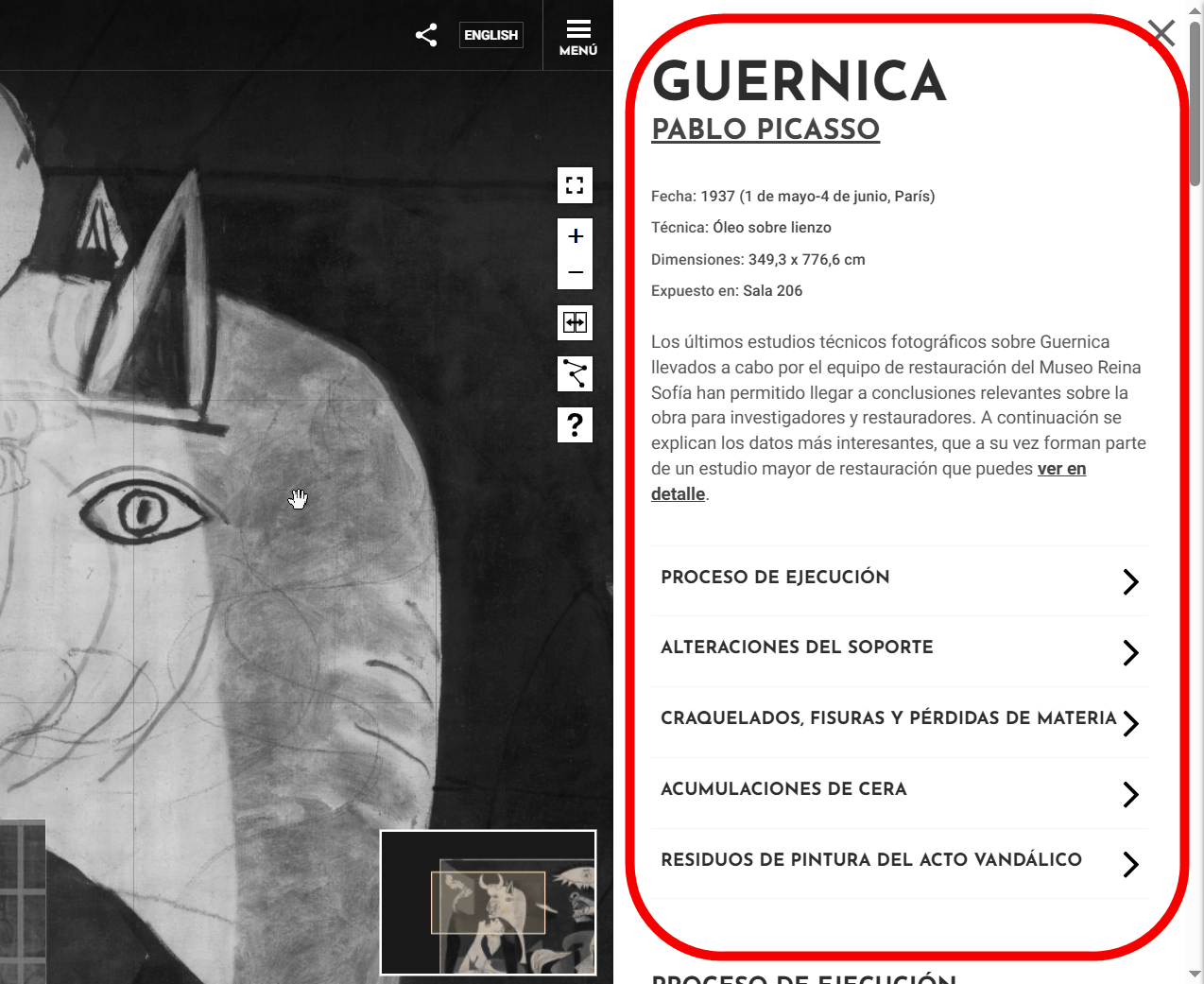
Then, a report on the restoration work on Guernica carried out by the Reina Sofía Museum appears on the right side of the screen. For example, it states that the wax present on the Guernica canvas is a result of restoration work carried out at
'Guernica Gigapíxel' is not just a tool for appreciating Guernica, but also for tracing how it has been restored and preserved over the years.
Furthermore, a new technical investigation has been conducted to accurately assess the state of Guernica's preservation, and the investigation report can be viewed below.
Informe del estado de conservación | Repensar Guernica
https://guernica.museoreinasofia.es/gigapixel/informe-estado-conservacion
Related Posts:

in Web Service, Posted by logu_ii