Thousands of users are affected by unstoppable spam on OneDrive.
Since around December 2025, there have been numerous reports of users receiving files from unknown individuals on Microsoft's OneDrive. OneDrive does not have an option to disable sharing from unknown users, meaning there is no fundamental solution.
Thousands of users got affected by OneDrive unstoppable spam on Windows, Android, Mac - Neowin
The following is a report that has been confirmed: 'Recently, I've been receiving emails from strangers with links to Microsoft OneDrive attached! How can I prevent this? Are there any security concerns (viruses/malware, etc.)? Will I be held responsible if they try to share illegal content? The shared emails are being filtered into my spam folder, and I can't stop it. After that, I receive a OneDrive notification that the file/folder has been shared.'
Receiving unsolicited OneDrive File/Folder shares, how do I stop it? - Microsoft Q&A
https://learn.microsoft.com/en-us/answers/questions/5646972/receiving-unsolicited-onedrive-file-folder-shares?page=1#answers
If someone you don't know shares a file with you on OneDrive, you can delete the file, report them, and block the sender's email address. However, there is no fundamental solution to 'disable all file sharing,' and you may receive file sharing from someone else again. Since anyone who knows your email address can share files with you on OneDrive, people whose email addresses have been leaked will be bothered by notifications that files have been shared.
Many similar problems have been reported on Microsoft's forums, with comments such as 'I receive about 250 notifications a day,' 'Even if I delete a file, it reappears when I refresh the browser,' and 'I get an error when I try to report a file and can't report it.'
Inappropriate files being shared to my OneDrive by unknown spam accounts · Community
https://feedbackportal.microsoft.com/feedback/idea/b356cb19-29dc-f011-ad8f-7c1e529694f5
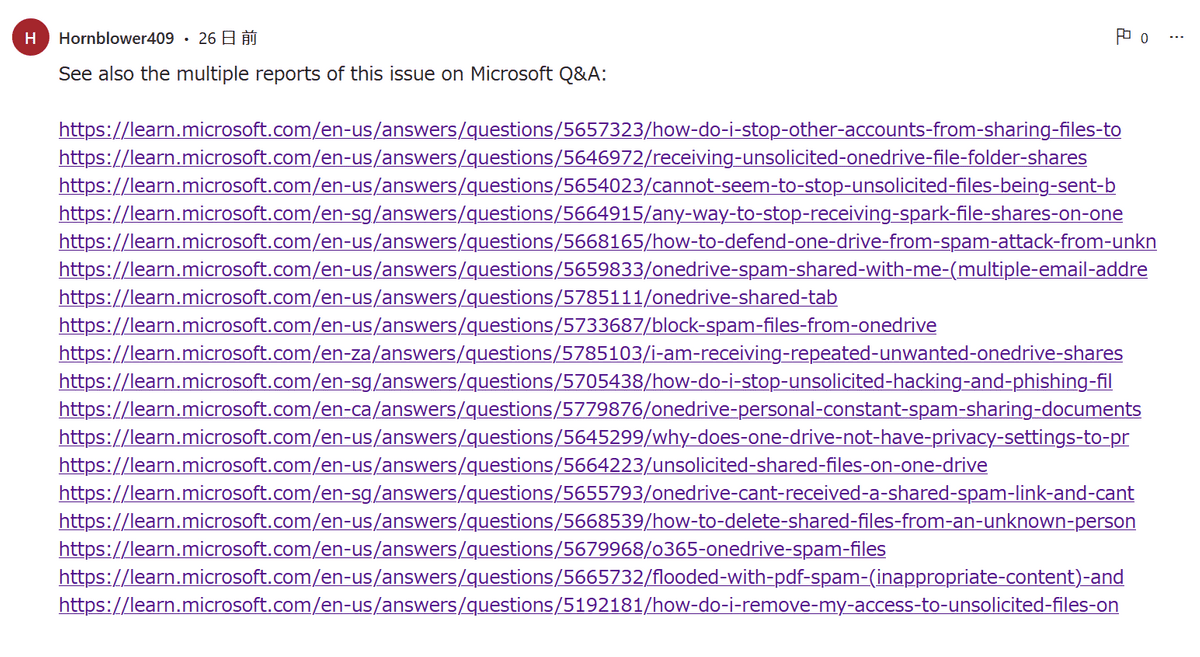
In
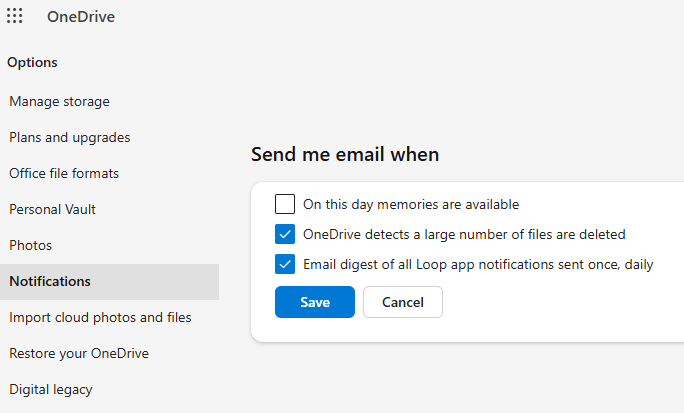
Additionally, some users reported that the option to 'disable shared notifications in OneDrive,' which was recommended by staff, was not displayed.
Microsoft has acknowledged that an error is occurring where users cannot hide, delete, or stop sharing shared files, and has stated that it will be resolved by the end of January 2026. However, as of April, the issue remains unresolved. Furthermore, this does not disable file sharing itself and is not a fundamental solution.
Shared files may contain malware, so if someone you don't know shares a file with you, you should never click on it.
Related Posts:





in Web Service, Posted by log1p_kr