'apfel' makes it easy to use the free AI built into Macs; no setup, no download, and no token fees required.

Apple's proprietary on-device local AI models, Foundation Models, are generally only available through Apple Intelligence. ' apfel ' is software that can be used without an API key or subscription, and it allows you to actually use the Foundation Models built into Apple Intelligence.
apfel - Your Mac Already Has AI
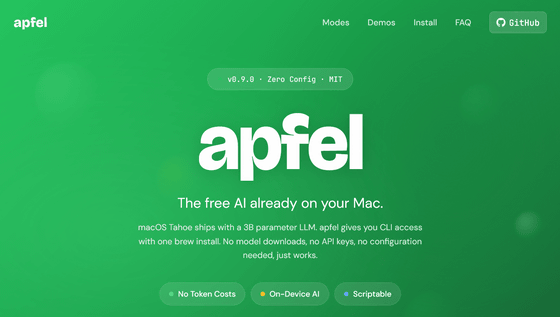
macOS Tahoe offers Foundation Models with approximately 3 billion parameters as Apple Intelligence on-device foundational models. With apfel, you can access the interface and use the models directly without needing to download models, set up API keys, or configure anything.
One of apfel's key features is that it utilizes the LLM (Low-Level Module) built into macOS Tahoe, eliminating the need for per-token billing or subscriptions. Furthermore, all tokens are generated locally on Apple Silicon , ensuring that no data is transmitted externally.
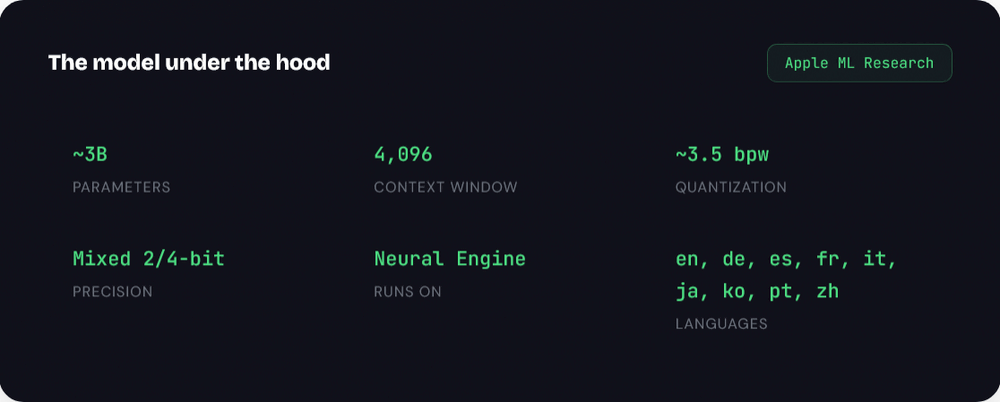
The following table summarizes the specifications of Foundation Models based on Apple's Machine Learning Research . The maximum number of parameters is 3 billion, and the number of tokens (context window) the model can process at once is 4896. Supported languages include English, Dutch, Spanish, French, Italian, Japanese, Korean, Portuguese, and Chinese.
Furthermore, apfel supports
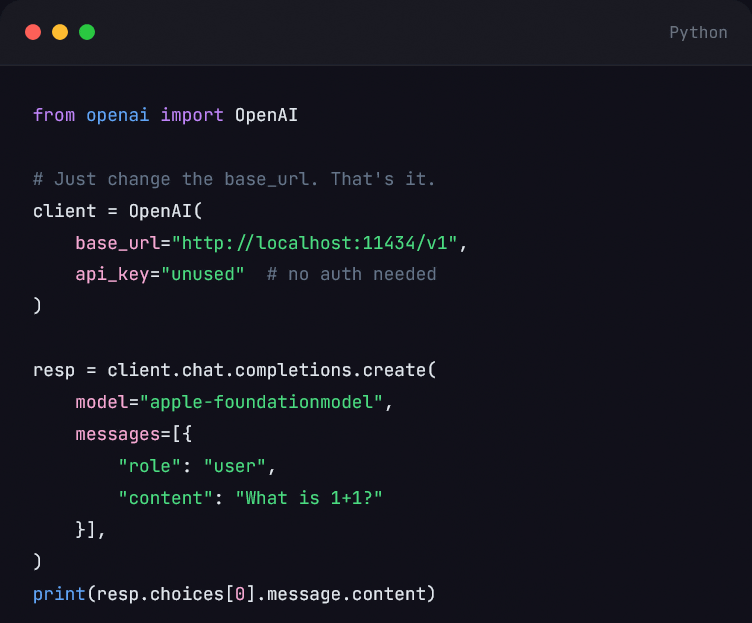
In addition, apfel supports the OpenAI API. Any client library, framework, or tool that works with OpenAI can be integrated with Mac's AI, and tool or function calls can be executed simply by changing the base URL. In other words, it is possible to run existing OpenAI tools directly with local AI.
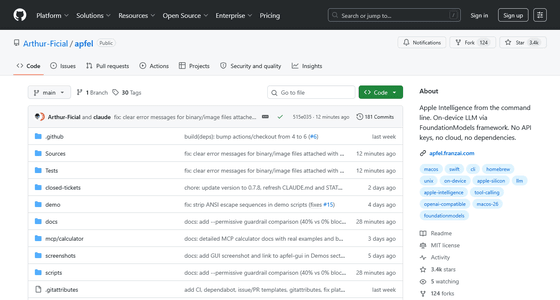
To use apfel, you need macOS 26 (Tahoe) or later, and you must enable 'Apple Intelligence & Siri' in System Preferences. The apfel repository is available on GitHub.
GitHub - Arthur-Ficial/apfel: Apple Intelligence from the command line. On-device LLM via FoundationModels framework. No API keys, no cloud, no dependencies. · GitHub
https://github.com/Arthur-Ficial/apfel
Related Posts:



in AI, Posted by log1e_dh