How to easily view high-resolution 3D scans of approximately 140 masterpieces made available for free by the Metropolitan Museum of Art using only a web browser.
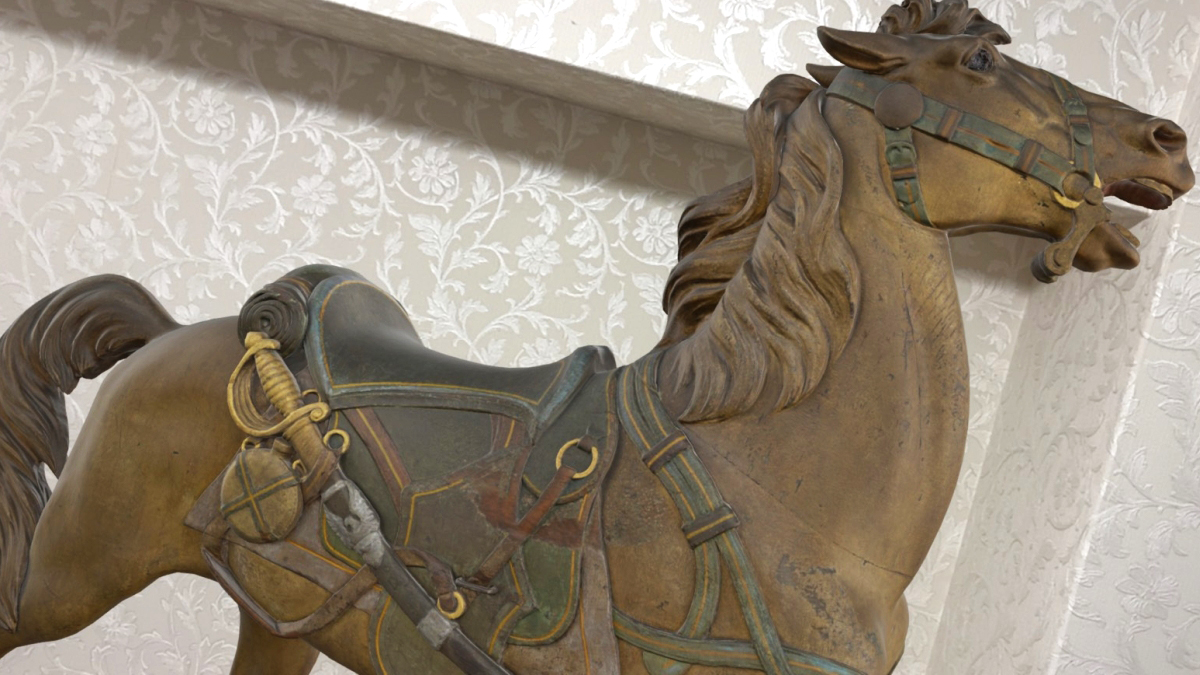
The Metropolitan Museum of Art in New York has made high-resolution 3D models of approximately 140 items from its collection, including sarcophagi, ancient sculptures, marble statues, and paintings by Vincent van Gogh, available online. Since they can be easily viewed using just a browser, I decided to take a closer look at the exhibits myself.
The Metropolitan Museum of Art to Publish Over 100 Three-Dimensional Models of Iconic Works from Across Its Collection - The Metropolitan Museum of Art
The Met Releases High-Definition 3D Scans of 140 Famous Art Objects: Sarcophagi, Van Gogh Paintings, Marble Sculptures & More | Open Culture
https://www.openculture.com/2026/03/the-met-releases-high-definition-3d-scans-of-140-famous-art-objects.html
To view 3D models of the exhibits, first visit the Metropolitan Museum of Art's official website.
The Metropolitan Museum of Art
https://www.metmuseum.org/ja
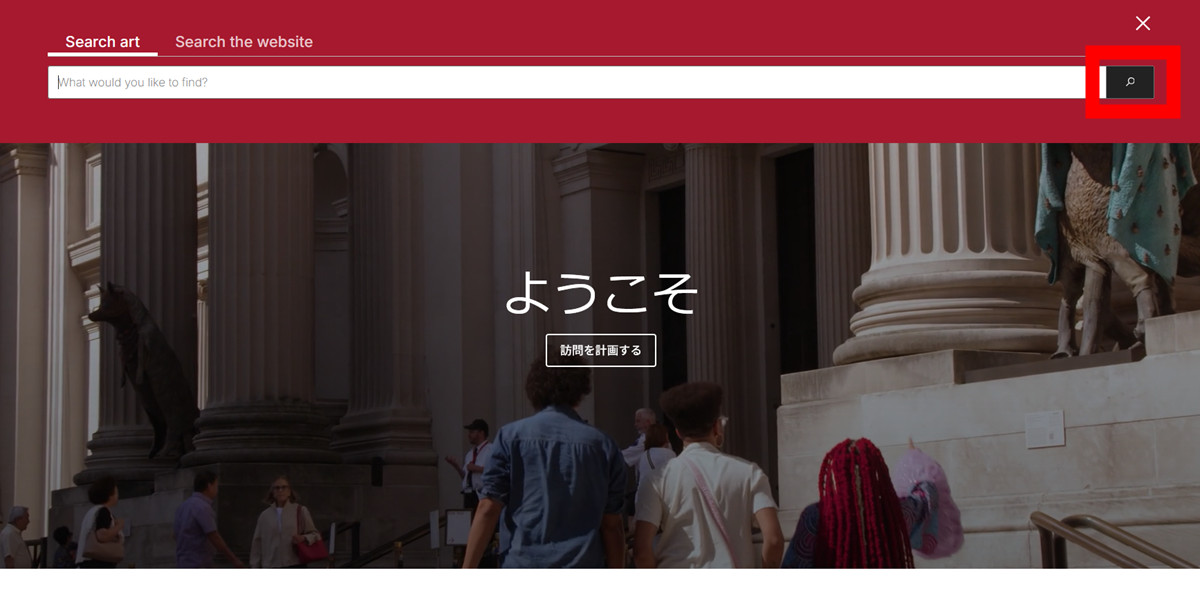
Click the magnifying glass icon in the top menu.

Without entering anything in the search bar, click the magnifying glass icon again.
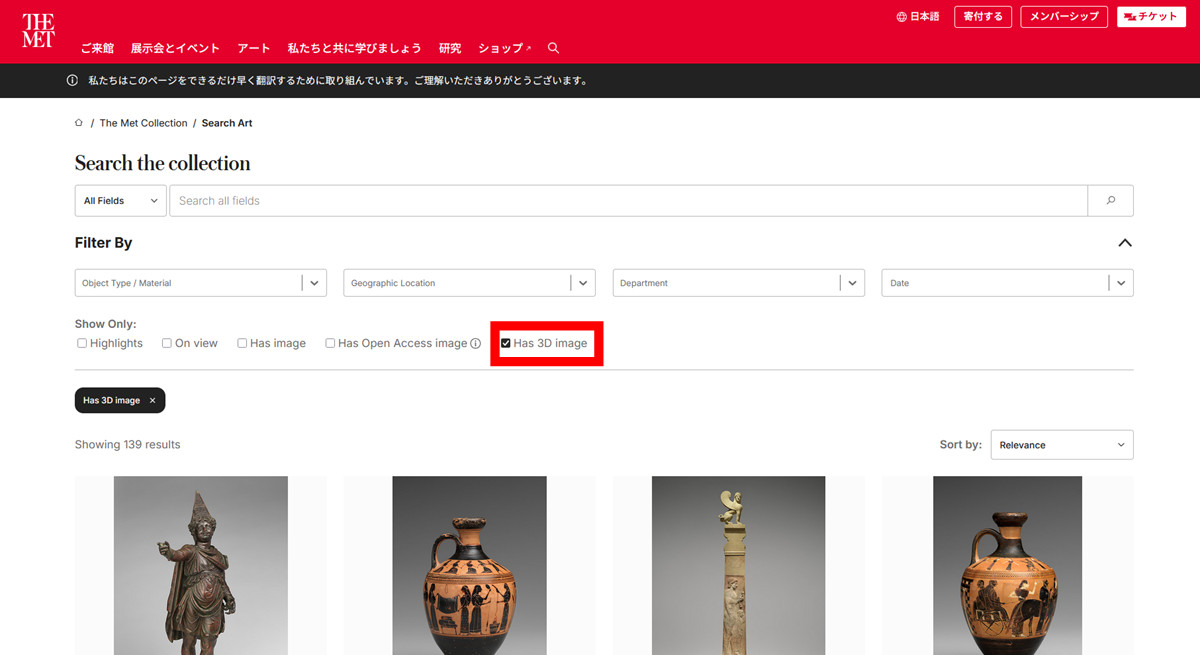
Check the box for 'Has 3D Image'.
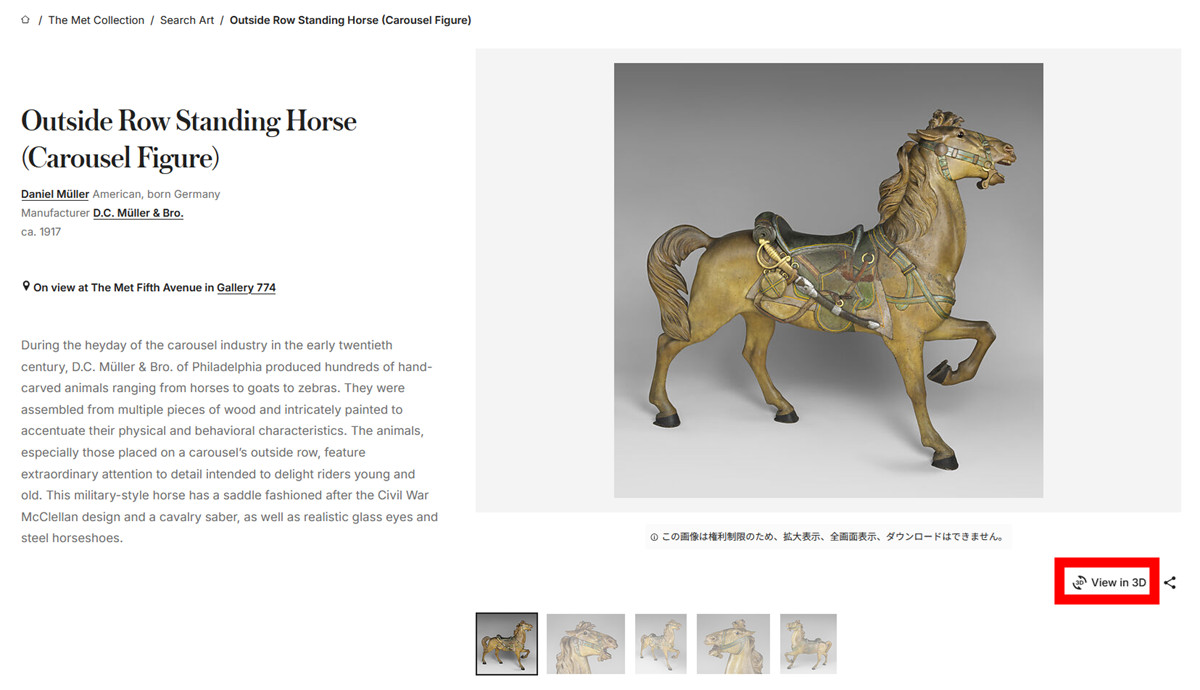
This will narrow down the list to only exhibits for which 3D models exist, so all you have to do is choose the exhibit you like. This time, we'll take a look at the '
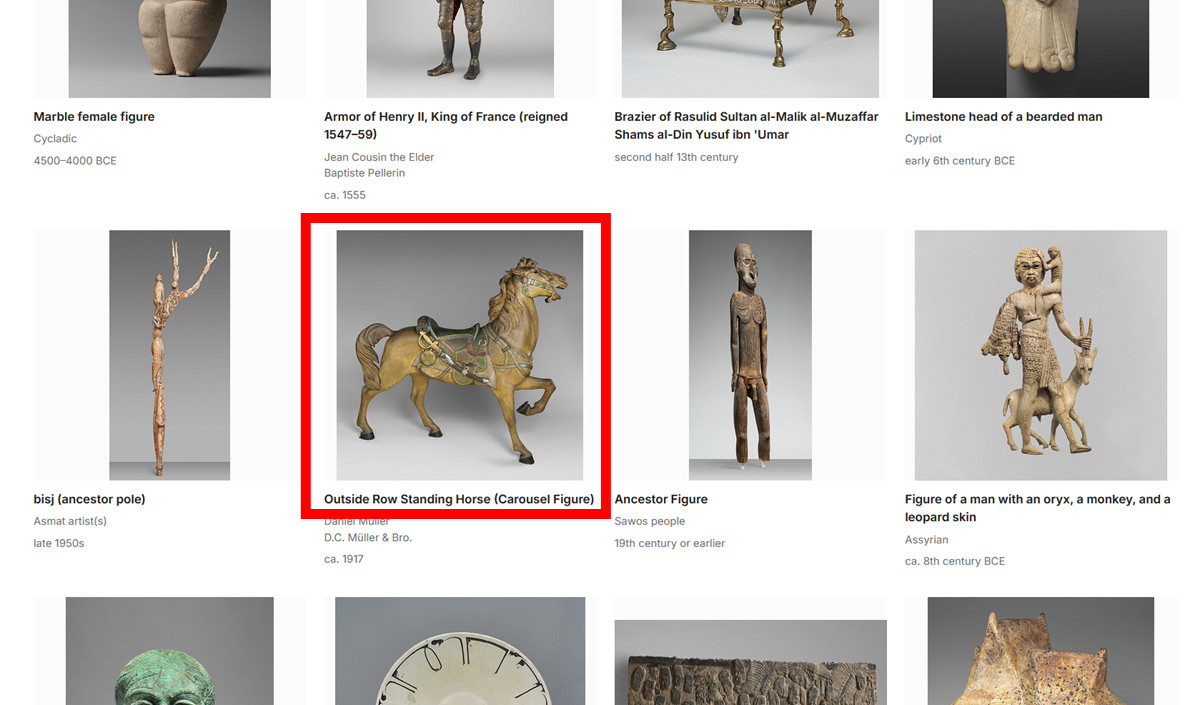
The individual page for the exhibit will open, so click 'View in 3D' in the lower right corner of the exhibit image.
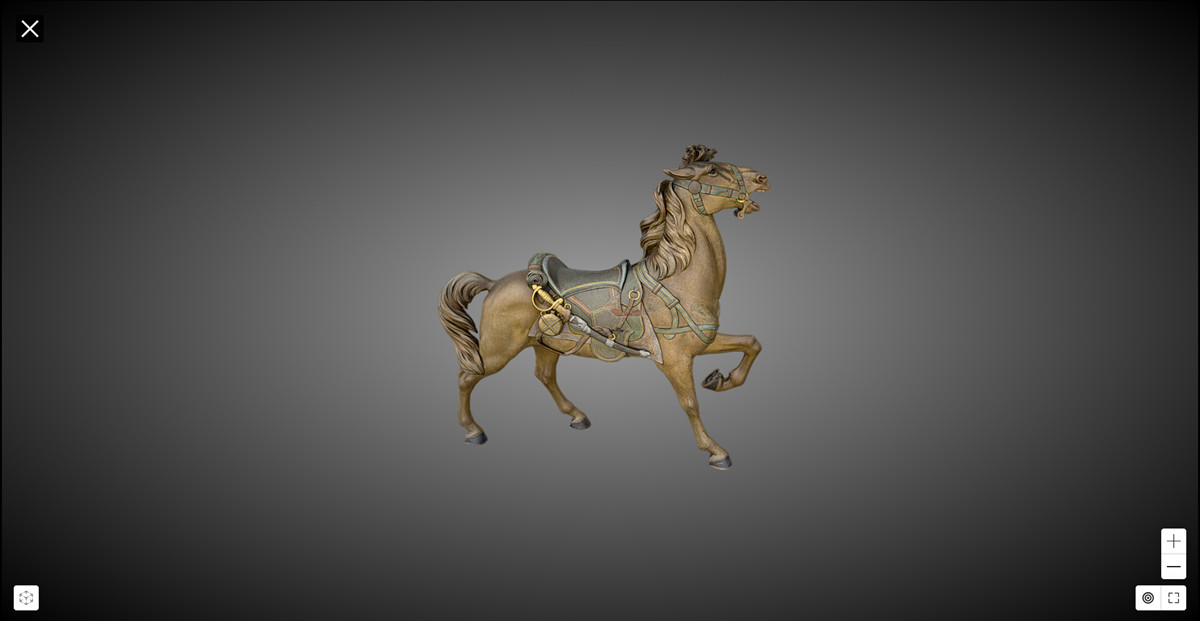
Then, a 3D model viewer will open in your browser, and you can drag it to view it from any angle you like.
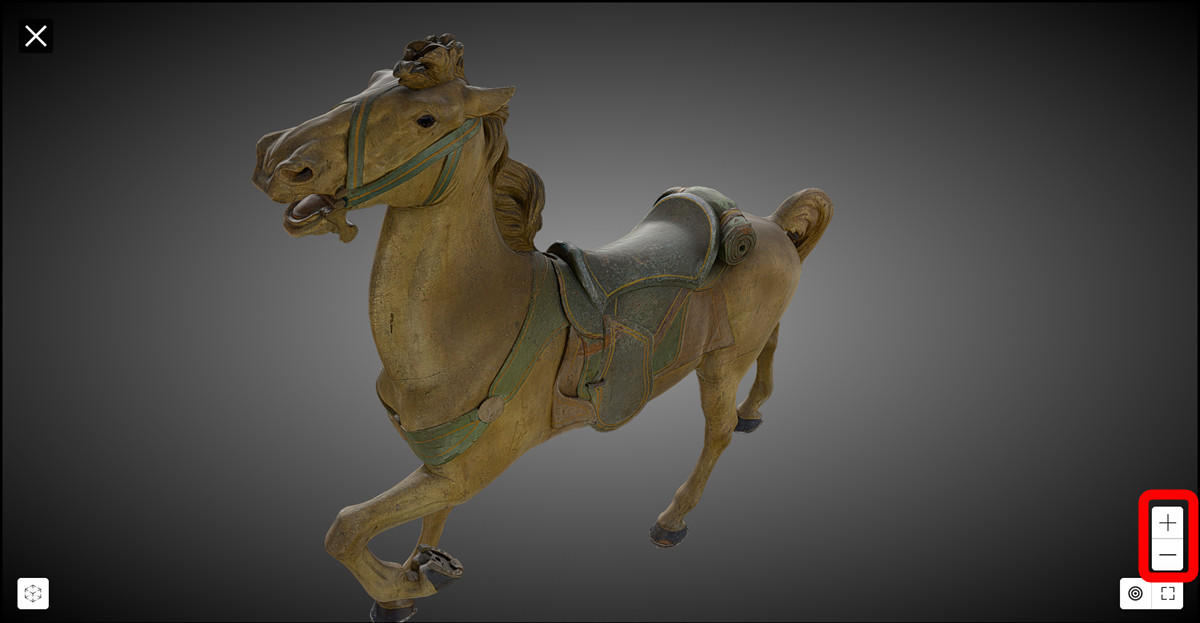
You can zoom in and out of the 3D model by clicking the '+' and '-' buttons in the lower right corner of the screen.
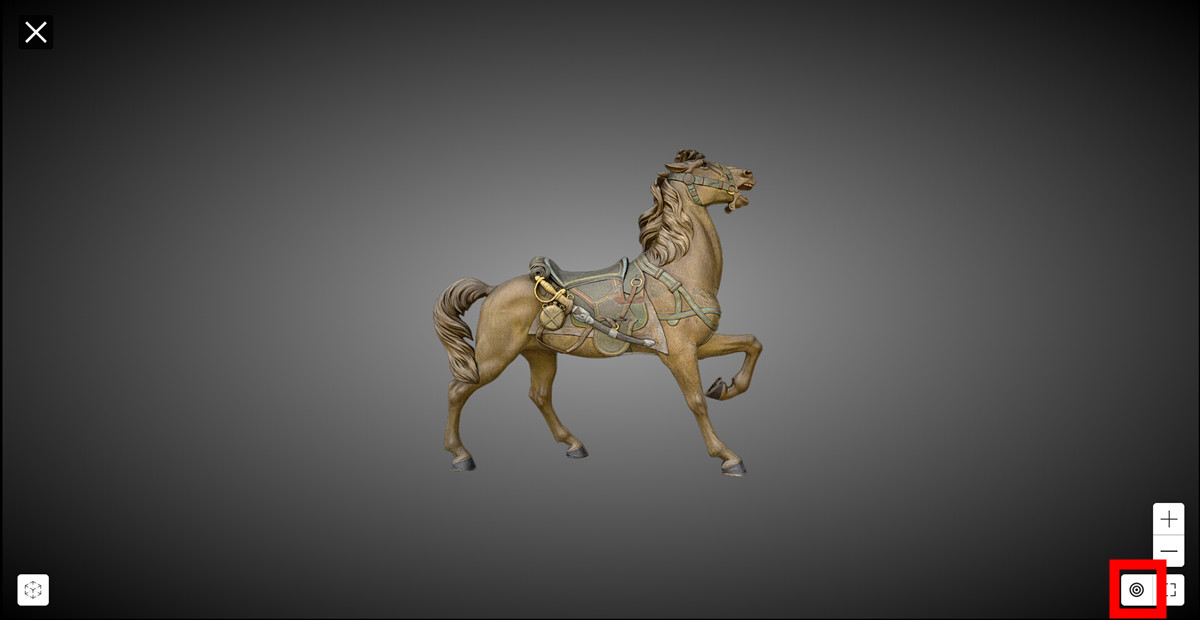
Clicking the target-like button will return the size and angle to their default settings.
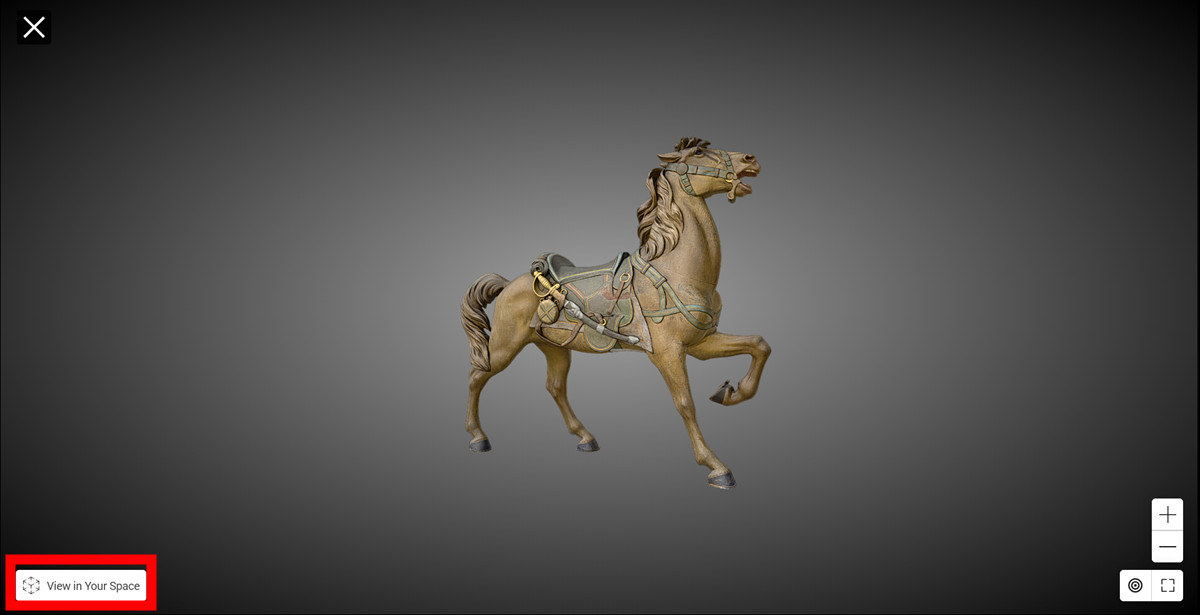
While you can see all the details clearly in your browser, you can also view it in AR space using your smartphone. To view it on your smartphone, click 'View in Your Space' in the bottom left corner.
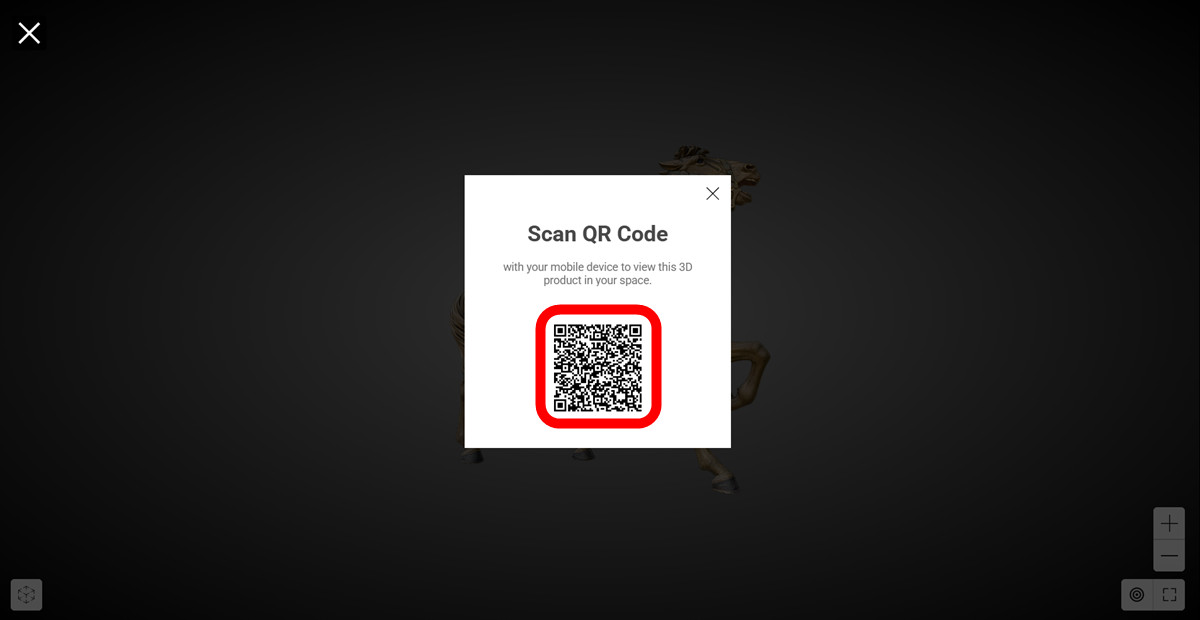
A QR code will then be displayed, so scan it with your smartphone.
When you access the website by scanning the QR code with your smartphone, you will be asked 'Do you want to display it in AR?', so tap 'Display in AR'.

Then, the exhibit appeared in my room.
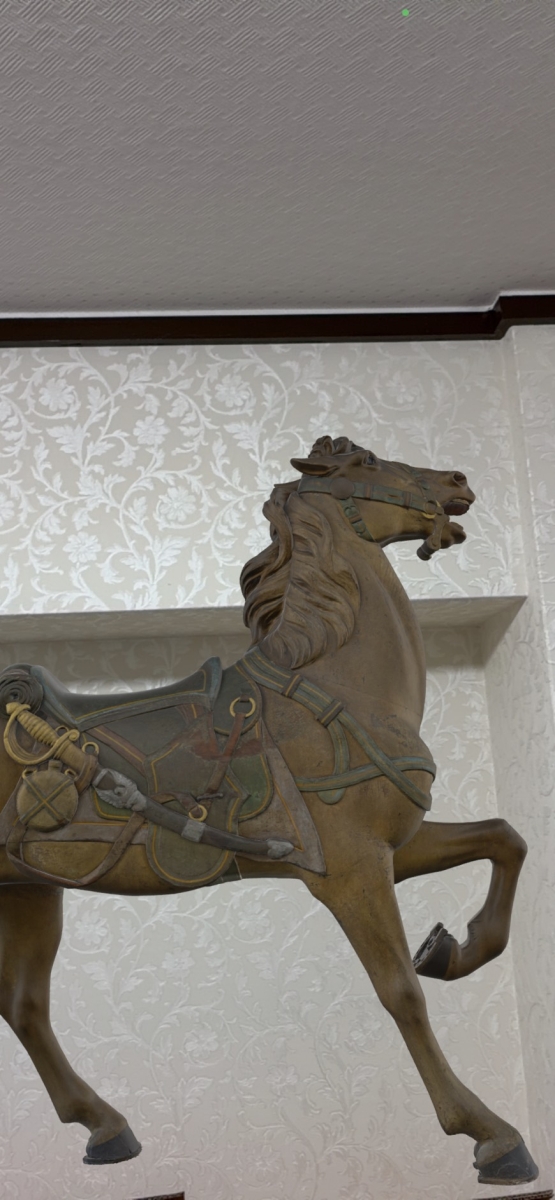
If you approach with your smartphone, you can also take a closer look at its mane.
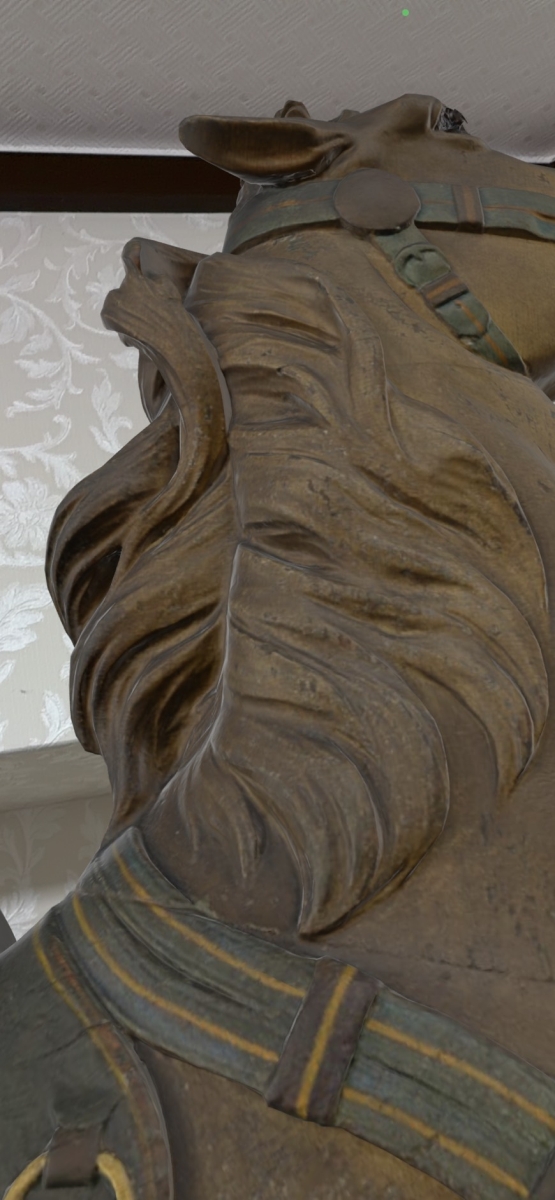
It's also possible to go around and see what's going on inside the mouth.
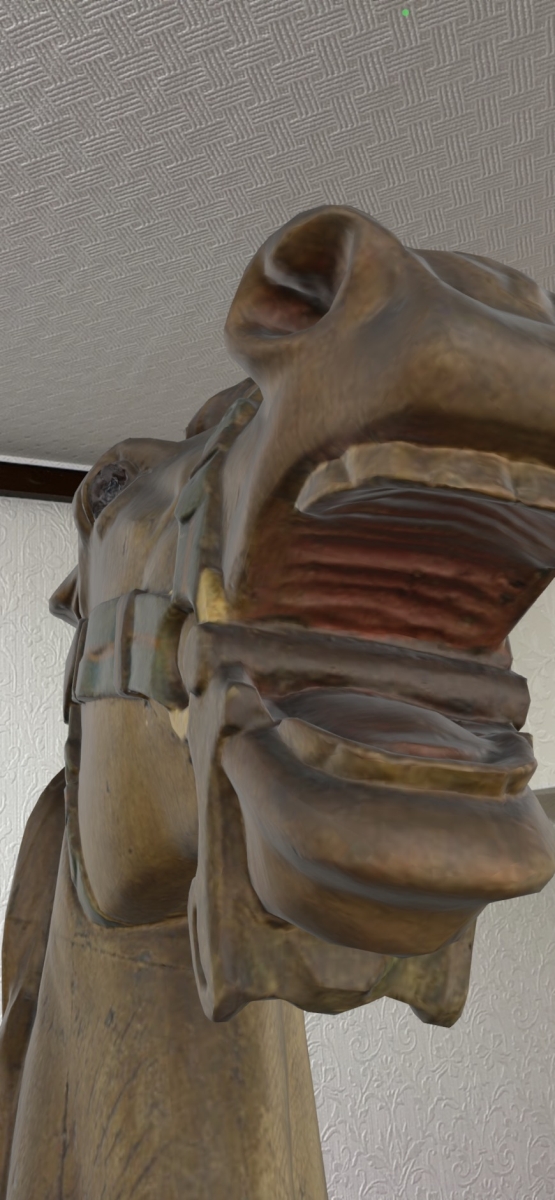
You can easily take photos from underneath the artwork, something that would be difficult in a real museum.
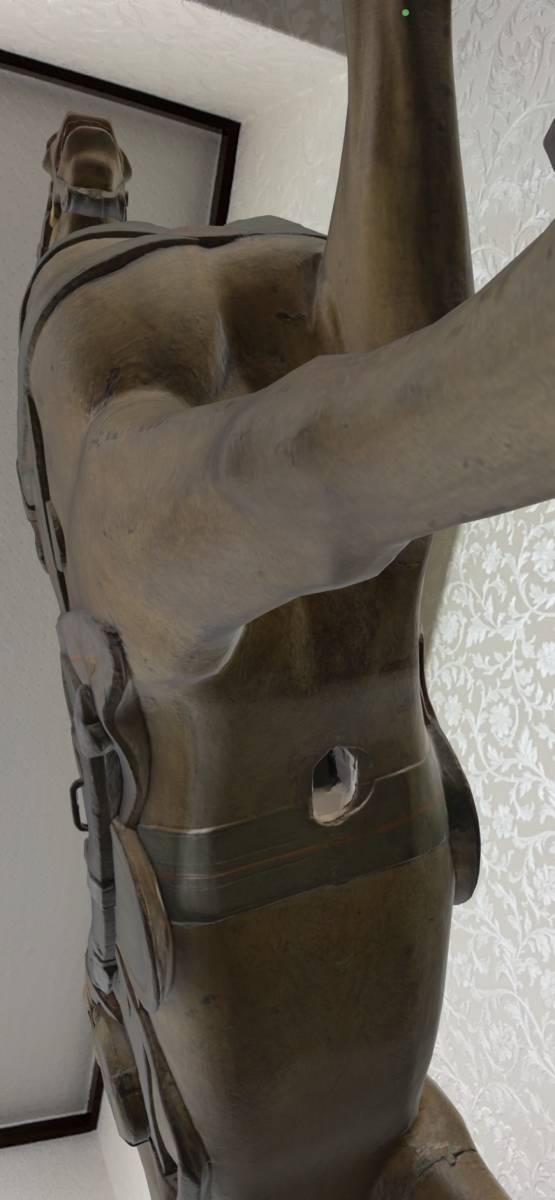
The Metropolitan Museum of Art's 3D models include not only the 'Standing Horse for the Outer Row of the Carousel' that I viewed this time, but also many other famous exhibits such as the ' Marble Sarcophagus of a Lion Falling Antelope ' from the 3rd century, the ' Statue of Horus ' from around 360-343 BC, Kano Sansetsu's ' Old Plum Tree' from 1646, Vincent van Gogh's ' Wheat Field with Cypresses' from 1889, Antonio Canova's ' Perseus with the Head of Medusa ' from 1804-1806, and the armor of King Henry II of France from around 1555. If you're interested, give it a try.
Related Posts:




in Web Service, Review, Design, Creation, Posted by log1b_ok