Google has finally announced the introduction of 'Android Developer Certification,' a requirement for verifying the identity of developers.
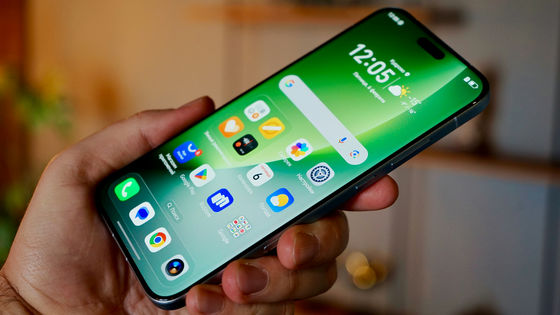
Google has announced the introduction of 'Android Developer Verification ,' a requirement for verifying the identity of app developers, for its mobile operating system, Android.
Android Developers Blog: Android developer verification: Rolling out to all developers on Play Console and Android Developer Console
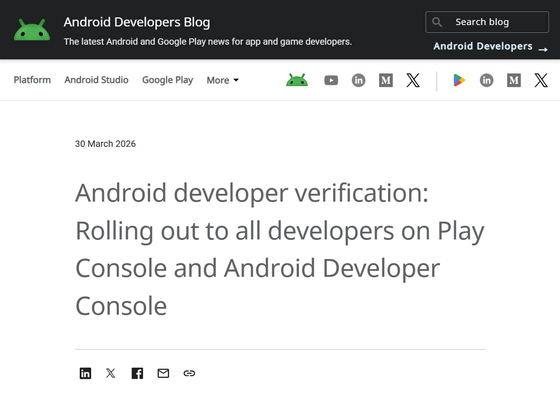
Android is an operating system for everyone, built on a commitment to an open and secure platform. Users should be able to install apps with peace of mind, no matter where they get them from. However, recent analysis has revealed that sideloaded apps are more than 90 times more likely to be infected with malware than apps from Google Play.
Therefore, to enhance security, Google introduced 'Android Developer Certification' to prevent malicious actors from exploiting anonymity to repeatedly spread damage. Over the past few months, Google has worked closely with the community to improve the design to accommodate the various ways people use Android, while balancing openness and security.
Starting March 30, 2026, Google will begin offering 'Android Developer Verification' to all developers through both
The user experience when downloading the app will not change until the second half of 2026. User protection features will first be introduced in Brazil, Indonesia, Singapore, and Thailand in September 2026, and then expanded to other countries worldwide in 2027.
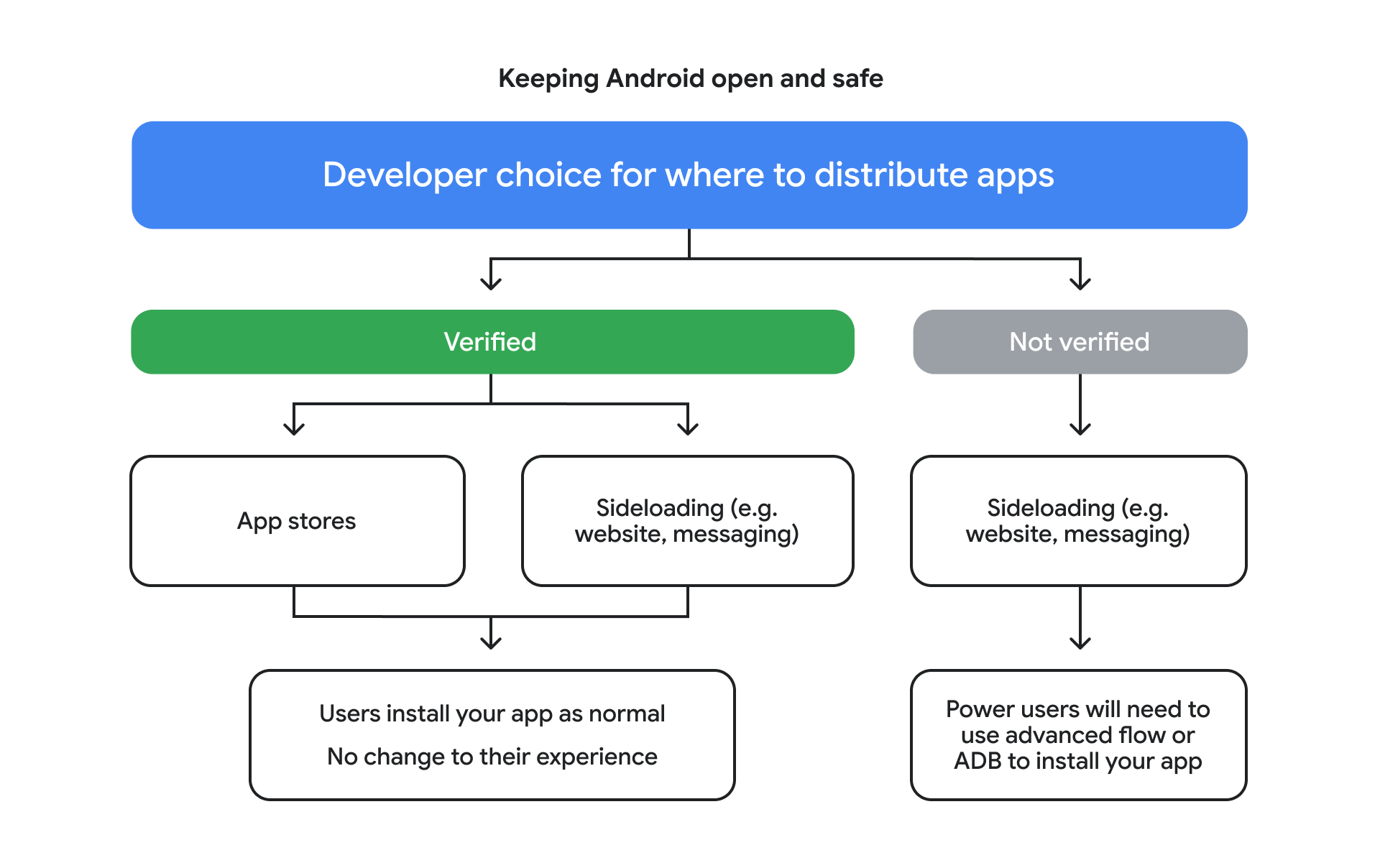
The app installation flow after the introduction of 'Android Developer Authentication' is as follows: Developers first choose whether or not to register for 'Android Developer Authentication.' If they register, users can install their apps as before, whether they are distributed through Google Play (Google's official app store) or elsewhere. If they do not register for 'Android Developer Authentication,' their apps can only be distributed outside of Google Play, and users will need to use ADB or an advanced flow to install them. This ensures security for a broader community while maintaining flexibility for power users.
The 'Advanced Flow' is as follows:
First, enable developer mode, then answer the prompt asking if you have been persuaded by someone to disable your security settings. Then restart your smartphone and wait 24 hours. After that, you should be able to install apps once you have authenticated using biometric authentication or your device's PIN.
Google announces details of 'Advanced Flow,' enabling secure APK sideloading on Android - GIGAZINE

Google has long been planning to introduce a feature to verify the identity of developers, but many Android users, including app distribution site F-Droid, have opposed it.
App distribution site F-Droid strongly opposes Google's mandatory developer registration - GIGAZINE

In 'Android Developer Authentication,' Google allows apps to be sideloaded without verifying the developer's identity, but installation requires the use of ADB or an advanced flow, which appears to be Google's compromise.
In addition to the advanced workflow, a free, limited distribution account is also available for students and hobbyist app developers. This allows users to share their apps with small groups (up to 20 devices) without requiring government-issued identification or registration fees.
Based on user feedback, Google is improving its validation process, streamlining the developer experience, increasing integration with existing workflows, and maintaining options for power users.
Furthermore, within the next two months, Android Studio will begin displaying the registration status of your app directly within the studio when you generate a signed app bundle or APK.
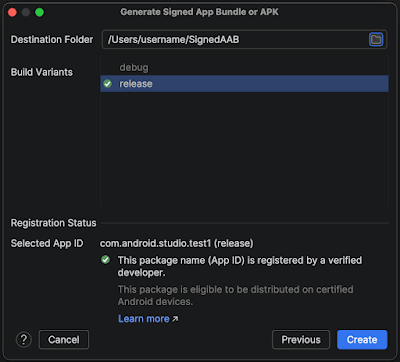
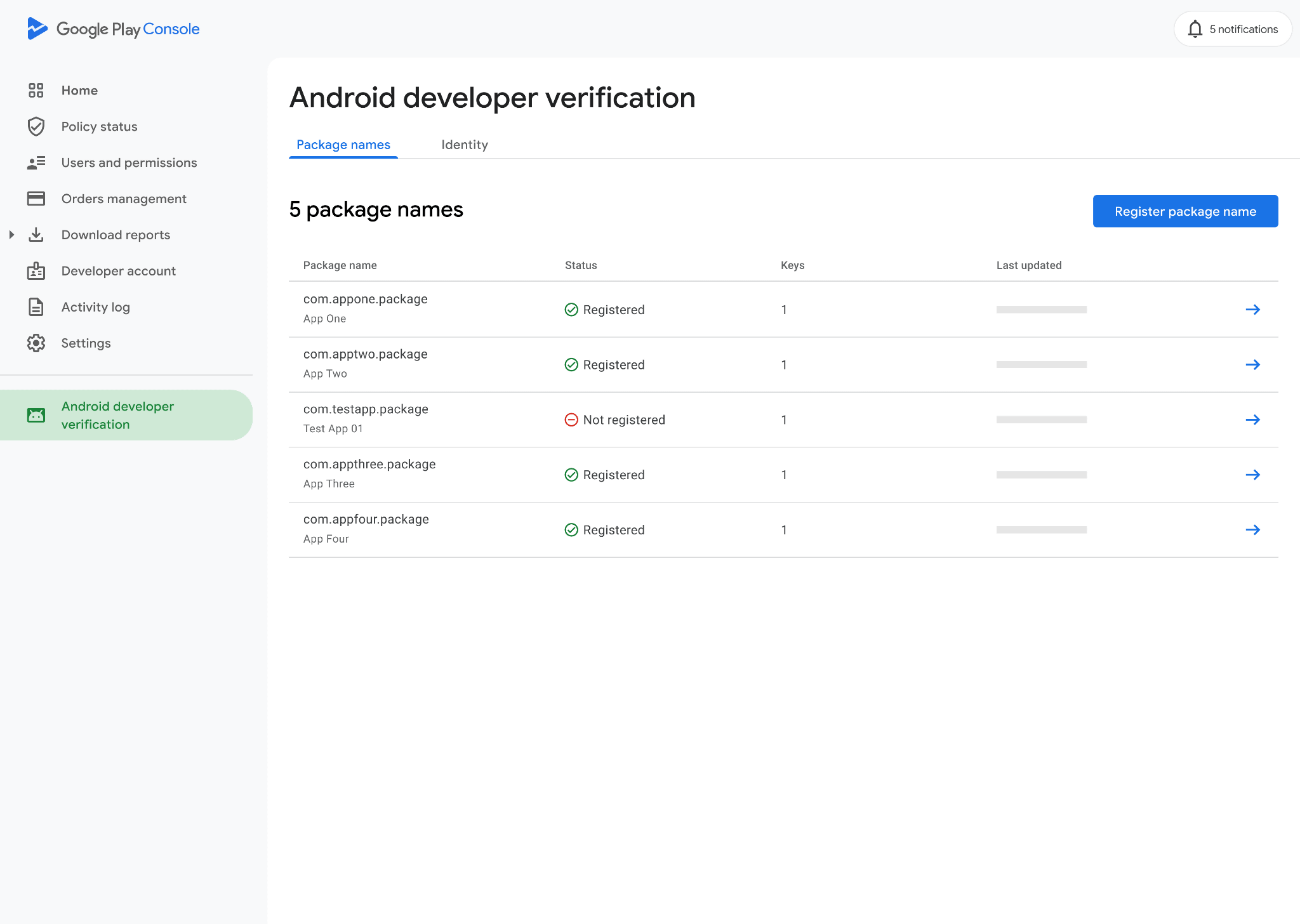
If your app meets the Play Console developer verification requirements, your identity will already be verified, and your app will be automatically registered. If your app cannot be registered, you will need to manually submit it. It has also been announced that apps distributed outside of Google Play will soon be able to register with the Play Console.
Related Posts:



in Software, Smartphone, Posted by logu_ii