Microsoft has announced upcoming updates for Windows 11, including changes to the taskbar position and reductions in unnecessary Copilot launches.
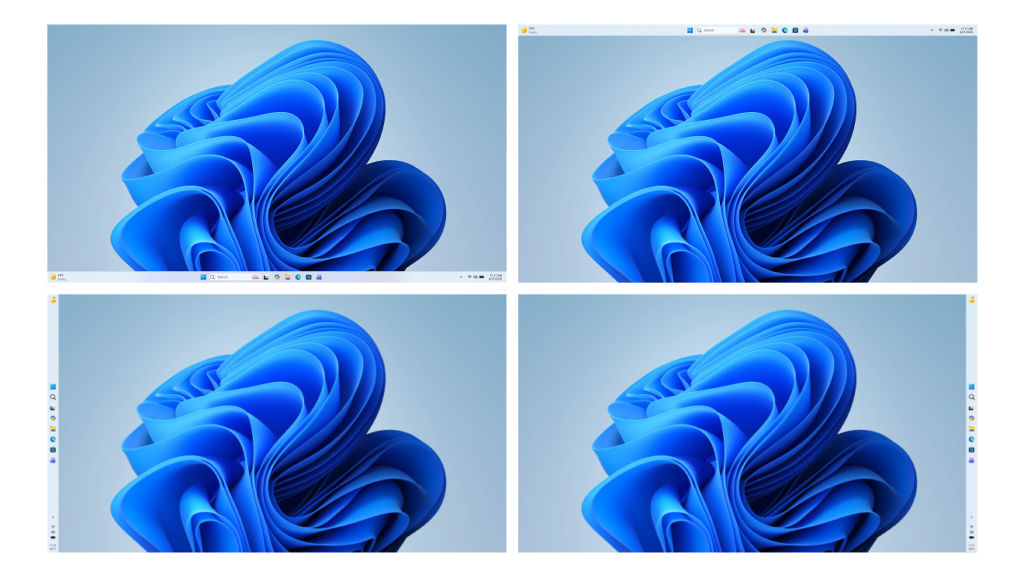
Pavan Davrli of the Windows Insider Program team has announced upcoming updates to Windows 11 on the official Windows blog. According to the announcement, the update will include several improvements based on user requests, such as the ability to freely change the position of the Windows 11 taskbar (up, down, left, or right) and the reduction of unnecessary Copilot launch points in some applications.
Our commitment to Windows quality | Windows Insider Blog
Microsoft plans to preview updates based on community feedback regarding the Windows user experience in builds for Windows Insider program participants between March and April 2026. The updates Microsoft plans to release are as follows:
- Further enhanced taskbar customization features
The ability to change the taskbar's position was one of the most frequently requested features from users, and by adding the option to move the taskbar to the top or side of the screen, it will become easier to customize the workspace.
- Skillfully and centrally integrate AI where it is most effective.
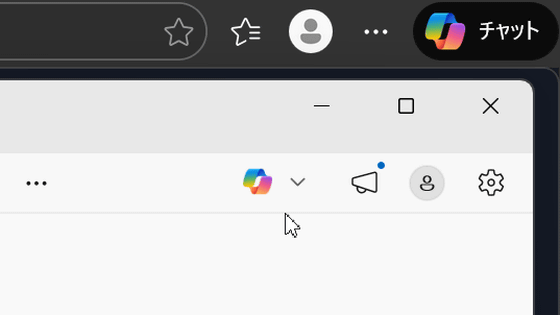
Microsoft is deliberately working on how and where Copilot will be integrated across Windows. To focus on a truly convenient and well-crafted experience, they plan to reduce the number of unnecessary Copilot launch points in apps like Snipping Tool, Photos, Widgets, and Notepad.
- Reduce interruptions caused by Windows Update
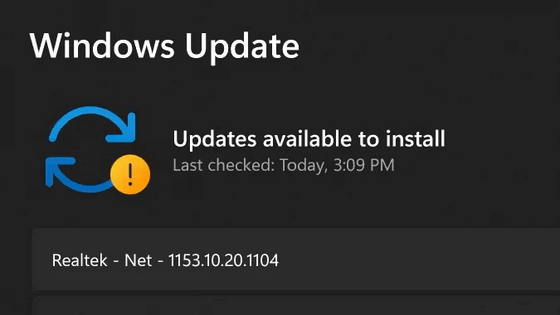
Receiving Windows Updates should be predictable and easy to plan, and Microsoft plans to offer more control features going forward. These will include the ability to skip updates during device setup for quicker access to the desktop, restart or shut down without installing updates, and pause updates as needed. In addition, they plan to reduce the annoyance caused by updates by reducing the number of automatic restarts and notifications.
• A faster and more reliable file explorer
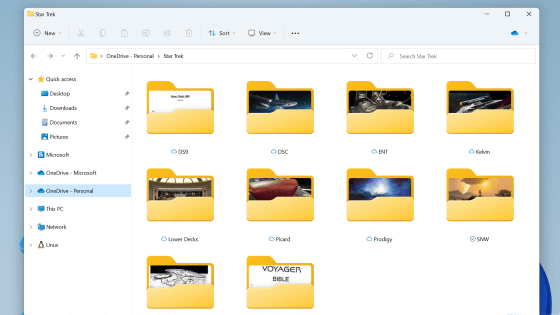
File Explorer is one of the most frequently used interfaces in Windows. This update will focus on faster startup times, reduced flickering, smoother navigation, and improved performance for everyday file operations.
- Further improve control over widgets and the feed experience.
Widgets should be useful and relevant, not intrusive or overwhelming. We'll make the default settings less noticeable, give you more granular control over when and how widgets appear, and improve the personalization capabilities of your Discover feed.
A simpler and more transparent Windows Insider program
The Windows Insider program is an effort to shape the future of Windows, and it should be easy to understand how to participate and what to expect. We have several changes planned to make it easier for users to get involved in the program, including clearer channel definitions, easier access to new features, higher-quality builds, greater visibility into how user feedback is reflected in Windows, and more opportunities to interact directly with Microsoft.
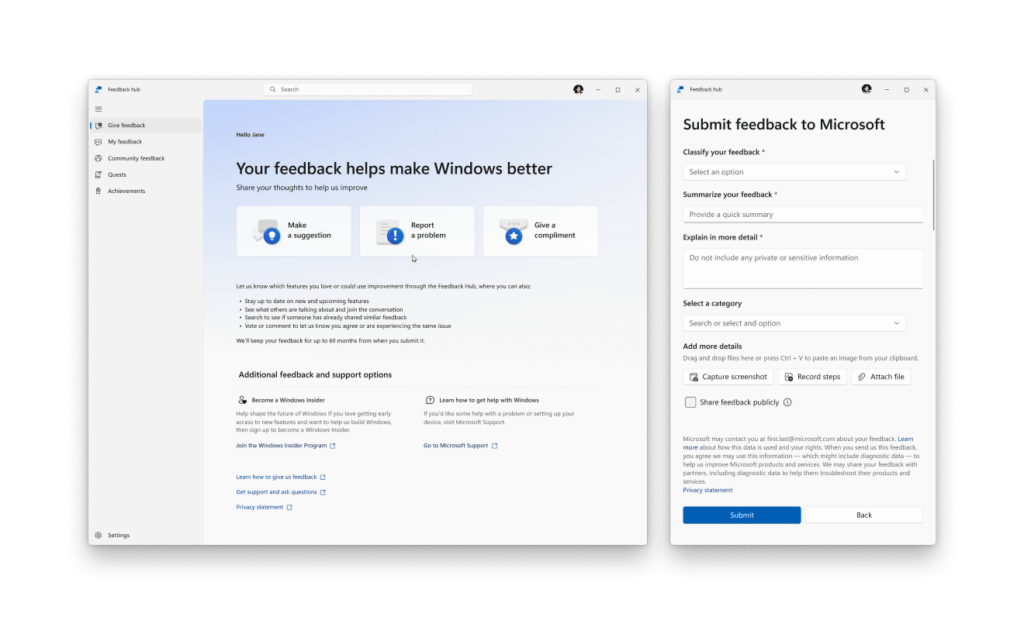
- Improved feedback hub
User feedback is essential to improving Windows, and it's important that it's easy to share and see what other users are saying. We're rolling out the biggest update to the Feedback Hub ever for Insider program participants. The redesigned interface makes it faster and easier to submit feedback and interact with the community.
Related Posts:
in Software, Posted by logu_ii