The free image editing app 'GIMP 3.2' has been released, adding 'Layer Link' which allows for instant reflection of edits made in external apps, and enabling tracking of light and dark modes.
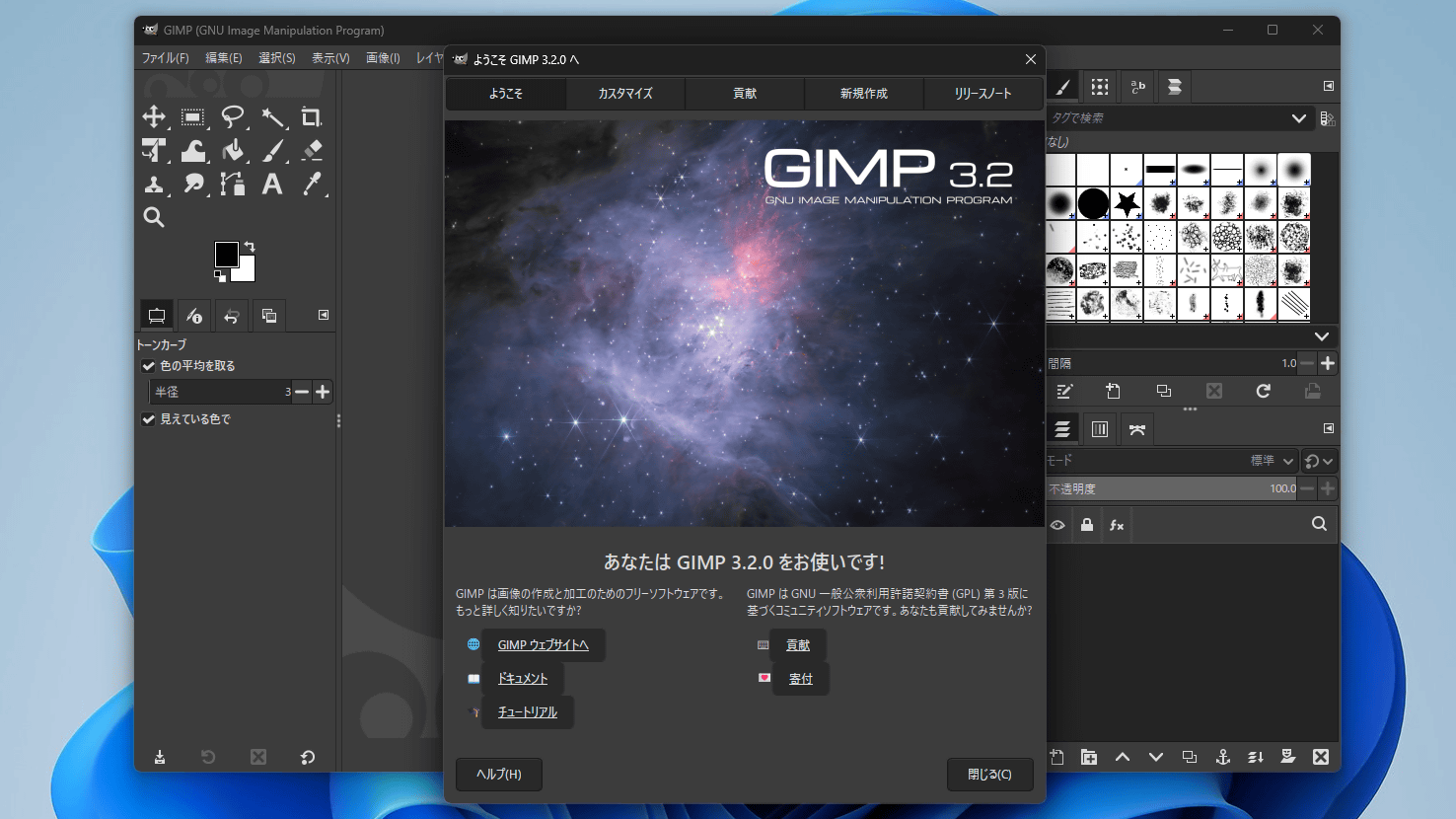
Version 3.2 of the free image editing app 'GIMP' was released on March 14, 2026.
GIMP 3.2 Released - GIMP
GIMP is an image editing application that runs on Linux, Windows, and macOS, and is developed as an open-source project. The first version was released in January 1996, and GIMP 3.0, released in March 2025, included major updates such as the transition to GTK 3 and the implementation of non-destructive filters.
GIMP 3.0 has finally been released, packed with new features including 'non-destructive filters' that allow you to modify edits after the fact, and support for GTK 3, along with a new official logo - GIGAZINE
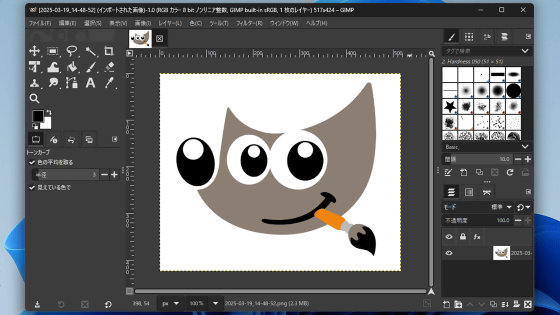
GIMP 3.2, released on March 14, 2026, added features such as 'Layer Linking,' which allows for instant reflection of edits made in external applications, and 'Vector Layers,' which enables the creation of vector images using the path tool.
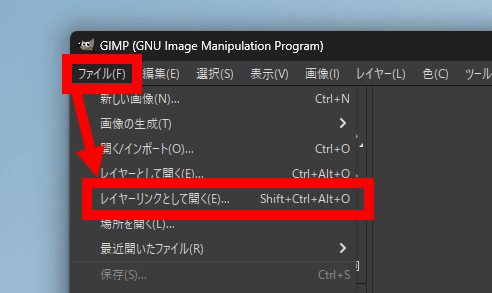
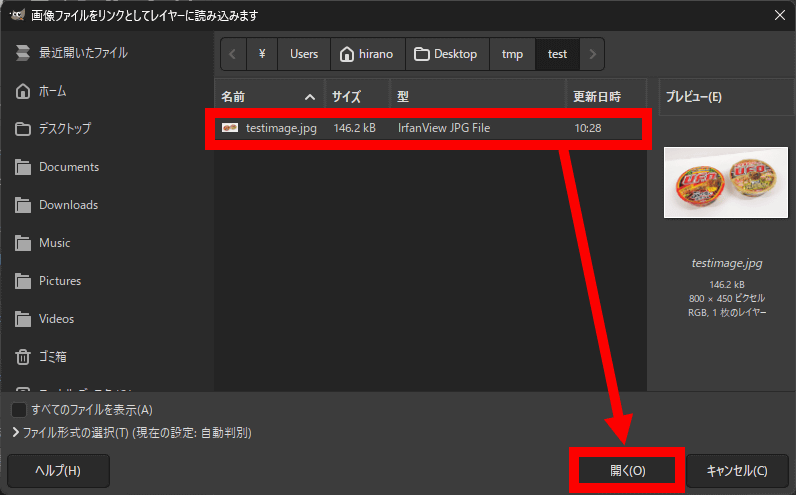
Let's actually try using layer linking. First, click 'Open as Layer Link' from the File menu.
Select the image you want to open and click 'Open'.
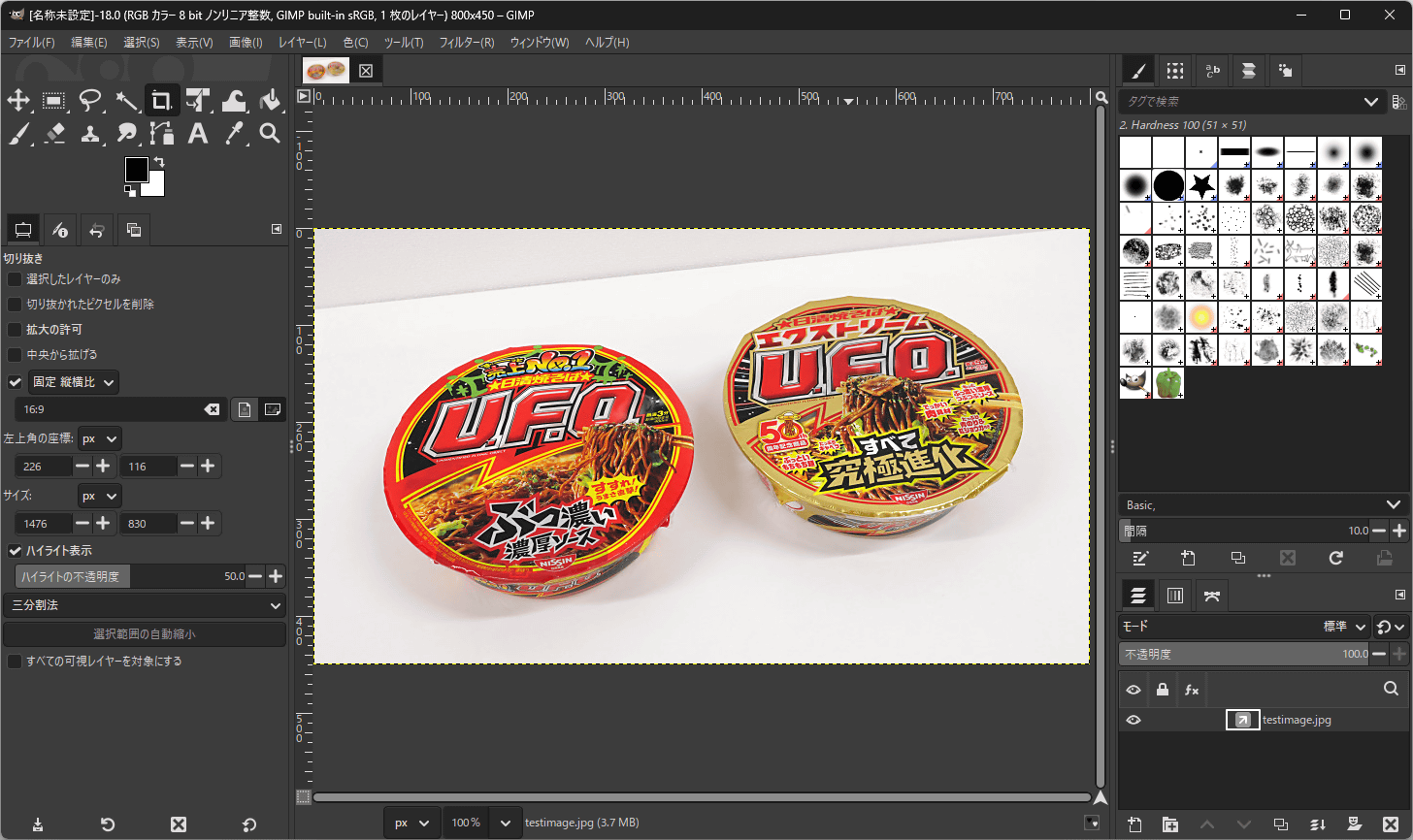
I was able to open the image as a layer link.
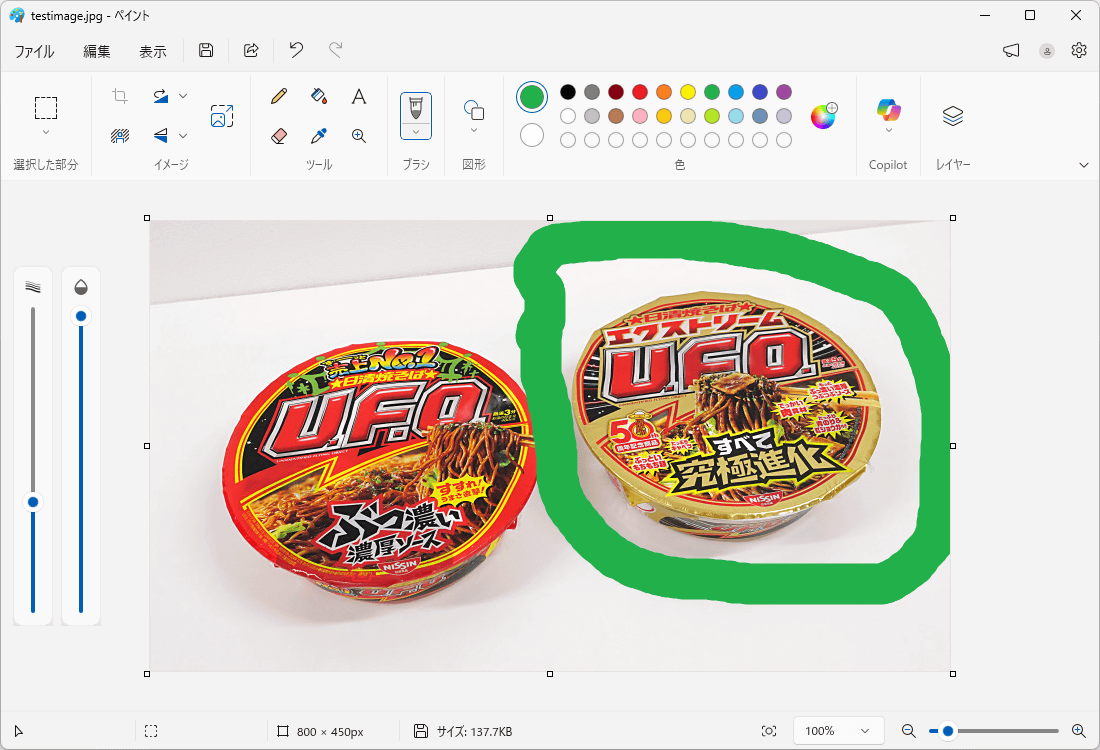
Edit the same image using a different app and overwrite the original image.
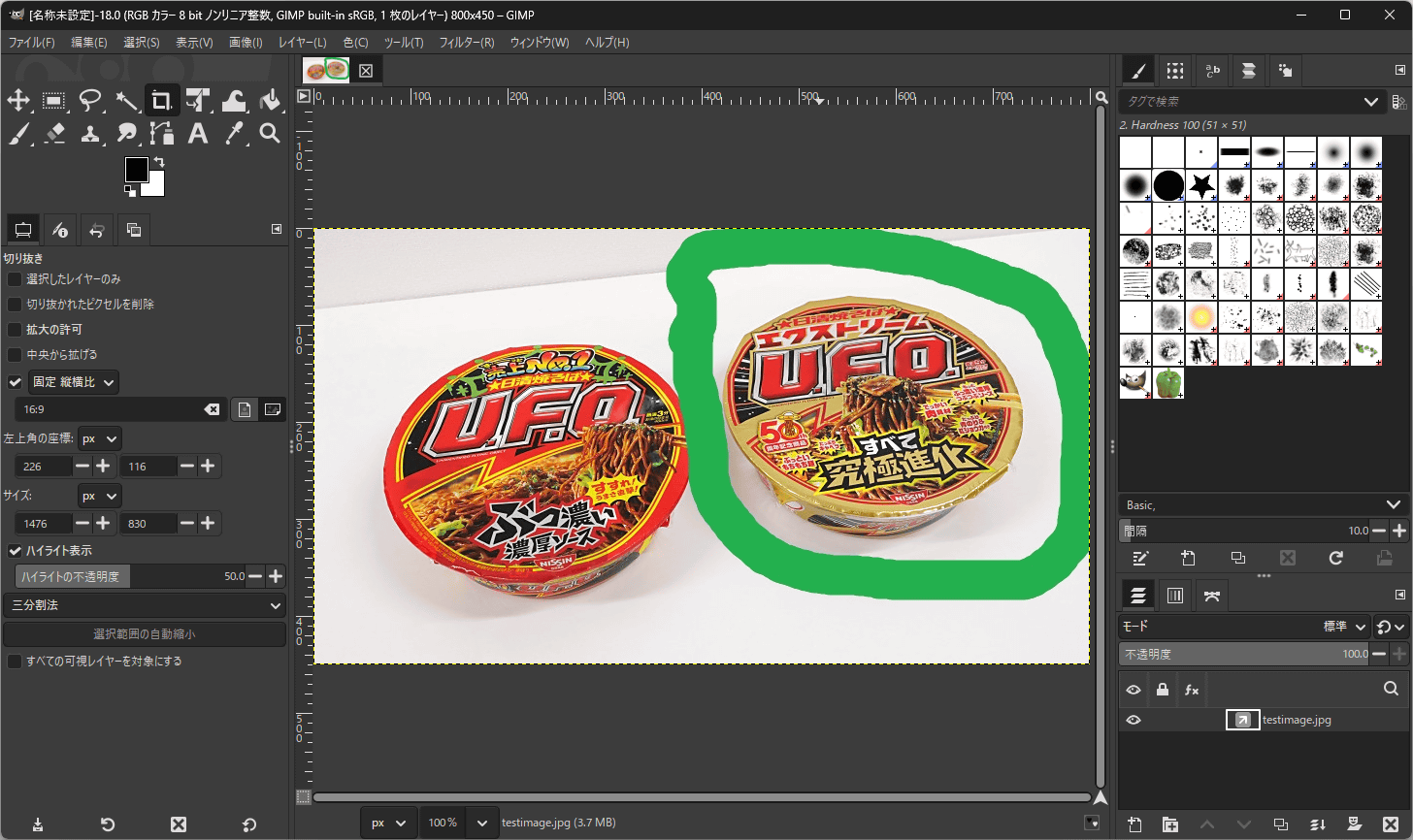
The edits were then reflected in the layer link that was open in GIMP. This is a useful feature when using multiple image editing applications simultaneously.
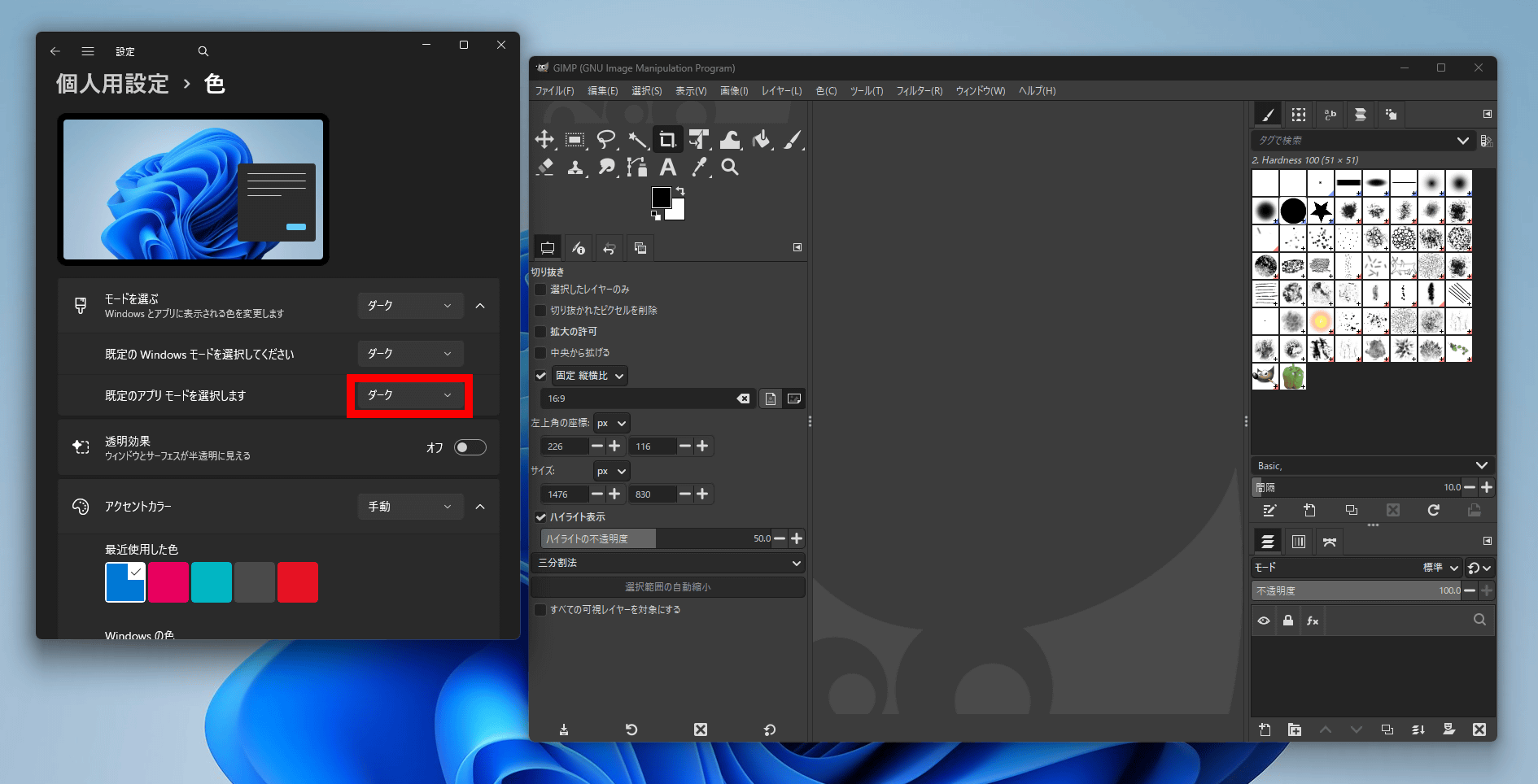
GIMP 3.2 also adds a feature that changes the UI colors to follow the OS's light mode and dark mode. To make it follow the OS mode, simply set the 'Color Variations' in the 'Themes' section of the settings to 'System Colors'.
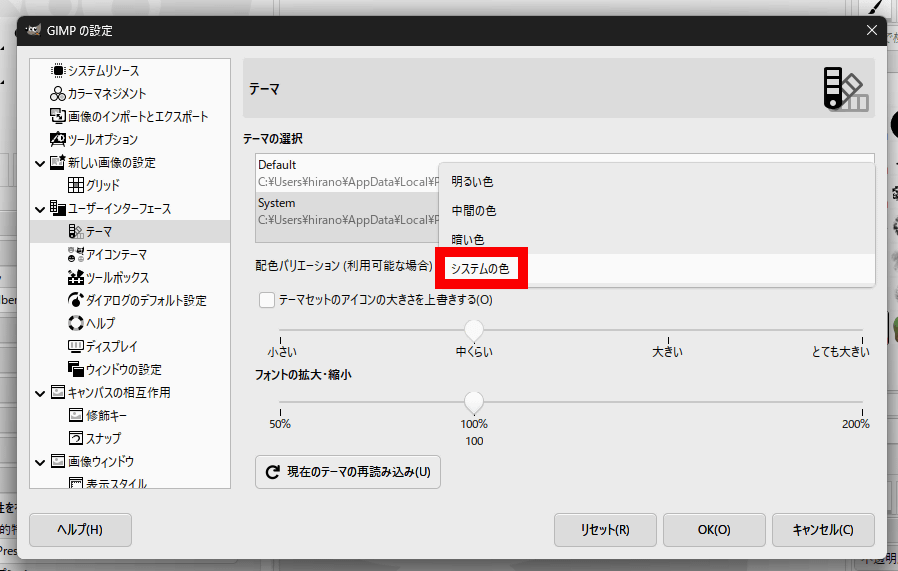
This allows you to change the GIMP UI simultaneously with switching the OS mode.
GIMP 3.2 also includes other updates such as improved support for PSD files and the addition of new brushes.
Related Posts: