Review of the retro video recording with the Instax mini Evo Cinema, a video-capable camera
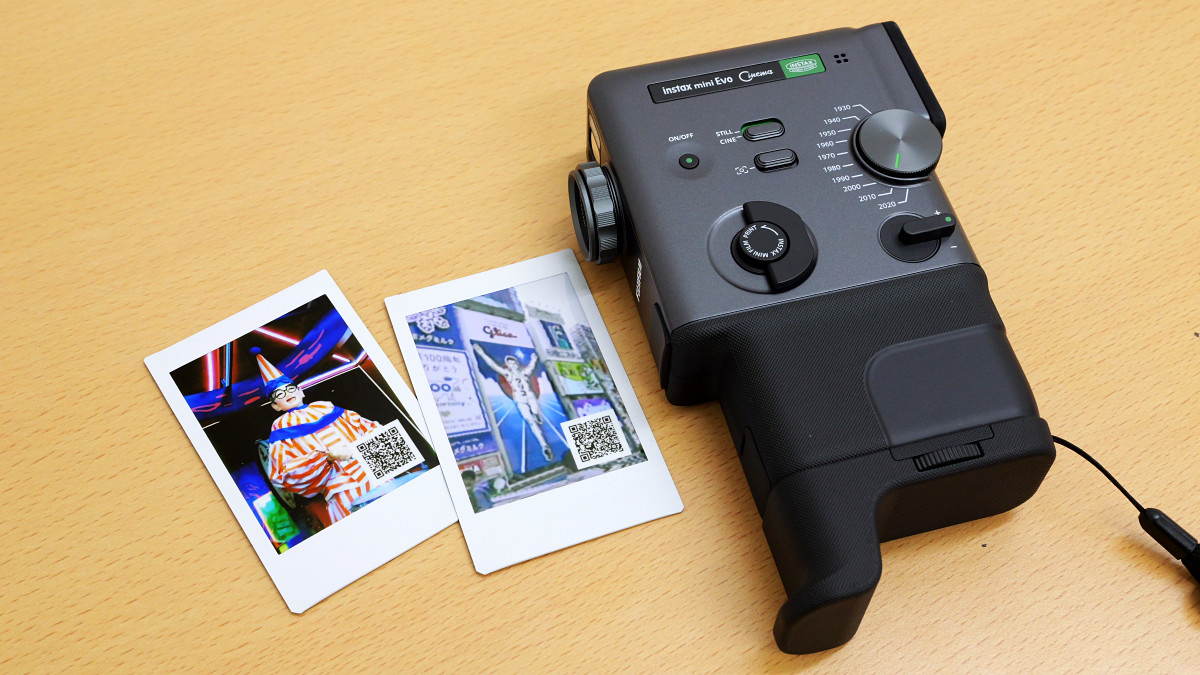
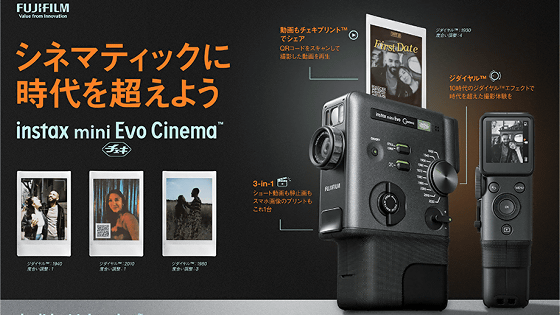
The 'instax mini Evo Cinema' is an instant camera that can also shoot videos, and you can print photos with QR codes that allow you to access videos, which you can then display or distribute. I was able to borrow an instax mini Evo Cinema, so I decided to check out what kind of videos it can shoot.
“Cheki” instax mini Evo Cinema™ | FUJIFILM
·table of contents
◆1: What kind of camera is the instax mini Evo Cinema?
◆2: Shooting Procedure
◆3: Printing procedure for video instant photos
◆4: Example
◆1: What kind of camera is the instax mini Evo Cinema?
The instax mini Evo Cinema is a device that looks like an 8mm film camera and allows you to shoot videos while switching between effects that match 10 different eras, from the 1930s to the 2020s. You can find more details about the instax mini Evo Cinema's appearance in the article below.
This is what the 'instax mini Evo Cinema' instant camera, which can also shoot videos, looks like - GIGAZINE
◆2: Shooting Procedure
I moved outdoors to take various photos with my instax mini Evo Cinema.
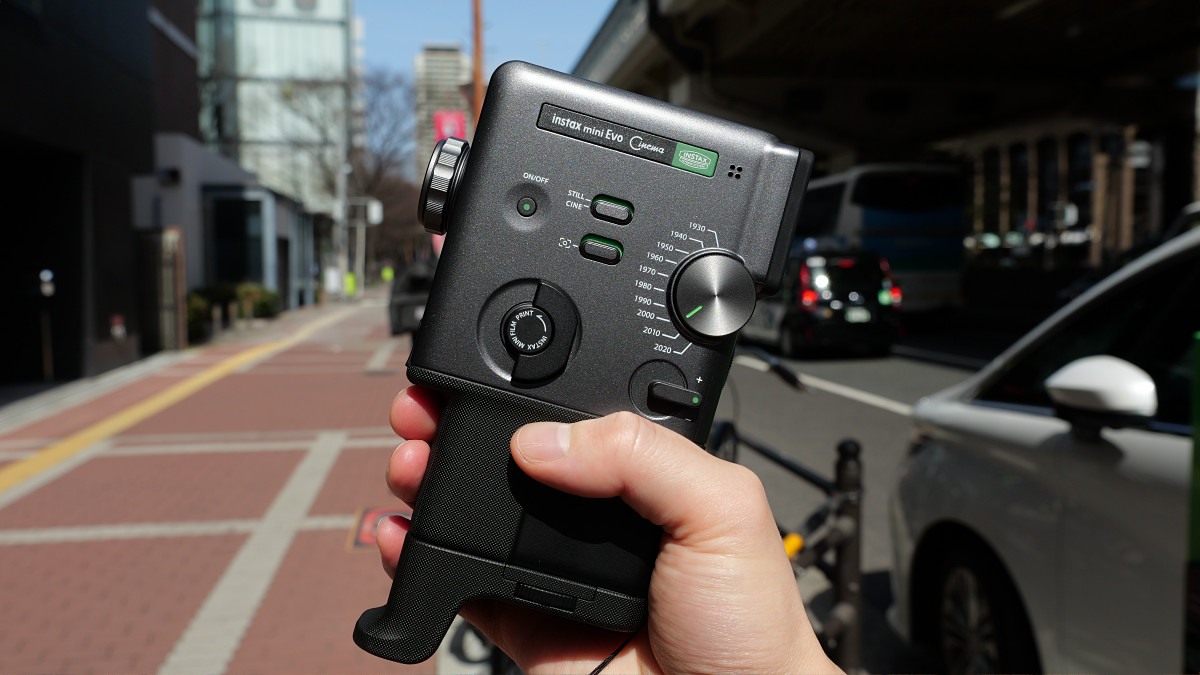
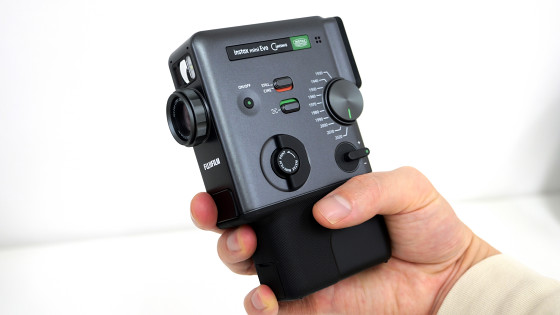
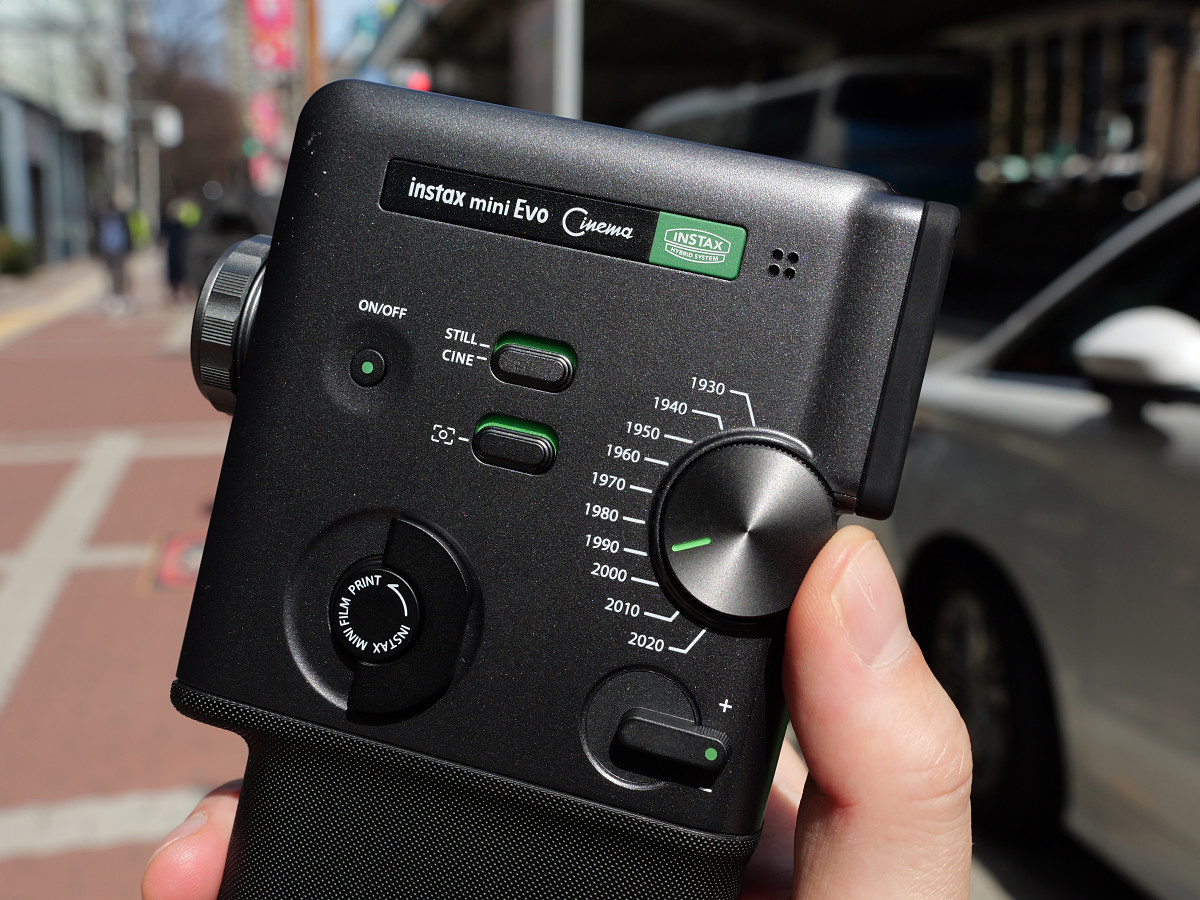
Before shooting, first turn the 'Dial' to select an effect. The older the effect, the more you can shoot a video that looks like it was shot on low-quality film.
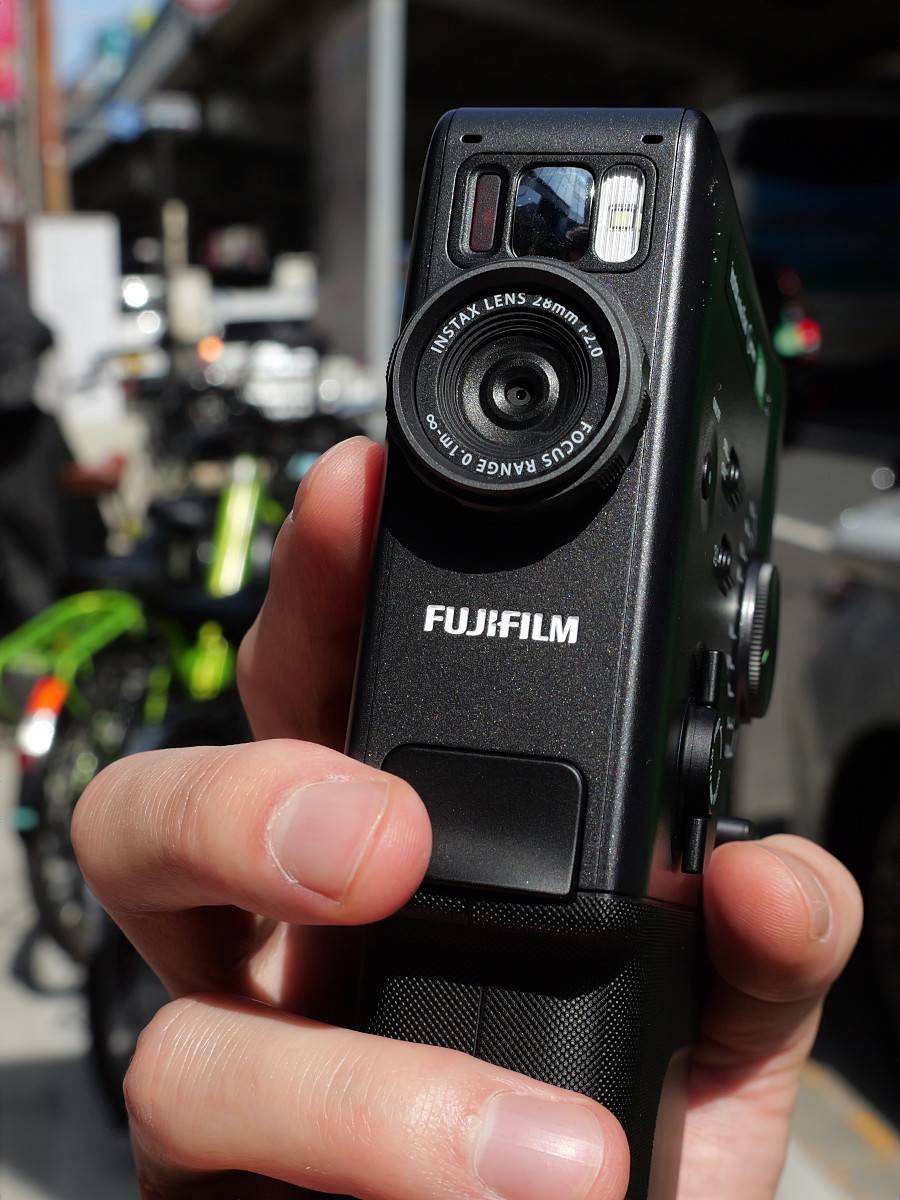
You can also start recording a video by pressing the shutter button on the front.
◆3: Printing procedure for video instant photos
To print the videos you've shot, you first need to link your camera with the dedicated instax mini Evo app. The app is available for both iOS and Android , so make sure to link your camera beforehand.
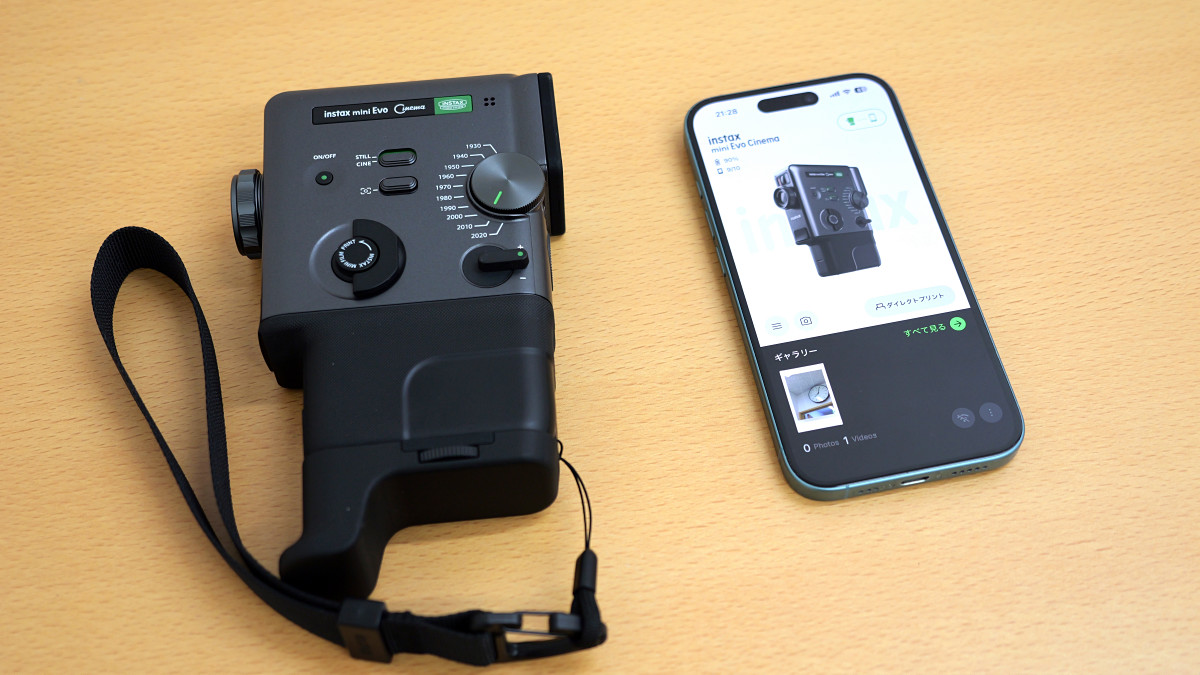
Next, select the video you want to print from the list of photos taken with the instax mini Evo Cinema.
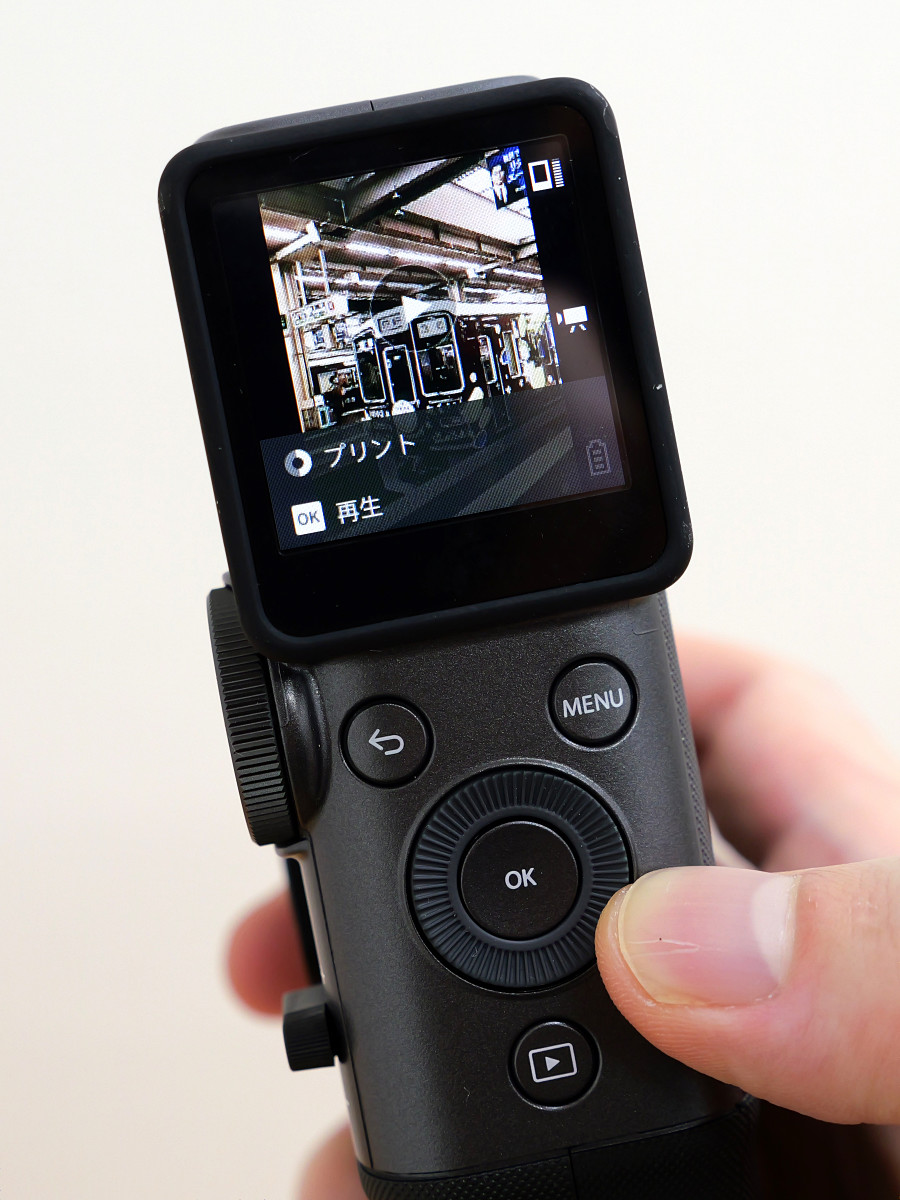
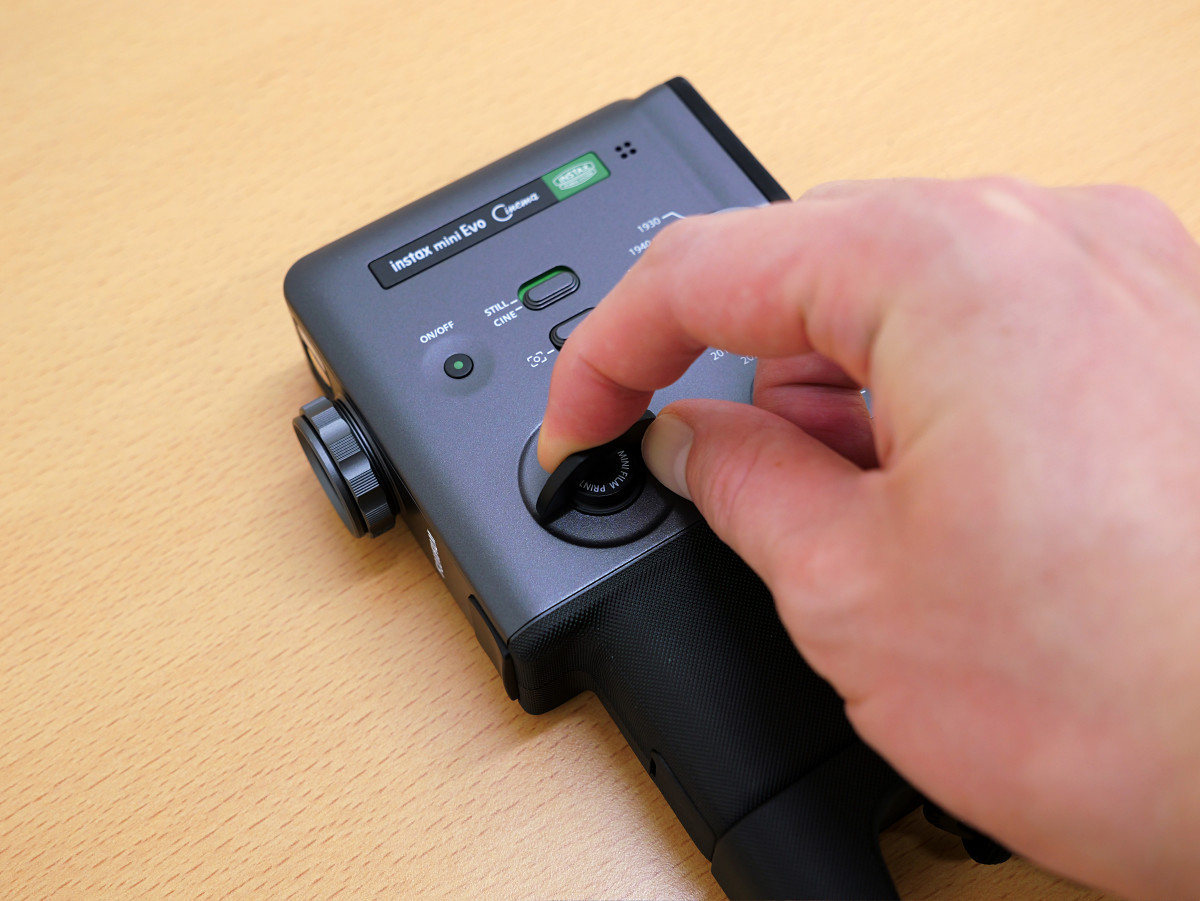
Rotate the print lever on the side of the unit.
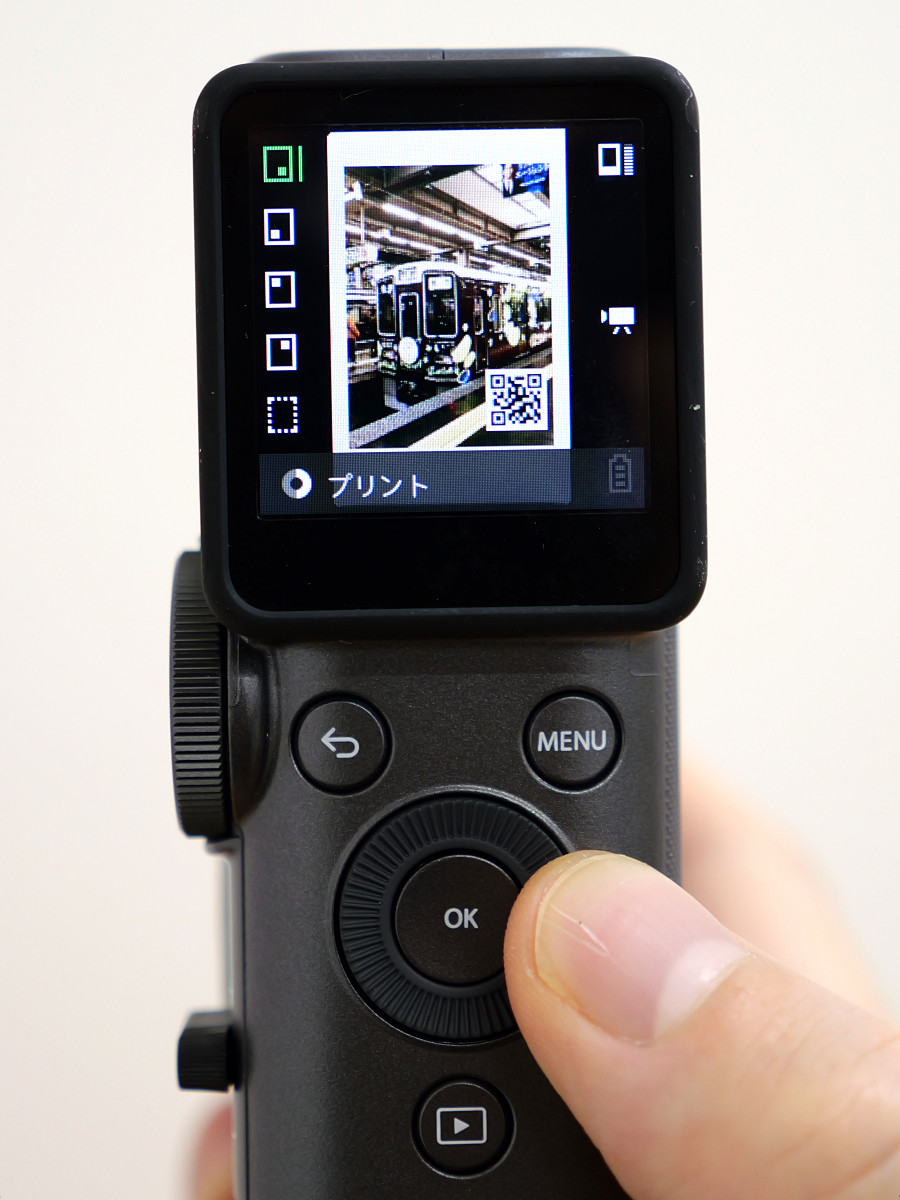
Select the scenes from the video you want to use for printing, and also choose the position of the QR code.
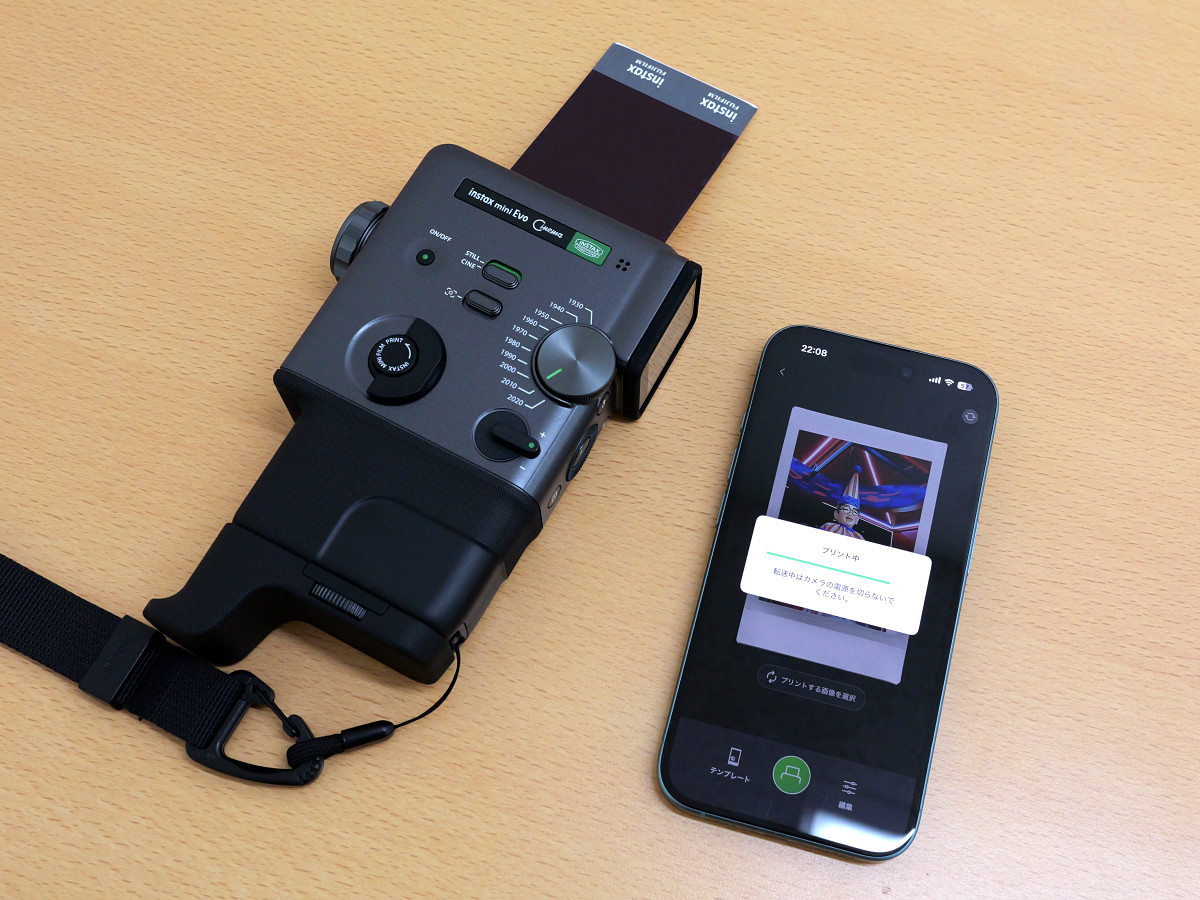
Turn the print lever again.
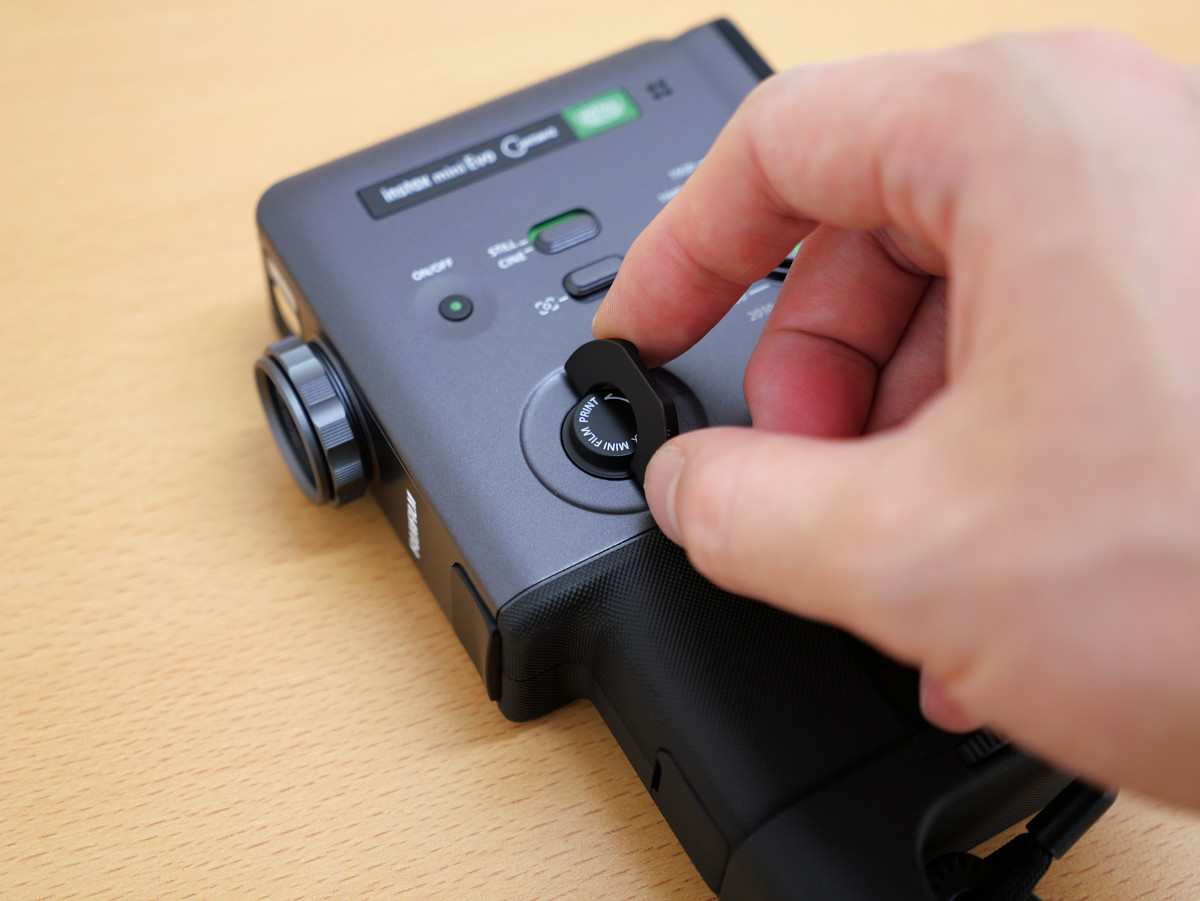
A printed Instax film came out from the top of the device.
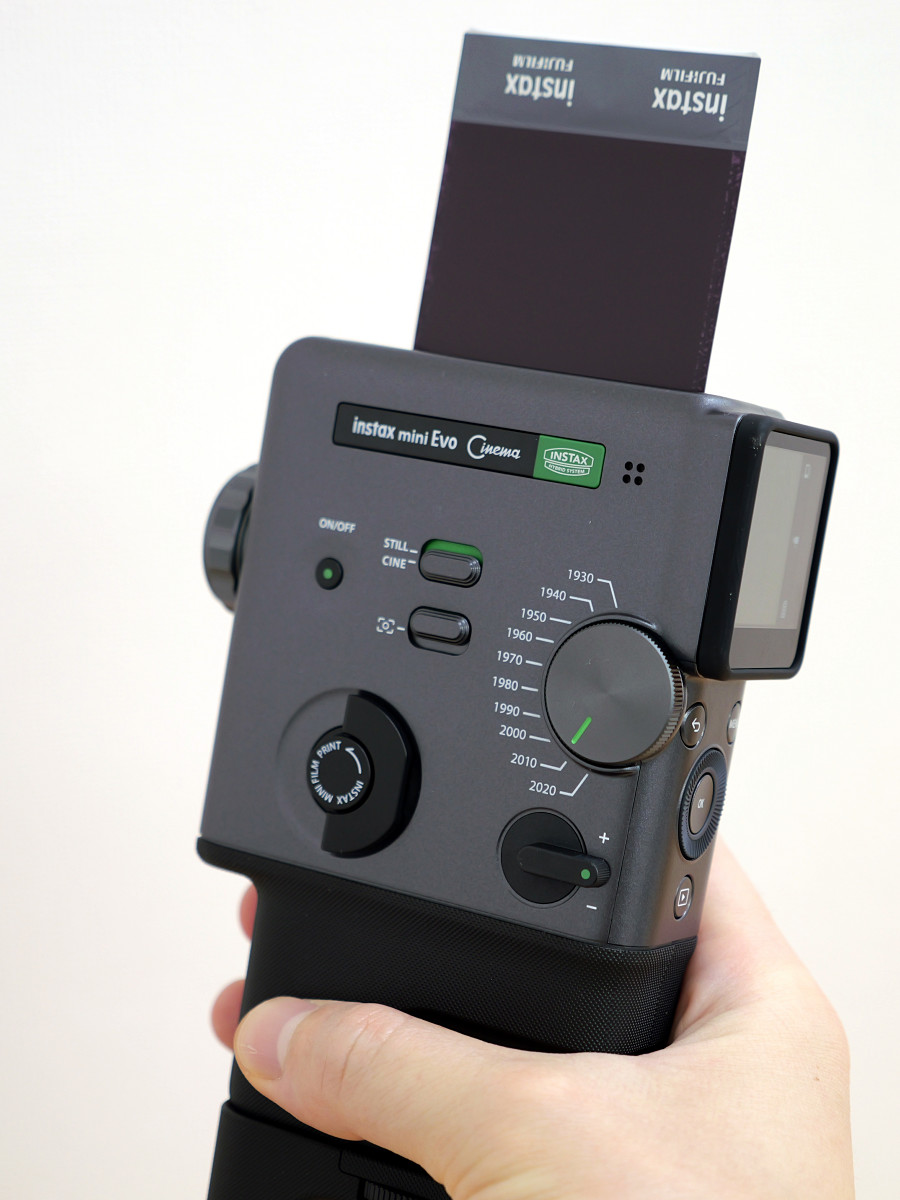
Please wait a while for the photo to appear.
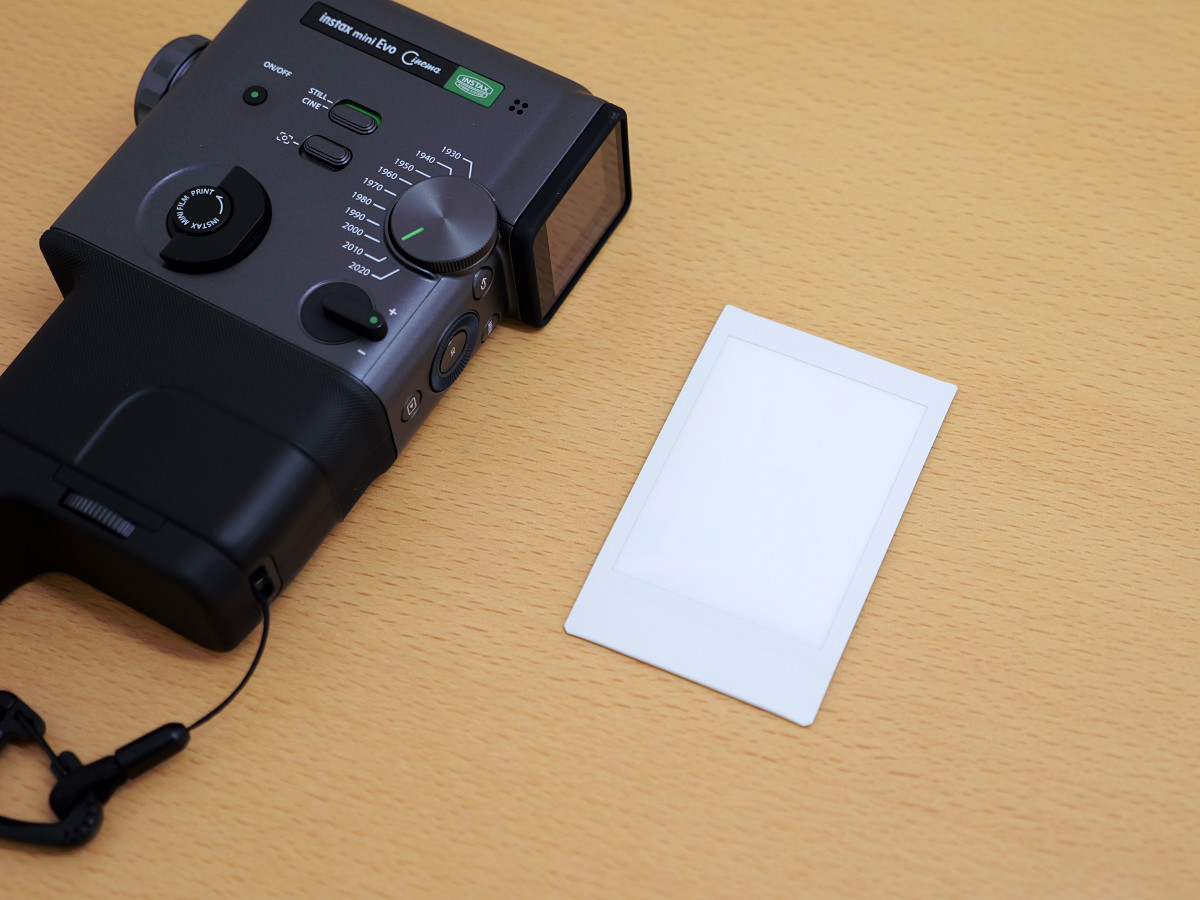
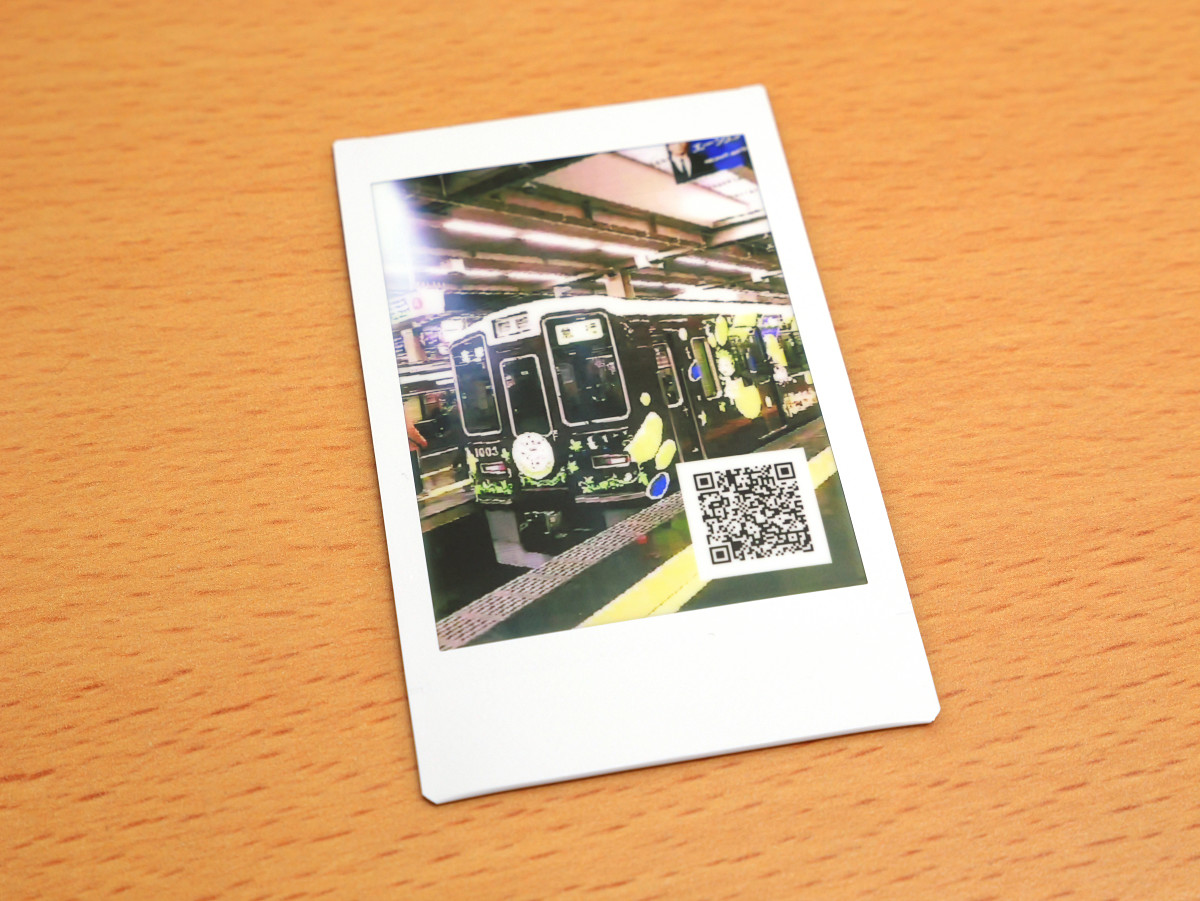
A scene from the video and a QR code appeared.
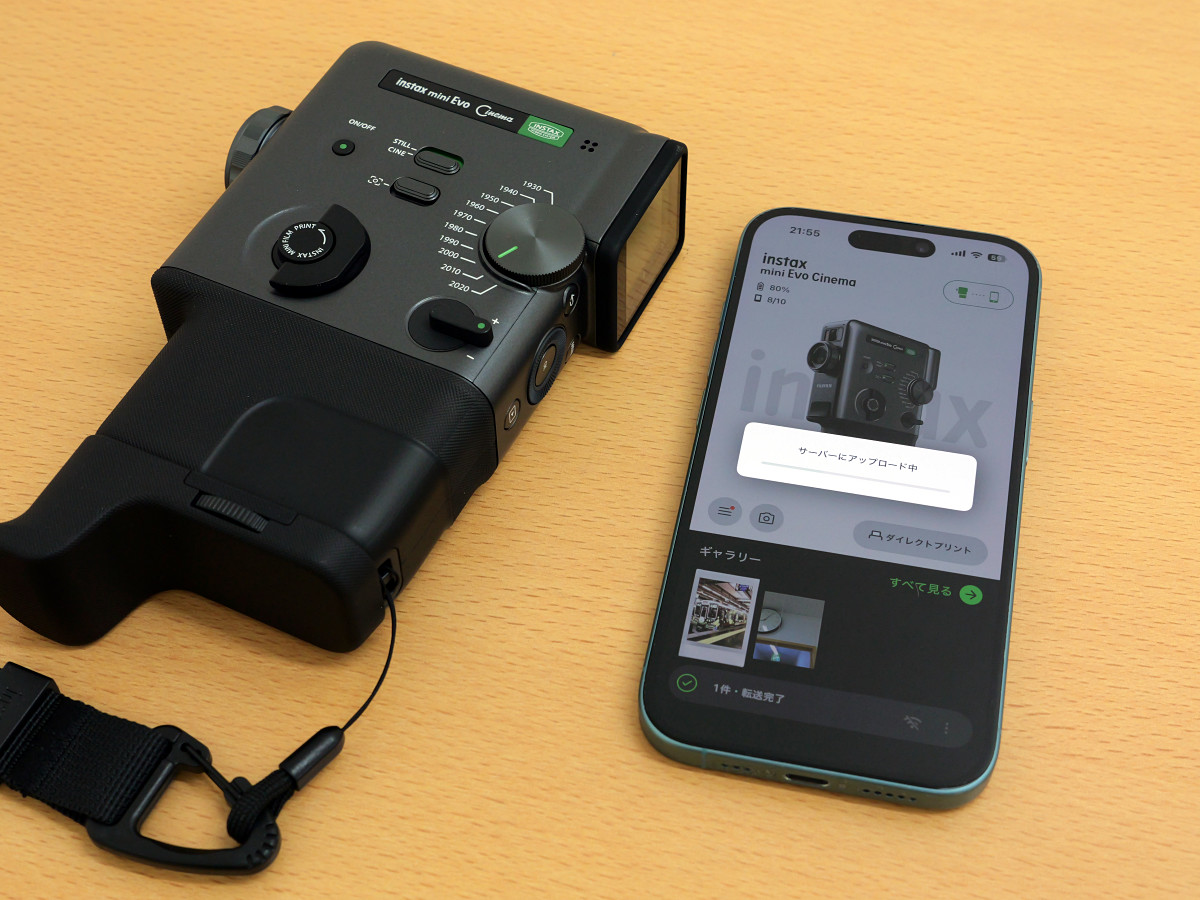
After printing is complete, launch the app near your instax mini Evo Cinema camera, and the uploaded video will start automatically. Once the upload is complete, the video is ready to play.
To play the video, first scan the QR code with your smartphone to open the video playback page.
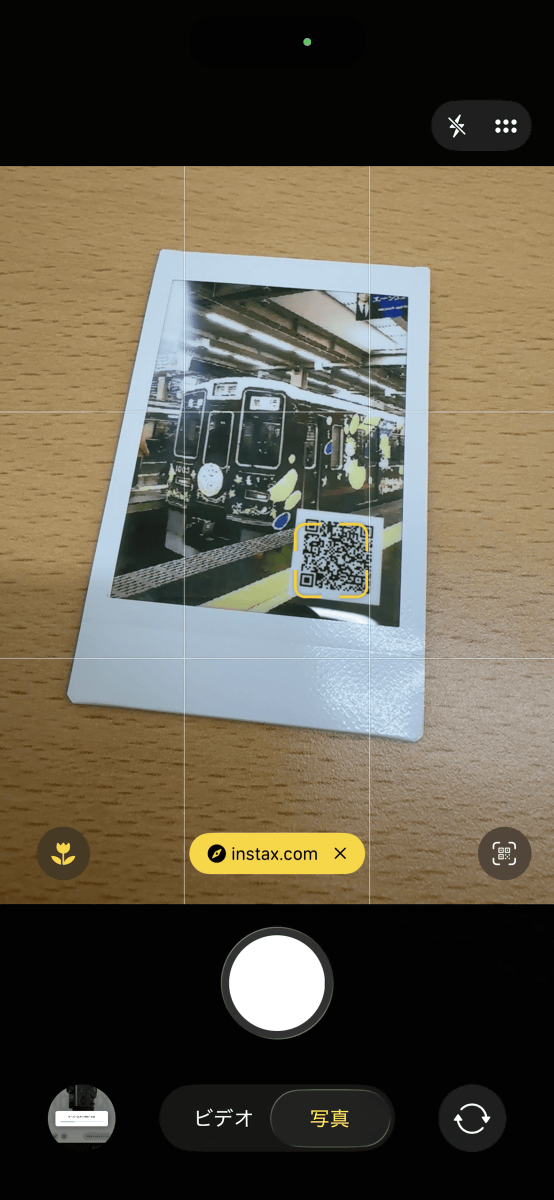
On the video playback page, you can not only play the video but also download it. Since the period during which you can play the video on the page is limited to two years from the upload date, it's recommended to download it.
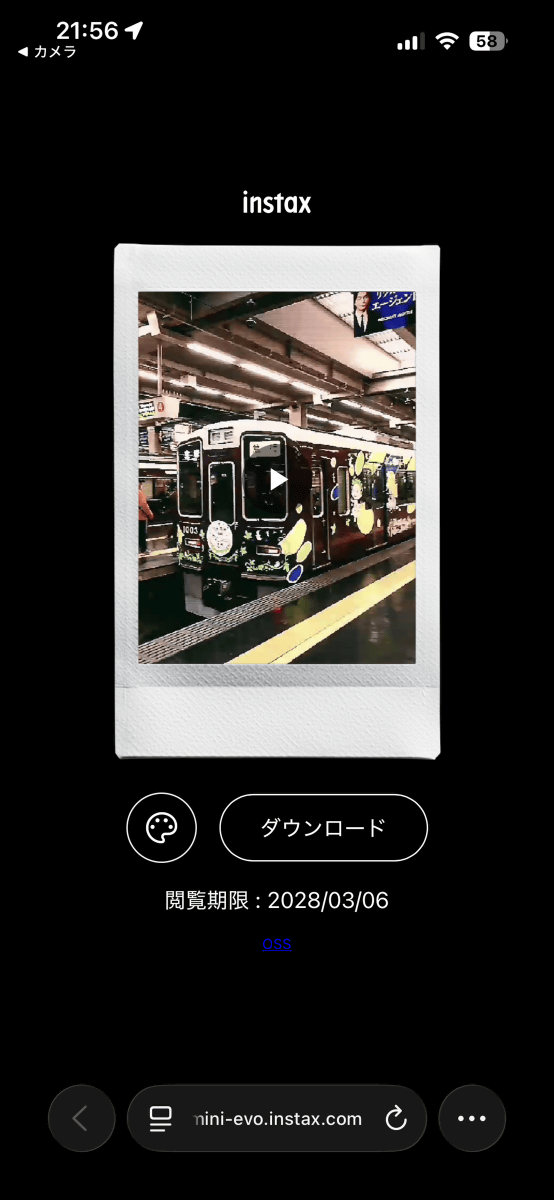
Incidentally, if you scan the QR code before the upload to the server is complete, a blank page will be displayed as shown below.
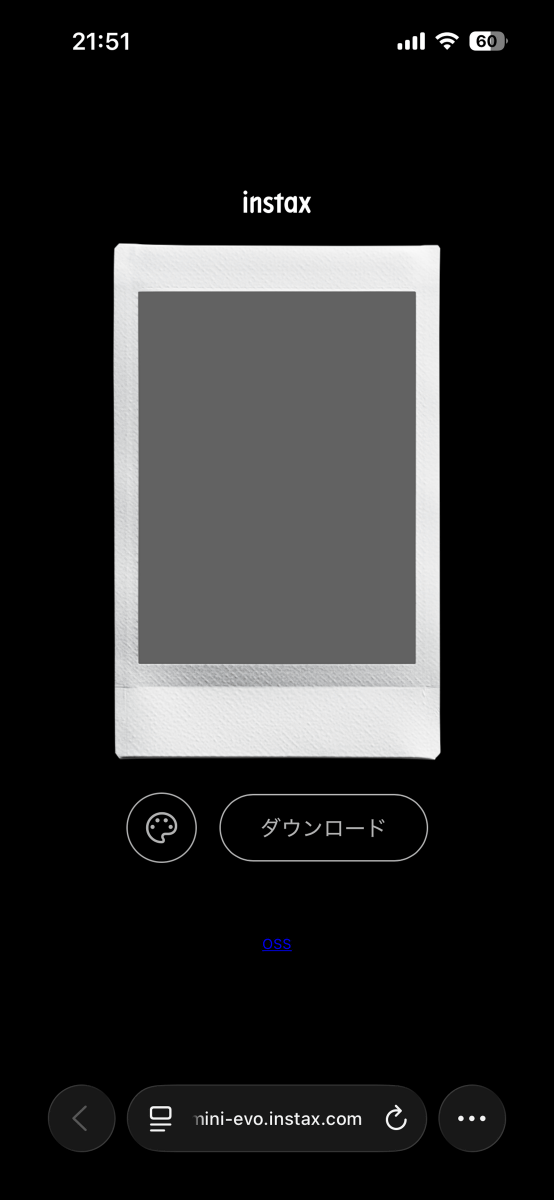
If you print using the instax mini Evo Cinema printer itself, you will need to upload the files after printing is complete. Also, selecting videos on the small screen of the printer can be cumbersome. Therefore, it is recommended to transfer the videos to the app first and then print them from the app.
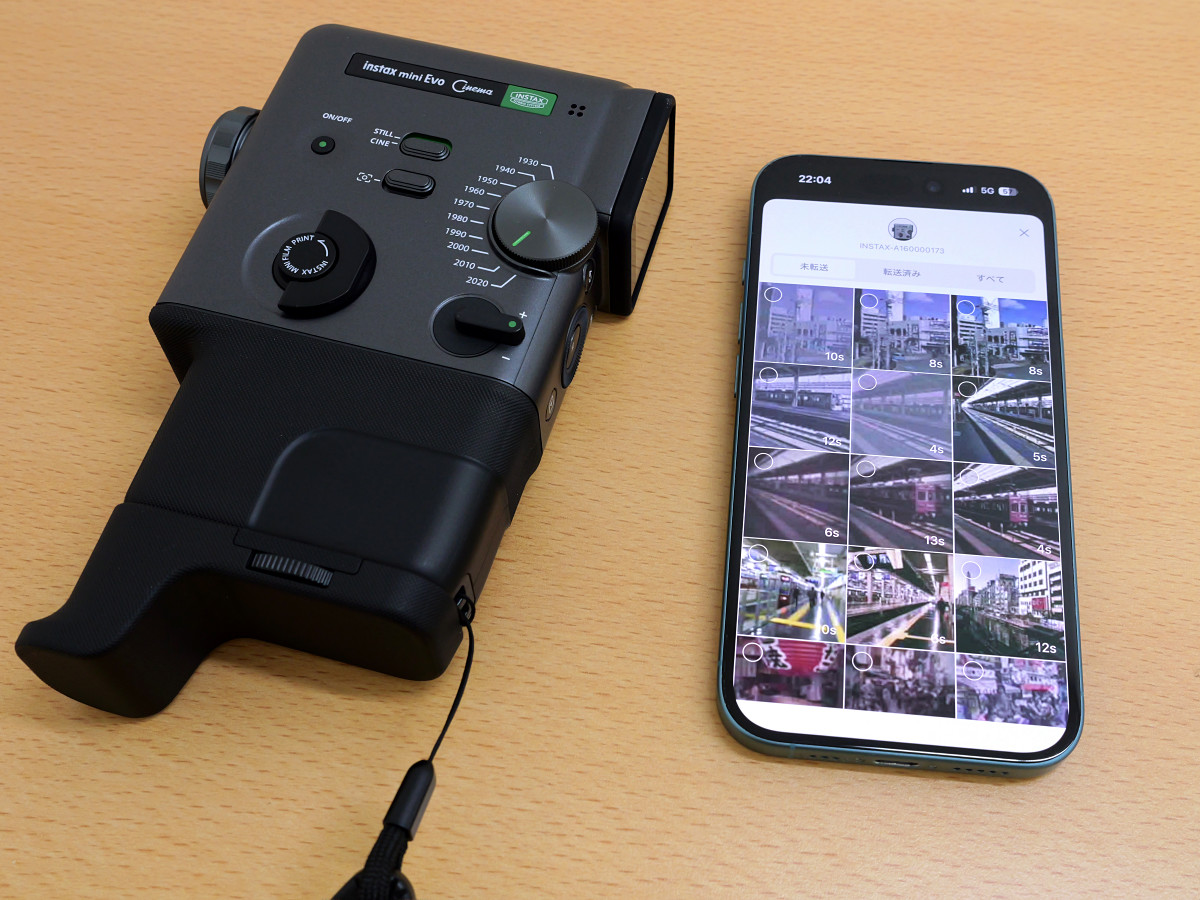
Once you move a video to the app, you can view and edit it from within the app.
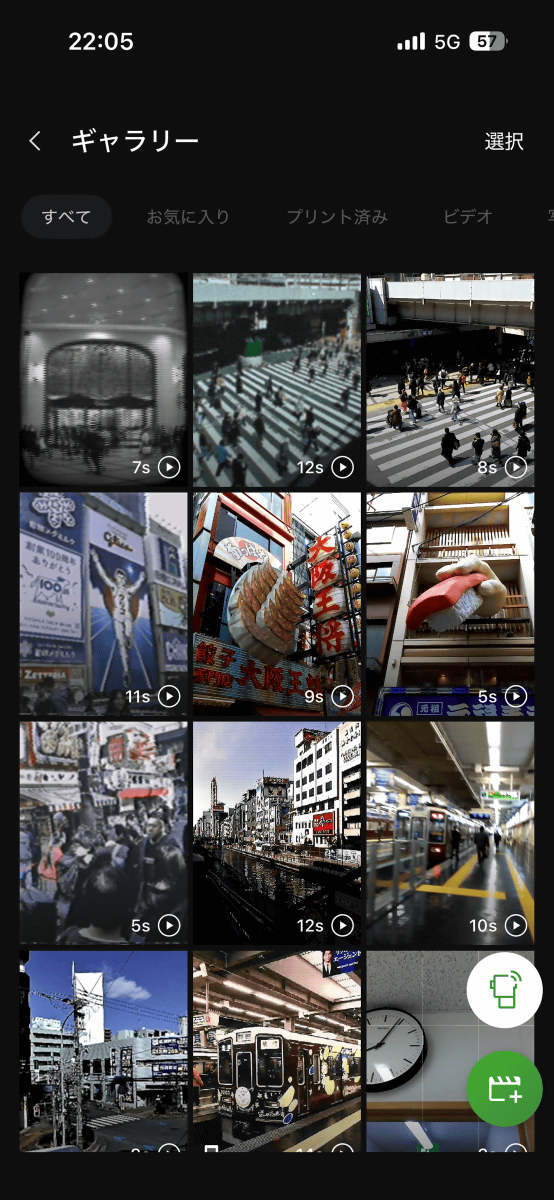
In addition to being able to select the scenes to print on the Instax film, it's also possible to add an opening sequence before the video starts playing.
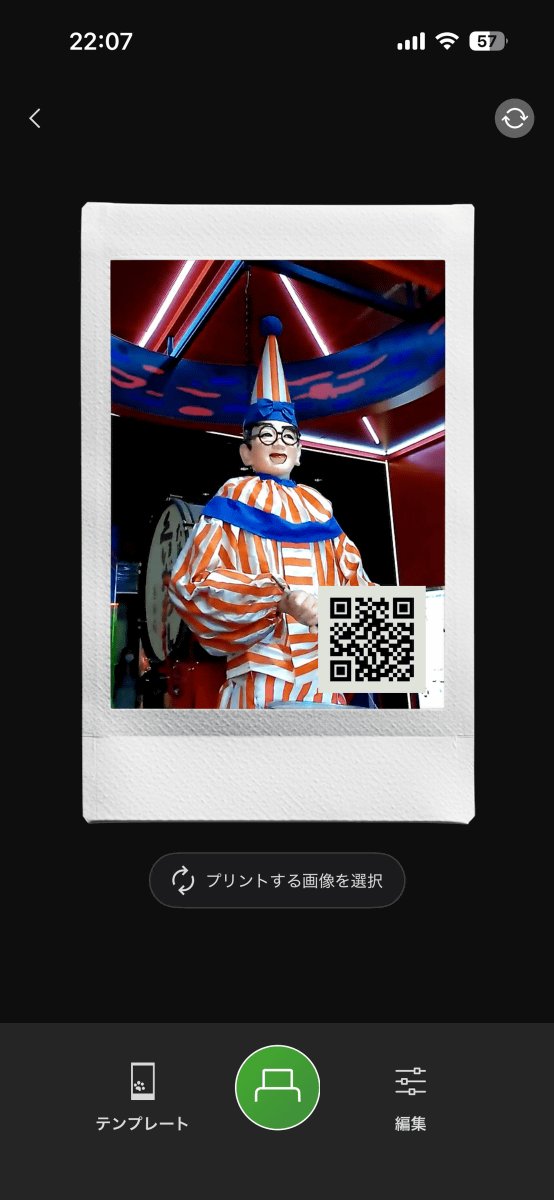
When you print from the app, the video is uploaded to the server at the same time as printing.
◆4: Example
I uploaded a video I shot with my instax mini Evo Cinema to YouTube. First, here's a video I shot with the dial set to '2020'.
Sample images from the 'instax mini Evo Cinema' instant camera, which can also shoot videos [Jidial:2020] - YouTube
I set the dial to '1960' and filmed the train departing. The overall image has a soft look, as if it were shot with an old film camera, and the sound also has a retro feel.
Sample images from the 'instax mini Evo Cinema' instant camera, which can also shoot videos [Jidial: 1960] - YouTube
I set the dial to '1990' and took photos of large billboards like the Dotonbori Glico sign from Ebisubashi Bridge. It felt like I had traveled back in time.
Sample images from the 'instax mini Evo Cinema' instant camera, which can also shoot videos [Jidial: 1990] - YouTube
The instax mini Evo Cinema works by starting video recording when you press the shutter button, pausing when you release it, and resuming recording when you press the shutter button again. This makes it possible to record multiple subjects in separate scenes and combine them into a single video.
Multi-scene examples of the 'instax mini Evo Cinema' instant camera that can also shoot videos [Jidial: 2020] - YouTube
Since you can save the videos you shoot onto physical Instax film, you can enjoy a different experience than simply viewing your video library on your smartphone.
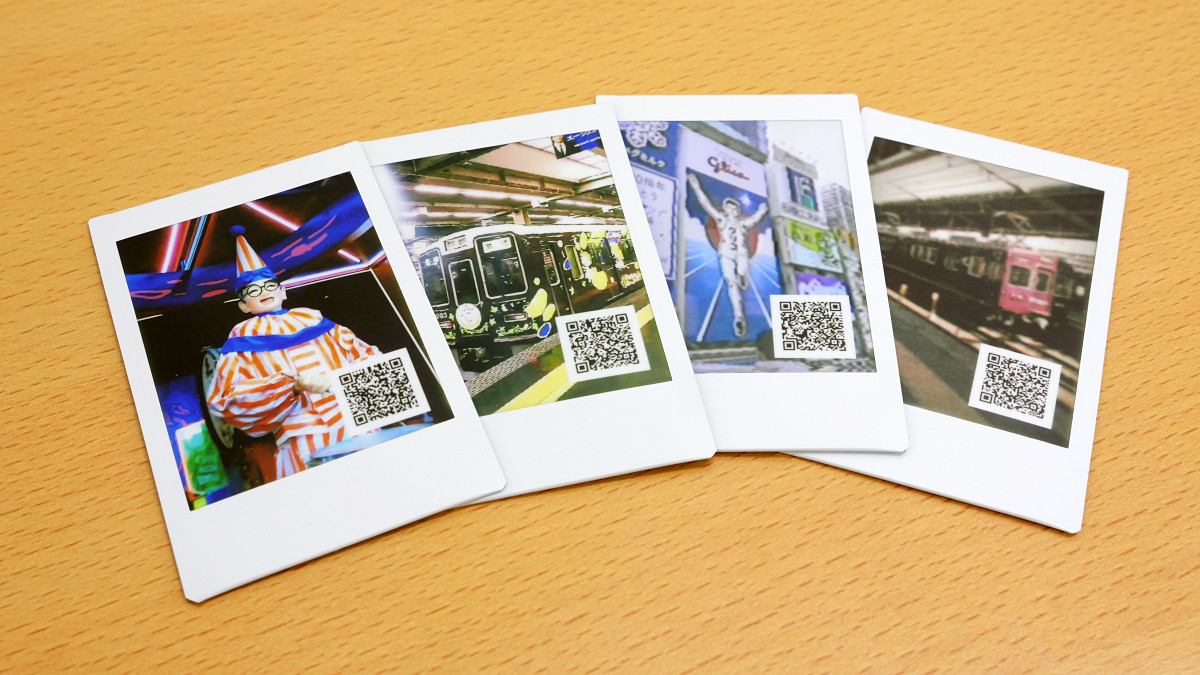
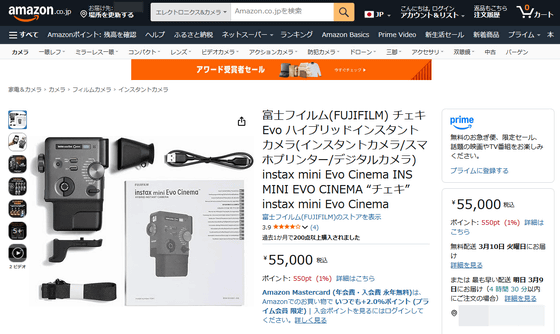
The instax mini Evo Cinema is available on Amazon.co.jp for ¥55,000 (tax included).
Amazon | Fujifilm Instax Evo Hybrid Instant Camera (Instant Camera/Smartphone Printer/Digital Camera) instax mini Evo Cinema INS MINI EVO CINEMA “Instax” instax mini Evo Cinema | Instant Camera Online Store
Related Posts: