Official Raspberry Pi tips for turning your Raspberry Pi into an OpenClaw-only device
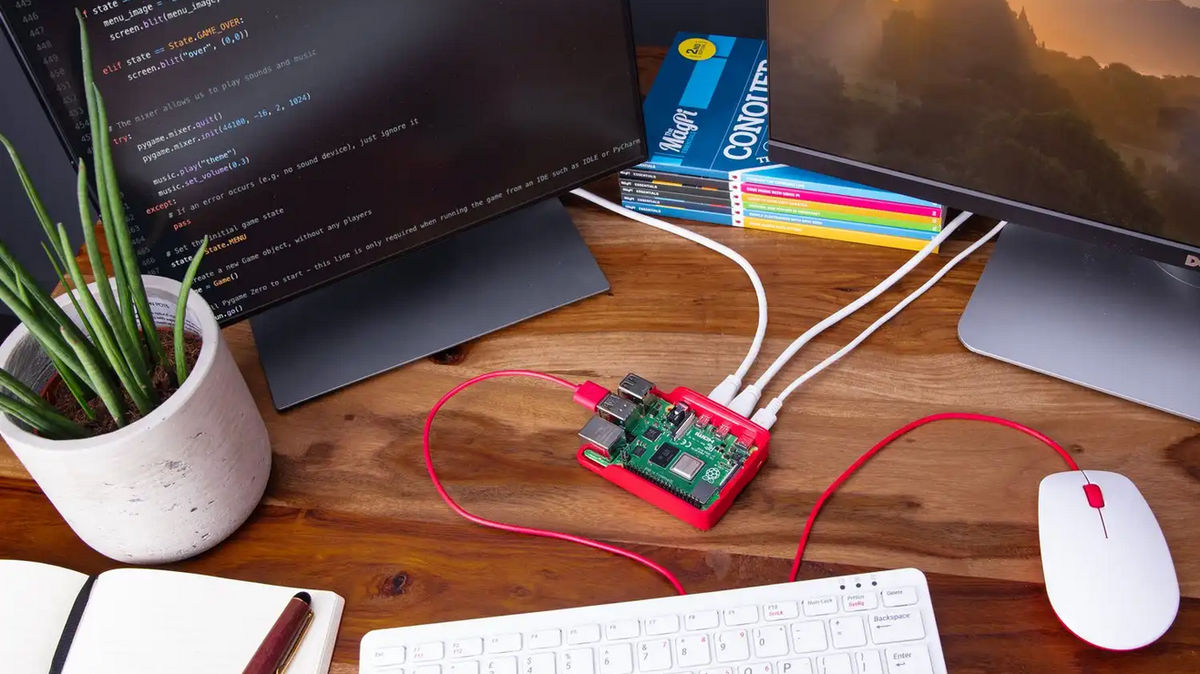
OpenClaw (formerly Clawdbot) is an AI agent that allows users to have their own personal AI assistant running on their PC, automating various tasks via PC operation and smartphone connectivity. While it can perform various tasks on the computer, it requires permission to access deeply private information on the computer in order to perform personal tasks, creating a trade-off between convenience and security risks . Toby Roberts of the Raspberry Pi development team explains how to mitigate security concerns by running a Raspberry Pi as an OpenClaw-only device.
Turn your Raspberry Pi into an AI agent with OpenClaw - Raspberry Pi
https://www.raspberrypi.com/news/turn-your-raspberry-pi-into-an-ai-agent-with-openclaw/
As an example of running OpenClaw on a Raspberry Pi, Roberts first created a wedding photo booth. Guests would stand in the booth, take photos, and the photos would be automatically shared. When he first created the system in Python, it didn't look very good. He then tried ' vibe coding ,' which involves copying and pasting code between the ChatGPT and Raspberry Pi file systems. While the results improved, it required a significant amount of time and manual effort.
So Roberts installed OpenClaw on a Raspberry Pi 5. He added Tailscale , a VPN service that integrates seamlessly with OpenClaw, to the Raspberry Pi and set his OpenAI API key as the primary AI provider. He then performed a fresh install of Raspberry Pi OS on a second Raspberry Pi, which he had prepared separately for the photo booth. On the newly installed and updated Raspberry Pi OS, he simply ran the command 'curl -fsSL https://openclaw.ai/install.sh | bash' to complete the installation and initial setup of OpenClaw.
From there, they sent OpenClaw simple instructions via chat, like 'change the font' and 'center the text,' explaining exactly what they wanted the photo booth to do. As a result, in just a few hours, and without any coding, they created a system that took and saved the following photos:
Using OpenClaw on Raspberry Pi - YouTube
By using OpenClaw in conjunction with locally running AI models and tools, inference processing can be completed entirely within the Raspberry Pi, reducing latency and API costs while mitigating privacy concerns. Roberts notes that 'OpenClaw can run on not only the Raspberry Pi 5 but also the Raspberry Pi 4,' but recommends customizing it to use a high-speed microSD card or an SSD with an M.2 HAT+ as the boot disk for best results. The lightweight agent, PicoClaw, also works on resource-limited devices like the Raspberry Pi Zero 2 W.
'By starting with something as simple as hosting a web page, you quickly see that OpenClaw isn't a replacement for your tools, it's a game changer,' said Roberts. 'Whether it's testing new concepts, managing infrastructure, or supporting real-world deployments, tools like OpenClaw offer the potential to move inference from cloud-based LLMs to low-cost local devices like Raspberry Pi.'
Related Posts: