Google Chrome will have a side panel with Gemini 3 access, automatic browsing, and the ability to edit images directly in Nano Banana
Google has announced that Chrome will introduce a side panel with access to Gemini 3. This feature will allow users to multitask without leaving the tab they are currently viewing, with an assistant pinned to the right side of the browser. It will also include features like auto-browsing and the ability to edit images directly in the browser with Nano Banana.
Chrome gets new Gemini 3 features, including auto browse
Gemini in Chrome: Help right where you need it - YouTube
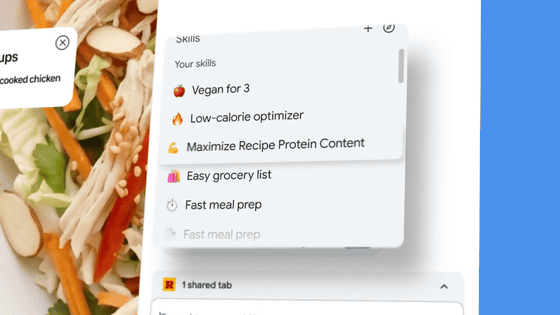
Gemini in Chrome is Gemini integrated into Chrome, and instead of the previous chat window popping up, you can now access Gemini by expanding the side panel, allowing you to work on other tasks without switching tabs.
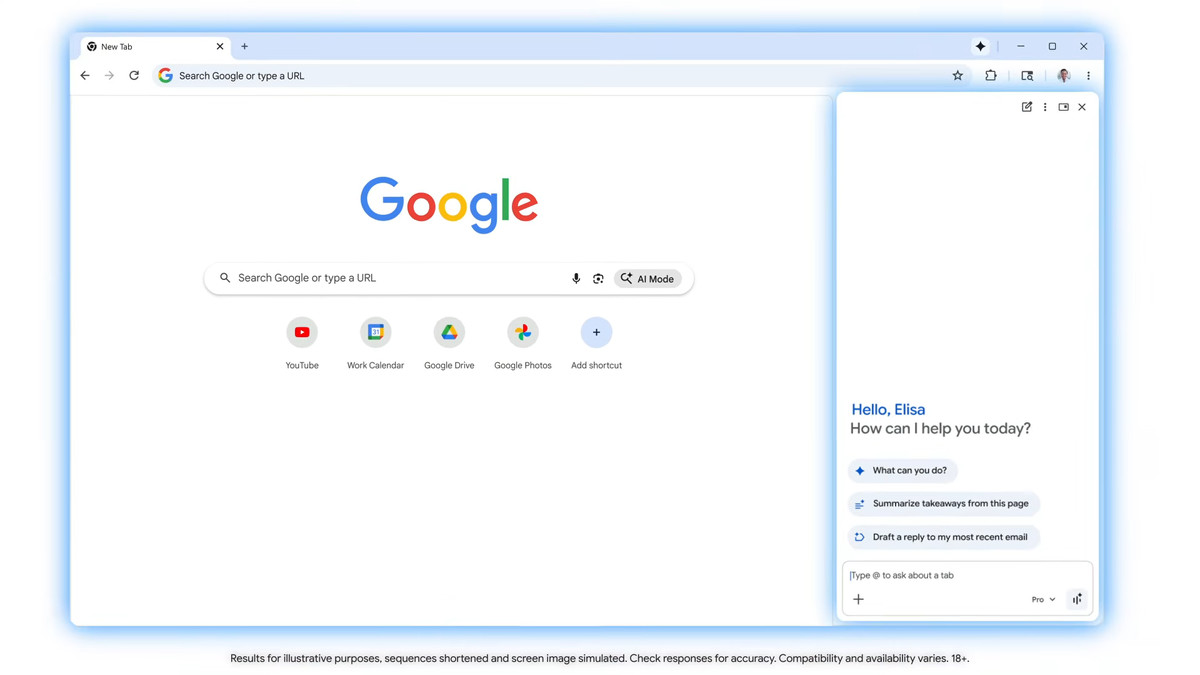
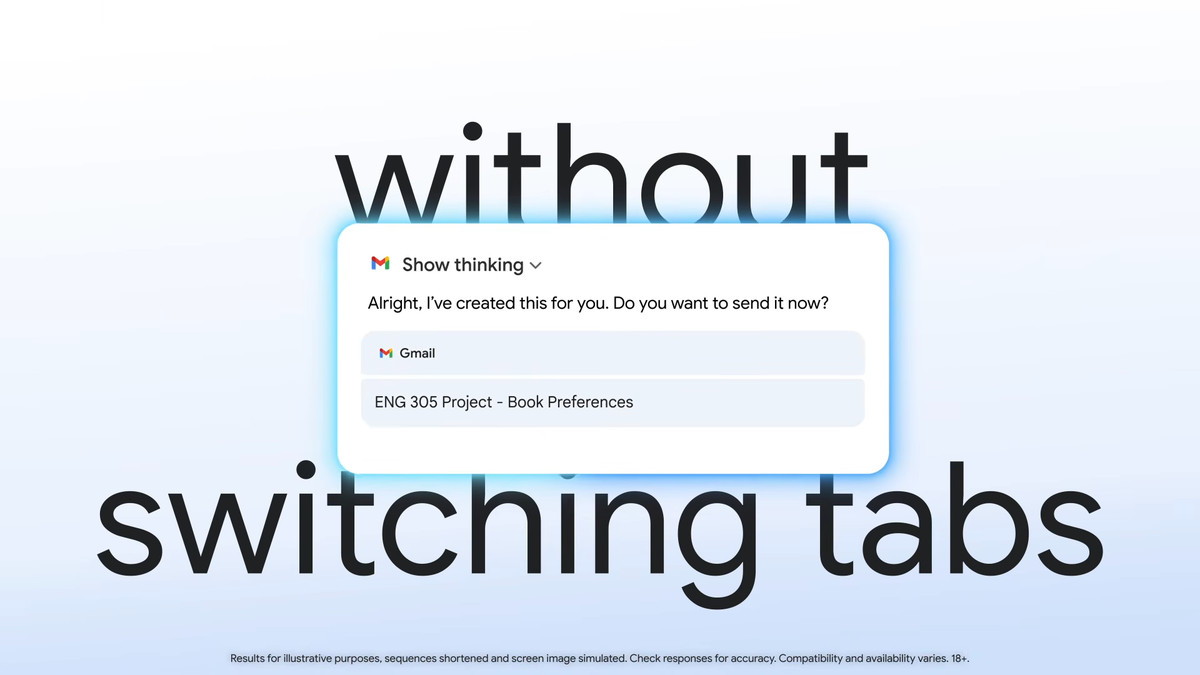
Gemini in Chrome will also be deeply integrated with key Google apps like Gmail, Calendar, Maps, Google Shopping, and Google Flights, enabling complex cross-app workflows. For example, when planning a trip for a meeting, Gemini can dig up event details from past emails, provide a recommended itinerary using Google Flights, and draft an email informing colleagues of your arrival time. Additionally, a 'personal intelligence' feature is scheduled for release in the first half of 2026, which will remember the context of past conversations and provide personalized suggestions and assistance.
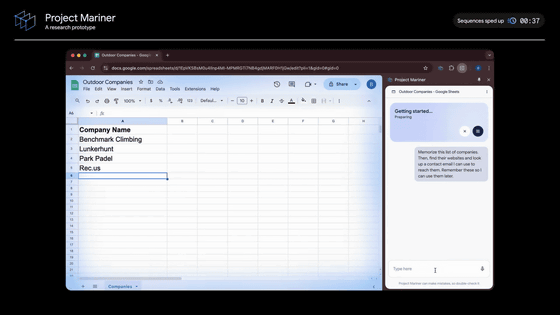
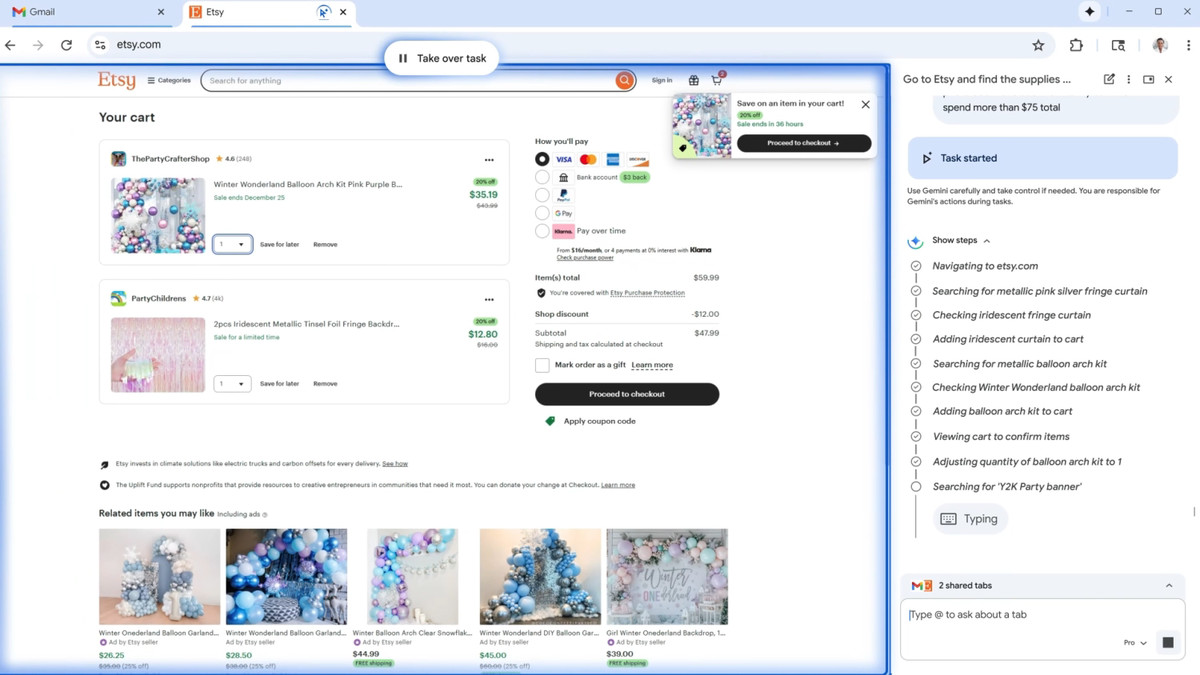
We're also adding 'auto browse,' which elevates existing autofill capabilities to deliver a powerful agent experience. Auto browse goes beyond simple searches and autonomously performs multi-step tasks on your behalf, helping you research hotel and flight costs, schedule reservations, fill out complex online forms, manage subscriptions, and even expedite driver's license renewal.
Additionally, the image-generating AI
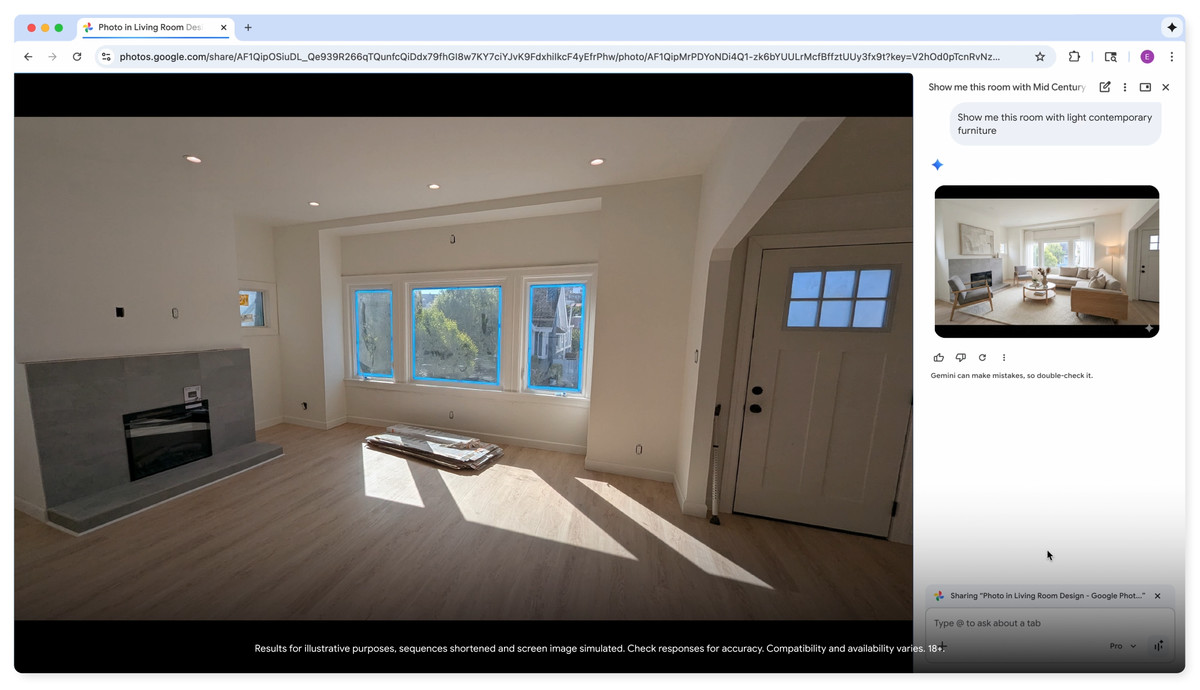
It can also identify specific items in photos, search for similar products across the web, and add them to your cart while staying within budget. It also automatically applies discount codes, seamlessly connecting the process from visual inspiration to purchase, Google said.
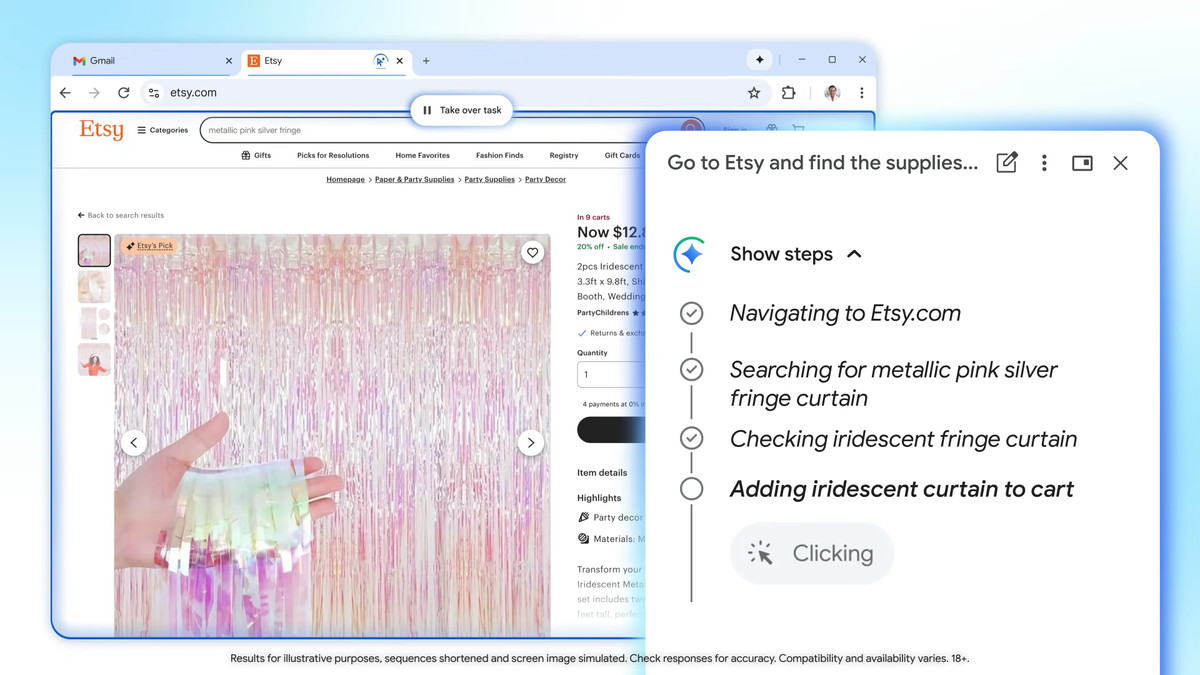
In terms of security, Google states that while it offers a high level of automation, it is designed with an emphasis on safety and user control. Automated browsing will always pause and ask the user for explicit confirmation before performing sensitive actions like purchasing a product or posting to social media. For tasks that require login, with the user's permission, it can also securely log in on behalf of the user using the browser's password manager.
Additionally, Google is collaborating with industry leaders like Shopify, Etsy, Wayfair, and Target to develop a new open standard called the Universal Commerce Protocol (UCP) , which Chrome will support. This standard is designed to enable AI agents to seamlessly execute various actions on behalf of users in the Chrome browser. AI agents will be able to understand user intent and provide consistent interactions across different online stores and platforms.
At the time of writing, these new features are available to US users on Windows, macOS, and Chromebook Plus. 'We're just beginning to explore the potential of Agent Web, and we can't wait to see how these new features help you stay inspired and achieve more in Chrome,' Google said.
Related Posts: